
Antidetect Cloud Review 2026: Cloud Profiles & Android
Evidence-based Antidetect Cloud review: cloud profiles, deep fingerprint spoofing, Android support, pricing signals, setup, and who it fits in 2026.
Antidetect Cloud Review 2026: Cloud Profiles, Fingerprint Spoofing, and Android Support
Antidetect Cloud is an anti-detect browser aimed at professionals who run multiple accounts across platforms. It combines cloud-hosted profiles, deep fingerprint spoofing, and Android support in one product. This review covers who it fits, how setup works, where it falls short, and how to decide whether it belongs in your stack.
What Antidetect Cloud Is and Who It Targets
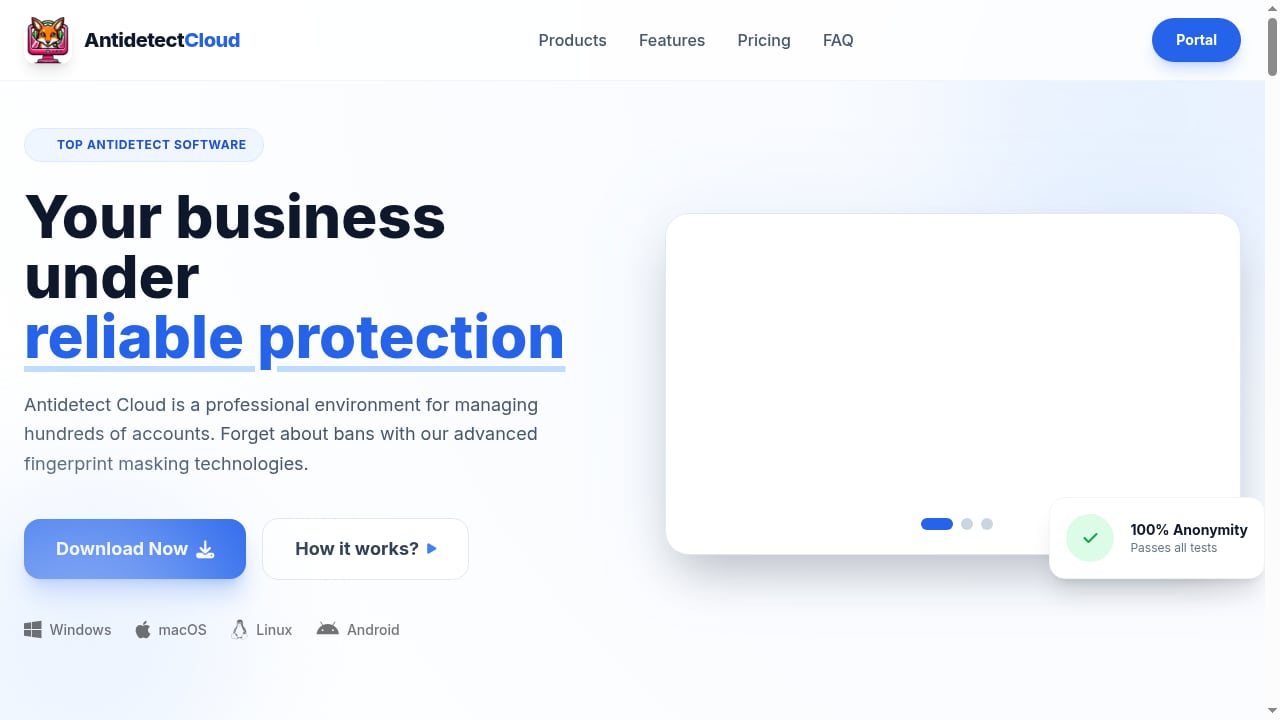
First viewport screenshot of Antidetect Cloud — Antidetect Browser for Professionals.
Antidetect Cloud is a cloud-first anti-detect browser. Instead of tying every profile to one desktop machine, it stores profiles in the cloud so you can open them from different devices or hand them to teammates. That design matters for agencies, affiliate teams, and e-commerce operators who need continuity without shipping laptops around.
The product also advertises deep fingerprint spoofing. In practice, that means it tries to mask or normalize signals such as canvas, WebGL, audio, fonts, timezone, and WebRTC so each profile looks like a distinct real device. Android support extends the same idea to mobile app environments, which is useful when a platform treats desktop and mobile sessions differently.
Typical users include:
- Traffic arbitrage teams running many ad accounts and landing pages.
- E-commerce sellers managing multiple storefronts or marketplace accounts.
- Agencies that need separate client profiles with clean session history.
- Mobile-focused operators who need Android app sessions, not just desktop browser tabs.
If you only need two or three profiles for casual use, a free-tier desktop tool may be enough. Antidetect Cloud is built for people who expect profile counts to grow and who care about cloud access and mobile coverage.
Core Strengths
First viewport screenshot of Privacy Policy - Antidetect Cloud.
Cloud profiles reduce device lock-in
Cloud profiles are the main differentiator. You can create a profile, assign a proxy, and reopen it later from another machine without exporting cookies or rebuilding the fingerprint. For distributed teams, this removes the “this profile lives on that laptop” problem.
Deep fingerprint spoofing for multi-account work
Anti-detect browsers live or die by fingerprint consistency. Antidetect Cloud claims broad coverage of fingerprint parameters. The practical test is whether a profile keeps the same canvas, WebGL, and timezone signals across sessions while still matching the proxy location. You should verify this yourself with a checker before scaling.
Android support for mobile sessions
Many anti-detect browsers are desktop-only. Android support lets you run mobile app sessions in an isolated environment, which matters for social platforms, marketplaces, and apps that behave differently on mobile. If your workflow depends on mobile app accounts, this is a meaningful advantage.
Built for professional multi-accounting
The product is positioned for professionals, not beginners. That shows in the feature set: cloud storage, fingerprint control, and Android coverage. The trade-off is that you need a clear workflow and proxy strategy to get value from it.
Limitations and Trade-offs
First viewport screenshot of Sales Policy - Antidetect Cloud.
Cloud dependency
Because profiles live in the cloud, your access depends on the provider’s uptime and your account status. If you need fully local, offline profile storage, a desktop-first tool may suit you better. Cloud convenience and local control are different priorities.
Fingerprint spoofing is not a ban guarantee
No anti-detect browser can promise that accounts will never be banned. Platforms also look at behavior, payment patterns, content, and IP reputation. Fingerprint spoofing removes one class of signals; it does not replace good operational hygiene.
Android support needs verification
Android support is a strong claim, but you should test how it behaves with your specific apps. Check whether the Android environment passes device checks, whether sensors and build properties look consistent, and whether the app you need actually runs. Not every Android app tolerates emulated or cloud environments.
Pricing signals are less transparent than some competitors
Public anti-detect pricing often starts around $9–$11 per month for 10 profiles and scales to $40–$179 per month at 100–1,000 profiles. Antidetect Cloud’s pricing is less clearly documented in public sources, so you should request a quote or check the official pricing page before budgeting. Treat any per-profile estimate as a signal, not a confirmed rate.
Setup: What to Expect
A practical setup flow looks like this:
- Create an account and open the cloud dashboard.
- Create a new profile and choose the operating system and browser version.
- Assign a proxy. Residential or mobile proxies usually work better for account-heavy workflows than datacenter IPs.
- Adjust fingerprint settings only if you understand the parameters. Defaults are often safer than random changes.
- Launch the profile and verify it with a fingerprint checker before logging into any account.
- Repeat for each account, keeping one profile per account and one proxy per profile.
For a verification workflow, see how to pair a cloud phone with Pixelscan to check device fingerprints, IP quality, and leaks. The same discipline applies to any anti-detect browser: verify before you scale.
If you also run mobile app accounts, compare Antidetect Cloud with real ARM Android isolation. A cloud phone platform such as DuoPlus Cloud Phone provides actual Android devices rather than a browser profile pretending to be mobile. The comparison between DuoPlus Cloud Phone and Undetectable.io for Mac and Windows explains where browser profiles end and real device isolation begins.
Antidetect Cloud vs Alternatives
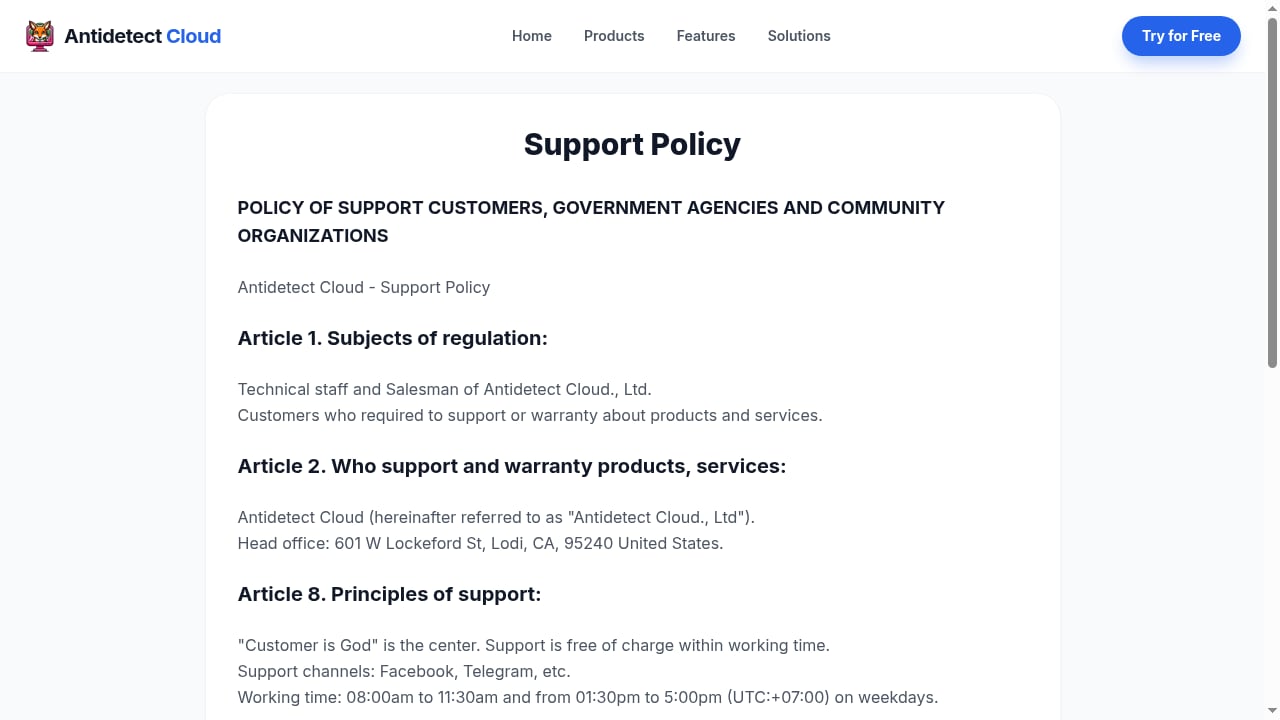
First viewport screenshot of Support Policy - Antidetect Cloud.
| Tool type | Best for | Watch out for |
|---|---|---|
| Antidetect Cloud | Cloud profiles, Android support, professional multi-accounting | Cloud dependency, less public pricing detail |
| Desktop anti-detect browsers | Local profile storage, mature automation APIs | Device lock-in, limited or no Android support |
| Cloud phone platforms | Real ARM Android app sessions, mobile-only workflows | Different pricing model, less desktop browser flexibility |
| Free open-source tools | Zero license cost, auditable code | Fewer managed features, more setup work |
If your work is mostly desktop browser accounts, a desktop anti-detect browser may be simpler. If you need mobile app sessions, a cloud phone platform is often the stronger fit. Antidetect Cloud sits between the two by offering cloud profiles plus Android support.
For a broader view of mobile-first options, see the top 10 ARM cloud phone platforms for multi-account operations in 2026. For a direct comparison of browser profiles versus real Android devices, the DuoPlus Cloud Phone vs ixBrowser vs BlueGenie Cloud Phone comparison is useful.
Pricing Signals and Decision Criteria
Public anti-detect pricing in 2026 generally follows a per-profile model. Free plans often cap at 2–5 profiles. Paid tiers commonly start near $9–$11 per month for 10 profiles and rise to $40–$179 per month at 100–1,000 profiles. Annual billing usually reduces the monthly equivalent by 20%–50%.
Use these questions to decide:
- How many profiles will you run in 6–12 months? Price at scale matters more than the entry tier.
- Do you need Android app sessions, or only desktop browser profiles?
- Do you need cloud access from multiple devices, or is local storage acceptable?
- Does the tool expose an API for automation, or will you work manually?
- How many team seats are included, and what does an extra seat cost?
- Can you verify fingerprints with a third-party checker before committing?
If Antidetect Cloud’s cloud profiles and Android support match your workflow, request current pricing and test a small batch of profiles first. If your priority is the lowest cost at high profile counts, an open-source or volume-priced desktop tool may win. If your priority is real mobile device isolation, a cloud phone platform is the better comparison.
Related reading
- Top 10 ARM Cloud Phone Platforms for Multi-Account Operations 2026 - We ranked the top 10 ARM cloud phone platforms for multi-account operations in 2026 on ARM fidelity, fingerprint isolation, automation, and pricing.
- How to Use DuoPlus Cloud Phone with Pixelscan - Pair DuoPlus Cloud Phone with Pixelscan to verify device fingerprints, IP quality, and leaks before scaling multi-account mobile operations.
- DuoPlus Cloud Phone vs ixBrowser vs BlueGenie Cloud Phone Comparison - An in-depth comparison of DuoPlus Cloud Phone, ixBrowser, and BlueGenie Cloud Phone: isolation mechanisms, use cases, and selection advice for real ARM Android devices, anti-detect browsers, and cloud phone group control.
Sources and further reading
- 8 Best Anti-Detect Browsers Reviewed: Features, Pricing, and PixelScan Results - 8 Best Anti-Detect Browsers Reviewed: Features, Pricing, and PixelScan Results Do you manage multiple client accounts but cannot keep them from getting banned? Or do you wonder how that one guy from …
- 10 Best Antidetect Browsers in 2026 (Free, Paid, Open Source) - The 10 best antidetect browsers in 2026, compared on real free-plan limits, price at 100 profiles, open source, automation, and team features. AliasMode is #1.
- Best Antidetect Browsers 2026: 12 Tested on 3 Checkers - Gologin - Oct 7, 2026 ... Orbita was on Chrome 152 on the test day, two versions behind stable Chrome 154. Octo Browser and Dolphin Anty were already on 154. Beyond ...
FAQ
Is Antidetect Cloud a browser or a cloud phone?
It is an anti-detect browser with cloud profiles and Android support. A cloud phone platform provides full Android devices; Antidetect Cloud focuses on browser profiles with mobile coverage.
Can Antidetect Cloud prevent account bans?
No tool can guarantee that. It reduces fingerprint inconsistencies, but bans also depend on IP reputation, behavior, payments, and platform rules.
Does Antidetect Cloud work for traffic arbitrage?
It can fit arbitrage workflows that need many isolated profiles and cloud access. You still need clean proxies and disciplined account behavior.
How much does Antidetect Cloud cost?
Public pricing is not clearly documented in the sources reviewed. Expect a per-profile model similar to other anti-detect browsers, and confirm current rates with the vendor.
Should I choose Antidetect Cloud or a cloud phone platform?
Choose Antidetect Cloud for desktop browser profiles with cloud access. Choose a cloud phone platform when you need real ARM Android app sessions and mobile-only workflows.
Conclusion
Antidetect Cloud is a credible option for professionals who want cloud-hosted profiles, deep fingerprint spoofing, and Android support in one product. Its strengths are cloud access and mobile coverage; its main trade-offs are cloud dependency and less transparent public pricing. Test a small profile batch, verify fingerprints with a checker, and compare it against both desktop anti-detect browsers and real Android cloud phone platforms before you commit at scale.