
DuoPlus Cloud Phone vs Linken Sphere vs GoLogin
Compare DuoPlus Cloud Phone, Linken Sphere, and GoLogin across isolation, mobile support, automation, pricing, and team features to pick the right tool.
DuoPlus Cloud Phone vs Linken Sphere vs GoLogin
If you manage multiple online identities, you have probably noticed that the tools marketed for the job are not all the same kind of product. DuoPlus Cloud Phone, Linken Sphere, and GoLogin often appear in the same shortlists, yet they solve different problems. One rents you real Android devices in the cloud; the other two create isolated browser profiles on your own computer.
This comparison breaks down where each tool genuinely shines, where it falls short, and which one matches your workflow. The goal is not to crown a universal winner but to help you avoid buying the wrong category of tool.
The three products at a glance
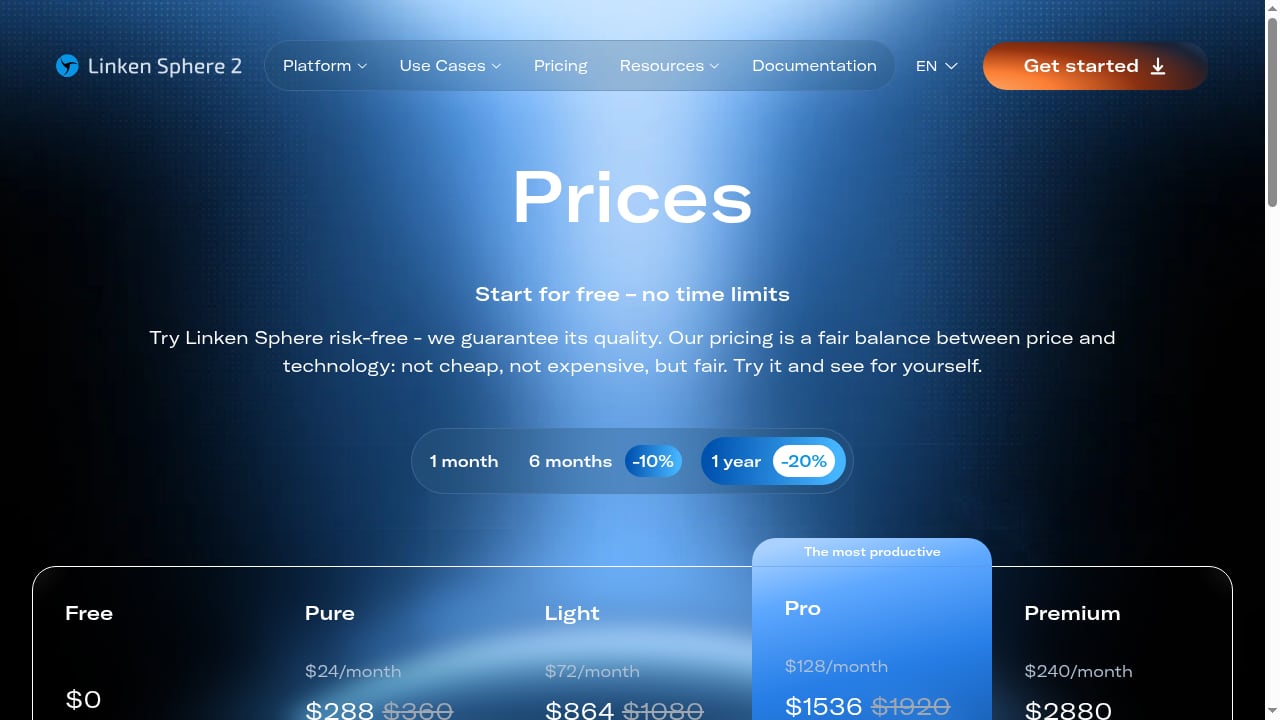
First viewport screenshot of ls.app.
| DuoPlus Cloud Phone | Linken Sphere | GoLogin | |
|---|---|---|---|
| Product type | Cloud-based antidetect Android phones | Antidetect browser | Antidetect browser |
| Environment | Real ARM Android devices (up to Android 15) | Desktop browser profiles with mobile emulation | Desktop browser profiles with mobile emulation |
| Best for | Mobile-first platforms, app testing, large-scale mobile account operations | Web multi-accounting, privacy, automation | Accessible web multi-accounting for individuals and teams |
| Native mobile apps | Yes, real Android apps | No, browser only | Limited, via Android app for profile access |
| Free option | Free trial | Free plan with no time limit | 7-day free trial |
| Starting paid price | Monthly and annual plans; costs decrease at scale | From about $24/month (annual discounts available) | From about $24/month |
What each tool actually does
First viewport screenshot of ls.app.
DuoPlus Cloud Phone: real Android devices in the cloud
DuoPlus Cloud Phone provides virtual Android devices that run on real ARM hardware in data centers. Each device is isolated, with its own device fingerprint, GPS location, and SIM data. You control them through a PC or mobile browser, which means you can run dozens of Android instances without owning a single physical phone.
The platform positions itself as the first Android 15 cloud phone and the first antidetect phone. Key capabilities include:
- Unlimited device multiplicity — spin up as many cloud phones as your plan allows.
- One-click reskin — change the device environment quickly when you need a fresh identity.
- Bulk app management — install and manage apps across many devices at once.
- One-click sharing — hand a cloud phone to a teammate via link for collaboration.
- Real ARM architecture — not an emulator, so apps behave as they would on a physical phone.
This makes DuoPlus a strong fit for TikTok Shop, Shopee, Lazada, mobile ad testing, affiliate marketing, airdrop farming, game account farming, live streaming automation, and mobile app QA.
Linken Sphere: a veteran antidetect browser
Linken Sphere has been around since 2017 and built a reputation for deep fingerprint spoofing. It is a desktop browser that lets you run many isolated profiles from one machine, each with its own cookies, storage, and fingerprint. Over a million users were reported by 2020.
Its strengths include:
- Cloud synchronization — profiles stay consistent across devices.
- Session warm-up — build trust on new profiles before heavy use.
- Simultaneous account login — run many accounts side by side.
- Config pools and proxy analytics — manage proxy health at scale.
- Mobile emulator — emulate Android on your PC for mobile-rendered pages.
- Team management and local API — collaboration and automation hooks.
Linken Sphere is popular among affiliate marketers, cryptocurrency users, marketplace sellers, and teams that need secure collaboration. It offers a free plan with no time limit and paid tiers from roughly $24 to $240 per month.
GoLogin: accessible anti-detect browsing
GoLogin focuses on usability. It creates isolated browser profiles that mimic separate computers, each with its own fingerprint and location. You can switch profiles with one click and share access with teammates without handing over passwords.
Highlights include:
- Isolated browser profiles — separate cookies, storage, and fingerprints.
- Location flexibility — match profiles to proxies and geos.
- Team access sharing — grant access without sharing credentials.
- Broad platform support — Windows, macOS, Linux, and Android app.
- Ongoing development — cloud Android profiles, AI assistant, proxy purchasing, and workspace collaboration are in the release notes.
GoLogin is rated 4.8/5 from 70 reviews and 4.6/5 from 111 reviews, and it offers a 7-day free trial with no card required. It suits individuals and teams managing e-commerce, social media, or marketing accounts who want separation without a steep learning curve.
Where DuoPlus Cloud Phone has a clear advantage

Linken Sphere product interface.
Native mobile app support
This is the biggest differentiator. Linken Sphere and GoLogin are browsers. They can emulate a mobile user agent, but they cannot run a native Android app like TikTok, Shopee, or a mobile game. DuoPlus runs real Android, so every app installs and behaves as it would on a physical phone.
If your work happens inside mobile apps rather than websites, browser-based tools are the wrong category. For a deeper look at how DuoPlus compares with a local Android app cloner, see DuoPlus Cloud Phone vs Multiple Accounts Assist: Real Isolation Wins.
Hardware-level realism
Desktop browsers can spoof user agents, screen metrics, and canvas fingerprints, but they still run on x86 hardware. DuoPlus runs on real ARM devices with genuine sensor, IMEI, and battery data. For platforms that scrutinize hardware signals, this matters. A useful external reference on this distinction is SparkProxy's breakdown of mobile antidetect categories, which separates desktop emulation, on-device apps, and cloud phones.
Scale without hardware
Running 50 Android identities on physical phones is a logistics problem. DuoPlus lets you manage them from a browser, with bulk app management and one-click reskin. That is a meaningful operational advantage for teams running mobile-first campaigns at scale.
Where Linken Sphere and GoLogin have a clear advantage
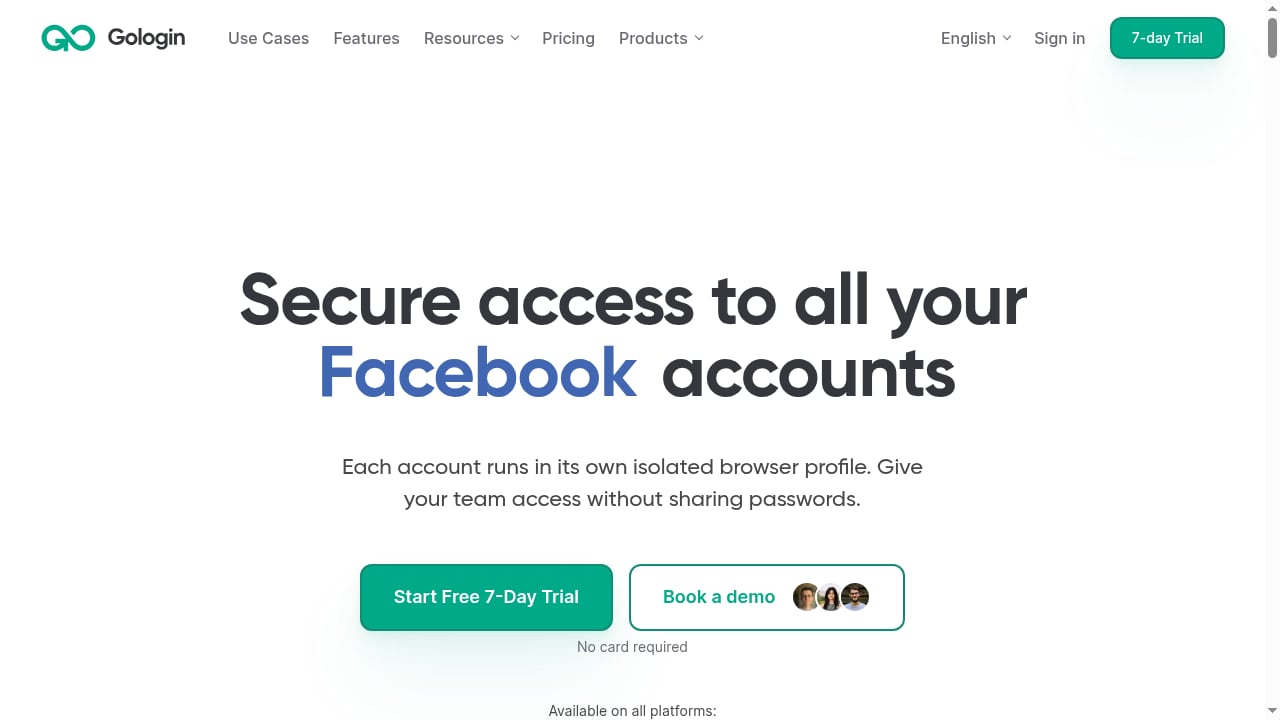
First viewport screenshot of gologin.com.
Browser-based web workflows
If your accounts live on websites — Facebook Ads Manager, Amazon Seller Central, LinkedIn, Google, or crypto exchanges — a browser is the natural tool. Linken Sphere and GoLogin are built for exactly this. DuoPlus is not a replacement for a desktop browser when your work is web-only.
Price of entry
Both browsers offer low-cost entry points. GoLogin's 7-day free trial requires no card, and Linken Sphere has a free plan with no time limit. DuoPlus offers a free trial, but cloud phones carry higher per-identity costs because you are renting real hardware. For a small number of web accounts, a browser is usually cheaper.
Mature automation ecosystems
Linken Sphere exposes a local API, and GoLogin supports automation through its API and profile management tools. Both have years of documentation and community scripts behind them. If your workflow depends on Selenium, Puppeteer, or Playwright against web targets, these browsers are the more established choice.
For a detailed look at Linken Sphere's fingerprint performance and pricing, see Linken Sphere Review 2026: Pricing, Fingerprints & Fit.
Head-to-head comparison by use case
Social media management
- Web-only platforms (Facebook, LinkedIn, X): GoLogin or Linken Sphere are efficient and affordable.
- Mobile-first platforms (TikTok, Instagram, Snapchat): DuoPlus Cloud Phone is the stronger fit because it runs the native apps.
E-commerce operations
- Amazon, eBay, Etsy seller accounts: A browser like GoLogin handles multiple seller profiles well.
- TikTok Shop, Shopee, Lazada: DuoPlus is built for these mobile-first marketplaces, with real device environments and local GPS/SIM data.
Advertising and affiliate marketing
- Ad account testing on web dashboards: Linken Sphere's config pools and session warm-up are useful.
- Mobile ad verification and app install testing: DuoPlus lets you test what users actually see on Android devices.
Team collaboration
- GoLogin allows sharing profiles without password sharing, which is convenient for small teams.
- Linken Sphere offers team management and session sending/receiving.
- DuoPlus supports one-click sharing of cloud phones via link, plus custom enterprise plans for larger teams.
Automation and scripting
- Linken Sphere and GoLogin have local APIs and established automation paths for web tasks.
- DuoPlus supports bulk operations and app management; for connecting to workflow tools, see How to Use DuoPlus Cloud Phone with Zapier (2026 Guide).
Pricing and value
Pricing changes frequently, so treat these as directional:
- GoLogin: Free 7-day trial, paid plans starting around $24/month.
- Linken Sphere: Free plan with no time limit, paid plans from about $24/month up to $240/month, with discounts for longer commitments.
- DuoPlus Cloud Phone: Free trial, monthly and annual plans, startup time packages, and custom enterprise plans. Costs decrease at scale.
A browser is cheaper per identity for web work. A cloud phone costs more per identity but replaces physical devices and supports native apps. The right comparison is cost per working identity in your actual workflow, not sticker price.
Which tool should you choose?
Choose DuoPlus Cloud Phone if:
- Your accounts live inside mobile apps.
- You need real ARM hardware and genuine device signals.
- You want to scale Android identities without buying phones.
- You run TikTok Shop, Shopee, Lazada, mobile ad testing, or app QA.
Choose Linken Sphere if:
- You need deep fingerprint control for web accounts.
- You value session warm-up, config pools, and proxy analytics.
- You are comfortable with a steeper learning curve and want a free tier to start.
Choose GoLogin if:
- You want an easy-to-use antidetect browser for web accounts.
- You need team access sharing without password sharing.
- You want a no-card free trial and broad platform support.
For a wider view of how these tools stack up against other options, see Top 10 Anti-Detect Browsers & Cloud Automation Platforms 2026.
Sources and further reading
- 12 Best Antidetect Browsers 2026: Complete Comparison & Pricing Guide - Compare 30+ antidetect browsers for multi-accounting in 2026. GoLogin, Multilogin, AdsPower, Dolphin Anty, Octo Browser, Undetectable. Verified pricing & features.
- Top 8 Linken Sphere Alternatives in 2026 - Searching for Linken Sphere browser alternatives? Discover 8 options, including the best Linken Sphere alternative in 2026.
Frequently asked questions
Can Linken Sphere or GoLogin run native Android apps?
No. Both are desktop browsers that can emulate a mobile user agent, but they cannot install and run native Android apps like TikTok or Shopee. For native app support, you need a cloud phone or a physical device.
Is DuoPlus Cloud Phone a replacement for an antidetect browser?
Not for web-only workflows. DuoPlus is built for mobile app environments. If your accounts live on websites, a browser like GoLogin or Linken Sphere is the more natural fit. Many teams use both: a browser for web dashboards and cloud phones for mobile apps.
Which tool is better for TikTok Shop?
DuoPlus Cloud Phone is purpose-built for mobile-first marketplaces like TikTok Shop, Shopee, and Lazada. It provides real Android devices with local GPS and SIM data, which is closer to what a genuine mobile seller looks like.
Do these tools offer free trials?
Yes. GoLogin offers a 7-day free trial with no card required. Linken Sphere has a free plan with no time limit. DuoPlus offers a free trial, with monthly, annual, and custom enterprise plans.
Can I automate workflows with these tools?
Linken Sphere and GoLogin expose local APIs for web automation. DuoPlus supports bulk app management and can connect to workflow tools like Zapier. The best choice depends on whether your automation targets web pages or mobile apps.
Conclusion
DuoPlus Cloud Phone, Linken Sphere, and GoLogin are not direct substitutes — they are different categories of tool that happen to share a use case. Linken Sphere and GoLogin are mature, capable antidetect browsers for web-based multi-accounting, with strong fingerprint control and accessible pricing. DuoPlus Cloud Phone is the better choice when your work happens inside mobile apps and you need real ARM hardware, native app support, and scalable Android devices without physical phones.
Start by mapping your accounts: if they live in browsers, choose a browser. If they live in apps, choose a cloud phone. Many professional teams end up using both.