
DuoPlus Cloud Phone vs Multiple Accounts Assist: Real Isolation Wins
Compare DuoPlus Cloud Phone with Multiple Accounts Assist: real ARM cloud devices vs a local Android app cloner. See isolation, scale, and pricing differences.
DuoPlus Cloud Phone vs Multiple Accounts Assist: Real Isolation Wins
If you manage several accounts on one phone, you have probably tried an app cloner. Multiple Accounts Assist is one of the simplest: install it, duplicate an app, and switch between profiles. DuoPlus Cloud Phone takes a different route. It gives you separate virtual Android devices running on real ARM hardware in the cloud, each with its own environment. This comparison explains where each approach works, where the cloner falls short, and which one fits your workload.
What Each Tool Actually Does
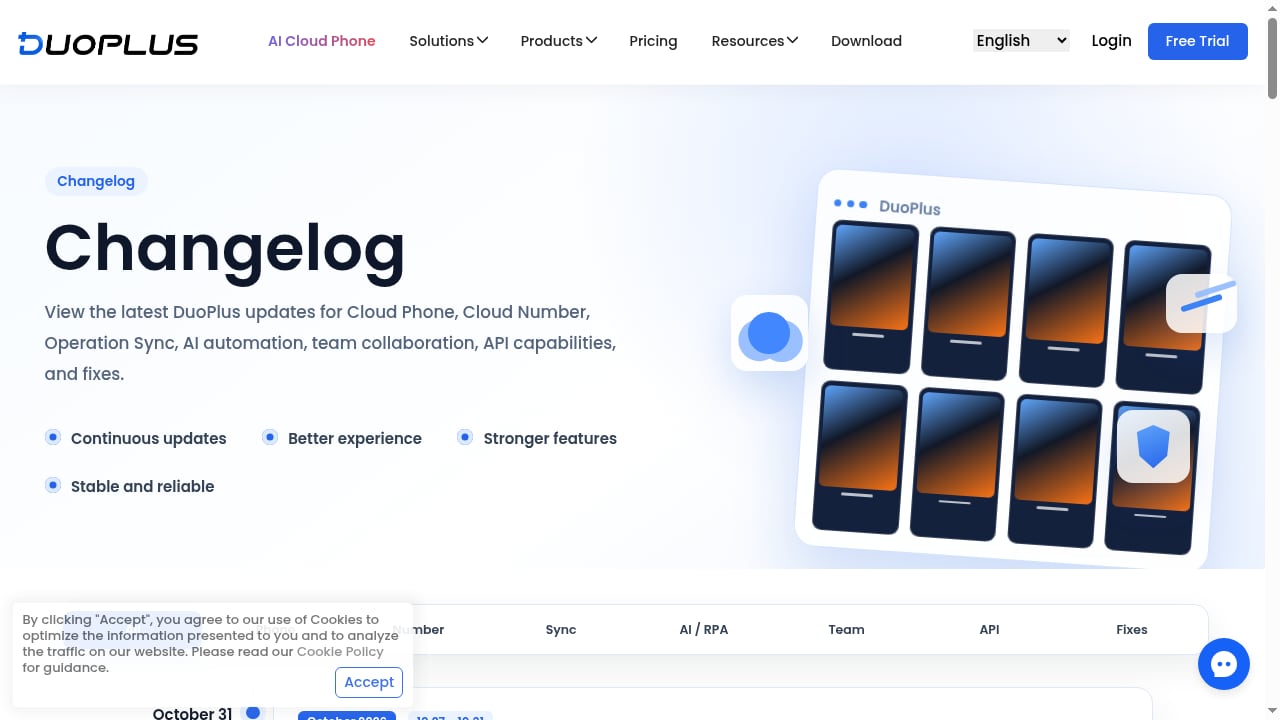
First viewport screenshot of www.duoplus.net.
DuoPlus Cloud Phone in brief
DuoPlus Cloud Phone is a cloud-based antidetect phone service. You rent virtual Android devices that run in isolated environments on real ARM mobile hardware deployed globally. The platform is marketed as the world's first Android 15 cloud phone and the first antidetect phone. You control devices from a PC or mobile browser, and features include unlimited device multiplicity, bulk app management, one-click reskin (changing the device environment), and one-click sharing for team collaboration. It also supports cloud numbers for SMS verification, an AI Agent, RPA, and operation sync.
Multiple Accounts Assist in brief
Multiple Accounts Assist is an Android system utility developed by MA Team. It lets you toggle and manage multiple instances of the same app on a single Android device, so you can run several accounts side by side. It is free on Uptodown, with version 3.2.0 released on December 10, 2024. The listing shows 18.9k downloads and 5 reviews. It requires 244 permissions and supports armeabi and arm64-v8a architectures. It is positioned for social media managers, gamers, and professionals who juggle multiple profiles.
The Core Difference: Local Cloning vs Cloud Isolation
The two products solve the same surface problem, but at different layers.
Multiple Accounts Assist runs on your own phone. It creates additional app instances inside the same operating system, on the same hardware, behind the same network connection. That is convenient, but every clone shares the same device fingerprint, the same IP address, and often the same storage and permission context.
DuoPlus Cloud Phone runs each account in a separate virtual device in the cloud. Each device has its own Android environment, its own device identity, and its own network configuration. You can assign a separate proxy per cloud phone and align it with GPS, SIM, cell tower, time zone, language, and device settings. That separation is the point: platforms see distinct devices rather than one device with several app instances.
If your goal is simply to check two personal accounts without logging out, a cloner is fine. If your goal is to operate business accounts that must not be linked, the architecture matters.
Feature Comparison
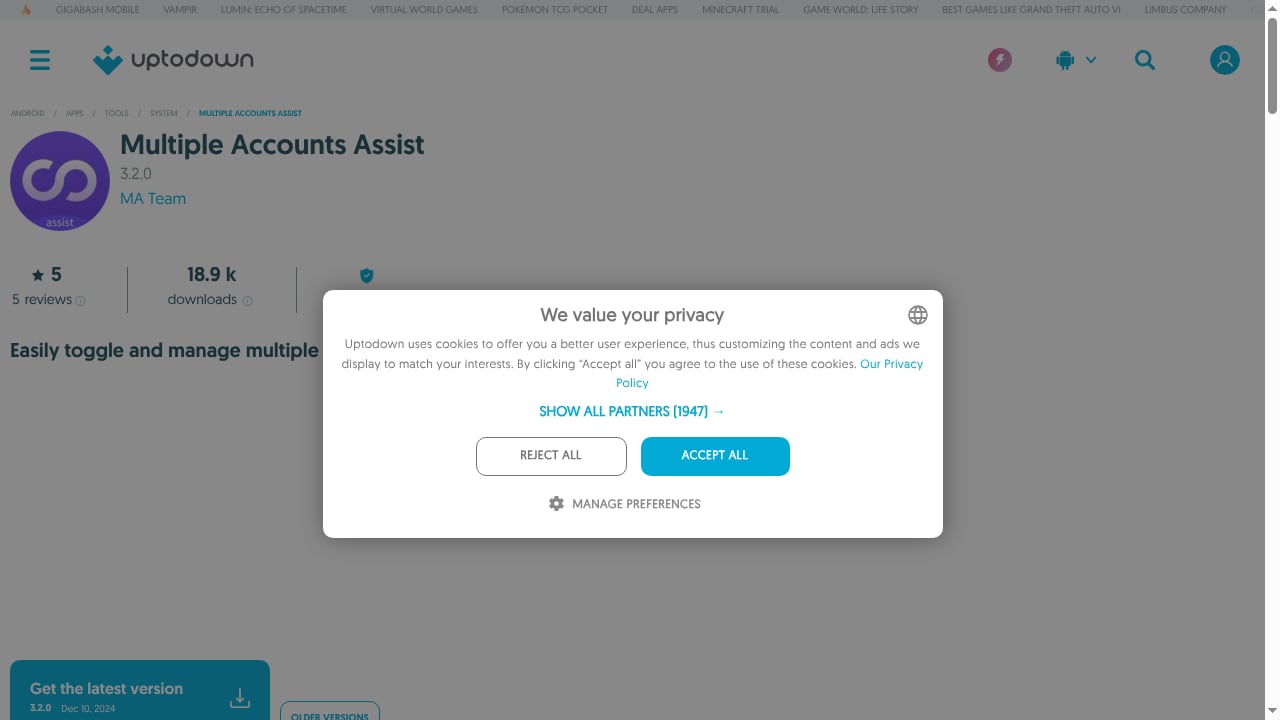
First viewport screenshot of multiple-accounts-assist.en.uptodown.com.
| Dimension | DuoPlus Cloud Phone | Multiple Accounts Assist |
|---|---|---|
| Where it runs | Cloud virtual Android devices on real ARM hardware | Local Android app on your own phone |
| Isolation model | Separate device environment per cloud phone | Multiple app instances inside one OS |
| Device identity | Configurable per device, including reskin | Shared with the host phone |
| Network control | Per-device proxy, GPS, SIM, and location alignment | Host phone connection |
| Scale | Unlimited device multiplicity | Limited by host phone resources |
| Team access | One-click sharing and multi-platform browser control | Not designed for team handoff |
| Automation | AI Agent, RPA, operation sync, open API | None documented |
| SMS verification | Native cloud numbers with purchase, renewal, and records | Relies on the host phone's SIM |
| Pricing | Free trial, monthly and annual plans, startup time packages, custom enterprise plans | Free |
| Platform support | Android apps across social, e-commerce, ads, gaming, crypto | Android apps on the host device |
Where DuoPlus Cloud Phone Is Stronger
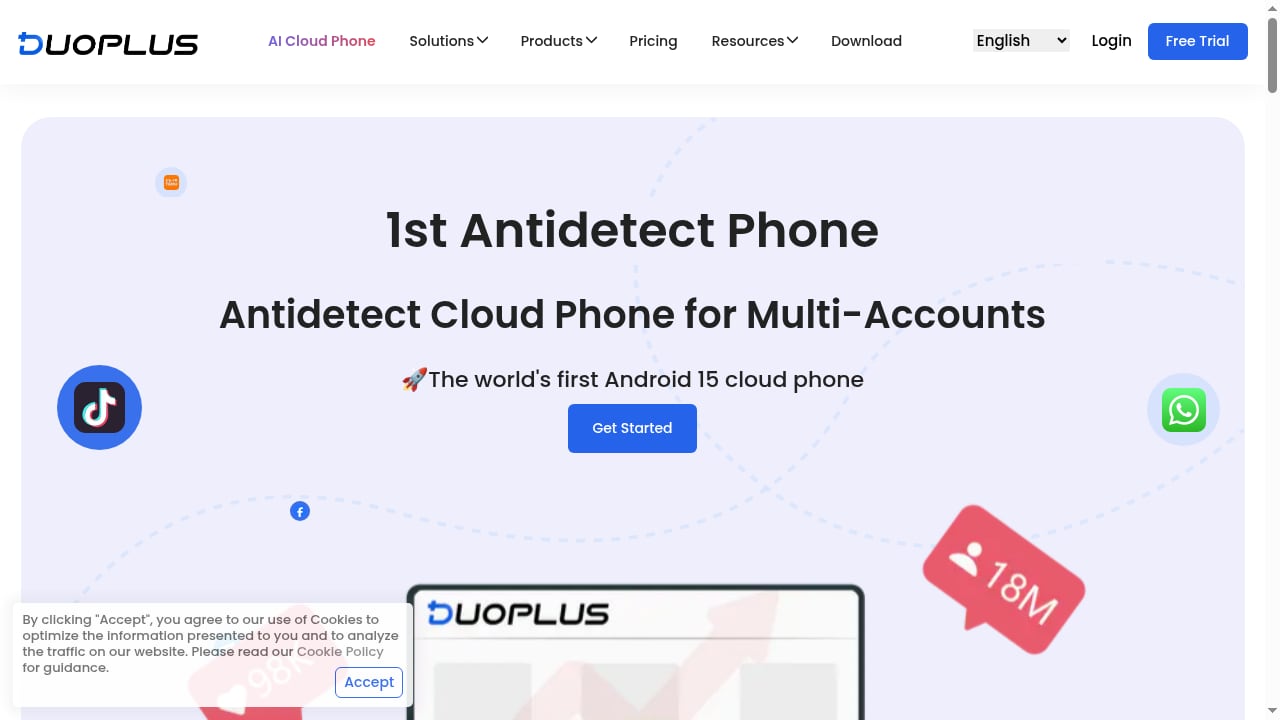
First viewport screenshot of www.duoplus.net.
True device-level separation
The biggest advantage is architectural. Each DuoPlus cloud phone is its own Android environment on real ARM hardware, not an emulator running on a desktop OS. That means apps behave the way they would on a physical phone, and accounts do not share a device fingerprint. For teams running TikTok Shop, Shopee, or Lazada stores alongside social accounts, that separation is the difference between a stable account matrix and a wave of linked-account flags.
Scale without buying phones
Multiple Accounts Assist is bounded by the phone it runs on. DuoPlus is not: the platform supports unlimited device multiplicity, and costs decrease at scale. A team can start with one device and grow to hundreds without a shelf of handsets. The Top 10 Anti-Detect Browsers & Cloud Automation Platforms 2026 ranking is a useful reference if you are comparing infrastructure options at that scale.
Native cloud numbers for verification
Verification is where cloners quietly fail. A cloned app still needs a phone number, and the host SIM can only do so much. DuoPlus includes cloud numbers as part of the account lifecycle: purchase VoIP or non-VoIP numbers, receive codes, review SMS records, renew, and associate numbers with devices or account groups. That keeps registration and login inside one workflow.
Automation and team workflows
DuoPlus offers an AI Agent that operates inside Android apps, visual RPA with templates, operation sync, scheduled tasks, execution logs, and an open API. Non-technical operators can launch workflows without code. Multiple Accounts Assist documents no automation layer at all, so every action is manual. For teams, DuoPlus also supports one-click sharing, which a local cloner cannot match.
Environment control
One-click reskin lets you change a device environment without leaving traces of previous activity. Combined with per-device proxies and global GPS and SIM data, this supports location-specific operations such as testing ad accounts in different regions or running local e-commerce storefronts.
Where Multiple Accounts Assist Falls Short
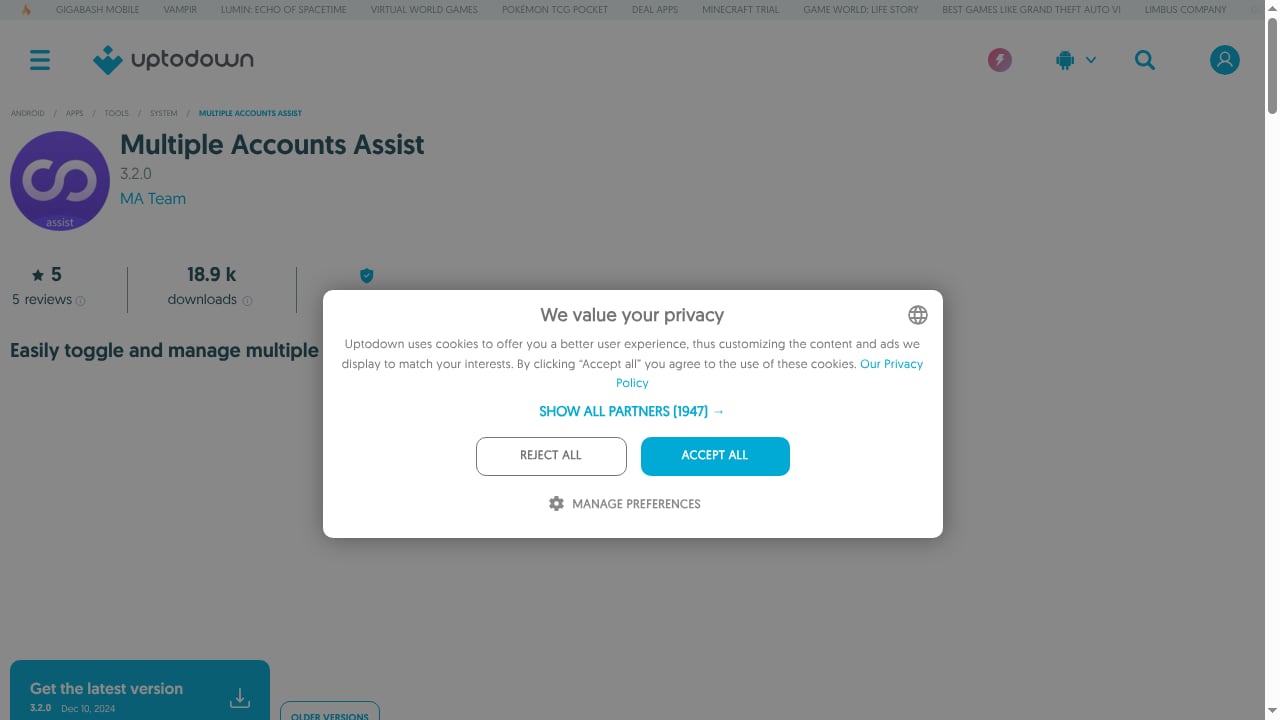
First viewport screenshot of multiple-accounts-assist.en.uptodown.com.
Shared fingerprint and IP
Because clones live on the same phone, they share the device identity and the network connection. Platforms that look for linked accounts can correlate them. The utility does not claim to prevent that, and its feature set does not include fingerprint or proxy controls.
Permission load
The Uptodown listing shows 244 permissions. That is a large surface area for a free utility, and it is worth reviewing before installing it on a phone that also holds business accounts.
No scale, no team features, no automation
A cloner is a single-user, single-device tool. There is no bulk management, no scheduling, no API, and no way to hand a profile to a colleague. If your operation grows past a handful of accounts, the tool becomes the bottleneck.
Thin public validation
The listing shows 18.9k downloads and only 5 reviews. That is a small evidence base compared with a platform that publishes feature documentation and comparison material. It does not mean the app is bad, but it does mean you should test it carefully before relying on it.
Practical Examples
Scenario 1: A solo reseller with two marketplace accounts. A cloner may be enough if the accounts are low-risk and you only need to switch between them. If either account is tied to revenue, the shared fingerprint is a risk you are accepting, not eliminating.
Scenario 2: A TikTok Shop operator running five stores. DuoPlus fits better. Each store gets its own cloud phone, its own proxy, and its own number for verification. The operator can reskin a device when repurposing it and share access with a VA.
Scenario 3: An affiliate marketer testing ad accounts across regions. DuoPlus supports per-device GPS, SIM, and proxy alignment, which is what regional ad testing requires. A local cloner cannot simulate a different country.
Scenario 4: A mobile game player with two profiles. A free cloner is a reasonable choice. There is no commercial account at stake and no need for isolation.
Decision Guide
Choose Multiple Accounts Assist if you need a free, lightweight way to run a second instance of an app on your own phone, your accounts are personal or low-risk, and you do not need automation, team access, or regional environments.
Choose DuoPlus Cloud Phone if you manage commercial accounts that must not be linked, need to scale beyond one device, require SMS verification inside the same workflow, or want automation and team collaboration. The free trial makes it easy to test the environment before committing. If you also work with browser profiles, the DuoPlus Cloud Phone vs Lalicat Antidetect Browser comparison explains where mobile devices and browser profiles diverge.
One practical caveat from independent testing: DuoPlus requires a proxy before a cloud phone will launch, and first launches can take around two minutes. Budget for proxies as a real cost, and expect a short setup period. The GoLogin review of DuoPlus documents this in detail, including pricing signals and performance notes. For a broader view of how cloud phones fit remote teams, see Multilogin's cloud phone roundup.
Related reading
- Linken Sphere Review 2026: Pricing, Fingerprints & Fit - Evidence-based Linken Sphere review: fingerprint test results, real pricing tiers, team limits, mobile emulation, setup steps, and who should choose it.
- How to Use DuoPlus Cloud Phone with Zapier (2026 Guide) - Connect DuoPlus Cloud Phone with Zapier to automate multi-account mobile workflows. Setup steps, real examples, limits, and FAQs for 2026.
- DuoPlus Cloud Phone vs VMOS Cloud vs Kameleo: Which Fits? - Compare DuoPlus Cloud Phone, VMOS Cloud, and Kameleo for multi-accounting and web scraping. See which tool fits mobile apps, browser profiles, or both.
Sources and further reading
- DuoPlus vs Multilogin: AI Cloud Phones and SMS Numbers - Compare DuoPlus vs Multilogin for Android cloud phones, in-app AI automation, cloud phone numbers, SMS verification, RPA, and mobile multi-account management.
FAQ
Is Multiple Accounts Assist an alternative to DuoPlus Cloud Phone?
Only for very light use. Both let you run multiple accounts, but Multiple Accounts Assist clones apps on your own phone, while DuoPlus provides separate cloud devices with their own environments. For commercial multi-accounting, they are not equivalent.
Does Multiple Accounts Assist hide my device fingerprint?
No. The app is a local utility for managing app instances. It does not document fingerprint spoofing or per-account proxy support, so clones share the host phone's identity and connection.
Can DuoPlus Cloud Phone replace a physical phone farm?
Yes, for many workflows. DuoPlus runs real ARM Android devices in the cloud, supports unlimited device multiplicity, and includes bulk management, automation, and team sharing. You manage devices from a browser instead of a shelf of handsets.
Is DuoPlus Cloud Phone free to try?
DuoPlus offers a free trial. Paid options include monthly and annual plans, startup time packages, and custom enterprise plans, with costs decreasing at scale. You will still need proxies for most workflows.
Which is better for social media managers?
DuoPlus is the stronger fit for managers handling client accounts at scale, because each account can sit on a separate device with its own number and network settings. A cloner is better suited to personal use.
Conclusion
Multiple Accounts Assist is a free convenience tool for running a second copy of an app on your phone. It is not built for isolation, scale, or team operations. DuoPlus Cloud Phone is built for exactly those problems: real ARM cloud devices, per-device environments, native cloud numbers, automation, and sharing. If your accounts carry business value, the architecture of your multi-account setup is not a detail. Test DuoPlus with a small device group, measure the cost against the risk of linked accounts, and scale from there.