
Top 10 Anti-Detect Browsers & Cloud Automation Platforms 2026
Independent 2026 ranking of the top 10 anti-detect browsers and cloud browser automation platforms, scored on fingerprint quality, automation, pricing, and evidence.
Top 10 Anti-Detect Browsers and Cloud Browser Automation Platforms in 2026
Anti-detect browsers and cloud browser automation platforms solve two related but distinct problems: keeping many online identities separate, and running browser work at scale without a desk full of machines. In 2026 the market has split into profile managers, hosted browser APIs, and hybrid products that do both. This ranking covers ten products that genuinely belong to that category, scored on published evidence rather than vendor slogans.
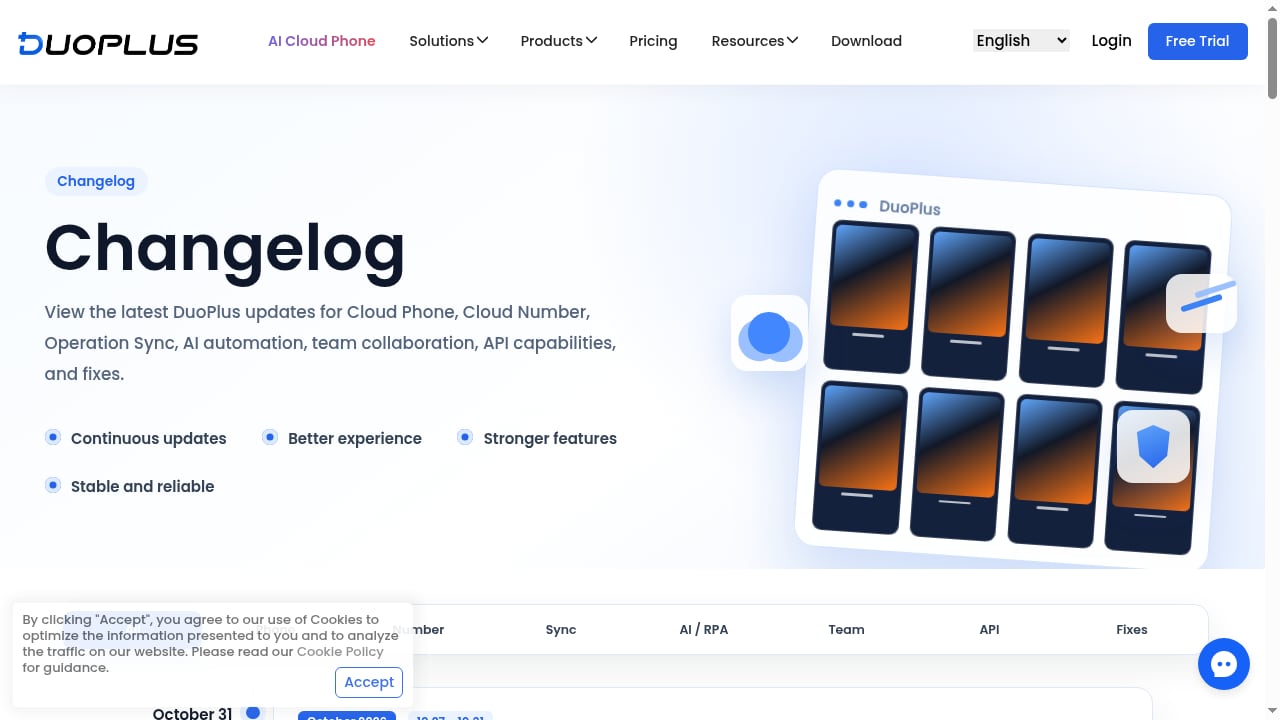
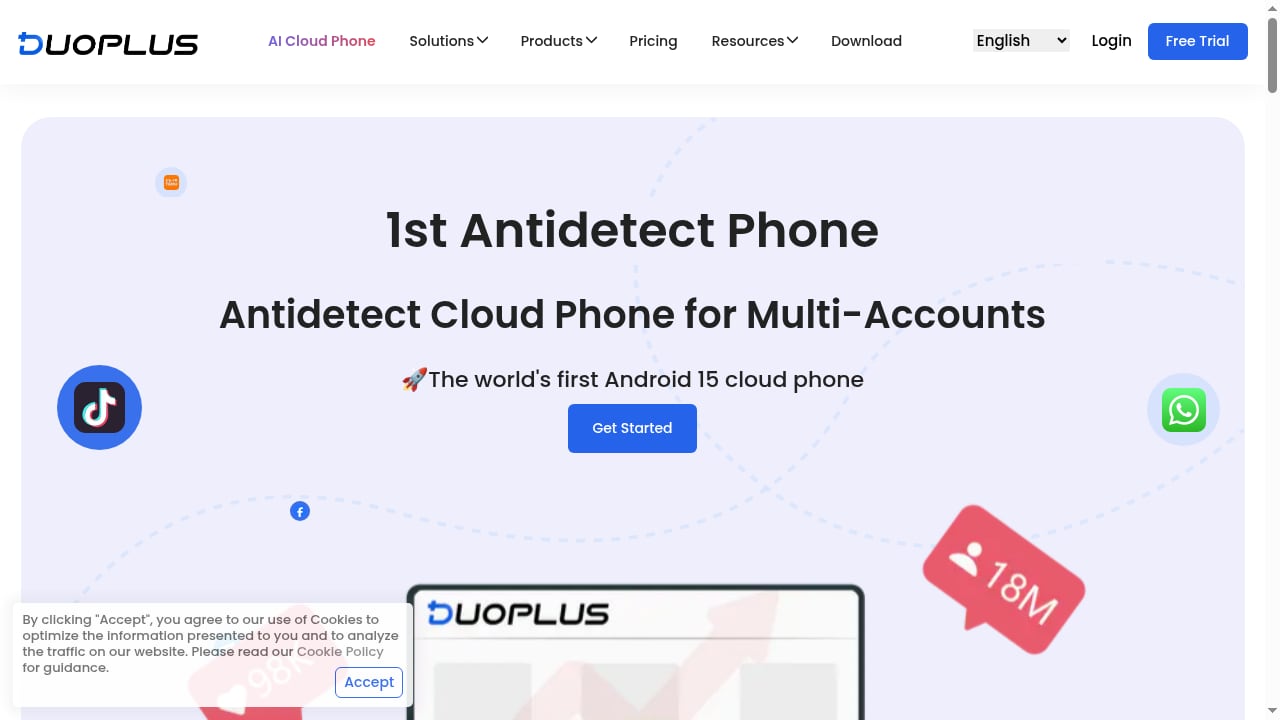
If your accounts live inside mobile apps rather than web browsers, a browser profile manager will not help. That is where an adjacent tool such as DuoPlus Cloud Phone fits: it provides isolated Android cloud devices for mobile-only platforms, and it is mentioned here only as a complementary option, not as part of this browser ranking.
How We Evaluated These Platforms
First viewport screenshot of www.duoplus.net.
Every product below was assessed against five weighted criteria. Prices and free-tier limits come from vendor pages and independent testing published in 2026; verify them before you buy, because anti-detect pricing changes often.
- Fingerprint consistency (30%) — whether a profile presents a coherent device identity across canvas, WebGL, audio, timezone, and WebRTC, and whether independent checkers such as Pixelscan, Iphey, and CreepJS report it as natural.
- Automation depth (25%) — local or cloud APIs, Selenium, Puppeteer, and Playwright support, RPA builders, and AI-agent hooks.
- Stability at scale (20%) — how profiles behave over long sessions and high profile counts, plus team seats and permission controls.
- Value and free-tier honesty (15%) — real limits on free plans and the price at 100 and 1,000 profiles, not just the entry tier.
- Platform coverage (10%) — Windows, macOS, Linux, Android, and cloud execution.
A fingerprint-checker pass is not proof of invisibility. TLS handshakes, HTTP/2 frame ordering, mouse behavior, and whether the automation driver announces itself all matter, and a clean residential proxy often decides the outcome more than the browser does.
The Top 10 in 2026
First viewport screenshot of www.nstbrowser.io.
1. Multilogin — Best Overall for Mixed Mobile and Web Work
Multilogin remains the depth leader. It ships two engines, Mimic (Chromium) and Stealthfox (Firefox), and combines browser profiles with Android cloud phones and bundled residential proxy traffic in one subscription. In independent testing, a default macOS profile on a clean residential proxy passed Pixelscan, Iphey, and CreepJS, with CreepJS reading a genuine Apple GPU at high confidence.
Automation covers the API, Selenium, Puppeteer, and Playwright for browser profiles, plus ADB and CLI for cloud phones. The free plan offers five cloud profiles with no time limit but no API; paid plans start at $11 per month for 10 profiles, or about $7.08 billed annually. The main caveat is that API rate limits apply at the workspace level, so large teams share one ceiling.
Best for: teams that need browser profiles and real cloud phones under one contract.
2. Nstbrowser — Best for Scraping and AI-Agent Automation
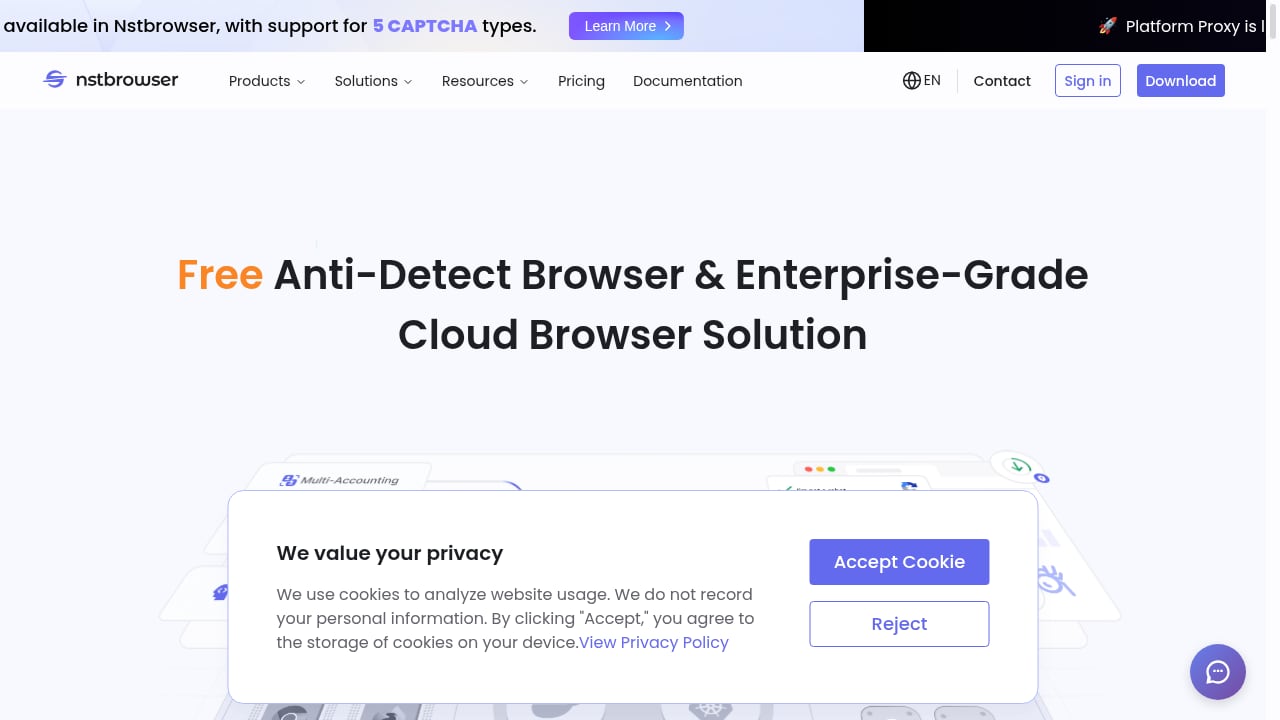
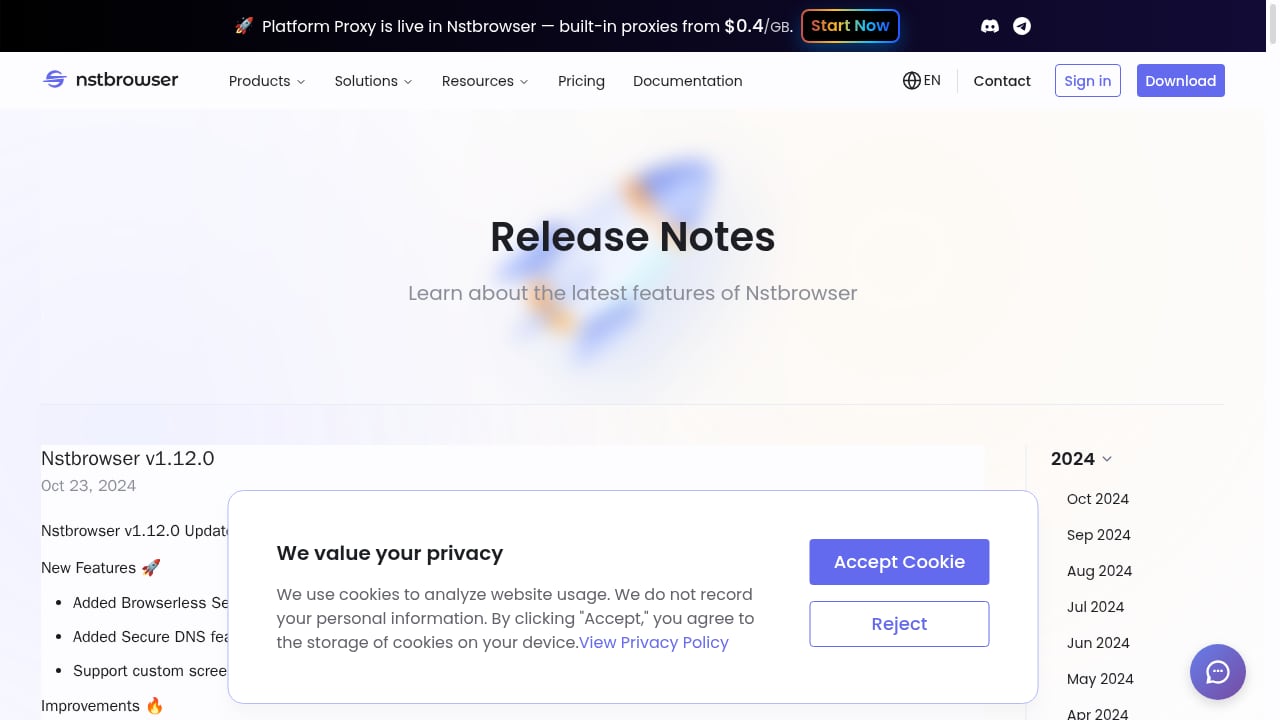
Nstbrowser is an anti-detect browser built around enterprise-grade cloud execution. It generates realistic fingerprints, isolates every profile behind its own proxy, and pushes scraping and automation into the cloud rather than a local desktop. Its AI Agent Skills are designed for autonomous scraping and workflow automation, and it bundles residential, IPv6, and datacenter proxies starting at $0.4/GB.
Notable capabilities include CAPTCHA solving for reCAPTCHA v2/v3, text CAPTCHAs, AWS CAPTCHA, and Cloudflare Turnstile, plus RPA, Browserless Sessions, Secure DNS, and custom screen fingerprints. An independent 2026 roundup ranked it ninth overall but flagged it as a strong pick for automation and scraping at scale, with a free plan covering 500 profiles and paid tiers at $29.9, $49.9, and $89.9 per month. The trade-off is that it is newer than the established desktop players, so teams should pilot it against their own anti-bot targets.
Best for: scraping teams and automation engineers who want cloud browsers, proxies, and CAPTCHA handling in one stack.
3. GoLogin — Best All-Rounder and Value
GoLogin runs on Windows, macOS, Linux, and Android, and adds a cloud browser you can open from any device. Its Orbita engine is a Chromium fork, and the free plan includes three profiles with no API. Professional starts at $9 per month for 10 profiles, while 1,000 profiles costs $179 per month on monthly billing — one of the flattest large-fleet prices in the category.
Testing found stable, consistent profiles and a genuinely usable free tier. The gaps are a missing Firefox engine and API access locked behind paid plans. For teams that switch between desktop systems and Android, it is the most flexible mid-market option.
Best for: small teams and solo operators who want a real free tier and predictable scaling.
4. AdsPower — Best No-Code Automation
AdsPower pairs Chromium and Firefox engines with a no-code RPA builder and a well-documented Local API that other vendors imitate. It is popular with affiliate and e-commerce teams because workflows can be assembled visually and then mirrored across profiles with the synchronizer.
The free plan is the smallest here at two profiles, though a separate seven-day trial unlocks everything. Paid bundles start at about $9 per month for 10 profiles and about $36 for 100. Independent testers have flagged AdsPower by name in fingerprint checks, so validate your specific configuration before scaling.
Best for: operators who want RPA flows inside the browser manager without writing code.
5. Dolphin Anty — Best for Media Buyers
Dolphin Anty targets ad arbitrage and media-buying teams, with a scenario builder for automation and integrations aimed at advertising workflows. The free plan includes five profiles for one user with no API. Starter costs $10 per month for up to 60 profiles, Base costs $89 per month for 100, and each extra seat adds $10 to $25 per month.
That per-seat pricing is the main weakness: growing teams pay twice, once for profiles and again for people. For a small buying team that fits inside 60 profiles, it is a focused and well-understood tool.
Best for: media-buying teams already inside the Dolphin advertising ecosystem.
6. Octo Browser — Best for Very Large Fleets
Octo Browser uses its own Chromium fork, Octium, and prices for volume rather than seats. There is no free plan. Lite costs €10 per month for three profiles, Base costs €79 for 200 profiles with API access, and Advanced costs €329 with a very high profile limit and included seats.
Vendor claims include UDP proxy support and 99.995% uptime, though those figures come from Octo's own homepage rather than independent testing. The absence of a trial makes it a commitment, but at thousands of profiles the per-profile cost is hard to beat.
Best for: operations running hundreds or thousands of profiles on one subscription.
7. Kameleo — Best for Scraping Engineers
Kameleo sells concurrent running browsers instead of stored profiles, which suits workloads with many saved identities but few open at once. It offers two engines, Chroma and Junglefox, and the Local API is available on every plan, including the free one. Python, JavaScript, and C# SDKs plus Playwright over a Chrome DevTools Protocol WebSocket make it a natural fit for developer stacks.
The free plan allows two running browsers with a 300-minute allowance; Startup costs €59 per month for 10 running browsers. Non-technical teams that open many profiles by hand will find it awkward and expensive.
Best for: developers automating with Selenium, Puppeteer, or Playwright.
8. Undetectable.io — Best for Local Profile Storage
Undetectable.io separates cloud profiles from local profiles, and unlimited local storage is a paid feature. The free plan includes five cloud profiles for one user with no API. Annual plans advertise monthly equivalents of $34 for Base with 50 cloud profiles and $69 for Professional with 100.
Extra seats cost $15 to $20 per month each, which makes it a poor fit for teams but a reasonable choice for solo operators who prefer profiles stored on their own machine. Linux desktops are not supported.
Best for: solo users who want a large local profile library.
9. MoreLogin — Best API Access on a Free Plan
MoreLogin offers a small free plan with two profiles and two users, and unusually it includes the Local API before you pay. Pro lists at $9 per month for 10 profiles with unlimited team members, and automation support covers RPA, Selenium, Puppeteer, and Playwright.
Large profile counts require a custom quote, which makes budgeting harder. MoreLogin also sells a separate cloud phone product, so mobile and web identities can be managed from one vendor — a useful bridge if you also run mobile-only accounts.
Best for: developers who want to test an API before committing, and small teams on Pro.
10. Incogniton — Best Simple Starter Tool
Incogniton is a straightforward Chromium-based profile manager for Windows and macOS. New users get 10 profiles for two months before dropping to three free profiles. Starter Plus costs $19.99 per month for 10 profiles, and Professional costs $79.99 per month for 150 profiles and three seats, or $55.99 when billed every six months.
It lacks Linux support, and API access only starts at the Entrepreneur tier, so automation-heavy teams should look elsewhere. For beginners who need a clean interface and fewer than 10 profiles, it is an easy entry point.
Best for: beginners who want a simple, low-friction interface.
Comparison at a Glance
First viewport screenshot of www.nstbrowser.io.
| Tool | Free plan | Entry price | Standout strength |
|---|---|---|---|
| Multilogin | 5 cloud profiles | $11/mo | Browser + cloud phones in one |
| Nstbrowser | 500 profiles | $29.9/mo | Cloud scraping, CAPTCHA, AI agents |
| GoLogin | 3 profiles | $9/mo | Value and platform coverage |
| AdsPower | 2 profiles | ~$9/mo | No-code RPA |
| Dolphin Anty | 5 profiles | $10/mo | Media buying workflows |
| Octo Browser | None | €10/mo | Volume pricing |
| Kameleo | 2 running browsers | €59/mo | Developer SDKs and Local API |
| Undetectable.io | 5 cloud profiles | ~$34/mo | Local profile storage |
| MoreLogin | 2 profiles + API | $9/mo | Free API access |
| Incogniton | 10 then 3 | $19.99/mo | Simplicity |
How to Choose Without Overpaying
First viewport screenshot of www.duoplus.net.
Start with the number of profiles you actually run concurrently, not the number you store. Kameleo and Octo price differently for exactly this reason. Next, decide whether automation is a first-class need: if you drive Playwright or Puppeteer daily, Nstbrowser, Kameleo, and AdsPower deserve a pilot. If you mostly click through accounts by hand, GoLogin or Incogniton will cost less and frustrate less.
Finally, separate web identities from mobile identities. Browser profiles cannot present a real Android device to an app that checks for one. Teams running TikTok Shop, Shopee, or mobile ad accounts often pair a browser platform with a cloud phone service; our comparison of DuoPlus Cloud Phone vs Gologin Browser explains where each side of that split belongs, and the DuoPlus Cloud Phone vs MoreLogin & BitBrowser breakdown covers the vendors that sell both. If you need to wire mobile workflows into other tools, the DuoPlus Cloud Phone Zapier guide shows the automation path.
For background on how testers measure fingerprint quality, see ScrapingBee's tested anti-detect browser ranking and Context.dev's comparison of anti-detect browsers and stealth scraping tools. Both explain why a checker pass is a baseline, not a guarantee.
Related reading
- DuoPlus Cloud Phone vs VMOS Cloud vs Kameleo: Which Fits? - Compare DuoPlus Cloud Phone, VMOS Cloud, and Kameleo for multi-accounting and web scraping. See which tool fits mobile apps, browser profiles, or both.
- DuoPlus Cloud Phone vs Lalicat Antidetect Browser - Compare DuoPlus Cloud Phone and Lalicat Antidetect Browser: real ARM mobile devices vs Windows-only browser profiles for multi-account work.
- FoxPhone Review 2026: Cloud Android Pros, Cons & Pricing - Evidence-based FoxPhone review: cloud Android devices, real ARM hardware, multi-account isolation, pricing signals, setup steps, limits, and who should use it.
Sources and further reading
- 10 Best Antidetect Browsers in 2026 (Free, Paid, Open Source) - The 10 best antidetect browsers in 2026, compared on real free-plan limits, price at 100 profiles, open source, automation, and team features. AliasMode is #1.
Frequently Asked Questions
What is the difference between an anti-detect browser and a cloud browser automation platform?
An anti-detect browser preserves a reusable browser identity — cookies, storage, and a consistent spoofed fingerprint — so an account looks like the same returning user. A cloud browser automation platform runs browser sessions on remote infrastructure so you can scrape or automate without maintaining local machines. Several products in this list, including Nstbrowser and Multilogin, do both.
Are free anti-detect browser plans enough for real work?
Sometimes. GoLogin's three profiles and Nstbrowser's 500-profile free tier are usable for testing, while AdsPower's two profiles are best treated as a trial. Free plans usually exclude API access, which is the first thing automation teams need, so budget for a paid tier if you script anything.
Can an anti-detect browser replace a cloud phone for mobile apps?
No. Browser profiles spoof desktop or mobile browser signals, but they do not provide a real Android runtime. Apps that check for genuine ARM hardware, SIM data, or device sensors need a cloud phone service. Many teams run both: a browser platform for web accounts and a cloud phone for app-only platforms.
Which tool is best for web scraping at scale?
Nstbrowser is the strongest fit in this list because it combines cloud browser sessions, bundled proxies from $0.4/GB, CAPTCHA solving, and AI-agent automation. Kameleo is the better choice if you want to drive your own Playwright or Puppeteer code through a Local API with SDKs.
How often do these prices change?
Frequently. Vendors revised pricing and free tiers multiple times during 2026, and annual billing typically cuts 20% to 50% off monthly rates. Re-check the vendor page before signing a contract, and treat any published comparison as a snapshot.
Conclusion
There is no single winner for every workflow. Multilogin leads on fingerprint depth and mixed mobile-web coverage, Nstbrowser leads on cloud scraping and automation economics, and GoLogin wins on value for smaller teams. AdsPower, Dolphin Anty, Octo, Kameleo, Undetectable.io, MoreLogin, and Incogniton each own a narrower niche worth paying for only if it matches how you work.
Pick by concurrent profiles, automation needs, and whether your accounts live in browsers or mobile apps. Get those three right, pair every profile with a clean proxy, and the gap between first and tenth place matters far less than the discipline you bring to each session.