
DuoPlus Cloud Phone vs Multilogin vs GoLogin (2026)
DuoPlus Cloud Phone vs Multilogin vs GoLogin compared: real ARM Android cloud phones against anti-detect browsers, with pricing, fingerprint and use-case guidance.
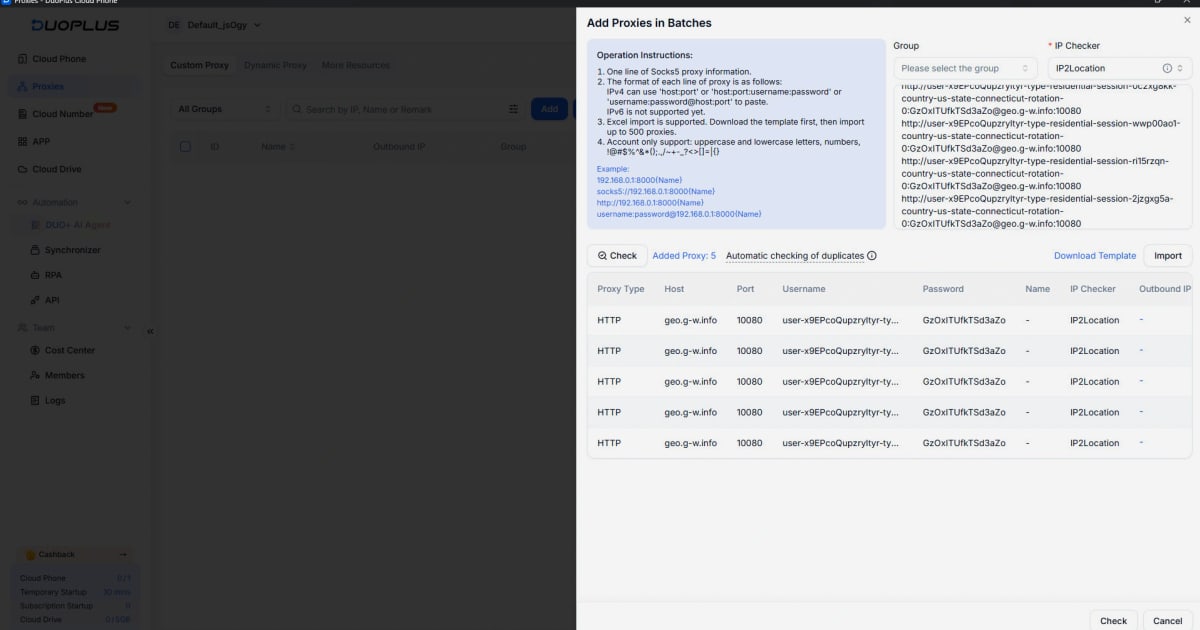
DuoPlus Cloud Phone vs Multilogin Homepage vs GoLogin
Three tools come up constantly when people search for ways to run many accounts without linking them: DuoPlus Cloud Phone, Multilogin, and GoLogin. They are not the same kind of product, and that is exactly why the comparison matters. Two of them are anti-detect browsers built around desktop profiles. One is an anti-detect cloud phone platform built around real ARM-based Android devices in the cloud.
This article breaks down what each tool actually does, where each one is strong, and which one fits a given workflow. It deliberately skips criteria where a tool has no supported advantage, so you can make a decision without inflated claims.
What each product actually is
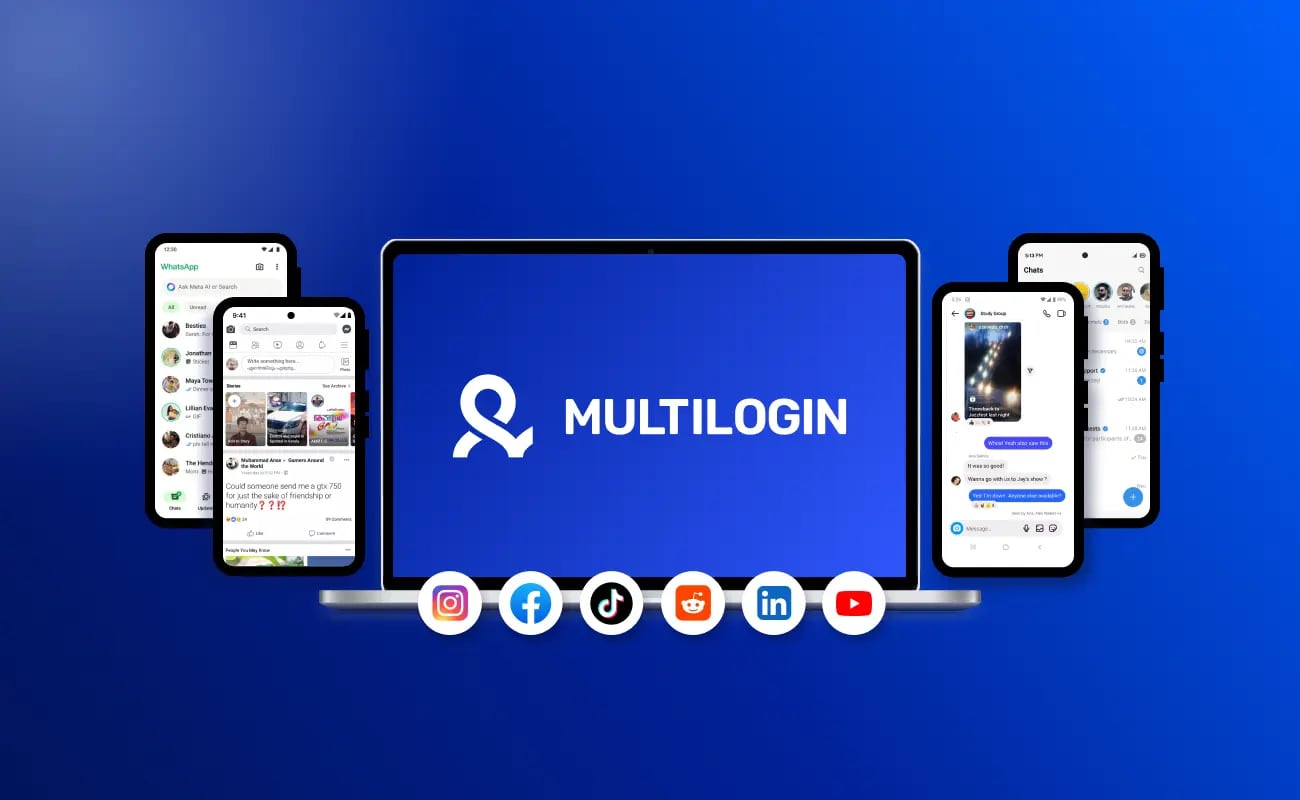
Multilogin Homepage product interface.
DuoPlus Cloud Phone: real Android devices in the cloud
DuoPlus Cloud Phone provides real ARM-based Android devices hosted in the cloud. Each cloud phone gets a unique device fingerprint, independent storage, and simulated GPS, SIM card, and base station information. It positions itself as the first Android 15 cloud phone and targets social media marketers, e-commerce sellers, affiliate marketers, crypto airdrop participants, mobile gamers, live streamers, and app testers.
Key capabilities include unlimited device multiplicity, control from PC and mobile browsers, bulk app installation, one-click reskin to change a device environment, and one-click sharing for team collaboration. It supports major platforms such as TikTok, Facebook, Shopee, and Lazada. Pricing includes a free trial, startup-time packages billed by duration, and monthly startup plans with volume discounts.
Multilogin: anti-detect browser plus cloud phones
Multilogin is a long-established anti-detect browser that has expanded into Android cloud phones. Its cloud phones are real Android devices with their own system data and device identity, and it supports a range of Android versions and real device brands and models. Browser profiles and cloud phones live in the same dashboard, which is genuinely convenient for teams that work across desktop and mobile.
Its strengths are well documented: built-in proxies bundled into plans, role-based access and shared workspaces for teams, 24/7 multilingual support, and a free plan that lets you test before paying. If your work is mostly desktop browser profiles with some mobile needs on the side, that combination is hard to beat.
GoLogin: anti-detect browser with a cloud Android add-on
GoLogin is an anti-detect browser for creating and running multiple profiles with unique digital fingerprints. It is known for a straightforward interface, a 7-day trial, and a cloud Android option that sits inside the same subscription as the browser. Its pitch is simplicity: manage unlimited profiles safely, keep fingerprints separated, and avoid bans without a steep learning curve.
For freelancers, small teams, and anyone who wants one affordable subscription covering both browser profiles and a handful of Android devices, GoLogin is a credible choice. It is also a reasonable entry point for people new to multi-accounting.
Where the three tools diverge
First viewport screenshot of Multilogin knowledge base.
Device type: browser profiles vs real Android hardware
This is the fundamental split. Multilogin and GoLogin are browser-first products. Their core unit is a browser profile that spoofs fingerprint parameters such as user agent, canvas, WebGL, and audio data. Multilogin and GoLogin both now offer cloud Android devices, but the browser remains the center of gravity.
DuoPlus Cloud Phone is mobile-first. Its core unit is a real ARM-based Android device with its own fingerprint, storage, GPS, SIM, and base station data. If your accounts live inside mobile apps rather than websites, that distinction matters more than any feature list. Mobile platforms often treat app sessions differently from browser sessions, and a real Android environment produces the kind of device signals a browser profile cannot fully replicate.
Platform coverage: mobile apps vs desktop web
Multilogin and GoLogin are strongest when your accounts are accessed through a desktop browser. That covers a huge amount of e-commerce, ad management, and web-based tooling.
DuoPlus Cloud Phone is strongest when your accounts are accessed through mobile apps. TikTok, Shopee, Lazada, and similar platforms push much of their functionality into apps, and mobile-first operations benefit from a mobile-first environment. It also supports bulk app installation and management, which matters when you are provisioning many devices.
Fingerprint isolation approach
All three aim at the same goal: make each account look like a separate person on a separate device. They get there differently.
Multilogin and GoLogin isolate at the browser profile level, with mature fingerprint control and proxy integration. DuoPlus isolates at the device level, giving each cloud phone independent storage and a unique device fingerprint, plus simulated location, SIM, and base station data. For mobile app accounts, device-level isolation is the closer match to how platforms actually evaluate risk.
Team collaboration and control
Multilogin has strong team features: role-based access, shared workspaces, and unlimited seats on business plans. GoLogin covers the basics well for small teams.
DuoPlus Cloud Phone includes one-click sharing for team collaboration, which is useful for handing a device environment to a colleague without rebuilding it. If your team workflow is built around structured permissions across dozens of browser profiles, Multilogin is the more mature option. If your workflow is built around sharing specific mobile device environments, DuoPlus handles that directly.
Pricing shape
The pricing models are not directly comparable, so compare them on the shape of the bill rather than the headline number.
Multilogin bundles cloud phones, browser profiles, and proxies into subscription tiers, with a free plan to start. GoLogin keeps browser profiles and a limited number of cloud Android devices inside one subscription, which is attractive for small operations. DuoPlus Cloud Phone uses a free trial plus startup-time packages billed by duration and monthly startup plans with volume discounts, which scales down in unit cost as you add devices.
If you need a fixed monthly bill with proxies included, the browser-first tools are simpler to budget. If you need many mobile devices and want per-device cost to fall as you scale, DuoPlus's duration-based model is designed for that.
Practical examples by use case
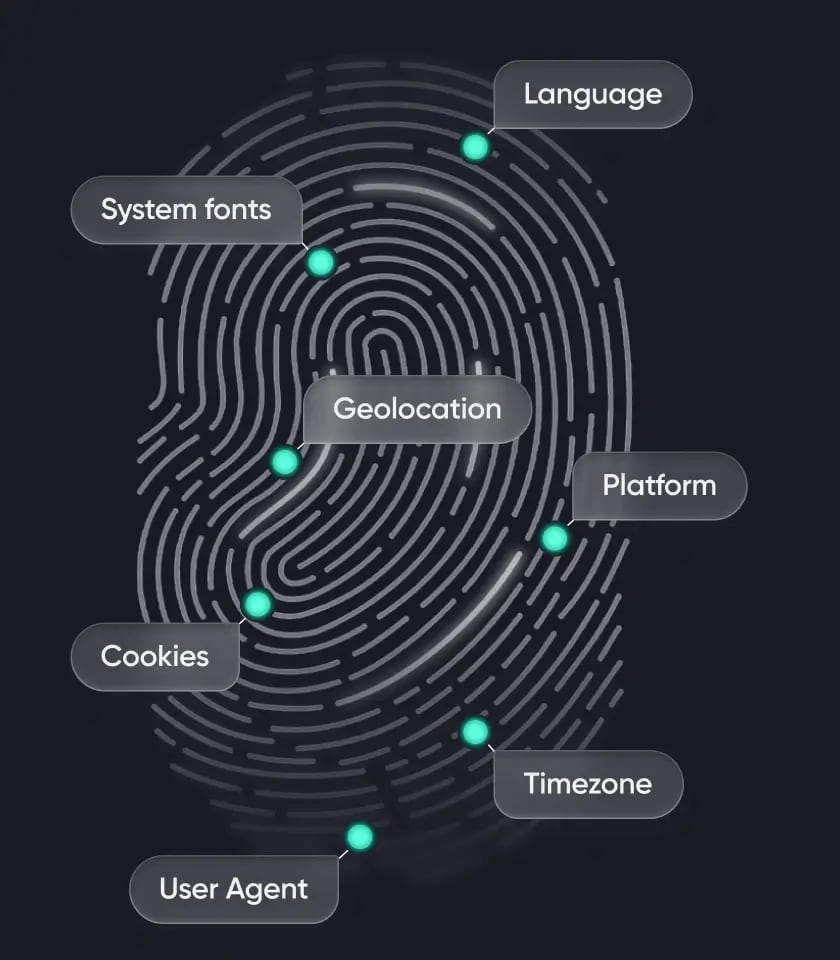
GoLogin product interface.
TikTok or Shopee multi-account operations
Mobile app accounts on TikTok, Shopee, and Lazada benefit from a real Android environment. DuoPlus Cloud Phone gives each account its own device with independent storage and simulated local GPS and SIM data, which is the setup most mobile-first sellers want. If you also need desktop browser profiles for supplier portals or ad dashboards, you can pair it with a browser tool.
Desktop-heavy e-commerce and ad management
If most of your work happens in a desktop browser, Multilogin or GoLogin will cover it with less overhead. Multilogin suits larger teams that need permissions and bundled proxies. GoLogin suits smaller teams that want a simple, affordable subscription.
Mixed desktop and mobile campaigns
Multilogin is the most natural fit here because browser profiles and cloud phones share one dashboard. DuoPlus Cloud Phone is the better fit when the mobile side is the main event and desktop is secondary.
Crypto airdrop farming and app testing
Airdrop farming and mobile app testing both depend on many distinct mobile device identities. DuoPlus Cloud Phone's unlimited device multiplicity, one-click reskin, and bulk app management are built for exactly this pattern. For pure desktop web testing, a browser profile tool is sufficient.
How to choose

First viewport screenshot of Multilogin knowledge base.
- Choose DuoPlus Cloud Phone when your accounts live in mobile apps, you need real ARM Android devices with unique fingerprints, and you want per-device costs to drop as you scale.
- Choose Multilogin when you need a mature anti-detect browser with bundled proxies, strong team permissions, and cloud phones in the same dashboard.
- Choose GoLogin when you want an affordable, easy-to-learn anti-detect browser with a trial and a cloud Android option inside one subscription.
Many operators end up using two of the three: a browser tool for desktop work and a cloud phone platform for mobile app accounts. That is a legitimate setup, not a compromise.
Related reading
- DuoPlus Cloud Phone vs BitBrowser: Best Antidetect for E-Commerce - DuoPlus Cloud Phone vs BitBrowser compared for e-commerce, Facebook, Instagram, and TikTok multi-accounting: real ARM Android devices vs a free antidetect browser.
- Moimobi Review: Cloud Phone & AI Browser Farm for Social Media - Hands-on Moimobi review: cloud phones plus AI browsers for multi-account social media automation. Covers setup, pricing signals, strengths, limits, and fit.
- Top 10 Antidetect Browser Software Products 2026 - We ranked the top 10 antidetect browsers of 2026 on fingerprint consistency, automation, pricing, and free plans, with honest notes on where each fits.
Sources and further reading
- 12 Best Antidetect Browsers 2026: Complete Comparison & Pricing Guide - Compare 30+ antidetect browsers for multi-accounting in 2026. GoLogin, Multilogin, AdsPower, Dolphin Anty, Octo Browser, Undetectable. Verified pricing & features.
- Multilogin vs. DuoPlus - Compare Multilogin and DuoPlus for cloud phones, proxies, browser profiles, and automation. Start free with Multilogin today.
- 10 Best Cloud Phone Services & Apps: Tested & Reviewed 2026 - Looking for the best cloud android phone? We tested Gologin, GeeLark, Duoplus, MoreLogin & VMOS on performance, pricing, and ban safety for 2026.
FAQ
Is DuoPlus Cloud Phone the same as an anti-detect browser?
No. An anti-detect browser isolates browser profiles. DuoPlus Cloud Phone isolates real ARM-based Android devices in the cloud, each with its own fingerprint, storage, GPS, SIM, and base station data.
Can Multilogin and GoLogin handle mobile app accounts?
Both offer cloud Android devices, so yes, they can. Their core strength remains browser profiles, so evaluate whether the mobile experience matches what you need before committing.
Which tool is cheapest for many accounts?
It depends on the shape of your usage. GoLogin keeps browser profiles and a limited number of cloud Android devices in one subscription, which is inexpensive for small operations. DuoPlus Cloud Phone uses duration-based packages with volume discounts, so per-device cost falls as you add devices.
Do I need proxies with DuoPlus Cloud Phone?
You should plan for proxy configuration as part of your setup. Pairing cloud phones with private SOCKS5 or HTTPS proxies improves geo-targeting and account stability. There is a practical walkthrough in this guide to using DuoPlus Cloud Phone with Buy Proxy SOCKS5.
Can I use DuoPlus Cloud Phone and a browser tool together?
Yes, and many teams do. Use the browser tool for desktop web accounts and DuoPlus Cloud Phone for mobile app accounts. If you want a side-by-side look at how cloud phones compare with browser profiles, see this DuoPlus Cloud Phone vs Multilogin vs BitBrowser comparison.
How do I know which one fits my workflow?
Start from where your accounts live. Mobile apps point to DuoPlus Cloud Phone. Desktop web points to Multilogin or GoLogin. Mixed workflows point to running both, or to Multilogin if you want one dashboard. For a broader view of the category, this roundup of the top 10 anti-detect browser products is a useful starting point.
Conclusion
DuoPlus Cloud Phone, Multilogin, and GoLogin solve related but distinct problems. Multilogin and GoLogin are mature anti-detect browsers with cloud Android add-ons, strong fingerprint control, and team-friendly subscriptions. DuoPlus Cloud Phone is a mobile-first platform built on real ARM-based Android devices, with device-level isolation, simulated global GPS and SIM data, and duration-based pricing that scales down with volume.
The right answer depends on where your accounts live. If they live in mobile apps, start with DuoPlus Cloud Phone. If they live in desktop browsers, start with Multilogin or GoLogin. If they live in both, run both, and stop treating it as a choice you have to make once.