
DuoPlus Cloud Phone vs RoxyBrowser: Cloud Phone vs Antidetect Browser
Compare DuoPlus Cloud Phone and RoxyBrowser: why a real Android cloud phone with GPS, SIM, and AI automation beats a desktop antidetect browser for mobile accounts.
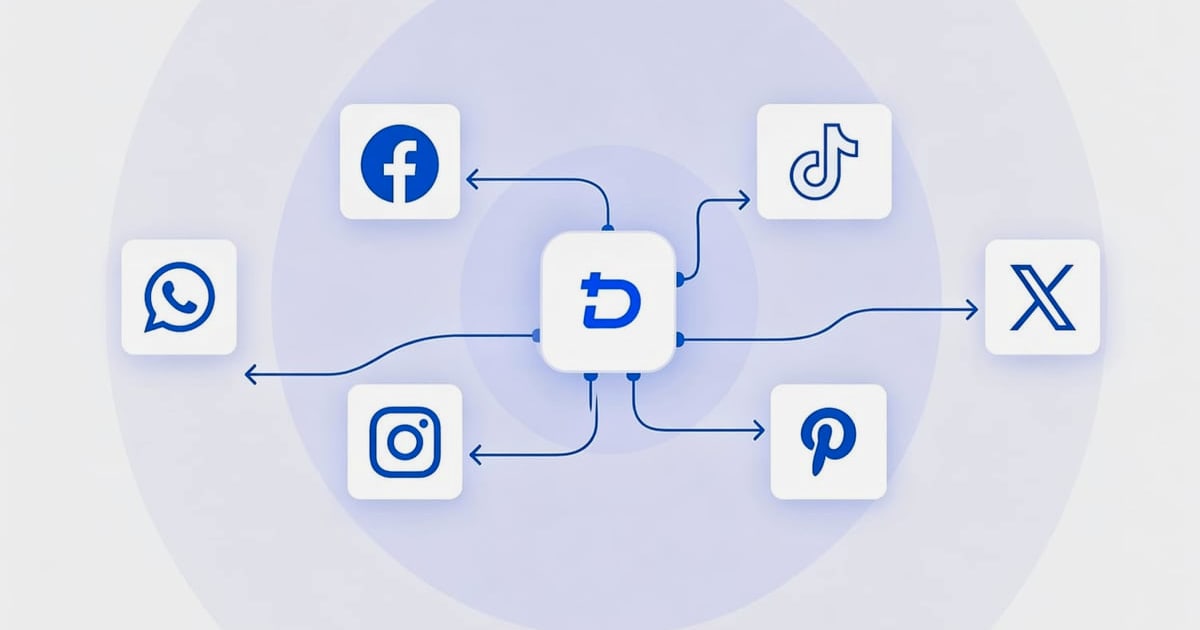
DuoPlus Cloud Phone vs RoxyBrowser: Real Android Cloud Phone vs Antidetect Browser
Managing multiple social media, e-commerce, or crypto accounts safely requires bulletproof isolation. Two popular tools promise to keep your accounts from being linked and banned: DuoPlus Cloud Phone and RoxyBrowser. At first glance, both help you run dozens of accounts simultaneously. But under the hood, they use radically different technology. DuoPlus gives you a real Android phone in the cloud, while RoxyBrowser is a desktop antidetect browser. This head‑to‑head comparison explains why a genuine mobile environment often outperforms a browser‑based alternative—especially when your strategy depends on TikTok, Instagram, WhatsApp, or other mobile‑first apps.
What is DuoPlus Cloud Phone?
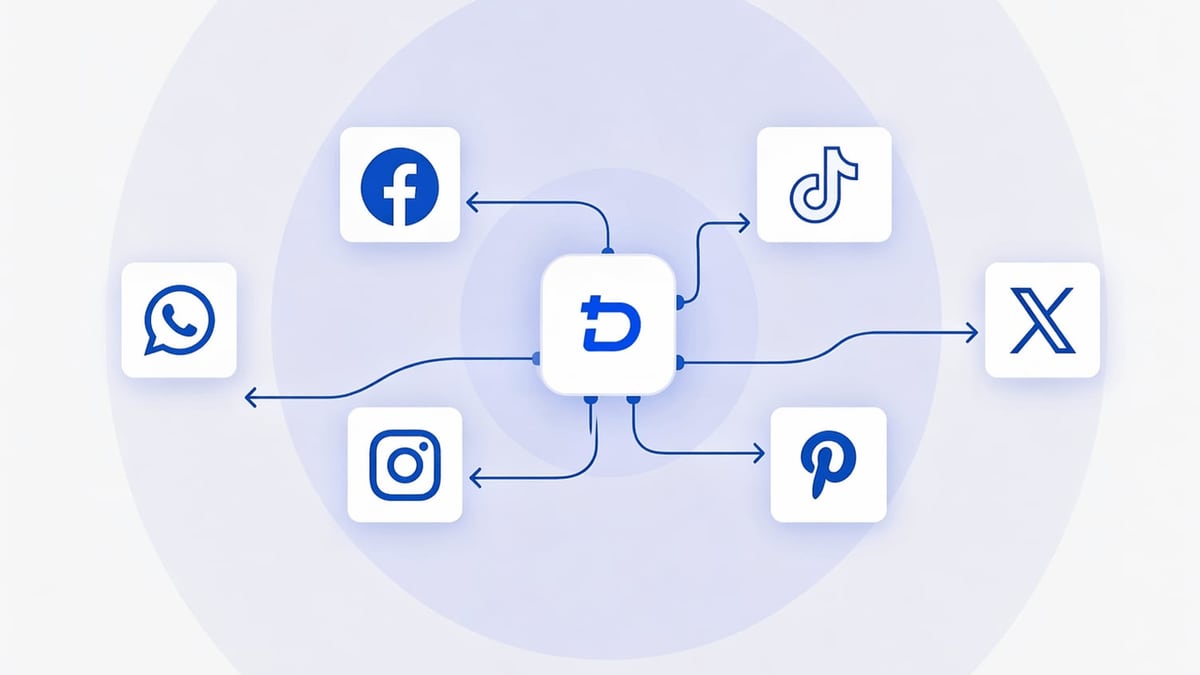
DuoPlus Cloud Phone vs RoxyBrowser: Cloud Phone vs Antidetect Browser product interface and feature overview.
DuoPlus Cloud Phone is an anti‑detection cloud phone platform built for serious multi‑account management. It hosts real ARM‑chip Android devices in the cloud, each running Android 15 with unique hardware‑level fingerprints, IMEI codes, and MAC addresses. Every cloud phone instance is an independent environment—no two profiles share the same digital DNA. On top, DuoPlus layers global GPS positioning and SIM card simulation for 150+ countries, so each instance appears to be a distinct physical smartphone in a specific region.
Key capabilities include:
- Unlimited parallel Android instances from a single web dashboard (no client download needed).
- One‑click profile sharing for team collaboration.
- DUO+ AI Agent—a no‑code automation engine that mimics human taps and swipes across multiple apps.
- RPA robots for bulk task execution.
- Cloud numbers for SMS verification, tightly integrated.
DuoPlus is purpose‑built for cross‑border marketers, e‑commerce sellers, affiliate networks, and crypto airdrop hunters who need to manage accounts on TikTok, Facebook, Instagram, YouTube, WhatsApp, Telegram, Twitter, Reddit, Zalo, and many other platforms.
What is RoxyBrowser?
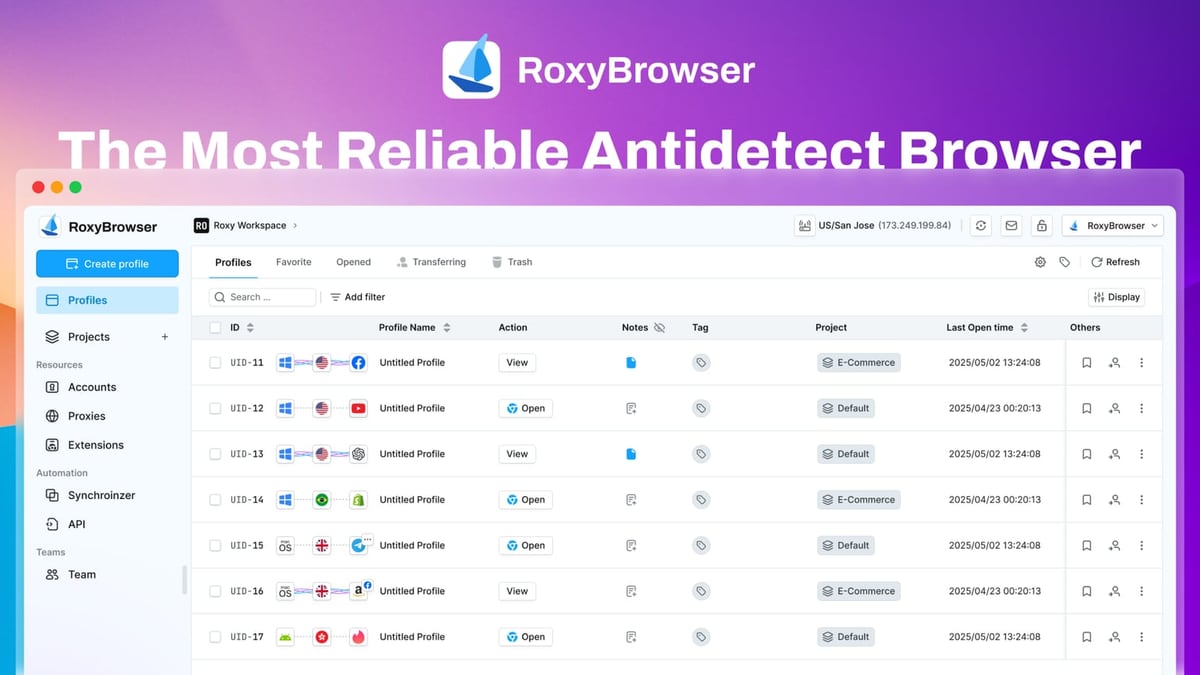
DuoPlus Cloud Phone vs RoxyBrowser: Cloud Phone vs Antidetect Browser product interface and feature overview.
RoxyBrowser is a desktop antidetect browser that creates isolated browser profiles with unique digital fingerprints. Each profile spoofs parameters like canvas, WebGL, fonts, and user agent to prevent websites from linking accounts. It integrates natively with RoxyIP proxies and supports automation through Puppeteer, Selenium, and Playwright.
RoxyBrowser is popular among SEO specialists, media buyers, web scrapers, and affiliate marketers who operate accounts through web browsers on desktop. It offers a lean, multi‑platform client for Windows and macOS, plus team workspaces. For a deeper dive, read our in‑depth RoxyBrowser review.
Key Differences at a Glance
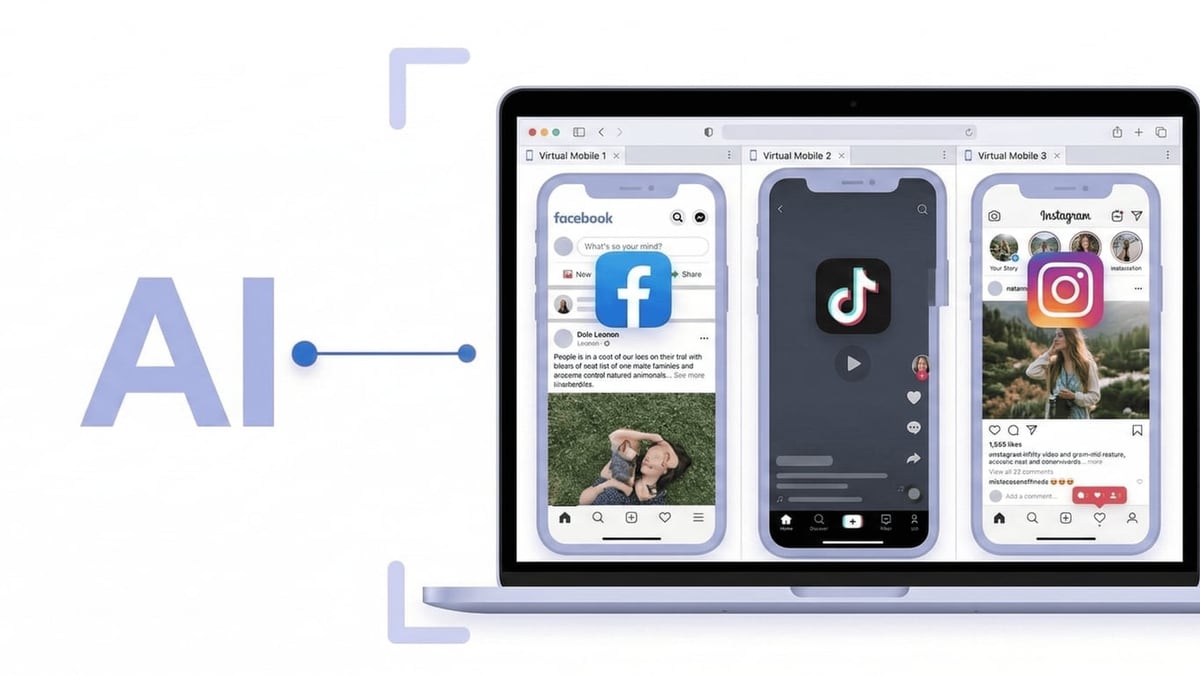
DuoPlus Cloud Phone vs RoxyBrowser: Cloud Phone vs Antidetect Browser product interface and feature overview.
| Feature | DuoPlus Cloud Phone | RoxyBrowser |
|---|---|---|
| Type | Real Android cloud phone (ARM chip) | Desktop antidetect browser |
| Underlying OS | Android 15, full mobile environment | Windows/macOS browser application |
| Fingerprinting | Hardware‑level (IMEI, MAC, serial, sensors) | Browser‑level (canvas, WebGL, fonts, user‑agent) |
| Mobile App Support | Runs native Android apps (TikTok, WhatsApp, etc.) | Cannot run mobile apps; only web‑based platforms |
| GPS & SIM Simulation | 150+ country GPS, real SIM card data per instance | None; location relies solely on proxy IP |
| Automation | No‑code AI Agent, RPA, Local API for apps | Selenium, Puppeteer, Playwright for browsers |
| SMS Verification | Built‑in cloud numbers | Not available (requires external service) |
| Team Sharing | One‑click profile sharing, collaboration | Workspaces for profile sharing |
| Pricing Model | Pay‑per‑use, free trial with credits | Free plan plus scalable paid tiers, 7‑day trial |
Why a Real Cloud Phone Beats an Antidetect Browser for Mobile Apps
Modern platforms like TikTok, Instagram, and WhatsApp are mobile‑first. Their detection algorithms scrutinize far more than browser fingerprints. They check sensor data, app installation IDs, device model consistency, GPS coordinates, and even baseband versions. A browser‑side spoof—no matter how sophisticated—simply cannot mimic the full sensor suite and telemetry of a physical Android handset.
DuoPlus Cloud Phone eliminates this gap. Each cloud phone instance is backed by a genuine ARM chip and runs a complete Android OS. When you launch the TikTok app inside DuoPlus, the platform sees a real mobile device with plausible GPS location, SIM carrier information, and hardware identifiers. RoxyBrowser can only open the TikTok website, which often lacks features, triggers more security checks, and exposes a browser‑based fingerprint that sharply differs from what the platform expects from a phone.
Practical example: A dropshipping team managing 30 TikTok Shop accounts uses DuoPlus to assign each account a unique Android environment with a local UK GPS and a UK SIM. They upload product videos directly from the mobile app, interact with the For You page, and respond to comments using the DUO+ AI Agent. RoxyBrowser could not replicate this mobile‑app‑centric workflow, risking device mismatch flags and account bans.
Automation Showdown: AI Agent vs. Scripting
DuoPlus’s DUO+ AI Agent (introduced recently) takes a no‑code, human‑like approach. With one command, you can instruct the agent to switch between apps, tap interface elements, fill forms, and execute multi‑step workflows across hundreds of instances simultaneously. There is no need to write scripts or maintain complex automation frameworks.
RoxyBrowser’s automation relies on Puppeteer, Selenium, or Playwright. That is powerful for browser‑based tasks like scraping SERPs or automating Facebook Ads Manager. However, it is completely useless for native mobile apps. For cross‑border sellers who update product listings on both Shopify (web) and TikTok Shop (app), DuoPlus can handle the entire chain with a single RPA robot or AI Agent flow. You can even connect DuoPlus to desktop automation platforms like UiPath for more advanced workflows.
Where RoxyBrowser Still Excels—and Its Critical Weakness

DuoPlus Cloud Phone vs RoxyBrowser: Cloud Phone vs Antidetect Browser product interface and feature overview.
RoxyBrowser shines when your accounts live exclusively inside a desktop browser. SEO professionals checking rankings from different IPs, Facebook Ads managers toggling between client accounts, or media buyers verifying display ads all benefit from its lightweight profiles and instant cleanup. The tight integration with RoxyIP proxies simplifies geo‑targeting without additional setup.
The critical weakness of RoxyBrowser—and any antidetect browser—is that it cannot run mobile apps. If your work touches TikTok, Instagram, WhatsApp, Snapchat, or any app‑based platform, you are forced to use the web version, which is often stripped down, more aggressively monitored, and lacks essential features. Moreover, browser fingerprinting alone cannot spoof mobile‑specific hardware signals, leaving accounts vulnerable to advanced detection logic. DuoPlus closes that vulnerability entirely by providing a complete mobile operating system.
Pricing and Trial: Which Offers Better Value?
DuoPlus Cloud Phone offers a free trial with usage credits and a pay‑per‑use model starting at $1.36 per cloud phone unit per month (billed by usage). You pay only for the instances you spin up, making it cost‑effective for scaling from 10 to thousands of devices on demand.
RoxyBrowser provides a limited free plan and then moves to subscription tiers (e.g., Professional at $99/month for 150 profiles). Keep in mind that you must still purchase proxies separately and, if mobile app access is ever needed, you will have to invest in another solution like a cloud phone or physical device farm—making the total cost higher than it appears.
Which One Should You Choose?
Choose DuoPlus Cloud Phone if:
- You run mobile‑first accounts (TikTok, Instagram, WhatsApp, Vinted, Zalo, Tinder).
- You need hardware‑level fingerprinting with real GPS and SIM simulation.
- You want no‑code AI automation that works across apps.
- SMS verification matters for your account creation flow.
- You value a single platform that can also handle web tasks through Android Chrome.
Consider RoxyBrowser only if:
- Your operations are 100% browser‑based (Google Ads, SEO, affiliate landing pages).
- You never need to touch a mobile app.
- You have a strong preference for desktop browser automation scripts.
For the vast majority of multi‑account operators today, DuoPlus Cloud Phone delivers a more complete, future‑proof solution. Its real‑device architecture protects accounts in ways that an antidetect browser simply cannot match. Even if you occasionally need a desktop browser environment, DuoPlus’s Android instances can run Chrome and handle those tasks, while still keeping all your mobile assets under one roof. For a broader comparison with browser‑based tools, see how DuoPlus stacks up against SessionBox One or MoreLogin and Antidetect Cloud.
Related reading
- VMOS Review: Android Virtualization & Cloud Platform Tested - In-depth VMOS review covering Android cloud devices, multi-account management, safety, pricing, and how it stacks up against anti-detect browsers and cloud phones for e-commerce, social, and automation.
- Top 10 Web Scraping and Automation Platforms 2026 - Compare the top 10 web scraping & automation platforms of 2026. Honest review of Apify, Zyte, Octoparse, Browse AI & more with real use cases & pricing.
Sources and further reading
- DuoPlus Cloud Phone Alternatives - Crozdesk - DuoPlus Cloud Phone Alternatives - CrozdeskCrozdeskhttps://crozdesk.com › software › alternativesCrozdeskhttps://crozdesk.com › software › alternatives
Frequently Asked Questions
Can DuoPlus Cloud Phone completely replace an antidetect browser like RoxyBrowser?
Yes, for any task that can be performed on a mobile device. DuoPlus runs a full Android OS, so you can use Chrome or any Android browser inside a cloud phone instance and achieve browser‑level isolation with the added benefit of mobile hardware fingerprinting. However, if you specifically need a Windows/macOS desktop browser environment (e.g., for testing browser extensions), RoxyBrowser would still be relevant.
Does RoxyBrowser support mobile app usage?
No. RoxyBrowser is strictly a desktop browser application. It cannot install or run native Android or iOS apps. Any mobile app must be accessed via its web version, if available—and many platforms (TikTok, WhatsApp) offer limited web functionality compared to the app.
Which tool is better for crypto airdrop farming?
DuoPlus Cloud Phone is far better. Most crypto airdrops and testnet tasks require interacting with mobile wallets and dApps that are often only available as APKs. A real Android environment with unique, clean fingerprints is essential to avoid sybil detection. DuoPlus’s GPS and SIM simulation add another layer of credibility.
Can I automate tasks without coding on both platforms?
DuoPlus provides the DUO+ AI Agent, which requires no coding—just natural language commands or action recording. RoxyBrowser automation requires scripting with Puppeteer, Selenium, or Playwright, which demands programming knowledge. For non‑developers, DuoPlus offers a far gentler learning curve.
What about cost‑effectiveness for 50 accounts?
With DuoPlus’s pay‑per‑use model, 50 cloud phone units would cost roughly $68/month at the base rate (not including discounts). On RoxyBrowser, a plan supporting 150 profiles runs $99/month, but you still need separate proxy subscriptions and possibly additional tools for mobile verification. When mobile app presence is part of your stack, DuoPlus provides better total value by bundling device, fingerprint, GPS, SIM, and automation into one price.
Final Verdict
Multi‑account management is no longer just about spoofing a browser fingerprint. Platforms have grown smarter, and mobile‑first networks demand a mobile‑level defense. DuoPlus Cloud Phone answers that demand with real ARM‑powered Android environments, global SIM and GPS emulation, and no‑code AI automation—a combination that RoxyBrowser’s desktop‑bound antidetect approach cannot replicate. Whether you are scaling a social media agency, running an e‑commerce empire, or farming crypto airdrops, starting with a genuine cloud phone ensures your accounts stay safe, separate, and ready to scale.
For more hands‑on comparisons and platform reviews, browse DuoPlus Cloud Phone’ detailed guides on cloud phones and automation platforms.