
DuoPlus Cloud Phone vs RoxyBrowser vs MoreLogin
Compare DuoPlus Cloud Phone, RoxyBrowser, and MoreLogin for multi-account management. See which fits Android cloud phones, anti-detect browsing, or automation.

DuoPlus Cloud Phone vs RoxyBrowser vs MoreLogin: Which Multi-Account Tool Fits Your Workflow?
Choosing between an anti-detect cloud phone and an antidetect browser is not a simple feature checklist exercise. The right tool depends on whether your accounts live inside mobile apps, web browsers, or both. DuoPlus Cloud Phone, RoxyBrowser, and MoreLogin each approach multi-account isolation from a different angle, and that difference determines how safe, scalable, and automated your operation can be.
This comparison breaks down the three platforms across the criteria that matter most for social media marketers, e-commerce operators, affiliate teams, and agencies: environment type, fingerprint isolation, automation, team collaboration, and pricing. You will also find practical guidance on when each tool makes sense.
Quick Overview: Three Different Architectures
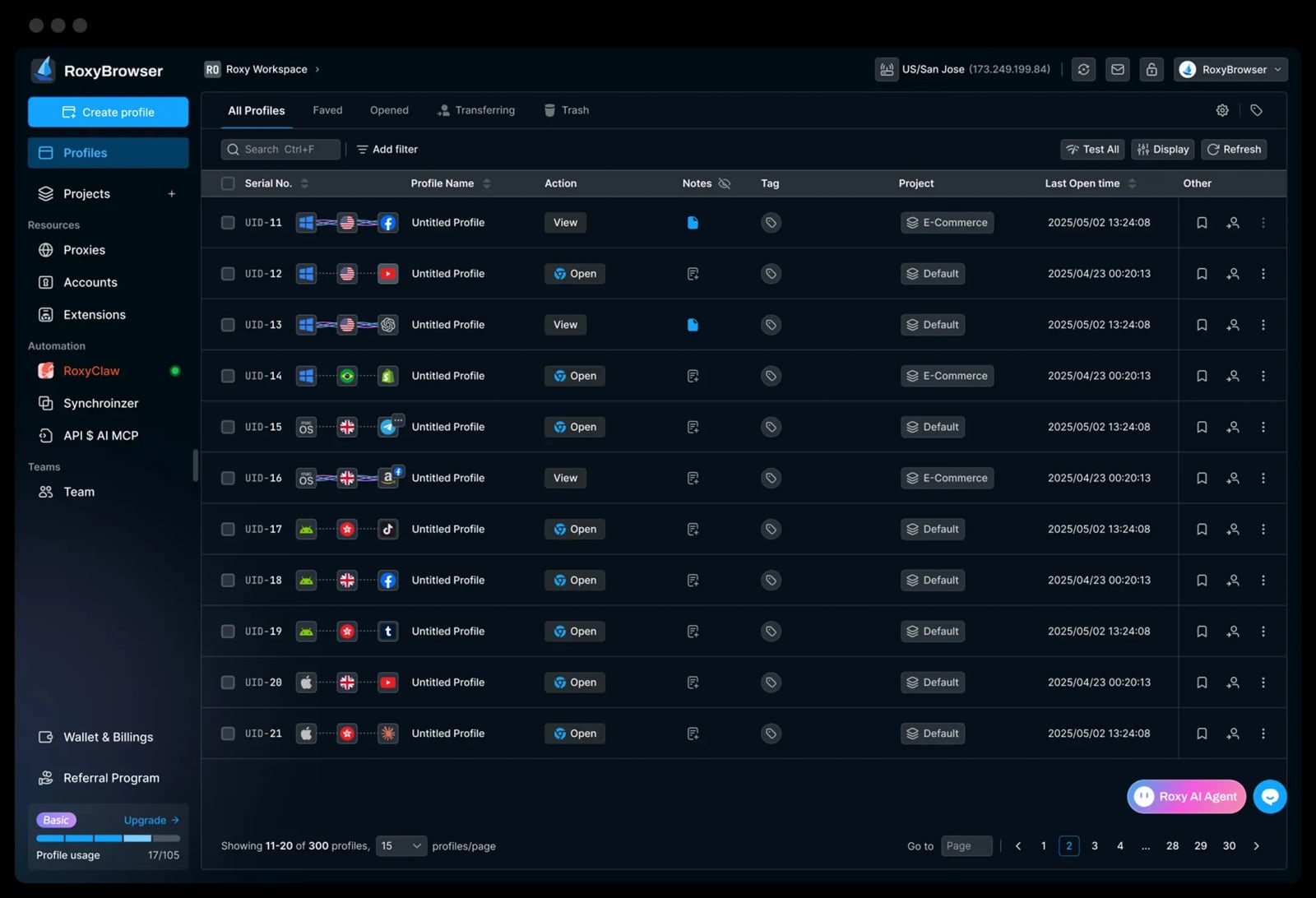
RoxyBrowser product interface.
Before diving into feature-by-feature analysis, it helps to understand what each product fundamentally is.
| Platform | Core Architecture | Primary Use Case |
|---|---|---|
| DuoPlus Cloud Phone | Real ARM-based Android 15 virtual devices in the cloud | Mobile-first multi-account management for TikTok, Instagram, YouTube, and other app-centric platforms |
| RoxyBrowser | Chromium-based antidetect browser profiles | Web-based multi-account management, SERP analysis, ad verification, and scraping |
| MoreLogin | Hybrid: antidetect browser profiles plus Android cloud phones | Unified workspace for web and mobile account operations with automation |
The architectural difference is the single most important factor in this comparison. A browser profile isolates cookies, local storage, and browser fingerprints. A cloud phone isolates an entire Android operating system, including device identifiers, SIM data, GPS location, and app-level signals.
Environment Isolation: Cloud Phone vs Browser Profile
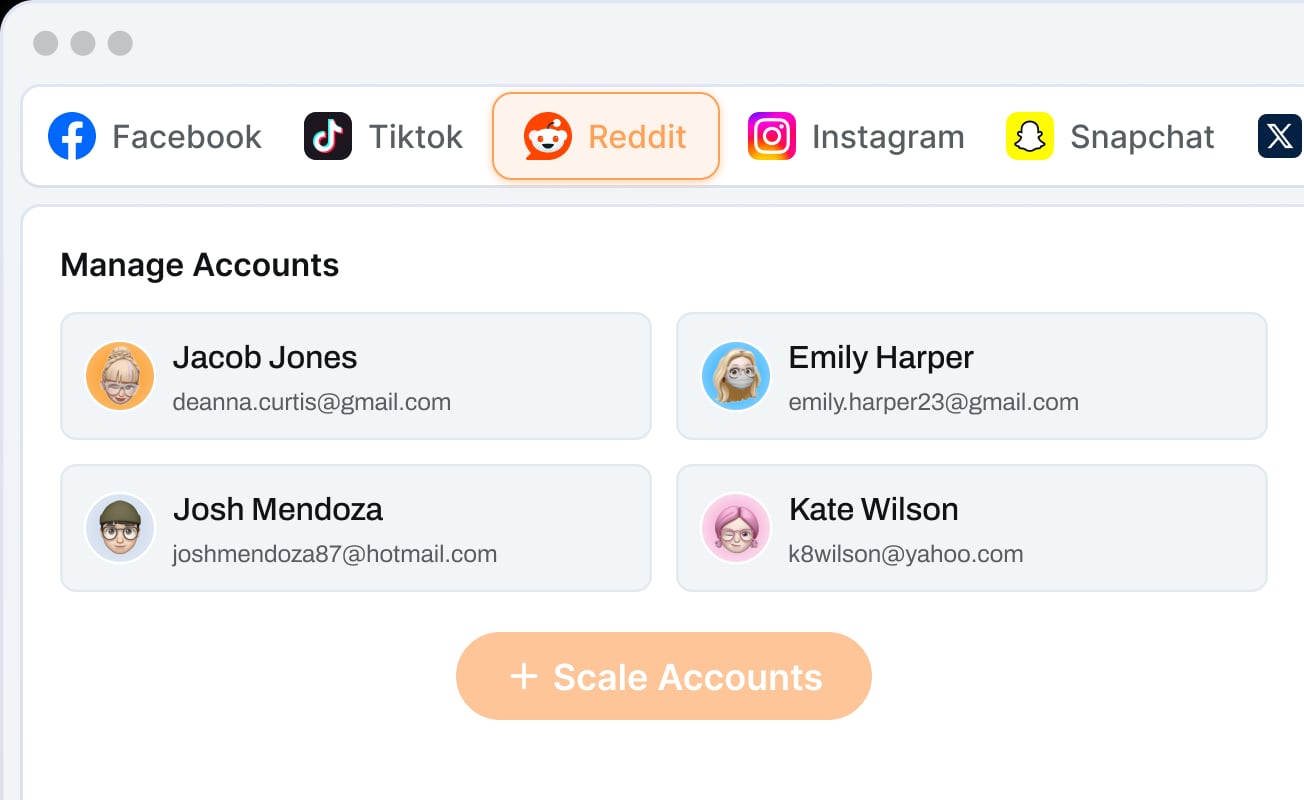
RoxyBrowser product interface.
DuoPlus Cloud Phone: Full Android Device Isolation
DuoPlus Cloud Phone positions itself as the world's first Android 15 anti-detect cloud phone platform. Each instance is a real ARM-based virtual Android device hosted in the cloud, not an emulator running on your local machine. Every cloud phone carries an independent device fingerprint, simulated GPS location, dedicated SIM data, and proxy IP.
This device-level isolation matters because mobile platforms like TikTok and Instagram read far more signals than a browser can expose. App installations, device model, battery status, sensor data, and carrier information all contribute to how a platform evaluates account legitimacy. A cloud phone replicates these signals natively, which is why DuoPlus markets itself as a replacement for physical device farms.
RoxyBrowser: Browser Fingerprint Isolation
RoxyBrowser isolates accounts at the browser profile level. Each profile gets a unique browser fingerprint, separate cookies, and independent local storage. The platform integrates tightly with RoxyIP proxy infrastructure, so each profile can also carry its own IP address and geolocation.
This approach is effective for web-based platforms: Facebook Business Manager, Google Ads, Amazon seller accounts, and affiliate dashboards. It is lighter than a cloud phone, consumes fewer resources, and launches faster. However, it cannot replicate native mobile app environments. If your workflow requires the TikTok or Instagram mobile app, a browser profile alone will not cover it.
MoreLogin: Both Architectures in One Platform
MoreLogin combines an antidetect browser with cloud-based Android devices. Its dual-engine design means you can run browser profiles for web accounts and full Android OS cloud phones for mobile accounts from the same dashboard. This hybrid approach appeals to teams whose operations span both environments.
MoreLogin's browser profiles use stable fingerprint technology, while its cloud phones provide complete Android environments. The platform reports over 5,000,000 accounts safeguarded across seven years of operation, which signals a mature fingerprinting engine on the browser side.
Fingerprint Quality and Anti-Detection Depth
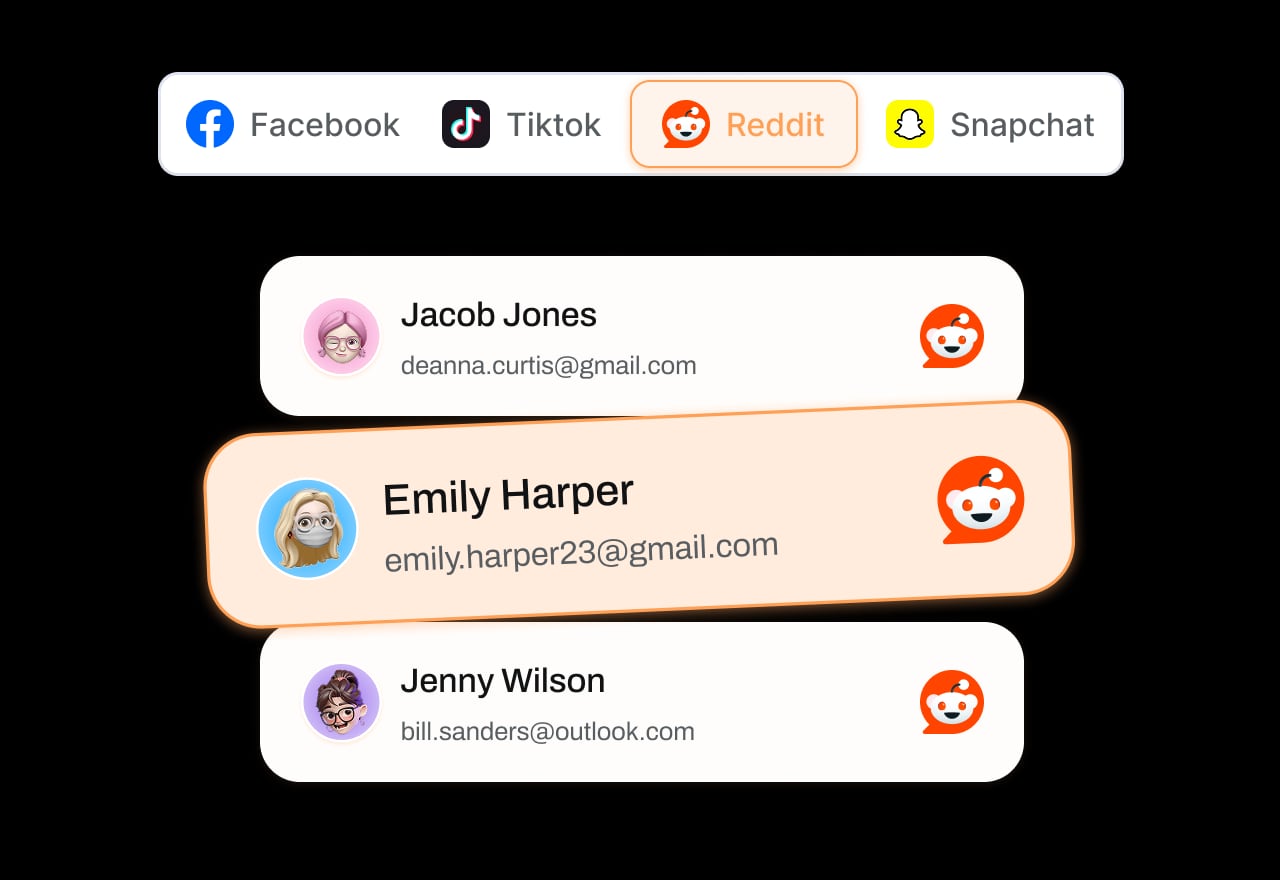
RoxyBrowser product interface.
All three platforms claim advanced fingerprint protection, but the depth of what they protect differs.
DuoPlus Cloud Phone protects device-level parameters that browsers cannot touch: IMEI, Android version, device model, SIM carrier, GPS coordinates, and network settings. Its one-click reskin feature refreshes all device parameters instantly, which is useful for account rotation without provisioning a new device from scratch.
RoxyBrowser focuses on browser-level fingerprint isolation: canvas, WebGL, user agent, fonts, timezone, and WebRTC. It is designed to make each browser profile appear as a distinct local user. For web-only platforms, this is sufficient. For mobile app platforms, it is irrelevant because there is no app environment to protect.
MoreLogin covers both layers. Browser profiles receive fingerprint isolation comparable to dedicated antidetect browsers, while its cloud phones provide Android device fingerprints. The zero-knowledge encrypted sync adds a security layer for teams that share profiles across devices.
Automation Capabilities
DuoPlus: No-Code AI Agent for App Automation
DuoPlus includes the DUO+ AI Agent, a no-code automation layer that accepts natural-language commands. Users can instruct the agent to automate app interactions such as posting, commenting, or following across cloud phone instances. This removes the need to write scripts or configure RPA templates manually.
For social media matrix operations, this is a meaningful advantage. A marketer managing 20 TikTok accounts can issue one command and have the AI agent execute the same action across all instances, with each account operating from its own isolated device environment.
RoxyBrowser: Developer-Focused Automation
RoxyBrowser supports automation through Puppeteer, Selenium, and Playwright. This is a developer-centric approach: you write scripts that control browser profiles programmatically. For teams with engineering resources, this offers precise control over web workflows such as form filling, scraping, and ad verification.
The limitation is that RoxyBrowser's automation operates only at the browser level. It cannot automate native mobile apps, and it requires coding knowledge to use effectively.
MoreLogin: Multi-Layer Automation
MoreLogin supports automation through RPA, APIs, CLI, and MCP across both browser profiles and cloud phones. This breadth is unusual. Teams can use RPA templates for no-code browser automation, APIs for programmatic control, and CLI for infrastructure-level operations.
MoreLogin's pay-as-you-go cloud phone billing also makes it practical to spin up mobile instances for short automation runs without committing to monthly device subscriptions.
Team Collaboration and Centralized Management

DuoPlus Cloud Phone product interface.
All three platforms offer team features, but their depth varies.
DuoPlus Cloud Phone provides a unified dashboard with team sharing and cross-platform control from any browser or device. Team members can access assigned cloud phones without installing local software, which simplifies onboarding for distributed teams.
RoxyBrowser offers Workspaces for team collaboration. Profiles can be organized and shared within workspaces, though the collaboration model is more lightweight than enterprise-grade permission systems.
MoreLogin includes permission management and profile sharing. The zero-knowledge encrypted sync means team members can access shared profiles without exposing credentials, which is valuable for agencies managing client accounts.
Pricing and Accessibility
Pricing models differ significantly across the three platforms.
RoxyBrowser offers a 7-day free trial and scales from a free tier to enterprise plans. This low barrier to entry makes it accessible for solo operators testing antidetect browsing for the first time.
MoreLogin provides a free tier with 2 profiles and 100 cloud phone minutes, then moves to pay-as-you-go billing for cloud phones. This flexible model suits teams that need occasional mobile access without committing to full-time cloud phone subscriptions.
DuoPlus Cloud Phone operates on a per-cloud-phone purchase model. Users buy and control as many cloud phones as needed, which scales predictably for teams running fixed account counts. The unlimited multi-instance support means there is no artificial cap on how many devices a single account can manage.
When to Choose Each Platform
Choose DuoPlus Cloud Phone When:
- Your accounts live primarily in mobile apps such as TikTok, Instagram, YouTube, or Telegram
- You need device-level isolation that browsers cannot provide
- You want no-code AI automation for repetitive app actions
- You are replacing or scaling a physical device farm
- Your team needs browser-based access to cloud phones without local software
DuoPlus is particularly strong for TikTok matrix marketing, YouTube channel management, and dating-app marketing where native mobile app behavior is essential for account trust.
Choose RoxyBrowser When:
- Your accounts are web-based: Google Ads, Amazon, Facebook Business Manager, affiliate dashboards
- You need lightweight, fast-launching browser profiles
- You already use RoxyIP proxies and want native integration
- Your team has developers who can write Puppeteer, Selenium, or Playwright scripts
- You want to start with a free tier and scale gradually
RoxyBrowser is a strong fit for SEO professionals performing unbiased SERP analysis, media buyers verifying ads as real users, and affiliate marketers managing web-based accounts.
Choose MoreLogin When:
- Your operation spans both web and mobile accounts
- You want a single dashboard for browser profiles and Android cloud phones
- You need flexible pay-as-you-go mobile billing
- Your team requires encrypted profile sharing with permission controls
- You want automation options across RPA, APIs, CLI, and MCP
MoreLogin's hybrid architecture makes it a practical middle ground for teams that have outgrown browser-only tools but do not need a dedicated cloud phone platform at full scale.
Practical Example: Scaling a TikTok Operation
Consider a marketer who needs to run 15 TikTok accounts for a matrix strategy.
With RoxyBrowser alone, this workflow is not viable. TikTok's core experience is the mobile app, and browser-based TikTok usage behaves differently from app usage. The platform's anti-fraud systems can flag accounts that only ever access TikTok through a browser.
With DuoPlus Cloud Phone, the marketer provisions 15 Android 15 cloud phones, each with a unique device fingerprint, dedicated SIM, and GPS-matched proxy IP. The DUO+ AI Agent automates posting and engagement across all 15 instances. Team members access the dashboard from any browser to monitor performance.
With MoreLogin, the marketer could run the same 15 accounts on cloud phones while also managing associated web properties such as link-in-bio landing pages or analytics dashboards through browser profiles. The pay-as-you-go billing keeps costs flexible during testing phases.
Practical Example: Managing Amazon Seller Accounts
For an e-commerce operator managing multiple Amazon seller accounts, the requirements are different.
RoxyBrowser handles this well. Each seller account gets an isolated browser profile with a unique fingerprint and proxy IP. The operator can switch between profiles quickly, and developer automation can handle repetitive tasks like inventory updates or price monitoring.
MoreLogin also works, adding the option to verify mobile app behavior through cloud phones if Amazon's mobile app checks become relevant.
DuoPlus Cloud Phone is less relevant here because Amazon seller operations are primarily web-based. While the cloud phone could technically access Amazon through a mobile browser, it would not leverage DuoPlus's core strength of native app isolation.
Security and Data Protection
Security models differ by architecture.
DuoPlus Cloud Phone isolates each account at the device level, which means a compromise in one cloud phone does not expose browser profiles or local machine data. The cloud-hosted model also means no sensitive account data resides on team members' local devices.
RoxyBrowser stores profiles locally by default, which gives users direct control over their data but requires careful backup practices. The RoxyIP proxy integration centralizes IP management.
MoreLogin uses zero-knowledge encrypted sync, meaning profile data is encrypted before it leaves the local machine. This is a meaningful advantage for agencies handling client credentials.
Limitations to Consider
No platform is without trade-offs.
DuoPlus Cloud Phone is mobile-first. Teams whose operations are primarily web-based may find a browser-only tool more cost-effective and faster to deploy. Cloud phones also consume more resources per account than browser profiles.
RoxyBrowser cannot support native mobile app workflows. If your accounts require the TikTok or Instagram app, RoxyBrowser alone will not meet your needs. Its automation also requires coding skills.
MoreLogin offers breadth but may not match the depth of a dedicated cloud phone platform on the mobile side or a specialized antidetect browser on the web side. Teams with extreme requirements in one direction may prefer a focused tool.
For a deeper look at how DuoPlus compares with other hybrid and browser-focused alternatives, see our DuoPlus Cloud Phone vs BitBrowser vs MoreLogin comparison and the DuoPlus Cloud Phone vs MoreLogin vs SessionBox One breakdown.
Related reading
- DuoPlus Cloud Phone vs Moimobi vs GeeLark: 2026 Comparison - Compare DuoPlus Cloud Phone, Moimobi, and GeeLark for multi-account management. See which fits real Android cloud phones, AI automation, or anti-detect browsing.
- DuoPlus Cloud Phone vs VMOS Cloud vs Nstbrowser: 2026 Comparison - Compare DuoPlus Cloud Phone, VMOS Cloud, and Nstbrowser for multi-account management. See which fits real Android cloud phones, automation, or anti-detect browsing.
Sources and further reading
- DuoPlus vs. MoreLogin Comparison - SourceForge - Compare DuoPlus vs. MoreLogin using this comparison chart. Compare price, features, and reviews of the software side-by-side to make the best choice for your business.
- 9 Best RoxyBrowser Alternatives in 2026 - Multilogin - Looking for RoxyBrowser alternatives? Explore the 9 best RoxyBrowser alternatives in 2026 for multi-accounting
- Best 7 Antidetect Cloud Phone Tools for Multi-account in 2026: Detailed Guide - We compare and list 7 best android cloud phone tools in 2026 and share their honest review, performance so you can pick the best one. VMOS Cloud, GeeLark, MultiLogin, DuoPlus, BitCloudPhone, MoreLogin, and UgPhone included.
Frequently Asked Questions
Is a cloud phone safer than an antidetect browser for multi-accounting?
For mobile app platforms, yes. A cloud phone replicates device-level signals such as IMEI, SIM data, and sensor information that browsers cannot expose. For web-only platforms, a well-configured antidetect browser is usually sufficient and more cost-effective.
Can RoxyBrowser run TikTok accounts?
RoxyBrowser can access TikTok through a browser, but this is not equivalent to using the TikTok mobile app. Accounts that only ever appear through browser access may behave differently from typical users and can attract platform scrutiny. For TikTok matrix operations, a cloud phone is the more reliable approach.
Does MoreLogin replace the need for a dedicated cloud phone platform?
It depends on scale and depth. MoreLogin's cloud phones cover mobile workflows, but teams running large mobile-first operations may prefer a platform like DuoPlus that is purpose-built for Android cloud phone isolation and includes no-code AI automation.
What is the main advantage of DuoPlus Cloud Phone over browser-based tools?
DuoPlus provides full Android 15 device environments in the cloud. Each instance has an independent device fingerprint, GPS location, SIM data, and proxy IP. This device-level isolation is fundamentally different from browser profile isolation and is essential for platforms that read app-level signals.
Which tool is best for a small team on a budget?
RoxyBrowser's free tier and 7-day trial make it the most accessible starting point for web-based workflows. MoreLogin's free tier with 2 profiles and 100 cloud phone minutes is a good option for teams that need occasional mobile access. DuoPlus is best evaluated when you have a defined mobile account count and want predictable per-device scaling.
Conclusion
DuoPlus Cloud Phone, RoxyBrowser, and MoreLogin solve related but distinct problems. RoxyBrowser is a focused antidetect browser for web-based multi-accounting with strong proxy integration and developer automation. MoreLogin bridges web and mobile with a hybrid platform that includes both browser profiles and Android cloud phones. DuoPlus Cloud Phone goes deepest on the mobile side, providing real Android 15 cloud devices with device-level fingerprint isolation and no-code AI automation for app-centric platforms.
The decision comes down to where your accounts live. If they live in mobile apps, choose a cloud phone platform. If they live in browsers, an antidetect browser is the lighter and often cheaper option. If they span both, a hybrid platform like MoreLogin may be the most practical single-dashboard solution. For teams whose growth depends on native mobile app trust at scale, DuoPlus Cloud Phone's device-level isolation and AI automation make it a compelling alternative to both browser profiles and physical device farms.
For further comparisons with other tools in this category, explore our DuoPlus Cloud Phone vs AdsPower vs Antidetect Cloud analysis or the DuoPlus Cloud Phone vs Hidemium vs BitBrowser comparison.