
DuoPlus Cloud Phone vs RoxyBrowser vs VMOS: Compared
Compare DuoPlus Cloud Phone, RoxyBrowser, and VMOS for multi-account management. See how real Android cloud phones stack up against an antidetect browser for mobile apps and web automation.
DuoPlus Cloud Phone vs RoxyBrowser vs VMOS: Which Multi-Account Tool Fits Your Workflow?
Managing multiple online accounts without triggering platform bans is a core challenge for social media marketers, e-commerce operators, and affiliate teams. The right tool can mean the difference between seamless scaling and constant account suspensions. Three names that frequently surface in this conversation are DuoPlus Cloud Phone, RoxyBrowser, and VMOS. Each approaches the problem from a different technical angle—real cloud-hosted Android devices, isolated browser profiles, and virtualized Android environments. This comparison breaks down how they work, where they excel, and which operational needs they genuinely serve.
Quick Overview: Real Phones, Virtual Phones, and Secure Browsers
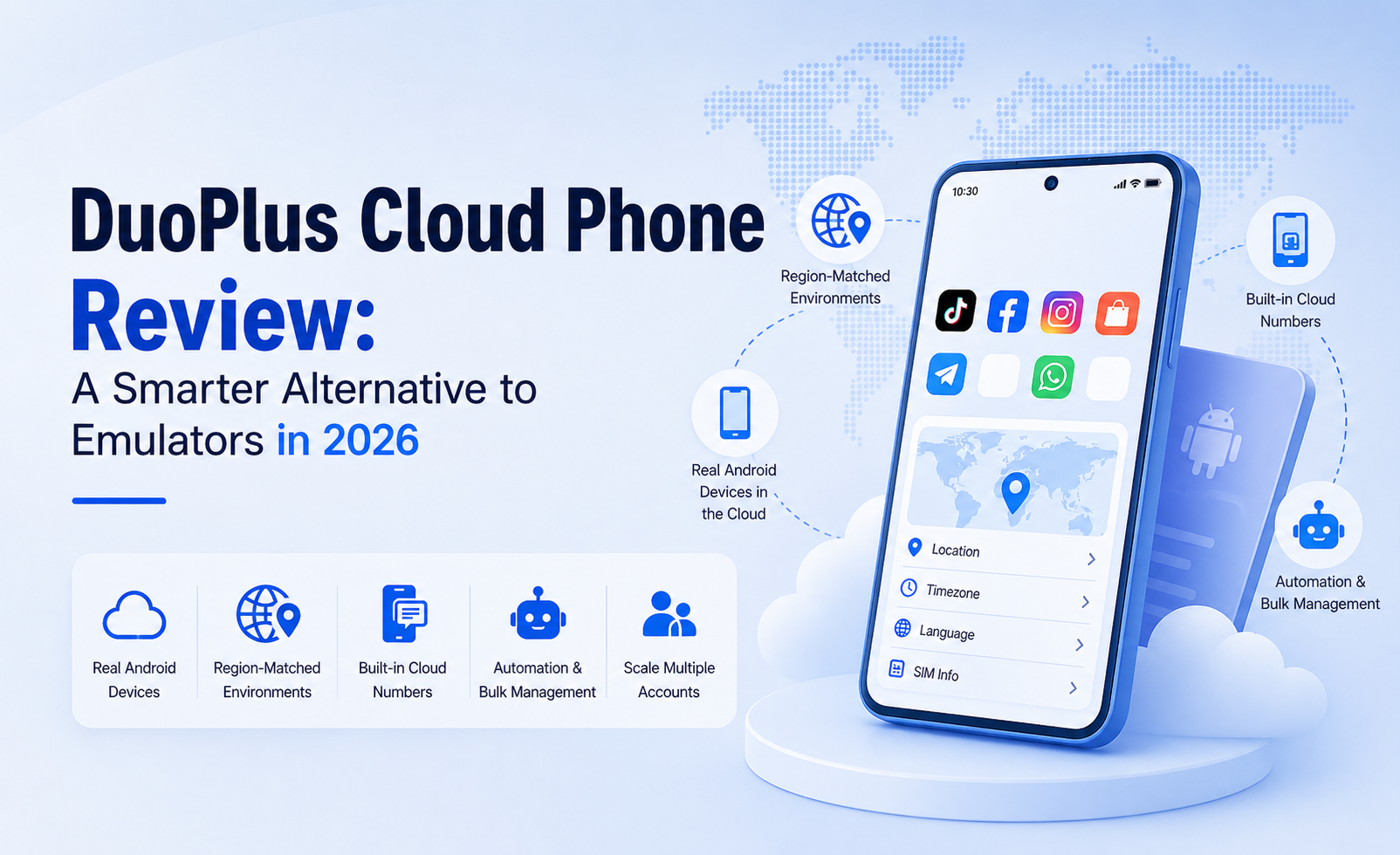
DuoPlus Cloud Phone vs RoxyBrowser vs VMOS: Compared - Quick Overview: Real Phones, Virtual Phones, and Secure Browsers.
Before diving into specifics, it helps to understand the fundamental difference. DuoPlus Cloud Phone provides actual ARM-based Android devices hosted in the cloud. RoxyBrowser is an antidetect browser that creates isolated web browsing profiles on your desktop. VMOS offers a virtual Android layer that can run on cloud servers or locally on a device. Your choice depends heavily on whether you need to run mobile apps, manage web-based accounts, or both.
What Is DuoPlus Cloud Phone?
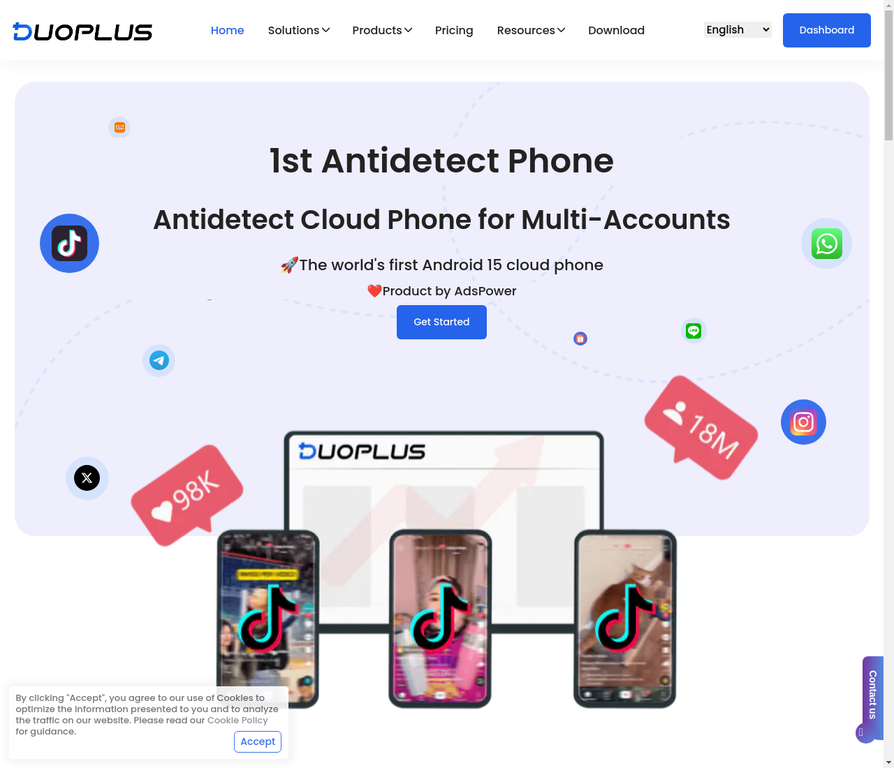
DuoPlus Cloud Phone vs RoxyBrowser vs VMOS: Compared - What Is DuoPlus Cloud Phone?.
DuoPlus Cloud Phone is a cloud platform that gives you remote access to real Android phones—not emulators—running on ARM chips. Each instance comes with a unique device fingerprint, a dedicated SIM card, GPS simulation, and its own proxy IP. Because the hardware is genuine, platforms like TikTok, Instagram, and WhatsApp see the device as a physical smartphone located in the region you select.
This architecture solves a specific pain point: mobile app account creation and management at scale. You can spin up dozens or hundreds of cloud phones, install apps directly from the Play Store, and operate them from a unified browser dashboard. The platform includes an AI Agent that accepts natural-language commands to automate repetitive in-app actions—posting, commenting, following—without writing code. For teams running TikTok matrix strategies or cross-border e-commerce storefronts that must appear locally operated, this hardware-level authenticity is difficult to replicate with software-only solutions.
What Is RoxyBrowser?
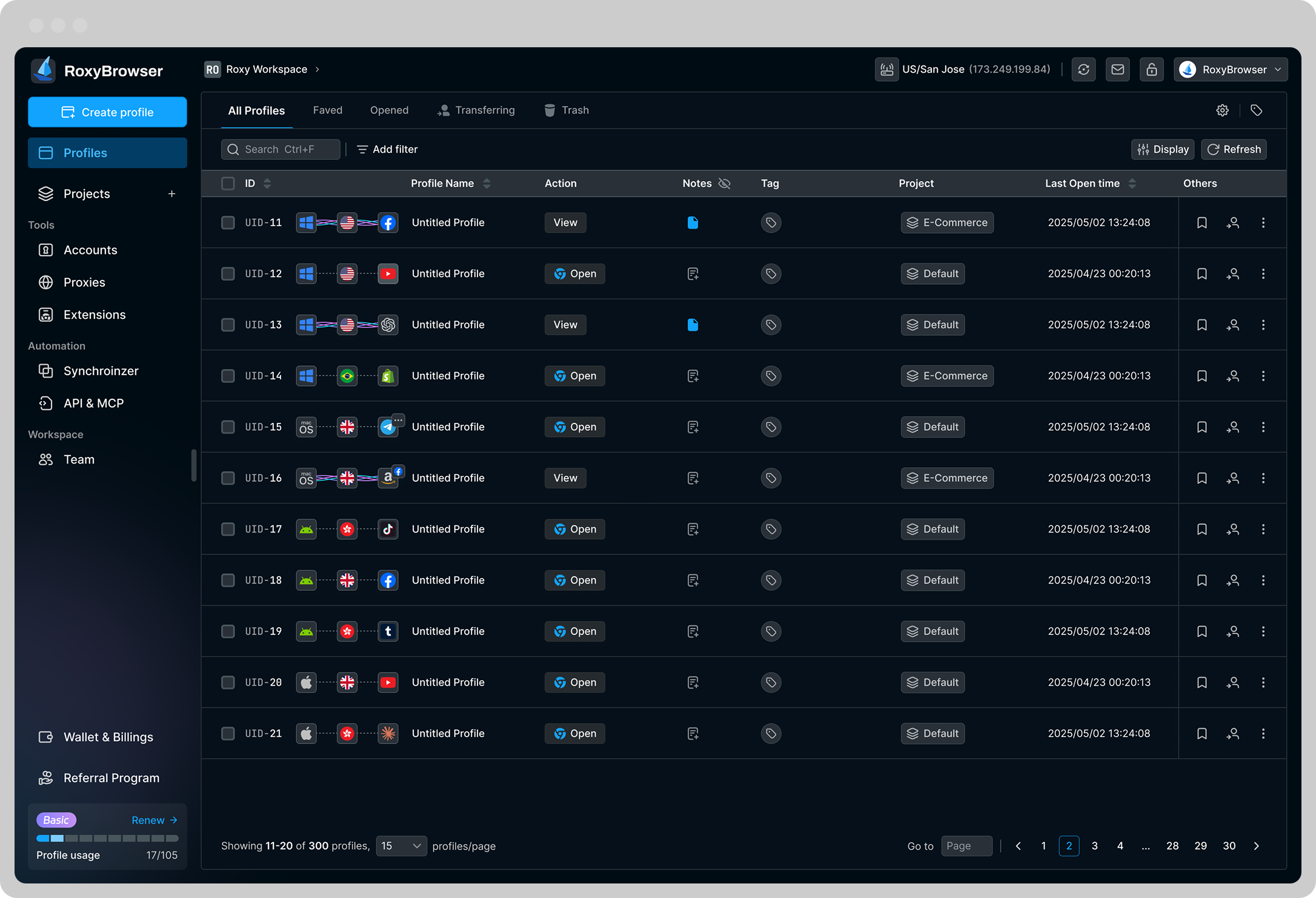
DuoPlus Cloud Phone vs RoxyBrowser vs VMOS: Compared - What Is RoxyBrowser?.
RoxyBrowser is an antidetect browser designed to protect digital identities during web-based multi-account operations. It creates isolated browser profiles, each with a unique fingerprint that covers parameters like WebGL, canvas, fonts, and user agent. When paired with RoxyIP proxy infrastructure, every profile appears to originate from a different device and network.
This tool shines for workflows that live entirely in the browser: managing multiple Facebook ad accounts, running SEO rank-tracking campaigns, verifying localized ads, or operating e-commerce seller accounts on Amazon and Shopify. RoxyBrowser supports automation frameworks like Puppeteer, Selenium, and Playwright, so teams can script repetitive browser tasks. Team collaboration features let you share profiles through Workspaces without exposing passwords. Because it runs on your own hardware, performance depends on your machine, but you avoid per-device cloud hosting fees.
What Is VMOS?
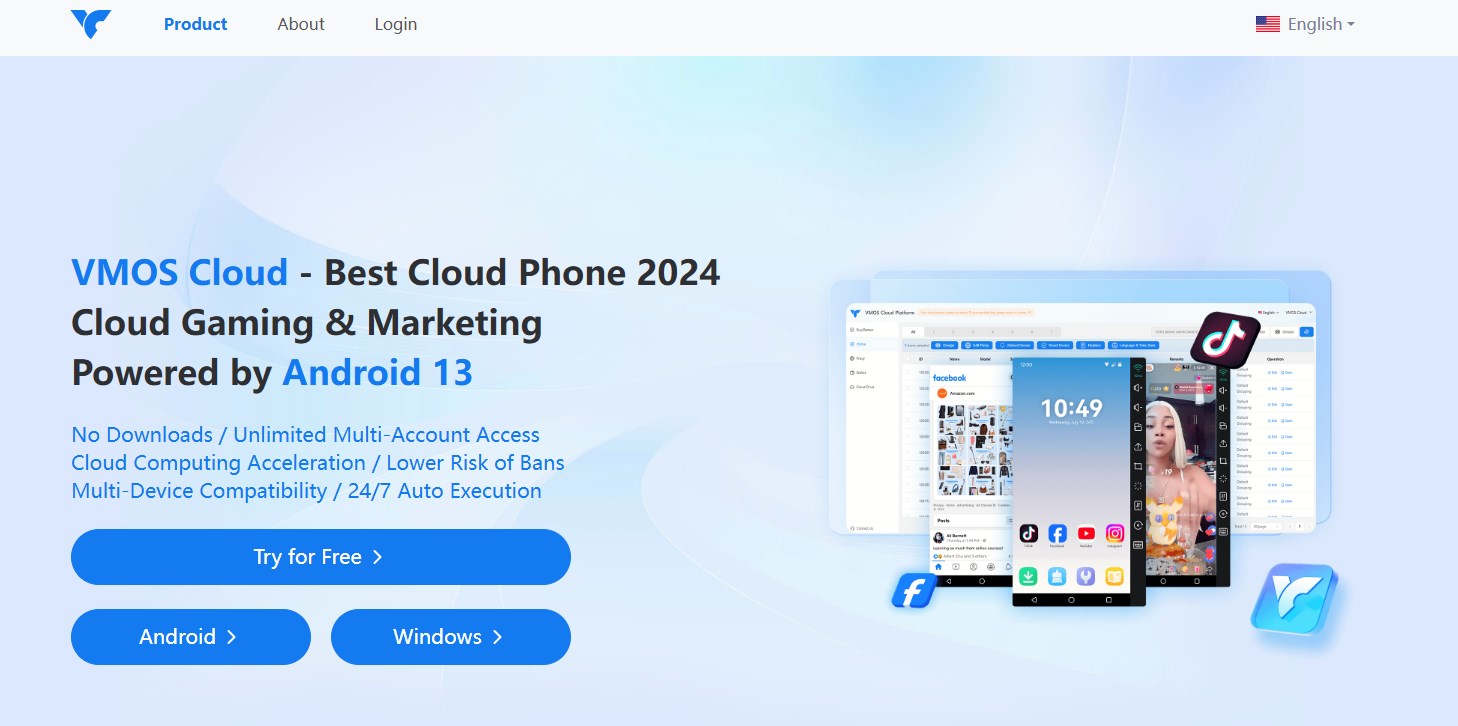
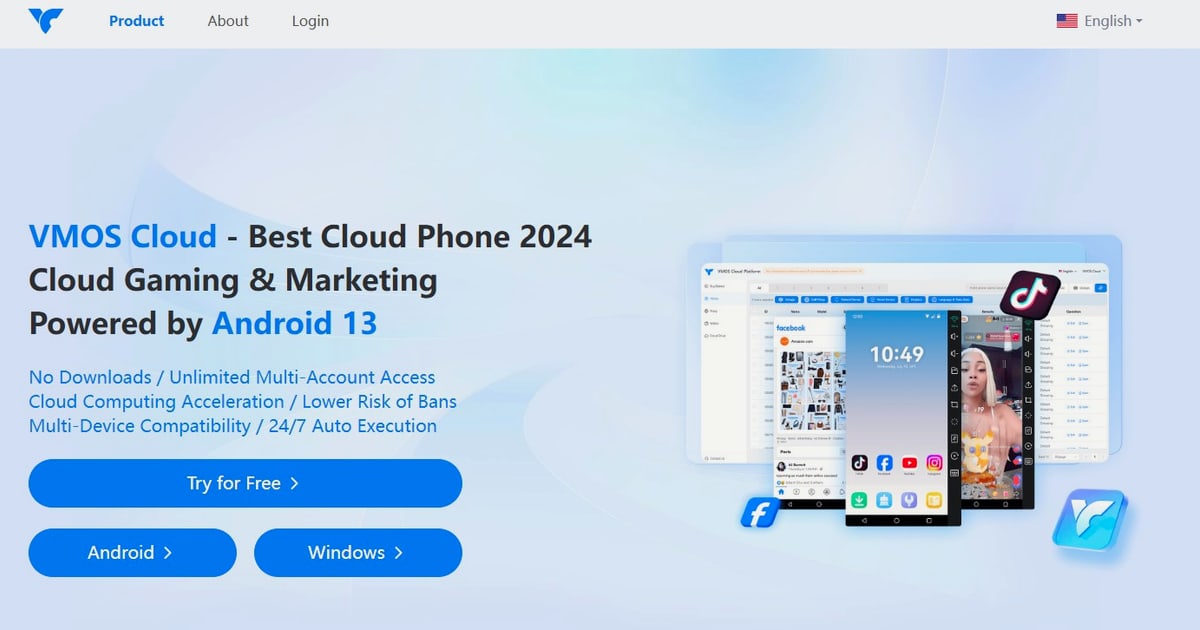
DuoPlus Cloud Phone vs RoxyBrowser vs VMOS: Compared - What Is VMOS?.
VMOS is an Android virtualization platform that creates virtual Android environments either on cloud servers or locally on a physical device. Its cloud offering provides remote Android instances that users can access for app-based multi-accounting, while its local VMOS app lets you run a second Android system inside your phone. The platform integrates global proxy networks and includes AI-powered customer service tools.
VMOS positions itself as an all-in-one solution for cross-border teams who need both virtual devices and proxy management under one roof. It supports root access by default, which appeals to users who need deep system-level control for automation or custom configurations. The platform is particularly visible in the TikTok automation space, where its AI Agent can handle likes, comments, and posting routines. Pricing starts at an accessible entry point, making it a common first step for solo creators testing cloud phone operations.
Head-to-Head Comparison
Anti-Detection and Fingerprint Authenticity
DuoPlus Cloud Phone holds a structural advantage here. Because it runs on real ARM hardware with genuine IMEI numbers, MAC addresses, and SIM data, platforms cannot distinguish these cloud phones from physical devices through hardware fingerprinting. This matters most for mobile-first platforms that aggressively scan for emulator signatures.
RoxyBrowser takes a different but equally valid approach for web-based accounts. Its fingerprint isolation creates unique browser environments that pass standard antidetect checks. The profiles are software-generated, but for browser-only platforms, this level of isolation is typically sufficient. The key limitation is that RoxyBrowser cannot run mobile apps natively—it is strictly a desktop browser tool.
VMOS uses software virtualization, which can be detected by platforms that specifically look for emulator environments. While VMOS simulates device parameters, the underlying virtualized architecture does not achieve the same hardware-level authenticity as a real ARM device. For platforms with rigorous emulator detection, this creates a higher risk profile.
Multi-Account Management and Scalability
All three tools support multi-account workflows, but the scale and type differ. DuoPlus offers unlimited instances—you purchase and control as many cloud phones as needed, each fully independent. The one-click reskin feature instantly refreshes all device parameters, which is practical for rapid account rotation. A centralized dashboard lets teams share devices and manage operations across browsers and devices.
RoxyBrowser scales through browser profiles. You can create hundreds of profiles, each with its own cookies, local storage, and fingerprint. Team Workspaces allow collaborative profile management. The ceiling is your computer's resources and your proxy budget, not a per-instance cloud fee.
VMOS supports multiple cloud instances, though the exact scaling ceiling depends on your subscription tier. The platform includes group control features for operating several devices simultaneously, which helps with synchronized actions across accounts.
Automation Capabilities
DuoPlus integrates the DUO+ AI Agent, which translates natural-language instructions into automated app interactions. This no-code approach lowers the barrier for teams without dedicated developers. For users who prefer traditional automation, the platform also includes RPA tools at no extra cost.
RoxyBrowser supports headless browser automation through Puppeteer, Selenium, and Playwright. This is a developer-friendly approach that gives precise control over web-based workflows. If your automation needs are browser-centric—form filling, data scraping, ad verification—this integration model is mature and well-documented.
VMOS provides AI-powered TikTok automation for engagement actions like liking, commenting, and following. The automation is purpose-built for social media growth workflows rather than general-purpose scripting.
Team Collaboration
DuoPlus centralizes account operations in a unified dashboard that supports team sharing and cross-platform control. Team members can access assigned cloud phones without sharing login credentials directly.
RoxyBrowser offers Workspaces for team profile sharing, with granular permission controls. This is effective for distributed teams managing browser-based accounts.
VMOS includes team-oriented features but with less emphasis on enterprise-grade collaboration compared to DuoPlus. Its feature set leans more toward individual creators and small teams.
Geographic Coverage and Proxy Integration
DuoPlus deploys real ARM hardware across 150+ countries, with built-in GPS simulation and dedicated SIM data for each instance. This global infrastructure is purpose-built for operators who need to appear local in specific markets.
RoxyBrowser integrates natively with RoxyIP proxy infrastructure, offering a streamlined setup for users within that ecosystem. It also supports third-party proxies for broader flexibility.
VMOS includes global proxy networks as part of its product matrix, allowing users to assign regional IPs to their cloud instances. The integration is convenient but may offer less granular geographic precision than DuoPlus's hardware-level localization.
When to Choose Each Tool
Choose DuoPlus Cloud Phone If:
- Your operations center on mobile apps like TikTok, Instagram, WhatsApp, or Tinder
- You need hardware-level anti-detection that emulators cannot match
- You manage large-scale account matrices and need unlimited instances
- Your team requires no-code automation for repetitive in-app actions
- You operate across multiple countries and need genuine local device footprints
Choose RoxyBrowser If:
- Your multi-account work happens entirely in web browsers
- You need lightweight, fast profile creation without per-instance cloud costs
- Your team already uses Puppeteer, Selenium, or Playwright for automation
- You manage ad accounts, SEO campaigns, or e-commerce storefronts on desktop
- You want a free trial to test antidetect browsing before committing
Choose VMOS If:
- You are a solo creator or small team testing cloud phone operations on a budget
- TikTok automation is your primary use case
- You need root access for custom configurations
- You prefer an all-in-one platform that bundles proxies and AI tools
- You want to experiment with both local and cloud-based Android virtualization
Practical Scenarios
Scenario 1: TikTok Matrix Marketing
A marketing agency needs to manage 50 TikTok accounts targeting audiences in the US, UK, and Southeast Asia. Each account must appear to run on a distinct local device. DuoPlus Cloud Phone provides real ARM devices in each target country with local SIMs and GPS. The AI Agent automates posting schedules and engagement. RoxyBrowser cannot run the TikTok mobile app, making it unsuitable. VMOS can run TikTok but risks detection on platforms with aggressive emulator scanning.
Scenario 2: Facebook Ad Account Management
A media buyer operates 30 Facebook ad accounts and needs to prevent association between them. All work happens in a desktop browser. RoxyBrowser creates isolated profiles with unique fingerprints and pairs them with residential proxies. The setup is fast, cost-effective, and precisely matched to the browser-only workflow. DuoPlus Cloud Phone would be overkill since no mobile app is involved. VMOS is not designed for desktop browser isolation.
Scenario 3: Cross-Border E-Commerce Operations
An e-commerce team manages seller accounts on Shopee, Lazada, and Amazon across five countries. They need both mobile app access for seller center apps and browser access for web dashboards. DuoPlus handles the mobile side with local devices, while RoxyBrowser could complement it for browser-based management. VMOS offers a middle ground but with less hardware authenticity for the mobile component.
Limitations to Consider
No tool covers every use case perfectly. DuoPlus Cloud Phone excels at mobile app multi-accounting but does not replace an antidetect browser for desktop web workflows. Teams managing both mobile and web accounts may need a combination of tools. RoxyBrowser is browser-only—it cannot help with mobile app account creation or management. VMOS, while versatile, operates on software virtualization that carries inherent detection risks on platforms with sophisticated emulator checks.
Pricing models also differ significantly. Cloud phone services charge per instance, which scales linearly with your operation. Antidetect browsers typically charge per profile or seat, often with more predictable costs for browser-only workflows. VMOS offers lower entry pricing but may require upgrades as your instance count grows.
Related reading
- DuoPlus Cloud Phone vs Kameleo vs SessionBox One: Compared - Compare DuoPlus Cloud Phone, Kameleo, and SessionBox One for multi-account management. See how real Android cloud phones stack up against anti-detect browsers for mobile apps and web automation.
- DuoPlus Cloud Phone vs BrowserJet vs VMOS: Honest Comparison - Compare DuoPlus Cloud Phone, BrowserJet, and VMOS Cloud for multi-account management. We break down anti-detection, automation, pricing, and best use cases.
Sources and further reading
- Which Proxy is Best for Your DuoPlus Cloud Phone? - Discover why 4G mobile proxies are the ideal choice for managing multiple mobile accounts with DuoPlus Cloud Phone. Learn how they enhance authenticity, security, and global flexibility by mimicking real smartphone behavior, reducing CAPTCHAs, and enabling geo-targeting. Explore the benefits of using Coronium.io's decentralized mobile proxy network for seamless, high-performance operations in social media and e-commerce.
- Top 8 Best Android Cloud Phones: Features and Usage - Best Android cloud phones in 2026: compare VMOS Cloud, GeeLark, Multilogin & more. Features, CyberYozh proxy setup, and use cases explained.
- Best CloudPhone Service Providers - Best For running multiple android profiles useful in multiaccount management
FAQ
Can RoxyBrowser run mobile apps like TikTok or Instagram?
No. RoxyBrowser is a desktop antidetect browser. It creates isolated browser profiles for web-based platforms but cannot run native Android or iOS applications. For mobile app multi-accounting, a cloud phone service like DuoPlus is required.
Is VMOS detectable by social media platforms?
VMOS uses software virtualization, which some platforms can detect through emulator fingerprinting. While VMOS simulates device parameters, it does not run on real ARM hardware. For platforms with aggressive anti-emulator measures, this creates a higher risk of account flags compared to hardware-based cloud phones.
Does DuoPlus Cloud Phone work for browser-based accounts?
DuoPlus provides real Android devices, so you can use mobile browsers on them. However, it is not a replacement for a desktop antidetect browser. If your workflow requires managing browser profiles on a computer, pairing DuoPlus with an antidetect browser like RoxyBrowser may be the most complete solution.
Which tool is best for a small team just starting with multi-accounting?
It depends on your platform. If you work primarily in web browsers, RoxyBrowser offers a free trial and scalable pricing that suits small teams. If you need mobile app access, VMOS provides a lower-cost entry point for testing cloud phone operations. Teams that anticipate rapid scaling and need hardware-level authenticity often start directly with DuoPlus to avoid migrating later.
Can I automate actions with all three tools?
Yes, but the methods differ. DuoPlus includes a no-code AI Agent and free RPA tools for in-app automation. RoxyBrowser supports developer-friendly automation through Puppeteer, Selenium, and Playwright. VMOS provides AI-powered automation focused on TikTok engagement. Choose based on whether you prefer no-code simplicity or developer control.
Making the Final Call
DuoPlus Cloud Phone, RoxyBrowser, and VMOS serve overlapping but distinct needs. DuoPlus is the go-to when mobile app authenticity and scale are non-negotiable. RoxyBrowser is the pragmatic choice for browser-based multi-accounting with strong automation support. VMOS offers an accessible on-ramp for solo operators testing virtual Android environments. Many growing teams end up using more than one—cloud phones for mobile apps, antidetect browsers for web profiles—building a tool stack that matches the full scope of their multi-account operations.
For a deeper look at how DuoPlus compares with other tools in specific scenarios, see our DuoPlus Cloud Phone vs VMOS vs Blue Elf comparison and our breakdown of DuoPlus Cloud Phone vs MoreLogin vs VMOS. If you are evaluating antidetect browsers, our DuoPlus Cloud Phone vs AdsPower analysis explains when real cloud phones outperform browser-based isolation.