
How to Use DuoPlus Cloud Phone with Apify (Step-by-Step)
Learn how to pair DuoPlus Cloud Phone’s anti-detect Android environments with Apify’s scrapers to automate multi-account management, social media data extraction, and bulk actions without bans.
How to Use DuoPlus Cloud Phone with Apify (Step-by-Step)
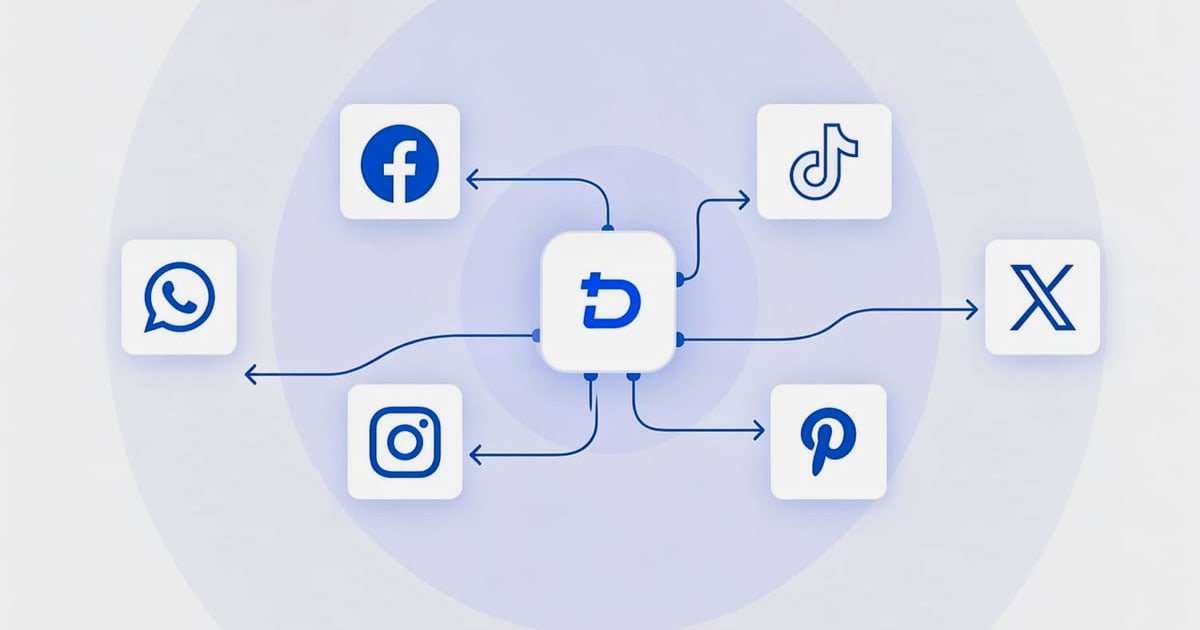
Managing multiple social media or e-commerce accounts without data often feels like flying blind. DuoPlus Cloud Phone gives you isolated, anti-detect Android devices that keep your accounts safe, while Apify provides ready-made scrapers to pull real-time data from almost any platform. Pair them together, and you can automate account growth, competitor research, and outreach at scale—without triggering bans.
This guide walks through the entire setup, including two practical workflows, code snippets, and a decision framework to see if this stack fits your automation needs.
Why Combine DuoPlus Cloud Phone and Apify?
How to Use DuoPlus Cloud Phone with Apify (Step-by-Step) product interface and feature overview.
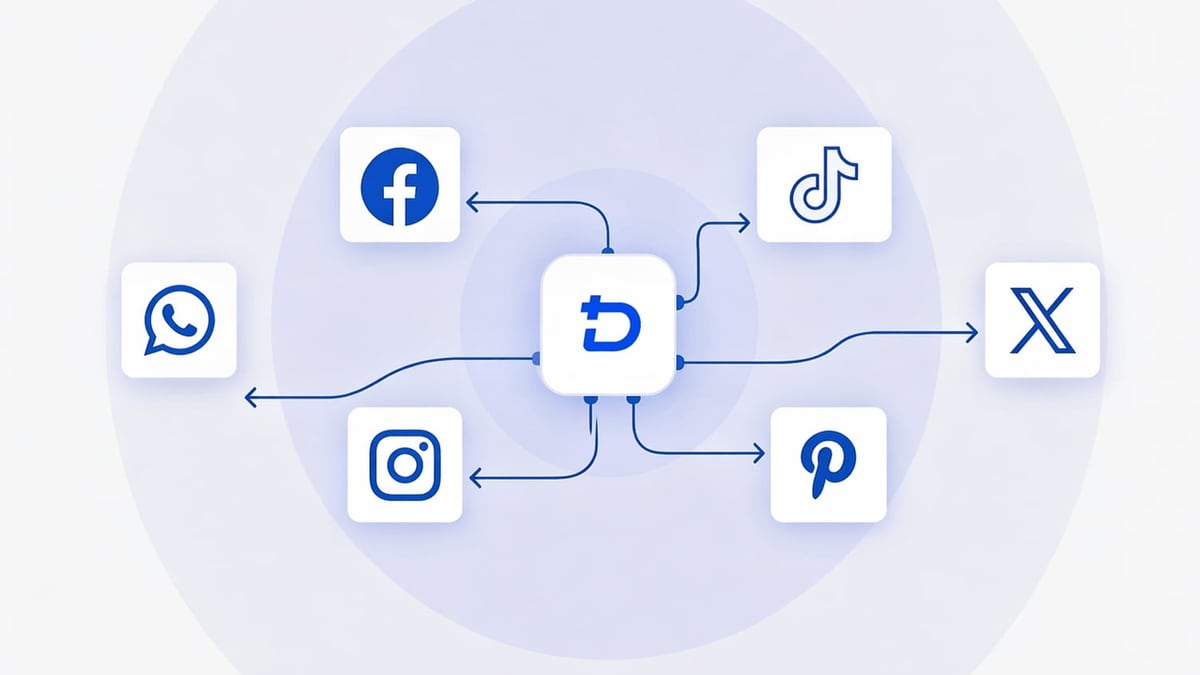
DuoPlus Cloud Phone offers real ARM‑based Android 15 instances with unique device fingerprints, dedicated IPs, and global GPS simulation. It’s purpose‑built to prevent platforms like TikTok, Instagram, and WhatsApp from linking your accounts. Apify, on the other hand, is the largest marketplace of web scraping Actors—over 52,000 tools that turn any website into structured data, complete with proxy rotation, anti‑blocking, and API access.
Together, they create a feedback‑loop automation machine:
- Data‑driven multi‑account actions: Apify scrapes trending hashtags, competitor posts, or lead lists; DuoPlus then executes likes, follows, messages, or posts from clean, unlinked accounts.
- Safe scraping behind mobile fingerprints: Want to extract public data from apps that require login? Run an Apify Actor that uses a DuoPlus cloud phone’s session cookies or proxy—you get the exact result a real phone would see, drastically reducing blocking.
- Full‑cycle automation: Trigger DuoPlus’s API from Apify workflows (or tools like Make/Zapier) to launch cloud phones, install apps, and execute scripts as soon as fresh data arrives.
Before diving in, it’s worth noting that a real Android phone outperforms anti‑detect browsers for app‑based platforms. We’ve covered that in detail in our DuoPlus Cloud Phone vs Nstbrowser comparison.
Prerequisites
- A DuoPlus account (free trial available) with sufficient funds to create a cloud phone.
- An Apify account (free tier works) with access to the Apify Console.
- Basic familiarity with REST APIs and JSON (for the API workflow). Alternatively, you can use no‑code tools like Make or Zapier to connect the two.
- A SOCKS5 proxy (required by DuoPlus). Many Apify proxy solutions can be repurposed, or you can use a dedicated mobile proxy provider for better app compatibility.
Step 1: Setting Up a DuoPlus Cloud Phone Instance
How to Use DuoPlus Cloud Phone with Apify (Step-by-Step) product interface and feature overview.
- Log into DuoPlus and click “Cloud Phone” from the dashboard.
- Choose your preferred plan—the Temporary Startup option is ideal for testing ($0.15/30 min, capped at $0.9/day).
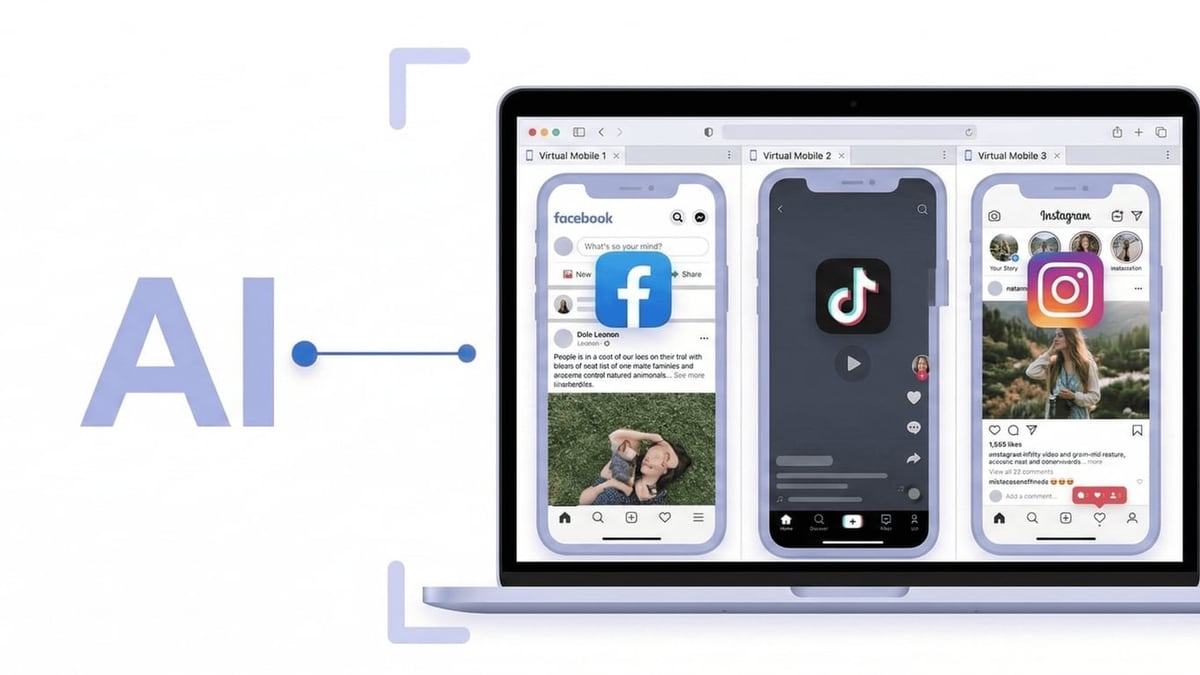
- Select an Android version (Android 15 recommended) and a device model that matches your target platform. For Instagram or TikTok, popular models like a Samsung Galaxy or Google Pixel work well.
- On the proxy configuration screen, paste your SOCKS5 proxy details (host, port, username, password) into the “IP or Domain” field. DuoPlus automatically recognizes the format; click “Check Proxy” to verify.
- Once verified, finalize the configuration. Your cloud phone appears in the instance list.
Step 2: Enabling API Access and Authentication
DuoPlus provides a developer‑friendly API that lets you control almost every aspect of a cloud phone—from starting/stopping instances to executing ADB commands and installing APKs. This is how you’ll connect Apify.
- Go to “Member Management” → “Feature Permissions” in DuoPlus and enable “Basic API Interface” for your account.
- Head to the “API” section and create an API key. Store it securely; you’ll need it in every request.
- Test your connection with a simple cURL request from the official API documentation:
A successful response returns the cloud phone’s status and an access URL.curl -X POST "https://api.duoplus.net/v1/device/start" \ -H "Content-Type: application/json" \ -H "Authorization: Bearer YOUR_API_KEY" \ -d '{"device_id": "your_device_id"}'
Step 3: Creating Apify Actors for Your Data Needs
Apify’s strength is turnkey data extraction. For social media, these Actors are particularly useful:
- TikTok Scraper: Grab videos, comments, user profiles, and hashtag challenges.
- Instagram Scraper: Pull posts, reels, followers, and business profiles.
- Google Maps Scraper: Collect leads with emails, phone numbers, and websites.
- WhatsApp Cloud API Actor: Send templated messages (if you’re interested in outreach).
- In the Apify Console, browse the Store and add the Actor you need.
- Configure the input (target URLs, number of results, proxy settings). You’ll run these Actors later via API.
- Note the Actor’s name and your API token (under Settings → Integrations).
Step 4: Connecting Apify to DuoPlus via API
How to Use DuoPlus Cloud Phone with Apify (Step-by-Step) product interface and feature overview.
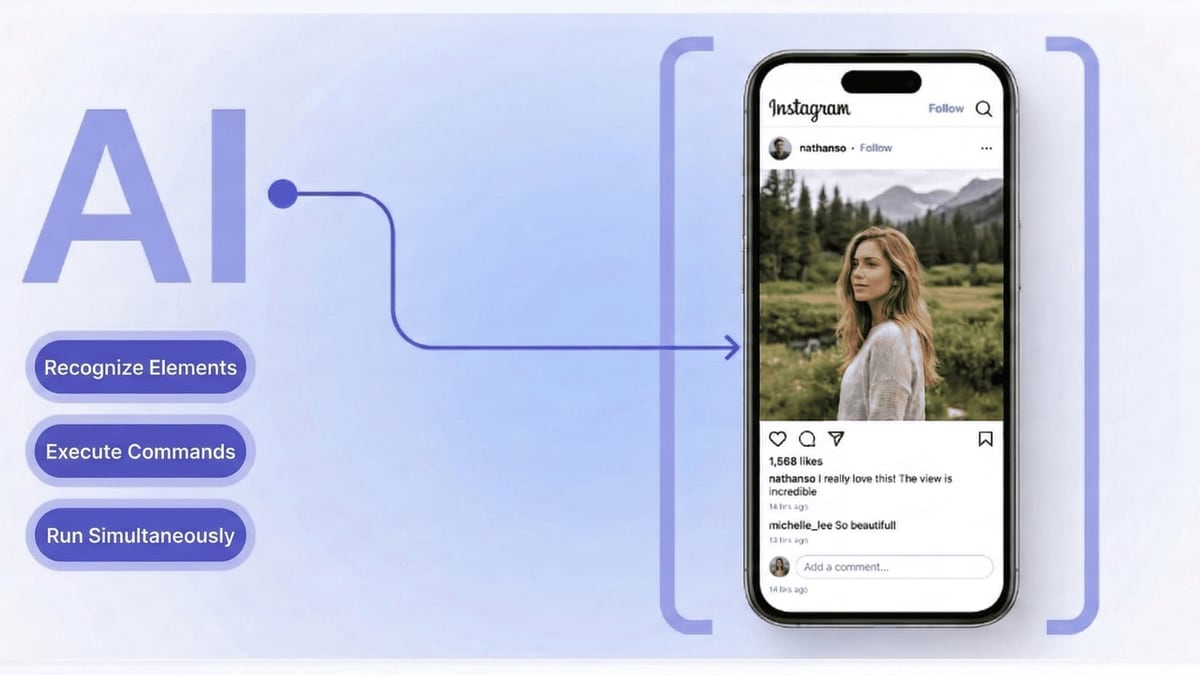
Now comes the orchestration. There are two primary ways to link them:
Method A: Call DuoPlus from Apify’s Actor Run
Apify allows you to execute arbitrary JavaScript/Python code as part of an Actor. You can add a step after scraping that pushes the data to your own webhook, which then calls DuoPlus’s API. An even cleaner approach is to use Apify webhooks to trigger a no‑code automation in Make or n8n, which then messages DuoPlus.
Simplified Make workflow example:
- Apify Actor finishes and sends results to a Make webhook.
- Make parses the data (e.g., a list of trending hashtags).
- Make sends a POST request to
https://api.duoplus.net/v1/task/executewith:- Your API key.
- Device ID(s) to use.
- The ADB shell command to open TikTok, search for the hashtag, and interact.
- DuoPlus performs the action on each cloud phone simultaneously.
Method B: Use DuoPlus Cloud Phones as a Mobile Proxy for Apify
Some Apify Actors (like the Website Content Crawler) can be configured to use a custom proxy. You can export the SOCKS5 proxy credentials of your DuoPlus cloud phone and feed them into Apify’s proxy configuration. This makes requests appear from a real mobile device with a genuine Android fingerprint, which is extremely effective for scraping mobile‑first sites.
- In the Apify Actor input, navigate to Proxy configuration.
- Select Custom proxies and add your DuoPlus proxy URL (format:
socks5://user:pass@host:port). - (Advanced) For better session management, use Apify’s Session Pool feature to rotate between multiple DuoPlus instances.
Practical Automation Examples
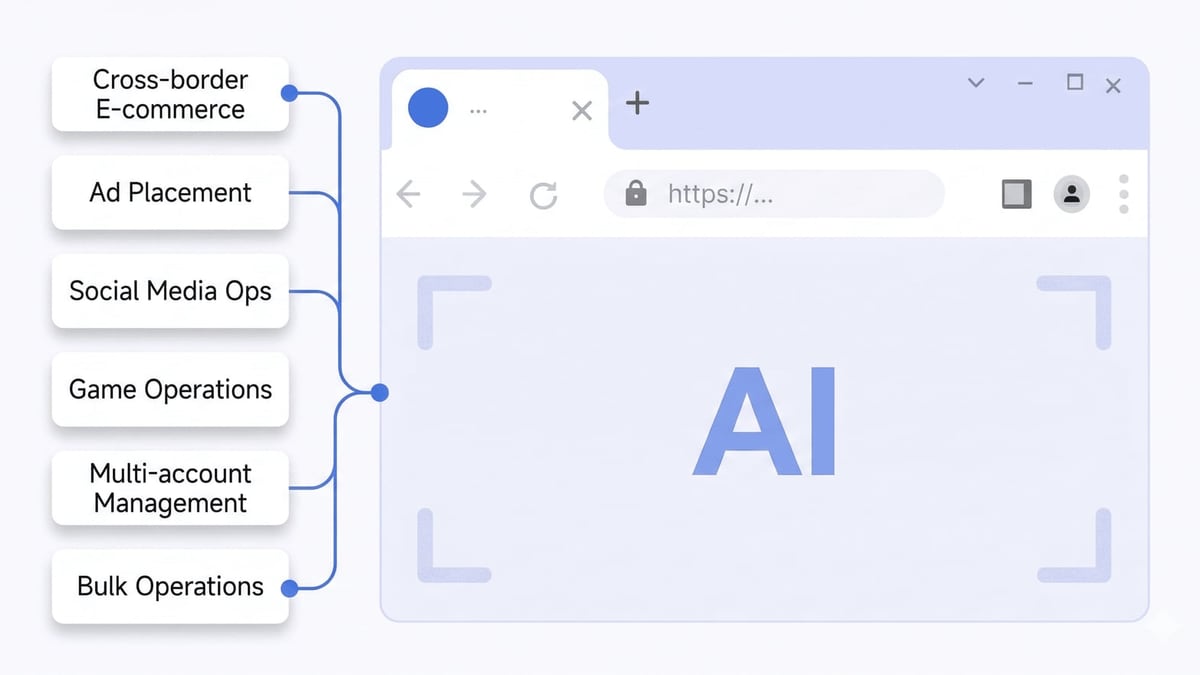
How to Use DuoPlus Cloud Phone with Apify (Step-by-Step) product interface and feature overview.
Example 1: Instagram Follower Growth with Scraped Prospects
Goal: Follow users who engaged with a competitor’s recent post, from 10 different Instagram accounts without getting blocked.
- Run the Instagram Scraper Actor on Apify to pull user profiles that commented on @competitor’s latest post. Export the list of usernames.
- Feed that list into a script that calls DuoPlus’s API to launch 10 cloud phones, each logged into a separate Instagram account.
- Using ADB commands through the API, execute an Instagram follow action on each target. DuoPlus’s operation sync feature can mirror the action across all instances simultaneously.
- The anti‑detect fingerprints of each cloud phone (IMEI, Android ID, GPS) make every follow look organic.
Example 2: TikTok Bulk Posting with Trending Hashtag Data
Goal: Publish 20 videos with dynamically generated captions containing the top trending hashtags of the hour.
- Schedule an Apify TikTok Scraper to run every hour, collecting the top 10 hashtags from the trending page.
- Send the hashtag set to a Make webhook.
- Make triggers a DuoPlus task that:
- Launches your 20 TikTok cloud phones.
- For each phone, opens the TikTok app, navigates to the upload screen, and sets the video file and caption (via ADB «input text» or RPA automation).
- Videos go live with minimal effort, and the fresh hashtags increase organic reach.
Example 3: WhatsApp Bulk Messaging Using Scraped Leads
Goal: Send personalized messages to a list of 500 business owners scraped from Google Maps.
- Run Apify’s Google Maps Scraper to extract business names, phone numbers, and addresses in a target city.
- Export the CSV. Use a simple Python script to iterate through the list.
- For each phone number, call DuoPlus’s API to start a fresh WhatsApp cloud phone (configured with a local proxy that matches the lead’s country). Send a template message via WhatsApp’s native intent.
- The isolated environments ensure no two conversations are linked, keeping WhatsApp accounts safe.
If you need verified phone numbers for WhatsApp registration, our guide on using DuoPlus Cloud Phone with SMSPool offers a complete verification workflow.
Decision Guide: When Does This Stack Beat Other Setups?
| Scenario | DuoPlus + Apify | DuoPlus Alone | Anti‑Detect Browser + Apify |
|---|---|---|---|
| App‑based accounts (TikTok, WhatsApp, Tinder) | ✅ Best | ✅ Works but manual data gathering | ❌ Incomplete; browsers can’t run apps natively |
| Web‑based multi‑accounting (Facebook, Twitter) | ✅ Overkill? A real phone adds unnecessary cost | ✅ Good | ✅ Often sufficient |
| Large‑scale data scraping with mobile fingerprints | ✅ Apify scrapers + DuoPlus proxy = ultra‑low blockage | ❌ No scrapers | ❌ Browser fingerprints easier to detect than real Android |
| Full automation (no‑code possible) | ✅ Make/Zapier bridges both APIs seamlessly | ⚠️ Requires manual step for data | ⚠️ Depends on browser automation tools |
If your work revolves around app‑like environments where device‑level signals matter, DuoPlus + Apify is the strongest pairing. For pure browser activities, a comparison like DuoPlus vs Kameleo might help you decide.
Related reading
- DuoPlus Cloud Phone vs Moimobi vs VMOS Cloud: 2026 Comparison - Compare DuoPlus Cloud Phone, Moimobi, and VMOS Cloud for multi‑account management. See strengths in anti‑detection, automation, and pricing to find the best fit.
- SocialPilot Review 2026: Features, Pricing & Real-World Verdict - Get an evidence-based SocialPilot review covering AI scheduling, bulk publishing, white-label, pricing, and real user feedback. See if it's right for your agency or brand in 2026.
- Antidetect Cloud Review 2026: Is It the Right Anti-Detect Browser? - Read our in-depth Antidetect Cloud review covering cloud profiles, VPN, pricing ($25–$180/mo), setup, pros/cons, and comparisons. Ideal for multi-accounting.
Sources and further reading
- DuoPlus cloud phone review 2026: real features, pricing & limits - Honest DuoPlus cloud phone review with real pricing, RPA automation, and limitations. Is DuoPlus the right cloud phone for your accounts?
FAQ
Can Apify Actors run directly inside DuoPlus cloud phones? No, Apify Actors execute on Apify’s cloud infrastructure, not inside DuoPlus. However, you can use DuoPlus cloud phones as proxies for Apify’s requests, or use Apify to trigger actions on DuoPlus via API.
Do I need the DuoPlus RPA tool if I’m using Apify? It helps. The built‑in RPA (Robotic Process Automation) lets you record and replay screen taps without coding. For simple, repetitive actions like posting or messaging, RPA is faster than writing ADB scripts from scratch. Apify then feeds data into those RPA workflows.
What proxy type should I use with DuoPlus for best results? DuoPlus requires a SOCKS5 proxy. Residential or mobile rotating proxies give the most authentic mobile IPs. Avoid data‑center IPs, as they are often flagged by social platforms.
Is this setup suitable for a solo affiliate marketer? Absolutely. The free tiers of both tools (DuoPlus trial + Apify’s $5/month plan) let you test the full workflow before scaling. Once you see the results, you can increase cloud phone counts and Actor runs incrementally.
How do I avoid CAPTCHAs when scraping via DuoPlus? The combination of a real Android fingerprint and a residential mobile proxy makes you look like a genuine user—this already reduces CAPTCHAs dramatically. Apify’s built‑in proxy rotation and smart retry logic handle the rest.
Conclusion
DuoPlus Cloud Phone and Apify fill each other’s gaps beautifully. DuoPlus gives you a fleet of undetectable, always‑on Android phones to carry out actions that would otherwise trigger bans. Apify supplies the data pipeline—reliable, pre‑built scrapers that feed your accounts with the intelligence they need to act decisively. Whether you’re growing a social media empire, running affiliate campaigns, or managing cross‑border e‑commerce stores, this combination eliminates the manual overhead and the risk of account linkage.
At DuoPlus Cloud Phone, we’ve seen this exact stack cut down routine multi‑account work by over 30 hours a week for small teams. Start with one cloud phone and one Apify Actor, then expand as you gain confidence. Check out the DuoPlus API documentation for a full list of endpoints, and explore Apify’s Store to find scrapers tailored to your niche. If you’ve ever paired DuoPlus with another platform—like the SaleSmartly integration documented here—you already know how powerful these connections can be. Now it’s time to automate with data at the core.