
How to Use DuoPlus Cloud Phone with SMSPool for OTP Verification
Pair DuoPlus Cloud Phone with SMSPool to verify OTPs on isolated Android devices. Setup steps, workflow, examples, and privacy trade-offs.

How to Use DuoPlus Cloud Phone with SMSPool for OTP Verification
Most multi-account setups break at the same place: the one-time password. You can isolate fingerprints, route traffic through clean proxies, and still get stuck when a platform demands an SMS code tied to a phone number you do not want to expose.
This guide explains how to combine DuoPlus Cloud Phone, an anti-detect cloud phone platform running real ARM-based Android devices, with SMSPool, a service that delivers SMS one-time codes to dedicated numbers. Together they cover both halves of the problem: the device identity and the phone identity.
Why OTP verification is the weak point in multi-account setups
First viewport screenshot of SMSPool News and Updates | SMSPool.
Platforms increasingly treat a phone number as a durable identity signal. Even when you change IP addresses or clear cookies, a reused number can link accounts together.
Two separate risks are often confused:
- Device association — shared fingerprints, storage, or hardware signals that make accounts look related.
- Number association — the same SIM or phone number appearing across multiple registrations.
A proxy or VPN changes network routing, but it does not change a device fingerprint, and it does not give you a fresh phone number. That is why a layered approach works better than any single tool.
What each tool does
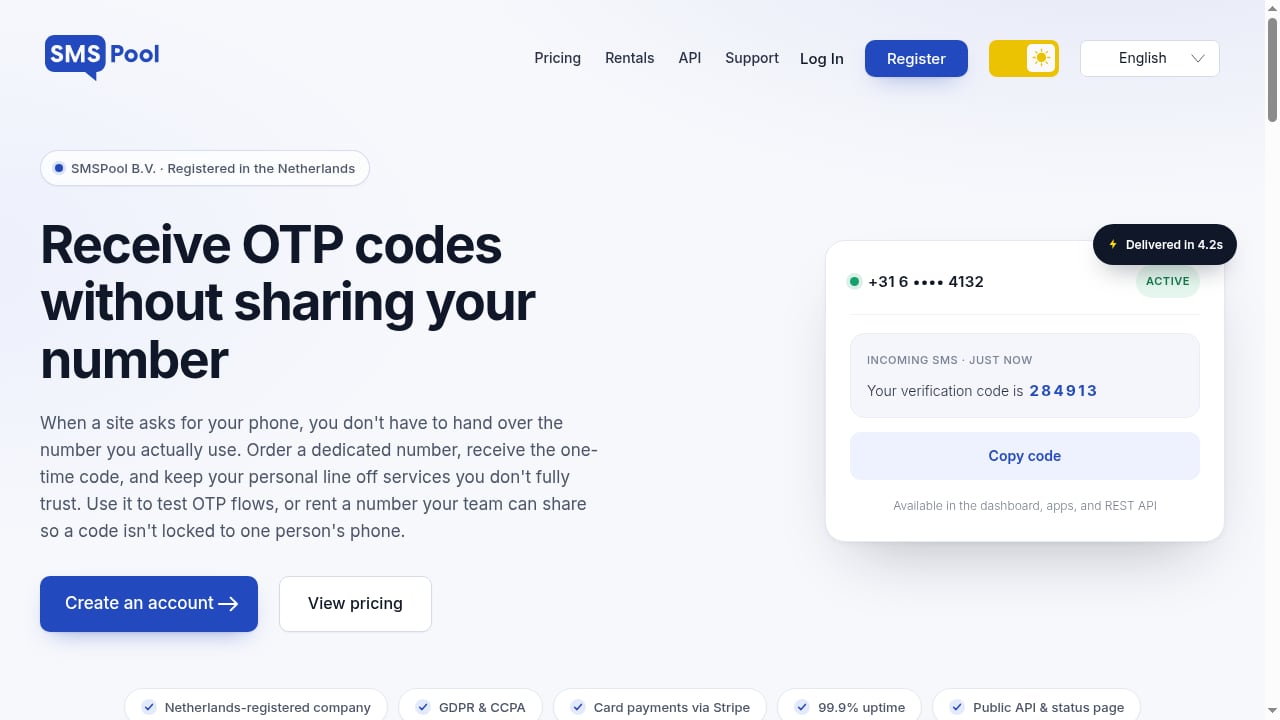
First viewport screenshot of Verify your OTP flow | Keep your phone private | SMSPool.
DuoPlus Cloud Phone: the device layer
DuoPlus Cloud Phone provides real ARM-based Android devices hosted in the cloud. Each cloud phone runs in an isolated environment with its own device fingerprint, independent storage, and simulated GPS, SIM card, and base station data. The platform supports Android 15 and is controlled from a PC or mobile browser.
Key capabilities relevant to verification work:
- Unlimited device multiplicity, so each account can live on its own cloud phone.
- Bulk app installation and management across many devices.
- One-click reskin to change a device environment between sessions.
- One-click sharing for team collaboration.
- Support for major platforms such as TikTok, Facebook, Shopee, and Lazada.
SMSPool: the number layer
SMSPool delivers SMS one-time codes to dedicated numbers. You use it to test OTP flows or to keep your personal phone number off sites you do not fully trust. It is Netherlands-registered, GDPR-compliant, and uses Stripe checkout.
In practice, SMSPool answers a narrow but critical question: which number receives the code? It does not manage device fingerprints, app data, or session isolation — that is DuoPlus territory.
How the two products complement each other
The division of labor is clean:
| Layer | Handled by | What it controls |
|---|---|---|
| Device identity | DuoPlus Cloud Phone | Fingerprint, storage, GPS, SIM and base station simulation |
| Phone identity | SMSPool | The number that receives the OTP |
| Network identity | Your proxy or VPN setup | IP address and routing |
If you only isolate the device, a shared number can still link accounts. If you only rotate numbers, a shared device fingerprint can do the same. Running both layers together reduces the chance that two accounts look connected through either signal.
For a deeper look at how device isolation compares across tools, see our comparison of DuoPlus Cloud Phone vs ixBrowser: Real Android vs Anti-Detect Browser.
Setup workflow
Verify your OTP flow | Keep your phone private | SMSPool product interface.
Step 1: Provision your cloud phones
Create the cloud phone instances you need in DuoPlus. Assign one device per account or per test case. Confirm that each instance has its own storage and fingerprint profile before installing anything.
Step 2: Prepare your proxy or network layer
Decide how traffic will route. If you are pairing DuoPlus with a VPN, our walkthrough on How to Use DuoPlus Cloud Phone with ExpressVPN in 2026 covers the setup and the proxy-versus-VPN trade-offs.
Step 3: Install the target app
Use DuoPlus bulk installation to push the app to the relevant cloud phones. Keep the app version consistent across devices if you are comparing verification behavior.
Step 4: Get a number from SMSPool
Select the country and service you need, then request a number. Match the number's country to the cloud phone's simulated region where possible — a mismatch between a device reporting one locale and a number from another is an avoidable inconsistency.
Step 5: Trigger the OTP and read the code
Start the registration or login flow inside the cloud phone. When the platform sends the SMS, retrieve the code from SMSPool and enter it in the app. Keep the cloud phone session open until verification completes.
Step 6: Record what you used
Log which cloud phone instance paired with which number and which account. This record is what prevents accidental reuse later, and it is the step most teams skip.
Practical examples
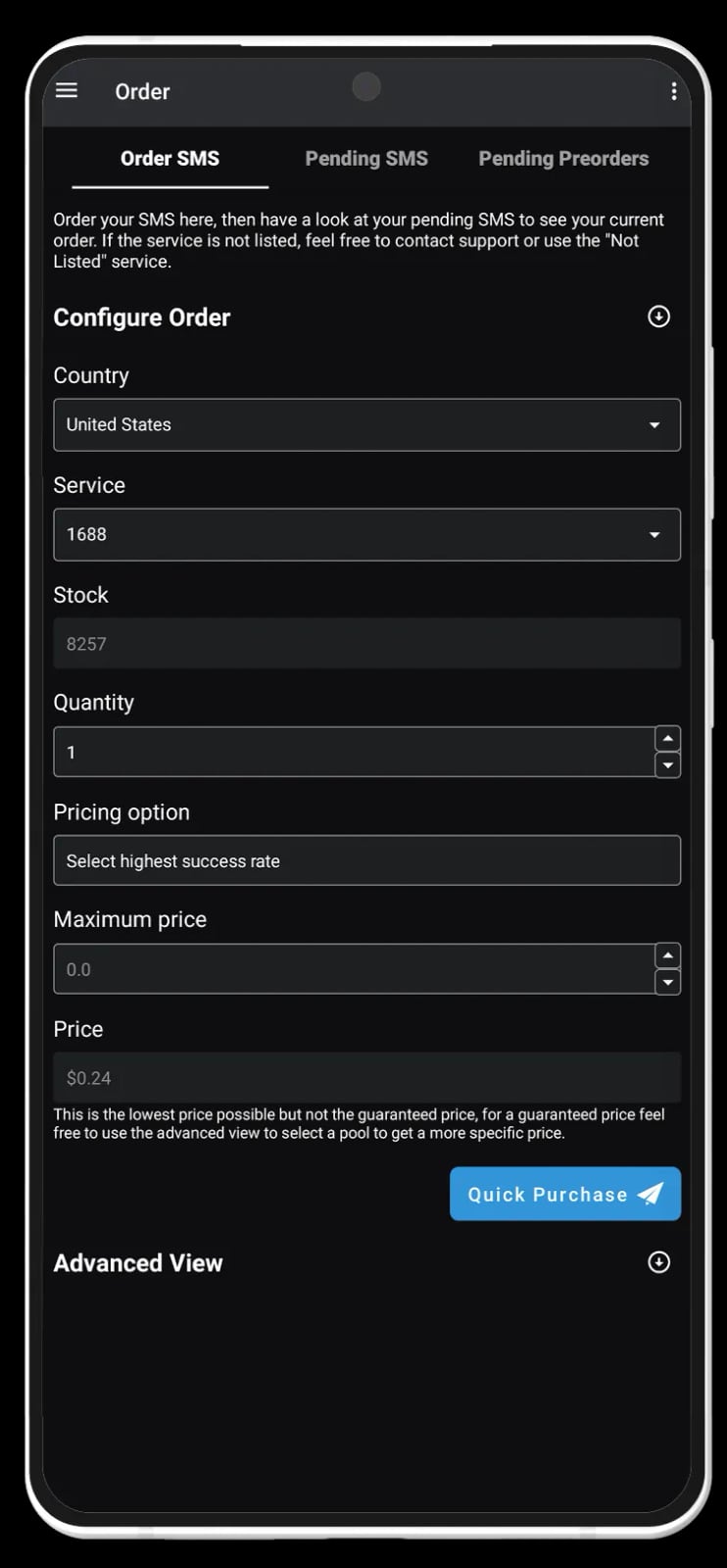
Android SMSPool app.
Example 1: Testing an OTP flow before launch
You are shipping an app with SMS-based login and need to test edge cases: expired codes, resend limits, wrong-code lockouts. Instead of burning your own number and waiting on carrier delivery, request numbers from SMSPool and run each scenario on a separate DuoPlus cloud phone. You get repeatable tests without touching your personal SIM.
Example 2: Keeping your real number off unfamiliar sites
A new marketplace or tool asks for phone verification before you can evaluate it. Use an SMSPool number for the signup and run the session inside a cloud phone rather than your daily driver. Your personal number never enters that site's database.
Example 3: Separating accounts that must not be linked
If you manage multiple seller or social accounts, give each one its own cloud phone and its own verification number. No shared fingerprint, no shared number. For a broader view of how this scales across platforms, see Top 10 Android Cloud Phones for Multi-Account Automation 2026.
Common mistakes and how to avoid them
- Reusing a number across accounts. Number reuse is one of the fastest ways to get accounts linked. Treat each number as single-purpose.
- Ignoring number reputation. Numbers that have been used heavily or flagged may fail on stricter platforms. If a code never arrives, try a different number rather than retrying endlessly.
- Assuming a VPN replaces device isolation. It does not. A VPN changes routing; it does not change your device fingerprint. This distinction is covered in more detail in the DuoPlus glossary.
- Forgetting platform rules. SMS pools and multi-account operations are governed by each platform's terms. Technical separation reduces accidental linkage; it does not exempt you from policy or law.
- Mismatched geography. A cloud phone simulating one country paired with a number from another is a signal worth avoiding when it is easy to align them.
When this combination is the right fit
Use DuoPlus Cloud Phone plus SMSPool when:
- You need real Android behavior, not a browser emulation layer.
- Phone verification is a required step in your workflow.
- You want your personal number excluded from third-party databases.
- You are testing OTP logic and need multiple independent test numbers.
Consider alternatives when your work is purely desktop web browsing with no mobile app requirement, or when a platform explicitly prohibits the verification method you plan to use.
Related reading
- DuoPlus Cloud Phone vs GeeLark vs VPN Browser 2026 - Compare DuoPlus Cloud Phone, GeeLark, and VPN Browser for secure, fast multi-account access. See real ARM isolation, pricing, and use cases.
- VMOS Product Matrix Review: Global Growth Cloud Phones - Evidence-based VMOS Product Matrix for Global Growth review: cloud phones, AI agents, OwlProxy, pricing signals, setup, pros, cons, and best alternatives.
FAQ
Does DuoPlus Cloud Phone include phone numbers for SMS verification?
DuoPlus simulates SIM and base station information as part of the device environment. It is not a number-rental service for receiving arbitrary third-party SMS. For actual OTP delivery, you pair it with a service like SMSPool.
Is SMS-based verification less secure than app-based 2FA?
Generally yes. SMS codes can be exposed through SIM-swapping and interception, which is why many security vendors push app-based or hardware-based methods. For account creation and testing, SMS remains widely required, so the practical goal is to avoid exposing your primary number. Cisco's documentation on Duo Push explains why push-based authentication is considered stronger than SMS.
Can I use one SMSPool number for several cloud phones?
Technically you can receive a code, but reusing a number across accounts undermines the isolation you built on the device side. One number per account is the safer pattern.
What happens if the OTP never arrives?
Request a different number. Delivery failures are usually tied to the specific number's history or the platform's filtering, not to the cloud phone.
Do I still need a proxy if I use a cloud phone?
They solve different problems. A cloud phone isolates the device environment; a proxy or VPN changes the network path. Many workflows use both.
Is this combination compliant?
SMSPool is Netherlands-registered and GDPR-compliant, and DuoPlus provides isolated device environments. Compliance with a specific platform's terms is your responsibility. Review the rules of each service you use, and see how SMS pools are handled in comparable tooling via Multilogin's SMS pool documentation.
Conclusion
OTP verification is where device isolation and number privacy meet. DuoPlus Cloud Phone handles the first half by giving each account a real ARM Android environment with its own fingerprint and storage. SMSPool handles the second half by supplying numbers that receive codes without exposing your personal line.
Set up the cloud phones first, align your network and number geography, keep one number per account, and log what you pair with what. That discipline is what turns two separate tools into a workflow that actually holds up at scale.