
How to Use DuoPlus Cloud Phone with Textverified (2026 Guide)
Combine DuoPlus Cloud Phone and Textverified to verify accounts on isolated Android devices. Step-by-step setup, practical examples, and troubleshooting.
How to Use DuoPlus Cloud Phone with Textverified
Creating an account is easy. Keeping it alive is the hard part. Most platforms tie a new account to a phone number, and if that number looks reused, virtual, or out of place next to the device, the account can be limited before it ever gets traction.
DuoPlus Cloud Phone and Textverified solve two halves of that problem. DuoPlus gives you an isolated, anti-detect Android device with its own fingerprint, GPS, and SIM data. Textverified gives you a temporary US non-VoIP number backed by a physical SIM to receive the verification code. Used together, the device and the number tell the same story: a real phone in a real place.
This guide explains how the two services fit together, walks through setup, and covers the practical cases where the combination earns its keep.
What each tool does
First viewport screenshot of www.textverified.com.
DuoPlus Cloud Phone: the device layer
DuoPlus Cloud Phone is a cloud-based Android phone service that runs real ARM mobile devices in data centers around the world. Each cloud phone has a unique device fingerprint, GPS location, SIM card, and base station data, so it behaves like a physical handset rather than a browser emulator.
Key capabilities for verification-heavy work:
- Unlimited device multiplicity. Spin up as many isolated Android environments as you need, each with its own identity.
- Real ARM hardware. Apps detect a genuine mobile device, not a desktop browser pretending to be one.
- One-click reskin. Change a device's environment when a session needs a fresh start.
- PC and mobile browser control. Manage devices without installing anything locally.
- Bulk app installation. Install the same apps across many devices at once.
- Android 15 support. Run current app versions that may reject older Android builds.
Textverified: the number layer
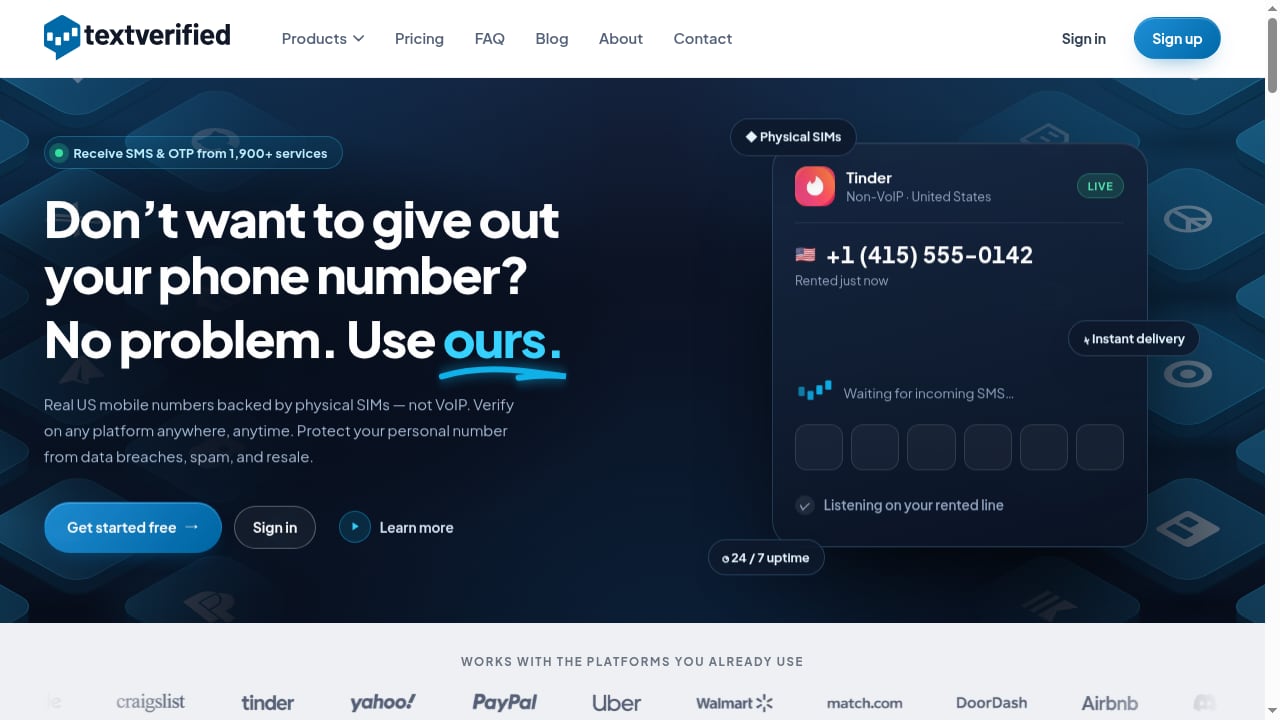
Textverified provides temporary US phone numbers backed by physical SIMs, which means they are non-VoIP. Platforms that block VoIP numbers for verification will usually accept these. The service covers over 1,900 apps and websites, including PayPal, Snapchat, Tinder, DoorDash, and Walmart.
Useful features:
- SMS or voice verification. Choose whichever method the target platform sends.
- Carrier selection. Pick a specific carrier when a platform is picky.
- Message forwarding. Send received codes to email, SMS, or Telegram.
- One-time or rental numbers. Use a number once, or rent it for 30 days, 3 months, or 1 year.
- Developer API and Python package. Automate verification and rentals inside your own workflows.
Why the combination works
A phone number alone is not enough. Platforms increasingly cross-check the number against the device, the IP, and the behavior pattern. A clean number on a suspicious device still looks suspicious.
DuoPlus handles the device side: a real ARM phone with consistent fingerprint, location, and SIM data. Textverified handles the number side: a US non-VoIP line that receives the code. When both layers agree, the account looks like what it claims to be.
The pairing also solves a quieter problem: number hygiene. If you verify ten accounts with the same personal number, you create a visible link between them. Using a separate Textverified number for each DuoPlus device keeps accounts unassociated, which is the whole point of an anti-detect setup.
Step-by-step setup
Step 1: Prepare your DuoPlus cloud phones
- Log in to DuoPlus and create the cloud phone instances you need. Give each one a clear name tied to its purpose, such as
tiktok-us-01orshopee-sg-02. - Set the device profile to match the target market. If you are verifying a US account, choose a US-based device with matching GPS and base station data.
- Install the target app through the bulk installation tool, or install it individually if you only need one device.
- Confirm the device fingerprint looks stable before you start registration. A quick check now saves a failed verification later.
Step 2: Get a matching number from Textverified
- Sign in to Textverified and search for the service you are verifying, for example PayPal or Snapchat.
- Choose SMS or voice based on what the platform sends.
- Select a carrier if the platform is known to reject certain carriers.
- Decide between a one-time verification and a rental. If you expect to need the number again for login confirmation or recovery, rent it for at least 30 days.
- Copy the number and keep the Textverified dashboard open, or set up forwarding to email or Telegram so codes reach you wherever you are working.
Step 3: Verify inside the cloud phone
- Open the target app on your DuoPlus device.
- Start registration and enter the Textverified number when prompted.
- Wait for the code in the Textverified dashboard or your forwarding channel.
- Enter the code in the app before it expires.
- Complete any remaining profile steps, such as username, email, or profile photo, while still inside the same cloud phone session.
Step 4: Record the pairing
Keep a simple log that maps each DuoPlus device to its Textverified number, rental expiry, and the account it verified. This matters more than it sounds. When a rental expires, you need to know which account depends on it.
Practical examples
Example 1: Verifying a US PayPal account for an e-commerce operation
A seller running a US-facing storefront needs a PayPal account that matches the business location. They create a DuoPlus cloud phone with a US device profile, rent a US non-VoIP number from Textverified, and complete PayPal verification inside the cloud phone. The number is rented for 12 months because PayPal may ask for confirmation again during recovery or unusual logins.
Example 2: Scaling TikTok accounts for affiliate campaigns
An affiliate marketer runs multiple TikTok accounts, each promoting a different offer. Each account gets its own DuoPlus device with a distinct fingerprint and its own Textverified number. Because no two accounts share a device or a number, the accounts stay unassociated. The marketer uses one-click reskin between campaigns when a device needs a fresh environment.
Example 3: Testing an app's registration flow across regions
A mobile app tester needs to confirm that SMS verification works for US users. They spin up several DuoPlus devices with US profiles, use Textverified numbers across different carriers, and check whether codes arrive reliably on each. The test surfaces carrier-specific delivery issues before real users hit them.
One-time number vs. rental: which to choose
First viewport screenshot of www.textverified.com.
| Situation | Recommended option | Why |
|---|---|---|
| One-off signup you will not revisit | One-time verification | Lowest cost, no renewal to track |
| Account you will log into repeatedly | 30-day or longer rental | Recovery and re-verification need the same number |
| Long-term business account (PayPal, marketplace seller) | 3-month or 1-year rental | Stability matters more than price |
| Testing delivery across carriers | Multiple one-time numbers | Cheap way to compare carriers |
A simple rule: if losing the number would lock you out of something valuable, rent it.
Common problems and fixes
First viewport screenshot of www.textverified.com.
The code never arrives. Check whether the platform sent an SMS or a voice call. Textverified supports both, but you have to request the right one. Also confirm the number is still active and not expired.
The platform rejects the number. Some services block certain carriers or flag numbers that have been used before. Try a different carrier in Textverified, or request a fresh number.
Verification succeeds but the account gets limited later. This usually points to the device or IP layer, not the number. Review the DuoPlus device profile and make sure the GPS, time zone, and language settings match the account's claimed location.
You lose access after the rental ends. This is why the pairing log matters. Renew rentals for accounts you still use, or migrate to a new number before expiry if the platform allows it.
The app detects something odd about the device. Confirm you are on a current DuoPlus build with Android 15 support, and avoid mixing desktop browser sessions with mobile app sessions for the same account.
When this combination is the right fit
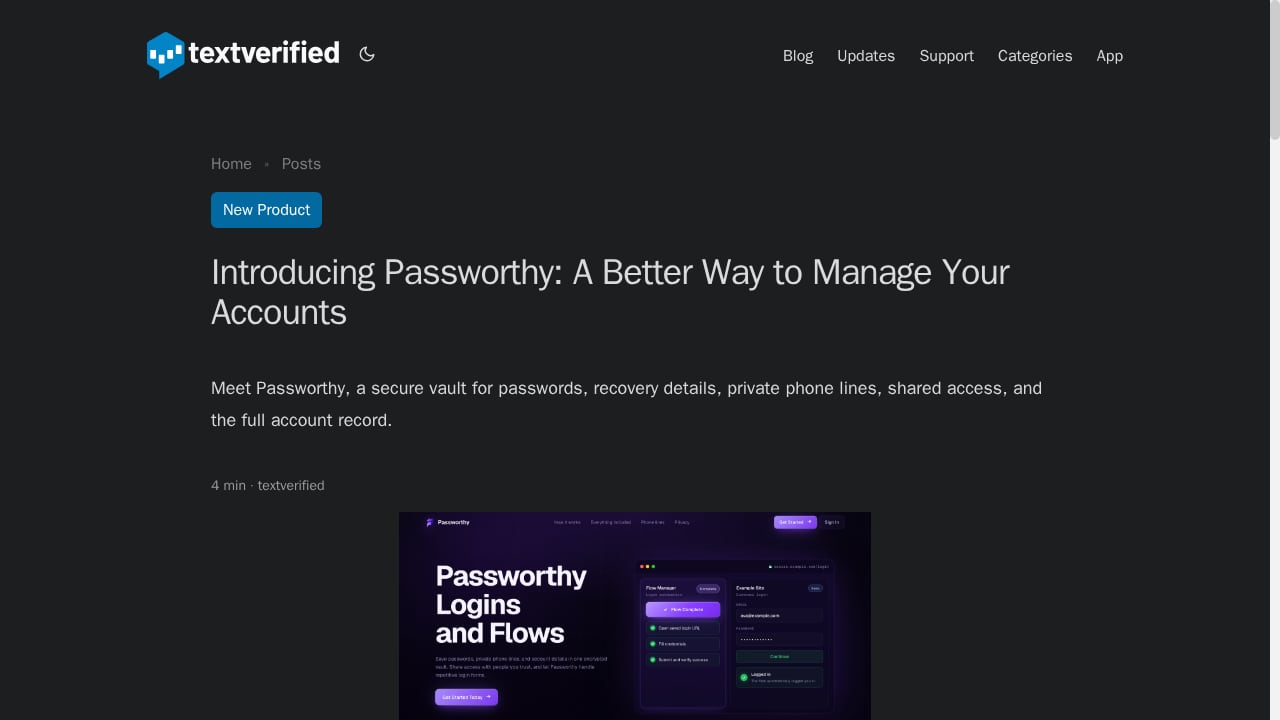
First viewport screenshot of www.textverified.com.
Use DuoPlus plus Textverified when:
- You manage multiple accounts on platforms that require phone verification.
- You need US numbers but operate from another country.
- You want each account to have its own device and number, with no shared identifiers.
- You are testing app registration flows across carriers or regions.
Look elsewhere when:
- You only need a single account and already have a personal number you are comfortable using.
- The platform accepts email-only registration and phone verification is optional.
- You need numbers outside the US; Textverified focuses on US numbers, so check coverage before committing.
If you are still deciding on the device layer, the comparison of DuoPlus Cloud Phone vs Hidemyacc & ixBrowser explains where real ARM devices differ from browser fingerprinting. For teams that also need stable IPs, the DuoPlus Cloud Phone + PIA VPN setup covers that layer.
Related reading
- DuoPlus vs ChangChang Cloud Phone: ARM Multi-Accounting - Compare DuoPlus Cloud Phone and ChangChang Cloud Phone for cross-border multi-accounting. See ARM realism, anti-detect features, pricing, and use cases.
- ChangChang Cloud Phone Review: ARM Cloud Phones for Multi-Accounting - Evidence-based ChangChang Cloud Phone review for cross-border multi-accounting: ARM performance, pricing signals, setup, strengths, limits, and ideal users.
Sources and further reading
- OTP Number - Learn what an OTP number is, how SMS verification works, how it differs from VoIP and Non-VoIP numbers, and what security limitations apply.
- Shopee Product, Pricing & Review Datasets – Actowiz Solutions - Get real-time & historical Shopee datasets for products, prices, reviews, sellers, and availability. Download samples or request custom datasets today.
FAQ
Is Textverified compatible with DuoPlus Cloud Phone?
Yes. Textverified delivers codes by SMS or voice to a number you control, and you enter that code inside the DuoPlus Android environment. There is no direct integration to configure; the two services connect through the verification step itself.
Do I need a separate Textverified number for each DuoPlus device?
For multi-account work, yes. Sharing a number across accounts creates an association that undermines the isolation DuoPlus provides. One number per account is the safer default.
Are Textverified numbers VoIP?
No. Textverified numbers are backed by physical SIMs, which makes them non-VoIP. This matters because many platforms reject VoIP numbers during verification.
How long should I rent a number?
Rent for as long as you need to log into the account. If the account is a long-term business asset, a 3-month or 1-year rental is usually cheaper than losing access and starting over.
Can I automate verification with the Textverified API?
Yes. Textverified offers a Python package and API for integrating verification and rental services into your own applications, which is useful for high-volume testing workflows.
What happens if a code expires before I enter it?
Request a new code from the platform. Most services allow a resend after a short wait. If resends fail repeatedly, the number may be flagged; switch to a different Textverified number.
Conclusion
DuoPlus Cloud Phone and Textverified address different layers of the same problem. DuoPlus makes the device look like a real phone in the right place. Textverified makes the number look like a real US line. Together they remove the two most common reasons a new account gets flagged: an inconsistent device and a reused or virtual number.
Start with one device and one number to learn the workflow. Once the pairing is smooth, scale it: more devices, more numbers, and a log that keeps every account traceable to the resources it depends on. For a broader view of the tooling landscape, see the top anti-detect browsers and multi-account tools for 2026.
For background on how one-time codes work and where SMS verification falls short, the NIST authentication guidance is a useful reference. Textverified's own documentation on supported services and number types is the place to confirm coverage before you commit to a rental.