
How to Use DuoPlus Cloud Phone with Zalo for Multi-Account Success
Learn how to combine DuoPlus Cloud Phone and Zalo for safe multi-account management. Step-by-step setup, workflow, and solutions for Zalo marketing and customer support in Vietnam.

How to Use DuoPlus Cloud Phone with Zalo for Seamless Multi-Account Management
Zalo’s mission — Developing the Internet changes the lives of Vietnamese people — goes beyond messaging. It powers a super-app ecosystem of Zing, Zalo Video, AI assistant Kiki, and a digital transformation drive that touches millions of users daily. For businesses tapping into this ecosystem, managing a single Zalo account is rarely enough. Customer support teams, e‑commerce sellers, and marketing agencies need multiple Zalo profiles, official accounts, and test environments without triggering bans or security checks. That’s where DuoPlus Cloud Phone steps in.
DuoPlus Cloud Phone isn’t just another Android emulator; it’s an anti‑detection cloud phone platform that delivers real mobile environments in the cloud. Combining DuoPlus with Zalo means you can safely operate dozens of autonomous Zalo accounts, each with a unique device fingerprint, local IP, and SIM card simulation. In this guide, you’ll learn why the pairing works, how to set it up step by step, and how to avoid the common pitfalls of multi‑account Zalo management.
Why Managing Multiple Zalo Accounts Is Challenging

How to Use DuoPlus Cloud Phone with Zalo for Multi-Account Success product interface and feature overview.
Zalo’s security systems actively monitor device IDs, IP addresses, and behavioral patterns. Running two accounts on the same phone or using a desktop antidetect browser often leads to:
- Account association: Zalo flags linked accounts when they share a device fingerprint or IP.
- Temporary or permanent bans: Multiple accounts that appear to be operated by the same person or bot get restricted.
- Hardware costs: Physically keeping 10, 20, or 50 phones just for Zalo is impractical and expensive.
- Team management: Distributing physical phones across teams slows down response times and creates version inconsistencies.
The Zalo ecosystem rewards authentic behavior. DuoPlus Cloud Phone provides the hardware-level authenticity that Zalo expects, giving every account its own isolated, real Android device.
The DuoPlus Cloud Phone Advantage for Zalo
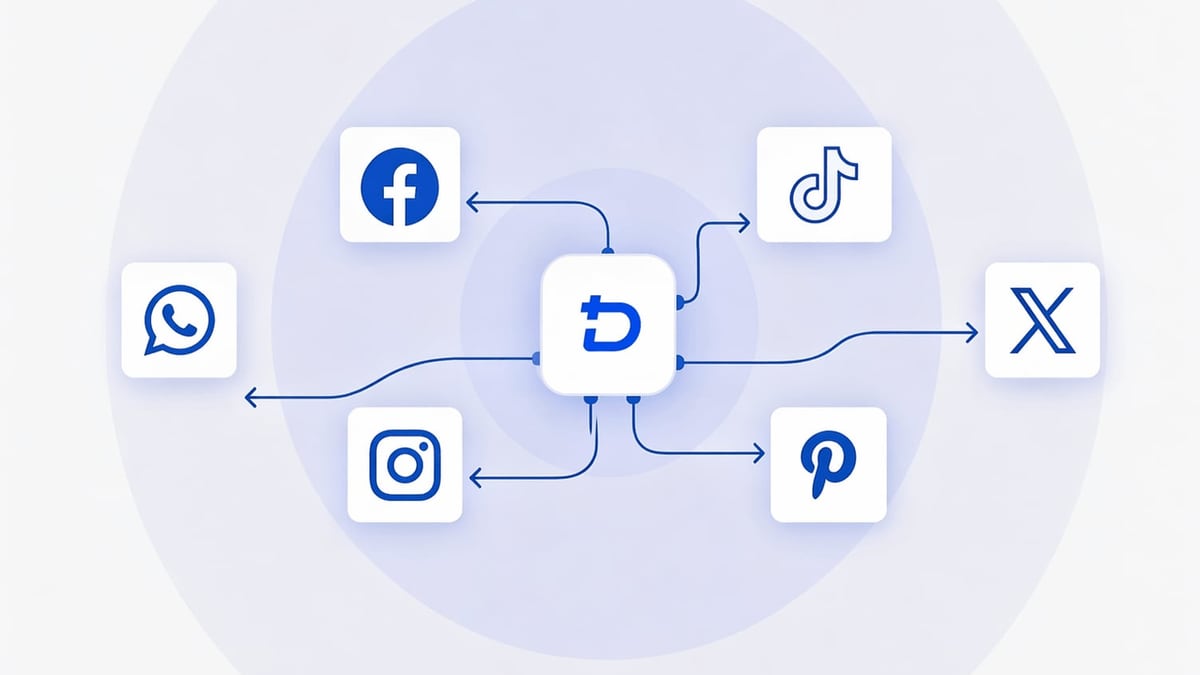
How to Use DuoPlus Cloud Phone with Zalo for Multi-Account Success product interface and feature overview.
DuoPlus Cloud Phone is built from the ground up to mimic genuine mobile hardware. Instead of emulating Android with software, it uses real ARM chips deployed on cloud servers — the same architecture found in physical smartphones. This fundamental difference makes it far more resistant to Zalo’s anti‑fraud checks.
Real Android 15 with ARM Chips
Each cloud phone runs Android 15 on authentic ARM processors. This isn’t a simulated environment, so Zalo sees a standard mobile device exactly as it would on a physical phone. Read our comparison of DuoPlus vs desktop antidetect browsers to understand why a real Android cloud phone beats a browser‑based profile for mobile‑first apps like Zalo.
Built‑In Anti‑Detection and Environment Isolation
DuoPlus creates independent cloud phone instances with unique hardware IDs, IMEI, MAC address, and Android IDs. No two cloud phones share the same fingerprint. You can launch unlimited instances, each isolated from the others. This prevents Zalo from linking accounts even if they’re used from the same dashboard.
Global GPS and SIM Simulation
Zalo often uses location‑based features and may flag logins from unexpected regions. DuoPlus lets you select from over 150 countries for GPS and carrier data, with a built‑in SIM library. For a Vietnamese business, you can set all cloud phones to Vietnam‑specific locations and mobile carriers, making each account look locally operated.
Step‑by‑Step: Setting Up DuoPlus Cloud Phone for Zalo
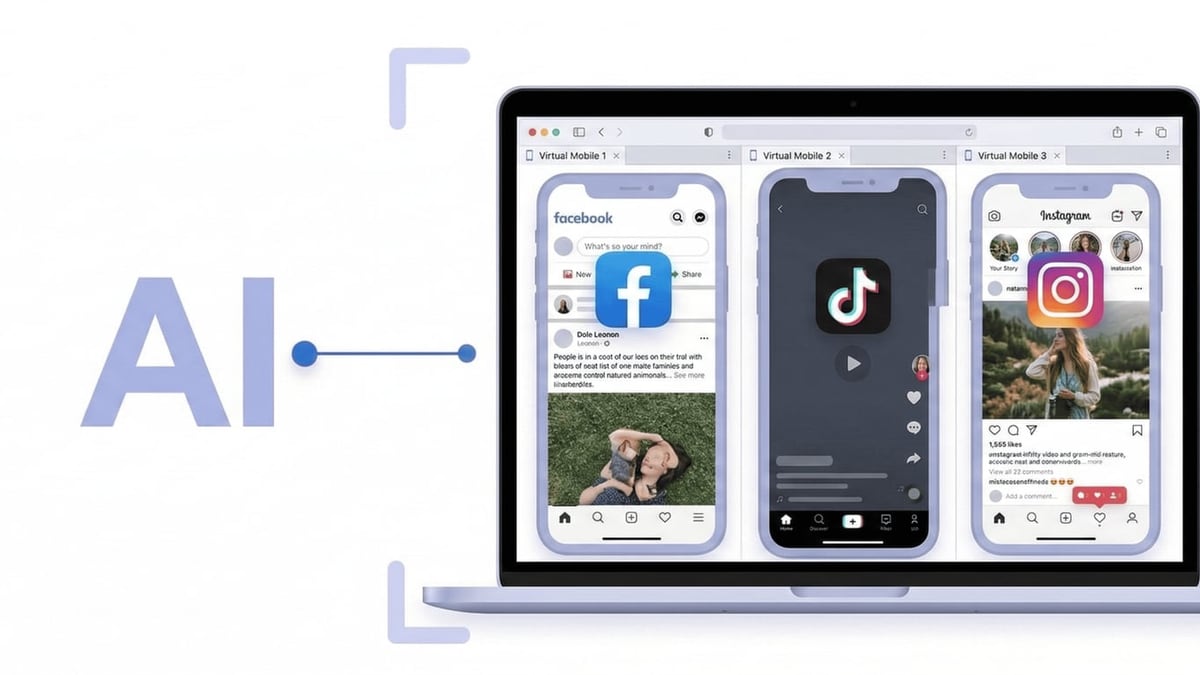
How to Use DuoPlus Cloud Phone with Zalo for Multi-Account Success product interface and feature overview.
Here’s how to get your first Zalo‑ready cloud phone up and running. The process is entirely browser‑based — no client downloads needed.
Sign up for DuoPlus
Visit DuoPlus Cloud Phone and register with your email or Google account. New users receive a free trial credit to test the platform.Purchase cloud phones
Go to the cloud phone management console and buy the number of phones you need. Plans start at $2 per phone per month, with discounts for bulk purchases. You can choose between on‑demand billing or fixed computing power for continuous usage.Configure a SOCKS5 proxy
Each cloud phone requires a dedicated IP. Add your proxy details (IP, port, username, password) in the configuration step. DuoPlus tests the connection automatically. For Zalo, it’s best to use residential or mobile proxies from Vietnam to preserve the local user appearance.Launch the cloud phone and install Zalo
Start the cloud phone, and you’ll see a full Android interface in your browser. Open the Play Store, search for Zalo, and install it just like on a physical phone. If you need to install Zalo for business or a specific APK, use the file upload feature to sideload apps.Verify accounts with cloud numbers
During registration, Zalo requires SMS verification. DuoPlus offers cloud numbers for receiving OTPs so you don’t need physical SIM cards. Select a Vietnamese cloud number, receive the verification code inside the phone, and complete the setup.Duplicate and scale
Once one Zalo account is running smoothly, use the one‑click clone feature to create identical cloud phones with fresh fingerprints. Then repeat the proxy and number setup. Within minutes, you can have 20 isolated Zalo accounts ready.
Pro tip: For teams, DuoPlus supports account sharing and permission controls. Assign specific cloud phones to team members without revealing proxy credentials, so your customer support staff can handle Zalo chats directly from their browsers.
Workflow Examples: How Businesses Use DuoPlus + Zalo

How to Use DuoPlus Cloud Phone with Zalo for Multi-Account Success product interface and feature overview.
E‑Commerce Brand with Multiple Zalo Official Accounts
A Vietnamese fashion retailer runs five Zalo Official Accounts (OA) targeting different customer segments. Instead of juggling five physical phones, the team sets up five DuoPlus cloud phones, each with a Ho Chi Minh City IP and unique device fingerprint. The customer service team logs into all five accounts from one dashboard, replying to inquiries in real time. Account bans drop to zero, and response times improve by 40%.
Marketing Agency Scaling Zalo Ads and User Testing
An agency managing Zalo ad campaigns for several clients needs to verify how ads appear on different devices and test automation scripts. Using DuoPlus, they spin up 30 cloud phones across multiple Android versions and Vietnamese regions. They install Zalo, simulate user journeys, and validate ad formats without interfering with live accounts. The app launch testing capabilities of DuoPlus also help them ensure Zalo API integrations work on real devices before deployment.
How DuoPlus + Zalo Solve Common Multi‑Account Problems
| Problem | DuoPlus Solution |
|---|---|
| Account association and bans | Unique device fingerprints, SOCKS5 proxy isolation, and SIM simulation make each Zalo account appear as a separate physical device in its own network. |
| High hardware costs | No need to buy, maintain, or power multiple phones. Cloud phones are billed per month and you can destroy and recreate them instantly. |
| Team collaboration bottlenecks | Cloud phones can be shared with granular permissions. Multiple agents can handle Zalo conversations from their own computers without leaving traces. |
| Lack of Vietnamese IP coverage | Choose from Vietnam‑located proxies and DuoPlus’s GPS/SIM library to present a fully localized footprint. |
| SMS verification hurdles | Built‑in cloud number service supplies Vietnamese phone numbers, eliminating the need for physical SIM cards or rented numbers. |
Leveraging Zalo’s Ecosystem: AI, Video, and Digital Transformation
Zalo isn’t just a messaging app. Its ecosystem includes Zing (music and news), Zalo Video, and the Kiki AI assistant, which is powered by a large language model to automate customer interactions. With DuoPlus, you can stretch these services across multiple accounts:
- Test Kiki bot configurations on separate Zalo accounts without risking your main business profile.
- Publish Zalo Video content through isolated accounts to gauge regional engagement before wide release.
- Perform QA testing on Zing integrations and Zalo’s digital transformation tools in clean, reproducible cloud environments.
DuoPlus Cloud Phone consistently appears in top anti‑detect cloud phone rankings — see Top 10 Anti‑Detect Cloud Phones for Multi‑Account Management — and for Zalo specifically, its real ARM architecture gives you the authenticity that software‑based solutions cannot match.
Related reading
- DuoPlus Cloud Phone vs Kameleo vs RoxyBrowser: Which Wins? - Compare DuoPlus Cloud Phone, Kameleo, and RoxyBrowser for multi-account management. Learn which anti-detection tool fits mobile social media, web automation, and team needs best.
Sources and further reading
- Cập Nhật DuoPlus Cloud Phone: Nâng Cấp Toàn Diện Sản Phẩm, Khám Phá Tính Năng Mới! - Khám phá bản cập nhật mới nhất từ DuoPlus, với chế độ chuyển đổi thân thiện với người dùng sang các chế độ tính toán tạm thời và cố định cho điện thoại đám mây. Tìm hiểu về các tùy chọn tính phí linh hoạt, mẹo tiết kiệm chi phí và cách đăng ký, cấu hình và sử dụng điện thoại đám mây DuoPlus của bạn một cách hiệu quả. Lý tưởng cho người dùng tìm kiếm các giải pháp di động dựa trên đám mây hiệu quả và kinh tế.
FAQ
Is DuoPlus Cloud Phone safe for Zalo business accounts?
Absolutely. Each instance runs on an isolated real ARM chip with its own fingerprint and network, mirroring a physical phone. Zalo’s security does not detect it as an emulator. Thousands of cross‑border marketers already rely on DuoPlus for Zalo and other social platforms.
Can I use DuoPlus with Zalo on a PC without downloading software?
Yes. The whole platform operates through a PC or mobile browser. No client installation is required, so you can manage Zalo cloud phones from any computer without leaving software traces.
How many Zalo accounts can I run on DuoPlus?
There is no hard limit. You can deploy as many cloud phones as you need. The dashboard supports unlimited instances, and you only pay for the ones you use.
Does DuoPlus support Zalo’s voice and video calls?
Yes. Because DuoPlus runs a real Android system with hardware‑backed audio and codec support, voice and video calls function normally. Ensure your proxy has sufficient bandwidth for VoIP.
How do I verify Zalo accounts using DuoPlus cloud numbers?
When creating a Zalo account, select the SMS verification option. Inside the cloud phone, open the cloud number service, pick a Vietnamese number, and the OTP will appear directly on the device screen. Enter it in Zalo and your account is verified without a physical SIM.
Conclusion: Powering Vietnam’s Internet Growth, One Account at a Time
Zalo’s vision of changing Vietnamese lives through internet development demands that businesses operate at scale while staying safe and compliant. DuoPlus Cloud Phone removes the hardware and security barriers that make multi‑account Zalo management painful. By combining real Android 15 cloud phones, dedicated IPs, and cloud‑based team sharing, you can run Zalo official accounts, customer support channels, and marketing campaigns with confidence.
If you’re evaluating multi‑account solutions, DuoPlus Cloud Phone provides detailed comparisons and guides — like DuoPlus vs Hidemium vs MoreLogin — to help you choose the right tool for your mobile‑first workflows. Start your DuoPlus free trial today and see how effortlessly Zalo multi‑account management becomes.