
Top 10 Android Virtualization & Cloud Device Platforms 2026
Ranked 2026 guide to the top 10 Android virtualization and cloud device management platforms, scored on isolation, automation, scale, and value.
Top 10 Android Virtualization and Cloud Device Management Platforms 2026
Android work no longer happens on one phone. Marketing teams run dozens of social profiles, QA teams test on device fleets they never touch, and IT teams manage thousands of endpoints across offices. The tools that make this possible fall into a category that is easy to mislabel: Android virtualization and cloud device management platforms.
This guide ranks the ten platforms that genuinely belong to that category in 2026. It does not rank anti-detect cloud phones, browser fingerprint tools, or pure MDM suites unless they provide real Android virtualization or cloud device control. Where an adjacent tool such as DuoPlus Cloud Phone becomes relevant to a decision, it is mentioned briefly and clearly labeled as outside the ranking.
How We Evaluated These Platforms
First viewport screenshot of Contact — VMOS.
Every product below was scored against the same criteria, using vendor documentation, published pricing, and product pages checked in 2026:
- Android environment authenticity — real ARM hardware, virtualization layer, or emulator, and which Android versions are supported.
- Isolation model — how separate device instances, accounts, and data stores remain from each other.
- Management and automation — batch operations, synchronizers, APIs, ADB, and RPA support.
- Team controls — seats, roles, permissions, sharing, and audit visibility.
- Scale and pricing clarity — per-minute, per-device, and subscription models, plus free tiers.
- Evidence quality — official documentation and verifiable feature claims rather than marketing copy.
The Top 10 Android Virtualization and Cloud Device Management Platforms for 2026
First viewport screenshot of VMOS — Product Matrix for Global Growth.
1. Multilogin Cloud Phone
Multilogin combines Android cloud phones with browser profiles in one workspace. Its Cloud Phone product runs remote Android environments on ARM-based hardware and lists stable Android 10–16 support across 12 Android device brands, with built-in residential proxy integration and access to a large global IP pool.
Persistent app data, a built-in app library, bulk cloud-phone operations, API access, and ADB support on Android 11 or later (paid plans) make it a strong fit for teams that need both mobile and web workflows under one account. A free plan with no time limit lowers the entry barrier, and paid plans start at a low monthly figure.
Best for: social media marketers and agencies that want Android cloud phones and browser profiles in a single platform.
2. GeeLark
GeeLark pairs cloud Android phones with browser profiles, RPA templates, a Synchronizer, and AI content tools. It supports Android 9–16, offers parallel sessions, and provides API access on supported plans.
Its Synchronizer mirrors clicks, swipes, scrolling, and text input from one main cloud phone across selected devices, while RPA handles repetitive multi-device workflows. Pricing includes a free tier with limited profiles and minutes, per-minute usage, and monthly device rentals with unlimited minutes. Some advanced features, including the Synchronizer and profile cloning, are restricted on lower plans.
Best for: teams running synchronized multi-device Android operations with automation.
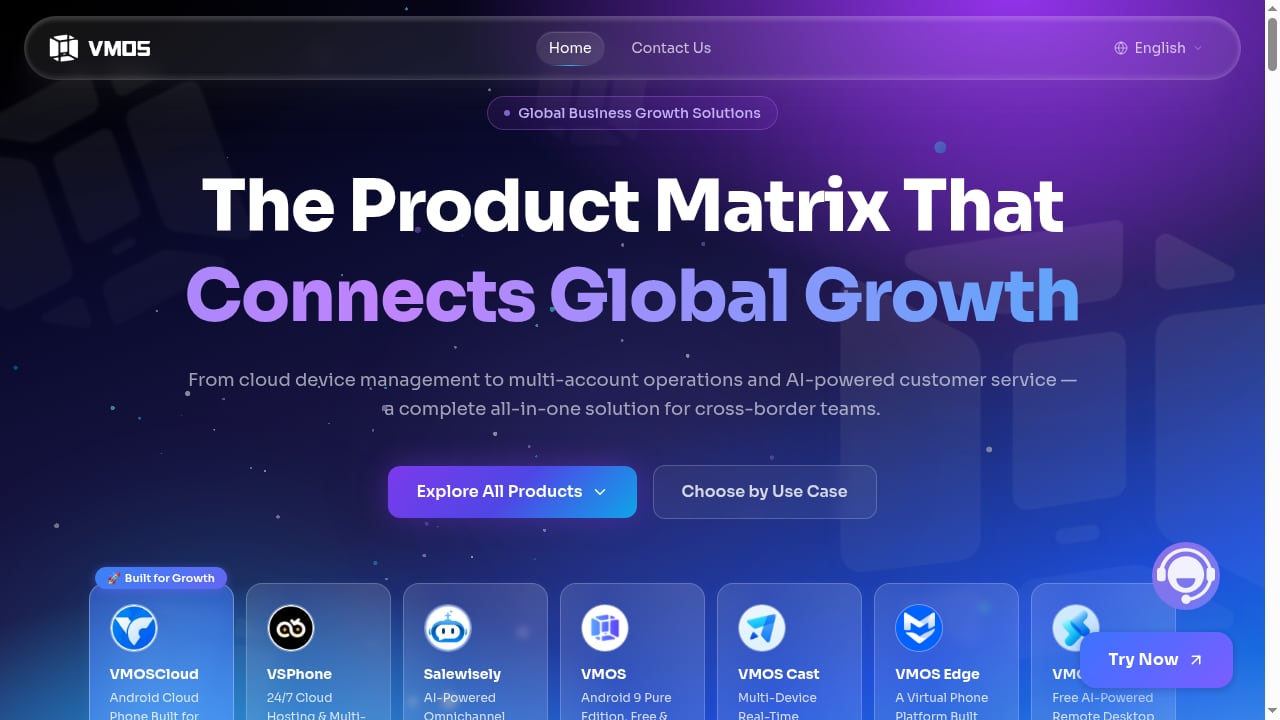
3. VMOS Cloud
VMOS Cloud provides remotely hosted Android devices built on self-developed ARM-server and virtualization technology. Users can connect from Windows, macOS, Linux, Android, iOS, and web clients, which makes it one of the most accessible platforms across operating systems.
Its Synchronizer mirrors actions from one main device to multiple cloud phones, including clicks, swipes, text input, app actions, uploads, restarts, and ADB-related operations. Team Hub adds role-based access, and the platform supports HTTP, HTTPS, and SOCKS5 proxies. Pricing spans per-minute timed devices, standard monthly cloud devices from a few dollars per month, and higher-end real-device options on Android 14 and 15. Proxy services are priced separately.
Best for: cross-border teams that want an all-in-one Android cloud device management solution with broad client support.
4. Microsoft Intune
Microsoft Intune manages Android, iOS/iPadOS, macOS, Windows, Linux, and ChromeOS from the Intune admin center. For Android, it supports work profiles, fully managed devices, and dedicated devices, and it attempts Samsung Knox activation during enrollment on supported models.
Intune is not a cloud phone platform, but it is a legitimate cloud device management platform for organizations that need to enroll, configure, and secure Android fleets at scale. It fits companies already standardized on Microsoft 365 and Microsoft Entra ID. Note that Android device administrator support ended on devices with Google Mobile Services in December 2024, so modern deployments should use Android Enterprise modes.
Best for: enterprises managing corporate Android fleets alongside Windows and Apple devices.
5. ManageEngine Mobile Device Manager Plus
ManageEngine Mobile Device Manager Plus manages smartphones, tablets, laptops, desktops, TVs, and rugged devices across Android, iOS, iPadOS, tvOS, macOS, Windows, and ChromeOS. It is available as a cloud service or an on-premises server.
Key Android capabilities include kiosk mode, remote control, content management, and containerization that separates corporate data from personal data. It is a practical choice for organizations that need broad OS coverage and the option to keep management infrastructure on-premises.
Best for: IT teams that need cross-platform device management with cloud or on-prem deployment.
6. Jamf Pro
Jamf Pro manages Mac, iPhone, iPad, and Apple TV with Declarative Device Management Blueprints, Smart Groups, and a Self Service catalog. It is the reference platform for Apple-centric organizations.
For Android virtualization and cloud device management specifically, Jamf Pro is a partial fit: it does not manage Android or Windows, so teams with mixed fleets need a second tool. It earns a place here because many organizations evaluating Android cloud device platforms also manage Apple devices, and Jamf Pro is the standard against which Apple enrollment and zero-touch deployment are measured.
Best for: Apple-first organizations that need a companion Android management decision.
7. Fleet
Fleet is an open-source device management platform that defines device settings as version-controlled configuration. It supports macOS, Windows, Linux, iOS, iPadOS, Android, and ChromeOS, and can run on-premises, in the cloud, or air-gapped.
Its configuration-as-code approach appeals to engineering-led teams that want device management to live in Git alongside application code. For Android, it provides the core enrollment and policy controls expected of a modern MDM, without vendor lock-in.
Best for: engineering teams that want open-source, version-controlled device management.
8. IBM MaaS360
IBM MaaS360 is a unified endpoint management platform with AI-driven insights, containerization, and broad OS coverage across mobile and desktop endpoints. It supports BYOD scenarios through work containers, conditional access, and selective wipe.
MaaS360 is strongest in regulated environments where compliance monitoring, encryption, and zero-trust access matter more than consumer-style cloud phone features. Its interface and pricing tiers are aimed at enterprises rather than small teams.
Best for: regulated enterprises that need AI-assisted UEM with strong compliance tooling.
9. Scalefusion
Scalefusion provides multi-OS device management with kiosk and BYOD support. It covers Android, iOS, macOS, and Windows, and is known for straightforward kiosk lockdown and remote control.
Its Android support includes dedicated device and work profile modes, making it suitable for frontline devices such as kiosks, scanners, and shared tablets. One profile per device is a limitation to plan around, and setup has a learning curve.
Best for: organizations deploying locked-down Android devices in customer-facing or field roles.
10. Moki
Moki focuses on single-purpose iOS, Android, and BrightSign device fleets. It offers fast kiosk deployment, lockdown, and remote control, and is designed for customer-facing devices rather than general-purpose phones.
If your Android virtualization need is really about running a controlled, always-on device experience in the field, Moki covers that niche well. It is not a cloud phone platform and does not provide remote Android instances for multi-account operations.
Best for: businesses managing dedicated kiosk and signage fleets.
How to Choose Between Cloud Phones and MDM Platforms
First viewport screenshot of DuoPlus Cloud Phone - Anti-Detection Cloud Phone | Mobile Multi-Account Management Expert | TikTok Account Operations.
The ten platforms above split into two families, and the right choice depends on what you are managing:
- Cloud phone platforms (Multilogin, GeeLark, VMOS Cloud) give you remote Android instances you can start, clone, and automate. They fit multi-account operations, app testing at scale, and social media matrices.
- Cloud device management platforms (Intune, ManageEngine, Jamf Pro, Fleet, MaaS360, Scalefusion, Moki) enroll real devices into a policy console. They fit corporate fleets, compliance, and kiosk deployments.
Some teams need both. A cross-border e-commerce team might use a cloud phone platform for seller accounts and an MDM for employee handsets. If your workflow also involves browser-based multi-accounting, our comparison of anti-detect browsers and cloud phones for multi-account management covers that overlap in detail.
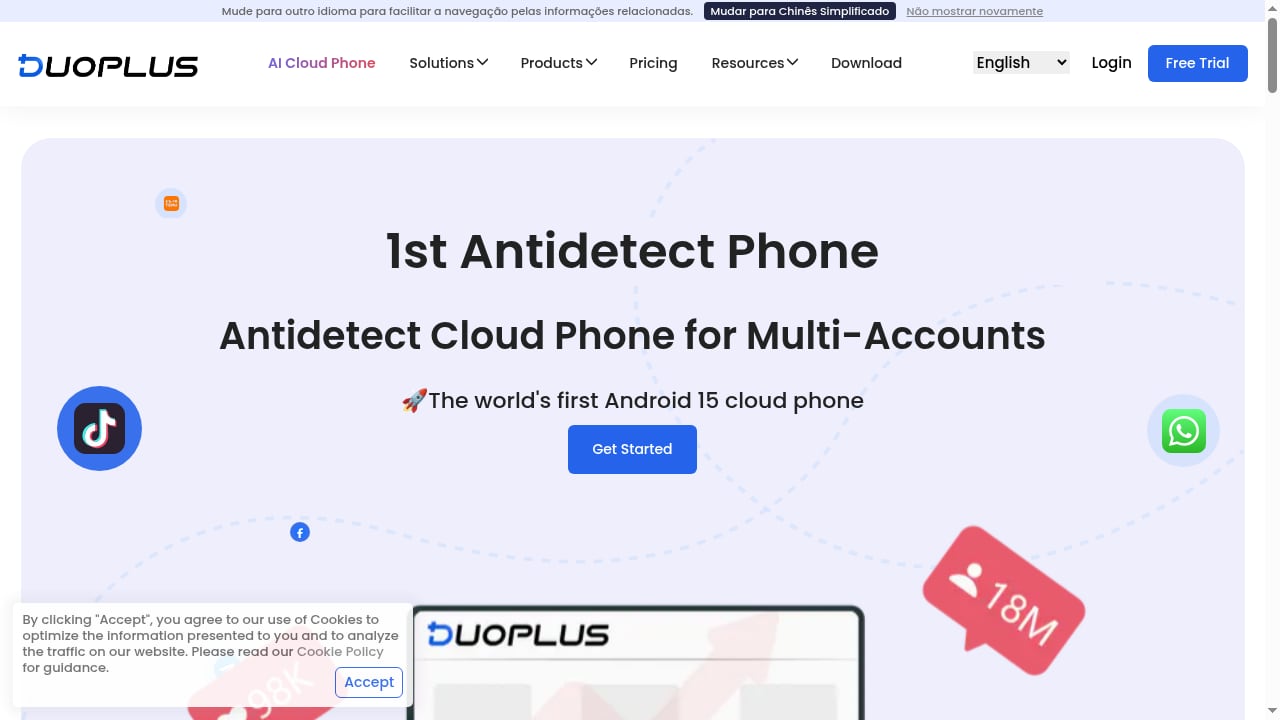
One adjacent product worth knowing about is DuoPlus Cloud Phone, an anti-detect cloud phone platform with real ARM-based Android devices, unique device fingerprints, and simulated GPS, SIM, and base station data. It is not part of this ranking because it belongs to the anti-detect cloud phone category rather than Android virtualization and cloud device management. Teams comparing real-device cloud phones against virtualized environments may still find it useful as a reference point; our DuoPlus Cloud Phone vs Nstbrowser vs Hippo Cloud Phone comparison explains where it fits.
Practical Examples
First viewport screenshot of Changelog - DuoPlus Cloud Phone.
- Social media agency: runs 40 TikTok and Instagram profiles across Multilogin cloud phones, with browser profiles for seller centers and dashboards.
- Mobile QA team: uses GeeLark or VMOS Cloud to spin up Android 14 and 15 devices on demand, then automates regression tests through ADB.
- Enterprise IT: enrolls 2,000 corporate Android phones in Intune, applies work profile policies, and uses MaaS360 or Scalefusion for kiosk devices in retail locations.
- Engineering-led startup: manages laptops and phones with Fleet, storing device configuration in Git and running the server on-premises.
Related reading
- Top 10 Antidetect Browser Products 2026: Tested & Ranked - We ranked the top 10 antidetect browsers of 2026 on fingerprint quality, stability, automation, and value, with pricing and test evidence for each.
FAQ
What is an Android virtualization and cloud device management platform?
It is software that either hosts Android environments remotely (cloud phones, virtual devices) or enrolls and manages Android devices through a central console (MDM/UEM). The category covers both because teams often need remote Android instances and policy-based fleet control.
Are cloud phones the same as Android emulators?
No. Emulators run Android on your local machine, often on x86 architecture. Cloud phones run remotely, and many use real ARM hardware or ARM server virtualization, which behaves more like a physical phone for app compatibility.
Which platform is best for multi-account Android operations?
Multilogin, GeeLark, and VMOS Cloud are the strongest fits in this ranking because they provide isolated Android instances, batch controls, and automation. The right pick depends on whether you need browser profiles alongside mobile environments, synchronized device control, or broad client support.
Can MDM platforms replace cloud phones?
No. MDM platforms manage devices you already own or that employees use. They do not provide remote Android instances for running many accounts or testing at scale. The two categories solve different problems and are often used together.
How much do these platforms cost?
Pricing ranges from free tiers and per-minute billing on cloud phone platforms to per-device monthly subscriptions on MDM platforms. Multilogin and GeeLark offer free plans, VMOS Cloud starts at a few dollars per month for standard devices, and enterprise MDM pricing is typically quoted per seat or per device.
What should I check before committing?
Confirm the Android versions supported, whether the environment uses real ARM hardware or emulation, how isolation works between instances, what automation options exist (API, ADB, RPA), and how team permissions are handled. Also verify pricing caps so per-minute billing does not surprise you at scale.
Conclusion
The 2026 market for Android virtualization and cloud device management splits cleanly between cloud phone platforms built for remote Android instances and MDM/UEM platforms built for fleet policy control. Multilogin, GeeLark, and VMOS Cloud lead the first group on isolation, automation, and team features. Intune, ManageEngine, Jamf Pro, Fleet, MaaS360, Scalefusion, and Moki lead the second on enrollment, compliance, and cross-platform coverage.
Start by defining whether you need remote Android environments, managed physical devices, or both. Then match the platform to your automation requirements, team structure, and budget model. For a broader view of adjacent tools, see our ranking of cloud phone and AI browser automation platforms.