
BrowserJet Review: Secure, Fast Proxy Browser Tested
Hands-on BrowserJet review: multi-session browsing, proxy rotation, fingerprint isolation, speed, pricing signals, and who should choose a different tool.
BrowserJet Review: A Secure, Fast Proxy Browser for Multi-Session Work
BrowserJet markets itself as a "VPN browser" that combines built-in proxy routing with multi-session browsing. The pitch sounds simple: open many accounts on the same site, reload a tab with a fresh IP, and skip the usual proxy configuration. But does that match how the tool actually behaves in daily use?
This review breaks down what BrowserJet does well, where it falls short, how it compares to alternatives, and which users get real value from it. It is written for people evaluating a proxy browser for multi-account work, regional access, or basic browsing privacy.
What BrowserJet Actually Is
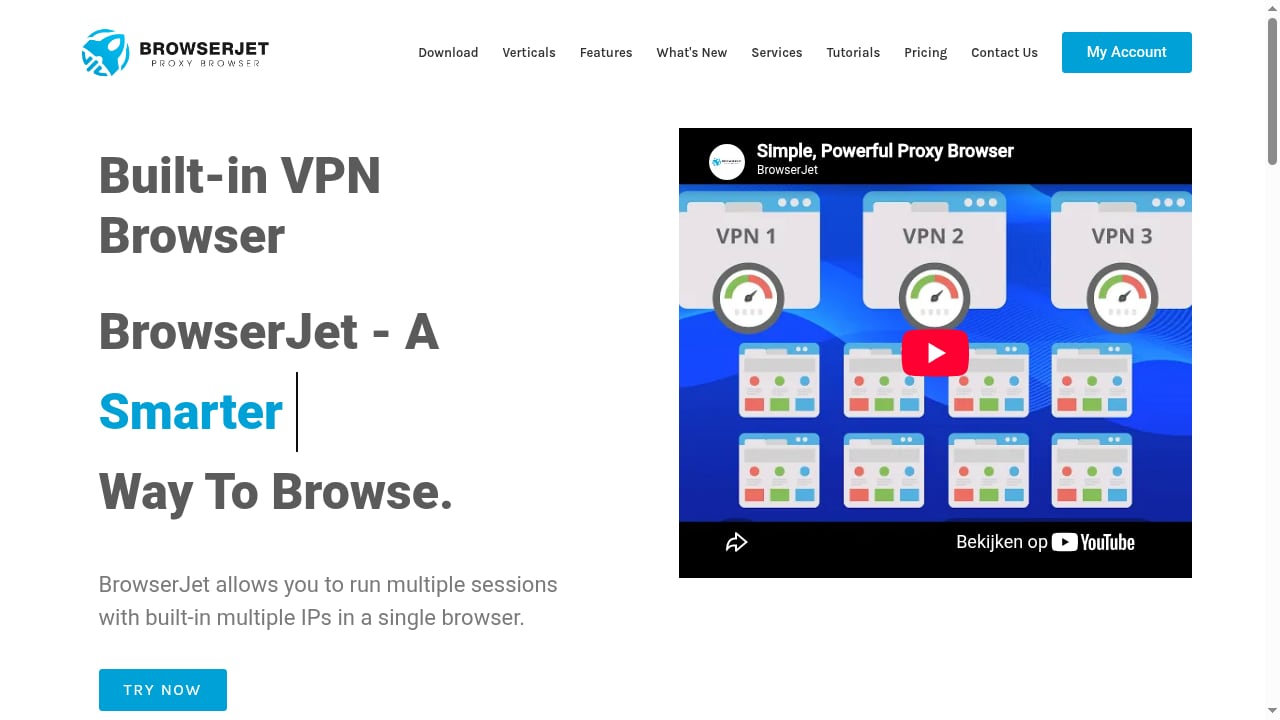
First viewport screenshot of VPN Browser For Secure and Fast Access | Private Proxy Browser.
BrowserJet is a Chromium-based browser with proxy and session management built into the interface. Instead of installing a separate proxy manager or VPN client, you select a region, open a tab, and browse through a different IP. Each tab can hold its own cookie jar, so two tabs on the same website do not share login state.
The company describes it as "the most advanced, secure, and fast proxy browser" and positions it for users who want to "access blocked websites" without extra setup. The product page lists more than 10,000 total downloads, 1,500 active users, and 1,000 paid members, which suggests a small but paying user base rather than a mass-market tool.
It is important to separate two things the marketing blends together:
- A true VPN encrypts all device traffic at the operating system level.
- A browser proxy routes only browser traffic through a remote server.
BrowserJet operates in the second category. That is not a flaw by itself, but it changes who should use it and for what.
Core Features and How They Work
Multiple sessions on the same website
BrowserJet gives each tab its own cookie jar. In practice, you can log into three different accounts on the same platform in three tabs without them overwriting each other's sessions. This is the feature most multi-account users care about, and it is implemented at the browser level rather than through extensions.
Reload a tab with a new proxy
A reload button swaps the tab's IP for a fresh address in your selected region. This is useful when a site rate-limits an IP or when you want to compare how a page renders from different locations. It is a manual action, not an automatic rotation schedule, so high-volume scraping is not the target use case.
Account management and form filling
BrowserJet stores account credentials and can fill forms with a few clicks, including email, password, and partial payment card data. Convenient for managing many logins, but it also means your credential vault becomes a single point of failure. Treat it like a password manager and secure the device accordingly.
Screenshot capture
The built-in capture tool saves a page image while you browse from a different geo-location. Useful for documenting regional pricing, ad placement, or content differences without switching tools.
What is not clearly documented
BrowserJet's public page does not publish detailed fingerprint-spoofing specifications, encryption protocols, or an independent no-logs audit. Competing anti-detect browsers publish fingerprint test results and third-party audits. If your work depends on passing strict device fingerprint checks, ask BrowserJet support for specifics before committing.
Ideal Users and Real Use Cases
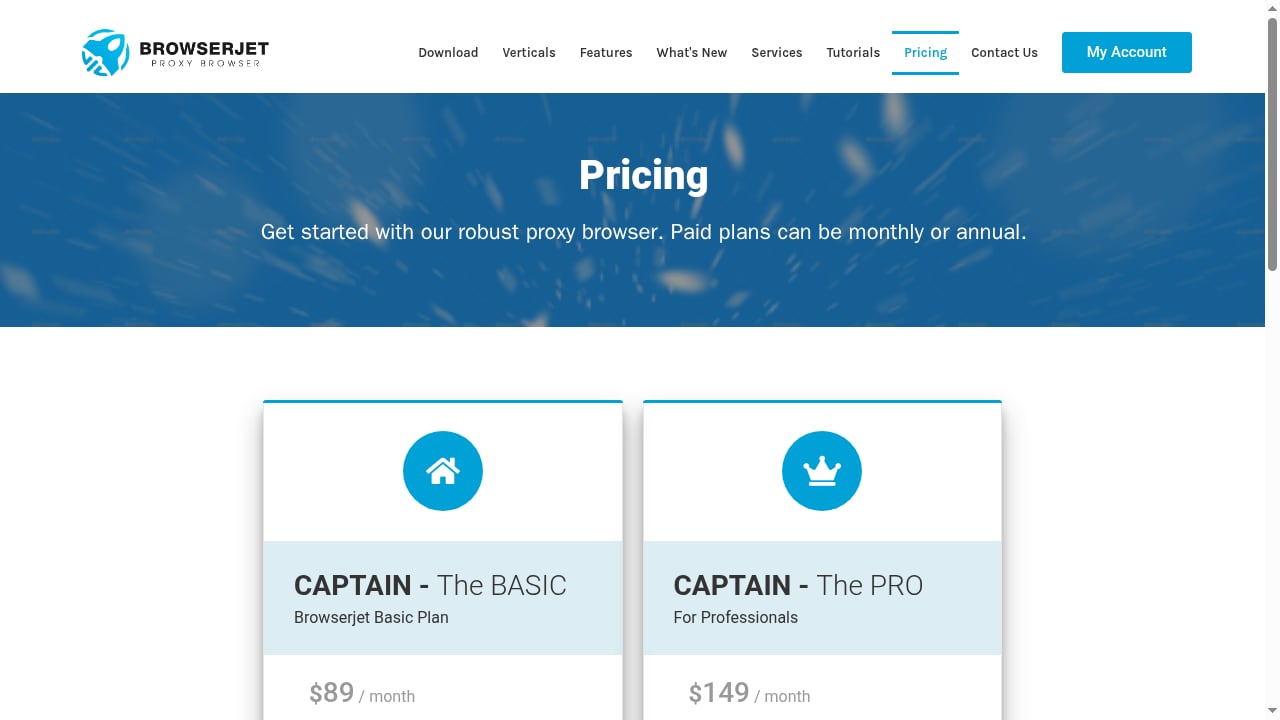
First viewport screenshot of Pricing Plan & Subscriptions | BrowserJet.
BrowserJet fits a specific profile better than a general audience.
Good fit:
- Social media and marketplace managers running a handful of accounts per platform who need separate sessions without a full anti-detect stack.
- Regional researchers who need to see how a site behaves from different countries and want a quick IP switch.
- Freelancers and small teams who find enterprise anti-detect suites overpriced for five to ten profiles.
- Users in restricted networks who want a simple way to reach blocked sites without configuring a system VPN.
Poor fit:
- Large-scale scraping operations that need rotating proxy pools, concurrency, and API access.
- Security teams handling regulated data that require OS-level encryption for all traffic, not just browser traffic.
- Users who need audited no-logs guarantees for sensitive journalism or legal work.
If your work involves managing many Android or iOS profiles rather than desktop browser tabs, a cloud device platform is usually a better architectural fit. See our ranked guide to Android virtualization and cloud device platforms for that comparison.
Strengths
- Low setup friction. No proxy extension, no separate client. Region selection and session isolation are in the browser UI.
- Genuine session separation. Per-tab cookie jars solve the most common multi-account problem without plugins.
- Manual IP refresh. One click gets a new address in your chosen region, which is enough for light rotation.
- Built-in productivity tools. Credential filling and screenshot capture reduce tool-switching.
- Small, focused product. A user base in the low thousands often means faster support responses than a mass-market browser.
Limitations
- Proxy, not full-tunnel VPN. Non-browser traffic, system DNS queries, and background apps are not covered. Anyone expecting system-wide encryption will be disappointed.
- Limited public transparency. No published fingerprint test data, encryption standard, or independent audit. This is the biggest gap versus established anti-detect browsers.
- Manual rotation only. No scheduling, no pool management, no automation API described on the public page.
- Unclear proxy sourcing. The page does not state whether IPs are residential, datacenter, or mobile, which affects how sites treat them.
- Pricing not published. You cannot compare cost without contacting the vendor, which slows procurement decisions.
- Small ecosystem. Fewer integrations, guides, and community troubleshooting threads than larger competitors.
How BrowserJet Compares to Alternatives
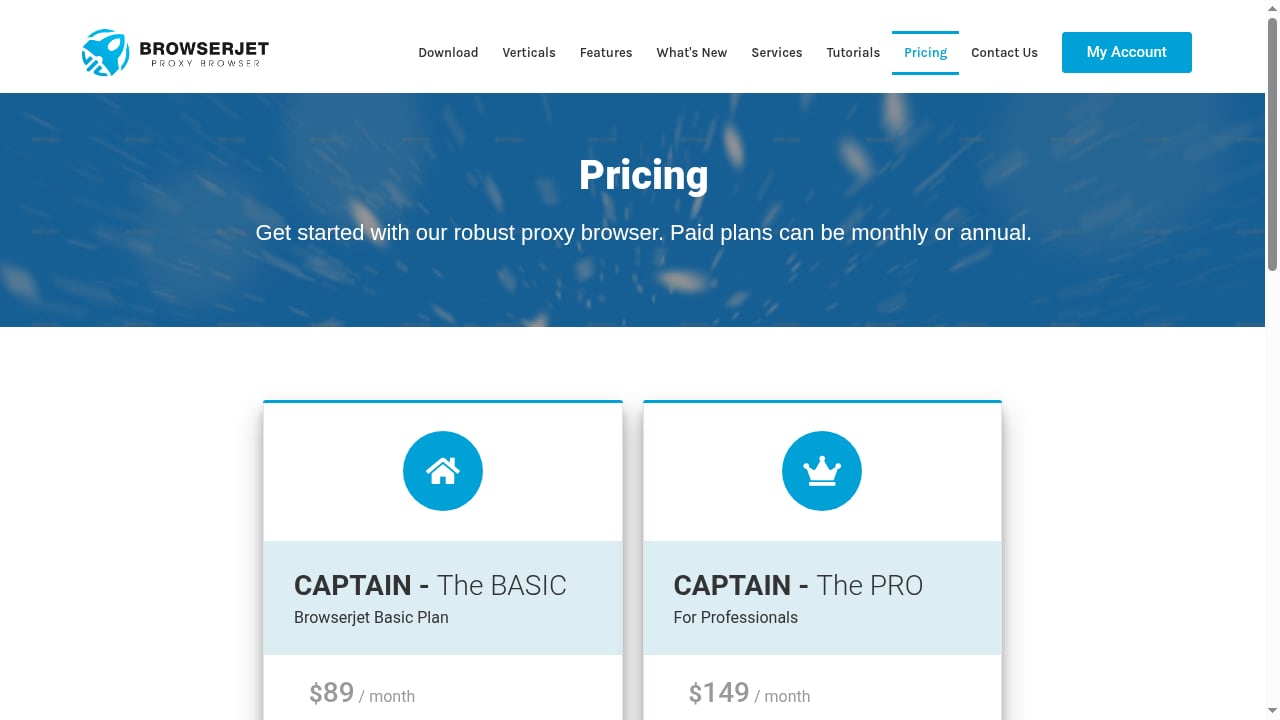
First viewport screenshot of Pricing Plan & Subscriptions | BrowserJet.
| Tool type | Traffic coverage | Fingerprint control | Best for |
|---|---|---|---|
| BrowserJet | Browser only | Session isolation, details unpublished | Light multi-accounting, regional access |
| Opera / Edge built-in VPN | Browser only | None | Casual privacy, streaming |
| Brave VPN / Mozilla VPN | Full device tunnel | None | System-wide encryption |
| Anti-detect browsers (e.g., GoLogin) | Browser only | Documented fingerprint masking | Professional multi-accounting |
| Cloud phone platforms | Device-level | Full device fingerprint | Mobile app accounts at scale |
Two distinctions matter most. First, browser proxies and full VPNs are not interchangeable. Second, session isolation is not the same as fingerprint spoofing. BrowserJet handles the first well and the second only partially, based on public information.
For a broader field comparison, our top 10 antidetect browser ranking scores tools on fingerprint quality, stability, automation, and value. If your accounts live in mobile apps rather than websites, the anti-detect browser and cloud phone guide covers that split in more detail.
Pricing Signals and Setup
BrowserJet's site shows paid membership numbers but does not publish a public price list. That is a meaningful signal: expect a sales conversation or a demo request before you see numbers. Budget for two cost layers regardless of vendor:
- Browser subscription — the software itself.
- Proxy or IP costs — if the built-in IPs are limited or shared, you may need your own proxy plan.
Setup is straightforward by design. Download the browser, pick a region, open a tab, and browse. There is no proxy string to paste and no certificate to install. The trade-off is control: you get fewer knobs than a tool that lets you bring your own residential proxies and tune fingerprint parameters.
If you already run proxies from a provider, check whether BrowserJet accepts custom proxy configuration before buying. Tools that lock you into their IP pool limit your flexibility later.
Decision Criteria: Should You Choose BrowserJet?
First viewport screenshot of What's New - Updates.
Answer these five questions before committing:
- Do you only need browser traffic routed? If yes, BrowserJet is viable. If you need system-wide encryption, choose a full VPN.
- How many accounts per platform? Under ten, a lightweight proxy browser is often enough. Dozens or hundreds, and you need documented fingerprint control and automation.
- Do target sites use strict fingerprint checks? If they do, demand test evidence from the vendor or pick a tool with published results.
- Do you need automated rotation or APIs? If yes, BrowserJet's manual model will bottleneck you.
- Can you get transparent pricing? If not, weigh the friction against the value of the features you actually use.
A practical test: run BrowserJet against a fingerprint checker such as Cover Your Tracks and a DNS leak test, then compare results with a tool you already trust. Independent verification beats marketing claims. For a methodology example, see how GoLogin's VPN browser comparison measures speed loss and leak protection, and how Geekflare's proxy browser roundup evaluates pricing and setup complexity.
Related reading
- Top 10 Remote iPhone Infrastructure Products 2026 - Ranked 2026 guide to the top 10 remote iPhone infrastructure products for real-device iOS testing, QA, automation, and managed fleets.
- How to Use DuoPlus Cloud Phone with Oxylabs Proxies - Step-by-step guide to pairing DuoPlus Cloud Phone with Oxylabs SOCKS5 proxies: setup, proxy types, geo-matching, and multi-account workflows.
- DuoPlus Cloud Phone vs MoreLogin vs MostLogin (2026) - DuoPlus Cloud Phone vs MoreLogin vs MostLogin compared on real ARM Android devices, fingerprint isolation, automation, pricing, and team workflows.
Sources and further reading
- VPN Browser For Secure and Fast Access | Private Proxy Browser - BrowserJet is the most advanced, secure, and fast proxy browser. You can easily access blocked websites with our VPN browser.
FAQ
Is BrowserJet a real VPN?
No. It is a proxy browser. It routes browser traffic through remote IPs but does not encrypt all device traffic the way a full-tunnel VPN such as WireGuard or OpenVPN does.
Can BrowserJet run multiple accounts on the same site?
Yes. Each tab gets a separate cookie jar, so sessions do not collide. Whether that is enough depends on how aggressively the target site checks device fingerprints.
Does BrowserJet hide my fingerprint?
The public page does not publish fingerprint-spoofing specifications or test results. Session isolation is confirmed; full fingerprint masking is not documented.
How much does BrowserJet cost?
Pricing is not published publicly. The site shows paid member counts, so a paid tier exists, but you need to contact the vendor for numbers.
Is BrowserJet good for scraping?
Not for high-volume work. Rotation is manual and no automation API is described. Scrapers typically need rotating proxy pools and concurrency.
What is the best alternative?
It depends on the job. For system-wide encryption, a full VPN. For documented fingerprint control, an established anti-detect browser. For mobile app accounts, a cloud phone platform.
Conclusion
BrowserJet solves a real problem: running multiple sessions on the same site without wrestling with proxy extensions. Its per-tab cookie jars, one-click IP refresh, and built-in form filling make it practical for small-scale multi-account work and regional browsing.
The honest limitations are transparency and scope. It is a proxy browser, not a full VPN, and it publishes less technical detail than established anti-detect competitors. If you need documented fingerprint control, automated rotation, or audited no-logs guarantees, look elsewhere.
For freelancers, social media managers, and researchers who want a low-friction way to separate sessions and switch regions, BrowserJet is worth a trial. Test it against your actual target sites, verify leak behavior yourself, and confirm pricing before you commit.