
How to Use DuoPlus Cloud Phone and Make for AI Automation
Combine DuoPlus Cloud Phone and Make to automate multi-account social, e-commerce, and crypto actions. Setup guide for no-code AI workflow integration.
How to Use DuoPlus Cloud Phone and Make for AI Automation
Managing dozens of social media, e-commerce, or crypto accounts across isolated mobile environments is a challenge few tools solve end‑to‑end. DuoPlus Cloud Phone gives you a real ARM‑based Android 15 device in the cloud with a unique fingerprint and dedicated proxy, so your accounts stay unlinked and secure. Make (formerly Integromat) is a visual no‑code platform that connects thousands of apps and automates complex workflows. When you pair them, you unlock reliable, intelligent automation that can run 24/7 without scripts—and without triggering platform bans.
In our testing at DuoPlus Cloud Phone, this integration proved to be a game changer for cross‑border marketers, affiliate managers, and crypto airdrop hunters. You can trigger actions like posting a TikTok video, liking Instagram comments, or claiming a wallet token exactly when you need to, from a single workflow. Here’s how to set up the bridge between DuoPlus Cloud Phone and Make, and the exact problems it solves.
Why Pair DuoPlus Cloud Phone with Make?
How to Use DuoPlus Cloud Phone and Make for AI Automation product interface and feature overview.
Standalone cloud phones solve the environment isolation problem, and standalone automation tools solve the trigger and orchestration problem. Together, they eliminate the gap that forces teams to choose between safety and efficiency.
- DuoPlus Cloud Phone provides device‑level isolation. Every cloud phone is an independent Android instance with its own IMEI, MAC address, and GPS. This avoids account associations that happen when you log into multiple accounts from the same real device or IP. Its built‑in DUO+ AI Agent and RPA can already automate in‑app actions—but without an external trigger, you still have to start them manually.
- Make excels at connecting external signals (a new order, a webhook, a scheduled time) and chaining actions across apps. On its own, however, it can’t control mobile apps inside a safe, anti‑detect environment.
Combining them gives you a trigger‑to‑action pipeline that respects platform safety rules. You get:
- Event‑driven execution – a Shopify sale instantly triggers a thank‑you post on TikTok, no human needed.
- Unified multi‑account orchestration – one scenario can send commands to ten different cloud phones, each running a distinct Instagram or Telegram account.
- Human‑like behavior – DuoPlus’s AI Agent adds random delays and simulates real taps, while Make controls cadence and avoids rate‑limit patterns.
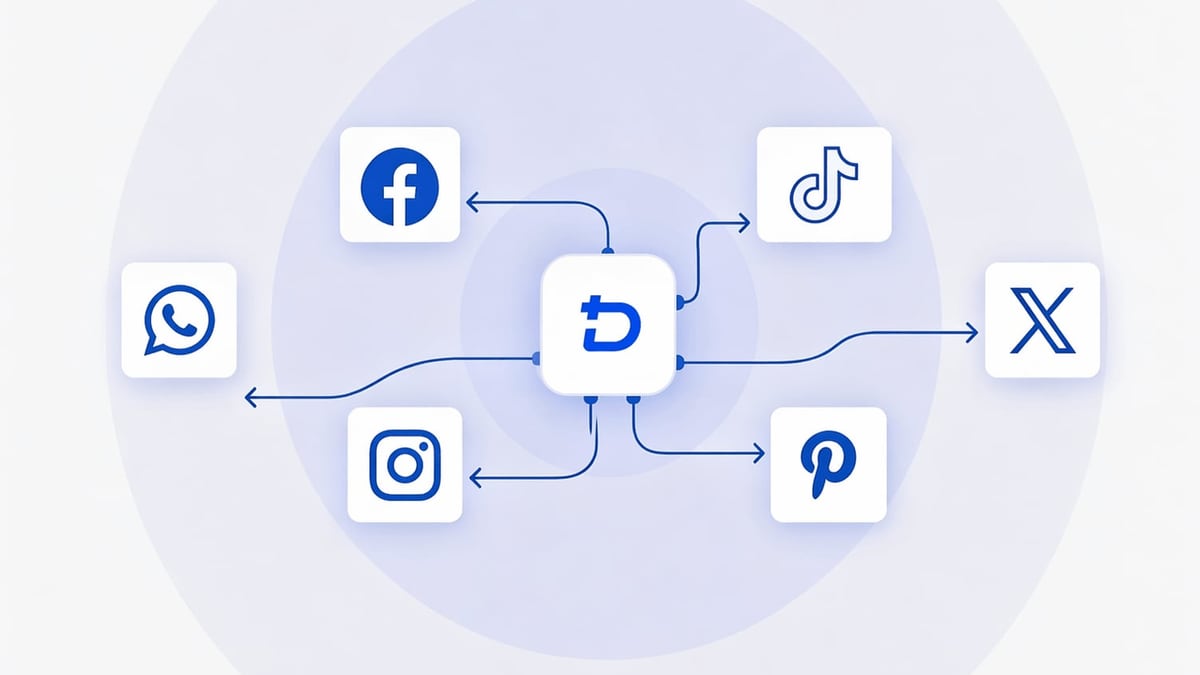
The bridge is simple: DuoPlus cloud phones run a lightweight messaging client (like Telegram), and Make sends well‑formed commands to that client. The AI Agent interprets the commands and performs the actions. Real Android cloud phones are essential here—an anti‑detect browser can’t replicate the app‑level interactions that platforms expect. Before you commit, you may want to compare real Android cloud phones against anti‑detect browsers.
What You Can Automate (Practical Use Cases)
How to Use DuoPlus Cloud Phone and Make for AI Automation product interface and feature overview.
E‑Commerce Social Selling
A Shopify store gets a new order. Make catches the webhook, extracts the product name, and sends a Telegram message to a pre‑configured DuoPlus cloud phone: “Open TikTok, create a post with the video ‘thankyou.mp4’ and write the caption ‘Thanks for your order, Alex! Enjoy your [Product].’ Post it.”
The cloud phone’s AI Agent launches TikTok, selects the video from the gallery, types the caption, and shares it—all in one flow. No risk of the store owner accidentally logging into the wrong account, because only one app is tied to that phone.
Multi‑Account Social Media Management
A content calendar in Airtable or Google Sheets holds daily tasks for 15 regional Instagram accounts. Make reads the sheet, filters by today’s date, and dispatches commands in bulk. Each command goes to the Telegram chat of the corresponding DuoPlus cloud phone. Within seconds, those phones start liking target posts, leaving pre‑written comments, and following niche accounts—each with its own country‑specific proxy and SIM setting.
The DuoPlus Operation Synchronizer even lets you batch‑control multiple phones at once, but Make keeps the logic smart: phones receive different content strings from the same scenario, ensuring no identical spam.
Crypto Airdrop and Wallet Automation
A new airdrop is announced on a Telegram channel or RSS feed. Make monitors the source, parses the project link, and triggers a DuoPlus cloud phone to open Trust Wallet or MetaMask Mobile, navigate to the dApp, connect the wallet, and claim the reward. Because each cloud phone runs a separate wallet address with a clean fingerprint, the chance of Sybil detection drops significantly.
App Testing and Market Validation
Need to verify how your app behaves on Android 12 in Brazil, Android 15 in Germany, and Android 10 in Indonesia? Create three DuoPlus cloud phones with the appropriate proxies. Build a Make scenario that fires an ADB‑like command (via the Telegram bridge or DuoPlus’s enhanced ADB support) to install the test build, launch the app, and simulate a typical user journey. Logs are captured and sent back to a Google Sheet.
Setting Up Your DuoPlus Cloud Phone Environment
How to Use DuoPlus Cloud Phone and Make for AI Automation product interface and feature overview.
Create an account and a cloud phone instance.
Sign up at DuoPlus and choose a plan. Deploy a cloud phone with Android 15 (ARM chip) for the best app compatibility.
Configure the proxy and GPS.
In the DuoPlus console, initialize a Socks5 proxy (residential IP recommended) and set the GPS location to your target region. This makes the phone appear as a genuine local device. Running multiple phones with different proxies avoids footprint overlaps.Install the bridge app.
Install Telegram from the DuoPlus App Store or Google Play. Create a dedicated Telegram account for this phone, then set up a private channel or bot that will receive automation commands. You can also use a simple chat with a bot you control.Activate the AI Agent.
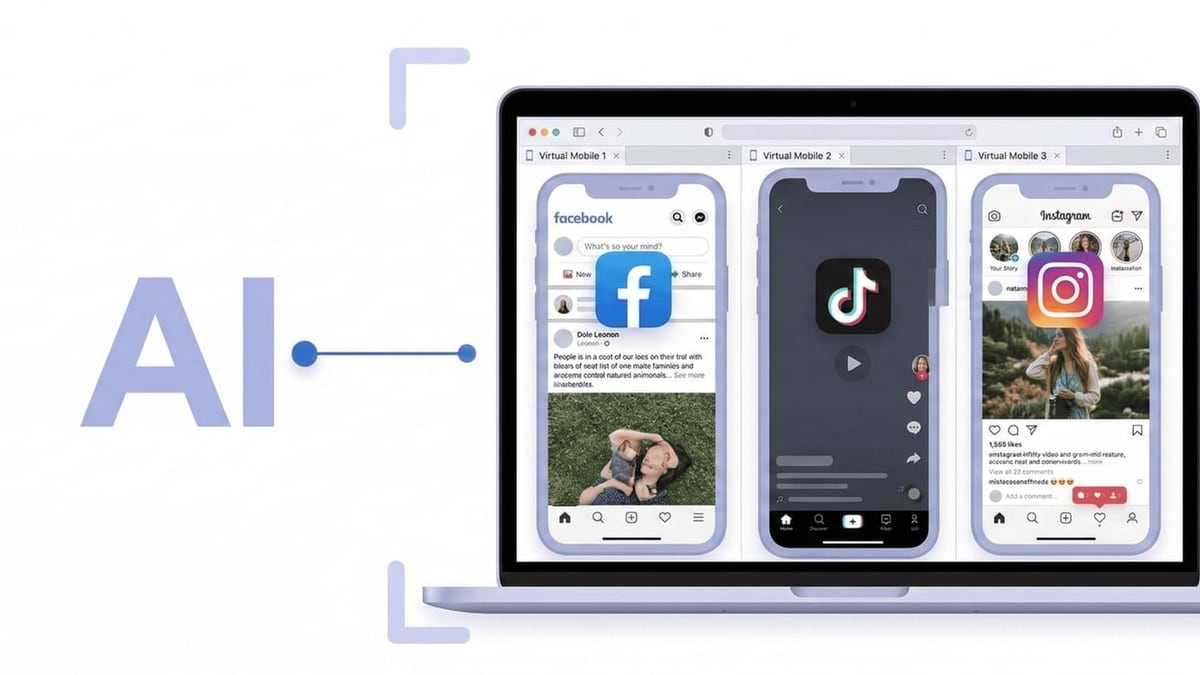
In the DuoPlus cloud phone, open the DUO+ AI Agent panel. The agent uses on‑device intelligence to understand natural‑language commands. For example, you can test it by typing: “Open Instagram, like the first 3 posts on the feed.” Once it works, the phone is ready to listen for external commands via Telegram. (You can learn more about the AI Agent’s capabilities here.)
Now the phone is an isolated, automation‑ready worker that only needs a trigger.
Building the Make Scenario Step by Step

How to Use DuoPlus Cloud Phone and Make for AI Automation product interface and feature overview.
Create a Make scenario.
Log into Make and click “Create a new scenario.” Choose the trigger that fits your use case—for this example, we’ll use Shopify > Watch New Orders.Add a Telegram message module.
After the trigger, add Telegram Bot > Send a Text Message. Connect your bot token (the one tied to the channel you configured on the cloud phone). Set the Chat ID to the private channel or user chat where the phone listens.Craft the command.
In the message text field, write a natural‑language instruction that the AI Agent will parse, and insert Make variables to personalize it. Example:Open TikTok, press the '+' button, select 'Upload', choose video file 'thankyou2026.mp4', type the caption 'Order confirmed for {{order.customer.first_name}}!', and post.
Add safety delays and conditions.
Use Make’s built‑in Sleep module to insert a random delay between 30 and 120 seconds before sending the next command, so you don’t flood the cloud phone. You can also add a Router to send different commands based on order tags or product categories.Test the scenario.
Run the scenario once. The command appears in the Telegram chat. The DuoPlus AI Agent on the cloud phone detects the message, parses it, and performs the actions. Verify the TikTok post appears. Then activate the scenario for continuous execution.
If you prefer a different no‑code orchestrator, the same principle works with n8n. We’ve written a dedicated guide on DuoPlus Cloud Phone + n8n automation.
Best Practices for Reliable Automation
- Randomize delays. In DuoPlus RPA and in Make, add variable pauses. Real humans don’t like 10 posts in 12 seconds.
- Rotate proxies periodically. Use a proxy pool and schedule Make to change the DuoPlus proxy every few days via the management API or manual update.
- Monitor both dashboards. Check the DuoPlus task logs for execution errors and the Make history tab for failed triggers. The AI Agent already logs every step, but Make adds a complete audit trail.
- Use the Operation Synchronizer sparingly. When you need identical actions across many phones (e.g., launching an app), the built‑in synchronizer is handy. For personalized actions, rely on Make’s logic to dispatch unique commands.
- Keep cloud phones healthy. Periodically send a “ping” command (like “take a screenshot”) via Make to confirm the phone is online and the AI Agent is responsive.
A full feature overview of the cloud phone platform can be found in our DuoPlus Cloud Phone review, which covers the ARM architecture and isolation in detail.
Related reading
- DuoPlus Cloud Phone vs Hidemium vs SessionBox One: Compared - Compare DuoPlus Cloud Phone, Hidemium, and SessionBox One for multi-account management. See where a real Android cloud phone excels over anti-detect browsers for mobile apps, social media, and crypto.
- BrowserJet Review 2026: The Tab-Per-IP Anti-Detect Browser Tested - In-depth BrowserJet review: how the anti-detect browser uses unique IPs per tab for multi-account management, pricing, pros/cons, and when to choose it over cloud phones.
Sources and further reading
- How to Use Android Automation to Improve Work Efficiency? - In the digital transformation era, Android automation plays a crucial role in RPA, gradually becoming a key step to enhance business efficiency. This article explores its advantages, application scenarios, and how to implement automation to help businesses transition.
FAQ
Can Make directly control DuoPlus cloud phones through an API?
Currently, DuoPlus does not expose a public REST API for on‑device actions. The Telegram bridge is a simple, reliable workaround. Advanced users can also leverage DuoPlus’s enhanced ADB functionality to connect from Make via an intermediary service, but the Telegram method requires no coding.
How secure is the integration?
Telegram messages are encrypted in transit, and the cloud phone’s environment is completely isolated. No account credentials or sensitive data leave the cloud phone. The phone number used for the bridge is disposable and bound only to that device, reducing attack surface.
Does this work for bulk Instagram or Facebook actions?
Yes, but you must respect platform limits. DuoPlus’s AI Agent includes human‑like delays and random touch coordinates. Coupled with Make’s scheduling, you can distribute actions across multiple cloud phones and different sessions to avoid behavioral footprints.
What does it cost?
DuoPlus offers a free trial plan with cloud phone credits. Paid plans start from affordable tiers depending on the number of devices and features you need. Make has a generous free tier for up to 1,000 operations per month, which is enough for many small‑scale automations.
Can I use tools other than Telegram as the bridge?
Absolutely. Any app that can receive text commands—such as a WhatsApp business number or a Slack workspace—can serve as the bridge. Just install the corresponding client on the cloud phone and let the AI Agent monitor that app.
Conclusion
Pairing DuoPlus Cloud Phone with Make closes the loop between secure, anti‑detect mobile environments and intelligent, event‑driven automation. You no longer need to spend hours manually logging into ten Instagram accounts to post a campaign, or risk account bans by running bots on real devices. The DuoPlus AI Agent understands your intent and acts like a human, while Make becomes the brain that connects your entire tech stack.
Start with the free trial of both platforms, build a small scenario, and watch a single Telegram command turn a sale into a TikTok post. At DuoPlus Cloud Phone, we believe this stack is one of the most accessible ways to scale multi‑account operations without coding—and without compromising security. Give it a try and let your cloud phones do the work.