
DuoPlus Cloud Phone + n8n: Automate Multi-Account Workflows
Learn how to combine DuoPlus Cloud Phone with n8n to automate multi-account social media, e-commerce, and crypto workflows. Step-by-step setup, examples, and practical tips.
How to Use DuoPlus Cloud Phone with n8n: Automate Multi-Account Workflows
Managing dozens of social media or e-commerce accounts usually means jumping between isolated devices, repeating the same actions, and praying no platform links them together. DuoPlus Cloud Phone solves the isolation problem with real Android cloud phones that carry unique fingerprints and dedicated IPs. n8n adds smart, cross-platform automation that goes far beyond simple task scheduling.
At DuoPlus Cloud Phone, we’ve mapped out exactly how these two tools can work together to turn a cloud phone farm into a fully automated, multi-account engine. By the end of this guide you’ll know the setup steps, reusable workflow templates, and the kinds of business problems this pairing actually solves.
Why Pair DuoPlus Cloud Phone with n8n?
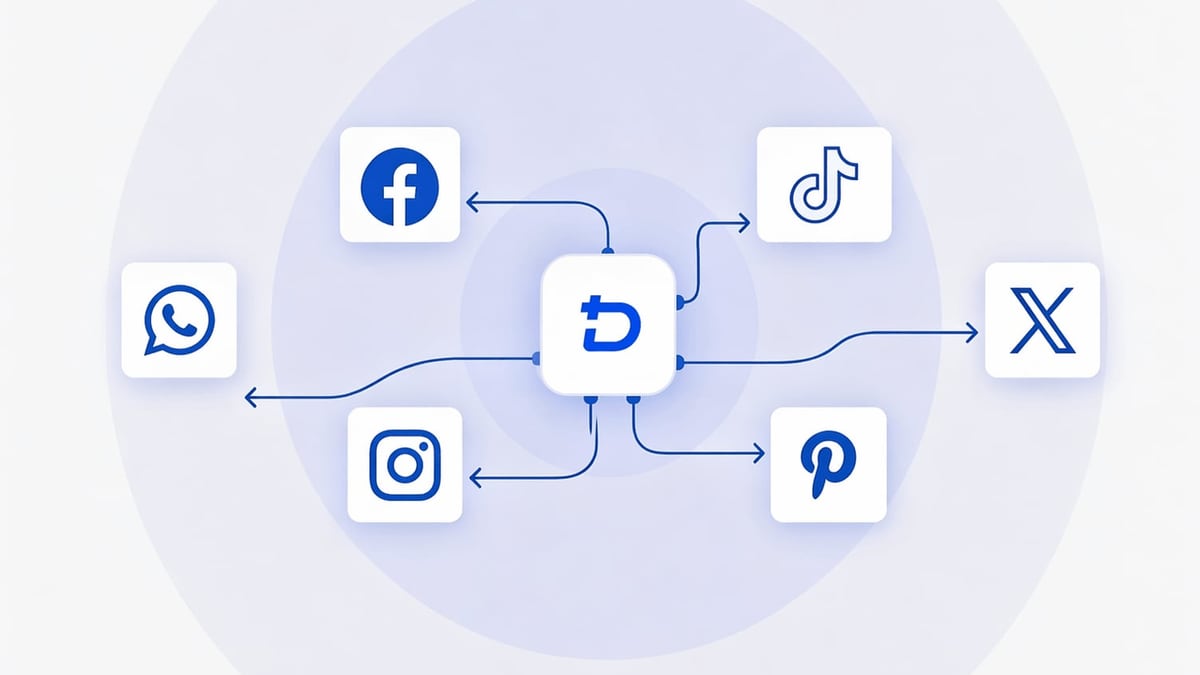
DuoPlus Cloud Phone + n8n: Automate Multi-Account Workflows product interface and feature overview.
DuoPlus Cloud Phone gives you real ARM-based Android environments – not emulated shells. Each instance has its own IMEI, Android ID, GPS location, and network identity, making it a safe vessel for separate TikTok, Instagram, WhatsApp, or Facebook accounts. The platform also offers an AI Agent and RPA tools for no-code automation within a single cloud phone.
n8n is an AI‑native workflow automation platform with over 500 integrations. Its visual builder lets technical teams create complex logic, call custom code, add human-in-the-loop checkpoints, and chain actions across dozens of services. The platform runs self-hosted or in the cloud, giving you full control over data and execution.
Together, DuoPlus becomes the “hands and eyes” of anti‑detect operations while n8n acts as the brain, orchestrating when, how, and in what order actions happen across hundreds of cloud phones and external tools.
For a detailed look at what DuoPlus can do on its own, this independent DuoPlus cloud phone review covers its anti-detect capabilities, RPA features, and pricing. If you’re still comparing cloud phone providers, our side-by-side DuoPlus vs VMOS Cloud comparison can help you pick the right infrastructure.
What Problems Does the DuoPlus + n8n Combination Solve?

DuoPlus Cloud Phone + n8n: Automate Multi-Account Workflows product interface and feature overview.
Standard cloud phone automation usually hits a wall when you need single actions that follow rigid scripts. Real multi-account campaigns demand more.
- Scaled content distribution – Post a video to 30 TikTok accounts at staggered intervals, route each account through its own proxy, and log the results in a Google Sheet.
- Account health monitoring and automated recovery – Have n8n poll a social media API or scrape account statuses. If an account is shadowbanned, n8n triggers the correct DuoPlus cloud phone to perform verification steps, log out, and notify Slack.
- Cross-platform lead outreach – Pull a lead from HubSpot, enrich the data with Clearbit, then instruct a specific DuoPlus Instagram or WhatsApp instance to send a personalized DM – all without a single manual login.
- Crypto airdrop and testnet farming – Orchestrate hundreds of cloud phones to interact with different dApps on schedule, rotate wallets, and switch IPs between sessions.
These scenarios all require conditional logic, integrations with external APIs, and the ability to call DuoPlus cloud phone operations from a central trigger – exactly what n8n excels at.
Prerequisites for Integrating DuoPlus with n8n

DuoPlus Cloud Phone + n8n: Automate Multi-Account Workflows product interface and feature overview.
Before you start wiring things together, have these ready:
- Active DuoPlus account with at least one cloud phone provisioned. Pricing starts at $1.40/month per device (volume discounts apply), plus startup costs. See the official DuoPlus cost breakdown for the latest figures.
- DuoPlus API access. DuoPlus offers developer API endpoints for controlling cloud phones, launching RPA tasks, and managing instances. Check your DuoPlus dashboard or contact support for your API key and available endpoints.
- A running n8n instance. Self‑host on a VPS for free (see n8n docs), use the n8n Cloud option, or sign up on n8n’s managed offering. Self-hosting gives you unlimited workflows and retains IP alignment with your cloud phones.
- Basic familiarity with HTTP Request nodes in n8n. No heavy coding needed; most actions are point-and-click.
Step-by-Step Setup: Connecting DuoPlus to n8n via API
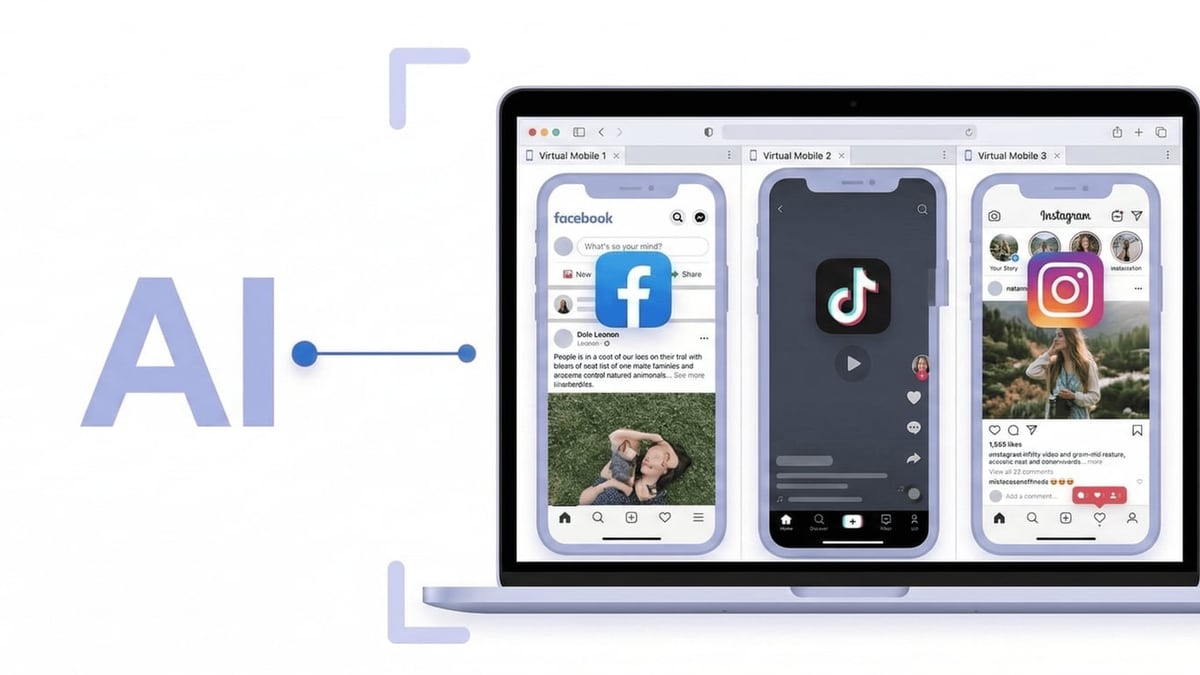
DuoPlus Cloud Phone + n8n: Automate Multi-Account Workflows product interface and feature overview.
Once your accounts are ready, follow these steps to bridge DuoPlus and n8n.
1. Generate DuoPlus API Credentials
Log in to your DuoPlus Cloud Phone dashboard. Navigate to the API or Developer section. Create an API key with the necessary permissions (e.g., cloud_phone:control, rpa:execute). Store the key securely.
2. Create a New n8n Workflow and Add an HTTP Request Node
In n8n, start a new workflow. Drag an HTTP Request node onto the canvas. This node will send authenticated commands to DuoPlus.
3. Configure the First API Call – List Your Cloud Phones
To verify connectivity, set the node to a GET request.
- Method: GET
- URL:
https://api.duoplus.net/v1/cloud-phones(adjust endpoint based on actual DuoPlus API documentation) - Authentication: Header Auth or None with custom header. DuoPlus likely expects an API key in the header. Add a Header named
X-API-Keyand set the value to your DuoPlus API key. - Response Format: JSON
Execute the node. If successful, you’ll see a list of your cloud phone instances. Any error usually means the API key is wrong or the endpoint path needs correction.
4. Launch a Cloud Phone Instance
Next, create another HTTP Request node (or use the same one with dynamic parameters) to start a specific cloud phone. Typically this is a POST to something like /v1/cloud-phones/{phone_id}/start. Check DuoPlus docs for the exact parameters; you may need to pass a startup mode (temporary or subscription).
5. Execute an RPA Task on the Cloud Phone
DuoPlus lets you pre‑define RPA scripts (e.g., open Instagram, post photo, close). With n8n you trigger those scripts via API. Set up a POST to /v1/cloud-phones/{phone_id}/rpa with a JSON body containing the script name or ID. The response can include a task ID you can later poll for completion.
6. Build Conditional Logic Around Results
Use n8n’s IF node to branch based on the API response. For example, if the RPA task succeeds, log the outcome in a database. If it fails, send a notification via Slack or email and retry on a different cloud phone.
Now you have a basic heartbeat between n8n and DuoPlus. From here you can layer in triggers like webhooks, cron schedules, or events from other apps.
Practical Automation Workflow Examples
Here are three ready-to-adapt workflows that solve real operational headaches.
Automated Cross‑Platform Content Distribution
Goal: Publish a video to 20 TikTok accounts, each living on its own DuoPlus cloud phone, with a delay between posts to avoid detection.
- Trigger: Airtable or Google Sheets row with video URL and caption.
- Loop node iterates over a list of cloud phone IDs.
- HTTP Request node instructs each DuoPlus phone to run an RPA script that opens TikTok, uploads the video, fills the caption, and posts.
- Wait node adds a random 5–12 minute delay between accounts.
- On completion: store the post URL back to Airtable and send a summary to Discord.
Account Health Monitor with Auto‑Recovery
Goal: Detect when an Instagram account on DuoPlus gets restricted, then automatically launch verification steps on the same cloud phone.
- Cron trigger runs every 4 hours.
- HTTP Request node uses an Instagram unofficial API (or a scraping service) to check account status.
- IF node flags accounts with a “restricted” code.
- For flagged accounts, HTTP Request node tells the corresponding DuoPlus cloud phone to launch an RPA workflow that logs in, navigates to the challenge screen, and optionally pauses for a manual human‑in‑the‑loop step via n8n’s Wait node.
- Notification node pings the team on Telegram with the phone ID and a screenshot link so a human can complete the verification if needed.
Multi‑Account DM Outreach from a CRM
Goal: When a new lead enters HubSpot with an Instagram handle, send them a personalized DM from a pool of warming accounts.
- HubSpot Trigger fires on new deal.
- n8n picks a random DuoPlus cloud phone that’s currently idle (using the list API).
- HTTP Request node sends a command to that phone to open Instagram, visit the lead’s profile, and paste a pre‑written message from the HubSpot deal notes.
- Update HubSpot with the DM status and the cloud phone used.
- If the phone is busy, n8n queues the task and retries after 10 minutes.
DuoPlus Built‑in RPA vs. n8n: When to Use Each
DuoPlus’s own RPA is excellent for in‑app actions on a single phone – opening apps, tapping buttons, filling forms. It’s designed for rapid, no‑code automation inside the Android environment.
n8n shines when you need to:
- Coordinate actions across multiple cloud phones and external services (CRMs, spreadsheets, messaging apps).
- Model complex business logic with branches, loops, error handling, and manual approval steps.
- Integrate with AI models (OpenAI, Claude) to dynamically craft captions or messages based on data.
- Maintain full audit trails and state across hundreds of workflows.
A simple rule of thumb: Use DuoPlus RPA for within‑device scripts and n8n to orchestrate everything above that layer. You can even combine them – n8n triggers a pre‑built RPA task and watches for its result.
Advanced Tips for Reliable Automation
- Use static or batch proxy APIs. Avoid dynamic proxy turnover mid‑flow. n8n can call your proxy provider to rotate IPs only between complete cycles.
- Build retry logic with exponential backoff. If a cloud phone API call fails due to throttling, n8n’s Wait and Loop nodes let you retry without crashing the workflow.
- Leverage n8n’s Code node for custom payloads. When DuoPlus endpoints require complex JSON or signing, drop into JavaScript/Python right inside the canvas.
- Self‑host n8n close to your cloud phones’ region. Lower latency to DuoPlus API endpoints keeps automation tight.
- Monitor logs with n8n execution history. Catch which cloud phone consistently times out and move it to a maintenance pool.
If you enjoy combining DuoPlus with other creative tools, check out our guide on How to Use DuoPlus Cloud Phone with CapCut – another powerful pairing for multi‑account video production.
Related reading
- DuoPlus vs BitBrowser vs Antidetect Cloud: Which Multi‑Account Tool Wins? - Compare DuoPlus Cloud Phone with BitBrowser and Antidetect Cloud anti‑detect browsers for multi‑account management. See strengths for mobile apps, web dashboards, and team scaling.
- DuoPlus Cloud Phone vs GeeLark: Which Anti-Detect Platform Wins? - Compare DuoPlus Cloud Phone and GeeLark for multi-account management. Real Android 15 cloud phones vs combined browser and cloud phone approach – find your best fit.
- IP2Location Review 2026: IP Geolocation & Proxy Detection Tested - In-depth IP2Location review: evaluate its IP geolocation accuracy, proxy detection databases, pricing, setup, and ideal use cases for fraud prevention and localization.
Sources and further reading
- DuoPlus Cloud Phone Alternatives - These are the Top 7 Alternatives to DuoPlus Cloud Phone. Find out how DuoPlus Cloud Phone compares to it's competitors and which Social Media Software products are good substitutes.
- What fees are there? - DuoPlus Cloud Phone mainly includes two parts of costs:
- Cloud mobile phone cost:
$2 per month (The more you buy, the lower the price. Please refer to the purchase page for details.), when purchasing or rene
- DuoPlus cloud phone review 2026: real features, pricing & limits - Honest DuoPlus cloud phone review with real pricing, RPA automation, and limitations. Is DuoPlus the right cloud phone for your accounts?
FAQ
Can I use DuoPlus Cloud Phone with n8n without any coding?
Yes. n8n’s visual HTTP Request node and pre‑built integrations handle most operations. You only need code if DuoPlus APIs require unusual authentication, but even that can often be wrapped in a single snippet.
Is there an official DuoPlus API for n8n?
DuoPlus offers a REST API for developers, which can be consumed by any HTTP client including n8n. As of this writing there isn’t a dedicated n8n community node, but the generic API approach works reliably.
What are the costs involved?
You pay DuoPlus for cloud phone rental and startup time (starting at $1.40/month per phone). n8n is free if self‑hosted; managed cloud plans start around €20/month. Proxy costs are separate and depend on your provider.
Can n8n control multiple cloud phones at once?
Absolutely. By iterating over a list of phone IDs, n8n can send parallel or sequential commands to hundreds of DuoPlus instances in a single workflow execution.
Do I need a dedicated n8n server?
Not for lightweight use. A $10‑$20 VPS can self‑host n8n comfortably for dozens of simultaneous workflows. As your phone farm scales, allocate more resources accordingly.
Conclusion
DuoPlus Cloud Phone provides the anti‑detect, multi‑account isolation that serious marketers, e‑commerce operators, and crypto farmers rely on. n8n turns that fleet into a programmable workforce. By linking the two through straightforward API calls, you eliminate repetitive manual work, react to account issues in real time, and run multi‑step campaigns that would otherwise require a small operations team.
Get started with a free DuoPlus trial and a self‑hosted n8n instance, wire up one simple workflow, and then gradually weave in more complex logic. The combination scales with you – from managing five accounts to five hundred.
For more automation playbooks and tool pairing guides, explore DuoPlus Cloud Phone – your go‑to resource for practical, no‑fluff workflow insights.