
DuoPlus Cloud Phone vs BitBrowser vs Nstbrowser
Compare DuoPlus Cloud Phone, BitBrowser, and Nstbrowser for multi-account management. See which fits real Android cloud phones, anti-detect browsing, or automation.
DuoPlus Cloud Phone vs BitBrowser vs Nstbrowser: Which Multi-Account Tool Fits Your Workflow?
Choosing between a cloud phone platform and an anti-detect browser can feel like comparing two different species of the same tool. DuoPlus Cloud Phone gives you real ARM-based Android devices hosted in the cloud. BitBrowser and Nstbrowser give you isolated browser profiles with unique fingerprints. All three help you run multiple accounts without triggering platform bans, but they solve the problem from different angles.
This comparison breaks down how each tool works, where it excels, and which workflow it suits best.
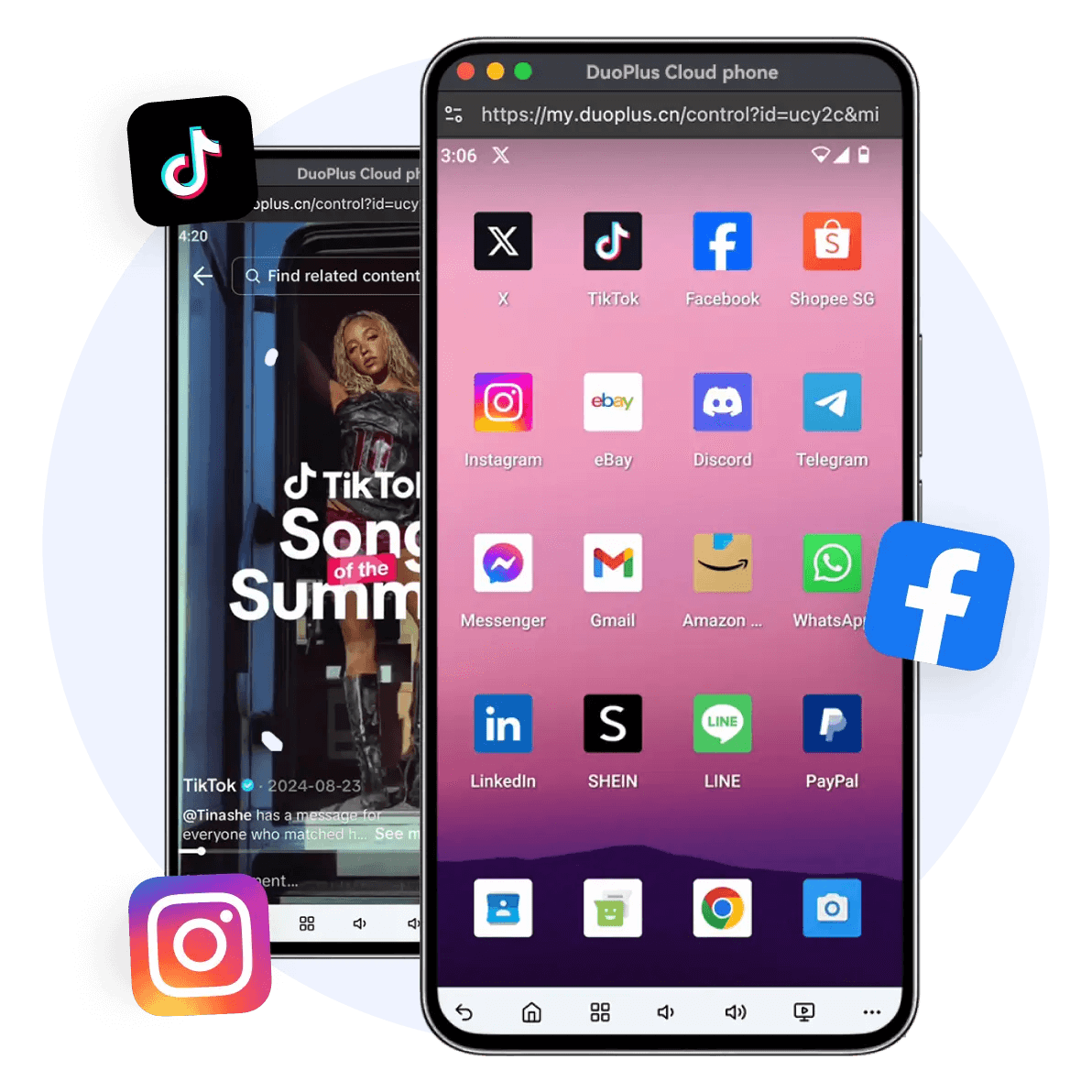
How the Three Tools Approach Multi-Account Management
DuoPlus Cloud Phone vs BitBrowser vs Nstbrowser - How the Three Tools Approach Multi-Account Management.
DuoPlus Cloud Phone: Real Android Devices in the Cloud
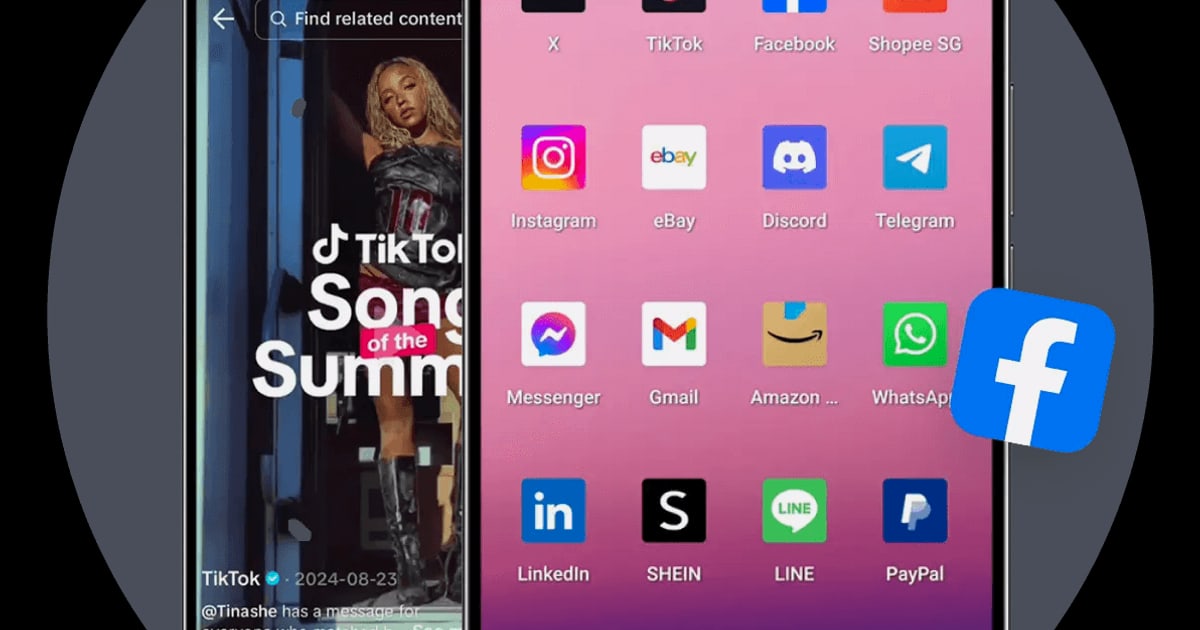
DuoPlus Cloud Phone is the world's first Android 15 anti-detect cloud phone platform. Instead of simulating a browser, it provides real ARM-based virtual Android devices hosted in the cloud. Each cloud phone has an independent environment with a unique device fingerprint, globally simulated GPS location, dedicated SIM data, and proxy IP.
That means every account appears to run on a separate physical phone. For social media marketers, e-commerce operators, and agencies managing TikTok, YouTube, Facebook, Instagram, Telegram, or Reddit accounts at scale, this device-level isolation is the core advantage. The platform supports unlimited multi-instance purchases, one-click reskinning to refresh device parameters, and a unified dashboard for team sharing and cross-platform control.
The integrated DUO+ AI Agent adds no-code automation. You issue natural-language commands to automate app actions like posting, commenting, or following, which removes manual repetition from daily workflows.
BitBrowser: Fingerprint Isolation for Desktop Browsing
BitBrowser is a free anti-detect browser that creates unique browser fingerprints for each account. It simulates over 20 fingerprint parameters, including WebGL, Canvas, Audio, Timezone, and Proxy settings, so each profile appears as a separate user.
The tool serves e-commerce sellers, social media marketers, SEO professionals, and privacy-conscious users who operate multiple accounts on platforms like Amazon, Facebook, Instagram, TikTok, and Google Ads. Its free tier includes 10 permanent browser profiles, which makes it an accessible entry point for budget-conscious users.
BitBrowser also offers team collaboration with permission management, support for HTTP/HTTPS/SOCKS5/SSH proxy protocols, RPA automation, and an extensions and script marketplace. A companion service called BitCloudPhone provides Android emulator and iOS cloud phone options for mobile multi-account management.
Nstbrowser: Automation-Focused Anti-Detect Browsing
Nstbrowser is an advanced anti-detect browser aimed at professionals who need secure multi-account management plus automation. It masks browser fingerprints to prevent detection and positions itself as a cost-effective alternative to tools like AdsPower, Multilogin, and GoLogin.
Key features include built-in proxy integration starting at $0.4/GB, Cloudflare bypass, a web unblocker, RPA capabilities, and AI Agent Skills. The product targets digital marketers, e-commerce sellers, web scrapers, and automation engineers. A free trial lowers the barrier to entry, and multilingual support covers English, Spanish, Russian, Vietnamese, and Chinese.
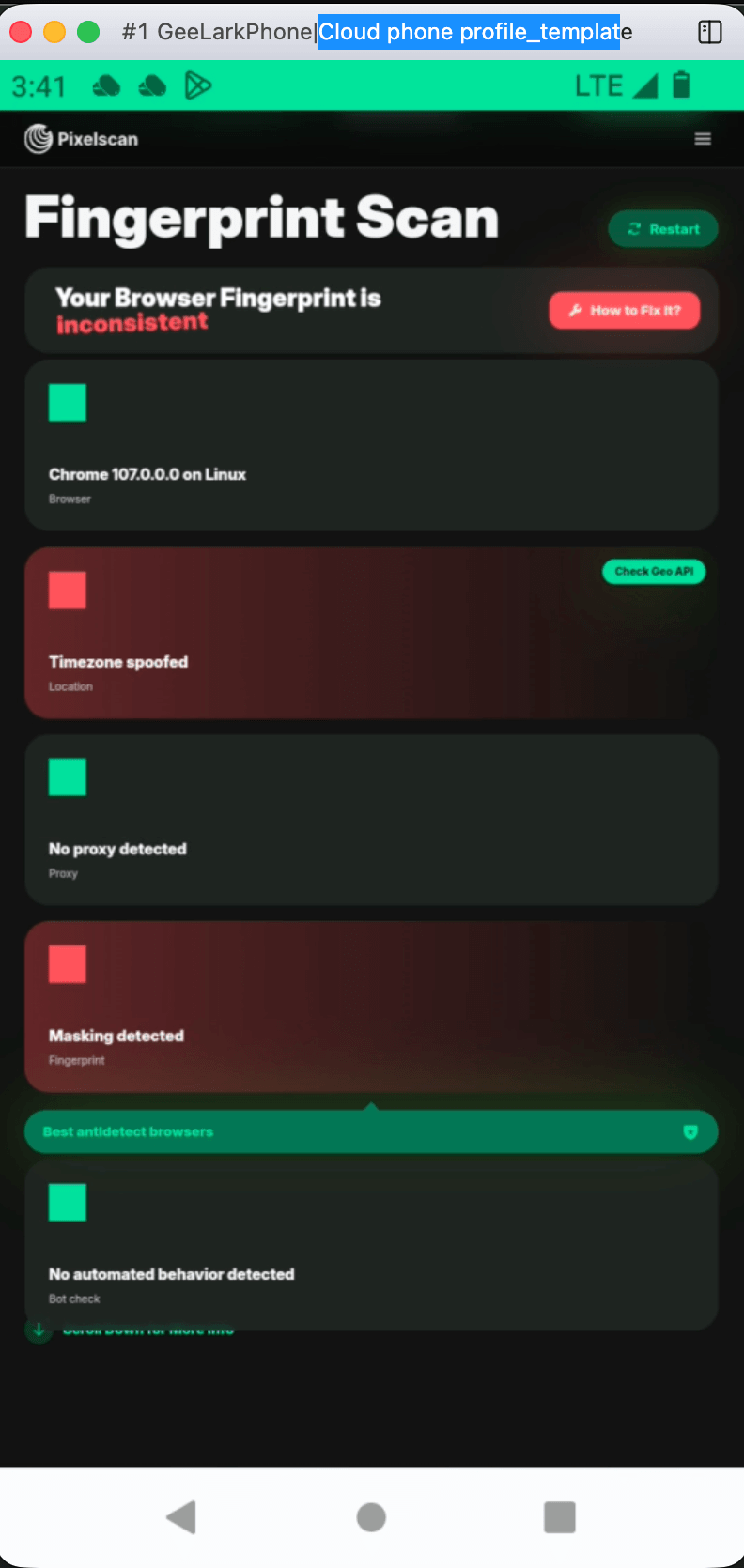
Side-by-Side Comparison
DuoPlus Cloud Phone vs BitBrowser vs Nstbrowser - Side-by-Side Comparison.
| Criteria | DuoPlus Cloud Phone | BitBrowser | Nstbrowser |
|---|---|---|---|
| Core technology | Real ARM Android cloud phones | Desktop browser fingerprint profiles | Cloud-based fingerprint browser |
| Operating environment | Android 15 virtual devices | Desktop browser profiles | Desktop browser profiles |
| Mobile app support | Full native Android app support | Via BitCloudPhone add-on | Limited to browser-based tasks |
| Fingerprint isolation | Device-level isolation with GPS, SIM, and IP | 20+ simulated browser parameters | Browser fingerprint masking |
| Free tier | No permanent free tier | 10 free permanent profiles | Free trial available |
| Automation | DUO+ AI Agent with natural-language commands | RPA automation and script marketplace | RPA and AI Agent Skills |
| Team collaboration | Unified dashboard with team sharing | Permission management | Profile sharing for teams |
| Proxy integration | Dedicated SIM data and proxy IP built in | Supports all major proxy protocols | Built-in proxy from $0.4/GB |
| Best for | Mobile-first social media and app-based account management | Budget desktop multi-accounting and e-commerce | Automation-heavy scraping and anti-bot workflows |
Where Each Tool Has a Credible Advantage
DuoPlus Cloud Phone: Mobile-First Account Isolation
When your accounts live inside mobile apps, DuoPlus Cloud Phone has a structural advantage. TikTok, Instagram, and YouTube evaluate mobile app traffic differently from desktop browser traffic. A real Android 15 environment with ARM architecture, dedicated SIM data, and GPS simulation produces signals that browser-based tools cannot fully replicate.
This matters for:
- TikTok matrix marketing where multiple creator accounts need to appear as separate local devices
- YouTube channel management that requires the YouTube mobile app experience
- Facebook and Instagram ad operations that depend on mobile app behavior
- Telegram channel growth and Reddit community engagement from app-native environments
- Tinder dating-app marketing and Zalo outreach where app presence is mandatory
The one-click reskin feature also supports fast account rotation. When you need a fresh environment, you refresh all device parameters instantly instead of manually rebuilding profiles.
BitBrowser: Low-Cost Entry and Desktop Flexibility
BitBrowser's strongest credible position is its free tier and desktop browser focus. Ten permanent free profiles let you test multi-account workflows without paying upfront. For e-commerce sellers managing Amazon or Google Ads accounts from a desktop, browser profiles are often sufficient because those platforms primarily evaluate browser fingerprints rather than mobile device signals.
The script marketplace and extension support also give BitBrowser flexibility. Users who already work with browser extensions or custom scripts can extend their workflow without switching to a mobile environment.
Nstbrowser: Automation and Anti-Bot Capabilities
Nstbrowser's credible strengths center on automation and anti-bot detection. The built-in proxy integration at $0.4/GB reduces setup friction for users who need residential or mobile proxies. Cloudflare bypass and the web unblocker target professionals who regularly encounter bot detection systems.
For web scraping, ad verification, and ticketing workflows, Nstbrowser's RPA and AI Agent Skills provide automation depth. The free trial also makes it easy to evaluate before committing.
Decision Guide: Which Tool Should You Choose?
DuoPlus Cloud Phone vs BitBrowser vs Nstbrowser - Decision Guide: Which Tool Should You Choose?.
Choose DuoPlus Cloud Phone if:
- Your accounts are primarily mobile app accounts on TikTok, Instagram, YouTube, or Telegram
- You need device-level isolation with GPS, SIM data, and ARM architecture
- You want natural-language AI automation for app interactions
- You are scaling a social media matrix or agency operation
- You want to replace a physical device farm with cloud infrastructure
Choose BitBrowser if:
- You need a free starting point with 10 permanent profiles
- Your accounts are desktop-first, such as Amazon seller accounts or Google Ads
- You already use browser extensions and custom scripts
- You want team collaboration without moving to mobile infrastructure
- Budget is your primary constraint
Choose Nstbrowser if:
- Your work involves web scraping or anti-bot detection bypass
- You need Cloudflare bypass and web unblocking
- You want built-in proxy integration at predictable per-GB pricing
- Automation and RPA are central to your workflow
- You are comparing cost against AdsPower, Multilogin, or GoLogin
Combining Tools for a Complete Stack
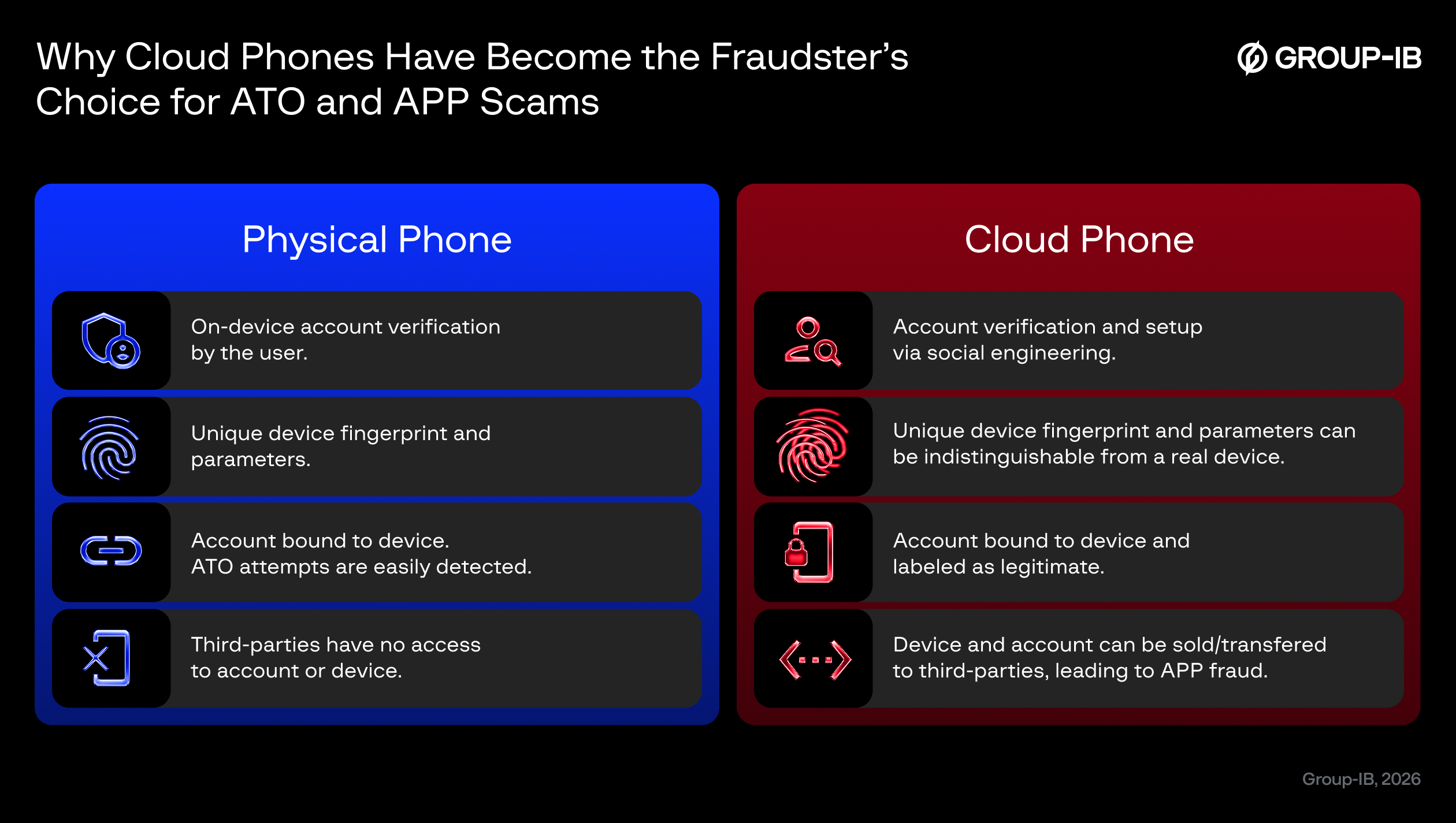
These tools are not always mutually exclusive. Many teams run anti-detect browsers for desktop platforms and cloud phones for mobile apps simultaneously. For example, an agency might use BitBrowser for Amazon and Google Ads profiles while using DuoPlus Cloud Phone for TikTok and Instagram app accounts.
For a deeper look at how DuoPlus Cloud Phone compares with other anti-detect browsers, see our DuoPlus Cloud Phone vs MoreLogin vs Nstbrowser comparison and the DuoPlus Cloud Phone vs Nstbrowser vs VMOS breakdown.
Related reading
- DuoPlus Cloud Phone vs Kameleo vs Nstbrowser: 2026 Comparison - Compare DuoPlus Cloud Phone, Kameleo, and Nstbrowser for multi-account management. See which fits real Android cloud phones, automation, or anti-detect browsing.
- DuoPlus Cloud Phone vs BrowserJet vs Nstbrowser: 2026 Comparison - Compare DuoPlus Cloud Phone, BrowserJet, and Nstbrowser for multi-account management. See which fits real Android cloud phones, proxy tabs, or automation.
- DuoPlus Cloud Phone vs GeeLark vs Nstbrowser: 2026 Comparison - Compare DuoPlus Cloud Phone, GeeLark, and Nstbrowser for multi-account management. See which fits real Android cloud phones, AI automation, or anti-detect browsing.
Sources and further reading
- 12 Best Antidetect Browsers 2026: Complete Comparison & Pricing Guide - Compare 30+ antidetect browsers for multi-accounting in 2026. GoLogin, Multilogin X, AdsPower, Dolphin Anty, Octo Browser, Undetectable. Verified pricing & features.
- Best GeeLark Alternatives & Competitors - SourceForge - Compare the best GeeLark alternatives in 2026. Explore user reviews, ratings, and pricing of alternatives and competitors to GeeLark.
- Evomi Partners: Antidetect Browsers & Tools - The 16 tools our proxies are tested with — antidetect browsers like Octo, GoLogin and Dolphin{Anty}, captcha solvers, cloud phones, proxy clients and scraping services.
Frequently Asked Questions
Is DuoPlus Cloud Phone better than an anti-detect browser?
It depends on your account type. For mobile app accounts, DuoPlus Cloud Phone provides real Android environments that browsers cannot fully replicate. For desktop-only platforms, an anti-detect browser like BitBrowser or Nstbrowser may be sufficient and more cost-effective.
Does BitBrowser support mobile apps?
BitBrowser itself is a desktop anti-detect browser. Its companion service, BitCloudPhone, offers Android emulator and iOS cloud phone options for mobile multi-account management, but this is a separate service from the core browser product.
What makes Nstbrowser different from other anti-detect browsers?
Nstbrowser emphasizes automation, Cloudflare bypass, and built-in proxy integration at $0.4/GB. Its AI Agent Skills and RPA capabilities target professionals who need automated workflows alongside fingerprint isolation.
Can I use DuoPlus Cloud Phone for e-commerce?
Yes. DuoPlus Cloud Phone supports e-commerce operators who manage mobile app storefronts, social commerce, and marketplace accounts. The device-level isolation helps prevent account association across multiple seller profiles.
How many profiles does BitBrowser offer for free?
BitBrowser includes 10 free permanent browser profiles. This is a notable advantage for users who want to test multi-account workflows without paying upfront.
Conclusion
DuoPlus Cloud Phone, BitBrowser, and Nstbrowser each solve multi-account management from a different direction. DuoPlus Cloud Phone delivers real Android 15 cloud devices for mobile-first account operations. BitBrowser offers an accessible, budget-friendly entry point for desktop browser isolation. Nstbrowser targets automation-heavy professionals who need anti-bot bypass and integrated proxies.
The right choice depends on where your accounts live and how much automation you need. Mobile app matrices favor DuoPlus Cloud Phone. Desktop e-commerce and budget testing favor BitBrowser. Scraping and anti-bot workflows favor Nstbrowser. For teams running both mobile and desktop accounts, a combined stack often delivers the best coverage.