
DuoPlus Cloud Phone vs BitBrowser vs VMOS: Which Tool Wins?
Compare DuoPlus Cloud Phone, BitBrowser, and VMOS for multi-account management. See which tool fits mobile apps, web profiles, or hybrid team workflows best.
DuoPlus Cloud Phone vs BitBrowser vs VMOS: Which Multi-Account Tool Fits Your Workflow?
Choosing between a cloud phone, an anti-detect browser, and an Android virtualization platform can feel overwhelming. Each tool tackles multi-account management differently, and the wrong choice can lead to account bans, wasted budget, or a workflow that simply doesn't scale. This comparison breaks down DuoPlus Cloud Phone, BitBrowser, and VMOS across their core strengths, ideal use cases, and limitations, so you can match the right technology to your specific operations.
What Is DuoPlus Cloud Phone?
DuoPlus Cloud Phone vs BitBrowser vs VMOS: Which Tool Wins? - Head-to-Head Comparison.
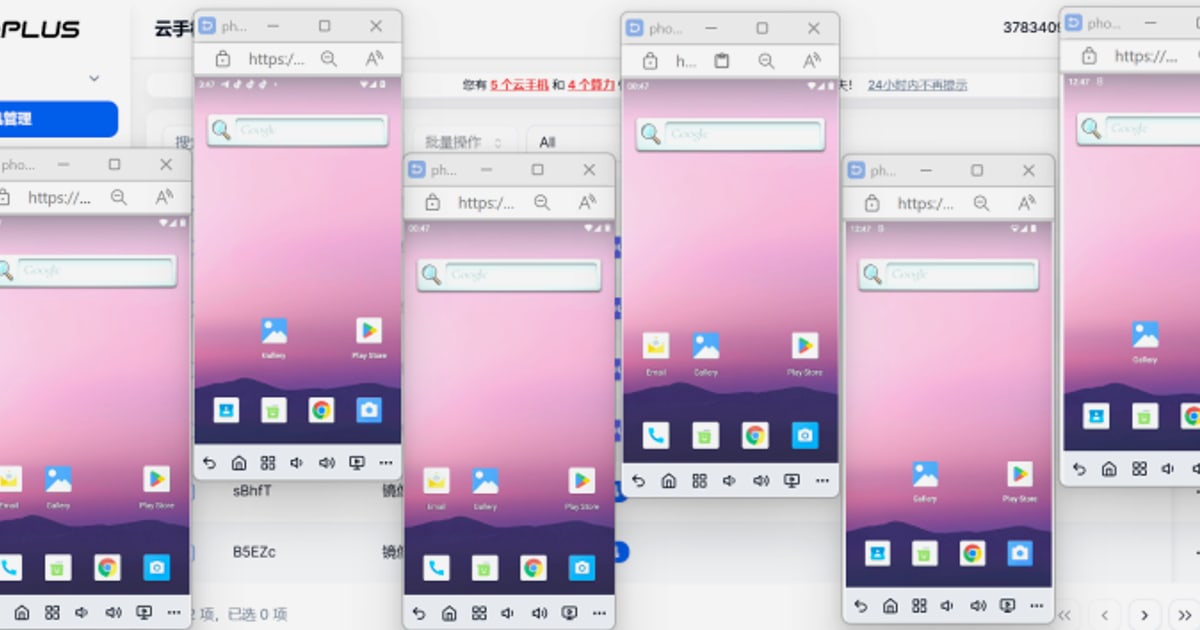
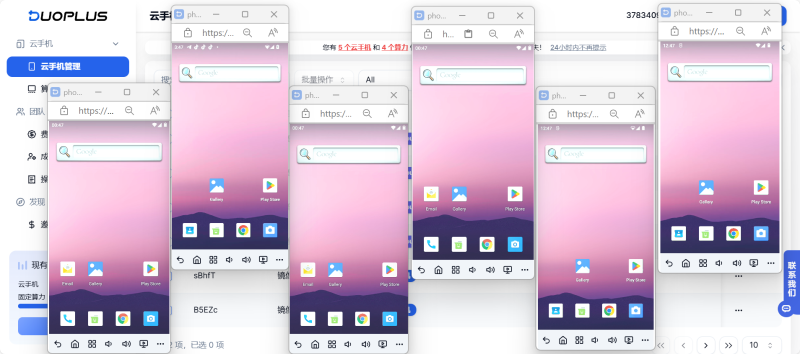
DuoPlus Cloud Phone is a dedicated cloud phone platform that provides real ARM-based virtual Android devices hosted in the cloud. Each instance runs a complete, independent Android environment with its own unique device fingerprint, GPS location, and network identity. This makes every cloud phone appear as a distinct physical device to platforms like TikTok, Instagram, and WhatsApp.
The platform is built for mobile-first account management at scale. Users can purchase and control an unlimited number of cloud phones, refresh device identities with one click, and manage everything from a unified web dashboard. An integrated AI agent also allows no-code automation through natural language commands, handling repetitive tasks like posting, commenting, or following across multiple accounts.
What Is BitBrowser?
BitBrowser product interface.
BitBrowser is an anti-detect browser designed to create isolated browser profiles that each mimic a completely separate device. It simulates over 20 fingerprint parameters—including WebGL, Canvas, AudioContext, timezone, and proxy settings—so that every profile looks like a unique user on a different machine. This approach is ideal for managing multiple web-based accounts on platforms like Facebook Ads, Amazon Seller Central, Google Ads, and Shopify.
BitBrowser also extends into mobile through BitCloudPhone, an integrated Android emulator and cloud phone service. This allows users to manage both desktop browser profiles and mobile app environments from a single ecosystem, with shared proxy configurations and synchronized fingerprints.
What Is VMOS?
DuoPlus Cloud Phone vs BitBrowser vs VMOS: Which Tool Wins? - What Is VMOS?.
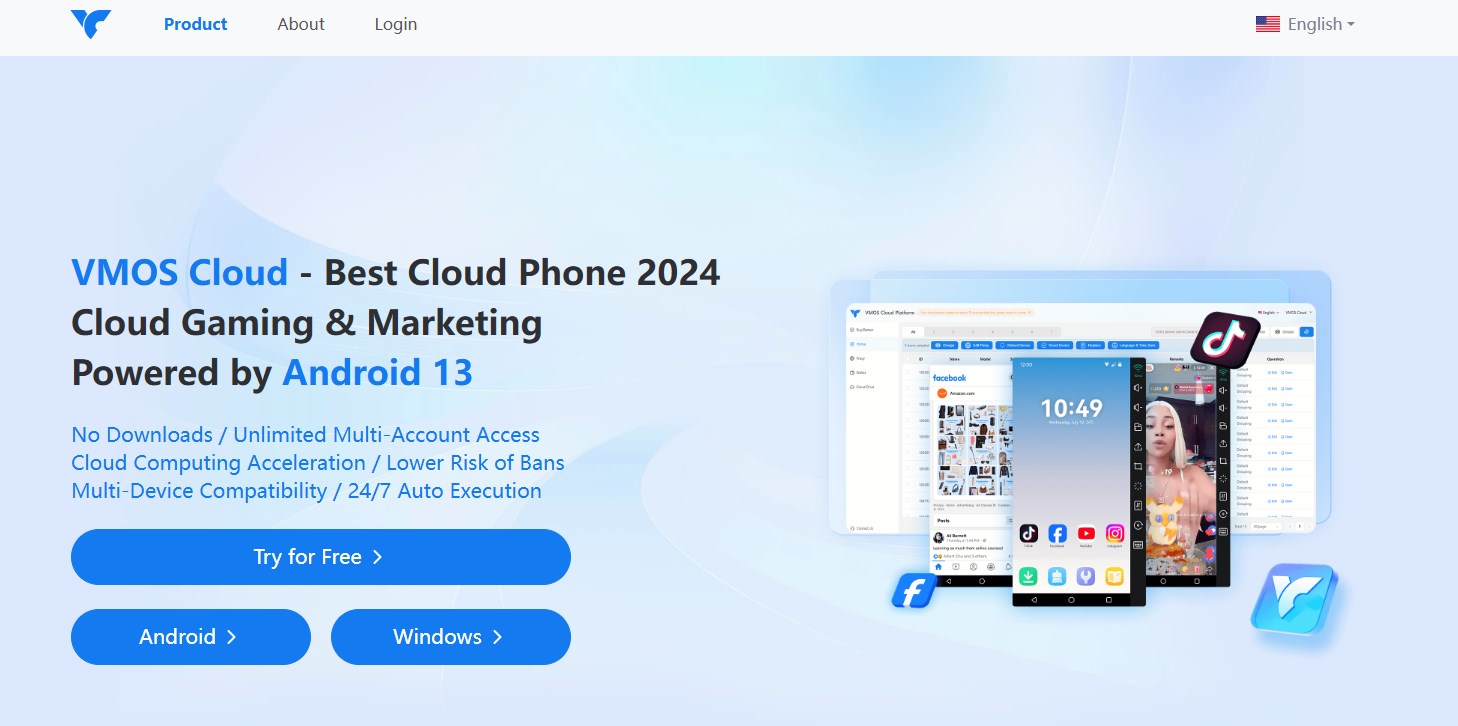
VMOS is an Android virtualization and cloud device management platform built for global operations. It lets users run virtual Android devices on cloud servers, providing isolated environments for app-based account management. The platform integrates global proxy networks, multi-account operation tools, and AI-powered customer service features, positioning itself as a comprehensive solution for cross-border teams.
VMOS emphasizes privacy by design, stating that it does not collect personally identifiable information—only non-personal technical data for service improvement. This focus on security, combined with cloud-based virtual devices, makes it a flexible option for e-commerce sellers, social media managers, and developers who need to scale Android instances without physical hardware.
Head-to-Head Comparison
BitBrowser product interface.
Core Technology: Real Devices vs. Browser Profiles vs. Virtualization
DuoPlus Cloud Phone delivers genuine ARM-based Android environments in the cloud. Each cloud phone has its own hardware-level identifiers, including IMEI, serial numbers, and SIM data. This authenticity is critical for platforms that aggressively scan for emulator or simulator usage, as the device appears identical to a physical smartphone.
BitBrowser operates at the browser fingerprint level. It does not emulate a full operating system; instead, it creates isolated browser environments with unique digital fingerprints. This is sufficient for web-based platforms but cannot run native mobile apps. BitBrowser's BitCloudPhone add-on fills this gap by providing Android emulation, though the fingerprint depth differs from a dedicated cloud phone.
VMOS provides full Android virtualization, running complete OS instances on cloud servers. This allows native app installation and operation, similar to DuoPlus. The platform's strength lies in its integrated proxy networks and device management capabilities, though the specific hardware-level fingerprinting details are less prominently documented than DuoPlus's ARM-based approach.
Multi-Account Management and Scalability
DuoPlus Cloud Phone supports unlimited multi-instance deployment. Users can purchase and control as many cloud phones as needed, with one-click reskin to instantly refresh all device parameters for fast account rotation. The centralized dashboard enables team sharing and cross-platform control from any browser, making it suitable for agencies managing hundreds of TikTok, YouTube, or Instagram accounts.
BitBrowser offers 10 free permanent browser profiles, with paid plans scaling to thousands. Team collaboration features include permission management and data synchronization. For mobile needs, BitCloudPhone provides batch management tools like CSV import/export and mass operations for starting, stopping, or rebooting multiple devices at once.
VMOS is designed for global team operations, with cloud device management that supports multiple Android instances. The platform's emphasis on proxy integration and multi-account operations makes it a contender for teams that need to manage accounts across different regions, though specific instance limits depend on the subscription tier.
Automation Capabilities
DuoPlus Cloud Phone includes the DUO+ AI Agent, which allows users to issue natural language commands to automate app interactions. This no-code approach handles tasks like scheduled posting, commenting, and following without manual scripting. The platform also supports basic batch operations for app installation and group controls.
BitBrowser provides RPA (Robotic Process Automation) tools and a script marketplace. The Synchronizer feature mirrors actions from a master device across multiple instances, enabling coordinated batch operations. Users can also upload custom automation scripts for repetitive tasks, offering flexibility for technically inclined teams.
VMOS incorporates AI-powered customer service features and supports automation within its virtualized Android environments. While specific automation tools are less detailed in public documentation, the platform's focus on operational efficiency suggests it covers essential batch management and task scheduling.
Proxy and Network Configuration
DuoPlus Cloud Phone integrates dedicated SIM data and proxy IPs directly into each cloud phone. This means every device comes with its own network identity out of the box, eliminating the need to source and configure third-party proxies separately. The globally simulated GPS location further reinforces the appearance of a local, physical device.
BitBrowser supports all major proxy protocols (HTTP/HTTPS/SOCKS5/SSH) and allows batch proxy assignment across profiles. However, users must supply their own proxies. BitBrowser's partnerships with providers like IPDEEP streamline this process, but it remains an additional cost and configuration step.
VMOS integrates global proxy networks directly into its platform, providing built-in network diversity for virtual devices. This reduces the operational burden of managing external proxy services and is a key part of its value proposition for cross-border operations.
Ecosystem and Cross-Platform Support
DuoPlus Cloud Phone is a mobile-first platform. It excels at app-based account management but does not natively manage desktop browser profiles. For web-based platforms like Facebook Ads Manager or Amazon Seller Central, a separate anti-detect browser would be required. This makes DuoPlus ideal for pure mobile workflows or as part of a combined toolkit.
BitBrowser offers a unified ecosystem through its BitBrowser and BitCloudPhone integration. Users can manage desktop browser profiles and cloud-based Android devices from a single dashboard, with synchronized fingerprints and proxy settings. This hybrid approach covers both web and mobile use cases without switching platforms.
VMOS focuses on Android virtualization and cloud device management. While it provides robust mobile app support, it does not natively offer desktop browser profile management. Teams needing both web and mobile coverage would need to pair VMOS with a separate anti-detect browser.
When to Choose Each Tool
Choose DuoPlus Cloud Phone If:
- Your operations are primarily mobile app-based (TikTok, Instagram, WhatsApp, mobile games).
- You need genuine ARM-based Android environments with hardware-level fingerprints to avoid detection on sensitive platforms.
- You want built-in proxy IPs and SIM data without sourcing third-party providers.
- You value no-code AI automation for repetitive in-app actions.
- You are scaling mobile account management and need unlimited cloud phone instances with one-click identity refresh.
Choose BitBrowser If:
- Your primary focus is web-based account management (Facebook Ads, Amazon, Shopify, Google Ads).
- You want a free entry point with 10 permanent browser profiles to test workflows.
- You need a unified ecosystem that covers both desktop browser profiles and mobile cloud phones through BitCloudPhone.
- Your team requires advanced RPA automation and a script marketplace for custom workflows.
- You already have reliable proxy providers and want flexible protocol support.
Choose VMOS If:
- You need Android virtualization with integrated global proxy networks for cross-border operations.
- Privacy is a top concern, and you prefer a platform that explicitly states it does not collect personally identifiable information.
- Your team manages multiple Android instances and values cloud-based device management with AI-powered support features.
- You are looking for a comprehensive Android virtualization solution that can pair with other tools for web-based needs.
Combining Tools for Full-Stack Coverage
Many businesses find that a single tool doesn't cover all their operational needs. A common and effective strategy is to combine a cloud phone with an anti-detect browser:
- Use DuoPlus Cloud Phone for mobile app accounts on TikTok, Instagram, and WhatsApp, where genuine Android fingerprints are critical.
- Use BitBrowser for web-based ad accounts, storefronts, and SEO campaigns, where browser fingerprint isolation is sufficient.
This hybrid approach ensures both mobile and web platforms are managed with the appropriate level of authenticity, reducing ban risks across the board. For a deeper dive into how cloud phones compare to anti-detect browsers for specific workflows, see our DuoPlus Cloud Phone vs AdsPower vs Kameleo comparison.
If you're evaluating VMOS alongside other cloud phone solutions, our DuoPlus Cloud Phone vs VMOS vs Blue Elf breakdown provides additional detail on anti-detection and automation features.
Related reading
- DuoPlus Cloud Phone vs AdsPower vs GeeLark: Which Multi-Account Tool Wins? - Compare DuoPlus Cloud Phone, AdsPower, and GeeLark for multi-account management. See which tool fits mobile apps, web profiles, or hybrid team workflows.
- DuoPlus Cloud Phone vs AdsPower vs Moimobi: Which Multi-Account Tool Wins? - Compare DuoPlus Cloud Phone, AdsPower, and Moimobi for multi-account management. See which tool fits mobile apps, web profiles, or hybrid team workflows.
- DuoPlus Cloud Phone vs RoxyBrowser vs Antidetect Cloud - Compare DuoPlus Cloud Phone, RoxyBrowser, and Antidetect Cloud for multi-account management. See which tool fits mobile apps, browser profiles, or team workflows.
Sources and further reading
- BitCloudPhone vs DuoPlus: Which Multi-Account Mobile Solution Is Right for You? - Compare BitCloudPhone vs DuoPlus in 2026. Discover the best cloud phone for multi-account management, automation, cost efficiency, and social media marketing.
- Cloud Phone or Anti-detect Browser? : r/AdsPower_Community - I know many people are wondering which tool is better for managing multiple accounts. Now let's explore their differences, and find out the right one fit for your need.
- Best DuoPlus Alternatives 2026 (Save Money & Scale) - Looking for a DuoPlus alternative? Compare the best cloud phone and mobile browser solutions for mobile multi-accounting.
Frequently Asked Questions
Can I use BitBrowser to run TikTok or Instagram accounts?
BitBrowser itself is a desktop anti-detect browser and cannot run native mobile apps. However, BitBrowser's integrated BitCloudPhone service provides Android emulation and cloud phone capabilities, allowing you to manage mobile app accounts. For operations that require genuine ARM-based Android environments, a dedicated cloud phone like DuoPlus offers deeper hardware-level fingerprinting.
Does VMOS include proxies, or do I need to buy them separately?
VMOS integrates global proxy networks directly into its platform, so you do not need to source third-party proxies separately. This is a key differentiator from tools that require users to bring their own proxy infrastructure.
Which tool is more cost-effective for managing 50+ accounts?
Cost-effectiveness depends on your mix of mobile and web accounts. DuoPlus Cloud Phone operates on a per-device rental model with built-in proxies, which can be predictable for mobile-only scaling. BitBrowser offers free starter profiles and scalable paid plans, but you must factor in separate proxy costs. VMOS bundles proxy access but pricing varies by instance count. Calculate your specific mobile vs. web account ratio and proxy needs to determine the most economical path.
Can I automate actions across multiple cloud phones simultaneously?
Yes. DuoPlus Cloud Phone supports batch operations and group controls, while its AI Agent can automate in-app actions across multiple devices. BitBrowser's Synchronizer mirrors actions from a master device to multiple instances. VMOS provides cloud-based device management tools for coordinated multi-instance operations.
Is an anti-detect browser enough for mobile app account management?
For platforms that only interact via web browsers, an anti-detect browser is sufficient. However, native mobile apps often collect device-level data (IMEI, sensor data, hardware identifiers) that browser profiles cannot simulate. For strict mobile platforms, a cloud phone with real ARM-based fingerprints provides stronger account isolation and lower ban risk.
Conclusion
DuoPlus Cloud Phone, BitBrowser, and VMOS each serve distinct roles in the multi-account management landscape. DuoPlus excels as a genuine ARM-based cloud phone platform for mobile-first operations that demand hardware-level authenticity. BitBrowser shines as a versatile anti-detect browser with an expanding mobile ecosystem, ideal for teams managing both web and mobile accounts from a unified dashboard. VMOS offers robust Android virtualization with integrated proxy networks, appealing to privacy-focused teams with cross-border needs.
The best choice depends on where your accounts live—mobile apps, web browsers, or both—and how much authenticity each platform requires. For many scaling operations, a combined approach using a dedicated cloud phone for mobile apps and an anti-detect browser for web profiles delivers the strongest protection and operational efficiency.