
DuoPlus Cloud Phone vs BrowserJet vs SessionBox One
Compare DuoPlus Cloud Phone, BrowserJet, and SessionBox One for multi-account management. See which tool fits real Android cloud phones, anti-detect browsers, or tab-based session isolation.
DuoPlus Cloud Phone vs BrowserJet vs SessionBox One: Which Multi-Account Tool Fits Your Workflow?
Managing dozens of social media profiles, e-commerce storefronts, or advertising accounts without triggering platform bans forces teams to choose between fundamentally different tools. DuoPlus Cloud Phone delivers real Android 15 environments in the cloud, while BrowserJet and SessionBox One isolate browser sessions on your desktop. Each approach solves multi-account management differently, and the right choice depends entirely on whether you need mobile app environments or web-based session separation.
This comparison examines where BrowserJet and SessionBox One excel as anti-detect browsers and where DuoPlus Cloud Phone provides a genuine advantage through real ARM-based cloud devices.
BrowserJet: Tab-Level Session Isolation with Built-In Proxies

Banner-3.
BrowserJet operates as a specialized proxy browser that assigns a unique IP address and isolated cookie jar to every single tab. This architecture appeals to power users who need to run multiple sessions on the same website simultaneously without switching windows or profiles.
Core Strengths of BrowserJet
One-Click IP Reload per Tab gives users immediate control over session identity. When a task requires a fresh IP—such as purchasing limited-release sneakers or testing geo-restricted content—a single click rotates that tab’s proxy without affecting other open sessions. This granularity makes BrowserJet particularly effective for ticket buying, market research, and crypto traders who monitor multiple exchange accounts side by side.
Built-In VPN and Proxy System eliminates the need to source and configure third-party proxies. Each tab receives its own proxy assignment automatically, reducing setup time for users who would otherwise manage proxy lists manually. The accounts manager further streamlines workflows by storing and auto-filling credentials, which proves valuable when juggling dozens of e-commerce seller accounts or social media profiles.
Mobile View Emulation and Screenshot Capture extend BrowserJet’s utility beyond pure session isolation. Digital marketers can preview how landing pages render on mobile devices, while data analysts can document pricing changes or ad placements with native screenshot tools.
Where BrowserJet Fits Best
BrowserJet excels when your multi-account tasks remain entirely within web browsers. Affiliate managers tracking competitor offers, sneaker resellers securing multiple pairs during limited drops, and social media managers posting across web versions of platforms all benefit from tab-level isolation. The Captain Basic plan at $89/month and Captain Pro at $149/month position BrowserJet as a premium option for professionals whose workflows demand speed and session independence.
SessionBox One: Profile-Based Isolation with Team Collaboration

SessionBox One product interface.
SessionBox One takes a different architectural approach by creating fully isolated profiles that each maintain their own storage, cookies, and fingerprint settings within a single browser window. This profile-based model suits teams that need to share account access without exposing credentials.
Core Strengths of SessionBox One
Direct Profile Sharing Without Credential Exposure addresses a critical pain point for marketing agencies and e-commerce managers. Team members can access shared accounts through isolated profiles without ever seeing the underlying passwords, maintaining security while enabling collaboration. Shared spaces further enhance this by grouping profiles for specific clients or campaigns.
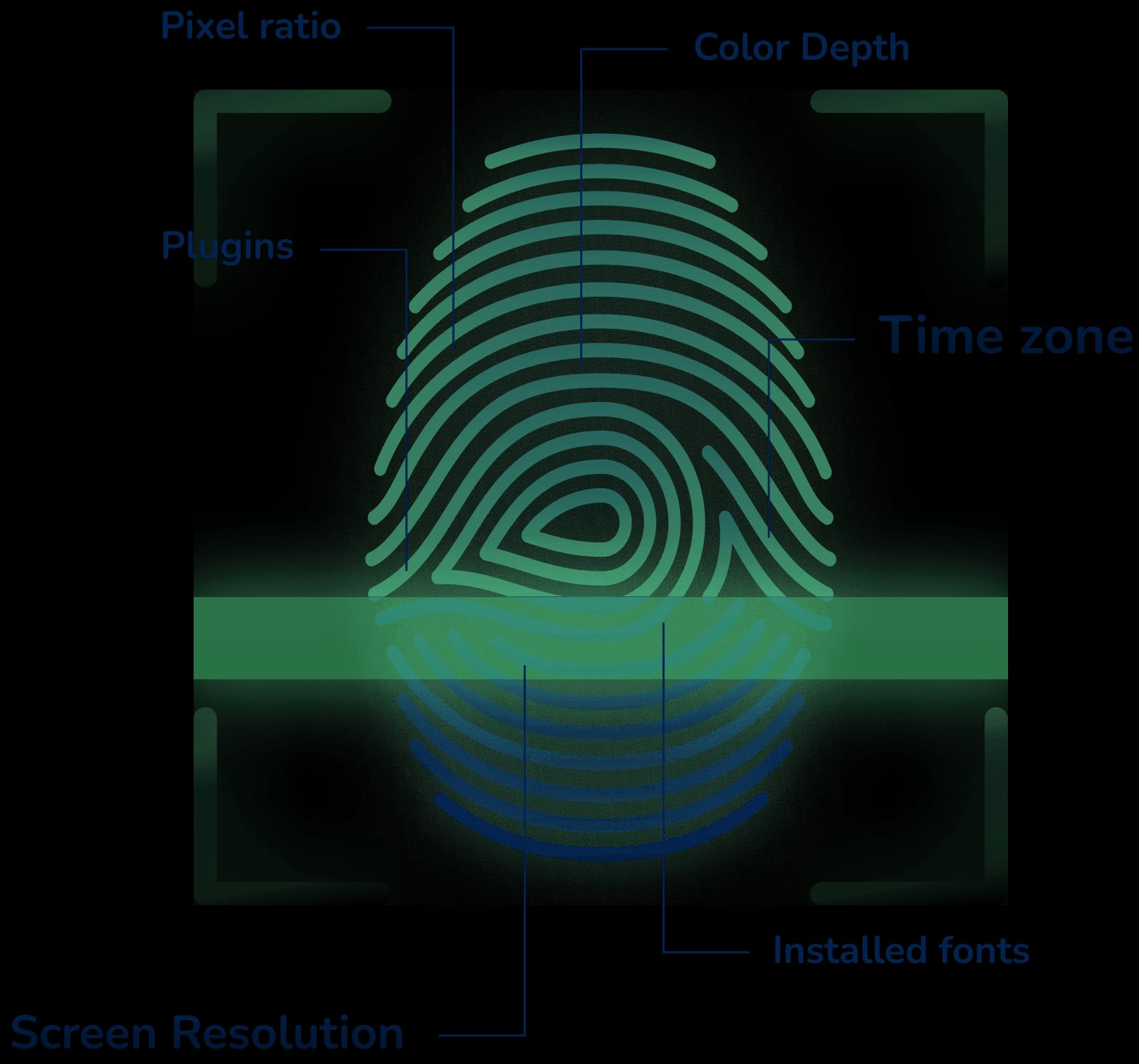
Automatic Proxy Assignment with Geo-Location Matching simplifies the technical overhead of matching IP addresses to target regions. When a profile needs to appear as though it originates from Germany or Japan, SessionBox One can automatically assign a proxy that matches that geographic location, reducing configuration errors that might trigger platform security checks.
Browser Fingerprint Protection ensures each profile presents a unique digital fingerprint to websites. This goes beyond cookie isolation to include canvas, WebGL, and audio context parameters that sophisticated anti-fraud systems inspect. For web scraping, affiliate marketing, and ads management, consistent fingerprint spoofing prevents platforms from linking accounts through browser characteristics.
Where SessionBox One Fits Best
SessionBox One’s pricing starts at $12.99/month for the Hobby plan, making it accessible for solo operators, while its collaboration features scale to agency needs. The 7-day free trial with no credit card required lowers the barrier to testing. Digital nomads managing client social media, online resellers operating multiple marketplace accounts, and Selenium automation users who need bulk profile creation all find SessionBox One’s profile isolation model practical for web-based multi-account work.
DuoPlus Cloud Phone: Real Android Environments for Mobile-First Platforms

SessionBox One product interface.
DuoPlus Cloud Phone operates on a fundamentally different layer than browser-based tools. Instead of isolating sessions within a desktop browser, it provisions real ARM-based virtual Android devices hosted in the cloud. Each cloud phone includes a unique device fingerprint, globally simulated GPS location, dedicated SIM data, and proxy IP—making every account appear as though it runs on a separate physical smartphone.
Where DuoPlus Cloud Phone Holds a Supported Advantage
Native Mobile App Support represents the clearest differentiation. Platforms like TikTok, Instagram, Tinder, and Zalo prioritize mobile app usage and apply stricter scrutiny to accounts that only interact through web browsers. DuoPlus Cloud Phone runs the actual Android APK of these apps, matching the behavioral patterns and device-level signals that mobile-first platforms expect. For TikTok matrix marketing or Tinder dating-app campaigns, this native app presence reduces suspension risk compared to mobile browser emulation.
Android 15 Anti-Detect Environment provides genuine device parameters—IMEI, SIM card data, Bluetooth addresses, and hardware-level identifiers—that browser-based tools cannot replicate. When social media platforms scan for emulator signatures or browser-based inconsistencies, a real ARM cloud phone returns authentic hardware responses. This device-level authenticity supports cross-border e-commerce operators and content creators who scale account presence across regions without physical device farms.
Unlimited Multi-Instance Support with One-Click Reskin enables rapid account rotation. Users can purchase and control as many cloud phones as needed, and when an account requires a fresh environment, one-click reskin instantly refreshes all device parameters. Centralized dashboard controls allow teams to share cloud phones, install apps in bulk, and manage operations from any browser without downloading client software.
Integrated DUO+ AI Agent for No-Code Automation lets users issue natural-language commands to automate repetitive app interactions—posting, commenting, following—across multiple cloud phones simultaneously. This eliminates manual repetition for social media marketers running YouTube channel management or Telegram channel growth campaigns.
When Cloud Phones Replace Browser-Based Tools
DuoPlus Cloud Phone becomes the better choice when accounts must interact with mobile apps rather than websites. A Reddit community engagement strategy that relies on the official Reddit app, a Facebook ad operation that needs the Meta Ads Manager app, or a Southeast Asian Zalo outreach campaign all demand genuine mobile environments. Browser-based tools like BrowserJet and SessionBox One cannot install or run Android apps, limiting their effectiveness for mobile-first platform strategies.
For teams already managing physical device farms, DuoPlus Cloud Phone eliminates hardware costs while providing the same device-level isolation. E-commerce managers who previously maintained shelves of smartphones for marketplace account management can consolidate into a single cloud dashboard.
Comparison Table: BrowserJet vs SessionBox One vs DuoPlus Cloud Phone
SessionBox One product interface.
| Criteria | BrowserJet | SessionBox One | DuoPlus Cloud Phone |
|---|---|---|---|
| Core Technology | Proxy browser with tab-level isolation | Profile-based anti-detect browser | Real ARM Android 15 cloud phones |
| Mobile App Support | None (web only) | None (web only) | Full Android APK installation |
| Device Fingerprint | Browser fingerprint spoofing | Browser fingerprint protection | Genuine device IMEI, SIM, hardware IDs |
| Proxy/IP Management | Built-in VPN and proxy per tab | Automatic proxy assignment with geo-matching | Dedicated SIM data and proxy IP per device |
| Automation | Not specified | Selenium API access | DUO+ AI Agent with natural-language commands |
| Team Collaboration | Not specified | Profile sharing, shared spaces, cloud sync | Unified dashboard with team sharing |
| Pricing Model | $89–$149/month | From $12.99/month | Usage-based (starts at $0.15 per 30 minutes) |
| Best For | Ticket buying, crypto trading, multi-session web tasks | Agency collaboration, web scraping, ads management | TikTok, Instagram, Tinder, mobile app account scaling |
How to Choose the Right Tool for Your Multi-Account Workflow
Start by identifying whether your accounts live primarily in mobile apps or web browsers. This single distinction eliminates unsuitable options quickly.
Choose BrowserJet if: You need rapid IP rotation per tab for web-based tasks like sneaker reselling, crypto exchange monitoring, or market research. The built-in proxy system reduces setup complexity, and tab-level isolation keeps sessions independent without profile switching.
Choose SessionBox One if: Your team needs to share account access securely across members, or you manage multiple web-based accounts that require consistent fingerprint protection. The lower starting price and profile-based organization suit agencies handling client accounts.
Choose DuoPlus Cloud Phone if: Your accounts depend on mobile app activity—TikTok matrix marketing, Instagram ad operations, Tinder campaigns, or any platform where browser-only access triggers suspicion. The real ARM Android environment provides device-level authenticity that browser tools cannot match. For deeper comparisons involving other cloud phone and anti-detect browser alternatives, see our DuoPlus Cloud Phone vs BrowserJet vs MoreLogin analysis or explore how DuoPlus stacks up against AdsPower and VMOS for hybrid mobile-web workflows.
Related reading
- DuoPlus Cloud Phone vs BrowserJet vs RoxyBrowser - Compare DuoPlus Cloud Phone, BrowserJet, and RoxyBrowser for multi-account management. See which tool fits real Android cloud phones, anti-detect browsers, or proxy-based tab isolation.
- DuoPlus Cloud Phone vs Kameleo vs MoreLogin: 2026 Comparison - Compare DuoPlus Cloud Phone, Kameleo, and MoreLogin for multi-account management. See which tool fits real Android cloud phones, anti-detect browsers, or hybrid automation workflows.
- DuoPlus Cloud Phone vs Antidetect Cloud vs VMOS - Compare DuoPlus Cloud Phone, Antidetect Cloud, and VMOS for multi-account management. See which tool fits real Android cloud phones, anti-detect browsers, or hybrid automation workflows.
Sources and further reading
- Top 5 Cloud Phone Providers in 2026 🚀 (My Real Experience & Honest Review) - Enjoy the videos and music you love, upload original content, and share it all with friends, family, and the world on YouTube.
- Best MoreLogin Alternatives & Competitors - Compare the best MoreLogin alternatives in 2026. Explore user reviews, ratings, and pricing of alternatives and competitors to MoreLogin.
- Best 7 Antidetect Cloud Phone Tools for Multi-account in 2026: Detailed Guide - We compare and list 7 best android cloud phone tools in 2026 and share their honest review, performance so you can pick the best one. VMOS Cloud, GeeLark, MultiLogin, DuoPlus, BitCloudPhone, MoreLogin, and UgPhone included.
FAQ
Can BrowserJet or SessionBox One run TikTok or Instagram mobile apps?
No. Both BrowserJet and SessionBox One operate within desktop browsers and cannot install or run Android or iOS applications. They isolate web sessions only. For mobile app management, a cloud phone service like DuoPlus provides the necessary Android environment.
Is DuoPlus Cloud Phone more expensive than browser-based alternatives?
DuoPlus Cloud Phone uses a usage-based pricing model starting at $0.15 per 30 minutes, which can be cost-effective for intermittent use. BrowserJet charges flat monthly fees ($89–$149), while SessionBox One starts at $12.99/month. The total cost depends on how many cloud phone hours you consume versus how many browser profiles you need.
Do I need technical skills to use these tools?
BrowserJet and SessionBox One require familiarity with proxy configuration and browser profile management. DuoPlus Cloud Phone includes a DUO+ AI Agent that accepts natural-language commands for automation, reducing the technical barrier for mobile app workflows. All three platforms offer dashboards designed for non-developers.
Can I share accounts with team members on these platforms?
SessionBox One supports direct profile sharing without exposing credentials, making it strong for agency collaboration. DuoPlus Cloud Phone enables team sharing through its unified dashboard with permission controls. BrowserJet’s team features are less documented in available materials.
Which tool offers the strongest protection against account bans?
Protection strength depends on the platform you are targeting. For web-based platforms, SessionBox One’s fingerprint protection and BrowserJet’s isolated cookie jars provide strong separation. For mobile-first platforms that scan for emulator signatures, DuoPlus Cloud Phone’s real ARM device environment with genuine IMEI and SIM data offers a level of authenticity that browser-based tools cannot replicate.
Conclusion
BrowserJet, SessionBox One, and DuoPlus Cloud Phone each solve multi-account management through distinct architectures. BrowserJet’s tab-level proxy isolation serves power users who need rapid IP rotation for web sessions. SessionBox One’s profile-based model with team sharing fits agencies and solo operators managing web accounts collaboratively. DuoPlus Cloud Phone addresses the gap both leave: native mobile app environments for platforms where browser-only access invites scrutiny.
For mobile-first social media marketing, e-commerce app management, or any workflow where Android app installation matters, a cloud phone platform provides capabilities that anti-detect browsers cannot offer. For web-only multi-account tasks, BrowserJet and SessionBox One remain capable, purpose-built alternatives. Evaluate your platform requirements first, then match the tool to the environment your accounts actually need. For additional comparisons between cloud phones and anti-detect browsers, check our DuoPlus Cloud Phone vs RoxyBrowser vs SessionBox One analysis.