
DuoPlus Cloud Phone vs RoxyBrowser vs SessionBox One
Compare DuoPlus Cloud Phone, RoxyBrowser, and SessionBox One for multi-account management. See which tool fits mobile apps, web profiles, or team workflows.
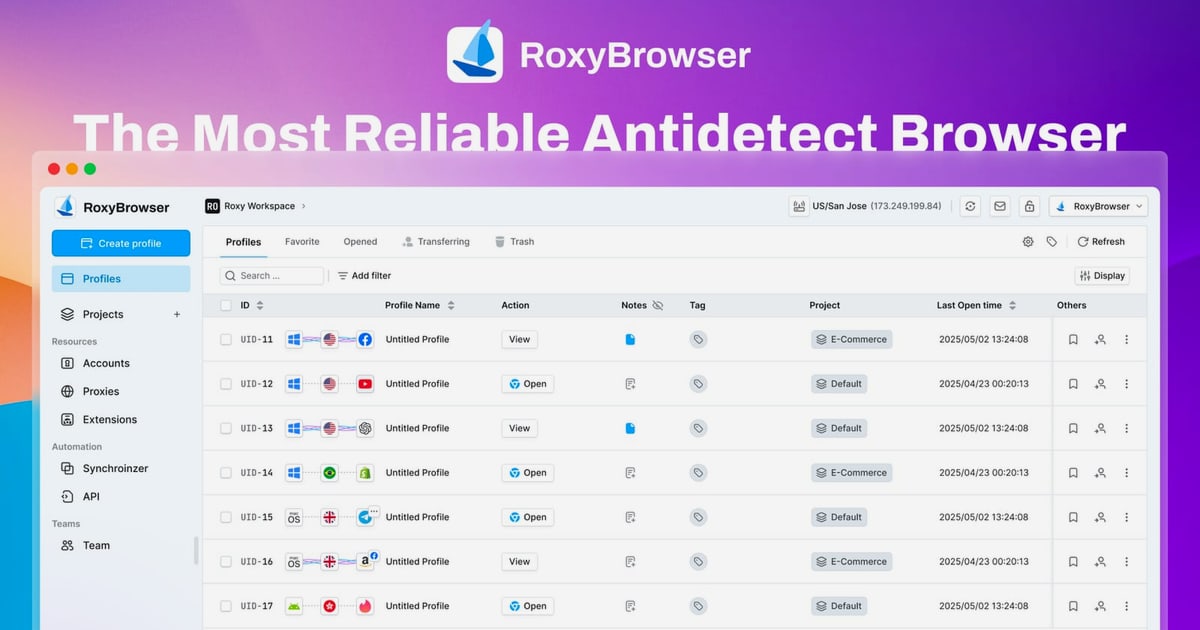
DuoPlus Cloud Phone vs RoxyBrowser vs SessionBox One: Which Multi-Account Tool Fits Your Workflow?
Choosing the right tool to manage multiple online accounts without triggering platform bans can feel like navigating a minefield. You might be scaling TikTok matrix marketing, running Facebook ad operations, or managing dozens of e-commerce seller profiles. The core challenge remains the same: how do you keep every account completely isolated and appearing as a unique, legitimate user?
This comparison puts three distinct approaches side by side: DuoPlus Cloud Phone, a real Android cloud phone platform; RoxyBrowser, a dedicated antidetect browser; and SessionBox One, a browser-based profile isolation tool. We’ll break down their architectures, strengths, and ideal use cases so you can match the technology to your actual operational needs.
Technology Foundation: Cloud Phones vs Antidetect Browsers
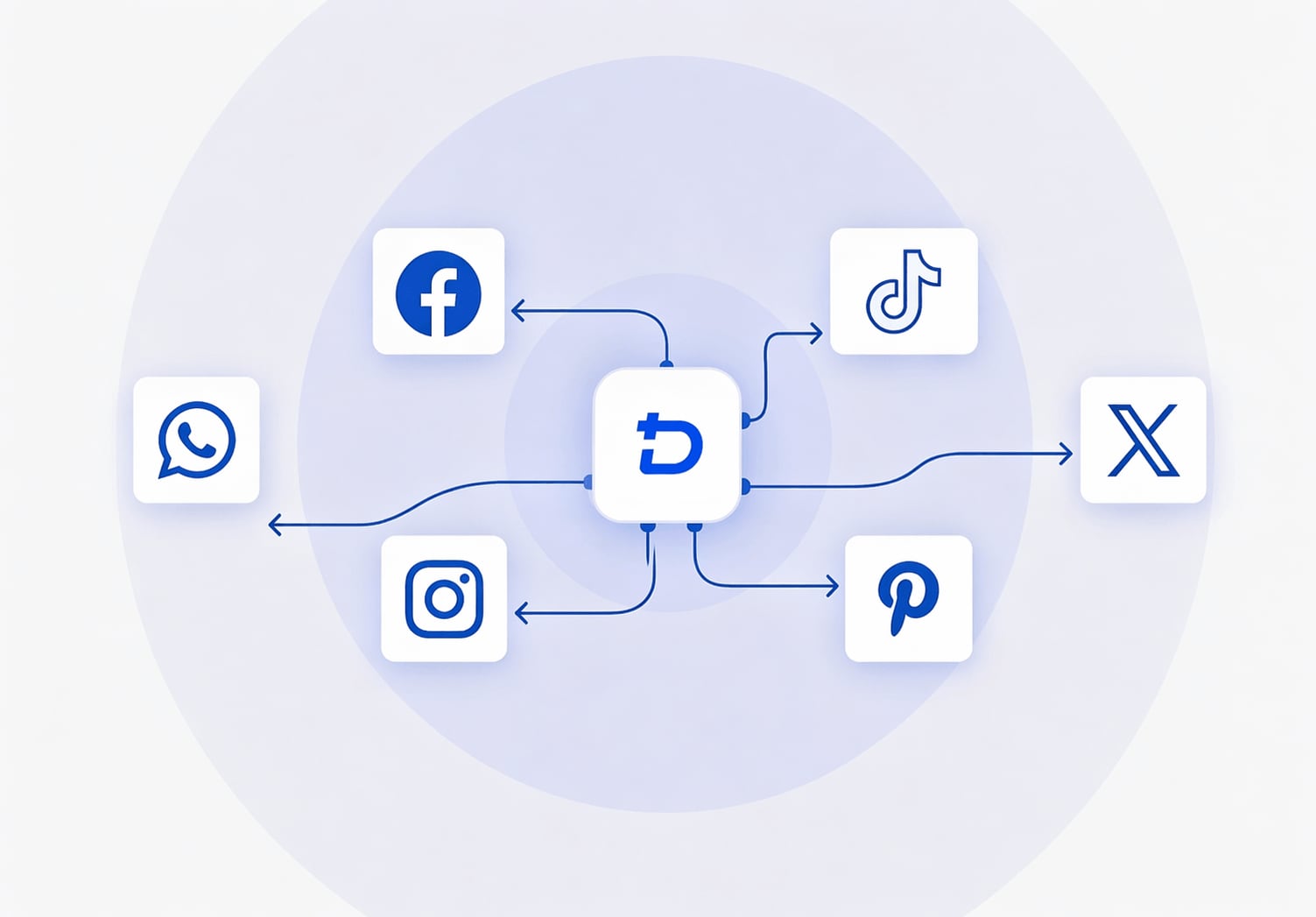
DuoPlus Cloud Phone product interface.
The fundamental difference between these tools is the environment they provide. This single factor dictates which platforms you can safely operate on and how convincing your digital identity appears.
DuoPlus Cloud Phone: Real ARM-Based Android Devices in the Cloud
DuoPlus Cloud Phone doesn't simulate a mobile environment inside your PC browser. It provisions actual ARM-based virtual Android devices hosted in the cloud, each running Android 15 with a completely independent hardware fingerprint. Every cloud phone gets its own unique IMEI, Android ID, SIM data, and a dedicated proxy IP. To any app or platform, it’s indistinguishable from a physical phone sitting in a different country.
The advantage is depth and authenticity. When you log into TikTok, Instagram, or Tinder, the app detects a genuine mobile device with sensors, battery status, and a GPS location that matches the IP address. This makes DuoPlus particularly effective for mobile-first platforms where browser-based spoofing falls short. The one-click reskin feature also lets you instantly refresh all device parameters, which is critical for rapid account rotation.
RoxyBrowser: Advanced Fingerprint Isolation for Web Profiles
RoxyBrowser operates on a different layer. It’s a desktop antidetect browser that creates isolated browser environments, each with a unique digital fingerprint. Instead of emulating a phone, it modifies over 50 browser parameters—canvas, WebGL, fonts, user agent, language, and more—so that every profile appears as a distinct computer user.
Its tight integration with RoxyProxy infrastructure is a standout feature. You can assign residential or mobile proxies directly within the profile settings, ensuring IP and timezone consistency. For web-based multi-accounting—managing Facebook Business Manager, Google Ads accounts, or SEO tools—this approach is lightweight, fast, and highly scalable. Automation support for Puppeteer, Selenium, and Playwright makes it a solid choice for teams that rely on scripted browser workflows.
SessionBox One: Streamlined Profile Isolation in a Single Window
SessionBox One takes a more accessible approach. It’s a desktop application that lets you run multiple isolated profiles simultaneously within a single browser window. Each profile stores its own cookies, local storage, and session data, effectively preventing websites from linking your accounts.
While it offers browser fingerprint protection and proxy support with automatic geo-location matching, it doesn’t provide the deep hardware-level spoofing of a cloud phone or the extensive fingerprint customization of a dedicated antidetect browser. Its strength lies in simplicity. For a digital nomad managing a handful of client social media accounts or an affiliate marketer testing landing pages, SessionBox One removes complexity without sacrificing core isolation.
Proxy and IP Management: Built-In vs Bring-Your-Own
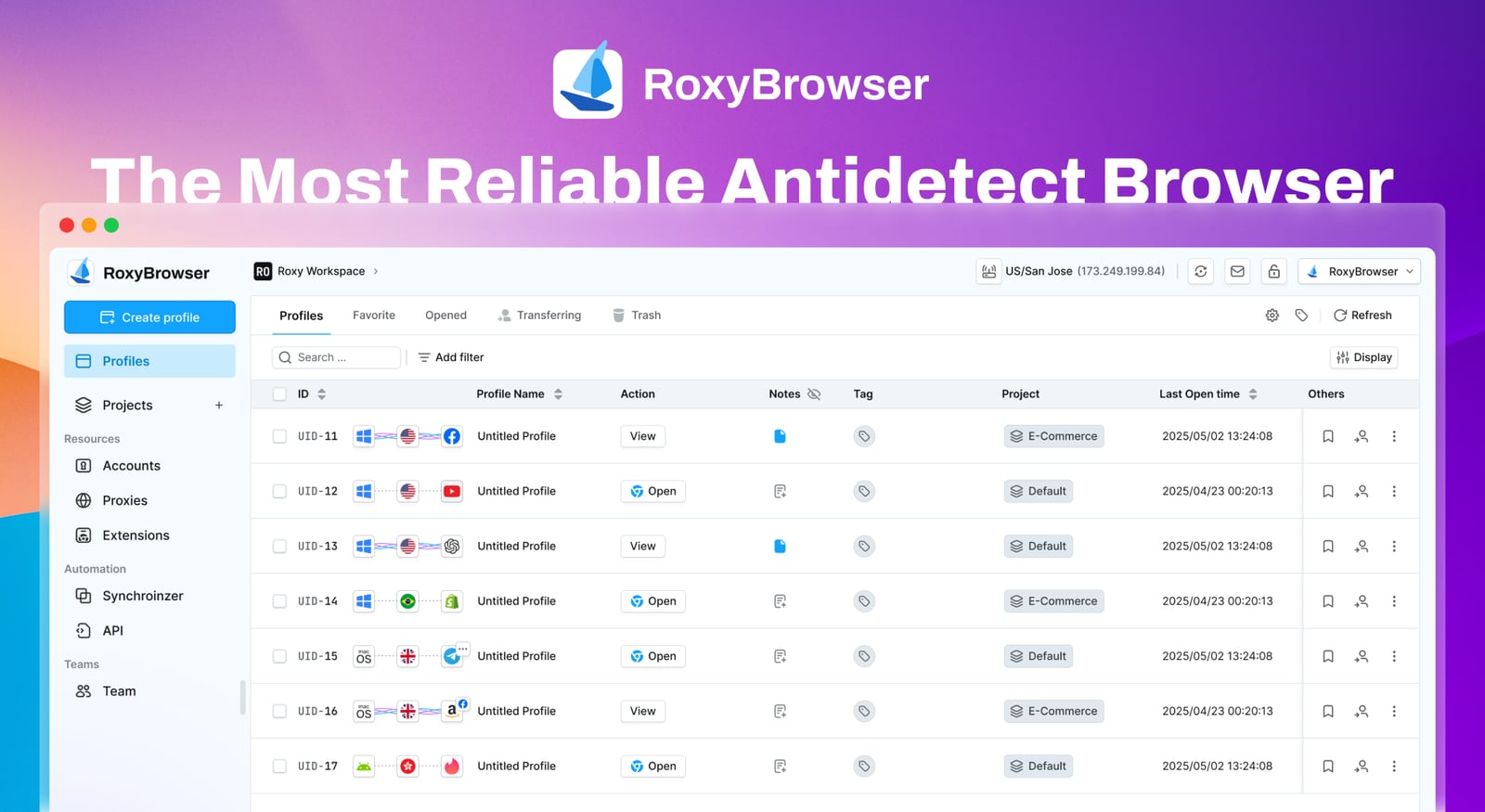
RoxyBrowser product interface.
How each tool handles IP addresses directly impacts your setup time and operational security.
DuoPlus Cloud Phone: Integrated SIM Data and GPS Matching
Each DuoPlus cloud phone comes with a dedicated SIM card and proxy IP that is automatically matched to the device’s simulated GPS location. You don’t need to source third-party proxies or manually configure IP-to-location alignment. This closed-loop system eliminates a common failure point: a mismatch between the IP geolocation and the device’s reported coordinates, which is a major red flag for platform anti-fraud systems.
RoxyBrowser: Native Proxy Integration with Granular Control
RoxyBrowser’s proxy management is a core strength. It seamlessly integrates with RoxyProxy’s own residential and mobile IP pools, but it also supports any third-party proxy provider. You can assign proxies at the profile level, and the browser will automatically match timezone and geolocation settings to the IP. This flexibility is ideal for users who already have preferred proxy vendors or need to rotate IPs across thousands of web profiles.
SessionBox One: Automatic Proxy Assignment and Geo-Matching
SessionBox One simplifies proxy configuration with automatic assignment and geo-location matching. You can add your own proxy lists, and the tool handles the routing for each profile. It’s a practical, no-fuss system for users who need basic IP diversity without managing complex proxy infrastructures. However, it lacks a built-in proxy pool, so you’ll need to bring your own reliable residential IPs.
Automation and Team Collaboration

SessionBox One product interface.
Scaling multi-account operations requires more than just isolation. You need to automate repetitive tasks and coordinate across team members without compromising security.
DuoPlus Cloud Phone: AI-Powered Mobile Automation
DuoPlus integrates a DUO+ AI Agent that accepts natural-language commands to automate in-app actions. You can instruct it to post a specific video, follow targeted accounts, or engage with comments, and it executes the workflow without manual scripting. This no-code approach lowers the barrier for social media marketers who need to scale engagement but lack programming resources.
The unified dashboard supports team sharing with granular permissions. Team members can control assigned cloud phones from any browser, making it suitable for agencies managing client accounts across different regions.
RoxyBrowser: Developer-Friendly Automation and Workspaces
RoxyBrowser is built with automation engineers in mind. It offers full API support and compatibility with Puppeteer, Selenium, and Playwright. You can script complex browser interactions—form filling, account creation, data scraping—across thousands of profiles. The Workspaces feature enables team collaboration by grouping profiles and assigning role-based access, which is essential for larger marketing or development teams.
SessionBox One: Cloud Sync and Direct Profile Sharing
SessionBox One focuses on frictionless collaboration. You can share profiles directly with team members without exposing login credentials. Cloud sync keeps all profiles updated across devices, and shared spaces allow multiple users to work within the same isolated environments. For small teams or freelancers who need to hand off accounts to a VA quickly, this credential-less sharing is a significant time-saver.
When Each Tool Excels: Practical Use Cases
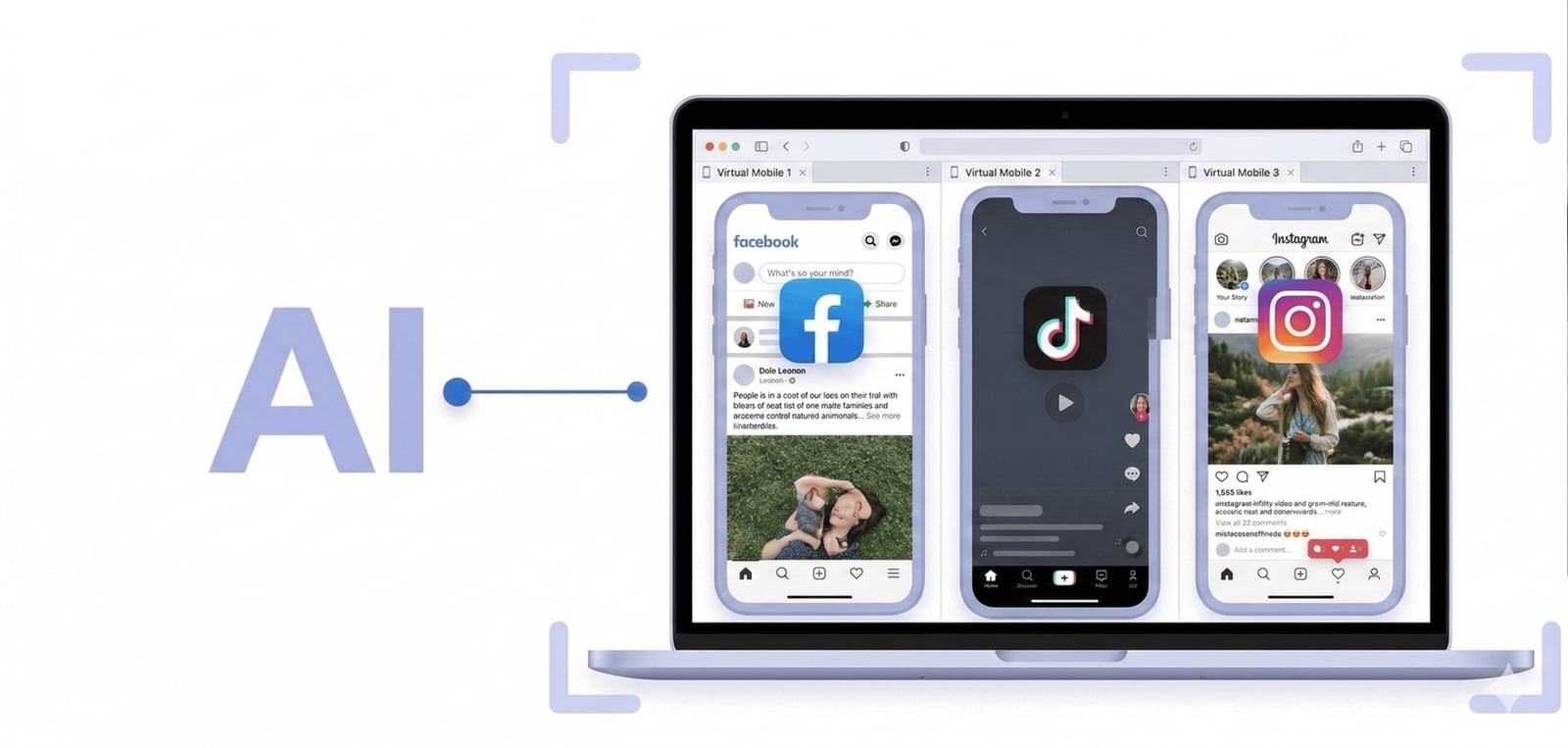
DuoPlus Cloud Phone product interface.
Understanding the theoretical differences is helpful, but the real decision comes down to your daily operations.
Choose DuoPlus Cloud Phone when:
- Your core platforms are mobile-first apps: TikTok, Instagram, Tinder, Zalo, or WhatsApp.
- You need genuine Android device fingerprints that pass hardware-level checks.
- You want integrated GPS, SIM data, and proxy IP without manual configuration.
- You’re scaling mobile account farms and need one-click device reskinning.
- You want no-code AI automation for in-app social interactions.
Choose RoxyBrowser when:
- Your operations are entirely web-based: Facebook Ads Manager, Google My Business, Amazon Seller Central, or crypto exchanges.
- You require advanced fingerprint customization with over 50 adjustable parameters.
- You rely on Selenium, Puppeteer, or Playwright for automated browser workflows.
- You already have a preferred proxy provider and need seamless integration.
- You manage large teams and need granular workspace permissions.
Choose SessionBox One when:
- You need a simple, lightweight solution for managing a moderate number of web accounts.
- You want to run multiple profiles in a single browser window without switching applications.
- You frequently share account access with freelancers or VAs without revealing passwords.
- You’re an affiliate marketer, online reseller, or digital nomad who values speed over deep customization.
- You’re just starting with multi-account management and want a gentle learning curve.
Head-to-Head Feature Comparison
| Feature | DuoPlus Cloud Phone | RoxyBrowser | SessionBox One |
|---|---|---|---|
| Core Technology | Real ARM-based Android 15 cloud devices | Antidetect browser with customizable fingerprints | Browser profile isolation with fingerprint protection |
| Primary Environment | Mobile apps (Android) | Web browsers (desktop) | Web browsers (desktop) |
| Device Fingerprint | Genuine hardware IMEI, Android ID, SIM data | Spoofed browser parameters (Canvas, WebGL, fonts, etc.) | Isolated cookies, local storage, and session data |
| Proxy Integration | Built-in dedicated SIM and proxy IP per device | Native RoxyProxy integration + third-party support | Automatic proxy assignment with geo-matching (BYO proxies) |
| GPS / Location Spoofing | Simulated GPS matched to proxy IP | Timezone and geolocation matched to proxy IP | Geo-location matched to proxy IP |
| Automation | No-code AI Agent for in-app actions | API + Puppeteer, Selenium, Playwright support | API access and Selenium support |
| Team Collaboration | Dashboard sharing with granular permissions | Workspaces with role-based access | Direct profile sharing without credentials, cloud sync |
| Pricing Model | Per-device subscription | Free to enterprise plans | Subscription starting at $12.99/month |
| Ideal For | Mobile-first account farming, social media matrix marketing | Web-based multi-accounting, automation-heavy workflows | Simple multi-login, freelancer account management |
Making the Right Choice for Your Multi-Account Strategy
There’s no universal “best” tool—only the best fit for your specific threat model and operational requirements. If your accounts live and die on mobile apps, a cloud phone like DuoPlus provides the hardware authenticity that antidetect browsers simply cannot replicate. For web-heavy operations where speed, automation, and fingerprint granularity matter, DuoPlus Cloud Phone vs RoxyBrowser vs VMOS comparisons often highlight RoxyBrowser as a strong browser-native alternative.
If you’re evaluating other mobile solutions, our breakdown of DuoPlus Cloud Phone vs AdsPower vs VMOS explores how cloud phones stack up against Android emulators. For teams that need both mobile and web capabilities, understanding the trade-offs between DuoPlus Cloud Phone vs Kameleo vs SessionBox One can clarify whether a hybrid approach is feasible.
Ultimately, the most secure multi-account setup is the one that aligns with how your target platforms verify identity. Cloud phones win on mobile authenticity. Antidetect browsers win on web scalability. Profile isolation tools win on simplicity. Define your primary battlefield first, then choose accordingly.
Related reading
- DuoPlus Cloud Phone vs BitBrowser vs VMOS: Which Tool Wins? - Compare DuoPlus Cloud Phone, BitBrowser, and VMOS for multi-account management. See which tool fits mobile apps, web profiles, or hybrid team workflows best.
- DuoPlus Cloud Phone vs AdsPower vs GeeLark: Which Multi-Account Tool Wins? - Compare DuoPlus Cloud Phone, AdsPower, and GeeLark for multi-account management. See which tool fits mobile apps, web profiles, or hybrid team workflows.
- DuoPlus Cloud Phone vs AdsPower vs Moimobi: Which Multi-Account Tool Wins? - Compare DuoPlus Cloud Phone, AdsPower, and Moimobi for multi-account management. See which tool fits mobile apps, web profiles, or hybrid team workflows.
Sources and further reading
- DuoPlus Cloud Phone Alternatives - These are the Top 7 Alternatives to DuoPlus Cloud Phone. Find out how DuoPlus Cloud Phone compares to it's competitors and which Social Media Software products are good substitutes.
- Multilogin Cloud Phone Vs Duoplus - Multilogin cloud phone vs DuoPlus cloud phone compared 2026. Which cloud phone keeps your accounts safer? Find out here.
- Virtual phones for managing multiple accounts - Multilogin - Run multiple social media accounts with virtual phones in Multilogin. Choose from 12 phone brands and autogenerate phone numbers.
Frequently Asked Questions
Can I use DuoPlus Cloud Phone to manage web-based accounts like Facebook Business Manager?
DuoPlus Cloud Phone runs real Android devices, so you can install any Android app, including mobile browsers. However, for desktop web-based platforms that require a full browser experience, an antidetect browser like RoxyBrowser or SessionBox One is more practical. DuoPlus excels when the target platform is primarily accessed via a mobile app.
Does RoxyBrowser work on macOS and Windows?
Yes, RoxyBrowser supports both Windows and macOS. It also offers a 7-day free trial, allowing you to test its fingerprint isolation and proxy integration before committing to a paid plan.
Is SessionBox One a full antidetect browser?
SessionBox One provides profile isolation and browser fingerprint protection, but it is not as deeply customizable as dedicated antidetect browsers like RoxyBrowser. It focuses on session separation and credential-less sharing, making it a strong choice for users who prioritize ease of use over advanced fingerprint spoofing.
How does DuoPlus Cloud Phone handle GPS and IP matching?
Each DuoPlus cloud phone is provisioned with a dedicated SIM card and proxy IP. The device’s GPS location is automatically simulated to match the IP geolocation, ensuring consistency that passes platform checks for location-based fraud.
Can I automate tasks on SessionBox One?
Yes, SessionBox One offers API access and supports Selenium for browser automation. While it may not have the extensive automation ecosystem of RoxyBrowser, it covers common scripting needs for profile management and repetitive web tasks.
Conclusion
DuoPlus Cloud Phone, RoxyBrowser, and SessionBox One represent three distinct philosophies in multi-account management. DuoPlus provides the deepest level of mobile authenticity by deploying real Android devices in the cloud, making it the go-to for app-centric operations where hardware fingerprints are non-negotiable. RoxyBrowser offers the most granular control over browser fingerprints and proxy integration, serving power users who automate web workflows at scale. SessionBox One strips away complexity, delivering fast, secure profile isolation for freelancers and small teams who need to get work done without a steep learning curve.
Assess where your accounts are most vulnerable. If platforms are scanning for emulator artifacts and hardware mismatches, a cloud phone is your safest bet. If you’re battling browser fingerprinting on the web, an antidetect browser gives you the customization you need. And if you simply need to keep a few dozen profiles separate without overhead, a streamlined isolation tool will serve you well. Match the tool to the threat, and you’ll build a multi-account operation that lasts.