
DuoPlus Cloud Phone vs Indigo: Cloud Phone or Antidetect Browser?
DuoPlus Cloud Phone vs Indigo compared: real ARM Android devices against desktop browser profiles. Isolation, mobile apps, fingerprints, and scaling.

DuoPlus Cloud Phone vs Indigo: Cloud Phone or Antidetect Browser?
Choosing between DuoPlus Cloud Phone and Indigo is not really a question of which tool is "better." It is a question of which layer of the stack your work actually lives on. DuoPlus Cloud Phone gives you real ARM-based Android devices running in the cloud, each with its own device fingerprint, storage, and simulated GPS, SIM, and base station data. Indigo is a desktop antidetect browser built around isolated browser profiles, proxy support, cookie management, and automation, with two browser cores (Stealthfox 146 and Mimic 148) and a regularly updated fingerprint database.
If your accounts live inside mobile apps, a browser profile cannot reach them. If your accounts live in web dashboards, a full cloud phone is often more machine than you need. This comparison breaks down where each tool fits, what each one does well, and how to decide without wasting a subscription.
What each tool actually is
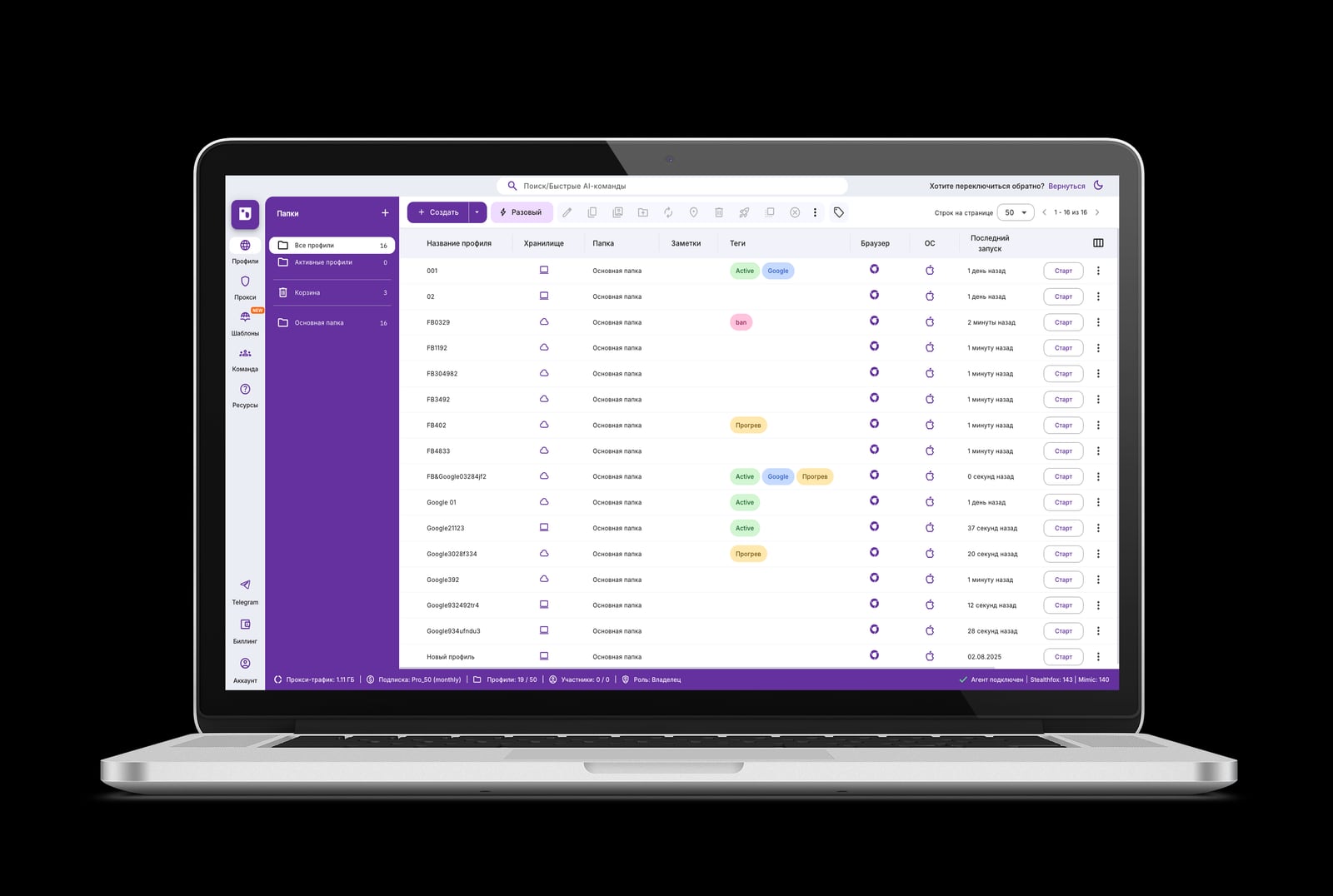
Indigo product interface.
DuoPlus Cloud Phone in one paragraph
DuoPlus Cloud Phone is an anti-detection cloud phone platform. Instead of spoofing a browser, it provisions real ARM Android devices in the cloud and lets you control them from a PC or mobile browser. Each cloud phone carries a unique device fingerprint, independent storage, and simulated global GPS, SIM card, and base station information, so accounts do not share the same device identity. It is positioned as the world's first Android 15 cloud phone and supports bulk app installation, one-click reskin to change a device environment, and one-click sharing for team collaboration.
Indigo in one paragraph
Indigo is an antidetect browser for multi-accounting, traffic arbitrage, web scraping, bonus hunting, bounty and airdrop work, e-commerce, digital agencies, and anonymity. It creates isolated browser profiles, supports proxies, manages cookies, and offers automation. Two browser cores, Stealthfox 146 and Mimic 148, sit under a fingerprint database that is updated regularly. The site serves Russian- and English-speaking users, with a free trial and paid licenses, plus a knowledge base and technical support.
The core difference: device layer vs browser layer
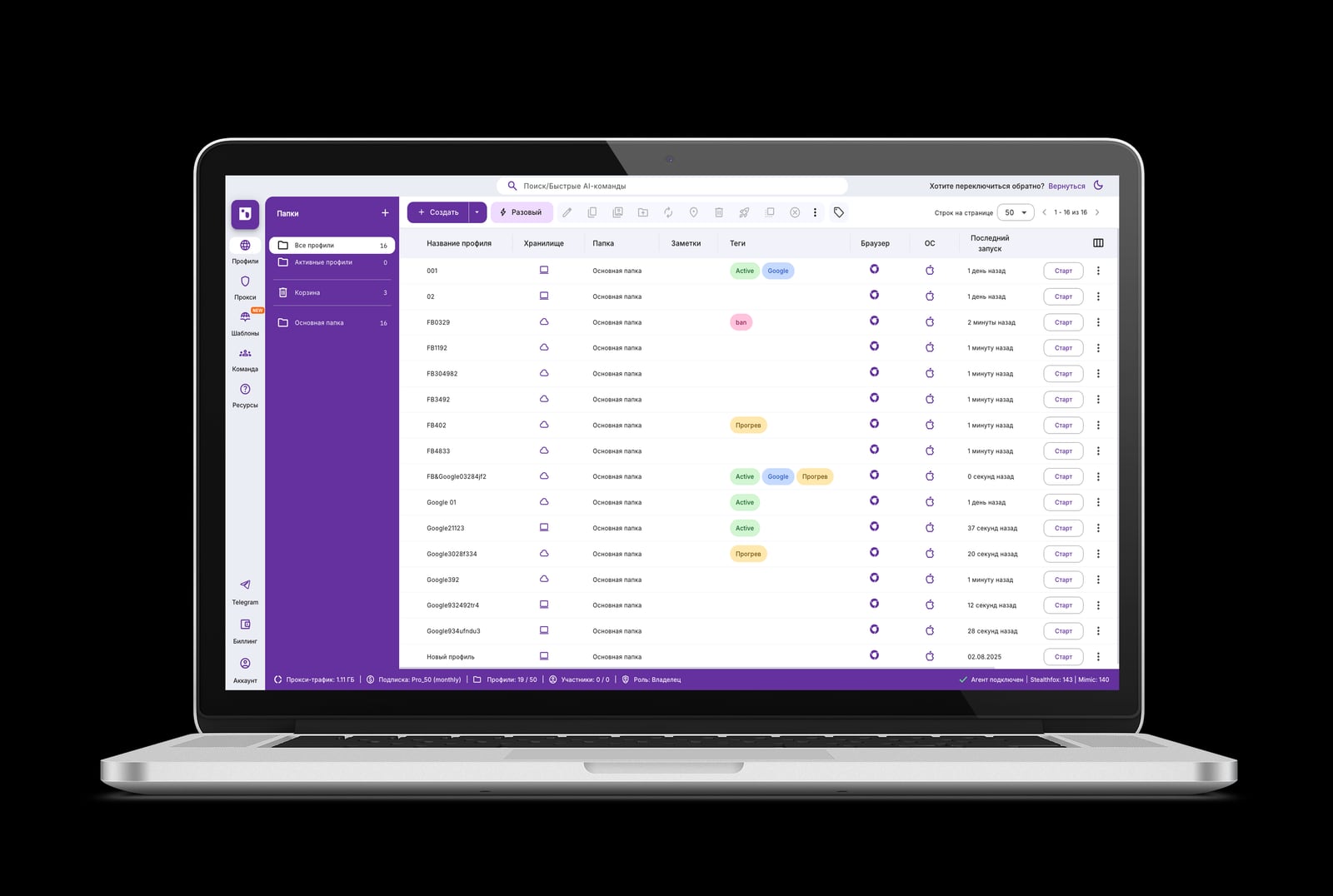
Indigo product interface.
This is the single most important distinction in the comparison, and it drives almost every other trade-off.
| Dimension | DuoPlus Cloud Phone | Indigo |
|---|---|---|
| Environment | Real ARM Android devices in the cloud | Isolated desktop browser profiles |
| Fingerprint surface | Device-level: hardware, GPS, SIM, base station | Browser-level: canvas, WebGL, user agent, cookies |
| Native mobile apps | Yes — install and run Android apps | No — web only |
| Access method | PC and mobile browsers | Desktop browser application |
| Team sharing | One-click sharing of cloud phones | Profile sharing and permissions |
| Automation | Bulk app install and management | Automation capabilities in-browser |
| Best-fit workloads | Mobile social, e-commerce apps, airdrop farming, app testing | Web multi-accounting, scraping, arbitrage, agencies |
A browser profile tells a website "I am a browser on some machine." A cloud phone tells an app "I am this specific phone, in this location, on this carrier." Those are different claims, and platforms verify them differently.
Where DuoPlus Cloud Phone has the advantage

Indigo product interface.
1. Mobile apps are first-class citizens
TikTok, Shopee, Lazada, and most social and commerce platforms push users toward their apps. App environments expose signals a browser cannot fake: sensor data, carrier information, SIM identity, and location behavior. Because DuoPlus Cloud Phone runs real ARM Android devices with simulated global GPS, SIM, and base station information, the environment matches the app's expectations rather than approximating them.
For social media marketers, e-commerce sellers, affiliate marketers, crypto airdrop farmers, live streamers, and mobile app testers, this is the difference between "works in theory" and "works in the app."
2. Isolation is device-deep, not just cookie-deep
Indigo isolates profiles well — separate cookies, separate fingerprints, separate proxies. But everything still runs on one physical machine, and the isolation boundary is the browser. DuoPlus Cloud Phone isolates at the device level: independent storage per cloud phone, unique device fingerprints, and separate simulated network identity. Accounts do not merely look separate in the browser; they live on separate devices.
3. Scaling is bounded by subscription, not by hardware
Running 50 Android environments locally means 50 emulators competing for CPU and RAM. DuoPlus Cloud Phone moves that load to the cloud, so multiplicity is limited by your plan rather than your workstation. Bulk app installation and management, plus one-click reskin, make it practical to roll out and refresh many environments at once.
4. Team collaboration is built around shared devices
One-click sharing lets a team hand off a cloud phone the way you would hand off a physical test device. Combined with multi-platform control via PC and mobile browsers, this suits agencies and distributed teams that need a consistent environment regardless of who is logged in.
5. Pricing is structured for scaling
DuoPlus Cloud Phone offers a free trial, startup time packages billed by duration, and monthly startup plans with volume discounts. That structure rewards operators who grow from a handful of profiles to hundreds, rather than charging a flat per-seat fee that punishes expansion.
Where Indigo is the reasonable choice
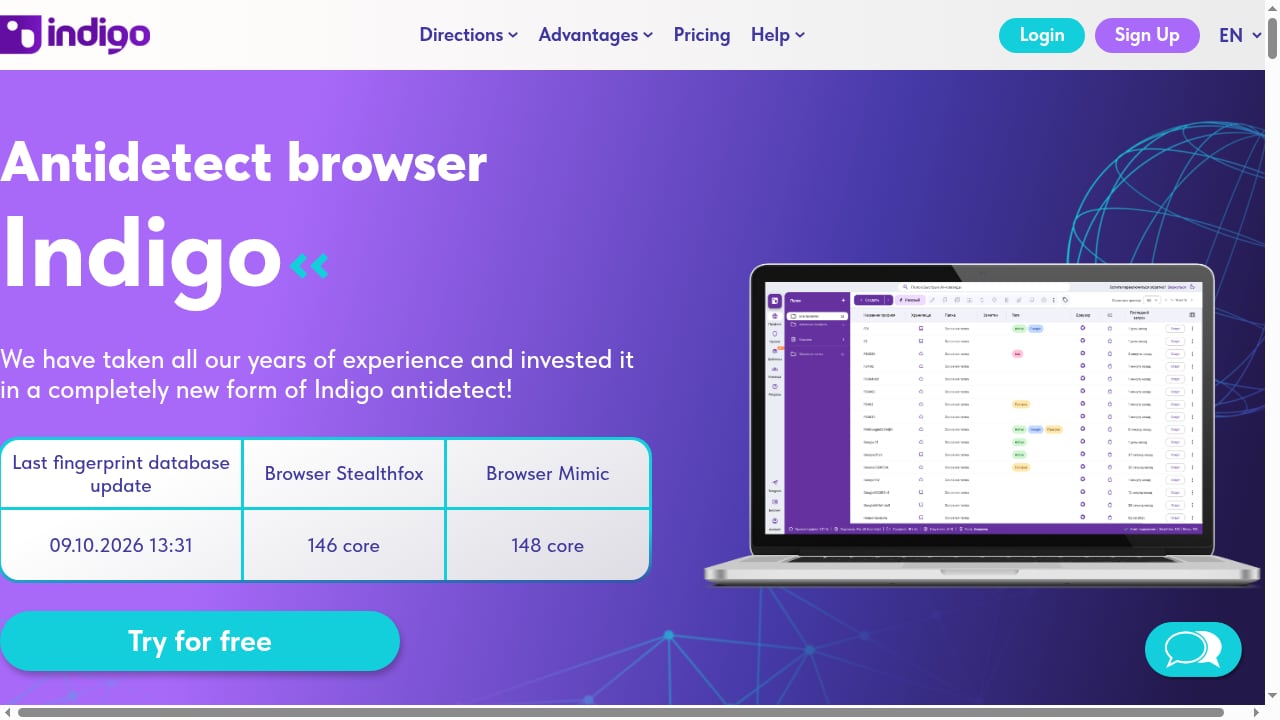
First viewport screenshot of Indigo антидетект браузер — мультиаккаунтинг и арбитраж.
Indigo is not a weak tool — it is a different tool. It earns its place in several scenarios:
- Web-only workflows. If every account you manage lives in a browser dashboard, an antidetect browser is the direct solution. Indigo's isolated profiles, proxy support, and cookie management cover that ground.
- Traffic arbitrage and web scraping. These are browser-native tasks. Indigo's automation capabilities and regularly updated fingerprint database are aimed squarely at them.
- Bonus hunting, bounty and airdrop activity on web platforms. Where the target is a website rather than an app, Indigo's profile isolation is sufficient.
- Digital agencies with mixed web clients. Agencies juggling many web properties benefit from profile-level organization and permissions.
- Budget-sensitive entry points. Indigo offers a free trial and paid licenses, so testing the workflow costs little.
The honest limitations of a browser-only approach
Two constraints follow from Indigo's architecture, and neither is a defect — they are simply the boundaries of the category:
- No native mobile app execution. A browser profile cannot install and run an Android app. If a platform's app-only features or app-specific signals matter, a browser cannot substitute.
- Shared underlying hardware. All profiles run on the same machine. Browser-level isolation is strong, but it is not the same as separate devices with separate storage and network identity.
If your work never touches mobile apps, these limitations are irrelevant. If it does, they are decisive.
Practical examples: which tool for which job
Scenario A: TikTok multi-account operation
You run dozens of TikTok accounts across regions. TikTok's app environment surfaces device and location signals that a browser session does not. DuoPlus Cloud Phone is the fit: each account sits on its own ARM Android device with simulated GPS and SIM data, and bulk management keeps the fleet organized.
Scenario B: Web scraping at scale
You collect pricing data from e-commerce sites. No mobile app is involved. Indigo is the fit: isolated profiles, proxy support, and automation handle this directly, and you avoid paying for cloud phones you will never install an app on.
Scenario C: Crypto airdrop farming
Airdrops split into two camps. Web-based quests and bounty tasks suit Indigo. Mobile-app airdrops, where the project distributes through an Android app, suit DuoPlus Cloud Phone, because the app must actually run on a device.
Scenario D: E-commerce operations on Shopee and Lazada
Both platforms lean heavily on mobile. Sellers managing multiple storefronts benefit from DuoPlus Cloud Phone, where each storefront gets an isolated device environment and the team can share access with one click.
Scenario E: Mobile app QA and testing
You need to verify an app across device profiles and regions. DuoPlus Cloud Phone provides real ARM devices with configurable global GPS and SIM data, plus one-click reskin to swap environments between test runs.
Can you use both?
The two tools are complementary rather than mutually exclusive. A realistic stack for a cross-border operation might look like this:
- DuoPlus Cloud Phone for mobile app accounts: social apps, marketplace apps, airdrop apps, and app testing.
- Indigo for web-only tasks: scraping, web dashboards, and browser-based arbitrage.
- Proxy hygiene on both sides. Device fingerprints and browser fingerprints both depend on clean IPs. If you are pairing cloud phones with proxies, see our walkthrough on how to use DuoPlus Cloud Phone with Proxy-Seller, and verify the result with how to use DuoPlus Cloud Phone with Pixelscan before scaling.
If you are still mapping the broader category, our top 10 ARM cloud phone platforms for multi-account operations 2026 and top 10 multi-account browsers and antidetect software 2026 rankings cover the field from both directions.
Decision guide: five questions to ask
- Do your accounts live in mobile apps? If yes, you need a cloud phone. If no, a browser is enough.
- How many environments do you need to run at once? If the number exceeds what your workstation can host as emulators, cloud phones remove the hardware ceiling.
- Do you need device-level signals — GPS, SIM, carrier, base station? Only a cloud phone provides these.
- Is your work web-native — scraping, dashboards, web quests? Indigo's profile isolation and automation are the direct answer.
- How will your team access the environments? DuoPlus Cloud Phone's one-click sharing and browser-based control suit distributed teams; Indigo's profile permissions suit desktop-centric teams.
Related reading
- Undetectable.io Review: Anti-Detect Browser for Mac & Windows - Evidence-based Undetectable.io review covering fingerprinting, pricing, setup, Mac and Windows support, team features, and who should use it.
- DuoPlus Cloud Phone vs VPN Browser and iRemotech: 2026 Guide - Compare DuoPlus Cloud Phone with VPN Browser and iRemotech across isolation, mobile app support, and scale to pick the right setup for 2026.
Sources and further reading
- Best DuoPlus Alternatives & Competitors - Compare the best DuoPlus alternatives in 2026. Explore user reviews, ratings, and pricing of alternatives and competitors to DuoPlus.
- 4 Best Anti-Detect Browsers (Free & Paid) - Review of the 4 best antidetect browsers in 2026: free and paid solutions for multi-accounting, affiliate marketing, and managing browser profiles. User ratings included.
- Top AdsPower Browser Alternatives in 2026 - Find the top alternatives to AdsPower Browser currently available. Compare ratings, reviews, pricing, and features of AdsPower Browser alternatives in 2026.
FAQ
Is DuoPlus Cloud Phone a replacement for Indigo?
No. They operate at different layers. DuoPlus Cloud Phone provides real ARM Android devices in the cloud for mobile app work. Indigo provides isolated desktop browser profiles for web work. Many operators use both.
Can Indigo run Android apps?
No. Indigo is an antidetect browser with Stealthfox 146 and Mimic 148 cores. It isolates browser profiles and fingerprints; it does not execute native Android applications.
Does DuoPlus Cloud Phone work for web-only tasks?
It can, since cloud phones include browsers, but it is not the most cost-efficient choice for pure web scraping or browser-based arbitrage. Match the tool to the layer.
Which is better for TikTok or Shopee multi-accounting?
For app-based operation on these platforms, DuoPlus Cloud Phone is the stronger fit because each account runs on a separate ARM Android device with simulated GPS, SIM, and base station data.
Which is better for traffic arbitrage and scraping?
Indigo. These are browser-native workflows, and Indigo's isolated profiles, proxy support, cookie management, and automation are designed for them.
Do both tools need proxies?
Yes. Fingerprint isolation and IP reputation are separate concerns. Both cloud phones and antidetect browsers benefit from clean, appropriately matched proxies.
Does DuoPlus Cloud Phone offer a free trial?
Yes. DuoPlus Cloud Phone offers a free trial, along with startup time packages billed by duration and monthly startup plans with volume discounts.
Does Indigo offer a free trial?
Yes. Indigo offers a free trial and paid licenses, with a knowledge base and technical support available.
Conclusion
The DuoPlus Cloud Phone vs Indigo decision comes down to one question: do your accounts live in mobile apps or in a browser? DuoPlus Cloud Phone answers the mobile side with real ARM Android devices, unique device fingerprints, simulated global GPS, SIM, and base station data, bulk app management, one-click reskin, and team sharing — with pricing that scales through duration-based packages and monthly plans. Indigo answers the web side with isolated browser profiles, two browser cores, proxy and cookie management, and automation, backed by a free trial and a regularly updated fingerprint database.
If you only do web work, Indigo is the efficient choice. If mobile apps are central to your operation — social media marketing, marketplace selling, airdrop farming, live streaming, or app testing — DuoPlus Cloud Phone is the layer you actually need. And if you do both, run both: they solve different problems, and neither one replaces the other.