
DuoPlus Cloud Phone vs RoxyBrowser & Kameleo: Multi-Accounting
Compare DuoPlus Cloud Phone with RoxyBrowser and Kameleo for multi-accounting. See which tool fits mobile app operations, web scraping, and fingerprint isolation.
DuoPlus Cloud Phone vs RoxyBrowser & Kameleo: Which Multi-Accounting Tool Fits Your Workflow?
Managing multiple online accounts is a daily reality for marketers, e-commerce sellers, and affiliate operators. But the tools you choose determine whether you scale smoothly or hit a wall of bans and verification loops. Three names often come up in this space: DuoPlus Cloud Phone, RoxyBrowser, and Kameleo. Each takes a different approach to isolation, and each shines in different scenarios.
This comparison breaks down how they work, where they excel, and how to decide which one belongs in your stack.
What Each Tool Actually Does
First viewport screenshot of www.roxybrowser.com.
DuoPlus Cloud Phone: Real ARM Mobile Environments in the Cloud
DuoPlus Cloud Phone is a cloud-based Android phone service that provides isolated, anti-detect mobile environments. Instead of emulating Android on a desktop, it deploys real ARM mobile devices hosted globally. Each device comes with its own unique fingerprint, GPS coordinates, SIM card data, and base station information, creating a believable local operating environment.
Key capabilities include:
- Unlimited device multiplicity for running many accounts simultaneously
- Multi-platform control via PC and mobile browsers
- Bulk app installation and management
- One-click reskin to change device environments
- One-click sharing for team collaboration
- Support for Android 15
The platform targets social media marketers, e-commerce sellers, affiliate marketers, ad account managers, game farmers, live streamers, and mobile app testers who need to operate many accounts without triggering association risks.
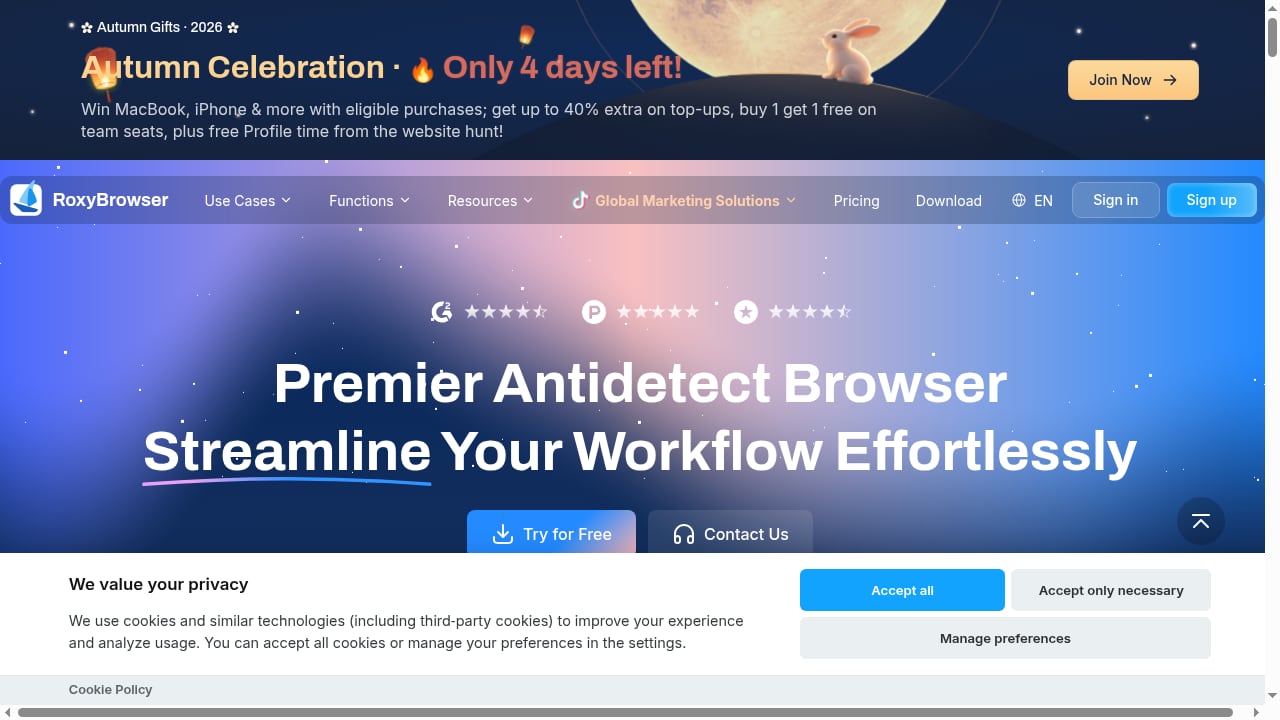
RoxyBrowser: Antidetect Browser for Multi-Accounting
RoxyBrowser is an antidetect browser designed to protect your digital identity and simplify multi-accounting management. It creates secure, unique browser fingerprints so each profile appears as a separate device to websites.
Its strengths lie in:
- Browser fingerprint isolation for web-based accounts
- A free trial to test the waters
- Simplified profile management for users who need clean separation between accounts
RoxyBrowser is a solid choice when your multi-accounting work happens primarily through web interfaces—think social media dashboards, e-commerce backends, or ad platforms accessed via browser.
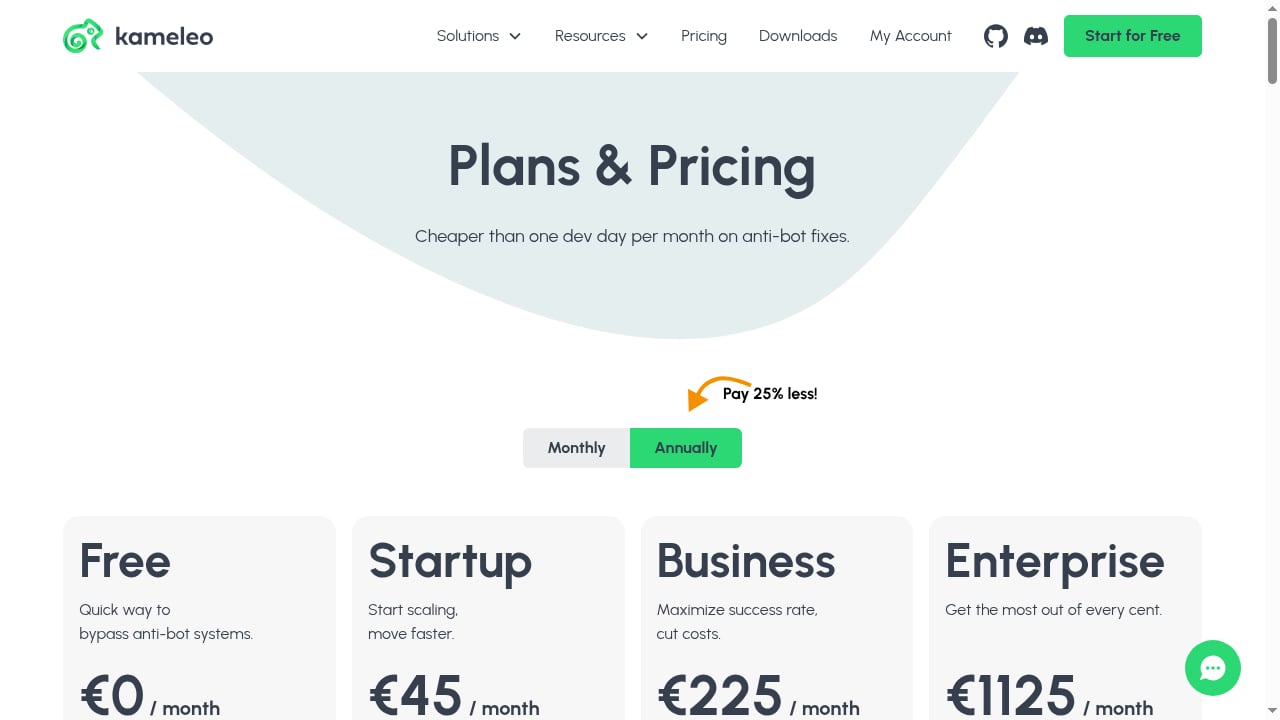
Kameleo: Anti-Detect Browser for Multi-Accounting & Web Scraping
Kameleo positions itself as an anti-detect browser that behaves like a real user, boosting automation, web scraping, and multi-profile management success. It emphasizes realistic browser behavior and fingerprint consistency, making it a strong option for tasks that involve automated data collection or repetitive browser actions.
Its notable features include:
- Realistic fingerprint simulation across browser parameters
- Automation-friendly design for scraping and multi-profile workflows
- Profile management that scales across many identities
Kameleo is particularly well-suited for teams that need to scrape data at scale or automate browser-based tasks while maintaining separate identities.
Head-to-Head Comparison

First viewport screenshot of www.roxybrowser.com.
| Criteria | DuoPlus Cloud Phone | RoxyBrowser | Kameleo |
|---|---|---|---|
| Environment type | Real ARM mobile devices in the cloud | Browser profiles on your desktop | Browser profiles on your desktop |
| Best for | Mobile app multi-accounting, social media, e-commerce apps | Web-based multi-accounting | Web scraping, browser automation |
| Fingerprint depth | Device-level: GPS, SIM, base station, hardware | Browser-level: canvas, WebGL, fonts, etc. | Browser-level with realistic behavior simulation |
| Mobile app support | Native Android apps | Not applicable | Not applicable |
| Team collaboration | One-click sharing | Profile sharing (plan-dependent) | Profile sharing (plan-dependent) |
| Free trial | Yes | Yes | Yes (typically) |
| Android version | Android 15 | N/A | N/A |
Where DuoPlus Cloud Phone Has a Clear Advantage
Mobile-First Operations
If your accounts live inside mobile apps—TikTok, Instagram, Shopee, Lazada, or mobile games—a browser-based tool simply cannot replicate that environment. DuoPlus Cloud Phone runs real Android apps on real ARM devices, so platforms see genuine mobile traffic with authentic device signals.
This matters for:
- TikTok Shop and live streaming where mobile behavior is expected
- Social media account farming that requires app-based interactions
- Mobile game automation for 24/7 AFK farming
- App testing and localization across different regional devices
Device-Level Fingerprint Depth
Antidetect browsers spoof browser fingerprints—canvas, WebGL, user agent, and so on. DuoPlus goes deeper by simulating the entire mobile device: GPS location, SIM card details, base station data, and hardware parameters. For platforms that cross-check mobile signals, this level of realism is harder to fake with browser-only tools.
Team Collaboration Built In
One-click sharing lets team members access the same cloud phone without exposing credentials or risking environment changes. This is especially useful for agencies managing client accounts or distributed teams running 24/7 operations.
Cost Efficiency at Scale
Compared to maintaining a physical device farm, DuoPlus offers monthly and annual plans with volume discounts, plus startup time packages billed by minute. For teams scaling from a few accounts to hundreds, this can be significantly more economical than buying and securing physical phones.
Where RoxyBrowser and Kameleo Shine
First viewport screenshot of www.roxybrowser.com.
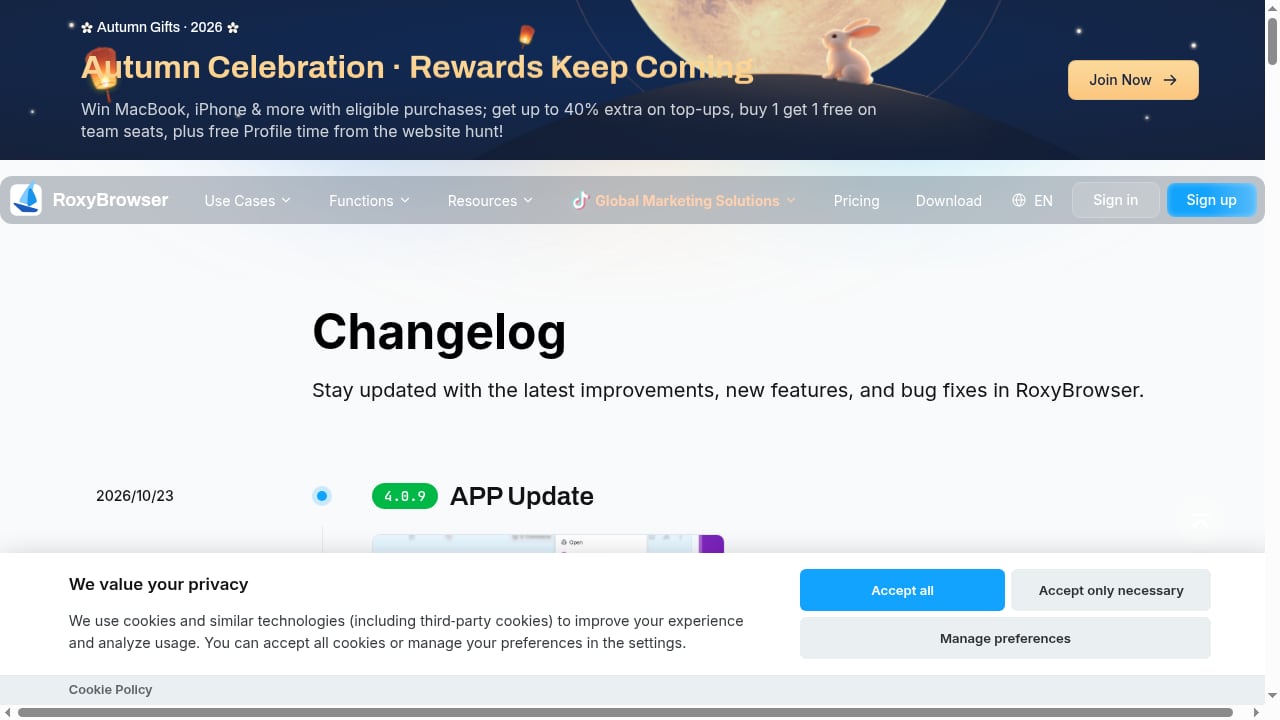
RoxyBrowser: Simplicity for Web-Based Multi-Accounting
RoxyBrowser's appeal is its focus. If you need a straightforward antidetect browser for managing web accounts—say, multiple Facebook ad accounts or e-commerce seller central logins—it provides clean fingerprint isolation without the overhead of mobile device management. The free trial makes it easy to evaluate.
Kameleo: Automation and Scraping Power
Kameleo's emphasis on behaving like a real user makes it a strong pick for web scraping and automation-heavy workflows. If your multi-accounting involves collecting data from websites, automating repetitive browser tasks, or running scripts across many profiles, Kameleo's design aligns well with those needs.
Decision Guide: Which Tool Should You Choose?
First viewport screenshot of kameleo.io.
Choose DuoPlus Cloud Phone if:
- Your accounts are primarily accessed through mobile apps
- You need realistic mobile device fingerprints (GPS, SIM, hardware)
- You're managing TikTok, Instagram, Shopee, Lazada, or mobile game accounts
- You want team collaboration without sharing credentials
- You need Android 15 support for the latest app compatibility
Choose RoxyBrowser if:
- Your multi-accounting is entirely web-based
- You want a simple, focused antidetect browser
- You're testing the waters with a free trial before committing
Choose Kameleo if:
- Web scraping and browser automation are core to your workflow
- You need realistic browser behavior simulation
- You're managing many browser profiles for data collection
Consider combining tools if:
- You run both web and mobile operations and need coverage across both
- You want browser profiles for web tasks and cloud phones for app-based accounts
Practical Examples
Scenario 1: TikTok Shop Seller A seller managing multiple TikTok Shop accounts needs mobile app access for listing products, responding to messages, and running live streams. DuoPlus Cloud Phone provides real Android environments with unique device fingerprints, reducing the risk of account association. A browser-based tool would struggle here because TikTok Shop's core operations happen in-app.
Scenario 2: Web Scraping Agency An agency scraping e-commerce prices across regions needs many browser profiles that behave like real users. Kameleo's automation-friendly design and realistic fingerprint simulation make it a natural fit. DuoPlus Cloud Phone could handle mobile app scraping but isn't optimized for high-volume web data collection.
Scenario 3: Social Media Manager A manager handling multiple client Facebook and Instagram accounts might use RoxyBrowser for web-based posting and scheduling, while relying on DuoPlus Cloud Phone for mobile-specific tasks like story uploads or app-only features. The combination covers both bases.
Related reading
- MoreLogin Review 2026: Cloud Phone & Antidetect Browser - Evidence-based MoreLogin review: cloud Android phones, antidetect browser, team permissions, automation, pricing signals, setup steps, and who should use it.
FAQ
Can DuoPlus Cloud Phone replace an antidetect browser?
Not entirely. DuoPlus is built for mobile app environments, while antidetect browsers like RoxyBrowser and Kameleo are designed for web-based multi-accounting and scraping. If your work is web-only, a browser tool may suffice. If you need mobile app access, DuoPlus is the better fit.
Does DuoPlus Cloud Phone offer a free trial?
Yes, DuoPlus offers a free trial so you can test the platform before committing to a paid plan.
Is Kameleo better than RoxyBrowser for multi-accounting?
It depends on your needs. Kameleo emphasizes automation and realistic behavior, making it stronger for scraping and scripted workflows. RoxyBrowser focuses on straightforward fingerprint isolation for web accounts. Both offer free trials, so you can evaluate which fits your workflow.
Can I use DuoPlus Cloud Phone for web scraping?
DuoPlus is optimized for mobile app operations, not high-volume web scraping. For scraping tasks, a browser-based tool like Kameleo is more appropriate.
How does DuoPlus handle team collaboration?
DuoPlus offers one-click sharing, allowing team members to access cloud phones without exchanging credentials. This simplifies collaboration for agencies and distributed teams.
What Android version does DuoPlus support?
DuoPlus supports Android 15, making it compatible with the latest mobile apps and features.
Conclusion
DuoPlus Cloud Phone, RoxyBrowser, and Kameleo each solve different parts of the multi-accounting puzzle. DuoPlus excels when you need real mobile environments with deep device-level fingerprinting—ideal for social media marketers, e-commerce sellers, and mobile app testers. RoxyBrowser offers a clean, focused antidetect browser for web-based accounts. Kameleo brings automation and scraping capabilities to browser-based workflows.
The right choice depends on where your accounts live. If mobile apps are central to your operations, DuoPlus Cloud Phone provides the realism and isolation you need. If web-based multi-accounting or scraping is your focus, RoxyBrowser or Kameleo may be the better fit. And for teams running both, combining tools can deliver comprehensive coverage.
For a deeper look at how DuoPlus compares to other cloud phone solutions, see our DuoPlus Cloud Phone vs FoxPhone comparison and our guide to pairing DuoPlus with IPRoyal proxies. You can also explore our Top 10 Anti-Detect Browser Software ranking for more context on browser-based tools.
Sources: