
How to Use DuoPlus Cloud Phone with IPRoyal Proxies
Learn how to pair DuoPlus Cloud Phone with IPRoyal proxies to isolate mobile accounts, reduce bans, and scale multi-account operations safely.
How to Use DuoPlus Cloud Phone with IPRoyal Proxies
Managing multiple mobile accounts on one device or IP is a fast track to bans. DuoPlus Cloud Phone gives each account its own isolated Android environment with a unique device fingerprint, while IPRoyal supplies the proxy IPs that make each session look like it comes from a different location. Together, they form a practical stack for social media marketers, e-commerce sellers, and app testers who need scale without association risk.
This guide explains how the two products complement each other, walks through the setup, and shows real workflows that solve common multi-accounting problems.
Why pair DuoPlus Cloud Phone with IPRoyal?
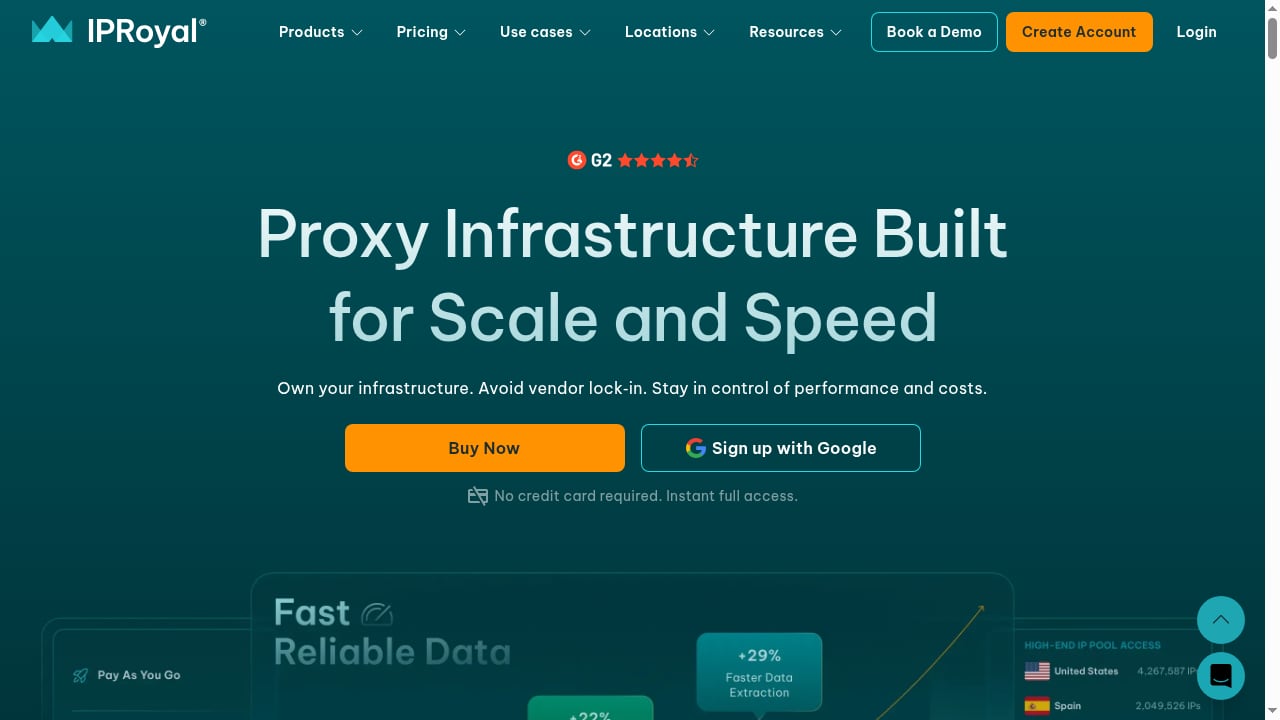
First viewport screenshot of iproyal.com.
DuoPlus Cloud Phone deploys real ARM mobile devices in the cloud. Each instance has its own device fingerprint, GPS, SIM card, and base station data, so apps see a genuine mobile device rather than an emulator. That handles the device layer of anti-detect isolation.
The network layer is where IPRoyal comes in. Without a proxy, every cloud phone would share the same data center or host IP, and platforms could link accounts by IP alone. IPRoyal provides proxy IPs that you assign per cloud phone, so each account also has a distinct network identity.
Key benefits of the combination:
- Full-stack isolation: unique device fingerprint plus unique IP address per account.
- Geo-consistency: match the proxy location to the device's GPS and SIM region for believable local behavior.
- Scalability: add proxies in bulk and assign them across many cloud phones without manual repetition.
- Cost control: IPRoyal's non-expiring traffic and no-contract model pairs well with DuoPlus's pay-as-you-go cloud phone plans.
How the two products work together
Think of DuoPlus as the phone and IPRoyal as the SIM's network route. DuoPlus handles the Android environment, app installation, and device-level anti-detect signals. IPRoyal handles the outbound IP address that apps and websites see.
| Layer | Handled by | What it provides |
|---|---|---|
| Device | DuoPlus Cloud Phone | Real ARM device, unique fingerprint, GPS, SIM, base station |
| Network | IPRoyal | Proxy IP, geolocation, session control |
| Account | You | Login credentials, behavior, content strategy |
When all three layers are consistent, platforms have far fewer signals to link accounts. A mismatch, such as a US GPS with a European IP, can trigger verification even if the device itself is clean.
Prerequisites
Before you start, make sure you have:
- A DuoPlus Cloud Phone account with at least one cloud phone purchased.
- An IPRoyal account with proxy credentials (host, port, username, password).
- A list of target regions for your accounts so you can buy matching proxies.
- Basic familiarity with the DuoPlus backend dashboard.
DuoPlus supports SOCKS5 proxies for standard configuration, so confirm your IPRoyal plan provides SOCKS5 endpoints. If you only have HTTP proxies, check with IPRoyal support or choose a plan that includes SOCKS5.
Step-by-step setup

First viewport screenshot of iproyal.com.
Step 1: Choose the right IPRoyal proxy type
IPRoyal offers several proxy categories. For cloud phone multi-accounting, the choice depends on your use case:
- Residential proxies: best for social media and e-commerce accounts that need to look like real home users. IPs are shared across a large pool, so they are cost-effective for moderate volume.
- Static residential (ISP) proxies: best when an account must keep the same IP for weeks or months, such as a long-term TikTok Shop seller account.
- Mobile proxies: best for the highest-trust mobile app scenarios, though usually the most expensive.
- Datacenter proxies: suitable for testing and low-risk tasks, but more likely to be flagged by social platforms.
For most DuoPlus users, residential or static residential proxies offer the best balance of trust and cost.
Step 2: Collect your proxy credentials
In the IPRoyal dashboard, locate the proxy endpoint you want to use. You will need:
- Host or IP address
- Port
- Username
- Password
IPRoyal's self-service model means you can generate and rotate credentials without waiting for support. Keep a spreadsheet mapping each proxy to the account and region it will serve.
Step 3: Add proxies in DuoPlus
DuoPlus lets you add proxies individually or in bulk. The official standard proxy configuration guide describes both methods.
Single proxy:
- Log in to the DuoPlus backend.
- Click Proxies in the left sidebar, then Add.
- Enter the IPRoyal host, port, username, and password.
- Run the proxy check. If it passes, save.
DuoPlus also supports a paste shortcut. Copy a string in the format socks5://host:port:username:password and paste it into the input box; the fields populate automatically.
Batch add:
- Go to Proxies and select Batch Add.
- Paste multiple proxies in the required format, one per line.
- Run the check. DuoPlus flags duplicates and shows the status of each entry.
- Save the valid proxies.
Batch adding is the fastest way to prepare dozens or hundreds of IPRoyal endpoints before assigning them to cloud phones.
Step 4: Assign a proxy to each cloud phone
When you purchase a cloud phone, DuoPlus redirects you to the proxy configuration screen. You can also open Configure Proxy from the cloud phone management interface.
- Select the cloud phone you want to configure.
- Choose the matching IPRoyal proxy from your saved list.
- Confirm the configuration.
- Return to the management interface and click Power On.
Repeat for each cloud phone. Keep a record of which proxy is bound to which device so you can audit later.
Step 5: Verify the environment
Before logging into any account, open a browser inside the cloud phone and check the IP address. Confirm that:
- The IP matches the expected IPRoyal endpoint.
- The geolocation aligns with the device's GPS and SIM region.
- The proxy check in DuoPlus shows a healthy status.
If the IP appears in a different country than the device profile, fix the assignment before proceeding.
Practical workflows
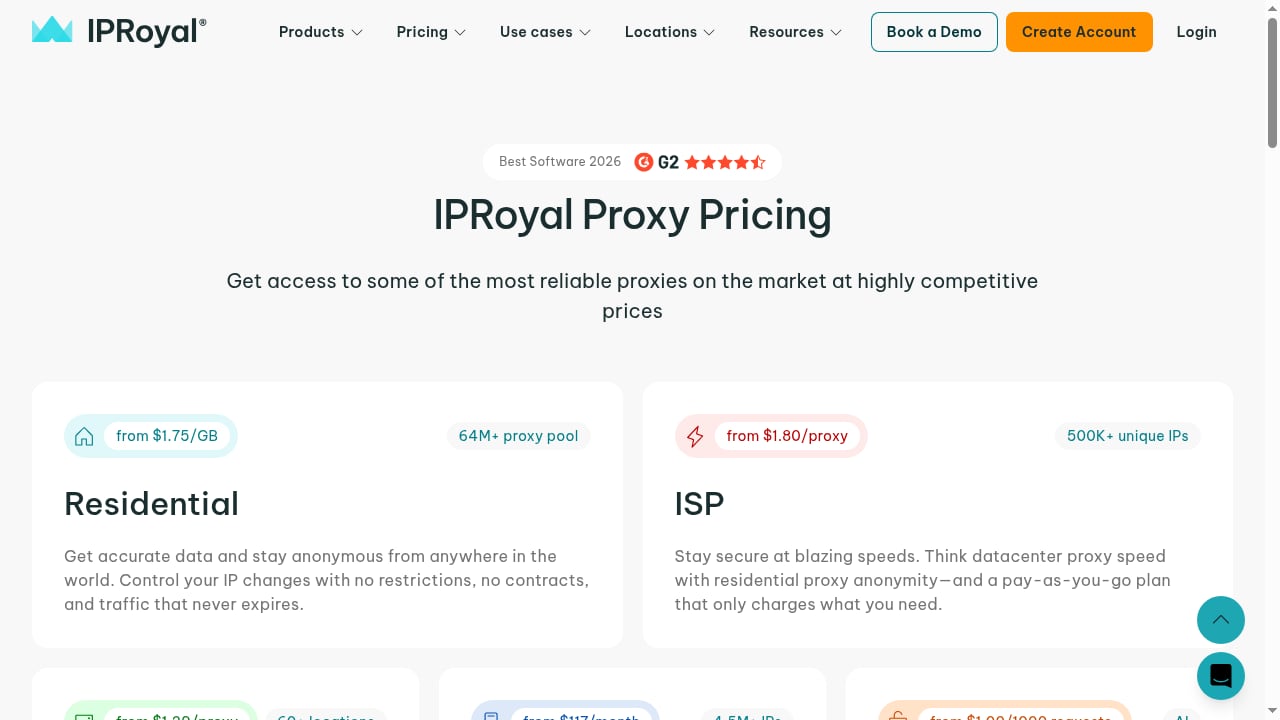
First viewport screenshot of iproyal.com.
Social media ad account management
A media buyer running Facebook and TikTok ad accounts across three regions can assign one static residential IPRoyal proxy per account, each matching the account's billing country. DuoPlus provides a separate device fingerprint for each, so the ad platforms see distinct users rather than one person with many accounts. This reduces the risk of ad account restrictions and makes spend tracking cleaner.
TikTok Shop and marketplace selling
A seller operating TikTok Shop, Shopee, and Lazada stores in Southeast Asia can use residential proxies localized to each market. Each store runs in its own cloud phone with matching GPS and SIM data. The seller manages all devices from a PC browser, installs apps in bulk, and uses one-click reskin when a store needs a fresh environment.
App testing and localization
QA teams can test how an app behaves for users in different countries without shipping physical devices. Assign an IPRoyal proxy for each target market, launch the app in a DuoPlus cloud phone, and verify content, pricing, and latency. The real ARM environment catches issues that emulators miss.
Affiliate and airdrop campaigns
Affiliate marketers and airdrop farmers often need many accounts across regions. The combination of unique device fingerprints and rotating residential IPs lets them scale campaigns while keeping each account's footprint separate. Use session control in IPRoyal to keep a stable IP for the life of each account.
Common problems and fixes
First viewport screenshot of iproyal.com.
Proxy check fails in DuoPlus. Verify the host, port, and credentials. Confirm the proxy type is SOCKS5. If IPRoyal requires IP whitelisting for your plan, add the DuoPlus egress IP to the allowed list.
Account gets flagged despite a clean proxy. Check geo-consistency. A mismatch between the proxy country and the device's GPS or SIM region is a common cause. Also review login behavior, such as sudden location jumps.
Slow app performance. Residential proxies route through real devices, which can add latency. Choose proxies geographically close to the DuoPlus data center serving your device, or upgrade to a plan with higher throughput.
Duplicate proxy error in batch add. DuoPlus rejects exact duplicates. If you need multiple sessions from the same IPRoyal endpoint, use different ports or session identifiers provided by IPRoyal.
Team members see different results. Use DuoPlus's one-click sharing to give team members access to the correct cloud phone and proxy pairing. Document the mapping so nobody assigns the wrong proxy.
DuoPlus vs. alternatives: where the proxy layer fits
If you are still choosing a cloud phone platform, our comparisons of DuoPlus Cloud Phone vs Multilogin vs ShadowPhone and DuoPlus Cloud Phone vs VMOS explain how real ARM devices differ from virtualized Android and browser-based anti-detect tools. For a broader market view, see the top 10 cloud phone and Android emulator software.
In every case, the proxy layer is separate. DuoPlus does not include proxies, so you will need a provider like IPRoyal regardless of which cloud phone platform you choose.
Related reading
- iRemotech Review 2026: Real iPhone Cloud for Mobile Ops - Evidence-based iRemotech review: real cloud iPhones for Instagram automation, QA, and device fleets. Pricing, setup, strengths, limits, and who should buy.
Sources and further reading
- How to Use DuoPlus Cloud Phone - YouTube - Tired of getting your accounts BANNED? DuoPlus Cloud Phone is the world
FAQ
Does DuoPlus Cloud Phone include proxies?
No. DuoPlus provides the cloud phone environment, but you must supply your own proxy IPs. The official documentation states that users need to purchase SOCKS5 proxies themselves.
Which IPRoyal proxy type is best for DuoPlus?
For most social media and e-commerce accounts, residential or static residential proxies offer the best trust-to-cost ratio. Mobile proxies are better for high-risk mobile app scenarios. Datacenter proxies are fine for testing but more likely to be flagged by platforms.
Can I use one IPRoyal proxy for multiple cloud phones?
Technically yes, but it weakens isolation. If accounts share an IP, platforms can link them. Use a separate proxy per account, or at minimum per small group of low-risk accounts.
How do I add many IPRoyal proxies at once?
Use the Batch Add feature in the DuoPlus Proxies section. Paste your proxies in the required format, run the check, and save the valid entries. DuoPlus automatically detects duplicates.
What should I do if my proxy passes the check but the account still gets banned?
Review geo-consistency, login patterns, and content behavior. A clean IP does not guarantee account safety if the device profile, location history, or activity looks suspicious. Also confirm that the proxy has not been used by other accounts you operate.
Is IPRoyal suitable for long-term account management?
IPRoyal's non-expiring traffic and no-contract model make it flexible for long-term use. For accounts that need a stable IP, choose static residential proxies and keep the same endpoint assigned to the same cloud phone.
Conclusion
DuoPlus Cloud Phone and IPRoyal solve different halves of the same problem. DuoPlus gives each account a believable mobile device; IPRoyal gives each device a believable network location. Configure proxies in bulk, assign them carefully, and verify geo-consistency before you log in. Done right, the combination lets you scale mobile multi-account operations with fewer bans and cleaner separation between accounts.
Start with a small batch of cloud phones and proxies, validate your workflow, then expand. The DuoPlus proxy configuration guide and IPRoyal's resource library are useful references as you build out your stack.