
DuoPlus Cloud Phone vs VMOS Cloud vs BitBrowser: Which Wins?
Compare DuoPlus Cloud Phone, VMOS Cloud, and BitBrowser for multi‑account management. See exactly where each excels so you pick the right anti‑detection tool.
DuoPlus Cloud Phone vs VMOS Cloud vs BitBrowser: Which Multi‑Account Tool Wins?
Choosing between a cloud phone and an anti‑detect browser isn’t just a feature checklist—it’s a decision about what kind of online fingerprint you need and how you manage accounts at scale. DuoPlus Cloud Phone, VMOS Cloud, and BitBrowser each solve multi‑account isolation differently, and the best pick depends on whether you need native mobile environments or browser‑based profiles. At DuoPlus Cloud Phone, we put these tools side‑by‑side to give you a clear, unbiased comparison.
Why Compare a Cloud Phone vs an Anti‑Detect Browser?
Platforms like TikTok, Facebook, Amazon, and Google don’t just look at your IP address—they analyze hardware parameters, graphics drivers, and sensor data. A cloud phone gives you a complete virtual Android device with its own IMEI, SIM card, and GPS, while an anti‑detect browser alters browser‑level fingerprints (WebGL, Canvas, Audio) to make each profile look unique. Both approaches work, but their use cases differ sharply. For mobile‑first platforms that demand a native app, a cloud phone is non‑negotiable; for managing multiple ad accounts or marketplace storefronts, a browser might be enough.
Key Differences at a Glance
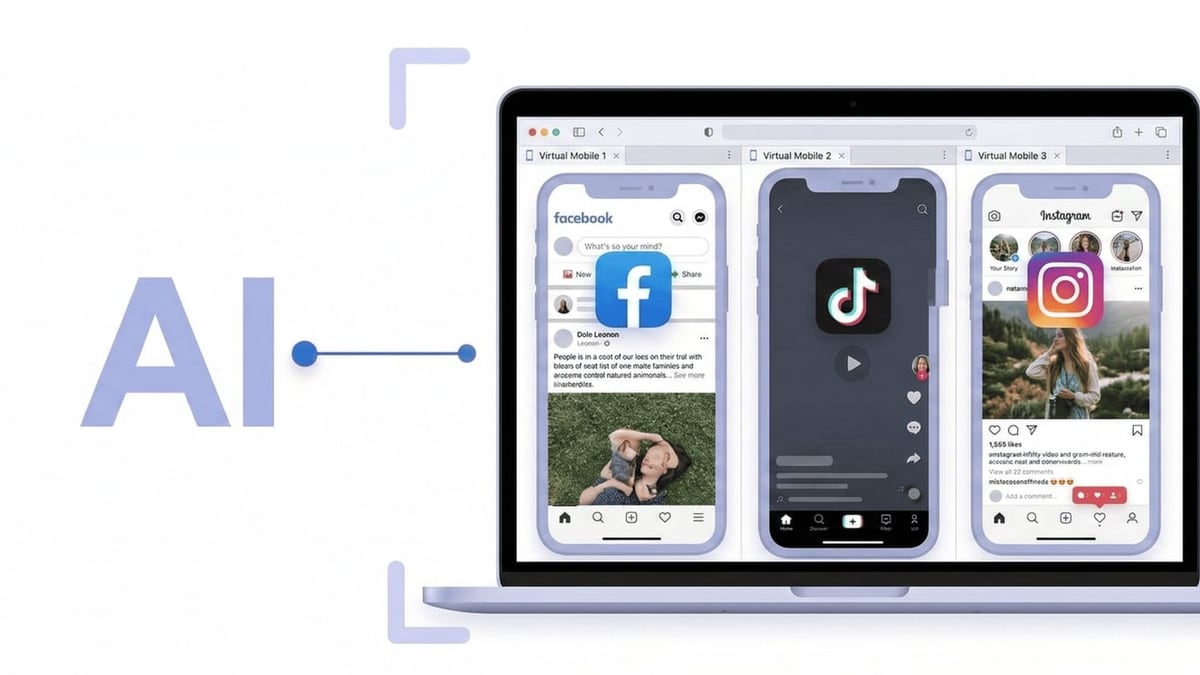
DuoPlus Cloud Phone vs VMOS Cloud vs BitBrowser: Which Wins? product interface and feature overview.
| Criteria | DuoPlus Cloud Phone | VMOS Cloud | BitBrowser |
|---|---|---|---|
| Environment | Full Android 15 ARM cloud phone | Virtual Android devices (Android 10‑16) | Browser profiles with 20+ fingerprint parameters |
| Anti‑Detection Level | Hardware‑level (real ARM chips, IMEI, GPS, SIM) | Software‑level with Google CTS certification | Browser‑level (WebGL, Canvas, Audio, Timezone) |
| Native Mobile App Support | Yes (real device fingerprints) | Yes | No (unless paired with BitCloudPhone add‑on) |
| No‑Code Automation | AI Agent for bulk operations | AI Agent with SyncMaster batch control | RPA automation (browser scripts) |
| Team Collaboration | Team sharing, role‑based access | Role‑based permissions, cloud device sharing | Team workspaces, permission management |
| Pricing Model | Subscription plans with free trial | Pay‑per‑minute & permanent cloud phone options | 10 free permanent browser profiles; paid plans for more |
| Primary Use Case | Multi‑account social media, crypto airdrops, e‑commerce | Social media marketing, affiliate campaigns, crypto farming | E‑commerce stores, ad accounts, SEO tools |
VMOS Cloud: Strengths and Best Use Cases
DuoPlus Cloud Phone vs VMOS Cloud vs BitBrowser: Which Wins? product interface and feature overview.
VMOS Cloud is built for marketers who need to automate native social media actions at scale. Its cloud phones run genuine Android builds (10 through 16), pass Google Play Integrity checks, and simulate unique device parameters. The AI Agent allows you to set up scrolling, liking, commenting, and account‑warming routines without touching code—ideal for growing TikTok or Instagram accounts organically.
A standout advantage is its flexible billing: you can pay by the minute for short‑term campaigns or buy a permanent cloud phone (VMOS Magic Box) for long‑running operations. The SyncMaster feature lets you control dozens of devices from one dashboard, and built‑in proxy management (with free IP selection) reduces setup friction. If your work revolves around social media automation and you need a reliable Google CTS‑certified environment, VMOS Cloud is a strong contender. Read our full VMOS Cloud review for a deeper dive into performance and safety.
BitBrowser: Strengths and Best Use Cases
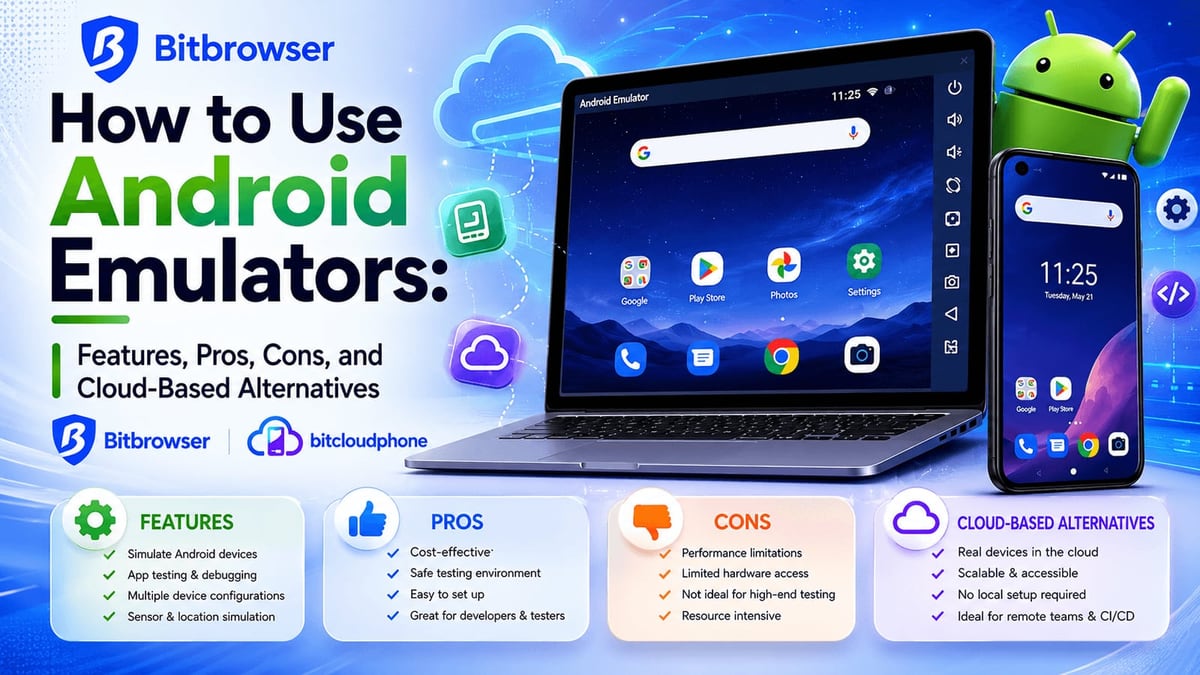
DuoPlus Cloud Phone vs VMOS Cloud vs BitBrowser: Which Wins? product interface and feature overview.
BitBrowser is the most accessible entry point for anyone managing multiple browser‑based accounts. With 10 free permanent profiles, you can test anti‑detection without spending a cent. It simulates over 20 fingerprint parameters, from WebGL and Canvas to fonts and timezone, and supports all proxy protocols (HTTP/HTTPS/SOCKS5/SSH).
Where BitBrowser truly shines is in cost efficiency for web platforms. E‑commerce sellers juggling Amazon, Facebook Ads, and Google Ads accounts can spin up isolated profiles quickly, and the built‑in RPA automation handles repetitive tasks like form filling or ad monitoring. The team workspace with permission controls makes it suitable for agencies. When mobile fingerprinting isn’t required—for instance, managing multiple PayPal accounts via browser—BitBrowser is a lightweight, free‑friendly answer. Just remember that it doesn‘t provide a real mobile environment unless you add the BitCloudPhone service. See our BitBrowser review for real‑world test results.
Where DuoPlus Cloud Phone Stands Out
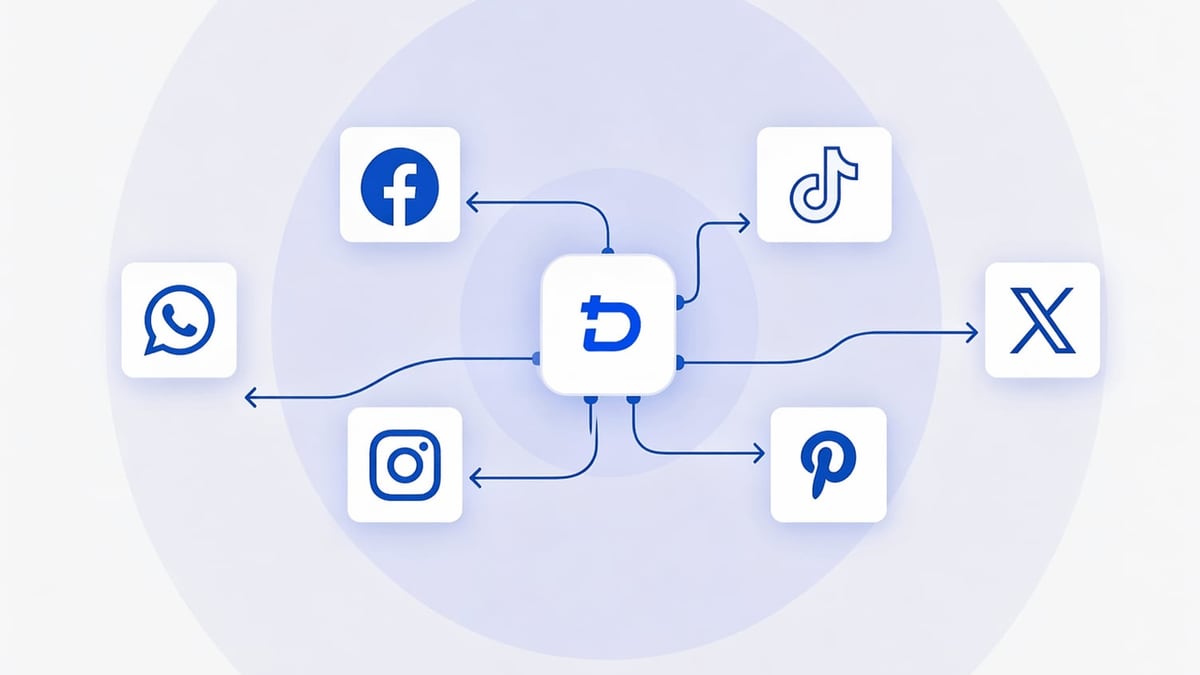
DuoPlus Cloud Phone vs VMOS Cloud vs BitBrowser: Which Wins? product interface and feature overview.
DuoPlus Cloud Phone takes a deeper approach to mobile anti‑detection. It is the first platform to offer Android 15 running on real ARM chips, not emulated x86 processors. This hardware authenticity gives every cloud phone a genuine device fingerprint—right down to IMEI, SIM card, and GPS location simulation. For platforms that aggressively scan for emulators (think Tinder, Bumble, or certain crypto dApps), this level of fidelity can mean the difference between a healthy account and an instant ban.
The AI Agent enables no‑code automation across unlimited cloud phone instances, and team sharing lets collaborators work on the same device without logging out. DuoPlus also integrates cloud numbers for SMS verification, so you don’t need a separate service to confirm accounts. When your operation demands a true mobile presence—multiple TikTok accounts posting natively, WhatsApp farms, or crypto airdrop quests that require device attestation—DuoPlus provides the hardware isolation that browsers and software‑only cloud phones can’t match. For a side‑by‑side look with other cloud phones, check our DuoPlus vs GeeLark vs VMOS Cloud comparison.
When to Choose Each Tool
Pick DuoPlus Cloud Phone if…
- You need native Android mobile environments with ARM‑level hardware fingerprints.
- Your accounts rely on mobile sensors (GPS, SIM, real IMEI) and you can’t risk emulator detection.
- You run crypto airdrops, dating apps, or fintech platforms that scan for real devices.
- You want an all‑in‑one solution with cloud numbers and AI‑powered automation.
Pick VMOS Cloud if…
- You run social media marketing at scale and need efficient batch automation.
- Flexibility matters: pay‑per‑minute billing or permanent cloud phones fit your budget.
- Google CTS certification is critical for your app’s trust score.
- You value a mature AI agent that warms up accounts and simulates human behavior.
Pick BitBrowser if…
- You primarily manage browser‑based accounts (Amazon, Google Ads, PayPal).
- Cost is a top concern—10 free profiles let you start immediately.
- You need quick fingerprint switching for daily browsing tasks and multi‑login.
- Mobile environments are optional and you’re willing to pair it with BitCloudPhone later.
Related reading
- DuoPlus vs BrowserJet: Cloud Phone vs Anti-Detect Browser - DuoPlus Cloud Phone vs BrowserJet: real Android cloud phone or anti-detect browser? See why DuoPlus wins for multi-account management with real device fingerprints and AI automation.
- SessionBox One Review 2026: Multi-Account Tool Put to the Test - Evidence-based SessionBox One review covers fingerprint tests, pricing, setup, and real-world use. See if this multi-account tool is secure enough for your workflows.
- Hidemium Review 2026: Anti-Detect Browser Tested & Rated - In-depth Hidemium review: test anti-detect browser for multi-account management. See real user ratings, pros, cons, pricing, and best alternatives.
Sources and further reading
- The 8 Best Cloud Phone Systems for Small Businesses (2026) - Discover the best cloud phone systems of 2026. Includes Allo, RingCentral, GoTo Connect, and more.
- Best 7 Antidetect Cloud Phone Tools for Multi-account in 2026: Detailed Guide - We compare and list 7 best android cloud phone tools in 2026 and share their honest review, performance so you can pick the best one. VMOS Cloud, GeeLark, MultiLogin, DuoPlus, BitCloudPhone, MoreLogin, and UgPhone included.
- VMOS — Product Matrix for Global Growth - VMOS — Product Matrix for Global Growthvmos.comhttps://www.vmos.comvmos.comhttps://www.vmos.com
FAQ
Can I use BitBrowser for TikTok multiple accounts?
BitBrowser handles browser‑based TikTok (web version), but the TikTok app relies on mobile device IDs, sensors, and SIM data. For app‑based multi‑account management, a cloud phone like DuoPlus or VMOS Cloud is required. If you only need to view analytics or schedule posts via web, BitBrowser might suffice.
Is VMOS Cloud detectable by banking apps?
VMOS Cloud passes Google Play Integrity and CTS checks, which reduces detection by apps that rely on SafetyNet. However, some strict banking apps may still detect that the environment isn’t a physical phone. DuoPlus with real ARM chips provides a more convincing physical device signature for high‑security apps.
Does DuoPlus Cloud Phone support RPA automation?
Yes. DuoPlus includes an AI Agent for no‑code automation (like posting, liking, following) and supports RPA flows for bulk operations. This is comparable to VMOS Cloud’s automation but runs on Android 15 ARM devices.
What about pricing for large teams?
BitBrowser’s free tier is generous for solo use, but paid plans scale with profile count. VMOS Cloud’s pay‑per‑minute model can be cost‑effective if you automate short bursts of activity. DuoPlus offers subscription plans with a free trial, and you can contact them for volume discounts—useful for enterprises running hundreds of cloud phones simultaneously.
Conclusion: One Tool Doesn’t Fit Every Scenario
BitBrowser is your go‑to if you’re dipping a toe into browser multi‑accounting without a budget, while VMOS Cloud excels at automated social media growth with flexible pricing. DuoPlus Cloud Phone, however, pushes the boundary of mobile anti‑detection with real ARM hardware, Android 15, and built‑in cloud numbers—a compelling package when app‑native environments are non‑negotiable. Match the tool to your platform: browser for web dashboards, cloud phone for mobile apps. That one shortcut will save you more accounts than any single feature.