
DuoPlus vs VMOS vs SessionBox One: Multi-Account Tool Comparison
Compare DuoPlus Cloud Phone, VMOS, and SessionBox One for multi-account management. Understand when a real Android cloud phone, virtual Android, or anti-detect browser suits your team.
DuoPlus Cloud Phone vs VMOS vs SessionBox One: Which Multi-Account Tool Fits Your Team?
Managing multiple online accounts without risking bans isn’t a simple either‑or choice. The right tool depends on whether you live inside mobile apps, lean on browser‑based dashboards, or need to automate entire account matrices. DuoPlus Cloud Phone, VMOS, and SessionBox One each attack the problem from a different angle—real Android cloud phones, virtual device suites, and isolated browser profiles.
This comparison walks through the strengths of each option, highlighting where DuoPlus has proven advantages for long‑term mobile account operations. You’ll leave with a clear map of which tool matches your workflow.
DuoPlus Cloud Phone vs. VMOS: Two Cloud Phone Approaches for Account Matrices
DuoPlus vs VMOS vs SessionBox One: Multi-Account Tool Comparison product interface and feature overview.
VMOS and DuoPlus both put Android environments in the cloud. But their architectures, automation depth, and surrounding infrastructure tell two distinct stories. VMOS is a broad cloud‑device platform; DuoPlus is purpose‑built for sustained account management with verifiable real‑device signals.
Cloud Phone Environment and Accessibility
VMOS offers virtual Android devices accessible mainly through a desktop client, with a web access layer for basic tasks. The platform covers many Android versions and can run general apps, making it a flexible cloud phone for testing, game studios, or lightweight social tasks. Its setup is quick if you only need a device to execute short-term jobs.
DuoPlus takes a different route: full browser‑based management without a mandatory client. Every cloud phone runs on real ARM chips—currently up to Android 15—with independent device fingerprints, GPS and SIM simulation, and stable hardware identifiers. For cross‑border teams that jump between laptops, desktops, or shared workstations, this eliminates installation friction and reduces device recognition risk. Accessing TikTok, Instagram, or WhatsApp from a true ARM environment preserves the mobile signals that platforms expect.
For a deeper side‑by‑side breakdown, see our detailed comparison of DuoPlus and VMOS Cloud.
Automation and AI‑Driven Workflows
VMOS includes basic automation templates and an AI‑powered customer service module. These help streamline repetitive actions, though complex cross‑app sequences may require manual orchestration or third‑party scripting.
DuoPlus pushes this further with the AI Agent—a no‑code assistant that understands natural language commands and can operate across multiple apps in a single routine. Paired with platform‑specific RPA templates (TikTok, YouTube, Reddit, and more), teams can warm accounts, perform interactions, schedule posts, and run bulk operations without writing a line of code. This turns a cloud phone into an active account‑maintenance engine rather than a passive device.
Proxy and IP Flexibility
VMOS integrates a global proxy network right into the platform. For users who want a one‑click start, this built‑in IP pool can get devices online fast. The trade‑off is that all devices share the same pool, which may increase footprint overlap for sensitive, long‑term accounts.
DuoPlus uses an open third‑party proxy ecosystem. You choose your own residential, mobile, or datacenter proxies from providers you trust. That means higher‑quality IPs, clean subnets, and the ability to rotate or pin addresses per device. For teams handling high‑value TikTok shops or Facebook ad accounts, this independence often translates into better account safety.
SMS Verification and Long‑Term Number Management
VMOS can provide temporary numbers suited for one‑time SMS code reception. It’s handy for quick verifications, but the numbers usually can’t be re‑used for repeated 2FA challenges or account recovery.
DuoPlus bundles cloud numbers—both virtual VoIP and physical SIM‑based numbers—that stay active during the rental period. They can receive repeated SMS codes, bind to specific cloud phones, and connect via API for automated login checks and two‑factor authentication. For a matrix of 50 WhatsApp or Telegram accounts that regularly ask for re‑verification, this integrated number pipeline removes the need to juggle external SMS services.
Cost Structure for Continuous Operations
VMOS’s billing model is built around usage days and product lines. It’s flexible for short‑term campaigns, game testing, or project‑based work, but costs can become harder to predict when devices need to stay online for weeks or months.
DuoPlus splits cost into a device fee plus a startup usage fee. You can hold devices offline at a minimal device‑only rate, then start them with pay‑as‑you‑go or monthly startup plans. For teams that maintain account matrices 24/7, the monthly startup model offers predictable long‑term budgeting without surprise bills.
DuoPlus Cloud Phone vs. SessionBox One: Real Android vs. Browser Profiles
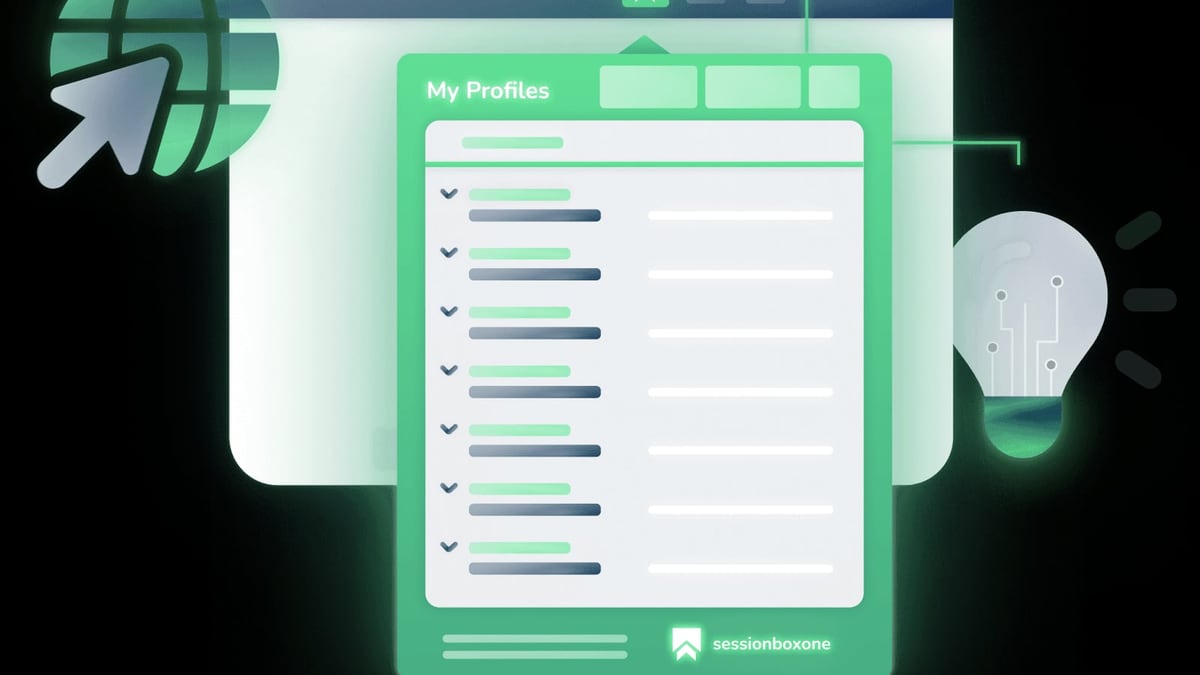
DuoPlus vs VMOS vs SessionBox One: Multi-Account Tool Comparison product interface and feature overview.
SessionBox One is an anti‑detect browser that isolates web‑based accounts in clean profiles inside a single window. It’s a completely different animal from a cloud phone, and choosing between them starts with one question: do your accounts depend on a mobile app?
The Core Difference: Native Android vs. Isolated Tabs
SessionBox One runs as a desktop app on Windows or macOS. Each profile stores its own cookies, local storage, and proxy settings, and the browser spoofs basic fingerprints like canvas, WebGL, and user agent. Because it operates in a regular browser engine, it works perfectly for platforms you access through a URL—Amazon Seller Central, Facebook Business Suite, browser‑based crypto dashboards, or webmail.
DuoPlus delivers an entire Android operating system. Every cloud phone has its own IMEI, serial number, SIM data, GPS coordinates, and sensor readings. When you open the TikTok or Instagram app inside a DuoPlus device, the platform sees a real mobile device—not just a browser tab with spoofed headers. This is critical for accounts that must use the official mobile app for full features, video uploads, or live streaming. Learn more about when a cloud phone beats an anti‑detect browser.
When App‑Native Signals Matter
Social platforms increasingly gate functionality behind their mobile apps. TikTok’s full creator tools, Instagram’s reels and story stickers, and WhatsApp’s end‑to‑end backup often don’t work, or trigger extra verification, when accessed from a web browser. DuoPlus’s Android 15 cloud phone environment, combined with GPS simulation and real ARM processor fingerprints, aligns with the apps’ expected behavior—reducing the chance of shadow bans and identity challenges.
SessionBox One remains a strong pick for purely web‑based workflows: managing multiple Facebook ad accounts, buying groups on browser‑only marketplaces, or scraping data from sites that don’t require a phone app. If your operation never touches a mobile app, an anti‑detect browser can be simpler and faster.
Setup and Ease of Use
SessionBox One excels here: download the app, create a profile, assign a proxy, and you’re live in minutes. Profile sharing, cloud sync, and bulk creation tools let small marketing agencies collaborate without any server overhead. The 7‑day free trial (no credit card) lowers the entry barrier to nearly zero.
DuoPlus doesn’t require a download—just a browser—but commissioning a fleet of cloud phones takes a few more steps. The payoff is that once configured, you never need to tinker with physical hardware, and the same dashboard lets you share devices among team members with role‑based permissions and operation logs.
Team Collaboration and Automation Reach
Both platforms support team features. SessionBox One’s strength is sharing profiles without sharing passwords, plus spaces for collaborative management of browser profiles. The API allows bulk profile creation for automated Selenium testing.
DuoPlus’s collaborative edge comes from its AI Agent and RPA stack. Teams can warm accounts, follow users, post videos, and reply to comments across dozens of devices simultaneously—all without coding. The integrated cloud numbers handle 2FA automatically, so a multi‑member team doesn’t break stride waiting for an SMS code. For agencies that live on mobile‑first platforms, this end‑to‑end automation loop isn’t something a browser‑based tool can replicate.
How to Choose the Right Tool for Your Multi‑Account Strategy
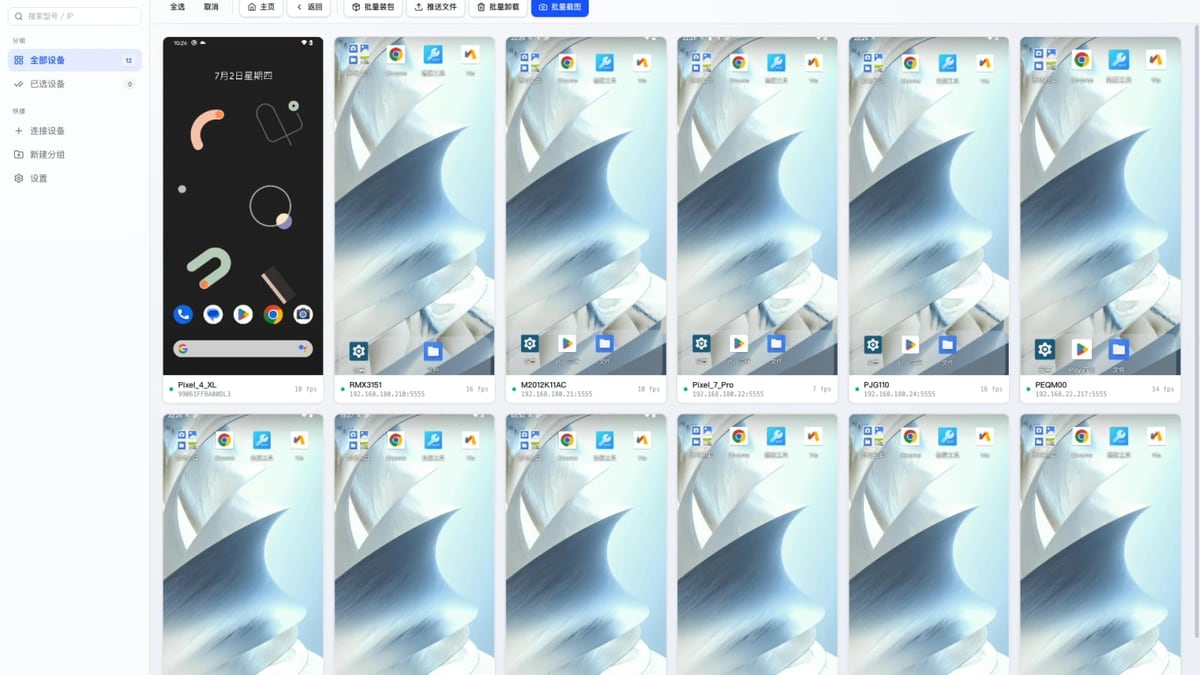
DuoPlus vs VMOS vs SessionBox One: Multi-Account Tool Comparison product interface and feature overview.
- Choose DuoPlus Cloud Phone when your accounts demand real Android environments—especially TikTok, Instagram, WhatsApp, Tinder, and any app‑heavy platform. Long‑term stability, AI‑powered account warming, and integrated SMS verification make it the go‑to for serious mobile matrices.
- Choose VMOS if you need quick, flexible Android cloud devices for testing, short campaigns, or scenarios where a built‑in proxy and per‑day billing are more important than a complete long‑term account‑management pipeline.
- Choose SessionBox One when your multi‑account work stays entirely in a web browser. It’s lightweight, cost‑effective for web‑profile isolation, and ideal for managing Facebook Ads Manager, Amazon seller accounts, or crypto dashboards without the overhead of a cloud phone.
Many teams combine a cloud phone with an anti‑detect browser: DuoPlus for mobile‑app accounts, SessionBox One or AdsPower for browser‑only tasks. You don’t have to force one tool to do everything.
Related reading
- Top 10 IP Geolocation & Proxy Detection Data Providers (2026) - Compare the 10 best IP geolocation and proxy detection data providers for fraud prevention, compliance, and localization. Evidence-based ranking with free tiers and accuracy insights.
- How to Use DuoPlus Cloud Phone with CapCut: Multi-Account Guide - Combine DuoPlus Cloud Phone's anti-detect Android environments with CapCut's AI video editor to safely create and post videos from multiple TikTok, Instagram, and other accounts without bans. Setup, workflow, and best practices.
- DuoPlus vs Moimobi vs Antidetect Cloud: Which Is Best? - Compare DuoPlus Cloud Phone, Moimobi, and Antidetect Cloud for multi-account management. See which anti-detect solution suits mobile apps, automation, and browser privacy.
Sources and further reading
- DuoPlus vs VMOS Cloud: Cloud Phone Comparison for Mobile Multi-Account Management - DuoPlus and VMOS Cloud are mainstream cloud phone platforms in 2026. Compare cloud phones, SMS verification, AI Agent automation, proxy support, and pricing to choose the right tool for mobile multi-account management.
- Multilogin vs DuoPlus: compare cloud phones and browser ... - Compare Multilogin and DuoPlus for cloud phones, proxies, browser profiles, and automation. Start free with Multilogin today.
- BitCloudPhone vs DuoPlus: Which Multi-Account Mobile Solution Is Right for You? - Compare BitCloudPhone vs DuoPlus in 2026. Discover the best cloud phone for multi-account management, automation, cost efficiency, and social media marketing.
Frequently Asked Questions
Can I use VMOS or SessionBox One instead of a cloud phone for TikTok multi‑account management?
VMOS provides Android cloud devices but typically lacks the integrated cloud numbers, long‑term SMS rebinding, and AI‑powered account warming that sustained TikTok operations require. SessionBox One is a browser tool and can’t run the TikTok mobile app. For a robust TikTok account matrix, DuoPlus’s real Android 15 cloud phones with GPS spoofing and content‑oriented RPA templates deliver more consistent account safety.
Does SessionBox One support mobile app accounts?
No. SessionBox One isolates web sessions in a desktop browser. Apps that must be downloaded from Google Play or the Apple App Store can’t run inside it. You’d need a cloud phone service like DuoPlus for native mobile app accounts.
Which tool is more affordable for a small team managing 10 Instagram accounts?
If those accounts rely on the Instagram mobile app (for Reels editing, Stories, or shopping features), DuoPlus’s monthly cloud phone plans with integrated cloud numbers are predictable and safer. For browser‑only Instagram management (posting via Creator Studio), SessionBox One’s $12.99/month Hobby plan may appear cheaper, but platform restrictions often push you back toward the app, making a dedicated cloud phone the better long‑term investment.
Are free trials available?
DuoPlus offers a free trial for new users. VMOS also provides a free trial, and SessionBox One gives a 7‑day free trial without requiring a credit card—so you can test each workflow before committing.
Can I automate interactions across different apps?
DuoPlus’s AI Agent automates cross‑app workflows using natural language commands, while platform‑specific RPA templates handle repetitive tasks like liking, following, and commenting. VMOS offers basic automation, and SessionBox One does not include AI‑driven app automation. If multi‑app automation is central to your strategy, DuoPlus gives you the most comprehensive toolkit.
Conclusion
DuoPlus Cloud Phone, VMOS, and SessionBox One all help manage multiple accounts, but they target different layers of the problem. VMOS casts a wide net for general Android virtualization; SessionBox One nails browser‑profile isolation for web‑only tasks; DuoPlus focuses on the hardest part—building and maintaining long‑term mobile account matrices with real device fingerprints, AI automation, and integrated number management.
Map your accounts to the platform type they live on, then choose the tool that reinforces trust, not just convenience. For teams that operate where apps meet identity verification, DuoPlus provides the depth that disposable environments can’t match.