
How to Use DuoPlus Cloud Phone with Bright Data
Pair DuoPlus Cloud Phone with Bright Data proxies to run isolated Android cloud phones on residential IPs. Step-by-step setup, workflows, and use cases.
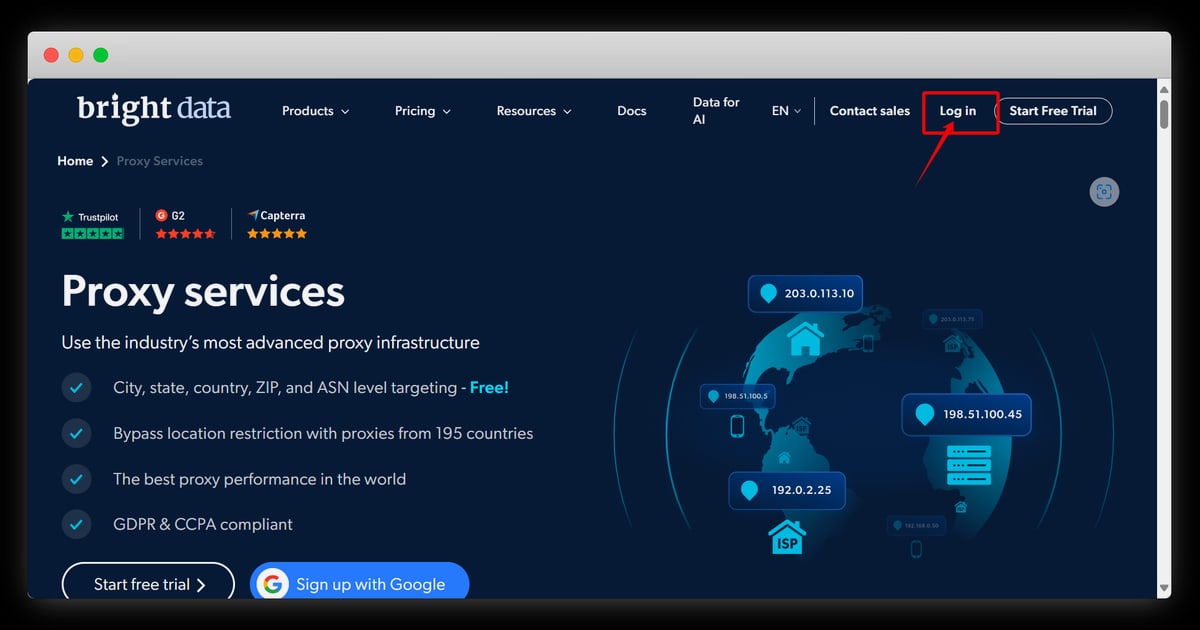
How to Use DuoPlus Cloud Phone with Bright Data
DuoPlus Cloud Phone gives you real ARM-based Android devices in the cloud, each with its own device fingerprint, storage, GPS, and SIM data. Bright Data supplies the IP layer: a proxy network of more than 400 million IPs across 195 countries. Used together, the two cover the two halves of a credible mobile identity — a believable device and a believable network origin.
This article explains why the pairing matters, how to wire Bright Data proxies into DuoPlus step by step, and which workflows actually benefit from it.
Why Pair DuoPlus Cloud Phone with Bright Data
First viewport screenshot of Archive API Pricing.
A cloud phone solves device-level detection. It presents a genuine Android environment with a unique fingerprint, so platforms do not see one machine running dozens of accounts. But device fingerprinting is only one signal. Platforms also look at where traffic comes from.
If every cloud phone exits through the same datacenter IP range, the isolation you built at the device layer collapses at the network layer. Accounts start to look related again, and risk scores rise.
Bright Data addresses that gap. Its residential and mobile proxy pools route traffic through real consumer and carrier IPs, so each cloud phone can appear to originate from a plausible location. Combined with DuoPlus's simulated GPS and base station data, the device story and the network story line up.
| Layer | DuoPlus Cloud Phone | Bright Data |
|---|---|---|
| Device identity | Unique fingerprint, Android 15, independent storage | — |
| Location signals | Simulated GPS, SIM, base station | Residential/mobile IPs by country and city |
| Scale | Unlimited cloud phone instances | 400M+ IPs, 195 countries |
| Control | PC and mobile browser, batch operations | API, dashboard, pay-as-you-go or subscription |
What You Need Before You Start
First viewport screenshot of Dataset Marketplace Pricing.
- A DuoPlus Cloud Phone account with at least one powered-on cloud phone.
- A Bright Data account with a proxy zone created (residential, mobile, or ISP, depending on your use case).
- Your Bright Data zone credentials: host, port, username, and password.
- A target country or city in mind for each account you plan to run.
If you are still deciding between a cloud phone and a browser-based antidetect tool, the comparison in DuoPlus Cloud Phone vs Antidetect Cloud: Browser or Phone? is a useful starting point.
Step-by-Step: Connecting Bright Data to a DuoPlus Cloud Phone
First viewport screenshot of Crawl API Pricing Plans.
Step 1: Create a Bright Data Proxy Zone
In the Bright Data dashboard, create a zone for the proxy type you need. Residential proxies suit most social and e-commerce work because they blend into consumer traffic. Mobile proxies are worth the extra cost when you target carrier-grade platforms that weight mobile ASNs heavily.
Note the zone name, the host, the port, and the username/password pair. If you plan to target specific countries, Bright Data supports country and city-level targeting through the username string.
Step 2: Assign Proxies to Cloud Phones
Inside DuoPlus, open the cloud phone you want to configure and go to its network or proxy settings. Enter the Bright Data host and port, then the username and password. Save the configuration.
For fleets, use batch assignment rather than configuring phones one by one. DuoPlus supports bulk operations across selected devices, which is the practical way to attach hundreds of proxies without manual repetition. The same logic applies to any proxy provider — the Proxy-Seller walkthrough covers the batch pattern in detail if you want a second reference.
Step 3: Verify the Exit IP Inside the Cloud Phone
Power on the cloud phone and open a browser or an IP-checking app inside Android. Confirm that the IP shown matches the country you intended and that it is not a datacenter address. If the IP is wrong, the most common causes are a mistyped username, a zone that is not active, or a session setting that pinned you to an unexpected location.
Step 4: Align GPS and Locale with the IP
This is the step most people skip. A cloud phone reporting a US IP while its GPS points to Southeast Asia is a contradiction. Use DuoPlus's simulated GPS and SIM settings to match the proxy's country, and set the device language and time zone accordingly.
Step 5: Test Before You Scale
Log into one account, browse normally for a session, and watch for verification prompts. If a platform challenges you immediately, adjust the proxy type or the location match before rolling out to the rest of the fleet.
Practical Workflows
Multi-Account Social Media Management
Run each TikTok, Facebook, or Instagram account on its own cloud phone with its own Bright Data residential IP in the account's target market. Because DuoPlus isolates storage and fingerprints per device, and Bright Data isolates the network origin, accounts do not share the signals that trigger association flags.
When you need to act across many accounts at once, DuoPlus's synchronized operations let you mirror taps and text across selected devices, and the clipboard feature can push the same or different text to each phone — useful for logging into many accounts with distinct credentials in one pass.
E-commerce and Marketplace Operations
Sellers running multiple Shopee or Lazada stores benefit from matching each store to a local IP. Buyers and platforms both treat a store that consistently appears to operate from its stated region as more legitimate. Pairing a country-matched Bright Data IP with a matching GPS profile keeps that consistency.
Affiliate Marketing and Airdrop Farming
Affiliate and crypto airdrop workflows depend on many independent identities surviving detection. The device layer handles fingerprint uniqueness; Bright Data handles IP diversity at scale, which matters when you are running dozens or hundreds of accounts and cannot afford IP reuse.
Live Streaming and Content Testing
DuoPlus can feed uploaded MP4 files directly into a cloud phone's camera for unattended streaming. If you are testing how a stream or app behaves for viewers in a specific country, routing through a Bright Data IP in that country gives you a realistic view of regional behavior.
Where Bright Data's Other Products Fit
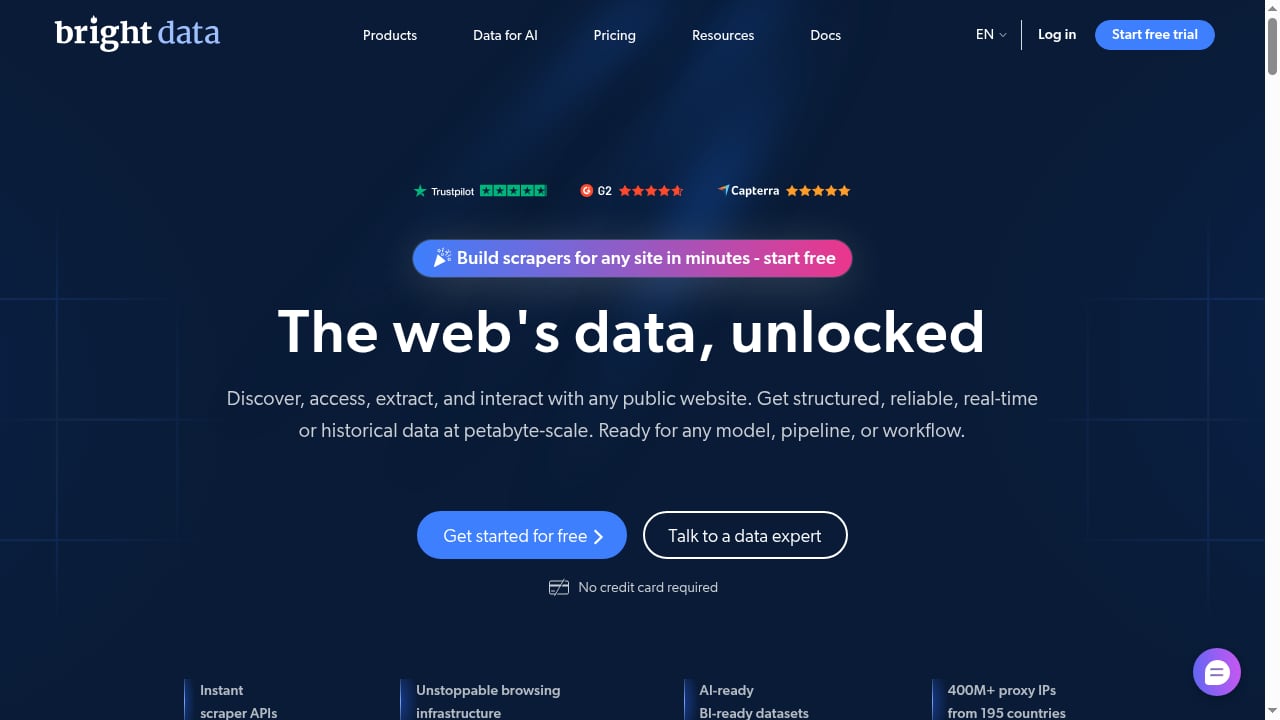
First viewport screenshot of Bright Data - All in One Platform for Proxies and Web Scraping.
Bright Data is not only a proxy network. Several of its products complement a cloud phone fleet:
- Web Unlocker — retrieves pages that block automated requests, useful when you need to check how a platform renders for a given region.
- SERP API — pulls search results at scale for keyword and competitor tracking.
- Web Scraper API and Crawl API — collect structured data from sites you monitor alongside your mobile operations.
- Scraping Browser — a browser environment for automation tasks that do not need a full Android device.
A common split: use DuoPlus for anything that must look like a real phone (app installs, mobile-only features, account sessions), and use Bright Data's data products for the research and monitoring layer around it.
Common Problems This Combination Solves
| Problem | How the pairing helps |
|---|---|
| Accounts get linked despite separate devices | Distinct residential IPs per cloud phone remove the shared-network signal |
| Geo-restricted features behave incorrectly | Country-matched IP plus matching GPS and SIM data |
| Datacenter IPs get flagged on signup | Residential and mobile IPs look like ordinary users |
| Manual proxy setup does not scale | Batch assignment in DuoPlus plus Bright Data zone management |
| Team members need access without full accounts | DuoPlus share links let recipients operate a phone without a DuoPlus account |
Choosing the Right Proxy Type
- Residential proxies: best default for social media, e-commerce, and general account management. Broad coverage, moderate cost.
- Mobile proxies: use when the target platform weights carrier IPs heavily, such as some social apps and ad platforms. Higher cost, stronger trust signal.
- ISP proxies: a middle ground — stable, fast, and datacenter-hosted but registered to ISPs. Good for long-lived accounts that need consistent IPs.
If you are comparing broader tooling options before committing, the top multi-account browser and antidetect software roundup covers how proxy handling differs across platforms.
Related reading
- DuoPlus vs ChangChang Cloud Phone vs VPN Browser - DuoPlus Cloud Phone vs ChangChang Cloud Phone vs BrowserJet VPN browser: compare real ARM Android isolation, mobile app support, fingerprints, and pricing.
- DuoPlus Cloud Phone vs Indigo: Cloud Phone or Antidetect Browser? - DuoPlus Cloud Phone vs Indigo compared: real ARM Android devices against desktop browser profiles. Isolation, mobile apps, fingerprints, and scaling.
- Undetectable.io Review: Anti-Detect Browser for Mac & Windows - Evidence-based Undetectable.io review covering fingerprinting, pricing, setup, Mac and Windows support, team features, and who should use it.
Sources and further reading
- Live streaming - Video playback - DuoPlus supports directly reading videos from your cloud mobile and inputting them into the cloud mobile's camera, enabling unmanned live streaming. Pushing videos to the camera in this way will result in clear
- Share function - DuoPlus Cloud Phone allows you to directly share a cloud phone with any user. The recipient does not need to have a DuoPlus account. Once they receive the share link and password, they can operate the shared cl
FAQ
Do I need Bright Data if DuoPlus already isolates each cloud phone?
Device isolation and network isolation are separate problems. DuoPlus handles the device; without distinct IPs, many cloud phones can still share a network origin. Bright Data supplies that missing layer.
Can I use a different proxy provider with DuoPlus?
Yes. DuoPlus accepts standard proxy credentials, so any HTTP or SOCKS proxy provider works. Bright Data is a common choice because of its pool size and country coverage.
How many cloud phones can share one Bright Data zone?
A zone is a configuration, not a single IP. You can route many cloud phones through one zone, but each phone should use a distinct session or sticky IP so they do not share an address.
Will Bright Data proxies slow down my cloud phones?
Residential and mobile proxies add some latency compared to datacenter IPs. For most account management tasks the difference is not noticeable; for live streaming, test stream quality after configuration.
Is this setup compliant?
Both platforms publish compliance guidance, and responsibility for lawful use rests with you. Review Bright Data's compliance documentation and DuoPlus's terms before running any operation at scale.
Conclusion
DuoPlus Cloud Phone and Bright Data solve complementary halves of the same problem. DuoPlus makes each Android instance look like a distinct real device; Bright Data makes each instance look like it connects from a distinct real location. Configure the proxy zone, assign it in batch, align GPS and locale with the IP, and test on one phone before scaling. Once that loop is working, you can run social, e-commerce, affiliate, and streaming operations at a scale that neither tool supports alone.
For official configuration details, see the DuoPlus help documentation and Bright Data's proxy documentation.