
How to Use DuoPlus Cloud Phone with IP2Location for Multi-Account Security
Learn to combine DuoPlus Cloud Phone and IP2Location for multi-account security, proxy detection, and precise geolocation. Step-by-step setup, workflows, and use cases.
How to Use DuoPlus Cloud Phone with IP2Location for Safer Multi-Account Management
Running dozens of social media, e‑commerce, or crypto accounts without triggering bans starts with two things: a real mobile environment and hard IP intelligence. DuoPlus Cloud Phone delivers isolated Android devices with unique fingerprints and dedicated IPs. IP2Location tells you whether that IP is clean, residential, and really in the right city. Used together, they form a verification layer that stops account suspensions before they happen.
In this guide, you’ll learn how to set up the DuoPlus‑IP2Location workflow, automate IP decisions, and walk through real-world examples of cross‑border account operations.
Why Combine DuoPlus Cloud Phone and IP2Location?
How to Use DuoPlus Cloud Phone with IP2Location for Multi-Account Security product interface and feature overview.
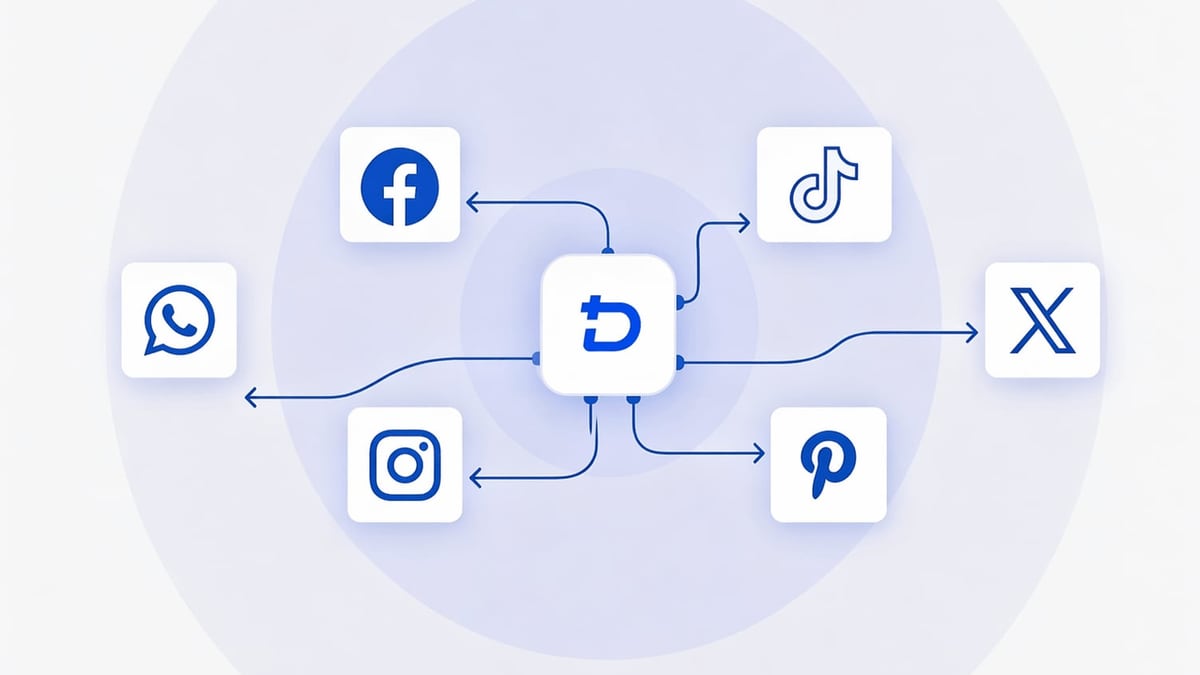
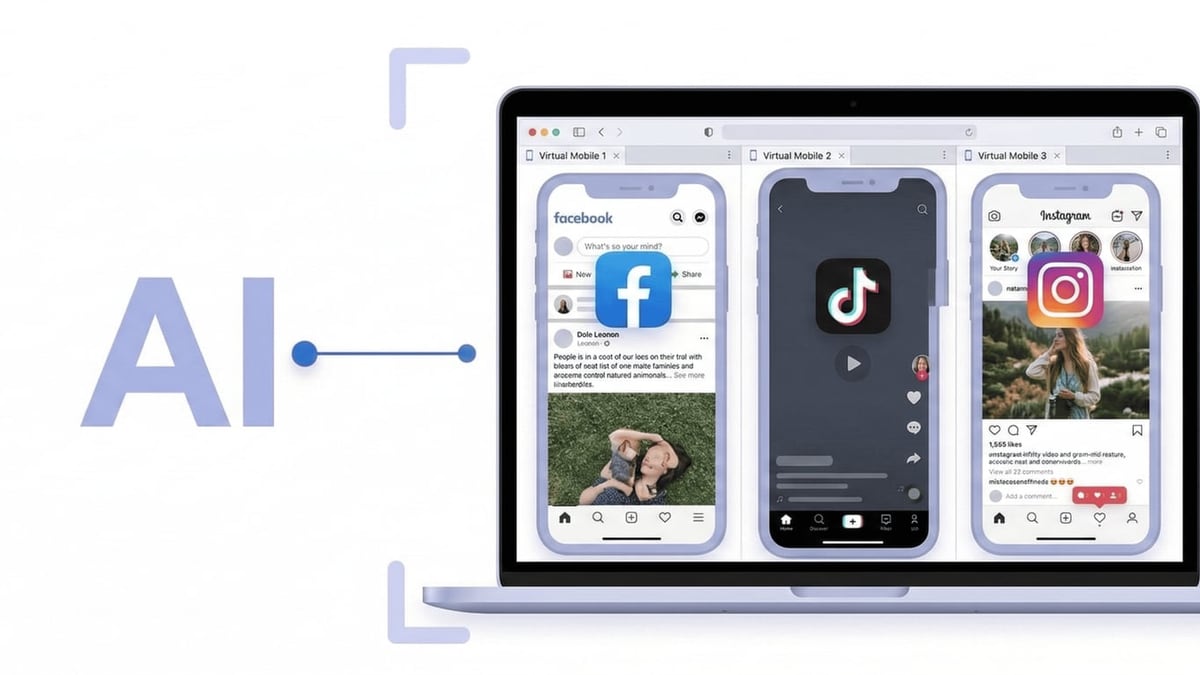
DuoPlus gives you a fully independent cloud phone. You pick a location, assign an IP, activate GPS, and instantly operate TikTok, Facebook, WhatsApp, or any mobile app as if you were on the ground. But a cloud phone’s IP can still look suspicious: an American account running over a data‑centre IP in Singapore will get flagged. That’s where IP2Location comes in.
IP2Location returns granular metadata for any IP address: country, region, city, ISP, usage type (residential vs. data centre), and – critically – whether it’s a proxy, VPN, or Tor exit node. By checking every DuoPlus IP before you log in, you ensure:
- The geolocation matches the account’s target region. TikTok’s algorithm, for example, checks both GPS and IP. A mismatch often leads to zero views.
- The IP isn’t blacklisted. Social platforms keep databases of hosting providers; IP2Location’s proxy detection flags them instantly.
- Fraud prevention. If you’re processing payments from a cloud phone, a residential IP massively reduces the risk of blocking.
In short, DuoPlus builds the safe room; IP2Location verifies that nothing about the room looks fake.
How to Set Up DuoPlus Cloud Phone with IP2Location
How to Use DuoPlus Cloud Phone with IP2Location for Multi-Account Security product interface and feature overview.
1. Create a DuoPlus Cloud Phone Profile
Log into your DuoPlus dashboard. Click Create Cloud Phone and select your target country, time zone, and device brand. DuoPlus supports built‑in dedicated IPs or custom proxies. If you bring your own proxy (HTTP, SOCKS5), enter it here. After creation, the new instance appears in your phone list. Start it and note its IP address. You can find the IP inside the Android settings or from a web check inside the cloud phone browser.
2. Access the IP2Location API
Sign up for an IP2Location.io plan (a free tier or LITE database is enough to start). Grab your API key from the dashboard. The web service exposes a simple REST endpoint:
curl "https://api.ip2location.io/?key=YOUR_API_KEY&ip=IP_ADDRESS"
You’ll get a JSON response with fields like country_name, region_name, city_name, isp, usage_type, and proxy (a boolean). For batch checks, use the batch service or download the IP2Proxy database for offline lookups.
3. Query Your DuoPlus Cloud Phone IP
Take the IP of the running cloud phone and run the API call. The response tells the whole story:
{
  "country_name": "United States of America",
  "region_name": "California",
  "city_name": "Los Angeles",
  "isp": "Verizon Business",
  "usage_type": "MOB",    // Mobile
  "proxy": false
}
If usage_type shows DCH (Data Center/Web Hosting) or proxy is true, the IP is likely to trigger risk systems on TikTok, Instagram, or banking apps. For social media, aim for MOB (mobile) or ISP (fixed ISP residential).
4. Act or Switch
If the IP fails the check, you can:
- Destroy the phone and create a new one in the same region (DuoPlus often cycles IPs).
- Replace the phone’s proxy with a verified residential/mobile proxy from a provider you’ve pre‑checked.
- Contact DuoPlus support about dedicated residential‑IP plans.
Once an IP passes the IP2Location audit, you can safely install apps, sign in, and begin operations.
Automating IP Intelligence for Large‑Scale Operations
How to Use DuoPlus Cloud Phone with IP2Location for Multi-Account Security product interface and feature overview.
When you’re managing hundreds of cloud phones, manual checks don’t scale. Tie DuoPlus’s RPA or API endpoints to IP2Location’s batch service:
- Export a list of candidate IPs (from a proxy pool or DuoPlus assign‑before‑activation).
- Run them through IP2Location’s batch API or the downloadable CSV processor.
- Route only IPs with
usage_type: MOB(or ISP) andproxy: falseinto your cloud phone creation script.
DuoPlus offers RPA automation and ADB‑like control, which makes it straightforward to build a verification gate before account login. For a detailed example, see our [guide on integrating DuoPlus Cloud Phone with UiPath](https://DuoPlus Cloud Phone.com/how-to-use-duoplus-cloud-phone-uipath-platform). The same pattern works with Make or custom Python scripts.
Practical Use Cases
TikTok multi‑account marketing – You simulate Los Angeles GPS in DuoPlus. IP2Location confirms the IP is from an LTE mobile carrier in California. The account behaves like a real local device, massively improving content push.
E‑commerce seller on Amazon – You run five storefronts, each in a different country. Every DuoPlus phone gets a local IP. IP2Location’s proxy detection stops you from logging into Amazon with a data‑centre address, preventing immediate suspension.
Crypto airdrop farming – Airdrop eligibility often requires a residential IP in a specific region. Spin up DuoPlus phones, audit each IP with IP2Location, and only keep those that pass. The cost savings from avoiding ineligible registrations quickly outweigh the API expense.
Ad verification – You test localized ads by viewing them through DuoPlus phones in target markets. IP2Location’s city‑level data proves the viewer was physically in Berlin, not just anywhere in Germany.
DuoPlus Cloud Phone vs. Antidetect Browsers: Why IP2Location Matters More Here
How to Use DuoPlus Cloud Phone with IP2Location for Multi-Account Security product interface and feature overview.
Antidetect browsers like RoxyBrowser can spoof browser fingerprints and let you attach proxies. They’re fine for desktop‑only platforms, but mobile‑first apps like Instagram, Tinder, or Vinted demand real Android fingerprints plus plausible network behaviour. A proxy’s IP analysed by IP2Location might show “residential,” yet the browser’s environment still gets flagged because it’s not a phone. That mismatch is where cloud phones pull ahead.
DuoPlus’s ARM‑based Android 15 environment already mimics a physical device. Adding an IP verified by IP2Location closes the last gap. If you’re choosing between the two approaches, see our detailed [comparison of DuoPlus Cloud Phone and RoxyBrowser](https://DuoPlus Cloud Phone.com/duoplus-cloud-phone-vs-roxybrowser).
Related reading
- DuoPlus Cloud Phone vs RoxyBrowser: Cloud Phone vs Antidetect Browser - Compare DuoPlus Cloud Phone and RoxyBrowser: why a real Android cloud phone with GPS, SIM, and AI automation beats a desktop antidetect browser for mobile accounts.
- VMOS Review: Android Virtualization & Cloud Platform Tested - In-depth VMOS review covering Android cloud devices, multi-account management, safety, pricing, and how it stacks up against anti-detect browsers and cloud phones for e-commerce, social, and automation.
- Top 10 Web Scraping and Automation Platforms 2026 - Compare the top 10 web scraping & automation platforms of 2026. Honest review of Apify, Zyte, Octoparse, Browse AI & more with real use cases & pricing.
Sources and further reading
- DuoPlus Cloud Phone Alternatives - Crozdesk - DuoPlus Cloud Phone Alternatives - CrozdeskCrozdeskhttps://crozdesk.com › software › alternativesCrozdeskhttps://crozdesk.com › software › alternatives
- Create Cloud Phone profiles - Cloud Phone Introduction
Frequently Asked Questions
Can I embed IP2Location checks inside DuoPlus itself?
Not directly. DuoPlus doesn’t have a built‑in IP intelligence panel. However, you can automate the check externally before activation, as described above. For out‑of‑the‑box automation ideas, check our [UiPath integration guide](https://DuoPlus Cloud Phone.com/how-to-use-duoplus-cloud-phone-uipath-platform).
What IP2Location plan do I need for proxy detection?
The free LITE database gives country and city. To get proxy/VPN flags and usage type, you need the IP2Proxy package or an IP2Location.io subscription. Start with the pay‑as‑you‑go plan to test.
Does DuoPlus provide residential IPs?
DuoPlus offers dedicated IPs; availability of mobile‑carrier IPs depends on the plan and region. Always verify with IP2Location before committing an account.
How often should I recheck the IP?
A one‑time check before first login is usually enough. If you change the cloud phone’s IP or proxy mid‑session, re‑validate.
Conclusion
DuoPlus Cloud Phone gives you a genuine mobile environment that platforms trust. IP2Location adds the network‑level verification to prove that trust is justified. Together they reduce bans, improve account longevity, and make multi‑account management measurable. Whether you’re scaling TikTok shops, farming airdrops, or managing international marketplace stores, this combination is your safety net.
For more step‑by‑step integration guides and honest tool comparisons, explore DuoPlus Cloud Phone.