
How to Use DuoPlus Cloud Phone with Oxylabs Proxies
Step-by-step guide to pairing DuoPlus Cloud Phone with Oxylabs SOCKS5 proxies: setup, proxy types, geo-matching, and multi-account workflows.
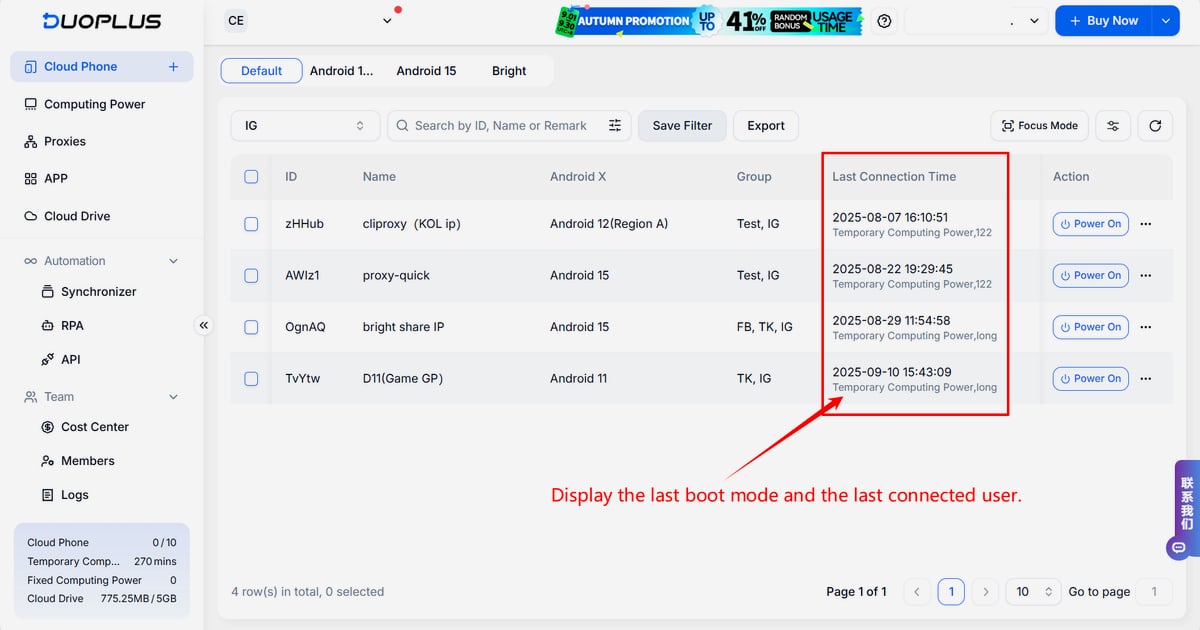
How to Use DuoPlus Cloud Phone with Oxylabs Proxies
DuoPlus Cloud Phone gives you real ARM-based Android devices running in the cloud, each with its own isolated fingerprint. Oxylabs supplies the clean, geo-targeted IPs that make those devices look like they belong exactly where you claim they are. Used together, they solve a specific problem: running many mobile accounts at scale without triggering association or IP-based bans.
This guide walks through what each tool does, why the pairing matters, the exact setup steps, and which Oxylabs proxy type fits which workload.
Why Pair DuoPlus Cloud Phone with Oxylabs
First viewport screenshot of Oxylabs release notes.
A cloud phone alone is not enough. DuoPlus isolates the device layer — separate storage, simulated SIM and base station data, unique device parameters, and GPS coordinates you can set per instance. But the network layer still needs to be credible. If ten cloud phones share one datacenter IP, platforms can link them regardless of how different the fingerprints look.
Oxylabs handles that layer. Its proxy network covers residential, mobile, ISP, and datacenter IPs across a large global pool, so each cloud phone can exit from a real consumer or business connection in the country you are targeting.
The combination addresses three recurring failure modes:
- Account association — DuoPlus separates device identity; Oxylabs separates network identity.
- Geo mismatch — DuoPlus simulates GPS, SIM, and base station data; Oxylabs provides an IP in the matching region so the signals agree.
- Scale limits — DuoPlus has no cap on the number of cloud phones; Oxylabs supports high-concurrency traffic across its network.
What Each Product Contributes
First viewport screenshot of Oxylabs – High Quality Proxy Service & Web Search API for AI.
DuoPlus Cloud Phone
DuoPlus runs real ARM Android devices in the cloud rather than emulators, which matters for platforms that detect emulation. Current versions include Android 15, 12, 11, and 10. Key capabilities relevant to proxy work:
- Per-device isolated environments with independent storage
- Simulated SIM cards for 150+ countries and regions, generated to match the configured proxy IP
- GPS, base station, and device model simulation across hundreds of phone models
- Bulk app install, launch, and one-click device reset
- Browser-based access from PC or mobile, plus team sharing without extra accounts
- SOCKS5 proxy support only
Oxylabs
Oxylabs provides proxies and web data collection APIs. For cloud phone work, the proxy side is what matters:
- Residential Proxies — real consumer IPs, best for social and e-commerce accounts
- Mobile Proxies — carrier IPs, strongest trust signal for mobile-first platforms
- ISP Proxies — static datacenter-hosted IPs registered to ISPs, fast and stable
- Dedicated ISP Proxies — your own dedicated ISP IPs with rotation control
- Datacenter Proxies — fastest and cheapest, suitable for lower-risk tasks
- Web Unblocker and Web API — for scraping and search data collection, separate from device traffic
Prerequisites
Before you start, you need:
- A DuoPlus account with cloud phone access
- An Oxylabs account with proxies purchased
- An Oxylabs proxy user created in the dashboard (username and password)
- The host and port for your chosen proxy type
Note that DuoPlus accepts SOCKS5 proxies only. If you have HTTP-only credentials, you will need to adjust your Oxylabs setup or contact support.
Step-by-Step Setup
Step 1: Create Your Oxylabs Proxy User
Log into the Oxylabs dashboard, open the proxy section, and create a proxy user. You will use these credentials in DuoPlus, so keep the username and password handy. If you are using sub-users for different teams or clients, create separate credentials per group.
Step 2: Collect Your Host and Port
The values depend on the proxy type you purchased:
| Proxy type | Host | Port |
|---|---|---|
| Residential | pr.oxylabs.io |
7777 |
| Datacenter | dc.oxylabs.io |
8001 |
| ISP | isp.oxylabs.io |
8001 |
| Dedicated ISP | disp.oxylabs.io |
8001 |
For country-specific residential exits, use a country-prefixed host such as us-pr.oxylabs.io with the matching country port. Oxylabs documentation lists the full set of entry nodes and sticky session options.
For dedicated datacenter proxies purchased through sales, you will instead use a specific IP address as the host. For self-service dedicated datacenter proxies, the port number maps to the sequence position of an IP in your list.
Step 3: Add the Proxy in DuoPlus
In the DuoPlus console, open the Proxies section and add a new proxy. You can add them one at a time or in batches — batch entry is worth using if you are provisioning dozens of devices.
Enter:
- IP or domain — the Oxylabs host from the table above
- Port — the matching port
- Proxy account and password — the Oxylabs proxy user credentials
DuoPlus supports SOCKS5 only, so confirm the proxy type before saving.
Step 4: Test the Connection
Click the check or test button in the proxy configuration screen. A successful test confirms the credentials and endpoint are correct. If it fails, verify the port matches the proxy type, confirm the username has not expired, and check whether your Oxylabs plan includes that specific proxy category.
Step 5: Attach the Proxy to a Cloud Phone
When you create or edit a cloud phone, select the proxy you just added. DuoPlus will use the proxy's geolocation to inform the simulated SIM, base station, and GPS data. This is the step that keeps the device story consistent — an IP in Germany paired with a German SIM and GPS position is far more credible than a mismatched combination.
Step 6: Power On and Verify
Launch the cloud phone and wait for the Android environment to load. Before you log into any account, open a browser inside the device and check the visible IP location. It should match the region you configured. If it does not, revisit the proxy settings before proceeding.
Choosing the Right Oxylabs Proxy for Your Workload
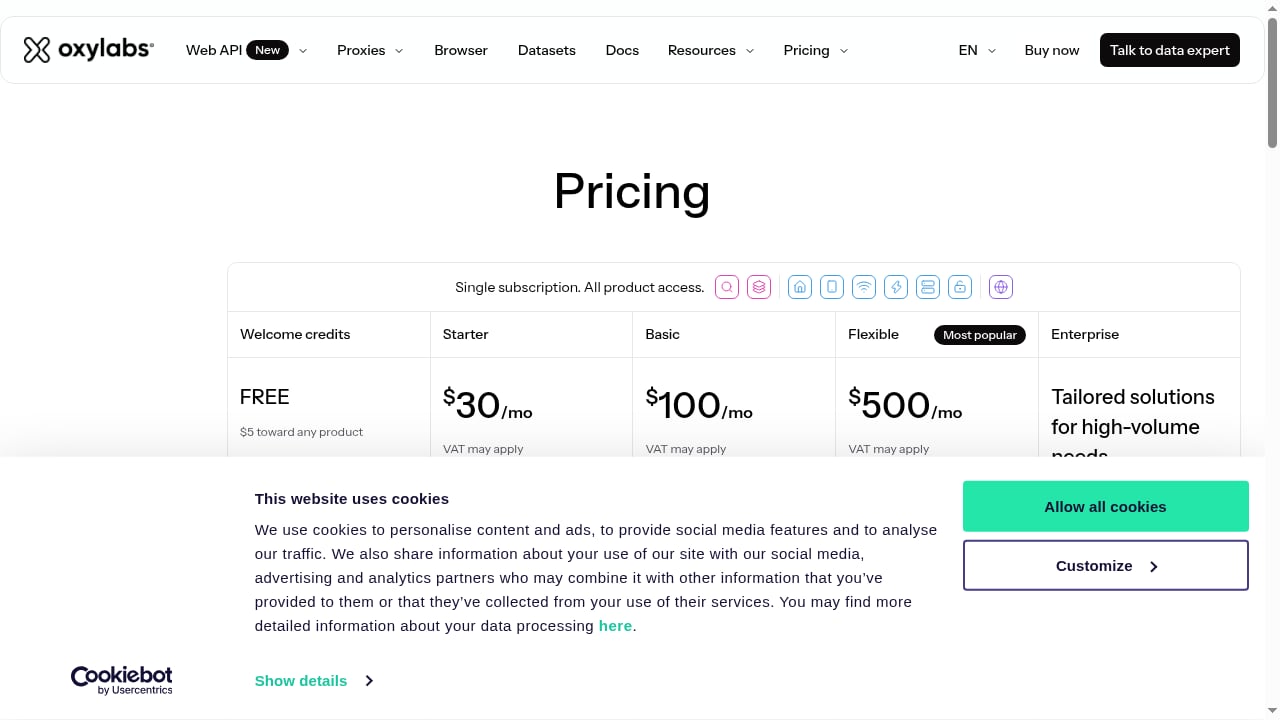
First viewport screenshot of Buy Premium Proxies and Web Scraper API - Pricing Plans.
The right proxy depends on how sensitive the target platform is and how long you need the same IP.
| Scenario | Recommended proxy | Why |
|---|---|---|
| TikTok, Facebook, Instagram account management | Residential or Mobile | Consumer or carrier IPs match real user behavior |
| Shopee, Lazada seller accounts | ISP or Residential | Stable sessions with credible registration |
| Long-running live streaming | Dedicated ISP | Static IP avoids mid-stream rotation |
| App testing across regions | Datacenter or Residential | Fast, cheap, easy to rotate per test |
| Crypto airdrop farming | Residential | Broad IP diversity reduces clustering |
| Ad account management | ISP or Dedicated ISP | Consistent identity per account |
A practical rule: the more a platform invests in fraud detection, the more you should lean toward residential or mobile IPs, and the longer you should hold the same IP per account.
Practical Workflow Example
Suppose you manage 20 TikTok accounts for a US-focused affiliate campaign.
- Provision 20 DuoPlus cloud phones, each with a unique device fingerprint.
- Create 20 sticky residential sessions through Oxylabs, all exiting in the US.
- Assign one proxy to each cloud phone so no two devices share an IP.
- Let DuoPlus generate matching US SIM and GPS data from the proxy location.
- Install TikTok in bulk across all devices using DuoPlus batch tools.
- Log in to one account per device and keep the proxy assignment fixed.
- Use DuoPlus team sharing to hand subsets of devices to different operators.
If an account gets flagged, you can reset the device parameters in DuoPlus with one click and rotate to a fresh Oxylabs IP rather than rebuilding from scratch.
Common Problems and Fixes
Proxy test fails in DuoPlus. Check that you are using SOCKS5. Confirm the port matches your proxy type — residential uses 7777, while ISP and datacenter use 8001. Verify the proxy user is active in the Oxylabs dashboard.
IP location does not match the device region. Set the country at the proxy level using a country-specific host, then reconfigure the cloud phone so DuoPlus regenerates the SIM and GPS data.
Accounts still get linked. Look for shared IPs across devices, reused passwords, or identical app install patterns. Device isolation handles fingerprints, not behavior.
Streaming drops mid-session. Rotating IPs break long sessions. Switch to Dedicated ISP proxies with a static IP for live streaming workloads.
Performance feels slow. Lower the cloud phone picture quality, or enable an accelerator node close to your location. Proxy latency also matters — test a few regions before committing.
When to Use This Stack and When Not To
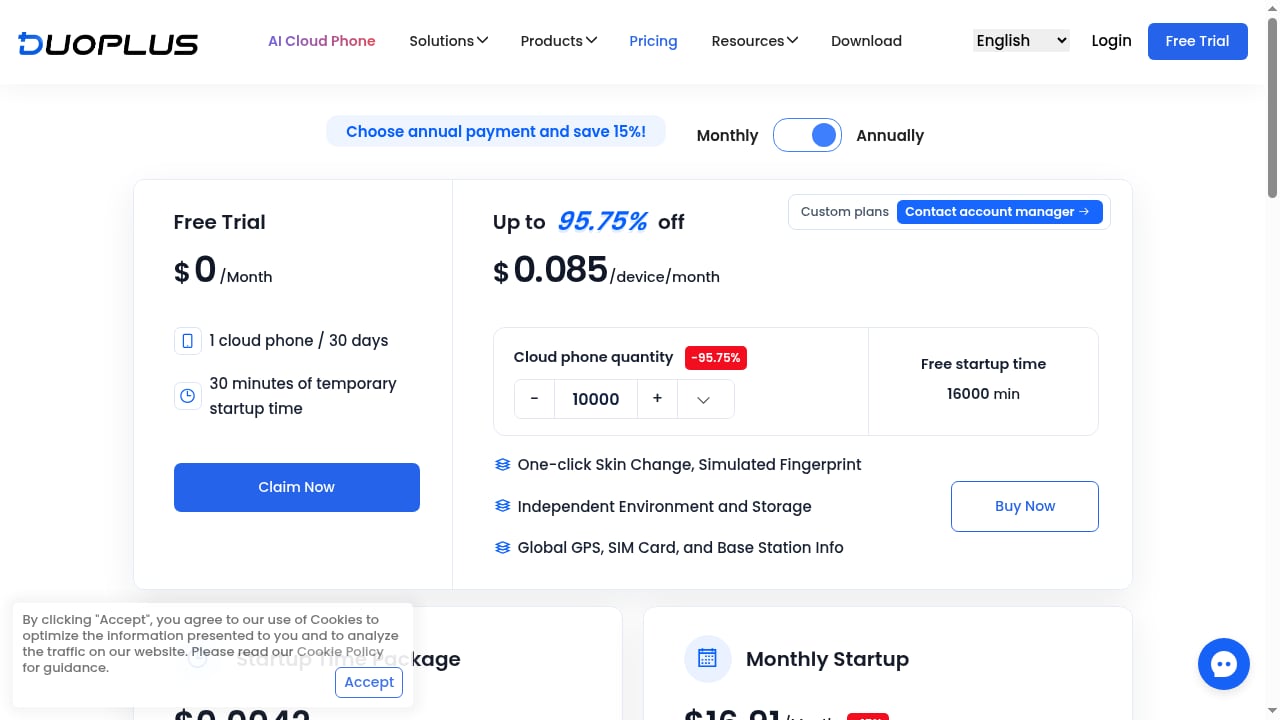
First viewport screenshot of Pricing - DuoPlus Cloud Phone.
This combination fits mobile-first platforms: TikTok, Instagram, Facebook, Shopee, Lazada, mobile games, and airdrop campaigns. It also suits app testing teams that need real Android devices in many countries without shipping hardware.
It is a poor fit if your work is desktop-only. For browser-based multi-accounting, an antidetect browser is usually simpler and cheaper. If you are comparing options, our breakdown of DuoPlus Cloud Phone vs MoreLogin vs MostLogin covers where cloud phones beat browser profiles, and the top 10 anti-detect browsers and cloud phones for multi-accounts ranks the wider field.
One more constraint worth knowing: DuoPlus SIM cards are simulated and cannot send or receive SMS by default. Some Android 12A and Android 15 devices support receiving verification codes through an optional cloud number, which you purchase separately.
Related reading
- DuoPlus Cloud Phone vs MoreLogin vs MostLogin (2026) - DuoPlus Cloud Phone vs MoreLogin vs MostLogin compared on real ARM Android devices, fingerprint isolation, automation, pricing, and team workflows.
- DuoPlus Cloud Phone vs ChangChang Cloud Phone: 2026 Comparison - Compare DuoPlus Cloud Phone and ChangChang Cloud Phone on Android version, device authenticity, pricing, automation, and multi-account risk control.
- SessionBox One Review: Multi-Account Security Tested - Hands-on SessionBox One review: profile isolation, proxy setup, fingerprint test results, pricing tiers, and who should choose a different multi-account tool.
Sources and further reading
- How to Set Up Proxies With DuoPlus - Step-by-step guide to configuring Oxylabs proxies with DuoPlus cloud phone service for managing multiple social media and e-commerce accounts across different geo-locations.
- 【oxylabs】Proxy Configuration - 1. Introduction to Oxylabs Products Oxylabs offers various types of high-quality IP proxy services, including residential proxies, ISP proxies, mobile proxies, and data center proxies. Most of the proxy net
- Basic Questions - 1. What is a cloud phone? How does it differ from a real phone? A cloud phone refers to a mobile device that operates in the cloud and can be accessed directly through a computer or mobile browser. When in use,
FAQ
Does DuoPlus support HTTP proxies?
No. DuoPlus supports SOCKS5 proxies only. Oxylabs proxy endpoints work with SOCKS5, so configure accordingly.
Can I use one Oxylabs proxy for multiple cloud phones?
Technically yes, but it defeats the purpose. Sharing an IP across devices creates the association risk you are trying to avoid. Assign one proxy per cloud phone.
What port do I use for Oxylabs residential proxies?
Port 7777 with host pr.oxylabs.io. For country-specific exits, use a country-prefixed host such as us-pr.oxylabs.io with the matching country port.
Does DuoPlus automatically match SIM data to my proxy location?
Yes. DuoPlus generates SIM, base station, and GPS data based on the configured proxy IP, which is why choosing the right proxy region before device creation matters.
How many cloud phones can I run at once?
DuoPlus does not limit the number of cloud phones or team members. Practical limits come from your budget and your proxy plan's concurrency.
Is Oxylabs only for proxies?
No. Oxylabs also offers a Web Unblocker and a Web API with search and scrape endpoints for data collection. Those are separate from cloud phone traffic but useful if you also need market or SERP data alongside your account operations.
Can I test this setup before committing?
DuoPlus offers a free trial, and Oxylabs provides a free credit toward any product plus free trials on some products. Start with a handful of devices and one proxy type before scaling.
Conclusion
DuoPlus Cloud Phone and Oxylabs solve two halves of the same problem. DuoPlus makes each Android device look unique at the hardware and sensor level; Oxylabs makes each device look unique at the network level. Configured together, they let you run mobile accounts across regions without the association flags that come from shared fingerprints or shared IPs.
The setup itself is short: create an Oxylabs proxy user, add the SOCKS5 endpoint in DuoPlus, test it, attach it to a cloud phone, and let DuoPlus align the SIM and GPS data. The harder decisions are which proxy type to use and how strictly to keep one IP per device. Get those right, and the stack scales cleanly from ten devices to hundreds.
For a broader view of how this pairing compares to alternatives, see our cloud phone and AI browser automation platform ranking.