
How to Use DuoPlus Cloud Phone with SocialPilot
Step-by-step guide to integrate DuoPlus's anti-detect cloud phones with SocialPilot's scheduling platform. Safely manage multiple social media accounts without bans.

How to Use DuoPlus Cloud Phone with SocialPilot
Running dozens of social media accounts across TikTok, Instagram, Facebook, or YouTube is a scalability nightmare when platforms routinely flag and ban accounts linked by device fingerprints, IPs, or cookie trails. You need true isolation for each account and a single dashboard to schedule, publish, and analyze your posts. This DuoPlus Cloud Phone guide shows you exactly how to combine DuoPlus Cloud Phone’s anti-detect Android environments with SocialPilot’s powerful social media management suite—so you can scale your presence safely, without buying a wall of physical phones.
Why Combine DuoPlus Cloud Phone and SocialPilot?
How to Use DuoPlus Cloud Phone with SocialPilot product interface and feature overview.
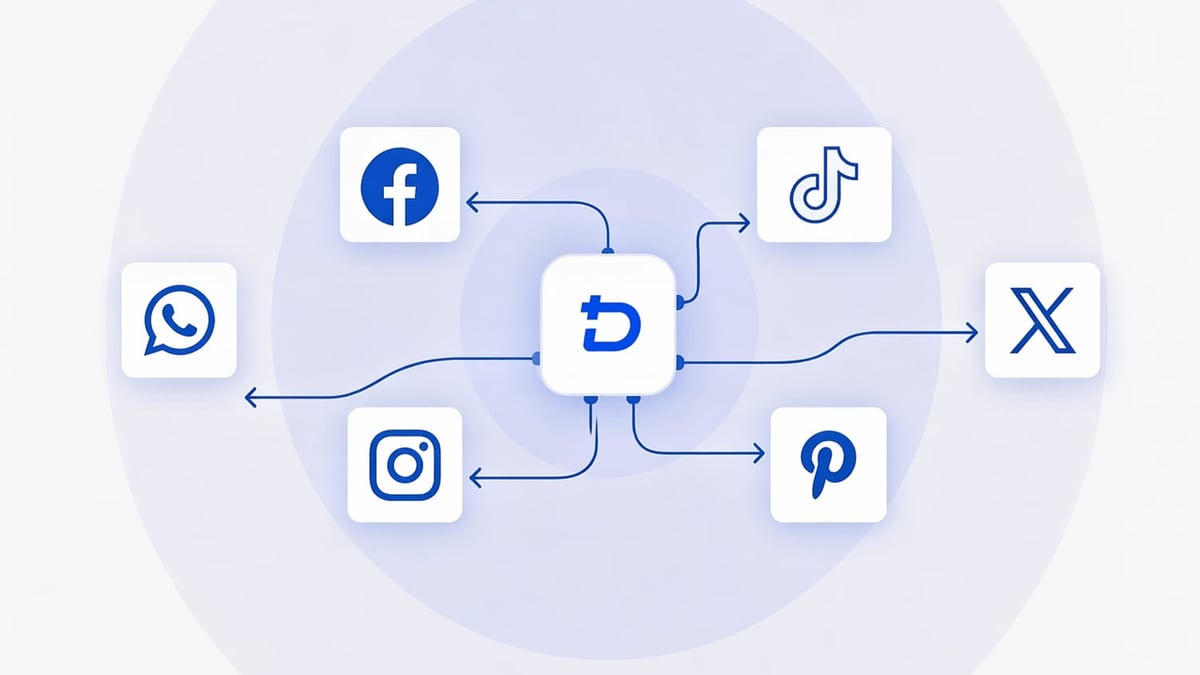
Standard social media scheduling tools like SocialPilot rely on OAuth tokens to publish content. But if you connect multiple accounts from the same browser and IP without isolation, platforms will associate them and may trigger mass bans. DuoPlus Cloud Phone solves this at the hardware-fingerprint level: each cloud phone instance is a fully independent Android device running on real ARM chips, with its own MAC, GPS, SIM data, and dedicated proxy IP.
When you pair them, you get:
- Fingerprint isolation: One cloud phone per social account, each with a unique environment that passes Facebook’s, TikTok’s, or Instagram’s device-level checks.
- Centralized scheduling: Manage posting, AI‑backed scheduling, bulk content import, and analytics for all accounts from SocialPilot’s unified dashboard.
- Scalable team collaboration: SocialPilot’s approval workflows and user roles work seamlessly with DuoPlus’s team sharing—global teams stay in sync without sharing actual devices.
- No local hardware load: All cloud phones run on DuoPlus servers, so your PC only hosts the SocialPilot browser tab.
If you’re weighing cloud phones against emulators, check our in-depth comparison of DuoPlus Cloud Phone vs VMOS vs Antidetect Cloud.
How the Workflow Works

How to Use DuoPlus Cloud Phone with SocialPilot product interface and feature overview.
The integration isn’t a software plug-in; it’s a smart pairing of two independent tools that together create a bulletproof multi-account pipeline:
- Set up isolated cloud phone environments – each with a dedicated proxy matching the account’s target region.
- From inside each cloud phone’s browser, perform the OAuth connection to SocialPilot – logging in to the social platform and granting permissions under the cloud phone’s IP and fingerprint.
- Switch to SocialPilot – the authenticated accounts now appear in your SocialPilot dashboard. Schedule posts, engage with analytics, and collaborate with team members while the cloud phones remain live for in‑app engagements, warm‑up actions, or ad hoc replies.
Because the login event never touches your local machine’s fingerprint or IP, platforms see only the clean, dedicated environment you built inside the cloud phone.
Step‑by‑Step Setup Guide
How to Use DuoPlus Cloud Phone with SocialPilot product interface and feature overview.
1. Set Up DuoPlus Cloud Phone Instances
First, you need one cloud phone per social account. Sign up for DuoPlus (they offer a free cloud phone for one month) and create your first instance.
- Choose Android 15: The first real ARM‑chip Android 15 cloud phone gives you the highest anti‑detection trust score.
- Configure a dedicated proxy: Assign a residential or mobile proxy that matches the account’s target location. DuoPlus’s GPS and SIM simulation will automatically align with that IP, making the device look native.
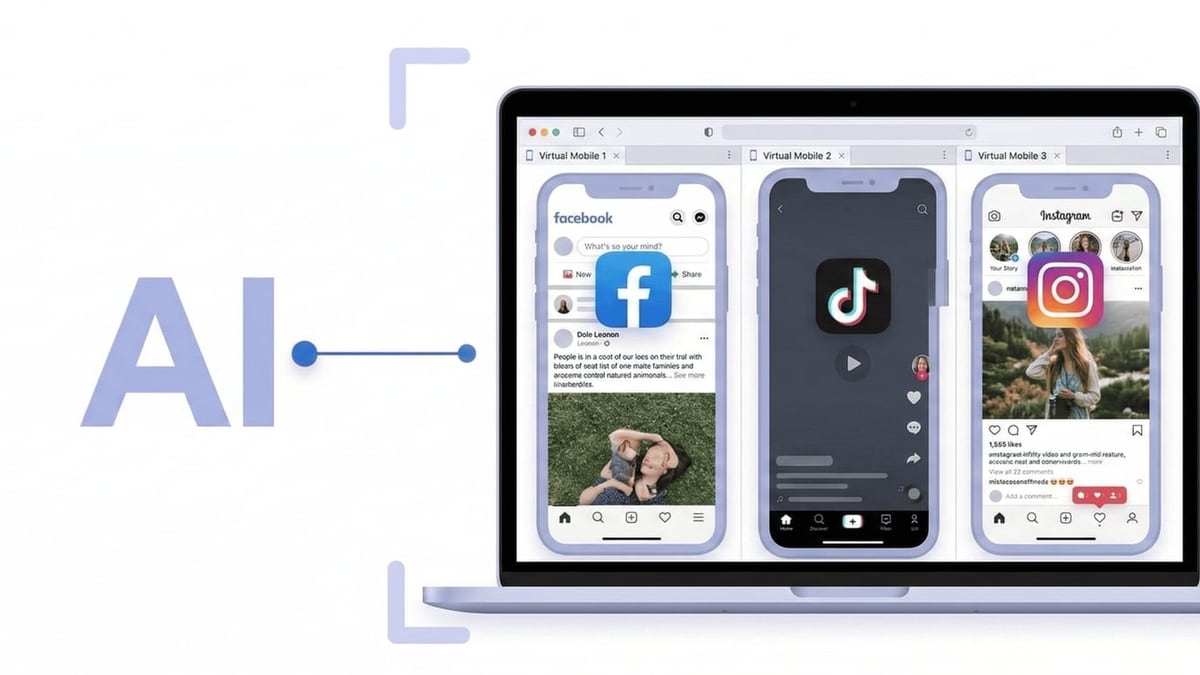
- Access via browser: No client download needed. Your cloud phone appears as a live Android screen in your PC browser.
For a detailed walkthrough on creating your first cloud phone instance and optimizing it for account management, refer to DuoPlus’s setup guide.
2. Connect Social Media Accounts to SocialPilot via Cloud Phone
This is the critical isolation step.
- Open the cloud phone in your browser.
- Launch the cloud phone’s built-in browser (or install Chrome from the Play Store inside the instance).
- Navigate to the social platform (e.g.,
facebook.com,instagram.com,tiktok.com) and log in to the account you want to manage. - While still inside the cloud phone’s browser, go to SocialPilot’s Add Account flow (for example, by opening a new tab with the SocialPilot authorization URL or clicking the platform connection link from the SocialPilot dashboard you already have open—just make sure the actual OAuth grant clicks happen within the cloud phone’s browser).
- Complete the permission grant. The token that reaches SocialPilot carries no trace of your local machine.
- Repeat for each account, using a separate cloud phone instance (with its own proxy) every time.
3. Configure SocialPilot
Now that the accounts are connected, SocialPilot becomes your command center.
- Add team members and set up approval workflows if needed.
- Organize accounts into groups (by brand, region, or client).
- Use the AI Scheduler to auto‑select optimal posting times based on audience behavior.
- Import bulk content via CSV or RSS to keep queues full.
- Leverage the social media calendar for a bird’s‑eye view of all scheduled posts.
4. Schedule, Publish, and Keep Accounts Warm
From this point, your daily rhythm splits into two layers:
- Scheduled publishing: Hands‑off, handled directly by SocialPilot via platform APIs. The cloud phones don’t need to be “on” for scheduled posts to go live.
- Organic engagement: Use each cloud phone to manually like, comment, reply to DMs, or watch videos. This in‑app activity keeps the account looking human and boosts algorithmic trust. You can open the cloud phone browser on your PC and interact just like you would on a real device.
Practical Example: Managing 5 TikTok Shop Accounts
How to Use DuoPlus Cloud Phone with SocialPilot product interface and feature overview.
Imagine you run five TikTok Shop accounts targeting the US, UK, Germany, Japan, and Brazil. With the DuoPlus‑SocialPilot combo, here’s your setup:
- Create five DuoPlus Cloud Phone instances, each with a residential proxy from the target country.
- On each instance, install TikTok, log into the respective shop account, then open the browser and connect the account to SocialPilot’s TikTok integration.
- Inside SocialPilot, you now see all five accounts. Schedule product showcase videos, live‑stream announcements, and promotional posts from one calendar.
- Every morning, you jump into each cloud phone for 10 minutes of organic activity—checking comments, engaging with followers, and keeping the account “warm.”
- Over a month, none of the accounts get flagged, and you grow them simultaneously without buying any physical phones.
Best Practices to Avoid Bans
- One account, one IP: Never reuse a proxy across multiple cloud phones that hold different social logins.
- Use Android 15 cloud phones: They offer the most up‑to‑date device fingerprint masking, including real ARM architecture. (See the full feature list on the DuoPlus Cloud Phone features page.)
- Gradual ramp‑up: Don’t connect 10 new accounts in a day and immediately blast 20 posts each. Mimic human patterns—connect accounts slowly, warm them up with manual actions first.
- Leverage SocialPilot’s AI scheduler: It avoids robotic posting times that can trigger spam detectors.
- Keep proxies alive: If a proxy drops, update it inside DuoPlus before the next login session. A sudden IP change can red‑flag the account.
For a deeper look at why cloud phones beat browser‑based anti‑detect tools for mobile‑first social accounts, see DuoPlus Cloud Phone vs Hidemium.
When to Choose This Combo vs Other Solutions
| Scenario | Recommended stack |
|---|---|
| You already have a few phones and only need scheduling. | Use SocialPilot alone with those devices, but risk account linkage if you reuse phones/IPs. |
| You need to run dozens of accounts and want maximum isolation, but manual posting is fine. | DuoPlus Cloud Phone alone with its group control and automation features. |
| You want a fully scalable agency workflow—safe isolation, centralized scheduling, client reporting, and team collaboration. | DuoPlus Cloud Phone + SocialPilot—the combination covered in this guide. |
Related reading
- CapCut Review 2025: Is It the Best AI Video Editor? - Comprehensive CapCut review: explore AI tools, free vs Pro pricing, strengths, limitations, and real-world use cases. Decide if CapCut is right for your video editing workflow.
Sources and further reading
- DuoPlus Cloud Phone Alternatives - These are the Top 7 Alternatives to DuoPlus Cloud Phone. Find out how DuoPlus Cloud Phone compares to it's competitors and which Social Media Software products are good substitutes.
FAQ
Do I really need one cloud phone per account?
Yes. Sharing environments is the quickest way to get all connected accounts banned. One dedicated cloud phone per account ensures completely separate fingerprints, IPs, and cookies.
Can SocialPilot post to TikTok without a phone?
SocialPilot uses TikTok’s official API, so scheduled publishing doesn’t require a live device. However, the initial OAuth connection must happen in a clean, isolated environment—the DuoPlus cloud phone provides that. The cloud phone also keeps the account active with manual in‑app behavior.
Is there a free trial for both tools?
Yes. DuoPlus offers a one‑month free cloud phone with 30 minutes of startup time. SocialPilot has a 14‑day free trial with no credit card required. You can test the full workflow without upfront costs.
Will this work for crypto airdrop or e‑commerce multi‑accounting?
The DuoPlus isolation works for any multi‑account scenario, but SocialPilot is a social media management tool. If your goal is to manage multiple social accounts, the combo is ideal. For pure bulk wallet or marketplace accounts, use DuoPlus with its RPA automation instead.
What if I need more than scheduling—like live streaming from the cloud phone?
DuoPlus supports accessing your physical camera or pushing video files to simulate a camera for unmanned live streaming. So you can go live on TikTok or Facebook directly from the cloud phone while still using SocialPilot for pre‑recorded content scheduling.
Conclusion
Scaling social media safely doesn’t mean buying a rack of phones and dealing with manual logins. By combining DuoPlus Cloud Phone’s isolated Android environments with SocialPilot’s scheduling, analytics, and team collaboration, you build a workflow that is as secure as it is efficient. Each account lives in its own bubble; all publishing happens from one dashboard; and your team can operate from anywhere. DuoPlus Cloud Phone recommends this pairing for agencies, e‑commerce sellers, and affiliate marketers who want to go multi‑account without going multi‑device. Sign up for the free trials of both platforms and start building your ban‑proof social media machine today.