
How to Use DuoPlus Cloud Phone with Webshare Proxies
Step-by-step guide to pairing DuoPlus Cloud Phone with Webshare proxies: single and batch SOCKS5 setup, rotation, geo-targeting, and multi-account workflows.
How to Use DuoPlus Cloud Phone with Webshare Proxies
DuoPlus Cloud Phone gives every account its own real ARM-based Android device in the cloud, complete with a unique device fingerprint, isolated storage, and simulated GPS, SIM, and base station data. Webshare supplies the other half of that identity: clean, geo-targeted IP addresses that match the location each device claims to be in. Pair them and your accounts stop looking like one person running many profiles from one connection.
This guide walks through the full workflow — getting proxies, adding them in DuoPlus, handling batch imports and rotation, and applying the setup to real marketing and e-commerce scenarios.
Why DuoPlus and Webshare belong together
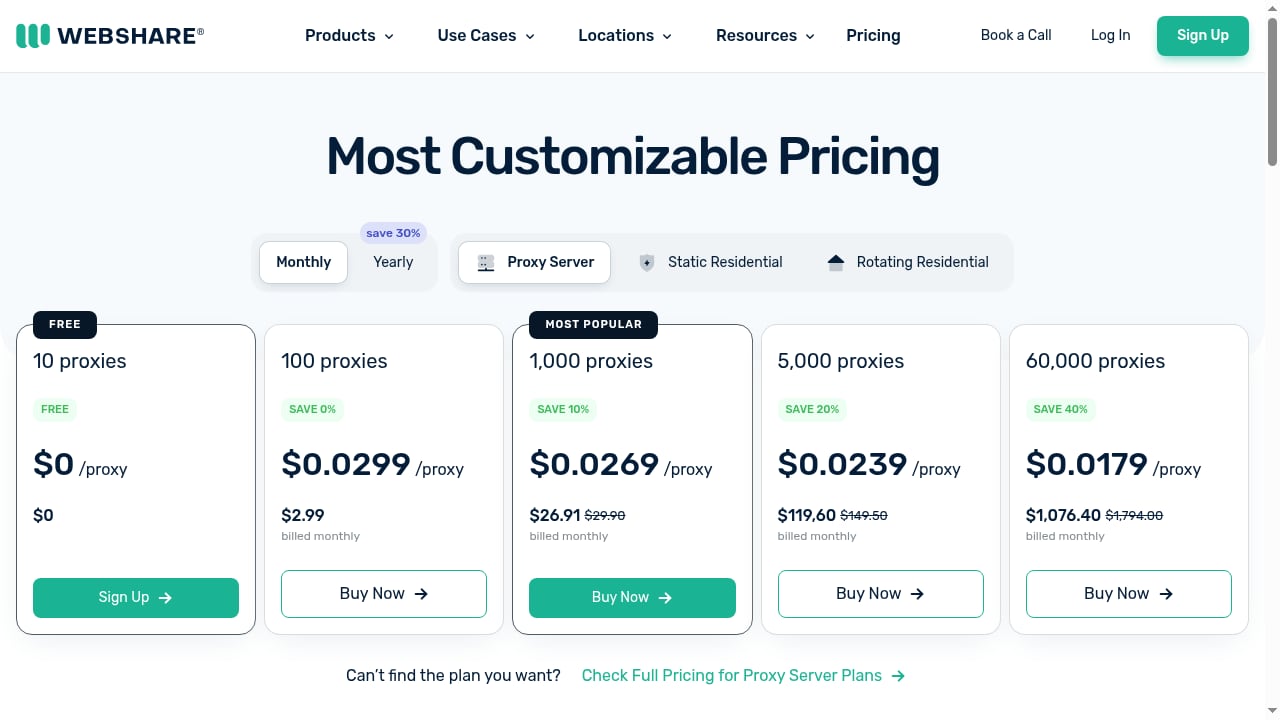
First viewport screenshot of Proxy Pricing - Datacenter, ISP & Rotating Residential Plans Compared.
A cloud phone solves device-level association. A proxy solves network-level association. Platforms like TikTok, Facebook, Shopee, and Lazada check both.
If ten cloud phones all leave through the same IP, the device fingerprints may differ but the network signature is identical. That is one of the fastest ways to trigger security reviews, shadowbans, or bulk account bans. Assigning a distinct IP to each cloud phone makes the traffic look like it originates from separate real devices in separate real locations.
Webshare fits this job because it offers rotating residential, static ISP, and datacenter proxies with HTTP/SOCKS5 endpoints, granular geo-targeting down to state, city, or ZIP code, and a free starting tier of 10 proxies with 1GB of monthly bandwidth and no credit card required. DuoPlus currently accepts SOCKS5 proxies, which Webshare provides.
| Layer | What it controls | Tool |
|---|---|---|
| Device | Fingerprint, Android version, storage, GPS, SIM, base station | DuoPlus Cloud Phone |
| Network | IP address, ASN, geolocation, rotation behavior | Webshare proxies |
Before you start: get your Webshare proxies
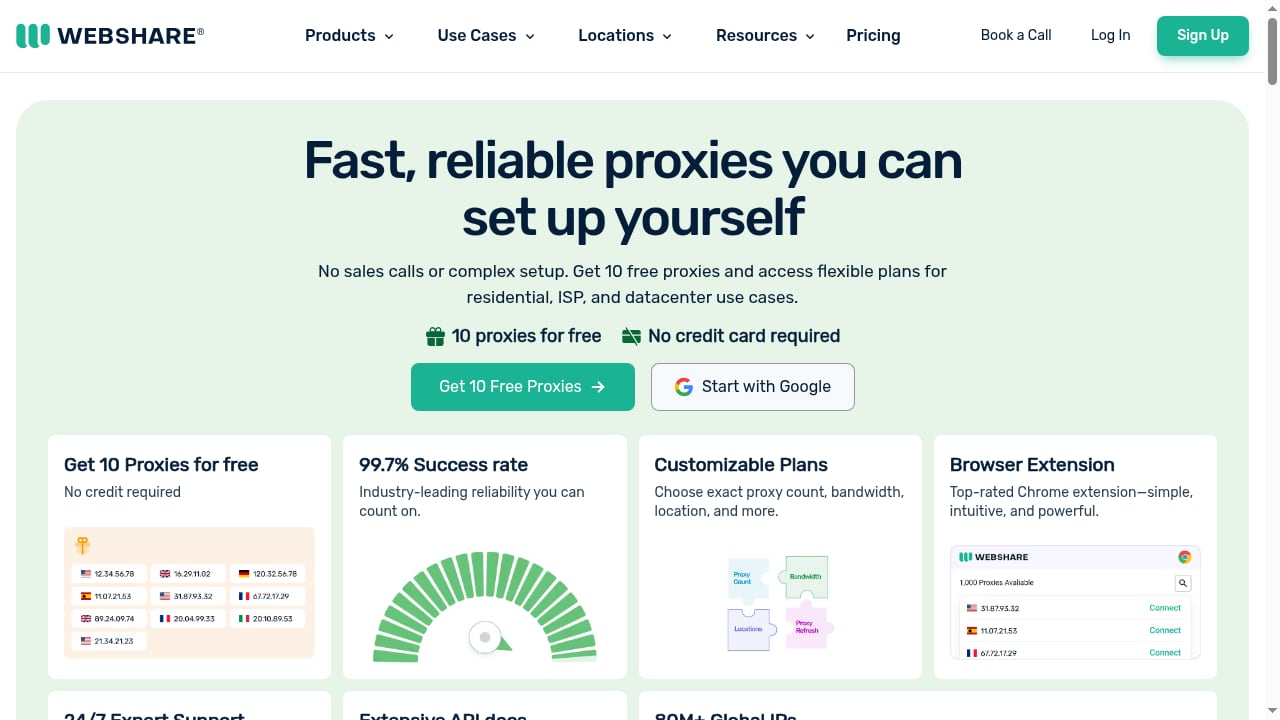
First viewport screenshot of Webshare | Fast Proxies, Free to Start, Fair to Scale.
- Create a Webshare account. The free plan issues 10 proxies immediately after sign-up.
- Open the Proxy List section of the dashboard.
- Copy the host, port, username, and password for each endpoint you plan to use.
- Note the country or city attached to each proxy — you will want to match it to the GPS and SIM region of the cloud phone.
If you need more IPs, bandwidth, or concurrency, upgrade to a paid plan. Static ISP proxies are the usual choice for accounts that must stay in one place; rotating residential proxies suit scraping, ad verification, and lighter automation.
For a broader look at how proxy choices affect multi-account tools, see our 2026 comparison of antidetect browsers and cloud phones.
Method 1: Add a single proxy in DuoPlus
First viewport screenshot of Proxy Use Cases for Web Scraping & Automation | Webshare.
This is the right approach when you are setting up one or two cloud phones and want to verify each connection manually.
Step 1: Sign in to DuoPlus
Create or log in to your DuoPlus account. New users can start with a free trial before committing to a startup time package or monthly plan.
Step 2: Open the Proxies page
In the left-hand menu, click Proxies, then click Add. The Add Proxy dialog opens.
Step 3: Enter the Webshare details
Fill in:
- Proxy IP address — the host or IP from your Webshare Proxy List
- Proxy Port — the matching port number
- Proxy Account — the username and password from your Webshare dashboard
Step 4: Test and save
Click Check. A successful result reads Proxy IP connection test passed. and displays the proxy details. Click Save to finish.
Step 5: Bind the proxy to a cloud phone
Assign the saved proxy to the specific cloud phone that will run the account. Keep the mapping one-to-one: one proxy per device, every time you log in.
Method 2: Batch add proxies in DuoPlus
Batch import is the practical option once you are running dozens of cloud phones. It avoids adding endpoints one at a time.
Step 1: Open batch settings
Go to Proxies in the left menu and click Batch Add. The Add Proxies In Batches window appears.
Step 2: Paste in the correct format
Enter one proxy per line using the host:port:username:password format. DuoPlus supports several IPv4 layouts:
host:port
host:port:username:password
username:password@host:port
For IPv6 addresses, wrap the host in square brackets:
[host]:port
[host]:port:username:password
username:password@[host]:port
Important: DuoPlus only supports SOCKS5 proxy IPs. HTTP(S) and SSH proxies will not work, so export or configure your Webshare endpoints as SOCKS5 before importing.
Step 3: Check and confirm
Click Check. DuoPlus validates the list and displays the added proxies. Review the results before assigning them to devices.
Handling rotating proxies
First viewport screenshot of Pricing Intelligence Proxy Use Cases.
Rotation is configured the same way as a standard proxy — same fields, same check step. What changes is behavior: a rotating endpoint returns a different IP over time, while a static one stays fixed.
Use rotation deliberately:
- Static ISP proxy — best for social media accounts, store accounts, and anything tied to a persistent identity. The IP should not move.
- Rotating residential proxy — best for scraping, price monitoring, and ad verification where you want many IPs and no long-term identity.
Mixing these up is a common mistake. A TikTok seller account on a rotating residential endpoint can look suspicious when the IP shifts mid-session.
Matching proxy geography to the cloud phone
DuoPlus simulates GPS, SIM card, and base station information for a chosen region. Webshare lets you target proxies down to state, city, or ZIP code. Align the two:
- Decide the target market for the account — for example, a US TikTok Shop seller targeting California.
- Provision a Webshare proxy in that region.
- Set the DuoPlus cloud phone's GPS, SIM, and base station data to the same region.
- Verify the time zone and language settings inside Android match as well.
A device claiming to be in Los Angeles while routing through a Frankfurt datacenter is an obvious mismatch. Consistency across device and network layers is what makes the setup credible.
Practical workflows
TikTok and short-video marketing
Run each TikTok account on its own cloud phone with its own static ISP proxy in the target country. Bulk-install the app across devices, then manage them from a PC or mobile browser. This keeps account histories separate and reduces the chance that one ban cascades across the portfolio.
E-commerce operations on Shopee and Lazada
Sellers managing multiple storefronts across Southeast Asia can assign a proxy per market and per store. The cloud phone's simulated SIM and GPS reinforce the local presence, which matters for region-locked seller tools and local content feeds.
Affiliate marketing and ad account management
Ad accounts are frequently flagged for shared infrastructure. Isolating each ad account on a dedicated cloud phone plus a dedicated IP keeps billing, login, and creative review activity separated.
Crypto airdrop farming
Airdrop eligibility often depends on appearing as a distinct real user. One cloud phone, one proxy, one wallet interaction per environment is the pattern that holds up.
Mobile app testing
Testers can spin up devices in multiple regions and route each through a matching proxy to reproduce geo-specific behavior without shipping physical hardware.
For a closer look at how cloud phones compare with browser-profile tools for these tasks, see our DuoPlus vs Hidemium breakdown.
Troubleshooting common issues
Proxy check fails in DuoPlus. Confirm the endpoint is SOCKS5. HTTP(S) proxies are rejected. Re-copy the username and password — trailing spaces are a frequent cause.
Batch import rejects lines. Check the delimiter format. Each proxy needs its own line, and IPv6 hosts must be wrapped in square brackets.
Account still gets flagged. Review geography consistency between proxy location and cloud phone GPS/SIM settings, and confirm you have not reused a proxy across two devices.
Slow performance. Datacenter proxies are usually faster than residential ones. If speed matters more than residential authenticity for a given task, test a datacenter endpoint on that specific cloud phone.
Rotation causing logouts. Switch that account to a static ISP proxy. Persistent identities should not ride rotating IPs.
Related reading
- Lanjingling Cloud Phone Review: Real-Device Chips, Mass Control, Price Signals, and Who It's For - Based on product materials and comparisons with similar solutions, we review Lanjingling Cloud Phone's mass control efficiency, real-device chips, overseas data centers, pricing signals, and limitations to help you decide if it's worth buying.
Sources and further reading
- DuoPlus Proxy Integration: 2 Methods Explained - Learn how to setup proxies in DuoPlus anti-detect tool.
- [100% Free] DuoPlus Cloud Phone User Guide | ⭕️Claim a Free One-Week Voucher | Simulated Phone | ... - Enjoy the videos and music you love, upload original content, and share it all with friends, family, and the world on YouTube.
- Partners - DuoPlus Cloud Phone - The DuoPlus Cloud Phone Partner Program is a partner ecosystem that brings together different types of partners and resources related to cloud phones.
FAQ
Does DuoPlus support HTTP proxies?
No. DuoPlus currently supports SOCKS5 proxy IPs only. HTTP(S) and SSH proxies are not compatible, so configure your Webshare endpoints accordingly.
Can I use Webshare's free proxies with DuoPlus?
Yes. Webshare's free tier provides 10 proxies with 1GB of monthly bandwidth and no credit card requirement, which is enough to test the integration on a small number of cloud phones.
How many proxies do I need for my cloud phones?
Plan for one proxy per cloud phone. Sharing an IP across devices undermines the isolation that both tools are meant to provide.
Should I use static or rotating proxies for social media accounts?
Static ISP proxies for accounts that need a stable identity. Rotating residential proxies for data collection, ad verification, and other tasks where IP variety is the point.
Can I manage everything from one screen?
Yes. DuoPlus supports multi-platform control through PC and mobile browsers, along with bulk app installation and group management, so proxy assignments and device operations can be handled from a single interface.
Conclusion
DuoPlus Cloud Phone handles the device layer — real ARM Android instances with unique fingerprints, isolated storage, and simulated regional hardware data. Webshare handles the network layer — SOCKS5 endpoints with geo-targeting and a free tier that makes testing painless. Together they close the two biggest gaps that get multi-account operations flagged: identical devices and identical IPs.
Start with the free Webshare proxies, add one endpoint in DuoPlus, run the connection check, and bind it to a single cloud phone. Once that pattern works, batch import the rest and scale. If you are still weighing platforms, our DuoPlus vs ChangChang vs SessionBox One comparison covers the trade-offs in more detail.