
SocialPilot Review 2026: Features, Pricing & Real-World Verdict
Get an evidence-based SocialPilot review covering AI scheduling, bulk publishing, white-label, pricing, and real user feedback. See if it's right for your agency or brand in 2026.
SocialPilot Review 2026: Features, Pricing & Real-World Verdict
Juggling dozens of social accounts across clients, platforms, and time zones can bury your team in to-do lists and missed opportunities. SocialPilot promises to tame that chaos with an all-in-one dashboard that blends AI scheduling, bulk publishing, white-label reporting, and even review management. But does it hold up under real scrutiny? I’ve dug into independent user ratings, feature tests, and pricing to give you the evidence-based picture you need before committing.
What Is SocialPilot?

SocialPilot Review 2026: Features, Pricing & Real-World Verdict product interface and feature overview.
SocialPilot is a social media management and scheduling platform built for agencies, multi-location brands, and growing teams. It brings together post creation, AI-assisted scheduling, a unified content calendar, team collaboration workflows, and detailed analytics into a single interface. Beyond posting, the tool also offers review management to drive and showcase customer feedback, online listing consistency across locations, and an MCP Server to let AI assistants like Claude automate social media workflows.
The platform positions itself as a cost-effective alternative to heavyweights like Sprout Social, without stripping away agency-friendly features such as white-label dashboards and client reporting. A 14-day free trial (no credit card) lets you test the waters.
Who Is SocialPilot Best For?
SocialPilot Review 2026: Features, Pricing & Real-World Verdict product interface and feature overview.
SocialPilot isn’t a one-size-fits-all solution; its strengths align with specific use cases:
- Social media agencies that manage 10, 20, or more client profiles. Bulk scheduling, approval workflows, and white-label reporting make onboarding and client reporting seamless.
- Multi-location brands (franchises, retail chains) that need to publish to Facebook, Instagram, LinkedIn, Twitter, and Google Business Profile from one place while keeping online listings consistent.
- Small marketing teams handling multiple brand accounts who want a shared calendar without paying for enterprise-level licenses.
- Freelancers with several clients who want to scale output without stitching together multiple freemium tools.
On the flip side, individual content creators or solopreneurs who only manage a single personal brand may find SocialPilot’s analytics limited (no personal LinkedIn profile data) and the AI assistant lacking the hook-writing polish of dedicated copy tools. If personal branding is your focus, you might outgrow this faster than an agency would.
Key Features and Real-World Performance
AI-Powered Scheduling and Content Assistant
The built-in AI assistant can generate post captions for LinkedIn, Facebook, and Instagram based on a topic, tone (over 12 options), length, and emoji preferences. During testing by reviewers, the output was structurally correct but often missed a compelling hook and call-to-action, especially on LinkedIn where storytelling matters. The AI also includes a hashtag suggester, though the suggestions can feel generic and are less relevant on platforms where hashtag usage is declining.
What saves the day is the AI Scheduler, which analyzes your audience’s activity to auto-suggest the best posting times across each connected profile. This feature genuinely reduces manual guesswork and can improve reach without extra effort.
Bulk Publishing and Social Media Calendar
Bulk scheduling is a standout: you can upload up to 500 posts via a CSV file, which is a huge time-saver for repurposing evergreen content or loading campaigns in one go. The calendar view, however, is still a list-based layout rather than a visual drag-and-drop grid. While functional, many users wish for a more intuitive Kanban-style preview. On the positive side, you can craft the main post and the first comment simultaneously, making engagement priming easier.
Team Collaboration and Approval Workflows
SocialPilot lets you assign roles (admin, manager, content creator) and route posts through approval chains before they go live. This is critical for agencies where client sign-off is mandatory. The platform supports real-time notifications and commenting on drafts, reducing back-and-forth emails.
White-Label Solutions for Agencies
Agencies can fully brand the dashboard, export reports with custom logos, and even use a white-labeled URL for client access. This feature set is rare at SocialPilot’s price point, allowing smaller shops to present a polished, enterprise-grade face without hiring developers.
Review Management and MCP Server
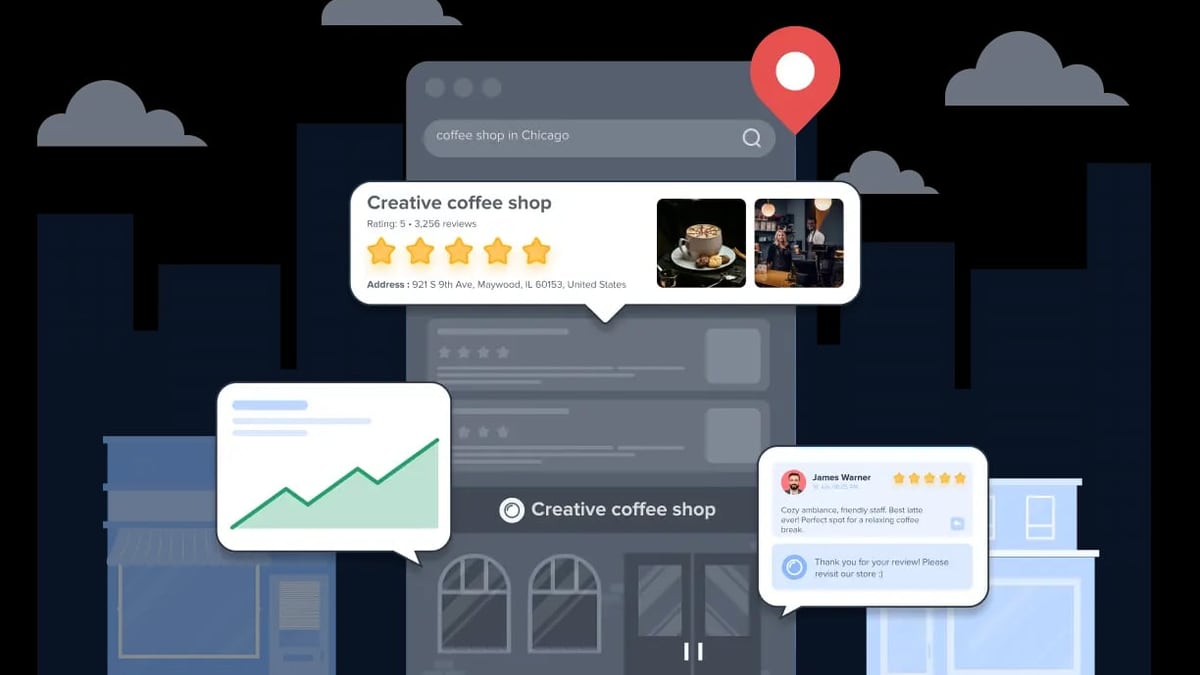
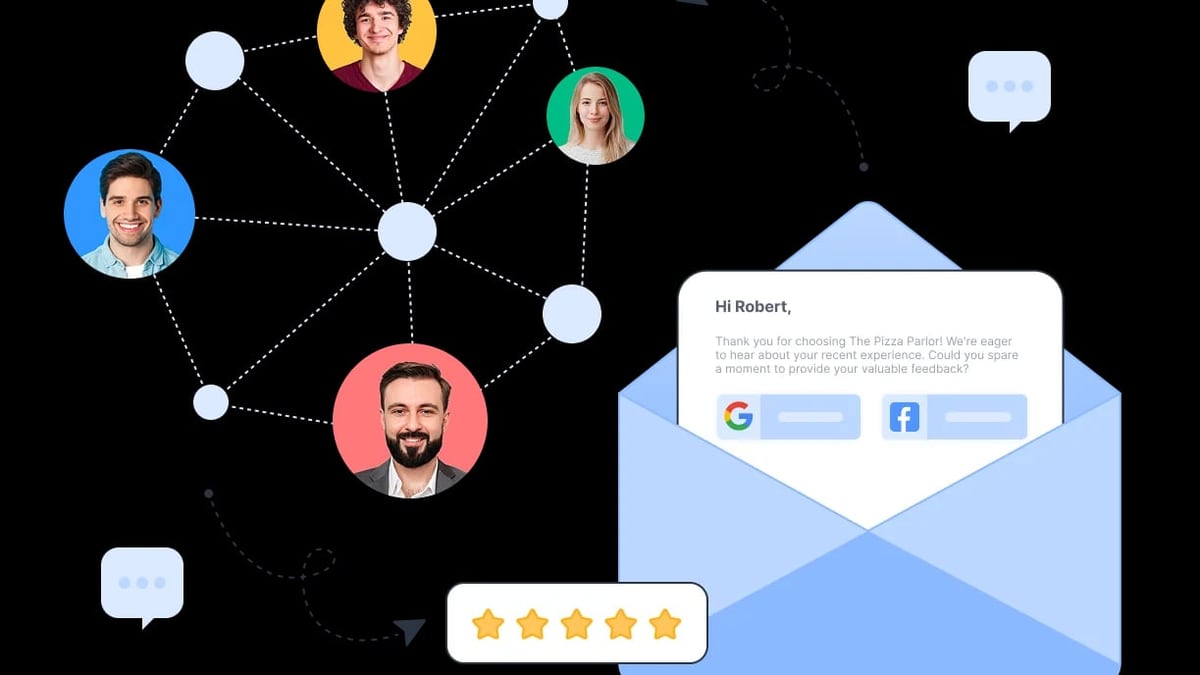
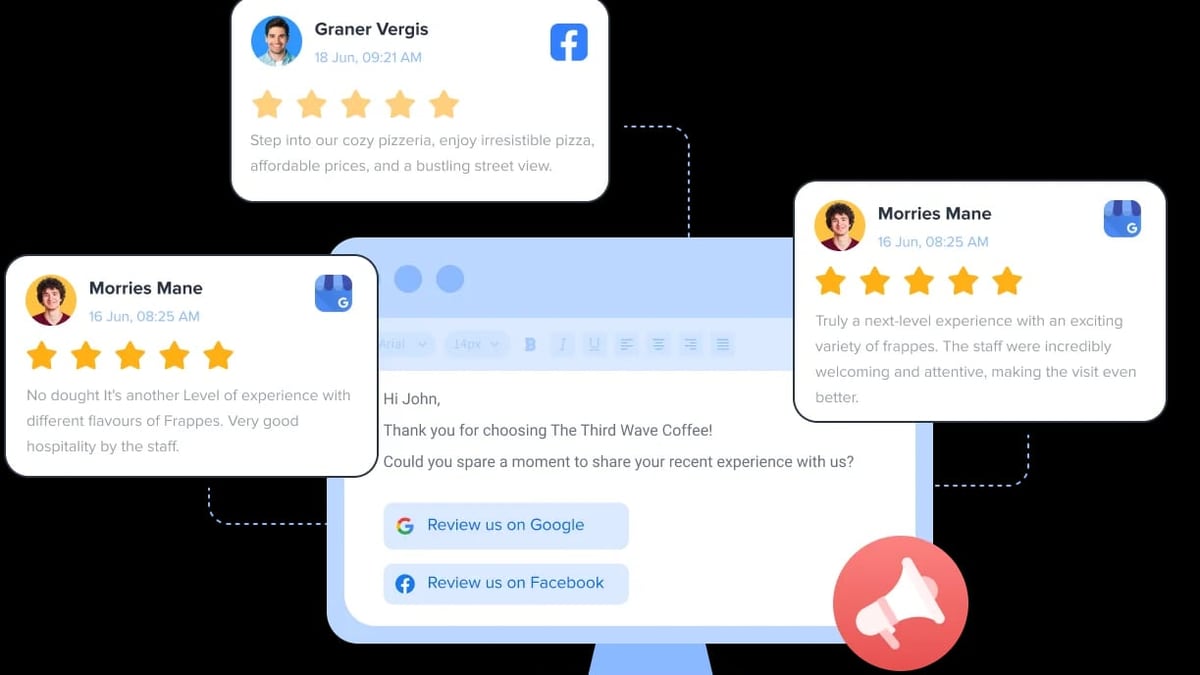
SocialPilot extends beyond the social feed. The Review Management module lets you request, monitor, and showcase reviews across Google and Facebook—useful for local businesses. On the technical side, the MCP Server allows AI assistants like Claude to interact with SocialPilot’s API, opening doors for custom automation (e.g., bulk-analysis of post performance via natural language). While still a niche feature, it separates SocialPilot from less tech-forward competitors.
Analytics and Reporting
Analytics cover follower growth, impressions, likes, and publishing trends. However, the data is limited to business pages—if you manage a personal LinkedIn profile, you won’t access metrics here, which is a notable omission for personal-brand consultants. PDF report exports are available, but only on the Small Team plan and above; the entry-level plan forces you to share screenshots. The publishing trends graph does help you visualize what content type drives the most engagement, helping you refine strategy over time.
Pricing: How Much Does SocialPilot Cost?
SocialPilot Review 2026: Features, Pricing & Real-World Verdict product interface and feature overview.
SocialPilot’s four-tier pricing is based on user seats and social account count. All plans include core scheduling, analytics, and 24/5 support. Annual billing cuts about 15% off the monthly rates. (Prices in USD, approximate.)
- Professional: $25.50/month – 1 user, 10 social accounts. Ideal for a solo operator handling multiple brands.
- Small Team: $42.50/month – 3 users, 20 accounts. Unlocks approval workflows and client-invite features.
- Agency: $85/month – 5 users, 30 accounts. Adds white-label reports and custom branded URLs.
- Agency+: $170/month – 10 users, 50 accounts. Full white-label dashboard, priority support, and all advanced modules.
A free 14-day trial (no credit card) is available, giving you full access to test scheduling, AI features, and team flows.
SocialPilot Strengths and Limitations
SocialPilot Review 2026: Features, Pricing & Real-World Verdict product interface and feature overview.
Based on a combination of hands-on reviews, user feedback on Trustpilot (currently a 2.6/5 low score, with complaints about slow support responses), and community discussions, here’s a balanced take.
Pros:
- Cost-effective agency plan with white-label features.
- Bulk scheduling of up to 500 posts via CSV.
- AI scheduler for optimal timing across platforms.
- Unified dashboard that includes review management, a rarity at this price.
- Straightforward team workflow and client approval system.
Cons:
- AI content assistant produces mediocre hooks and CTAs; still needs human editing.
- No analytics for personal LinkedIn profiles—only company pages.
- Calendar view is list-based, not drag-and-drop.
- Customer support responsiveness flagged by multiple users on Trustpilot and Reddit; average reply time can exceed a week for non-critical issues.
- Occasional stability hiccups where scheduled posts fail silently, requiring manual checks.
How SocialPilot Compares to Alternatives
A quick comparison for decision-making:
- SocialPilot vs Hootsuite: Hootsuite offers more integrations and a free plan (limited), but its agency pricing skyrockets quickly. SocialPilot wins on bulk features and white-label, while Hootsuite feels more mature for enterprise listening.
- SocialPilot vs Buffer: Buffer is simpler, with a freemium tier and a cleaner interface for pure scheduling. SocialPilot goes deeper into team management, reporting, and review tools—better for agencies that have outgrown Buffer’s scope.
- SocialPilot vs Sprout Social: Sprout provides superior analytics and a robust inbox, but it can cost three to four times more per seat. SocialPilot is a compelling budget alternative if you don’t need a unified social inbox.
A Reddit discussion from active marketers frequently notes that SocialPilot is “budget-friendly and good for straightforward scheduling,” while also referencing the need to weigh its support track record. For agencies where every dollar counts, these trade-offs often make sense.
Decision Criteria: Is SocialPilot Right for You?
Ask yourself:
- Do you manage more than 10 social profiles across clients or locations? → SocialPilot will save you hours.
- Is white-label reporting a must for client retention? → The Agency plan delivers this without bloated software.
- Does your work rely on personal LinkedIn profile analytics? → Look elsewhere; the tool only sees company pages.
- Do you need hands-on support with quick turnarounds? → The mixed feedback on support response may be a concern. Test the free trial and measure response times for yourself.
- Do you plan to automate review requests for local businesses? → SocialPilot’s review module is a nice add-on that many competitors lack.
For most agencies and small-to-mid-sized teams, the value proposition holds up. Just go in eyes-open about the areas where you’ll still need a human touch—like AI copy quality and calendar UX.
Related reading
- Antidetect Cloud Review 2026: Is It the Right Anti-Detect Browser? - Read our in-depth Antidetect Cloud review covering cloud profiles, VPN, pricing ($25–$180/mo), setup, pros/cons, and comparisons. Ideal for multi-accounting.
- How to Use DuoPlus Cloud Phone with SMSPool - Learn to pair DuoPlus Cloud Phone’s anti-detect Android environment with SMSPool’s non-VoIP SMS numbers for secure multi-account registration. Step-by-step workflow, examples, and decision guide.
- DuoPlus Cloud Phone vs Kameleo: Which Multi-Account Tool Wins? - Compare DuoPlus Cloud Phone and Kameleo. See why a real Android cloud phone beats anti-detect browsers for social apps.
Frequently Asked Questions
Does SocialPilot have a free plan?
No, but it offers a 14-day free trial with all features unlocked, no credit card required.
Can I manage my personal LinkedIn profile with SocialPilot?
You can schedule posts and manage a personal profile, but analytics and reporting are only available for LinkedIn company pages, not for personal accounts.
Does SocialPilot support Instagram Stories?
Yes, you can schedule and publish Instagram Stories directly. The composer includes story preview options.
What is the SocialPilot MCP Server?
It’s an API endpoint that connects SocialPilot to AI assistants like Claude. This lets you automate tasks such as bulk-analysis of post performance using natural language commands.
How does Review Management work in SocialPilot?
You can send review request links to customers and collect Google or Facebook reviews directly through the platform, then display them using embeddable widgets or share generated graphics.
Where can I find independent user reviews?
Sites like Trustpilot and a detailed feature breakdown on magicpost.in offer real user perspectives beyond the official site.
Conclusion
SocialPilot carves out a strong niche for agencies and multi-account teams that need scheduling muscle, white-label polish, and operational extras like review management at a fraction of the cost of premium competitors. Its AI scheduler and bulk publishing genuinely reduce manual grunt work, while the MCP Server gives tech-savvy teams a playground for custom automation.
However, the tool stumbles on AI-generated copy quality, lacks personal LinkedIn analytics, and carries a mixed reputation for support responsiveness. For an agency handling dozens of client profiles, those trade-offs are manageable—especially when the alternative is spending hundreds more per month on Sprout or Hootsuite. For a solo creator chasing LinkedIn growth, you may quickly feel the gaps.
At DuoPlus Cloud Phone, we’ve tested many tools in the social media ecosystem and we recommend leveraging the free trial to test exactly these edge cases. For richer content creation, pair SocialPilot with one of the [top AI photo editing tools we’ve reviewed](https://DuoPlus Cloud Phone.com/top-10-ai-powered-video-photo-editing-software-2026). If you’re setting up multiple client profiles, ensuring each account passes verification can be tricky—check our list of [reliable SMS verification services](https://DuoPlus Cloud Phone.com/top-10-sms-verification-service-products-2026). And for agencies handling social logins from a single machine, combining SocialPilot with an anti-detect solution (see our [in-depth Antidetect Cloud review](https://DuoPlus Cloud Phone.com/antidetect-cloud-review)) can help maintain account integrity without headaches. Try SocialPilot today—no credit card needed—and decide if the balance fits your workflow.