
Top 10 AI Video & Photo Editing Software 2026 (Tested)
Discover the best AI-powered video and photo editing software of 2026. We rank 10 tools based on AI features, ease of use, and output quality.

Top 10 AI-Powered Video & Photo Editing Software Products in 2026
Artificial intelligence has rewritten the rules of content creation. What once took hours—removing backgrounds, tracking objects, grading color, or syncing voiceovers—now happens in clicks. The best AI editing tools go far beyond simple filters; they understand your shots, anticipate your edits, and generate entirely new assets from text prompts.
In this 2026 roundup, we’ve tested and ranked the 10 most capable AI‑powered software products that help you edit both photos and videos. Whether you’re a social media creator pumping out daily Reels, a marketer polishing e‑commerce product images, or a professional editor crafting cinematic films, there’s a tool here for you. And because content goes hand in hand with account management, we’ve also included a smart way to keep your publishing workflow safe.
How We Evaluated These AI Editing Suites
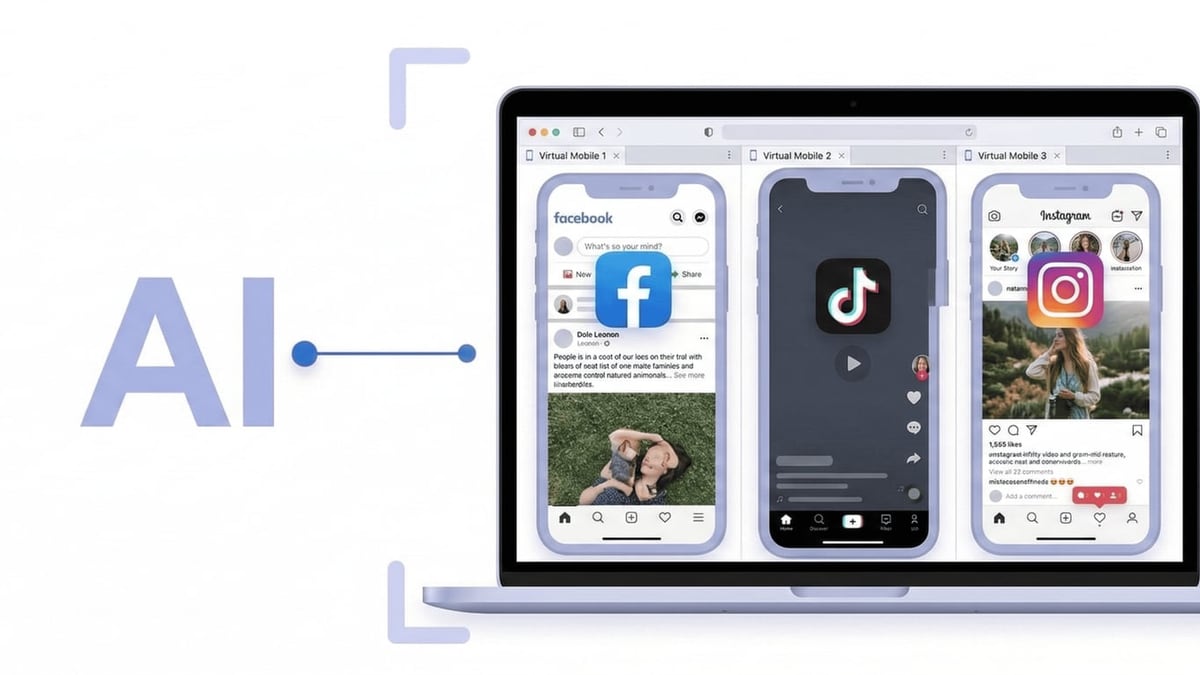
Top 10 AI Video & Photo Editing Software 2026 (Tested) product interface and feature overview.
We scored every product across five weighted criteria to ensure recommendations that hold up in real creative work:
- AI innovation (25%): Does the tool bring genuinely new AI capabilities—generative fill, text‑to‑video, smart auto‑captions, object removal, style transfer? Or just bolt‑on filters?
- Editing depth (25%): How robust are the traditional editing features? Can you fine‑tune keyframes, use layers, apply color grading, or combine multiple AI passes?
- Ease of use (20%): Is the interface approachable for beginners while still offering power for experts? Time from launch to first export matters.
- Output quality (15%): Export resolution, lack of artifacts, lip‑sync accuracy, and overall visual fidelity.
- Value (15%): What you get on free plans, subscription tiers, and whether watermark‑free exports are included.
We referenced hands‑on testing, community sentiment, and independent reviews from sources like PCMag’s video editing software guide, Zapier’s best AI video generators, and HeyGen’s free AI video generator comparison to ground every ranking in evidence.
Quick Comparison Table
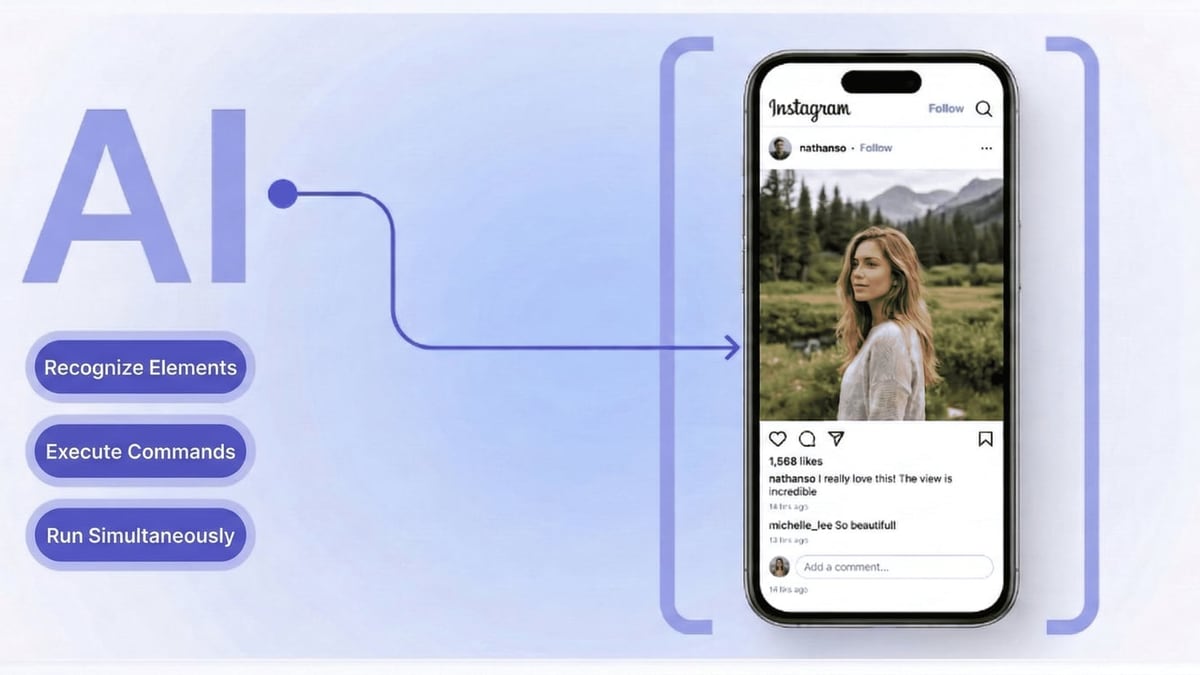
Top 10 AI Video & Photo Editing Software 2026 (Tested) product interface and feature overview.
| Rank | Product | Primary Focus | Standout AI Feature | Best For | Starting Price |
|---|---|---|---|---|---|
| 1 | Canva | All‑in‑one design, video, photo | Magic Studio (text‑to‑design, AI photo enhancer, video backgrounds) | Social media managers, marketers | Free; Pro from $13/month |
| 2 | Adobe Photoshop | Professional photo editing | Generative Fill, Neural Filters, Remove Tool | Professional photographers, retouchers | $22.99/month (Photography plan) |
| 3 | CapCut | Social video & photo editing | Seedance 2.5 AI video generator, Seedream image generator, auto‑captions | TikTok, YouTube Shorts creators | Free; Pro from $9.99/month |
| 4 | Runway | AI video generation & editing | Gen‑4 text‑to‑video, motion tracking, green screen AI | Indie filmmakers, creative studios | Free; Standard from $12/month |
| 5 | Wondershare Filmora | Enthusiast video editing | AI smart cutout, AI audio denoise, text‑based editing | YouTubers, corporate video | Free; paid from $49.99/year |
| 6 | Luminar Neo | AI‑first photo editing | Accent AI 2.0, Sky AI, Portrait Bokeh AI | Hobbyist photographers, retouchers | $79/year (1‑device) |
| 7 | Adobe Premiere Pro | Professional video editing | Text‑based editing, Enhance Speech, auto‑color | Broadcast, long‑form film | $22.99/month (single‑app) |
| 8 | Picsart | Mobile‑first photo & video editor | AI Enhance, AI Replace, AI video effects | Content creators on mobile | Free; Plus from $11.99/month |
| 9 | Descript | AI‑powered video editing via script | Transcript‑based editing, AI voice cloning, filler word removal | Podcasters, tutorial makers | Free; Hobbyist from $16/month |
| 10 | Fotor | AI photo enhancer & editor | AI photo generator, one‑click retouch, batch processing | Quick social graphics, bulk photo touch‑ups | Free; Pro from $8.99/month |
The 10 Best AI-Powered Video & Photo Editing Software of 2026
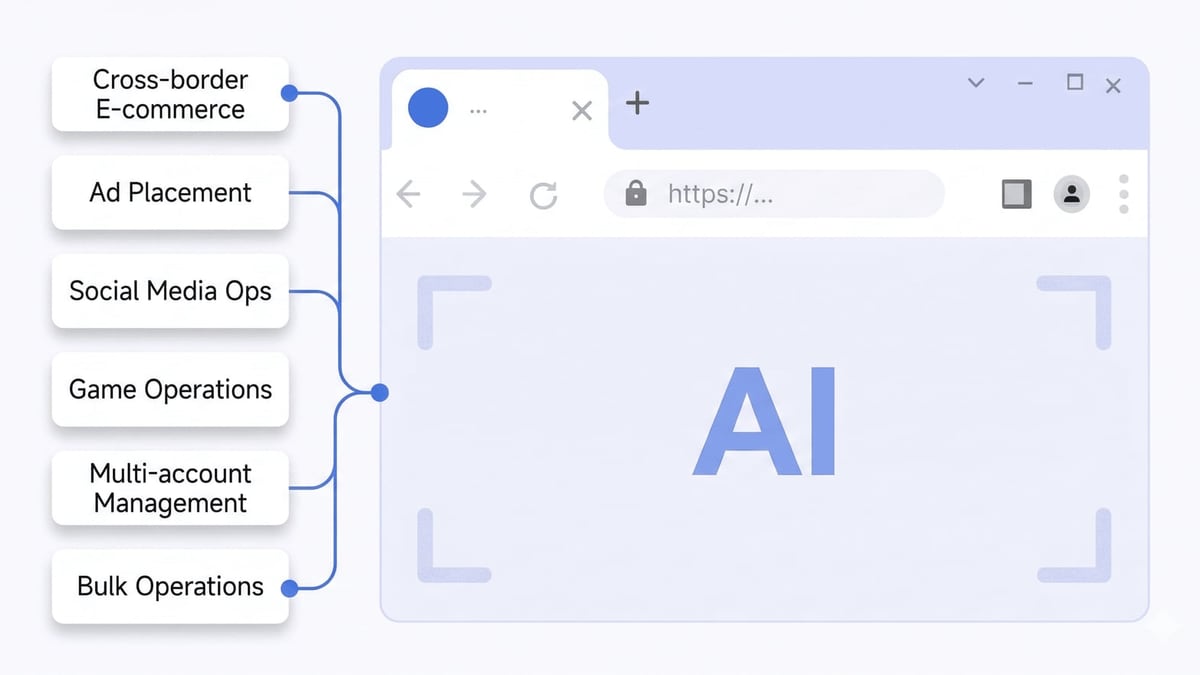
Top 10 AI Video & Photo Editing Software 2026 (Tested) product interface and feature overview.
10. Fotor – Best AI Photo Enhancer for Quick Fixes
Fotor has evolved into a nimble AI photo center that handles everything from one‑tap enhancement to generative image creation. It doesn’t compete in video, but for still images it offers a rare combination of speed and polish.
AI Highlights: AI Photo Generator for text‑to‑image; one‑click retouch that automatically fixes lighting, skin tones, and sharpness; batch processing that applies the same AI style to dozens of product shots.
- Best For: Marketers who need dozens of identical‑quality product photos in minutes.
- Pros: Very fast batch AI; no design skills needed; affordable.
- Cons: No video features; free tier watermarks exports.
- Pricing: Free with watermark; Pro plan at $8.99/month unlocks HD export and premium AI assets.
9. Descript – Edit Video by Editing the Script
Descript rethinks video as a document. Its transcript‑driven editing lets you delete a sentence from the text and watch the corresponding video clip vanish instantly. In 2026, its AI voice cloning (Overdub) and filler‑word removal are more natural than ever.
AI Highlights: Automatic transcription with speaker labels; one‑click removal of “um” and “uh”; AI voice cloning for seamless fixes; Studio Sound to normalize background noise.
- Best For: Tutorial creators, podcasters producing video, and anyone who dreads timeline scrubbing.
- Pros: Revolutionary transcript‑based trimming; intuitive for non‑editors; collaborative review.
- Cons: Photo editing is absent; pro‑level color grading limited.
- Pricing: Free plan with watermarked video; Hobbyist plan at $16/user/month removes watermark and boosts transcription hours.
8. Picsart – Mobile‑First AI Photo & Video Editor
Picsart brings a full creative studio to your phone, with AI tools that made the jump from desktop to mobile without losing power. It’s equally at home tweaking selfies and assembling short clips with AI‑generated effects.
AI Highlights: AI Enhance for automatic color and sharpness correction; AI Replace to swap any object with a text prompt; AI video effects like stylized filters that track motion; background remover with hair‑level precision.
- Best For: Instagram and TikTok creators who edit entirely on mobile.
- Pros: Huge template library; AI works fast even on older phones; strong sticker and text overlay system.
- Cons: Watermark on free exports; advanced video tracks limited.
- Pricing: Free; Plus from $11.99/month for watermark‑free HD and full AI toolkit.
7. Adobe Premiere Pro – Professional Video Editor with AI Sensei
Premiere Pro remains the industry standard for long‑form editing, and in 2026 its AI integrations (via Adobe Sensei and Firefly) have become indispensable. It’s not a photo tool, but its AI‑enhanced video capabilities are peerless for serious projects.
AI Highlights: Text‑based editing that auto‑transcribes and lets you cut clips by removing text; Enhance Speech that isolates dialogue from background noise; Auto Color that applies professional‑grade color correction with one click; Morph Cut for seamless transition smoothing.
- Best For: Filmmakers, broadcast editors, and content teams producing multi‑camera projects.
- Pros: Unmatched format and codec support; deep integration with After Effects; stable timeline performance.
- Cons: Subscription only; steep learning curve; no photo editing.
- Pricing: Premiere Pro single‑app at $22.99/month; Creative Cloud all‑apps from $59.99/month.
6. Luminar Neo – AI‑First Photo Editor for Artistic Control
Luminar Neo treats AI not as an add‑on but as the core editing engine. It can analyze a landscape and replace the sky, relight a portrait, and remove power lines—all while preserving a natural look. It’s strictly a photo tool, making it ideal for photographers who want to spend less time masking and more time creating.
AI Highlights: Accent AI 2.0 that understands scene type and applies optimal lighting and dynamic range adjustments; Sky AI for realistic sky swaps; Portrait Bokeh AI that simulates lens blur with depth awareness; Dust Spot Removal scanning the entire image.
- Best For: Landscape photographers, portrait retouchers, and anyone who sells prints online.
- Pros: Non‑destructive layers; hundreds of one‑click looks; frequent AI model updates.
- Cons: Video unsupported; occasional over‑processing on default settings.
- Pricing: $79/year for one device; often on sale during seasonal events.
5. Wondershare Filmora – Enthusiast AI Video Editor with Polish
Filmora balances affordability with a rapidly expanding AI toolset. Its familiar timeline interface feels immediately comfortable, and the AI features now cover everything from auto‑reframing for social platforms to silence detection that cuts dead air in one pass. While it doesn’t edit photos, it’s our top pick for video creators who want pro‑level AI without a pro‑level subscription.
AI Highlights: AI Smart Cutout to isolate subjects without a green screen; AI Audio Denoise that removes background hiss; text‑based editing that auto‑generates subtitles and lets you trim via script; motion tracking with single‑click object attachment.
- Best For: YouTube content creators, educators, and small businesses producing marketing videos.
- Pros: Fast rendering; huge stock library; clear interface.
- Cons: Some advanced AI features require separate credit purchases; no photo editing.
- Pricing: Free version with watermark; annual plan from $49.99/year for full AI credits and watermark removal. Independent reviews consistently praise its usability.
4. Runway – Generative AI Video Creation and Editing for Filmmakers
Runway Gen‑4 has become a creative powerhouse for generative video. Feed it a text prompt and it returns cinematic‑quality clips; however, the real magic appears when you combine it with its editing suite, which includes motion tracking, object removal, and the ability to turn static photos into animated scenes. It’s targeted squarely at video, but its AI image‑to‑video and photo‑to‑animation features bridge both worlds for content re‑imagining.
AI Highlights: Gen‑4 text‑to‑video with natural physics and lighting; Video‑to‑Video generation that restyles existing footage; green screen AI that separates subject from background without a physical backdrop; motion brush to animate specific image regions.
- Best For: Indie filmmakers, creative agencies, and artists experimenting with AI‑generated B‑roll.
- Pros: Cinematic output quality; can animate a photo into a 10‑second video seamlessly; cloud‑based collaboration.
- Cons: Credit limits can feel restrictive; not a photo editor for still image retouching.
- Pricing: Free plan with limited credits; Standard at $12/month for more credits and watermark removal. Zapier’s testing confirms its leadership for film‑style generation.
3. CapCut – The Ultimate All‑in‑One AI Creative Suite
CapCut, developed by ByteDance, unifies AI video generation, photo editing, and graphic design under one roof—and its free desktop editor exports in 4K without a watermark. It’s the Swiss Army knife for social media creators, with TikTok integration baked in and AI that keeps getting smarter.
AI Highlights: Seedance 2.5 AI video generator that can create a clip from a prompt or animate a still image; Seedream 5.0 image generator for custom visuals; auto‑captions with 98% accuracy in multiple languages; background removal for video and photos; batch product‑scene generation for e‑commerce; image upscaling to 4K/16K.
- Best For: TikTok and Reels creators, e‑commerce sellers needing quick product showcases, and anyone who wants pro tools without a subscription.
- Pros: Free 4K export on desktop; massive template library; AI video generator included; works across web, desktop, and mobile.
- Cons: ByteDance ownership raises data privacy questions for some enterprises; AI generation not yet on par with dedicated cinematic models.
- Pricing: Free; CapCut Pro at $9.99/month for premium assets and cloud storage. HeyGen’s review highlights its watermark‑free export as a key advantage.
2. Adobe Photoshop – The Undisputed AI Photo Editor
Photoshop’s AI engine, powered by Adobe Firefly, dominates professional photo editing. In 2026, Generative Fill can conjure entire scenes from text; the Remove Tool deletes distractions with a single swipe; and Neural Filters let you age a face, change expressions, or transfer makeup styles non‑destructively. It’s strictly a photo tool, but its output feeds directly into any video project.
AI Highlights: Generative Fill that expands images and creates objects from prompts; Parametric Filters that adjust lighting and color with scene‑aware AI; Select Subject and Sky that achieve near‑perfect selections instantly; Content‑Aware Fill that intelligently reconstructs backgrounds.
- Best For: Professional retouchers, graphic designers, and anyone whose workflow demands pixel‑perfect control.
- Pros: Industry standard with endless plug‑ins; Firefly integration continues to expand; robust batch processing.
- Cons: No video editing; subscription required; steep learning curve for casual users.
- Pricing: Photography plan (Lightroom + Photoshop) at $22.99/month; Creative Cloud all‑apps from $59.99/month.
1. Canva – Best All‑in‑One AI‑Powered Creative Platform
Canva has transformed into a genuine competitor that handles photo editing, video editing, and graphic design with an AI copilot that democratizes creation. Its Magic Studio ecosystem lets you generate videos from a prompt, enhance photos with one click, and turn a blog post into a branded Reel—all while maintaining brand kits for consistency.
AI Highlights: Magic Design for Video turns text prompts into fully assembled clips with stock footage and music; AI photo editor includes background remover, magic eraser, and auto‑enhance; Magic Write helps brainstorm scripts and captions; brand‑aware generation keeps colors and logos consistent.
- Best For: Social media managers, small business owners, and anyone who needs to produce both videos and photos at scale without switching apps.
- Pros: Truly unified photo + video + design; enormous template library; free tier is usable for light work; collaboration built in.
- Cons: Pro features required for HD video export and premium AI; less control than dedicated professional tools.
- Pricing: Free; Canva Pro from $13/month unlocks 4K video, Magic Studio full access, and 1 TB storage.
Beyond Editing: Managing Your Publishing Workflow

Top 10 AI Video & Photo Editing Software 2026 (Tested) product interface and feature overview.
After polishing your photos and videos with these AI tools, the next challenge is distributing content across multiple accounts without triggering platform bans. Whether you’re an agency running Instagram pages for ten clients, an e‑commerce seller managing multiple shop fronts, or a social creator testing different niches, using a single device creates fingerprints that platforms can associate.
A dedicated anti‑detection cloud phone like DuoPlus Cloud Phone isolates every account inside its own Android environment with unique device IDs and IPs. That means your carefully edited product images stay linked to the right storefront without cross‑contamination. If you’re serious about scaling your multi‑account content operations, compare how DuoPlus stacks up against alternatives in our DuoPlus Cloud Phone vs BrowserJet vs Kameleo: 2026 Comparison. And for e‑commerce sellers who rely on AI‑edited product photos to sell on marketplaces, check out our guide on Using DuoPlus Cloud Phone with Vinted for Multi-Account Sales to see how to run multiple storefronts safely.
Related reading
- Hippo Cloud Phone Review: Is It the Ultimate Cloud Android Device? - Discover Hippo Cloud Phone in this hands-on review. Real Android 13 cloud phones, group control, virtual location, pricing, and best use cases for multi-account ops.
- 10 Best SMS Verification Services of 2026 (Tested & Ranked) - Compare the top 10 SMS verification services for 2026. Get reliable, non-VoIP numbers for Google, WhatsApp, Discord & more. Privacy-focused, cheap, fast.
FAQ
Which is the best completely free AI video and photo editor?
CapCut’s free desktop app is the strongest option: it exports 4K video without a watermark and includes a built‑in AI video generator, photo editor, and graphic designer. Canva also offers a generous free tier for basic editing and design.
Can these tools replace professional editors?
They can dramatically reduce editing time and flatten the learning curve, but for highly creative cinematic work or complex compositing, dedicated professional tools like Adobe Premiere Pro and Photoshop still offer more control. The ideal setup often pairs an AI‑powered editor for rough cuts and a premium app for finishing.
Do any of these products handle both video and photo well?
Yes. Canva and CapCut are the strongest dual‑purpose platforms. Both allow you to switch between video timelines and photo layers within the same project, making them perfect for social media content that mixes stills and motion.
Is there a good AI tool for e‑commerce product photo editing?
CapCut’s batch product‑scene generation and background removal excel for e‑commerce. Adobe Photoshop’s Generative Fill can also place products into lifestyle settings with a prompt. For bulk AI retouching, Fotor batch processing is a time‑saver.
What resolution can I expect from free plans?
Most free tiers cap at 720p or 1080p and add a watermark. CapCut is a standout with watermark‑free 4K on the desktop app. Always check if commercial use is allowed on the free plan—some restrict it to personal projects.
Conclusion
The line between video and photo editing continues to blur, and the 2026 AI toolkit puts professional‑grade output within reach for creators who’ve never touched a timeline or layer mask. For an all‑in‑one platform that serves social media demand, Canva sits at the top, while CapCut delivers a shockingly complete free suite. Professional photographers will find Adobe Photoshop’s AI indispensable, and Runway opens new creative frontiers for those who want to generate rather than just edit.
Pair these tools with a secure multi‑account management solution like DuoPlus Cloud Phone, and you’ll have an end‑to‑end content machine: create, polish, publish, and protect your brand accounts—all without risking association bans. Choose the editor that matches your primary content type, then layer on the management stack that lets you scale.