
Top 10 Proxy and VPN Browser Software Products 2026
Independent 2026 ranking of the top 10 proxy and VPN browser software products, scored on proxy control, fingerprint isolation, VPN integration, and value.
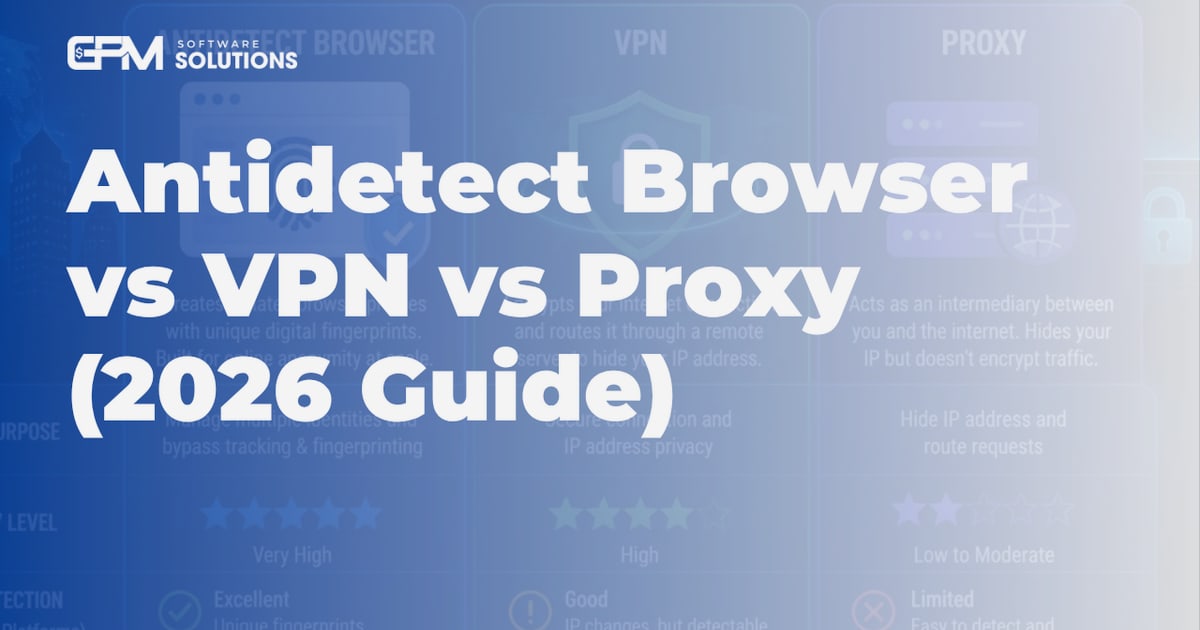
Top 10 Proxy and VPN Browser Software Products 2026
A proxy browser and a VPN browser solve different problems, yet buyers keep comparing them in the same shortlist. One routes a single browsing session through a chosen IP; the other encrypts the whole tunnel. In 2026 the strongest products blur that line, bundling proxy managers, fingerprint isolation, and built-in VPNs into one app. This review ranks ten products that genuinely belong to that category, explains how each was scored, and shows where a browser stops being the right tool for multi-account work.
How We Evaluated These Products
No single benchmark fits every buyer, so each product was assessed against six criteria using vendor documentation, published pricing, and hands-on feature descriptions from public sources:
- Proxy control: per-profile proxy assignment, bulk proxy import, rotation, and support for HTTP, SOCKS5, and residential or mobile endpoints.
- Fingerprint isolation: whether profiles spoof canvas, WebGL, timezone, fonts, and user agent consistently rather than randomly.
- VPN integration: a built-in encrypted tunnel versus reliance on third-party VPN apps.
- Multi-account workflow: profile limits, team sharing, and account managers.
- Automation and API: headless support, Selenium or Puppeteer compatibility, and local API access.
- Price-to-capacity ratio: cost per profile or tab at the entry tier, plus transparency of add-ons.
Products were ranked on how well they serve the core job of proxy and VPN browsing, not on brand size. Where a tool is stronger at a neighboring task, such as mobile app operations, that is noted separately rather than folded into the score.
The Top 10 Proxy and VPN Browser Software Products for 2026
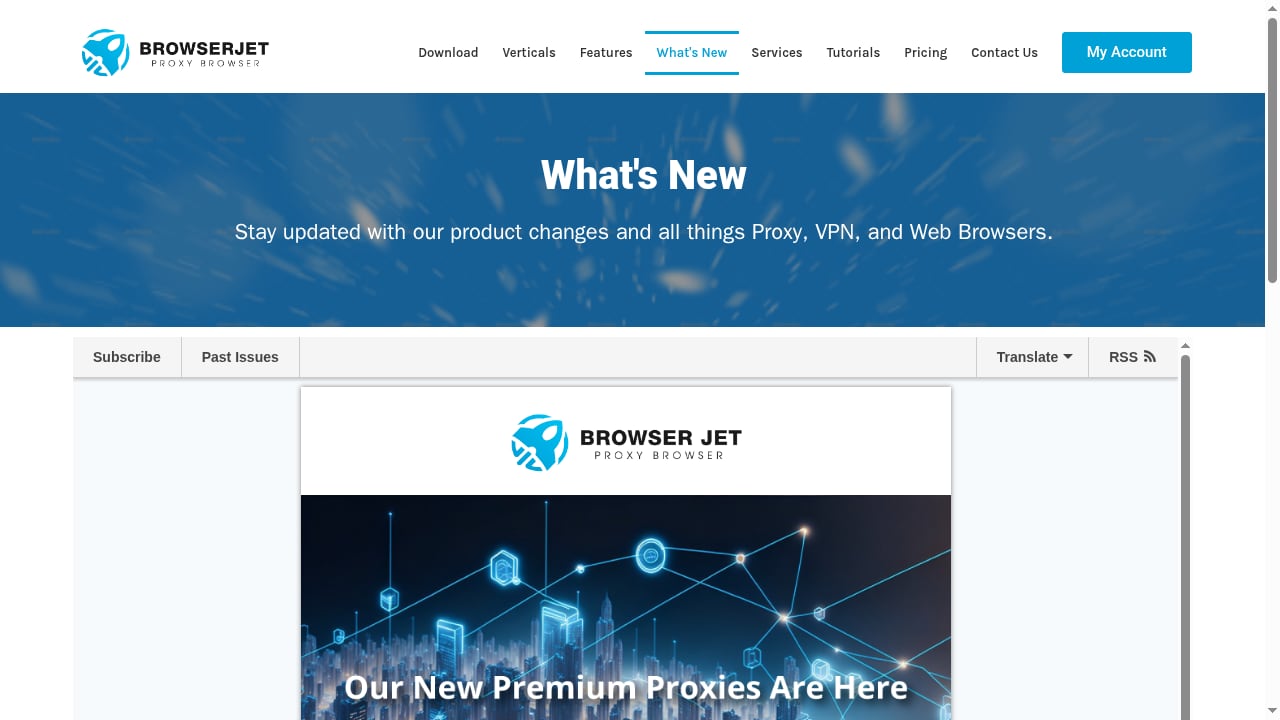
First viewport screenshot of browserjet.com.
1. BrowserJet
BrowserJet is the clearest example of a browser built around sessions rather than profiles. Each tab behaves as an independent session, so you can open the same site several times with a different IP in each tab. The built-in VPN covers the tunnel side, while proxies are purchased separately and assigned per session.
Why it ranks first: the workflow is unusually direct. Reloading a tab with a new proxy, duplicating a tab, and refreshing multiple tabs at once are first-class actions rather than hidden settings. An accounts manager keeps identities organized, and a shift-PC option moves a session to another machine.
Pricing signal: the Basic plan is $89/month or $999/year with 10 tabs and no VPN; Pro is $149/month or $1199/year with 30 tabs and one VPN. Premium proxies add $49 for 20 IPs. A free trial is available.
Best for: affiliates, e-commerce sellers, and marketers who need several simultaneous sessions on one site and want the proxy and VPN controls in the same window.
Watch out for: the tab-based model is less suited to teams that need hundreds of stored, shareable profiles with granular role permissions.
2. Multilogin
Multilogin remains the reference point for fingerprint depth. It runs two engines, Mimic (Chromium-based) and Stealthfox (Firefox-based), and fully replaces fingerprint parameters instead of merely disabling them. Built-in proxies are available alongside third-party support, and profile data can be stored locally or in the cloud.
Why it ranks here: consistency. Profiles behave the same way across sessions, which reduces CAPTCHA friction when paired with quality residential proxies. The trade-off is cost: the entry tier is limited to 10 profiles, and premium features sit behind higher plans.
Best for: social media marketing teams and scraping operations that need stable, well-spoofed identities.
3. GoLogin
GoLogin's Orbita browser is aimed at beginners who still want real anti-detect control. It exposes roughly 50 fingerprint parameters, offers a free tier with three profiles, and supports Windows, macOS, Linux, and Android. Built-in proxies are included, though heavy users typically add third-party proxies.
Why it ranks here: accessibility at a low entry price. The main caveat reported by users is that poorly tuned fingerprint noise can increase CAPTCHA challenges, which makes proxy quality and profile hygiene important.
Best for: solo operators and small teams moving from manual proxy switching to managed profiles.
4. AdsPower
AdsPower combines a multi-profile browser with a no-code RPA layer. Its automation templates cover common platform tasks such as account creation, authorization, and engagement on Amazon, LinkedIn, YouTube, Facebook, and TikTok. Profiles run on Chromium and Firefox engines, and third-party proxies are supported.
Why it ranks here: automation breadth. Feature-level pricing lets buyers pay only for the modules they need, and a two-profile free plan makes testing easy.
Best for: digital marketing teams running repetitive, template-driven workflows across many accounts.
5. Nstbrowser
Nstbrowser targets developers and data teams. It emphasizes headless browsing, local API access, and compatibility with automation frameworks, which makes it a practical choice when the browser is one component of a larger scraping or testing pipeline.
Why it ranks here: it treats the browser as infrastructure. Proxy configuration and fingerprint settings are scriptable, and the product is priced for technical users rather than casual browsers.
Best for: engineers building automated data collection or QA flows that need isolated sessions.
6. Incogniton
Incogniton offers multi-profile management with a generous free tier and straightforward proxy assignment per profile. It supports bulk profile creation and team collaboration on paid plans, and its interface is less intimidating than enterprise-grade anti-detect suites.
Why it ranks here: value. For buyers who need dozens rather than hundreds of profiles, the cost per identity is competitive, and the learning curve is short.
Best for: freelancers and small agencies managing a modest number of client or store accounts.
7. Kameleo
Kameleo focuses on fingerprint authenticity, with support for desktop and mobile fingerprints and integration with automation tools. Its proxy manager accepts multiple protocols and lets you bind a proxy to a profile at creation time.
Why it ranks here: mobile fingerprint coverage. Teams that need to appear as mobile users on the web, rather than run real mobile devices, get a credible option without a separate device farm.
Best for: researchers and marketers testing mobile web experiences across regions.
8. Octo Browser
Octo Browser is a Chromium-based anti-detect browser with a clean profile dashboard, bulk operations, and team features. It supports proxy rotation and provides fingerprint consistency checks so profiles do not drift between sessions.
Why it ranks here: usability at scale. Bulk profile edits and a readable interface reduce the operational overhead that grows quickly once you pass a few dozen accounts.
Best for: e-commerce and affiliate teams that need shared access to a growing profile library.
9. Windscribe
Windscribe earns a place because it represents the VPN side of the category well: strong privacy posture, open-source and audited clients, a customizable feature set, and budget-friendly pricing without renewal hikes. It is a VPN service rather than a multi-profile browser, so it complements rather than replaces the tools above.
Why it ranks here: when the job is encrypting a tunnel or unblocking content for a single session, a dedicated VPN is simpler and often faster than configuring a proxy browser.
Best for: individuals who need encrypted browsing and geo-unblocking, not multi-account isolation.
10. Proton VPN
Proton VPN closes the list as the value pick among VPN services. It offers a legitimate free tier, transparent privacy practices, open-source apps, and a large server network, with paid plans that bundle additional privacy tools.
Why it ranks here: it is the most defensible low-cost entry into encrypted browsing, and it pairs well with a separate proxy browser when you want the tunnel and the identity layer handled by different tools.
Best for: privacy-conscious users and teams that want a trustworthy VPN alongside a dedicated anti-detect browser.
Proxy Browser vs VPN Browser: Which Do You Actually Need?
First viewport screenshot of www.browserjet.com.
The two categories answer different questions, and the ranking above reflects that split.
| Need | Better fit | Why |
|---|---|---|
| Several accounts on one site at once | Proxy browser with per-profile IPs | Each profile needs its own IP and fingerprint |
| Encrypting all traffic on one device | VPN service | Tunnel covers the whole connection |
| Accessing geo-blocked content | VPN or proxy browser | Both change apparent location |
| Scraping at scale | Anti-detect browser with API | Scriptable profiles and proxy rotation |
| Running mobile apps on many accounts | Cloud phone service | Browser fingerprints cannot replicate a real device |
That last row matters. A proxy browser spoofs what a website sees in the browser, but it cannot provide a genuine Android device with its own SIM, GPS, and base station data. When the work moves into mobile apps, teams often pair a browser for web tasks with a cloud-based Android environment for app tasks. DuoPlus Cloud Phone is one example of that adjacent layer: it provides isolated ARM mobile devices for multi-account operations, and it is a complement to this list rather than a member of it.
Practical Examples: Matching the Tool to the Task
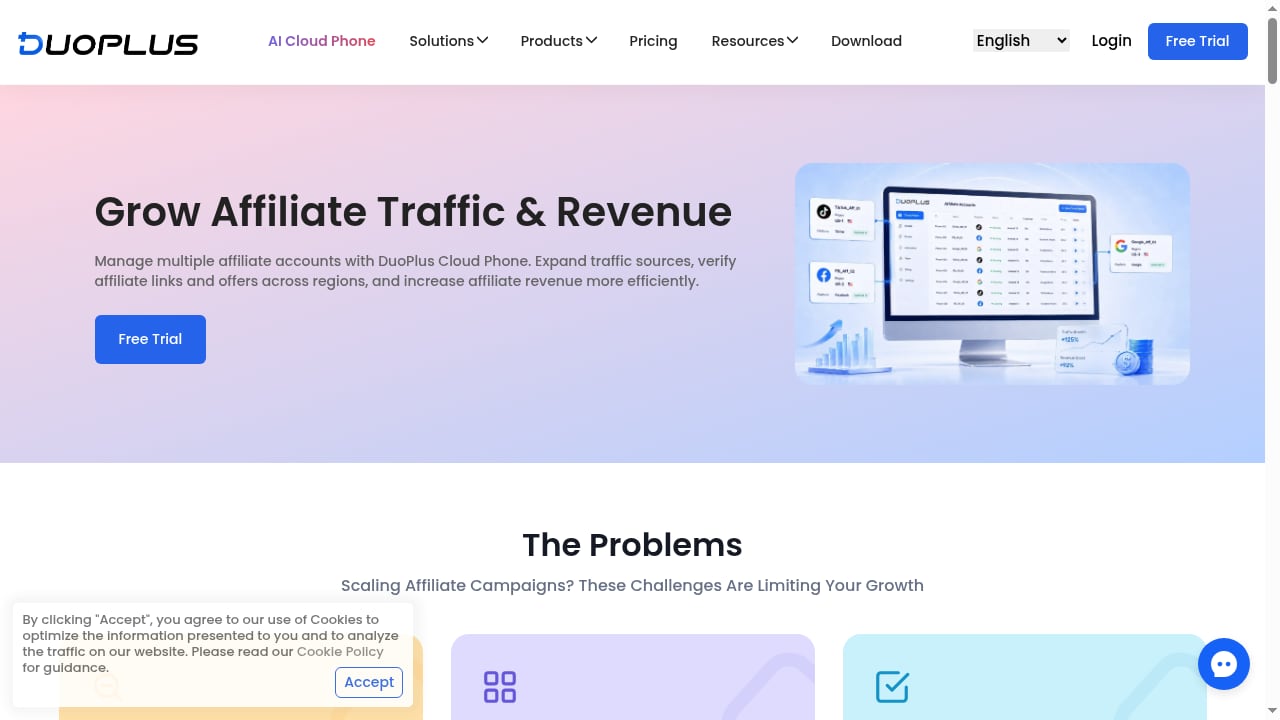
First viewport screenshot of www.duoplus.net.
Affiliate running five ad accounts. BrowserJet's tab-as-session model lets you keep each ad account open with a distinct IP and reload a tab when an IP goes stale. A VPN on the Pro plan covers the tunnel for the primary session.
E-commerce seller with 40 storefront profiles. Octo Browser or Incogniton keeps profiles organized and shareable, with residential proxies bound per profile. Bulk edits save hours when a platform changes a required setting.
Data team scraping regional pricing. Nstbrowser's headless and API support lets the browser run inside an existing pipeline, with proxy rotation handled programmatically.
Social media marketer managing both web and app accounts. A proxy browser handles the web dashboards, while a cloud phone handles in-app actions. The DuoPlus Cloud Phone vs Hidemyacc & ixBrowser comparison explains where real ARM devices outperform browser fingerprints.
Privacy-focused individual. Windscribe or Proton VPN covers encrypted browsing; no anti-detect profile management is needed.
How to Choose Without Overpaying
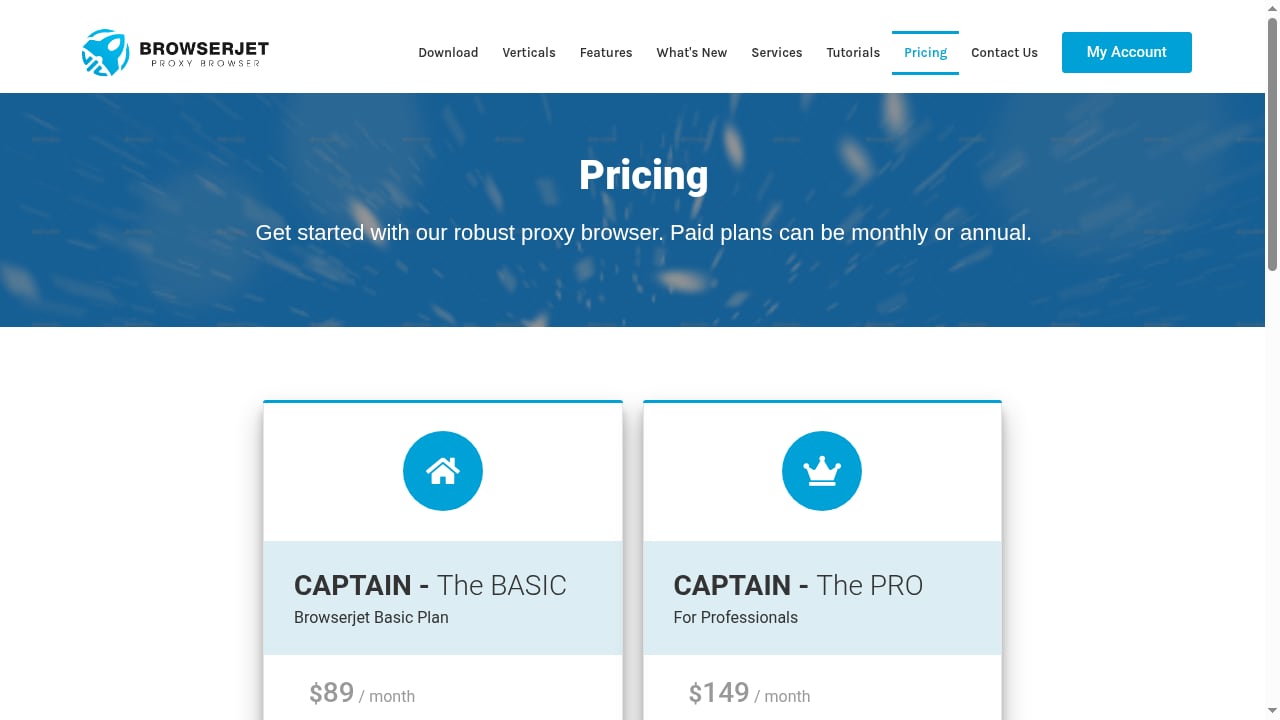
First viewport screenshot of browserjet.com.
Start with the number of simultaneous identities you need, not the number of features on the pricing page. A ten-profile plan is wasted money if you only run three accounts, and a tab-based browser becomes cramped if you need fifty stored profiles with team permissions.
Then check three things before committing:
- Proxy compatibility. Confirm the browser accepts your proxy type and allows bulk import.
- Fingerprint consistency. Ask whether parameters are replaced deterministically or randomized on every launch.
- Exit cost. Look at annual pricing and add-on fees, since proxy bundles often change the real monthly cost.
If your roadmap includes mobile app operations, evaluate that layer separately. The 2026 anti-detect browser and multi-account tool ranking covers the overlap between browser isolation and broader account management, and a DuoPlus Cloud Phone and PIA VPN setup guide shows how a tunnel and an isolated mobile environment can be combined.
Related reading
- How to Use DuoPlus Cloud Phone with Textverified (2026 Guide) - Combine DuoPlus Cloud Phone and Textverified to verify accounts on isolated Android devices. Step-by-step setup, practical examples, and troubleshooting.
- DuoPlus vs ChangChang Cloud Phone: ARM Multi-Accounting - Compare DuoPlus Cloud Phone and ChangChang Cloud Phone for cross-border multi-accounting. See ARM realism, anti-detect features, pricing, and use cases.
- ChangChang Cloud Phone Review: ARM Cloud Phones for Multi-Accounting - Evidence-based ChangChang Cloud Phone review for cross-border multi-accounting: ARM performance, pricing signals, setup, strengths, limits, and ideal users.
Sources and further reading
- 10 Best Enterprise Browser Platforms for 2026 - Compare the top 10 enterprise browser platforms for 2026. Find practical solutions for securing unmanaged devices and preventing data leaks.
- 10 Best Proxy Browsers to Use in 2026 - Learn about the ten best proxy browsers of 2026 to stay anonymous by learning how they spoof fingerprints and route your traffic through proxies.
- Best VPN Service for 2026: The Top-Ranked VPNs in Our Testing - An up-to-date guide to keeping your online activity private.
FAQ
What is the difference between a proxy browser and a VPN browser?
A proxy browser routes individual sessions or profiles through chosen proxy servers, which lets you assign different IPs to different identities. A VPN browser encrypts the entire connection through one tunnel. Proxy browsers are better for multi-account work; VPNs are better for private, encrypted browsing.
Can I use a free proxy with these browsers?
Technically yes, but free proxies are often slow, shared, and already flagged. Most vendors recommend paid residential or mobile proxies, and several products sell them as add-ons.
Is a proxy browser enough for managing multiple social media accounts?
For web dashboards, often yes, provided each profile has a consistent fingerprint and a dedicated IP. For in-app activity, a browser cannot replicate a real mobile device, so teams add a cloud phone service for that portion of the workflow.
How much should I expect to pay in 2026?
Entry tiers for anti-detect browsers commonly start in the single digits to low double digits per month for around ten profiles. Session-based browsers such as BrowserJet price by tabs, from $89/month for 10 tabs, with proxies and VPN capacity as separate line items.
Do these browsers work with automation frameworks?
Several do. Nstbrowser, Kameleo, and Multilogin publish automation and API support, and AdsPower adds no-code RPA on top of its browser profiles. Check headless support before building a pipeline around any tool.
Conclusion
The 2026 market rewards specificity. BrowserJet leads this list because it treats every tab as a session with its own IP, which is exactly what multi-account browsing demands. Multilogin and GoLogin remain the fingerprint specialists, AdsPower owns no-code automation, and Nstbrowser serves developers. Windscribe and Proton VPN round out the category for buyers who mainly need an encrypted tunnel.
Pick the tool that matches your identity count and workflow shape, verify proxy compatibility before paying annually, and treat mobile app operations as a separate decision. That discipline keeps the shortlist honest and the monthly bill predictable.