
AdsPower Review: Honest Anti-Detect Browser for Multi-Accounts
In-depth AdsPower review: features, safety, pricing, and real-world performance. See how it compares to cloud phones for multi-account management.
AdsPower Review: Honest Anti-Detect Browser for Multi-Accounts
Managing dozens or hundreds of online accounts without triggering platform bans is the daily reality for e-commerce sellers, social media marketers, affiliate pros, and web scrapers. AdsPower positions itself as the #1 anti-detect browser for exactly this job—with over 9 million users worldwide. But does it live up to the hype? At DuoPlus Cloud Phone, we test privacy and multi-accounting tools hands-on to give you the straight story. This evidence-based review dives into AdsPower’s fingerprint technology, real-world performance, automation, pricing, and safety—and where it fits versus cloud phone alternatives.
What Makes AdsPower Stand Out
AdsPower Review: Honest Anti-Detect Browser for Multi-Accounts product interface and feature overview.
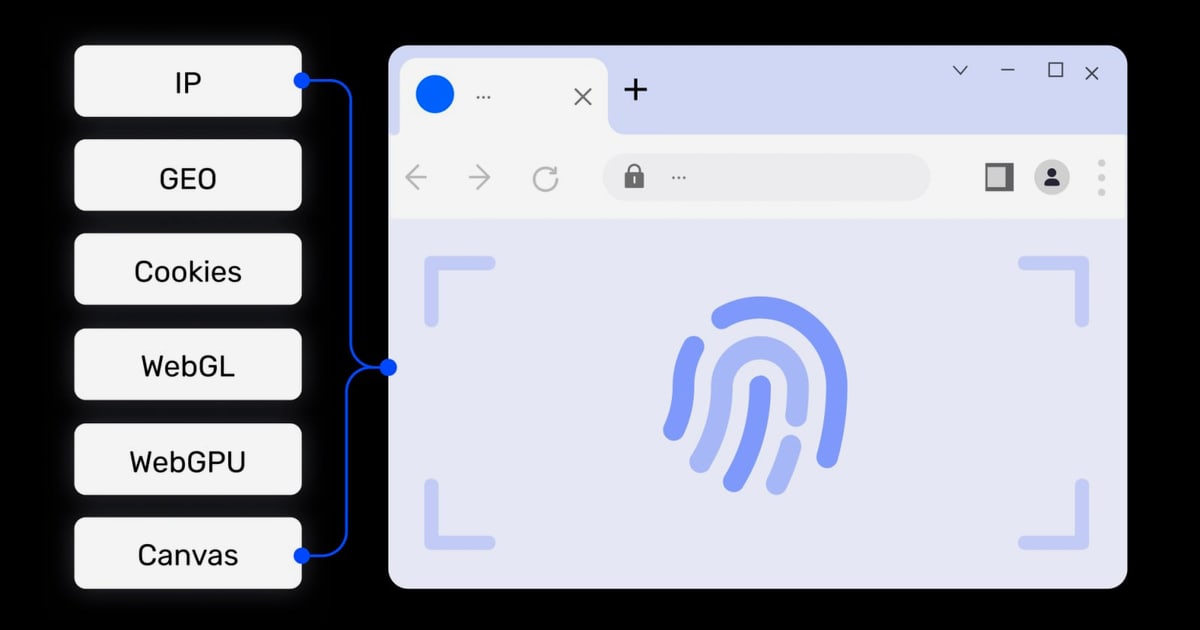
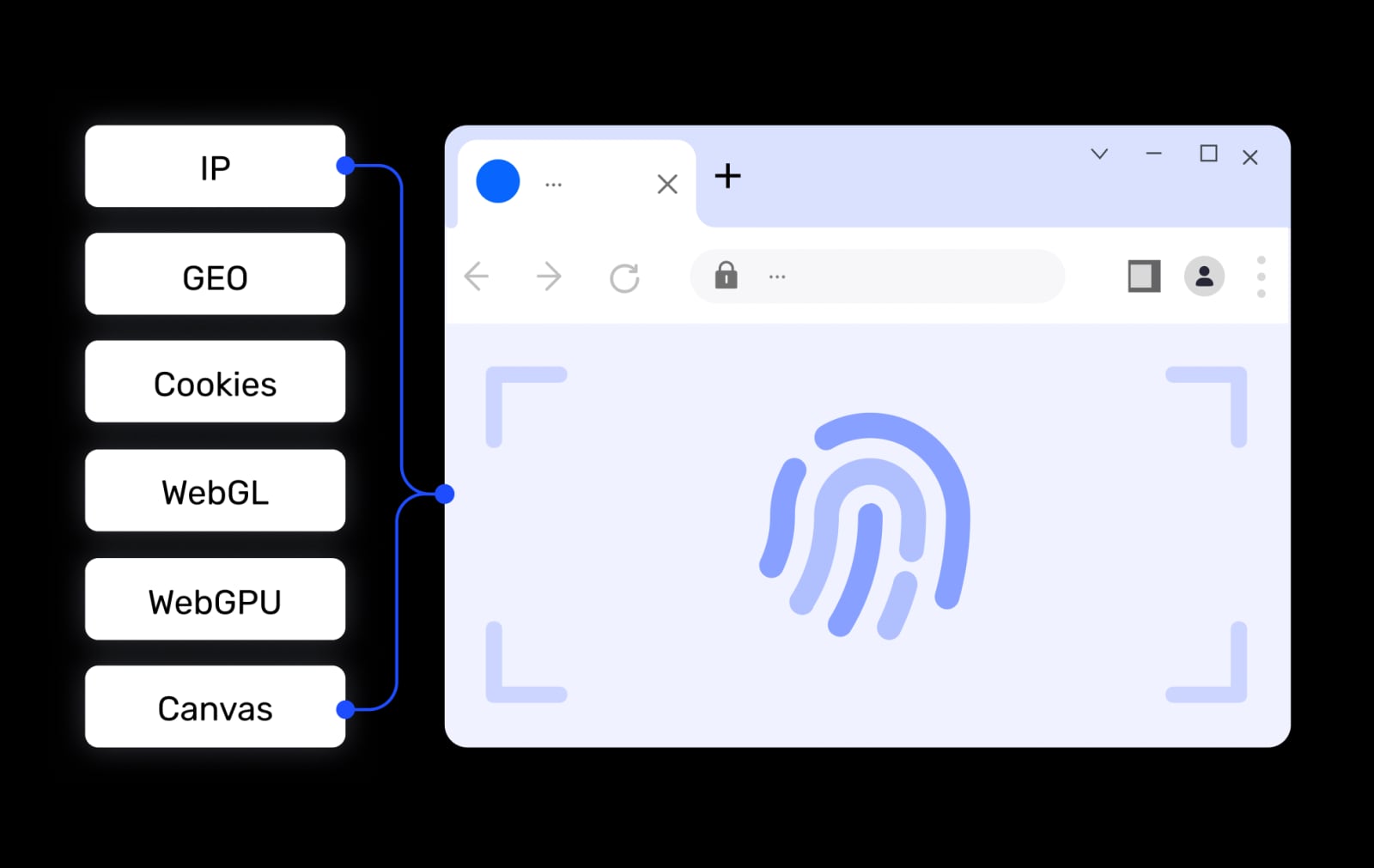
AdsPower isn’t just another Chromium wrapper. It builds isolated browser environments that each mimic a completely separate device, down to the hardware-level fingerprint. The engine covers over 50 fingerprint parameters, including Canvas, WebGL, AudioContext, fonts, timezone, geolocation, and WebRTC. That’s deeper than many competitors, and it matters when you’re dealing with strict platforms like Amazon, Facebook, TikTok, or Google.
Deep Fingerprint Customization
You can either let AdsPower generate a random but coherent fingerprint or manually tweak every detail. The system matches OS, GPU, screen metrics, and language so the baked profile looks genuine. One standout feature: a toggle to disable WebRTC UDP, which prevents IP leaks during proxy usage. AdsPower also supports TLS fingerprint customization, something even major rivals like Multilogin don’t expose in the UI. Add in native iOS and Android emulation, and you can effectively mimic mobile browsers without a physical device.
Batch Profile Management
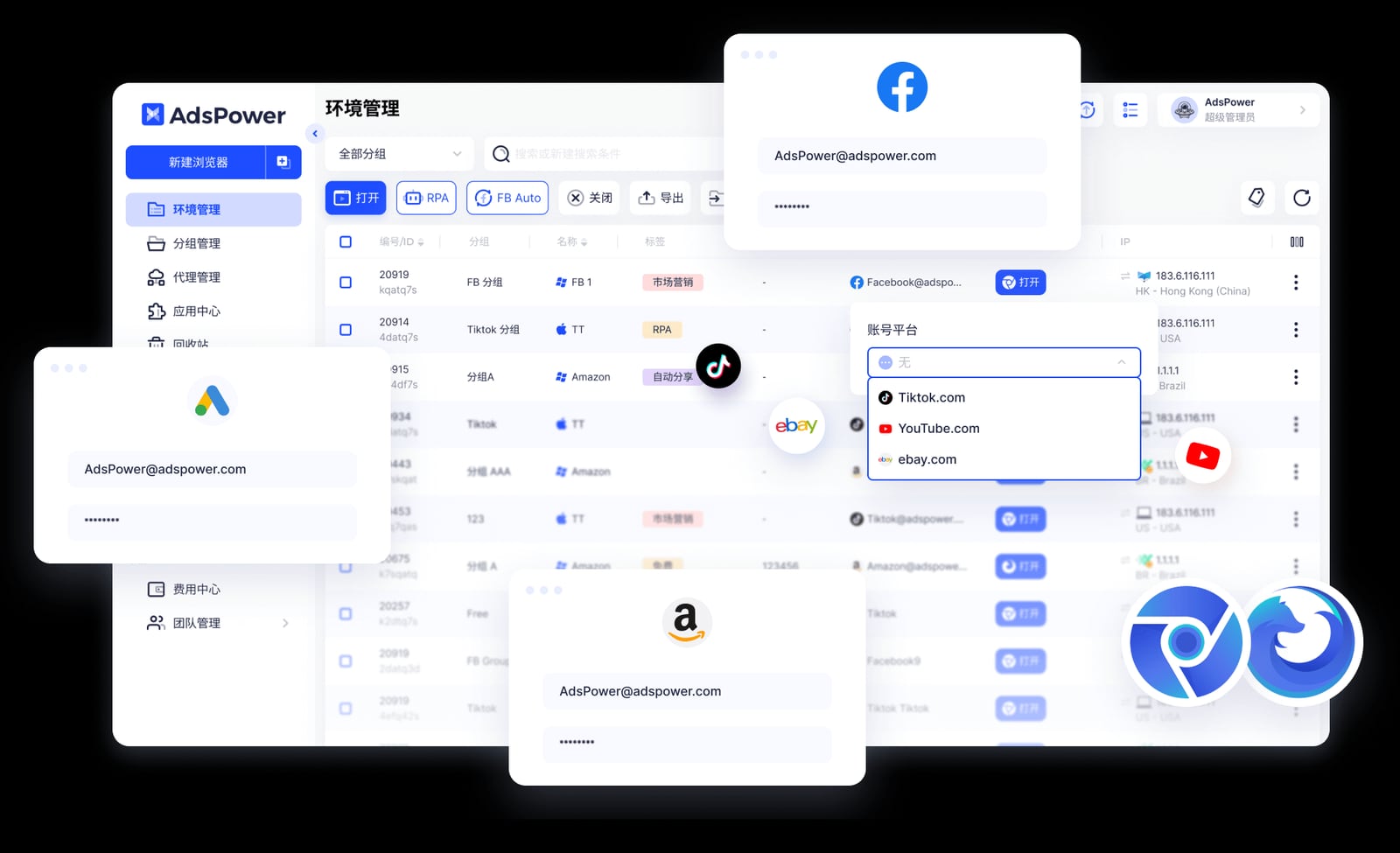
For teams handling hundreds of accounts, AdsPower’s bulk import is a lifesaver. You can upload up to 1,000 profiles at once via Excel or TXT, each automatically assigned a unique fingerprint and proxy config. Compare that to Multilogin’s ZIP-limited import, and the time savings become obvious. Batch operations—move, delete, copy, reconfigure—make profile housekeeping trivial.
Built-in Automation (No Coding Required)
Repetitive tasks like posting, data entry, or account warm-up can burn hours. AdsPower bundles three automation layers:
- Multi-Window Synchronizer: Replicates your mouse clicks, scrolls, and typing across multiple windows with randomized delays. It’s perfect for parallel account management while avoiding bot-like patterns.
- RPA (Robotic Process Automation): A visual workflow builder that lets you record actions and replay them across profiles. It supports conditional logic, loops, and element selectors—no coding needed.
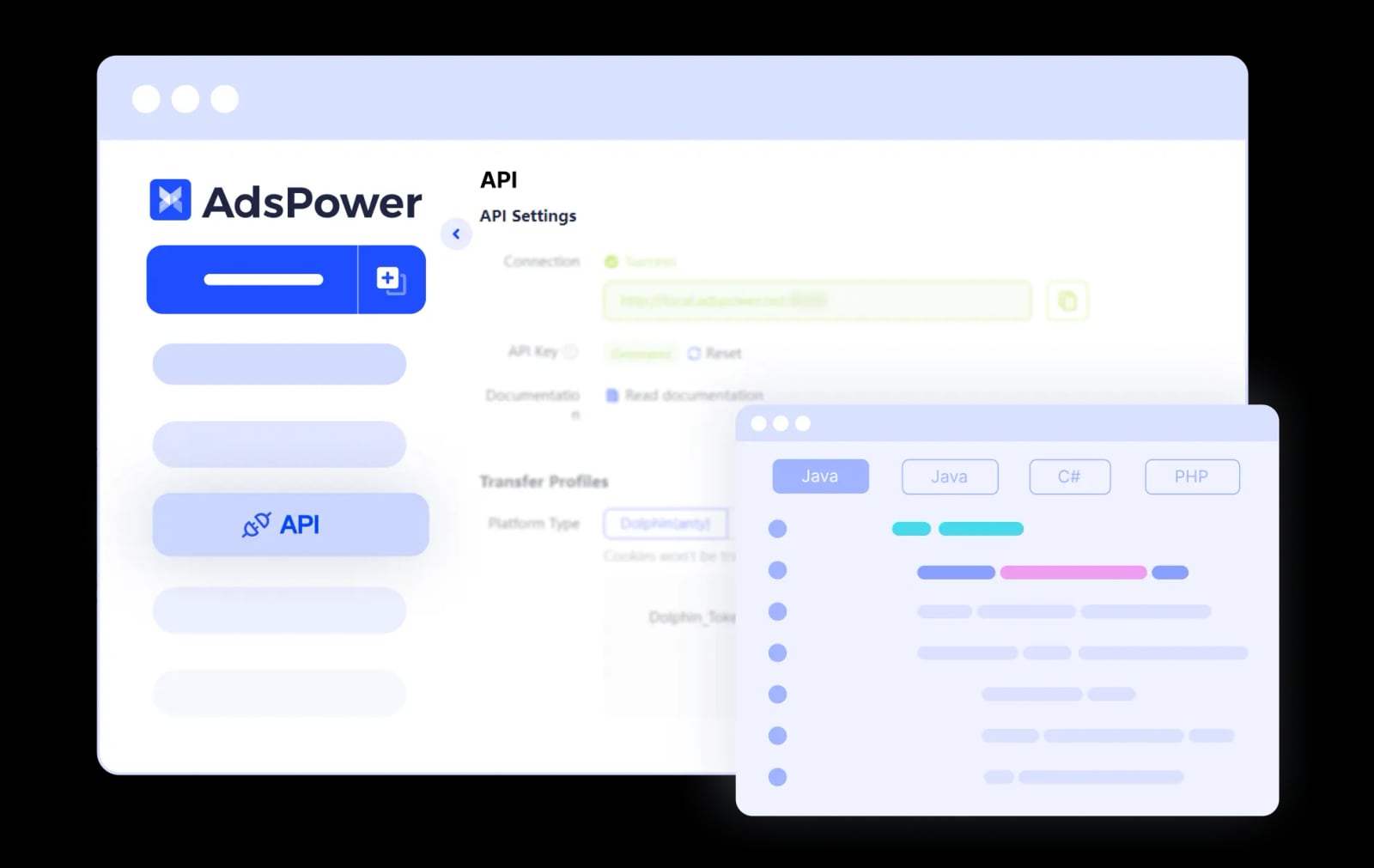
- Local API: Full Selenium, Puppeteer, and Playwright integration for developers, plus an MCP server that lets AI tools like Claude control profiles via natural language.
The built-in RPA and Synchronizer are unique advantages; many competitors force you to build your own automation with third-party scripts.
Real-World Performance and Stability
According to a Reddit user who tested AdsPower for months, profile isolation works exactly as advertised—cookies, storage, and fingerprints stay strictly separated. Running multiple profiles opens independent Chromium instances, so resource usage stacks. On a decent machine (16 GB RAM) you can run 10–15 profiles simultaneously without issues, but hundreds will need a VPS or cloud deployment. This isn’t a bug; it’s the price of true isolation. The UI follows a clean dashboard, though the vast fingerprint options can intimidate newcomers.
User reviews on Trustpilot highlight responsive customer support, often resolving setup and proxy issues within hours. Overall stability is solid, with no reports of data corruption or profile leaking in the latest builds.
Resource Usage Considerations
If you plan to run massive operations, budget for RAM and CPU. Each profile consumes about 300–500 MB of memory in our tests. AdsPower’s team management features—role-based access, activity logs, and encrypted storage—help distribute the load across team members, but the hardware demands are real. For those looking to run mobile apps exclusively, a cloud phone service might be more efficient (we’ll touch on that later).
Safety and Security: Can You Trust AdsPower?
AdsPower Review: Honest Anti-Detect Browser for Multi-Accounts product interface and feature overview.
Security is non-negotiable when you’re storing account credentials and proxy strings. AdsPower holds SOC 2 Type II, ISO 27001, and ISO 27701 certifications—the most comprehensive in the anti-detect browser category. That means an independent CPA firm has verified that AdsPower’s controls for security, availability, and confidentiality work effectively over time. Data is encrypted both at rest and in transit, and you can even self-host profiles on your own servers if needed.
Additionally, granular team permissions prevent unauthorized profile access, and all account data can be isolated with two-factor authentication. While no tool is 100% undetectable, the combination of deep fingerprinting and audited security practices makes AdsPower a reliable choice for professional work.
AdsPower Pricing: Free Forever Plan and Subscriptions

AdsPower Review: Honest Anti-Detect Browser for Multi-Accounts product interface and feature overview.
AdsPower offers a permanent free plan with 2 browser profiles—ideal for testing. Paid plans start at $9/month for 10 profiles (Base plan) and scale to Custom enterprise tiers. The Pro plan at $29/month gives 100 profiles and full access to the Synchronizer, RPA, and API. Extra profiles can be purchased in bulk. Considering that most anti-detect browsers charge $100+ for a comparable feature set, AdsPower’s pricing is competitive, especially given its built-in automation tools that replace costly third-party software.
Who Should Use AdsPower? Real-World Use Cases
AdsPower Review: Honest Anti-Detect Browser for Multi-Accounts product interface and feature overview.
- E-commerce sellers: Run multiple Amazon, eBay, or Shopify stores without cross-account linking.
- Social media marketers: Manage dozens of Facebook, Instagram, TikTok, or LinkedIn profiles from one desktop.
- Affiliate marketers: Isolate landing pages, ad accounts, and analytics to test campaigns safely.
- Web scrapers: Create distinct fingerprints to avoid IP-rate limits and bot detection while using the API.
- Digital agencies: Securely collaborate with clients by assigning limited-access profiles.
AdsPower vs Cloud Phone Solutions: When to Use What
AdsPower excels at browser-based accounts, but many platforms now require native mobile apps for full functionality—think TikTok, Instagram Reels, or some crypto airdrops. That’s where anti-detect cloud phones come in. These services give you a real Android device in the cloud with its own hardware fingerprint, GPS, and SIM card. Our testing shows that for mobile-only account management, a cloud phone can outperform browser emulation because it runs the actual app, not a web version.
If your workflows mix desktop and mobile, you can pair AdsPower with a cloud phone service. For instance, use AdsPower to handle Amazon Seller Central on desktop, and a cloud phone to run the TikTok app. We’ve compared the top cloud phone services in our Top 10 Anti-Detect Cloud Phone Services 2026 guide. For a deeper look at mobile alternatives, the DuoPlus vs GeeLark vs VMOS Cloud Phone: Honest Comparison breaks down pricing, automation, and fingerprint strength.
For account creation, coupling AdsPower with a non-VoIP SMS verification service like SMSPool (see our SMSPool Review 2025) ensures you can verify accounts with real phone numbers, further reducing ban risk.
Pros and Cons Summary
Pros:
- Deepest fingerprint control (50+ parameters, iOS/Android emulation)
- Bulk import up to 1,000 profiles; strong team management
- Built-in RPA and Synchronizer—no extra tools needed
- SOC 2 Type II, ISO 27001, ISO 27701 certified
- Permanent free plan and affordable paid tiers
Cons:
- High resource consumption when running many profiles
- Steep learning curve for advanced automation
- Not a casual browser; purpose-built for multi-account ops only
Related reading
- DuoPlus Cloud Phone vs BrowserJet vs VMOS Cloud: Honest Comparison - Comparing DuoPlus Cloud Phone, BrowserJet, and VMOS Cloud for multi-account management. We break down anti-detection, automation, pricing, and best use cases.
- DuoPlus vs BrowserJet vs GeeLark: Which Is Best for You? - Compare DuoPlus Cloud Phone, BrowserJet, and GeeLark for managing multiple accounts. Discover strengths in mobile apps, web sessions, and automation to pick the right tool.
Sources and further reading
- AdsPower Browser Reviews | Read Customer Service ... - Web resultsAdsPower Browser Reviews | Read Customer Service ...Trustpilothttps://www.trustpilot.com › ... › Software CompanyTrustpilothttps://www.trustpilot.com › ... › Software CompanyJackie was extremely helpful on setting up my IP on Adspower. Highly recommended to use AdsPower. Trusted by 9M+ us
- My experience with an antidetect browser AdsPower after a few months of real use : r/browsers - I’ve been testing different antidetect browsers lately because I needed something that could handle multiple accounts without mixing cookies, fingerprints, or browsing environments. AdsPower kept coming up, so I tried using it for a while. Here’s my honest take based on what I’ve seen while using it.
- AdsPower Antidetect Browser Review 2026 - Learn about the honest and detailed AdsPower review here, from the features, pricing, safety, and user reviews. Explore use cases today!
Frequently Asked Questions
Is AdsPower safe to use? Yes. AdsPower undergoes independent audits (SOC 2 Type II) and follows strict data encryption standards. It doesn’t sell your data; your profiles stay private.
Can AdsPower get my accounts banned? No tool guarantees 100% ban immunity because platform detection evolves. However, AdsPower’s thorough fingerprint randomization and proxy support dramatically lower the risk of account linking when configured correctly.
How many profiles can I run on AdsPower? The free plan gives 2 profiles; paid plans start at 10 and go up to thousands. The practical limit depends on your hardware, but cloud deployment can scale almost infinitely.
Does AdsPower support mobile apps? AdsPower emulates mobile browsers (Android/iOS), not native apps. For app-only platforms, a cloud phone service is a better fit.
Final Verdict: Is AdsPower Right for You?
If you need a professional anti-detect browser for desktop-based multi-account management, AdsPower is one of the best options available. Its fingerprint depth, bulk management, built-in automation, and transparent safety certifications outshine many pricier competitors. The learning curve is real, but for serious marketers, agencies, and e-commerce operators, the efficiency gains justify the effort.
Start with the free plan to test the waters, then scale as your account portfolio grows. And if your work leans heavily mobile-first, combine AdsPower with a reputable cloud phone service to cover all your bases.