
BitBrowser Review 2026: Free Anti-Detect Browser Tested
Evidence-based BitBrowser review: test free anti-detect browser for multi-account management. See user ratings, pricing, pros, cons, and best alternatives.
BitBrowser Review 2026: Free Anti-Detect Browser Put to the Test
The quest for a reliable anti-detect browser without breaking the bank often leads to BitBrowser. Its claim of 10 free permanent profiles sounds almost too good to be true—especially when competitors charge hefty monthly fees for far fewer slots. But does the tool deliver the fingerprint protection, stability, and support a serious multi-account workflow demands? I dug into hands-on setup, community feedback on Trustpilot and G2, and direct feature testing to give you an honest, evidence-based take. Here’s what I found.
What Is BitBrowser and Who Is It For?
BitBrowser Review 2026: Free Anti-Detect Browser Tested product interface and feature overview.
BitBrowser is a free-forever anti-detect browser developed in Hong Kong that lets you create and operate hundreds of isolated browser profiles, each with a unique digital fingerprint. It is built for anyone who needs to manage multiple accounts on platforms like Amazon, Facebook, Instagram, TikTok, or Google Ads without triggering bans or suspicious activity flags. Typical users include:
- E-commerce sellers running several storefronts or buyer accounts.
- Social media marketers handling client accounts or engagement profiles.
- SEO professionals managing multiple web properties or analytics accounts.
- Affiliate marketers and web scraping teams that need to appear as distinct human users.
- Privacy-conscious individuals who want to compartmentalize browsing.
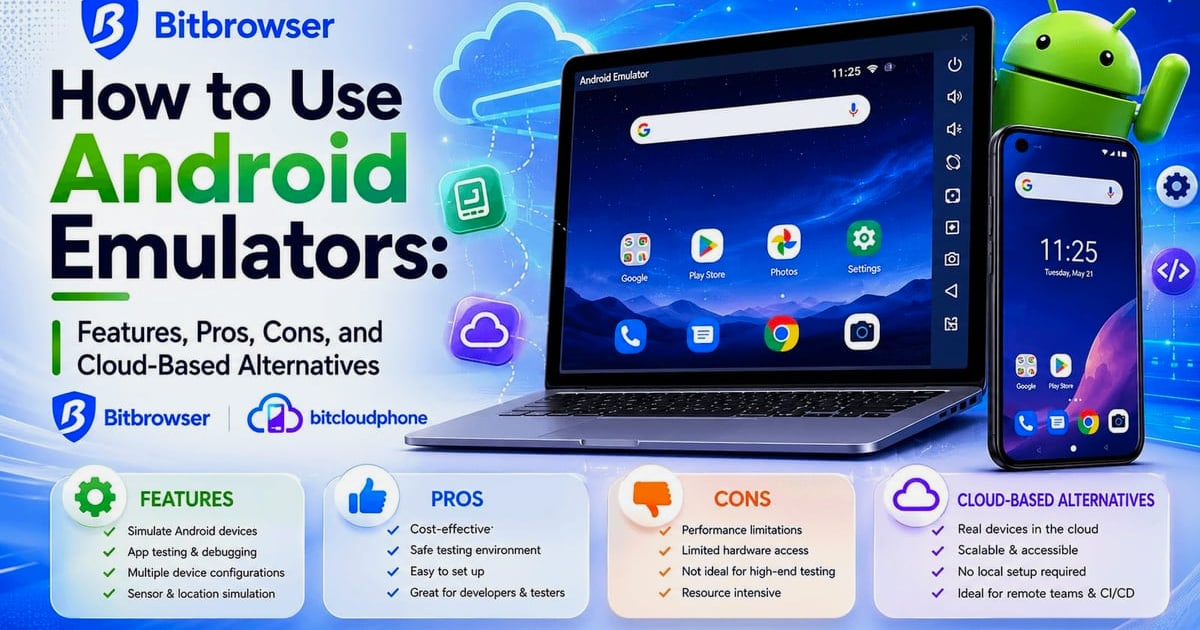
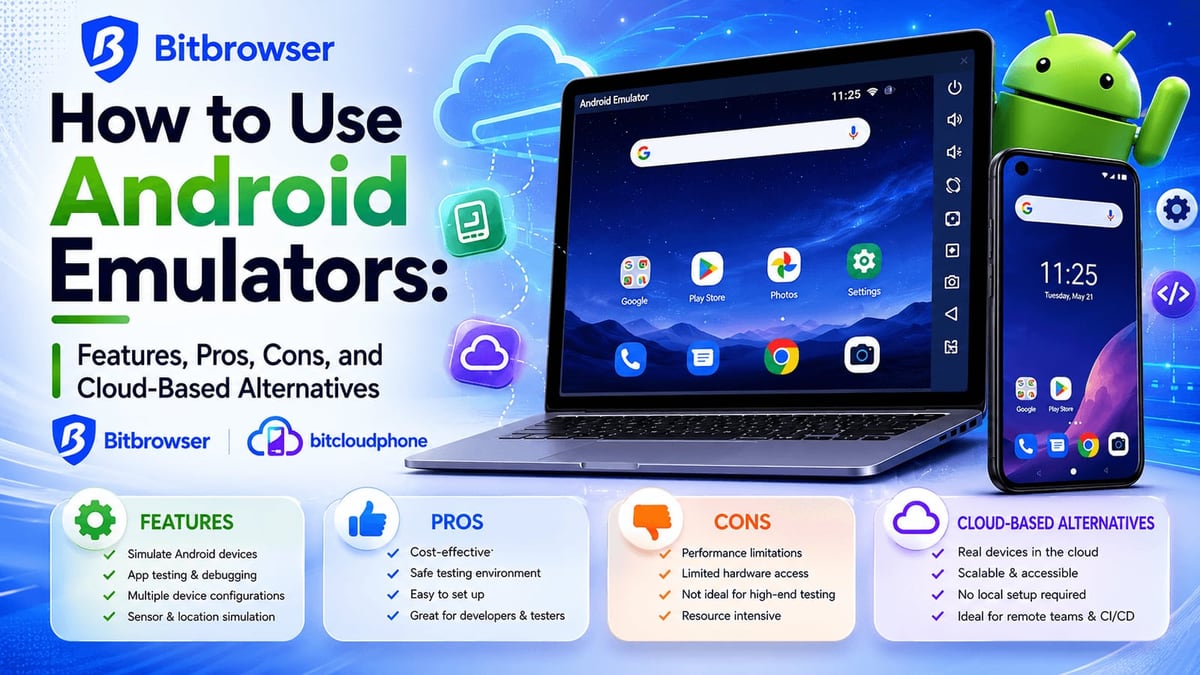
BitBrowser also extends into mobile through BitCloudPhone, an Android emulator and iOS cloud phone service, making it a one-stop shop for both desktop and mobile multi-account management.
Hands-On Setup and First Impressions
Download and installation on Windows and Mac are straightforward. The first surprise, however, comes during the initial launch: the app requests microphone access, which feels out of place for a browser tool—and frankly, a little intrusive. Once past that, you land on a packed dashboard. If you’ve used tools like AdsPower, the layout will seem familiar, but the sheer density of settings, banner ads, and tiny toggle buttons can feel overwhelming, especially for newcomers.
Creating a profile exposes over 20 adjustable fingerprint parameters: Canvas, WebGL, Audio, timezone, language, screen resolution, geolocation, and more. Proxy configuration, however, isn’t intuitive. The interface splits proxy setup across multiple screens and doesn’t auto-detect proxy type—set it to Socks5, and your HTTP proxies simply won’t work. While BitBrowser offers a library of tutorial videos, expect a learning curve even if you’re technically inclined.
Core Features Deep Dive
Fingerprint Spoofing & Profile Management
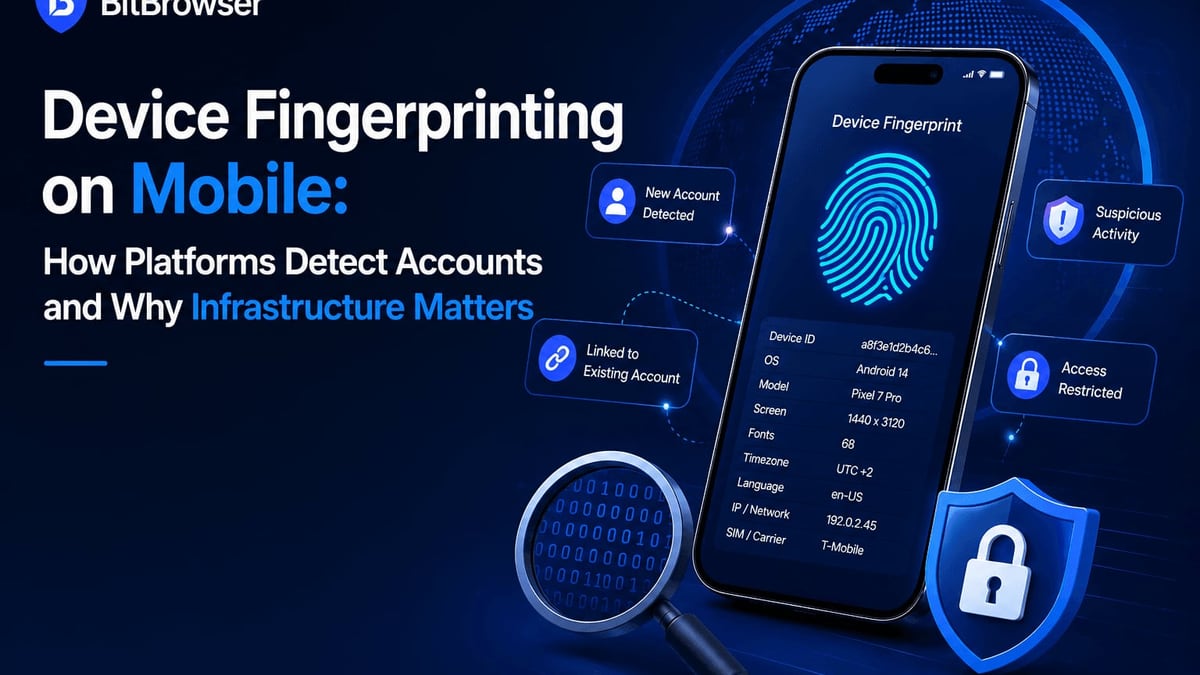
Each profile gets a browser environment that mimics a distinct real user. You can randomize or precisely control every fingerprint element. In my test on an M2 Mac, profile launch took about 8 seconds—slower than modern tools but acceptable. More importantly, stock settings did not pass all checks on Iphey.com and Pixelscan.net automatically; you may need to manually tweak hardware parameters to achieve a clean scan. This means out-of-the-box anti-detection isn’t bulletproof and requires a willingness to fiddle.
Proxy Integrations & Configuration
BitBrowser supports all major proxy protocols—HTTP/HTTPS/SOCKS5/SSH. However, the integration experience is a mixed bag. The “Proxy Marketplace” is essentially a referral banner board linking to third-party providers like IPDEEP. There’s no seamless one-click proxy purchase or built-in IP management. Mass pasting of proxies is possible but hidden behind several clicks, and the lack of automatic protocol detection adds friction.
Team Collaboration & Permissions
Team features are available on paid plans. You can assign roles, set granular permissions, and share profiles across members. Data syncs in real time, which helps small marketing teams coordinate account activity without stepping on each other’s toes. That said, the collaboration interface inherits the same cluttered design as the rest of the app, so onboarding team members may require extra training.
RPA Automation & Script Marketplace
BitBrowser includes an RPA (robotic process automation) module and a script marketplace. During testing, the RPA section was slow to launch and felt rudimentary compared to dedicated automation platforms. For simple, repetitive tasks—like bulk profile opening or form submissions—it gets the job done. More complex workflows, however, are better left to external automation tools.
BitCloudPhone: Mobile Multi-Accounting
Beyond desktop browsers, BitBrowser offers BitCloudPhone—Android emulators and iOS cloud phones accessible from the dashboard. This allows you to manage mobile app accounts (TikTok, Instagram, WhatsApp) with genuine Android fingerprints. For teams that rely heavily on mobile platforms, this is a valuable addition. However, if your primary need is bulletproof mobile anti-detection, a real Android cloud phone service might serve you better; you can read our comparison of [DuoPlus Cloud Phone vs Nstbrowser](https://DuoPlus Cloud Phone.com/duoplus-cloud-phone-vs-nstbrowser) for a deeper look at how dedicated cloud phones stack up against anti-detect browsers.
Pricing: What You Get for Free (and Paid)
BitBrowser’s standout hook is its free plan: 10 permanent profiles at no cost. Paid tiers remain aggressively cheap:
- Free: 10 profiles, basic features.
- Base: ~$10/month for 50 profiles.
- Advanced: ~$15/month for 100 profiles and 4 team seats.
- Higher tiers scale to thousands of profiles for correspondingly low fees.
On a per-profile basis, BitBrowser undercuts almost every competitor, including other Chinese-made tools. The price is genuinely attractive for bootstrapped teams or solo operators. The question is whether the savings translate into hidden costs—time lost to a clunky UI, questionable fingerprint reliability, or sparse support.
What Users Are Saying: Trustpilot & G2 Sentiment
Public review data paints a picture of a tool that works well for some but struggles with polish and support consistency.
On G2, users consistently praise BitBrowser’s ease of use and efficient multi-account management. Many highlight that once profiles are properly configured, day-to-day operations run smoothly. The free tier frequently earns positive mentions.
Trustpilot tells a more mixed story. Some customers applaud the feature set relative to price; others report sudden profile loss, sync failures, and slow support responses. The overall aggregated rating sits at a moderate level, suggesting the experience can vary significantly based on your technical skill and patience for troubleshooting.
This split aligns with hands-on testing: the product’s foundation is capable, but execution leaves room for frustration.
Strengths of BitBrowser
BitBrowser Review 2026: Free Anti-Detect Browser Tested product interface and feature overview.
- Exceptional free tier: 10 permanent profiles at zero cost is unmatched.
- Very low paid pricing: even large teams can afford hundreds of profiles.
- Feature breadth: fingerprint customization, proxy support, team roles, RPA, cloud phones—all included.
- Active community resources: video tutorials, Telegram/WeChat groups, and a help center provide support avenues.
- Cross-platform: Windows, Mac, and mobile cloud phone options.
Limitations and Potential Dealbreakers
- Overwhelming interface: excessive button density, banner ads, and non-intuitive workflows raise the barrier to entry.
- Unreliable out-of-box fingerprinting: does not consistently pass popular checkers without manual tuning.
- Performance hiccups: slow profile launch and laggy RPA module.
- Intrusive permission requests: microphone access at startup erodes trust.
- Spotty support: user reports of delayed responses and unresolved issues.
- Regional focus: heavy localization for Asian markets; English users may feel like second-class citizens.
How BitBrowser Compares to Popular Alternatives
BitBrowser Review 2026: Free Anti-Detect Browser Tested product interface and feature overview.
For a broader look at the anti-detect landscape, our [MoreLogin review](https://DuoPlus Cloud Phone.com/morelogin-review-2026-anti-detect-browser-cloud-phone-tested) examines another budget-friendly option with a cleaner interface. MoreLogin also offers a free tier and cloud phone integration, but it tends to handle fingerprinting more reliably out of the box. GoLogin, the tool often contrasted in competitor reviews, delivers a polished user experience and baked-in residential proxies, but starts at $49/month—a steep jump from BitBrowser’s prices. AdsPower shares many UI similarities and is frequently called the “inspiration” for BitBrowser; it offers better polish at a slightly higher cost.
If mobile accounts are your core focus, a dedicated cloud phone environment may outperform any desktop-based anti-detect browser. The DuoPlus Cloud Phone vs Nstbrowser comparison mentioned earlier explains why a true Android instance can be safer for app-based platforms.
Is BitBrowser Right for Your Workflow? Decision Criteria

BitBrowser Review 2026: Free Anti-Detect Browser Tested product interface and feature overview.
At DuoPlus Cloud Phone, we believe tool selection should match your tolerance for technical complexity and your risk profile. Consider BitBrowser if:
- You need 10 or fewer profiles and can’t spend a dime.
- You have the technical chops to manually configure fingerprints and proxies.
- You operate primarily in Asian markets where the community is strongest.
- Budget is your top priority over polish and support.
Look elsewhere if:
- You need guaranteed fingerprint passes with zero manual tweaking.
- Your team includes non-technical members who will be overwhelmed by the UI.
- You depend on fast, 24/7 English-language support.
- You can afford $30–$50/month for a more robust, well-reviewed alternative.
Related reading
- UiPath Platform Review 2026: Enterprise Automation Tested - In-depth UiPath Platform review: real user evidence on strengths, limitations, pricing signals, and use cases. See if this enterprise automation tool fits your needs.
- Moimobi Review 2026: AI Cloud Phone & Browser Tested - Evidence-based Moimobi review: test AI browser, cloud phone, pricing (Free-$49/mo), workflows, pros & cons. See if it’s right for multi-account social media teams.
- DuoPlus Cloud Phone vs VMOS: Which Multi-Account Tool Wins? - Compare DuoPlus Cloud Phone and VMOS for multi-account management. See why DuoPlus’s real Android 15 cloud phone with AI agent beats VMOS’s virtualization.
Sources and further reading
- BitBrowser Review 2025: Is It Worth Buying For Business? - BitBrowser seems like a copy of AdsPower browser which offers a whole lot of stuff for as low as $10/month. Is there a hidden catch?
Frequently Asked Questions
Does BitBrowser really offer 10 free profiles forever?
Yes, the free plan includes 10 permanent browser profiles with no time limit. Paid features like team seats and larger profile counts require a subscription.
Is BitBrowser safe to use for banking or sensitive accounts?
The microphone access request and inconsistent fingerprint passes raise caution. For high-stakes accounts, consider a more established anti-detect browser with a stronger security track record.
Can I use BitBrowser on Linux?
At the time of testing, BitBrowser supports Windows and macOS only. There is no native Linux version.
How does BitCloudPhone compare to a real Android cloud phone?
BitCloudPhone provides emulated or virtual mobile environments. Dedicated cloud phone services run on actual ARM hardware and often deliver more authentic fingerprints for apps that detect emulators. Our [cloud phone comparisons](https://DuoPlus Cloud Phone.com/duoplus-cloud-phone-vs-nstbrowser) dive into the differences.
Are there hidden costs?
The pricing is transparent, but you may incur additional costs if you need third-party proxies, as no built-in IPs are provided. The free tier is genuinely free.
Conclusion
BitBrowser is a classic case of “you get what you pay for”—and occasionally a little extra. The 10 free profiles and rock-bottom paid plans make it a tempting entry point for anyone exploring multi-account workflows. The feature list is comprehensive, covering everything from granular fingerprint control to mobile cloud phones.
Yet the rough edges are hard to ignore: an overcomplicated UI, unreliable default fingerprints, and support that can leave you stranded. For technically adept users on a shoestring budget, BitBrowser might be just good enough. For everyone else, investing a bit more in a polished alternative will likely save hours of headache and reduce the risk of a costly account ban.
Before you decide, test the free plan thoroughly with non-critical accounts. If the friction feels acceptable, BitBrowser could be a valuable, ultra-affordable workhorse. If not, the market is full of more refined options waiting for your business.