
DuoPlus vs BitBrowser vs Antidetect Cloud: Which Multi‑Account Tool Wins?
Compare DuoPlus Cloud Phone with BitBrowser and Antidetect Cloud anti‑detect browsers for multi‑account management. See strengths for mobile apps, web dashboards, and team scaling.
DuoPlus vs BitBrowser vs Antidetect Cloud: Which Multi‑Account Tool Wins?
Managing dozens of social profiles, e‑commerce stores, or ad accounts without bans is a constant battle. You need isolated environments that look real to every platform. But do you reach for a real cloud Android phone like DuoPlus, or a lighter anti‑detect browser such as BitBrowser or Antidetect Cloud?
This article cuts through the noise. We’ll compare how these three tools work at their core, stack their strengths side‑by‑side, and give you a clear decision framework so you pick the right approach for your daily operations.
How These Tools Differ at Their Core
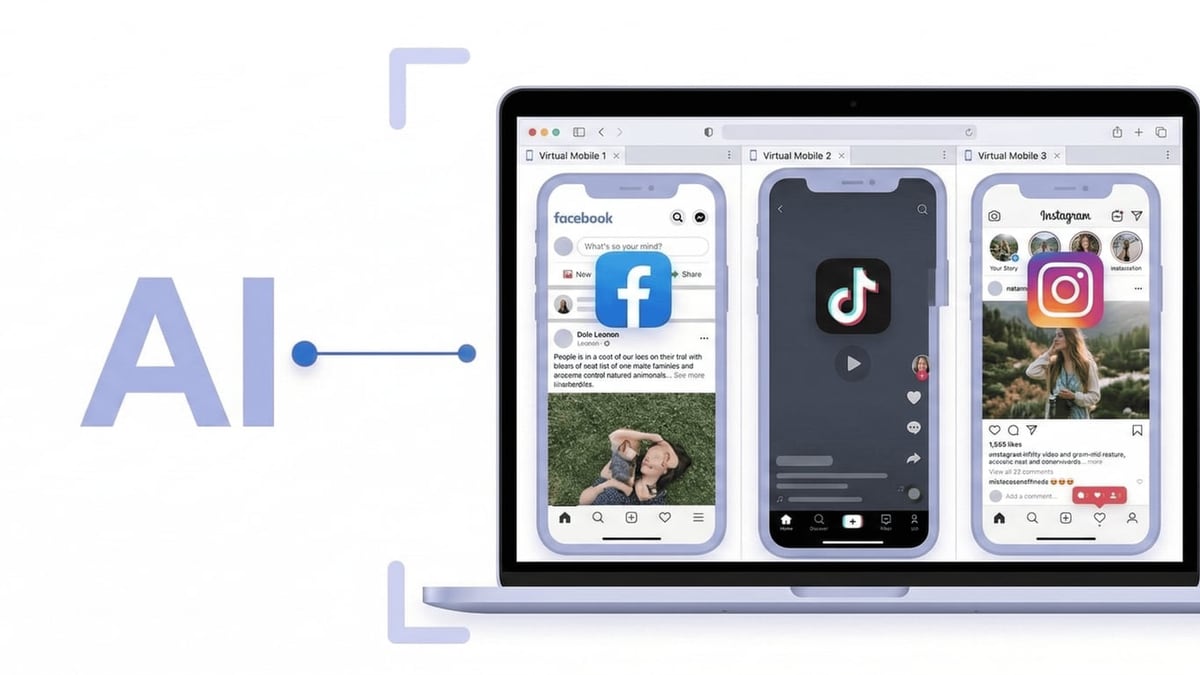
DuoPlus vs BitBrowser vs Antidetect Cloud: Which Multi‑Account Tool Wins? product interface and feature overview.
Before we dive into tables and use cases, the fundamental split is simple:
- DuoPlus gives you real cloud Android devices – a full mobile operating system that runs native apps.
- BitBrowser and Antidetect Cloud are anti‑detect browsers – they spoof browser fingerprints so each web session looks unique, but they live on your desktop or in the cloud as browser profiles.
That single distinction determines where each tool truly shines.
DuoPlus Cloud Phone: A True Android Environment
DuoPlus isn’t just browser spoofing. Each instance is an independent, ARM‑based Android 15 cloud phone with its own device ID, GPS, SIM simulation, and sensors. You install apps from the Play Store, receive push notifications, and use the devices as you would a physical phone – but from a browser tab. It also bundles cloud SMS numbers, proxy configuration, and batch‑operation tools in one dashboard. For more on mobile‑first workflows, see our DuoPlus vs Moimobi vs Antidetect Cloud comparison where we examine the Android advantage in detail.
BitBrowser: The Free‑Friendly Anti‑Detect Browser
BitBrowser creates isolated browser profiles on your Windows or macOS machine. Each profile gets a unique fingerprint built from over 20 parameters (WebGL, Canvas, timezone, language, etc.) and its own proxy. The standout is that 10 browser profiles are permanently free, making it an easy starting point for small teams. It also offers an optional mobile module (BitCloudPhone), but the core product is a desktop browser manager.
Antidetect Cloud: Browser Profiles Stored in the Cloud
Antidetect Cloud stores your profiles online, not just on a local hard drive. This means you can log in from any machine without migrating data. It includes a built‑in VPN service, Android browser‑level simulation, and automation utilities. Pricing starts at $25/month, with lifetime deals available for heavy users.
Feature Comparison Table
| Criteria | DuoPlus Cloud Phone | BitBrowser | Antidetect Cloud |
|---|---|---|---|
| Environment type | Real Android 15 device (ARM) | Chromium‑based browser profile | Cloud‑synced browser profile |
| Mobile app support | ✅ Full native Android apps | ❌* (optional BitCloudPhone for mobile) | ❌** (browser‑based Android simulation) |
| Fingerprint depth | Full device parameters (IMEI, serial, sensors, GPS) | 20+ browser‑level parameters | Browser‑level + basic mobile simulation |
| Proxy setup | Dedicated per device, SOCKS5, plus built‑in cloud numbers for SMS | Any proxy protocol per profile (HTTP/SOCKS5/SSH) | Manual per‑profile proxy; includes built‑in VPN |
| Automation | AI Agent (no‑code), RPA templates, batch file install | RPA scripts, extension marketplace, Selenium compatibility | Automation workflow utilities |
| Team collaboration | Share full cloud phone, assign devices, multi‑user access | Permission‑based profile sharing, data sync | Team plans with permission controls |
| Entry price | Free trial; pay‑as‑you‑go from ~$0.15/30 min | Free forever for 10 profiles | From $25/month (solo) |
| Best for | Mobile‑first social apps, crypto, long‑term account farming | Web dashboards, ad accounts, multiple online stores | Location‑free web work, users who prefer cloud storage |
*BitBrowser’s core product is a desktop browser; mobile apps require the separate BitCloudPhone add‑on.
**Antidetect Cloud’s Android support is browser‑level simulation, not a full OS – many mobile apps will not install or behave natively.
When DuoPlus Cloud Phone Shines
DuoPlus vs BitBrowser vs Antidetect Cloud: Which Multi‑Account Tool Wins? product interface and feature overview.
If your accounts live inside mobile apps – think TikTok, Instagram, WhatsApp, Tinder, Zalo, mobile banking, or crypto wallet apps – a browser solution cannot replicate the required environment. Platforms actively check for missing mobile sensors, app integrity, and Google Play Services. DuoPlus addresses this with:
- Complete device isolation: One cloud phone = one unique Android ID, IMEI, serial, and SIM. Accounts never leak context.
- Native app execution: Install any APK, retain app data, and use real push notifications. That’s critical for apps that scan for rooted or emulated environments.
- Integrated verification stack: Cloud numbers, proxy, and device live in one dashboard. When a platform demands SMS verification, the workflow stays seamless.
- Mobile‑specific automation: The embedded AI Agent and batch file distribution let you warm up 50 TikTok accounts with real app behavior – something browser‑based RPA can’t replicate.
- Long‑running sessions: Cloud phones run 24/7 in the cloud. You can farm accounts or stream live video without keeping a PC online. For deep dives into persistent Android cloud environments, read our DuoPlus vs VMOS Cloud comparison.
Because of these strengths, DuoPlus is the natural choice for cross‑border social media teams, affiliate marketers running mobile campaigns, and anyone whose accounts depend on mobile app integrity – as highlighted in DuoPlus’s own comparison with generic anti‑detect browsers.
Where BitBrowser and Antidetect Cloud Excel
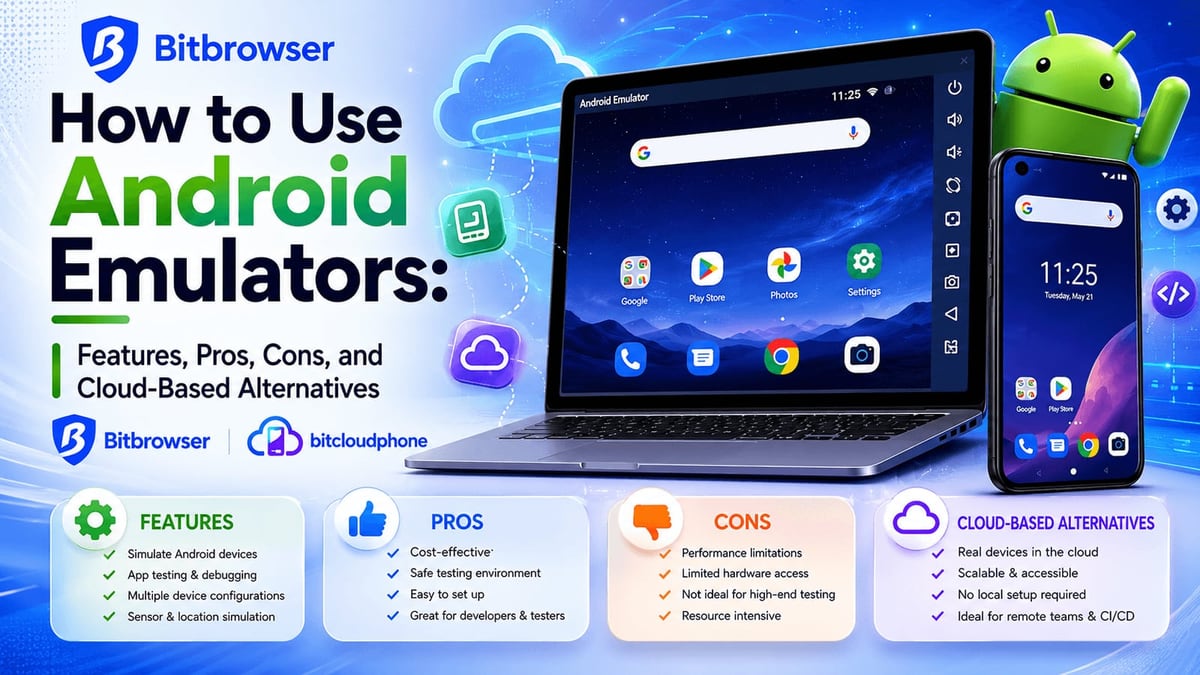
DuoPlus vs BitBrowser vs Antidetect Cloud: Which Multi‑Account Tool Wins? product interface and feature overview.
For accounts managed primarily through web dashboards, anti‑detect browsers are often lighter, quicker to start, and more cost‑effective. Both BitBrowser and Antidetect Cloud bring real advantages here.
BitBrowser’s Strengths
BitBrowser has rapidly grown because it solves browser‑based multi‑accounting well and gives away a generous free tier.
- 10 free permanent profiles: Ideal for freelancers or tiny teams testing the waters. You can run a handful of e‑commerce store dashboards or ad accounts at zero cost.
- Deep browser fingerprinting: Each profile independently controls Canvas, WebGL, audio context, fonts, and more, making your sessions look like separate physical computers.
- Team collaboration: Assign profile permissions, synchronize extensions, and share sessions without revealing passwords. Larger teams appreciate the role‑based access.
- Robust automation: The built‑in RPA tool and script marketplace cover repetitive web tasks like form filling or ad campaign checks. Plus, you can integrate with Selenium or Puppeteer for custom web scraping.
- Mobile add‑on when needed: BitBrowser now offers BitCloudPhone – an Android cloud phone add‑on – giving you a browser‑first ecosystem that can dip into mobile when necessary. More on that combination can be found in BitBrowser’s own comparisons.
BitBrowser is a smart pick for Amazon sellers managing multiple storefronts, Google Ads specialists, or social media managers who handle Facebook and Twitter via the web.
Antidetect Cloud’s Strengths
Antidetect Cloud puts a premium on portability and privacy.
- Cloud‑synced profiles: Your browser environments live on their servers. You can log in from any computer, even a new one, without losing sessions. This is a real benefit for remote freelancers or teams that frequently change workstations.
- Built‑in VPN: Every plan includes a VPN, reducing the headache of sourcing and managing proxies for beginners.
- Android browser simulation: While it’s not a full cloud phone, Antidetect Cloud can emulate a mobile browser identity – handy for checking mobile‑web versions of sites or for platforms that only need a mobile User‑Agent.
- Customer support focus: They market a “Customer is God” policy with responsive Telegram and Facebook support, which reduces friction for new users.
- Flexible pricing: Lifetime deals can bring the monthly cost down significantly if you plan to use the tool for years.
Antidetect Cloud is ideally suited for affiliate marketers working with web‑based campaigns, traffic arbitrageurs who need a cloud‑native solution, and teams that value the ability to switch devices without local backup files.
How to Choose: DuoPlus, BitBrowser, or Antidetect Cloud?

DuoPlus vs BitBrowser vs Antidetect Cloud: Which Multi‑Account Tool Wins? product interface and feature overview.
Instead of a one‑size‑fits‑all winner, match the tool to where your accounts actually live.
Choose DuoPlus Cloud Phone if:
- Your work happens inside mobile apps (TikTok, Instagram’s native uploads, WhatsApp Business, crypto wallets).
- You need real Android device parameters that cannot be simulated by a browser.
- Long‑term account health matters, and you’re willing to invest in a full mobile environment.
- You want to combine cloud phones, SMS verification, and AI automation in one workflow. A practical example is pairing DuoPlus with CapCut for safe multi‑account video publishing.
Choose BitBrowser if:
- You primarily manage web dashboards: Amazon Seller Central, Google Ads, Facebook Business Suite (via browser), or email marketing platforms.
- You’re starting small and want 10 free profiles with no time limit.
- You plan to use web automation scripts and prefer a large extension marketplace.
- You may need to dip into mobile later and are comfortable with the BitBrowser + BitCloudPhone integration.
Choose Antidetect Cloud if:
- You value cloud‑based profile storage so you can work from any PC without local migration.
- You want a built‑in VPN to simplify IP management.
- You need a lower‑cost monthly plan with a perpetual license option.
- Your mobile needs are limited to checking mobile‑web versions rather than full app functionality.
For many serious teams, the best answer is a combination: use DuoPlus for mobile‑first social media and messaging accounts, and BitBrowser or Antidetect Cloud for web‑based store and ad accounts. This balances realism with cost.
Related reading
- DuoPlus Cloud Phone vs GeeLark: Which Anti-Detect Platform Wins? - Compare DuoPlus Cloud Phone and GeeLark for multi-account management. Real Android 15 cloud phones vs combined browser and cloud phone approach – find your best fit.
- IP2Location Review 2026: IP Geolocation & Proxy Detection Tested - In-depth IP2Location review: evaluate its IP geolocation accuracy, proxy detection databases, pricing, setup, and ideal use cases for fraud prevention and localization.
- Top 10 Social Media Management Platforms in 2026 - We tested and ranked the 10 best social media management platforms for 2026. Compare features, pricing, and AI tools to pick the right scheduler for your team.
Sources and further reading
- Best 7 Antidetect Cloud Phone Tools for Multi-account in 2026: Detailed Guide - We compare and list 7 best android cloud phone tools in 2026 and share their honest review, performance so you can pick the best one. VMOS Cloud, GeeLark, MultiLogin, DuoPlus, BitCloudPhone, MoreLogin, and UgPhone included.
Frequently Asked Questions
What’s the main difference between a cloud phone and an anti‑detect browser?
A cloud phone is a real Android operating system hosted in the cloud, which can install and run native mobile apps. An anti‑detect browser creates separate browser profiles that spoof web‑focused fingerprints (User‑Agent, Canvas, cookies) but does not provide a complete mobile OS.
Can I use DuoPlus for web‑based Amazon seller accounts?
Yes, you can use a DuoPlus cloud phone’s browser to access Amazon, but it’s not the most efficient approach. A dedicated anti‑detect browser like BitBrowser is lighter and cheaper for web‑only tasks. DuoPlus is best when your workflows require the Amazon Seller mobile app.
Does BitBrowser work for managing multiple TikTok accounts?
It can, but only for the TikTok web interface, which has limited features. Mobile apps heavily favor the native app; using a browser alone often triggers suspicious activity flags. For safe TikTok account matrices, a full Android cloud phone like DuoPlus is generally more reliable.
Is Antidetect Cloud’s Android simulation enough for Instagram?
For casual web‑based browsing it might pass, but it doesn’t replicate real mobile sensors or the Play Store. Instagram’s algorithms often penalize accounts that only appear through a browser. For serious growth on Instagram, a cloud phone is the safer path.
Which tool is best for team collaboration?
All three support team features. DuoPlus lets you assign entire cloud phones to team members. BitBrowser has granular profile permissions and sync. Antidetect Cloud offers team plans with permission controls. The right choice depends on whether you’re sharing a device (mobile) or a browser session (web).
Conclusion
There’s no universal champion – only the tool that matches your operational reality. DuoPlus Cloud Phone delivers genuine Android environments that excel for mobile‑app‑heavy platforms. BitBrowser gives you a risk‑free start with 10 free browser profiles and strong web automation. Antidetect Cloud brings cloud‑native browser profiles and a built‑in VPN for teams on the move.
At DuoPlus Cloud Phone, we always advise testing the free tiers or demos against the specific platforms you use daily. Because when an account ban means lost revenue, the right isolation method is everything.