
DuoPlus Cloud Phone vs BitBrowser: Real Android vs Antidetect Browser
Compare DuoPlus Cloud Phone and BitBrowser for multi-account management. See why a real Android 15 cloud phone beats a desktop antidetect browser for mobile social media, e-commerce, and app security.
DuoPlus Cloud Phone vs BitBrowser: Real Android vs Antidetect Browser
Managing dozens of social media, e-commerce, or crypto accounts without bans demands more than just a proxy and a clean browser profile. Two tools frequently compared are DuoPlus Cloud Phone and BitBrowser, but they solve fundamentally different problems. DuoPlus delivers actual Android devices in the cloud with hardware-level fingerprinting, while BitBrowser is a desktop anti-detect browser that spoofs browser parameters. This comparison digs into where each shines, why a real mobile OS matters for apps, and which one fits your multi-account workflow.
What Is DuoPlus Cloud Phone?
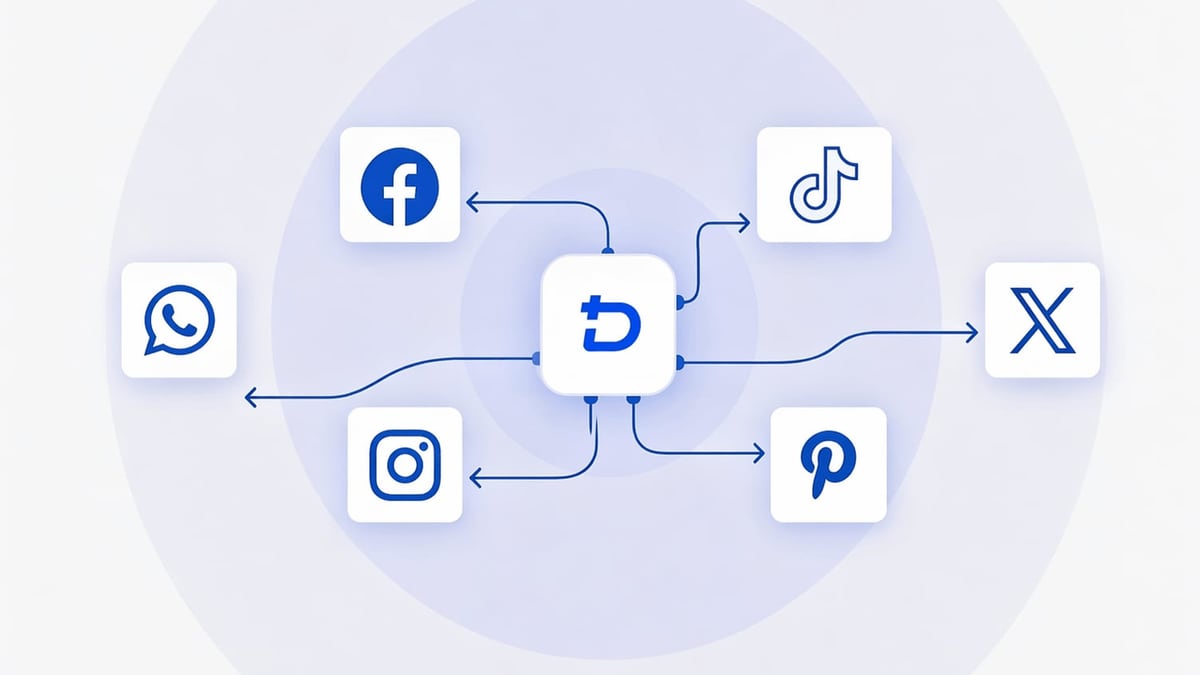
DuoPlus Cloud Phone vs BitBrowser: Real Android vs Antidetect Browser product interface and feature overview.
DuoPlus Cloud Phone is an anti-detection cloud phone platform that runs genuine Android 13 and the world’s first Android 15 environments on real ARM chips. Instead of simulating a browser inside your PC, you remotely control a standalone virtual smartphone through a web client—no downloads needed. Each instance gets unique device fingerprints, dedicated IPs, and fully isolated environments so platforms like TikTok, Instagram, or Tinder see them as different physical devices.
Key differentiators:
- Real ARM-based hardware with IMEI, serial, and SIM simulation.
- Global GPS mocking and adjustable carrier/wifi settings for location-based apps.
- No-code AI Agent that automates multi-app workflows without scripts.
- Unlimited cloud phone instances with batch app installation, screen sync, and team sharing.
- Free trial and a pay-per-use model that scales up or down instantly.
What Is BitBrowser?
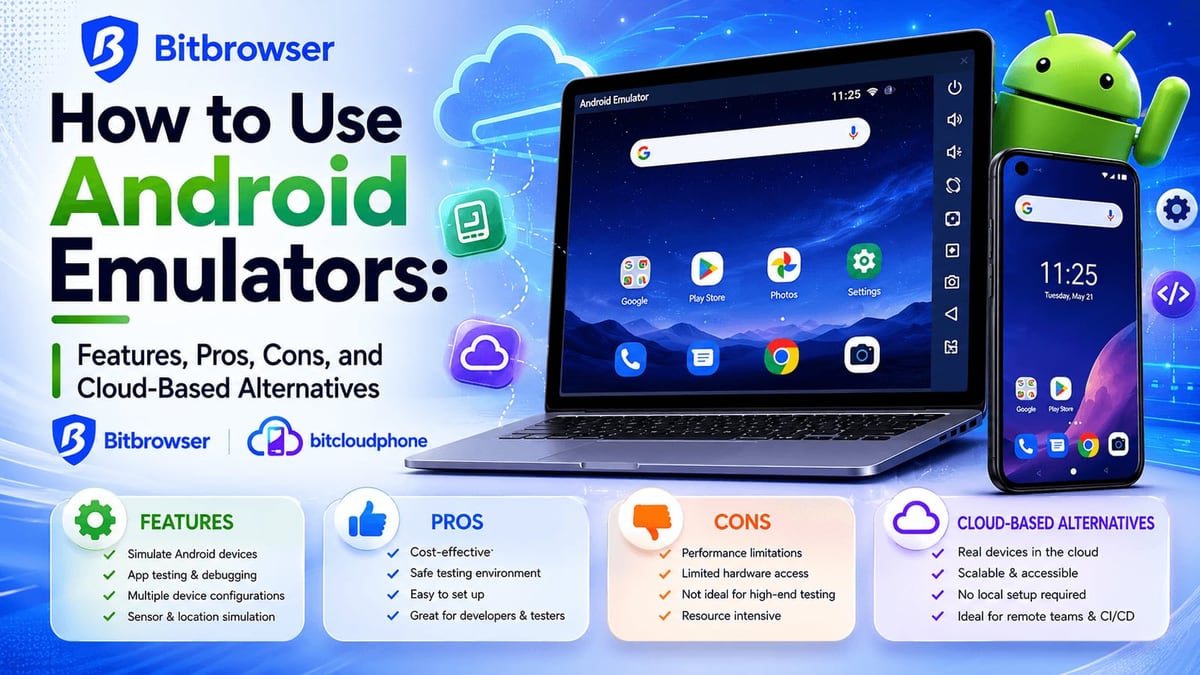
DuoPlus Cloud Phone vs BitBrowser: Real Android vs Antidetect Browser product interface and feature overview.
BitBrowser is a free anti-detect browser for desktop. It creates isolated browser profiles, each with a custom fingerprint (WebGL, Canvas, Audio, Timezone, proxy, etc.) to make websites think they’re separate users. E-commerce sellers, affiliate marketers, and ad managers use it to log into multiple Amazon or Facebook accounts safely from one machine.
BitBrowser also offers BitCloudPhone, an Android emulator and iOS cloud phone service, but this is a separate paid product not part of the core antidetect browser. So while the brand covers both worlds, the main comparison here is between DuoPlus’s cloud phone and BitBrowser’s desktop profile technology.
Key Differences at a Glance
| Feature | DuoPlus Cloud Phone | BitBrowser (Desktop Anti-Detect) |
|---|---|---|
| Environment | Real Android OS (ARM-based, up to Android 15) | Desktop browser (Chromium-based) with fake fingerprints |
| Fingerprint depth | Hardware-level: IMEI, serial, SIM, carrier, sensors, GPS | Browser-level: WebGL, Canvas, Audio, WebRTC, timezone, etc. (20+ parameters) |
| Mobile app support | Full native mobile app usage (TikTok, WhatsApp, Tinder, etc.) | Cannot run mobile apps; requires separate emulator or cloud phone (BitCloudPhone) |
| Automation | Built-in AI Agent, RPA, screen sync, batch commands | RPA for browser automation, script market, Synchronizer (mirror actions across profiles) |
| Pricing | Pay-per-use starts at $1.36/unit/month; free trial available | 10 permanent free profiles; paid plans for more teams & extended features; BitCloudPhone starts at ~$0.03/day per instance |
| Proxy support | SOCKS5 with upcoming flexibility | HTTP/HTTPS/SOCKS5/SSH, batch assignment |
| Team features | Account sharing, permission management, one-click device transfer | Team collaboration with role-based permissions, task management |
| Real device GPS/SIM | Yes, global GPS and SIM simulation | No (only browser-based geolocation spoofing) |
Why DuoPlus Cloud Phone Outperforms BitBrowser for Mobile-First Accounts
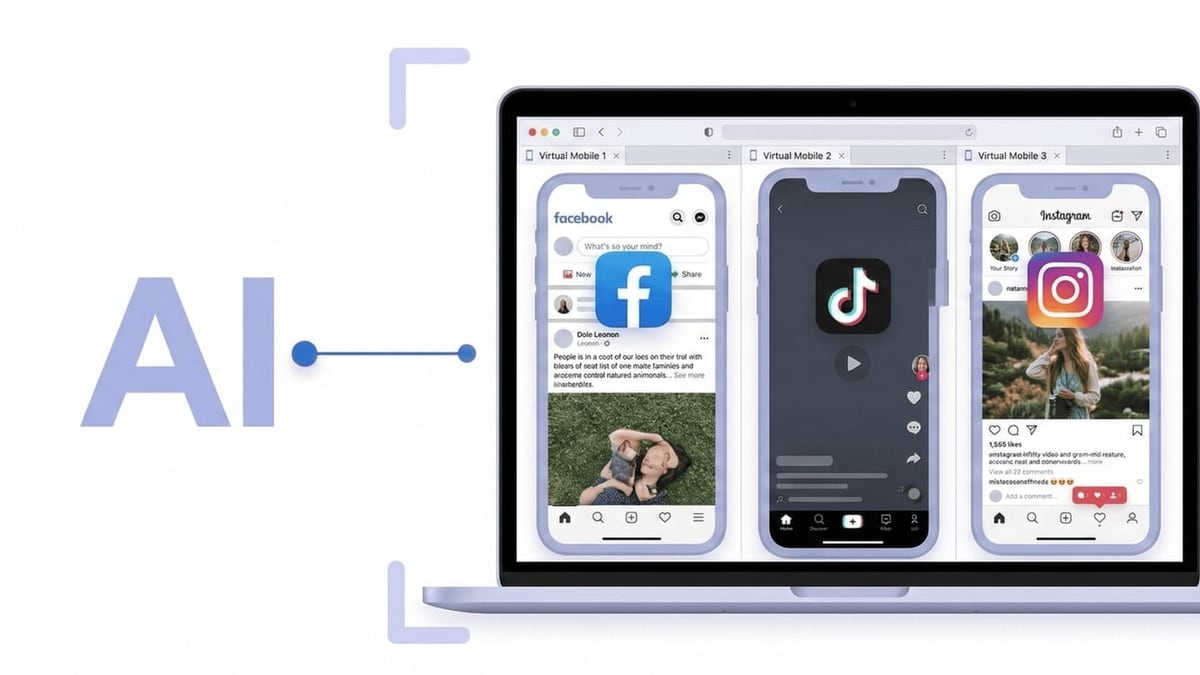
DuoPlus Cloud Phone vs BitBrowser: Real Android vs Antidetect Browser product interface and feature overview.
1. Real Device Fingerprints vs. Browser Spoofing
Social and e-commerce apps increasingly detect emulators and browser-based logins. DuoPlus runs on physical ARM chips, exactly like a real smartphone, so the device fingerprint includes hardware identifiers such as IMEI, serial, and baseband version—parameters a browser can’t fake. BitBrowser’s profiles are excellent for desktop web logins, but they don’t replicate the mobile app sandbox, making them easier to flag when a service tightens its detection.
2. Full Android OS Means Any App Just Works
Managing 20 TikTok accounts? You need a genuine mobile environment. DuoPlus lets you install any app from Google Play or an APK and interact with it through your PC. BitBrowser’s desktop antidetect profiles can’t run mobile apps at all—you’d have to bolt on an emulator or purchase BitCloudPhone separately, adding complexity and potential fingerprint inconsistencies.
3. Location-Based Apps Thrive with GPS & SIM Simulation
Dating apps (Tinder, Bumble), ride-sharing, or region-locked services verify GPS and SIM carrier data. DuoPlus simulates both globally, so a cloud phone can appear in New York while you’re in Tokyo. BitBrowser can spoof browser geolocation, but most apps ignore that and pull data from the OS-level GPS or SIM card, which a desktop browser simply does not provide.
4. No-Code AI Agent Automates the Whole Device
DuoPlus’s AI Agent automates workflows across multiple apps with a single command—no scripts needed. It recognizes interface elements, performs clicks, and coordinates between apps autonomously. While BitBrowser offers a script market and Synchronizer for browser profiles, mobile automation requires separate tooling.
5. Seamless Scalability Without Hardware
You can spin up 100 DuoPlus cloud phones in minutes and manage them from a unified dashboard. BitBrowser’s desktop profiles scale too, but if your strategy requires mobile app presence, you hit a wall unless you invest in BitCloudPhone—and even then, you’re managing two disconnected tools.
Where BitBrowser Falls Short as a DuoPlus Substitute
DuoPlus Cloud Phone vs BitBrowser: Real Android vs Antidetect Browser product interface and feature overview.
- No native mobile app environment – Core BitBrowser product runs on Windows/macOS browsers. For apps like Instagram or WhatsApp, you must either use the browser version (less feature-rich and more suspicious) or buy BitCloudPhone, fragmenting your ecosystem.
- Weaker device fingerprint for mobile platforms – Apps check hardware IDs, battery status, and sensor data that browser fingerprints ignore. Over time, accounts created via browser-only profiles are at higher risk of additional verification checks.
- Learning curve for mobile workflows – If your primary goal is mobile account management, BitBrowser’s interface is built around desktop browsing. Setting up a consistent mobile experience requires learning a separate cloud phone service, increasing overhead.
- Pricing unpredictability for mobile – While 10 browser profiles are free, mobile operations require paid BitCloudPhone instances, and costs can climb with even moderate usage when compared to DuoPlus’s straightforward per-unit pricing.
When Should You Choose Which?
Pick DuoPlus Cloud Phone if:
- You run multiple accounts on mobile-first platforms (TikTok, Snapchat, Tinder, WhatsApp, mobile Instagram).
- You need real device fingerprints and GPS/SIM simulation to avoid device-level bans.
- You want an all-in-one solution with built-in AI automation for mobile apps.
- Your team needs to share real Android devices across different locations.
Pick BitBrowser if:
- Your accounts live primarily on desktop websites (Amazon Seller Central, Facebook Business Suite, Google Ads, Shopify).
- You don’t need a mobile OS and prefer managing everything through browser profiles.
- You require immediate free access for up to 10 profiles to test a lightweight multi-account strategy.
Real-World Example: Managing 15 TikTok Creator Accounts
An affiliate marketer wants to run 15 TikTok accounts targeting different regions. With DuoPlus, she creates 15 cloud phones, each with a dedicated IP and region-matched GPS and SIM. She uses the AI Agent to schedule video posts and interact with followers across all devices from one dashboard. Because the fingerprints are hardware-level, TikTok treats each account independently, and she avoids shadowbans.
If she tried BitBrowser alone, she’d have to log in via TikTok’s website—limited features, possible flagging for unnatural behavior, and no OS-level data to back up the location. She’d need BitCloudPhone anyway, doubling the tools and cost.
Related reading
- DuoPlus vs Hippo Cloud Phone (Blue Elf Cloud Phone): Anti-Detect Showdown - Compare DuoPlus Cloud Phone and Hippo Cloud Phone (Blue Elf Cloud Phone) for multi-account management. Discover which anti-detection cloud phone offers better security, automation, and scalability.
Sources and further reading
- BitCloudPhone vs DuoPlus: Which Multi-Account Mobile Solution Is Right for You? - Compare BitCloudPhone vs DuoPlus in 2026. Discover the best cloud phone for multi-account management, automation, cost efficiency, and social media marketing.
- DuoPlus Cloud Phone Alternatives - These are the Top 7 Alternatives to DuoPlus Cloud Phone. Find out how DuoPlus Cloud Phone compares to it's competitors and which Social Media Software products are good substitutes.
- DuoPlus Cloud Phone - Anti-Detection Cloud Phone | Mobile Multi-Account Management Expert | TikTok Account Operations - DuoPlus Cloud Phone is your expert in managing multiple social media accounts globally. Cloud phone devices operate in independent environments, avoiding account association risks. With one-click skin changing and one-click sharing, you can use it anytime and anywhere, instantly. DuoPlus is dedicated to developing cloud phones for global social media marketing and TikTok, originating from the AdsPower technical team!
Frequently Asked Questions
Can BitBrowser run mobile apps like TikTok or Instagram?
No. BitBrowser is a desktop anti-detect browser and cannot execute mobile apps directly. BitBrowser’s parent company offers BitCloudPhone as a separate cloud phone service, but it is not part of the core antidetect product.
Does DuoPlus support desktop browser profiles?
DuoPlus focuses on cloud phones and does not replace desktop antidetect browsers. For desktop platforms, you would pair DuoPlus with a tool like BitBrowser or another anti-detect browser. For a pure mobile workflow, DuoPlus is sufficient.
Which is more cost-effective for large-scale mobile account management?
DuoPlus’s pay-per-use model (starting at $1.36 per unit per month) scales predictably. BitBrowser’s free browser profiles are cheap for desktop, but adding BitCloudPhone for mobile starts at around $0.03/day per instance, which for 50 phones could be ~$45/month—plus a separate BitBrowser subscription for advanced team features. Evaluate your daily active devices to compare effectively. Our top anti-detect cloud phones guide breaks down pricing across the market.
Can I integrate DuoPlus with an antidetect browser?
Yes, many teams use DuoPlus for mobile apps and an antidetect browser like RoxyBrowser or Kameleo for desktop web accounts, managing everything through a central identity matrix.
The Verdict: Real Android Wins for Mobile Accounts
When your multi-account strategy revolves around mobile applications, a real cloud phone with hardware-level fingerprinting is the safer, more scalable choice. DuoPlus Cloud Phone delivers a genuine Android experience—complete with GPS, SIM, and AI automation—that a desktop anti-detect browser like BitBrowser simply cannot replicate. BitBrowser remains a solid tool for browser-based multi-accounting, but as a substitute for a cloud phone, it falls short where real device behavior is critical.
Explore more head-to-head comparisons and buyer’s guides on DuoPlus Cloud Phone’ cloud phone reviews to make an informed decision for your cross-border growth stack.