
DuoPlus Cloud Phone vs RoxyBrowser vs Antidetect Cloud
Compare DuoPlus Cloud Phone, RoxyBrowser, and Antidetect Cloud for multi-account management. See which tool fits mobile apps, browser profiles, or team workflows.
DuoPlus Cloud Phone vs RoxyBrowser vs Antidetect Cloud: Which Multi-Account Tool Fits Your Workflow?
Choosing between a cloud phone and an antidetect browser isn’t a brand preference—it’s an architectural decision. DuoPlus Cloud Phone operates at the mobile device layer, while RoxyBrowser and Antidetect Cloud isolate browser profiles. This comparison breaks down how each tool handles multi-account management, fingerprinting, automation, and team workflows, so you can match the right layer to your actual operations.
The Real Divide: Device Layer vs Browser Layer
DuoPlus Cloud Phone vs RoxyBrowser vs Antidetect Cloud - The Real Divide: Device Layer vs Browser Layer.
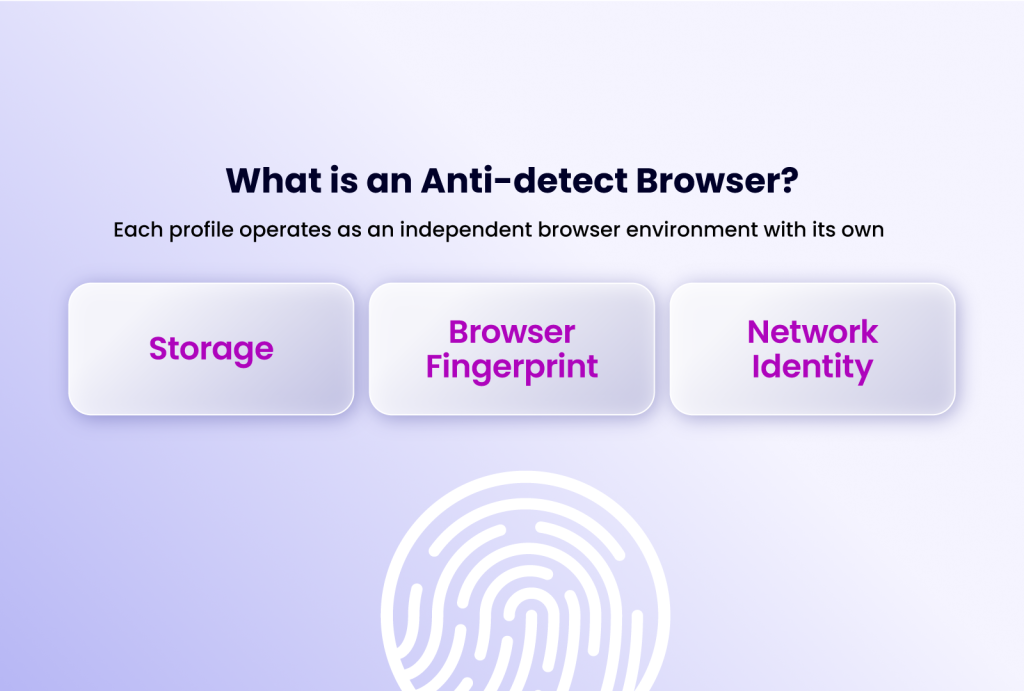
Before comparing features, understand the fundamental split. An antidetect browser like RoxyBrowser or Antidetect Cloud creates isolated browser environments. It controls what websites see: cookies, canvas fingerprints, WebRTC leaks, and user-agent strings. This works perfectly when your work lives inside desktop web sessions.
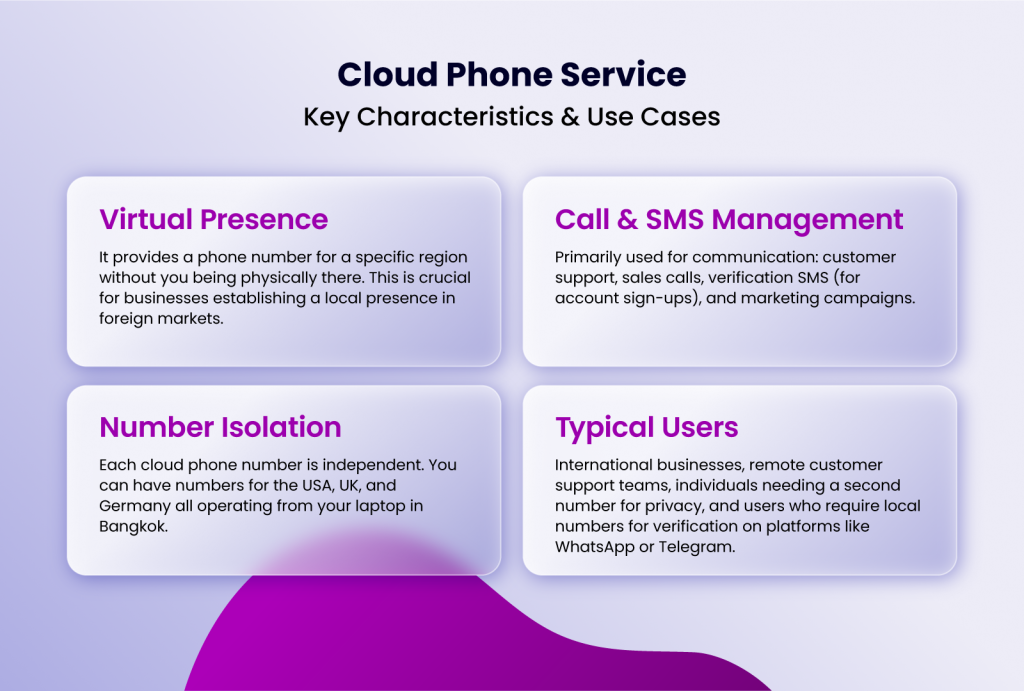
A cloud phone like DuoPlus provides a complete Android operating environment hosted remotely. It gives you a real ARM-based virtual device with its own IMEI, SIM data, GPS location, and app ecosystem. Native mobile apps—TikTok, Instagram, WhatsApp—interact with this environment as if it were a physical phone. The distinction matters because mobile apps evaluate far more than browser fingerprints; they assess device integrity, sensor data, carrier consistency, and long-term behavioral patterns.
This comparison focuses on where each tool excels, so you can decide based on your operational layer, not just a feature checklist.
RoxyBrowser: Strengths as an Antidetect Browser Substitute
DuoPlus Cloud Phone vs RoxyBrowser vs Antidetect Cloud - RoxyBrowser: Strengths as an Antidetect Browser Substitute.
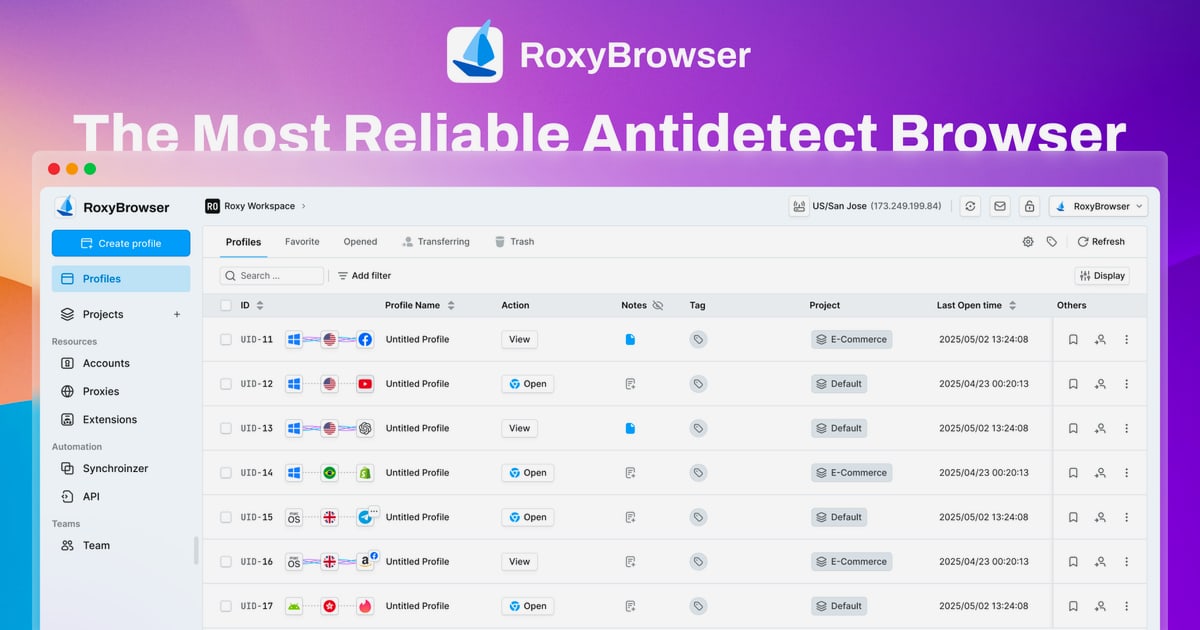
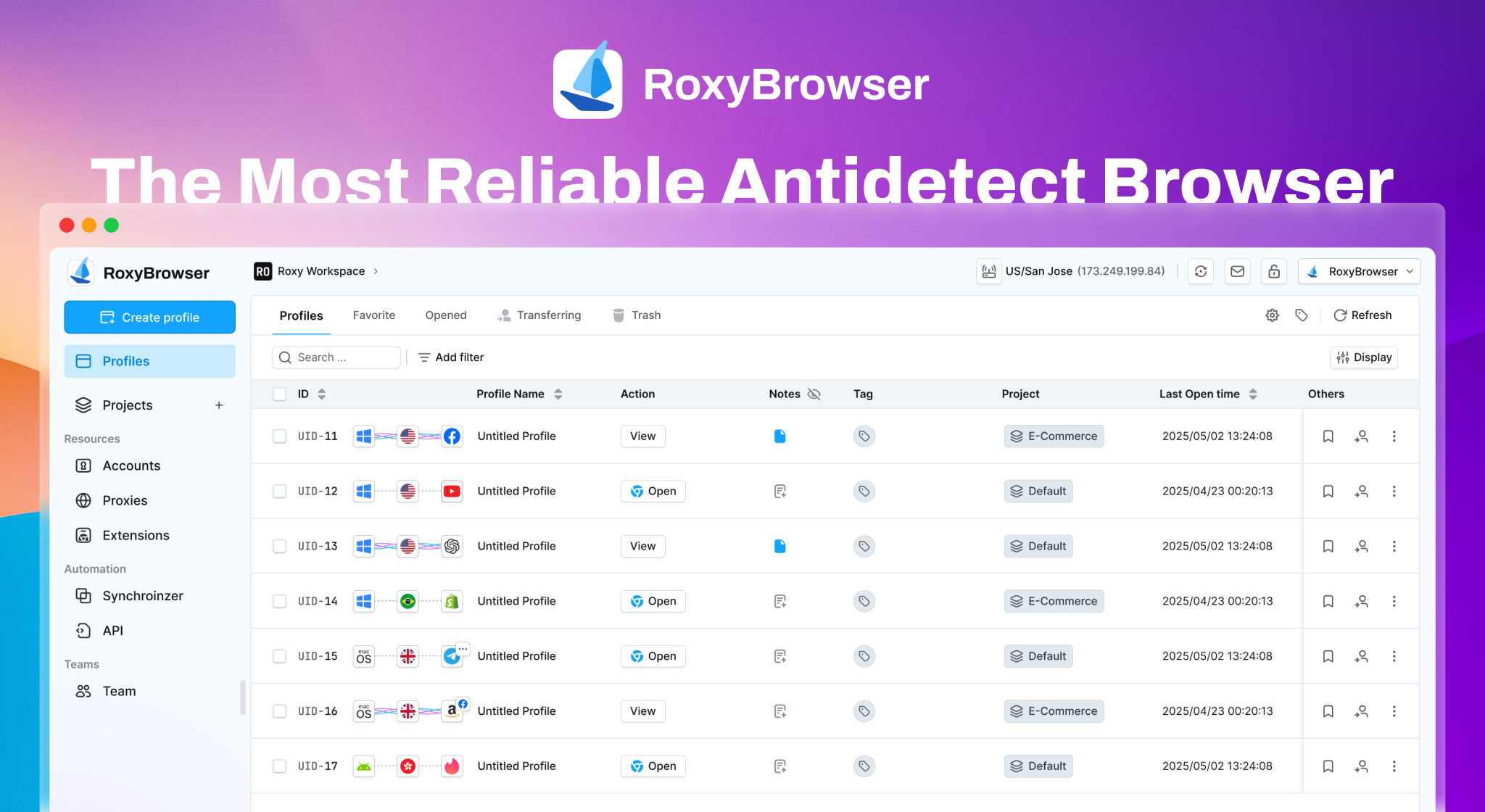
RoxyBrowser positions itself as a lightweight yet powerful antidetect browser for web-based multi-account operations. Its strengths are clear when your workflow stays inside browser tabs.
Advanced Fingerprint Isolation with Native Proxy Integration
RoxyBrowser creates unique browser profiles with isolated storage, fonts, and hardware fingerprints. What sets it apart is the seamless integration with RoxyIP proxy infrastructure. Each profile can pair with a dedicated residential or mobile proxy, making geo-targeted account management straightforward. For affiliate marketers verifying ads across regions or SEO specialists performing unbiased SERP analysis, this combination reduces setup friction.
Automation Support for Web Workflows
RoxyBrowser supports Puppeteer, Selenium, and Playwright automation frameworks. Teams running browser-based scraping, ad verification, or social media web actions can script repetitive tasks without third-party tools. This makes it a practical choice for technical operators who need programmable browser control.
Team Collaboration via Workspaces
RoxyBrowser includes Workspaces for sharing profiles and permissions across team members. Agencies managing client ad accounts or e-commerce teams handling multiple storefronts can assign access without exposing credentials. The free tier and scalable pricing lower the entry barrier for small teams testing multi-account workflows.
Where RoxyBrowser Fits Best
RoxyBrowser excels when accounts are managed through desktop web interfaces: Facebook Ads Manager, Amazon Seller Central, browser-based crypto exchanges, or web scraping targets. It’s not designed for native mobile app operations. If your team never touches TikTok’s mobile app or WhatsApp’s Android client, RoxyBrowser provides strong browser isolation without the overhead of a cloud device.
Antidetect Cloud: Strengths as an Antidetect Browser Substitute
DuoPlus Cloud Phone vs RoxyBrowser vs Antidetect Cloud - Antidetect Cloud: Strengths as an Antidetect Browser Substitute.
Antidetect Cloud differentiates itself with cloud-based profile storage and a strong emphasis on customer support. It targets professionals who need reliable multi-identity management with minimal technical complexity.
Cloud Profile Storage with Android Support
Unlike purely local antidetect browsers, Antidetect Cloud stores browser profiles in the cloud, enabling access from different machines without manual syncing. It also offers Android support through Vifox, a mobile browser profile app, extending fingerprint spoofing to mobile web sessions. While this doesn’t provide a full Android environment like a cloud phone, it covers mobile browser identity for platforms that don’t require native app installation.
Built-In VPN and Automation Utilities
Antidetect Cloud includes a built-in VPN service, reducing the need for external proxy configuration. Its automation workflow utilities support common multi-account tasks, though they are less extensive than dedicated automation frameworks. For solo operators or small teams managing e-commerce accounts or traffic arbitrage, this integrated approach simplifies operations.
Customer Support and Pricing Flexibility
Antidetect Cloud emphasizes accessibility with a “Customer is God” policy and support channels via Facebook and Telegram. Pricing ranges from $25/month for individuals to $180/month for large teams, with perpetual and lifetime options available. This flexibility appeals to users who prefer predictable costs over usage-based billing.
Where Antidetect Cloud Fits Best
Antidetect Cloud suits professionals who need browser profile isolation with cloud accessibility. Its Android support through Vifox addresses mobile web identity but doesn’t replace a native Android environment. For workflows centered on browser-based platforms with occasional mobile web needs, it provides a balanced solution.
DuoPlus Cloud Phone: Where the Device Layer Wins
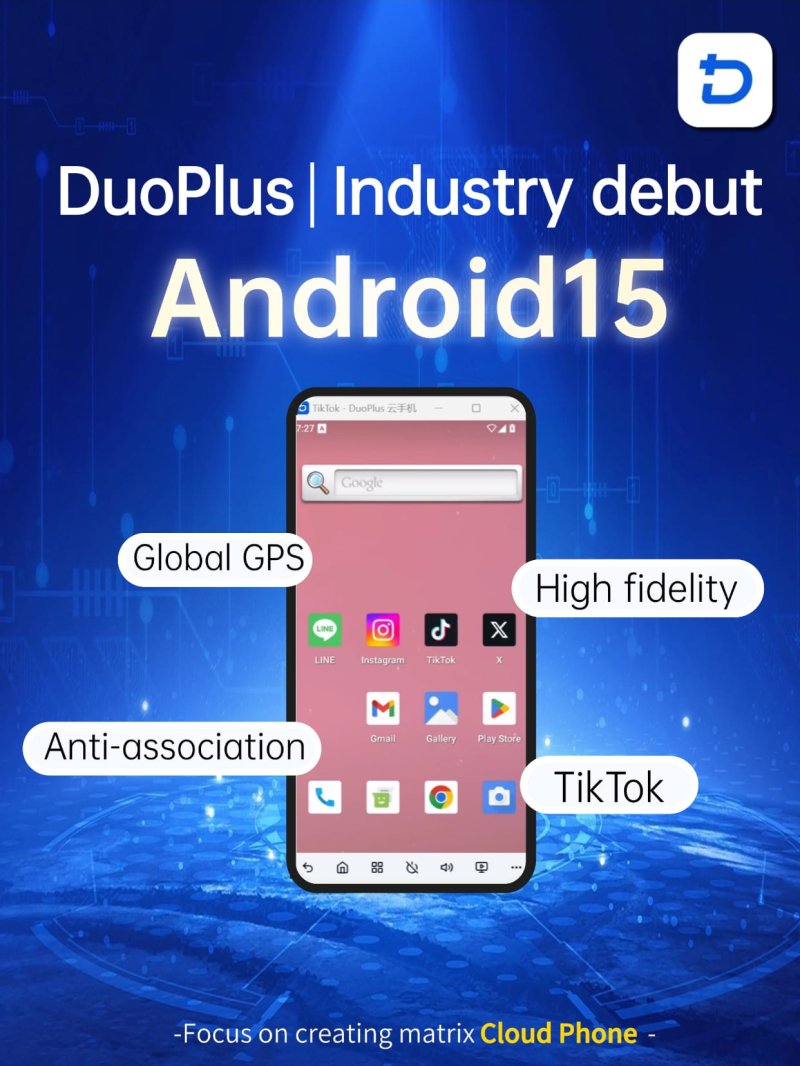
DuoPlus Cloud Phone vs RoxyBrowser vs Antidetect Cloud - DuoPlus Cloud Phone: Where the Device Layer Wins.
DuoPlus Cloud Phone enters the comparison where browser-based tools reach their limit: native mobile app operations. It’s the world’s first Android 15 anti-detect cloud phone platform, built specifically for marketers and agencies scaling mobile-first accounts.
Real ARM-Based Android Environments with Unique Fingerprints
Each DuoPlus cloud phone runs on ARM architecture, not x86 emulation. This matters because platforms like TikTok and Instagram can detect emulator artifacts. DuoPlus provides a completely independent environment with a unique device fingerprint, globally simulated GPS location, dedicated SIM data, and proxy IP. Every account appears to run on a separate physical device—critical for avoiding platform association and bans.
Unlimited Multi-Instance and One-Click Reskin
DuoPlus supports unlimited cloud phone instances. Users can purchase and control as many devices as needed from a unified dashboard. The one-click reskin feature instantly refreshes all device parameters for fast account rotation, making it efficient for teams managing hundreds of TikTok or WhatsApp accounts.
DUO+ AI Agent for No-Code Mobile Automation
Unlike browser automation frameworks, DuoPlus integrates a DUO+ AI Agent that accepts natural-language commands. Users can automate app interactions like posting, commenting, or following without writing scripts. This brings mobile app automation to non-technical operators—a capability neither RoxyBrowser nor Antidetect Cloud can replicate for native apps.
Centralized Team Dashboard
DuoPlus centralizes account operations through a browser-accessible dashboard supporting team sharing and cross-platform control. Agencies can assign cloud phones to team members, monitor activity, and manage permissions without physical device farms.
Where DuoPlus Cloud Phone Fits Best
DuoPlus is purpose-built for mobile-first workflows: TikTok matrix marketing, YouTube channel management, Facebook/Instagram ad operations via mobile apps, Telegram channel growth, Twitter brand promotion, Reddit community engagement, Tinder dating-app marketing, and Zalo outreach. If your operation depends on native mobile app behavior, device-level separation, or app-native automation, a cloud phone is structurally necessary. For a deeper look at how cloud phones compare against antidetect browsers in mobile app contexts, see DuoPlus Cloud Phone vs Kameleo vs SessionBox One.
Comparison Criteria: Where Each Tool Leads
This comparison focuses on criteria where each product has a supported advantage, avoiding misleading claims where a tool has a material disadvantage.
Native Mobile App Support
DuoPlus Cloud Phone provides full Android 15 environments where native mobile apps install and run as on a physical device. This is essential for TikTok, Instagram, WhatsApp, and any platform where the mobile app experience differs from the web version.
RoxyBrowser and Antidetect Cloud operate at the browser layer and cannot run native mobile apps. Antidetect Cloud’s Vifox app extends fingerprint spoofing to mobile browsers but doesn’t provide a device environment for app installation.
Device-Level Fingerprint Isolation
DuoPlus Cloud Phone isolates at the device level with unique IMEI, SIM data, GPS location, and hardware parameters. This addresses the full trust model mobile platforms evaluate.
RoxyBrowser and Antidetect Cloud isolate browser fingerprints effectively for web sessions. They control canvas, WebGL, audio, and font fingerprints, which is sufficient for desktop web platforms.
Automation for Native Mobile Apps
DuoPlus Cloud Phone offers the DUO+ AI Agent for no-code automation of in-app actions. Users command the agent in natural language to automate posting, engagement, or account warming within mobile apps.
RoxyBrowser supports web automation via Puppeteer, Selenium, and Playwright—powerful for browser-based tasks but inapplicable to native mobile apps. Antidetect Cloud provides automation utilities for browser workflows but lacks mobile app automation capabilities.
Proxy and IP Management
RoxyBrowser integrates natively with RoxyIP proxies, offering streamlined proxy assignment per browser profile. Antidetect Cloud includes a built-in VPN service. DuoPlus Cloud Phone provides dedicated SIM data and proxy IP per device, with GPS location simulation that matches the IP geolocation—critical for mobile app trust signals.
Team Collaboration
All three tools support team workflows. DuoPlus Cloud Phone centralizes device management with a unified dashboard for sharing and cross-platform control. RoxyBrowser uses Workspaces for profile sharing. Antidetect Cloud offers cloud-based profile access with team pricing tiers.
For a comparison of DuoPlus against other cloud phone alternatives in team environments, read DuoPlus Cloud Phone vs VMOS vs Blue Elf.
Decision Framework: Browser Layer or Device Layer?
Use this framework to decide before comparing pricing or features:
Choose RoxyBrowser or Antidetect Cloud when:
- Your workflow is entirely browser-based (ad dashboards, e-commerce back offices, web scraping).
- You need fast, cost-effective browser profile isolation.
- Native mobile app execution is not required.
- Your team values automation frameworks like Selenium or Playwright.
Choose DuoPlus Cloud Phone when:
- Your workflow depends on native mobile apps (TikTok, Instagram, WhatsApp).
- Platform trust models evaluate device-level signals beyond browser fingerprints.
- You need mobile app automation without coding.
- You’re scaling mobile-first accounts and require device-level separation.
Use both when:
- Your team runs web-based operations (browser stack) but also needs mobile endpoints for account creation, warming, or app-native actions (cloud phone stack).
For another angle on how DuoPlus compares against antidetect browsers in mixed workflows, see DuoPlus Cloud Phone vs Antidetect Cloud vs SessionBox One.
Related reading
- DuoPlus Cloud Phone vs RoxyBrowser vs VMOS: Compared - Compare DuoPlus Cloud Phone, RoxyBrowser, and VMOS for multi-account management. See how real Android cloud phones stack up against an antidetect browser for mobile apps and web automation.
- DuoPlus Cloud Phone vs MoreLogin vs VMOS: Compared - Compare DuoPlus Cloud Phone, MoreLogin, and VMOS for multi-account management. We break down anti-detection, cloud phones, automation, and pricing for each tool.
Sources and further reading
- Cloud Phone or Anti-detect Browser? - Cloud Phone(DuoPlus) If your work is mostly web‐based, go with an anti‐detect browser. DuoPlus for TikTok influencer accounts, WhatsApp ...
- Best 7 Antidetect Cloud Phone Tools for Multi-account in 2026: Detailed Guide - We compare and list 7 best android cloud phone tools in 2026 and share their honest review, performance so you can pick the best one. VMOS Cloud, GeeLark, MultiLogin, DuoPlus, BitCloudPhone, MoreLogin, and UgPhone included.
- Cloud Phone vs Antidetect Browser: Which One to Use? - Compare cloud phones vs antidetect browsers by operating layer, app support, trust model, and use case. Learn which category actually fits your workflow.
Frequently Asked Questions
Can RoxyBrowser or Antidetect Cloud run TikTok or Instagram mobile apps?
No. Both are antidetect browsers that isolate web sessions. They cannot install or run native mobile apps. For mobile app operations, a cloud phone like DuoPlus is required.
Does DuoPlus Cloud Phone replace an antidetect browser for web-based tasks?
DuoPlus provides Android environments accessible via browser, but it’s optimized for mobile app workflows. For purely web-based multi-accounting, an antidetect browser may be more cost-effective. Teams often use both for mixed workflows.
Which tool offers better automation for non-technical users?
DuoPlus Cloud Phone’s DUO+ AI Agent enables natural-language automation of mobile app actions without coding. RoxyBrowser’s automation requires scripting knowledge (Puppeteer, Selenium). Antidetect Cloud offers automation utilities but with less depth than dedicated frameworks.
Is Antidetect Cloud’s Android support equivalent to a cloud phone?
No. Antidetect Cloud’s Vifox app provides a mobile browser with fingerprint spoofing, not a full Android environment. It doesn’t offer device-level parameters like IMEI or SIM data that mobile apps evaluate.
How does pricing compare across these tools?
RoxyBrowser offers a free tier with paid plans scaling to enterprise. Antidetect Cloud ranges from $25/month to $180/month with lifetime options. DuoPlus Cloud Phone pricing is per device instance, reflecting the infrastructure cost of hosting real ARM-based Android environments. Each pricing model matches the underlying technology: browser profiles are cheaper to provision than cloud devices.
Conclusion: Match the Tool to Your Operating Layer
DuoPlus Cloud Phone, RoxyBrowser, and Antidetect Cloud are not direct competitors—they solve problems at different technical layers. RoxyBrowser and Antidetect Cloud excel at browser fingerprint isolation for web-based multi-account management. DuoPlus Cloud Phone provides real Android environments for mobile-first operations where device-level trust matters.
The right choice depends on where your work actually happens. If your accounts live in browser tabs, an antidetect browser is the efficient path. If they live inside mobile apps, only a cloud phone provides the operating environment platforms expect. For teams straddling both layers, using the right tool for each layer avoids the false confidence of forcing one category to do another’s job.