
DuoPlus Cloud Phone vs RoxyBrowser vs BitBrowser
Compare DuoPlus Cloud Phone, RoxyBrowser, and BitBrowser for multi-account management. See which fits real Android cloud phones, anti-detect browsing, or automation.
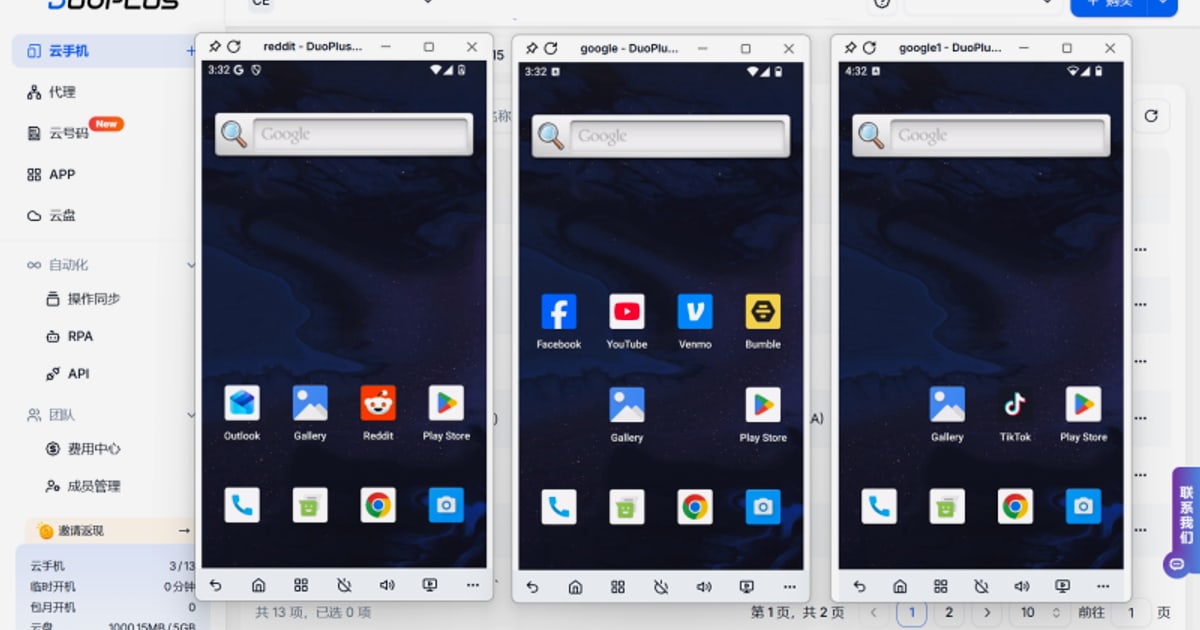
DuoPlus Cloud Phone vs RoxyBrowser vs BitBrowser: Which Multi-Account Tool Fits Your Workflow?
Choosing between a cloud phone platform and an antidetect browser is one of the most consequential decisions for cross-border marketers, e-commerce operators, and agencies running multiple accounts. DuoPlus Cloud Phone, RoxyBrowser, and BitBrowser all promise secure multi-account management, but they solve the problem in fundamentally different ways. This comparison breaks down how each tool works, where it excels, and which use cases it serves best.
How the Three Tools Differ at a Core Level
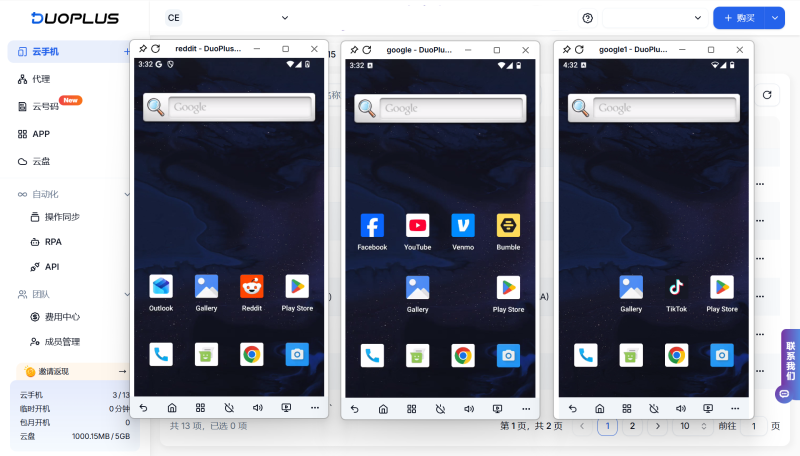
DuoPlus Cloud Phone vs RoxyBrowser vs BitBrowser - How the Three Tools Differ at a Core Level.
The most important distinction is architectural. DuoPlus Cloud Phone is a cloud phone service: you control real ARM-based Android 15 devices hosted in the cloud, each with its own fingerprint, GPS location, SIM data, and proxy IP. RoxyBrowser and BitBrowser are antidetect browsers: they run on your local machine and create isolated browser profiles with unique fingerprints for web-based accounts.
This difference matters because mobile-first platforms like TikTok, Instagram, and Tinder increasingly expect app-based behavior. A browser profile can simulate a mobile viewport, but it cannot fully replicate a real Android device running the native app. Conversely, browser-based platforms like Amazon Seller Central, Google Ads, and Facebook Business Manager are often easier to manage through a desktop browser interface.
DuoPlus Cloud Phone: Real Android Devices Without the Hardware Farm
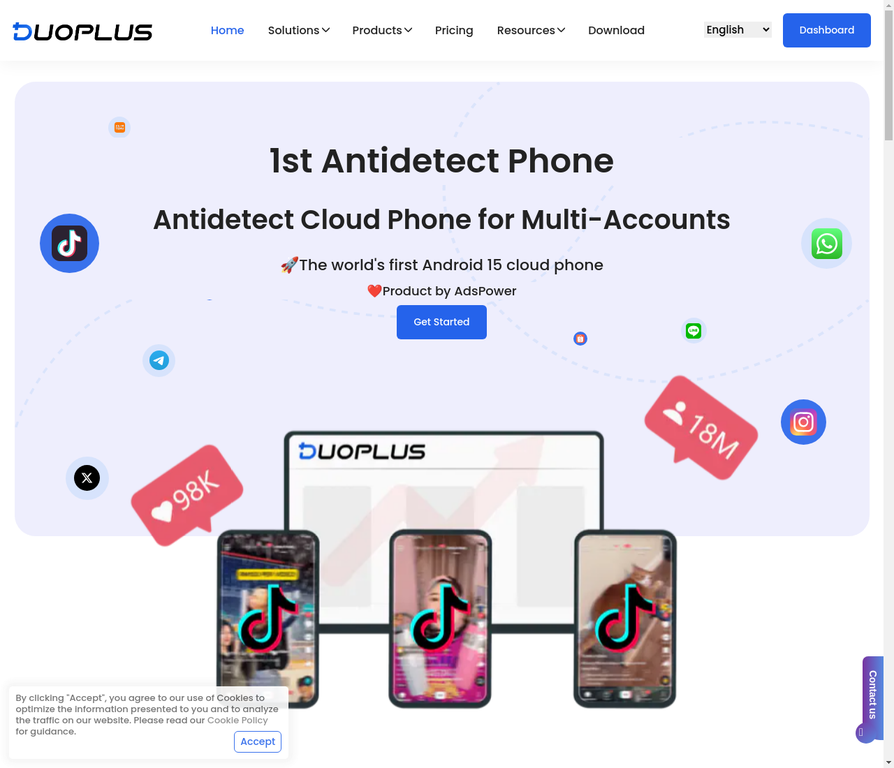
DuoPlus Cloud Phone vs RoxyBrowser vs BitBrowser - DuoPlus Cloud Phone: Real Android Devices Without the Hardware Farm.
DuoPlus Cloud Phone is positioned as the world's first Android 15 anti-detect cloud phone platform. Instead of emulating Android on your PC, DuoPlus runs genuine ARM-based virtual devices in the cloud. Each cloud phone has a completely independent environment: unique device fingerprint, simulated GPS location, dedicated SIM data, and a proxy IP. From the perspective of a social media platform's anti-fraud system, each account appears to be operating from a separate physical phone in a different location.
Key Strengths
- Real Android 15 environment: Because these are actual ARM devices rather than emulators, app behavior matches what platforms expect from genuine users. App data, cache, and login state persist between sessions, letting accounts build natural usage history.
- Unlimited multi-instance scaling: There are no purchase or opening limits. Teams can deploy as many cloud phones as needed without investing in physical hardware.
- One-click reskin: When an account needs a fresh environment, users can instantly refresh all device parameters for fast account rotation.
- DUO+ AI Agent: A no-code automation layer lets users issue natural-language commands to automate app interactions like posting, commenting, or following. This removes the need to script repetitive actions manually.
- Team collaboration: A unified dashboard supports team sharing and cross-platform control from any browser or device, making it practical for agencies managing client accounts.
Where DuoPlus Shines
DuoPlus is strongest for mobile-app-centric operations: TikTok matrix marketing, YouTube channel management, Instagram and Facebook ad operations, Telegram channel growth, Twitter brand promotion, Reddit community engagement, Tinder dating-app marketing, and Zalo outreach in Southeast Asia. If your accounts live primarily inside mobile apps, a cloud phone platform is closer to the real thing than any browser can be.
RoxyBrowser: Lightweight Anti-Detect Browsing with Proxy Integration

DuoPlus Cloud Phone vs RoxyBrowser vs BitBrowser - RoxyBrowser: Lightweight Anti-Detect Browsing with Proxy Integration.
RoxyBrowser is an antidetect browser designed for users who need secure multi-account management across web platforms. It creates unique browser environments for each profile using advanced fingerprint isolation technology, and it integrates natively with RoxyIP proxy infrastructure.
Key Strengths
- Fingerprint isolation: Each profile gets a distinct browser fingerprint, reducing the risk of accounts being linked through canvas, WebGL, audio, or other browser parameters.
- Native RoxyIP integration: Because RoxyBrowser is built by the same ecosystem as RoxyIP proxies, users get streamlined proxy configuration without third-party setup friction.
- Automation support: The browser supports Puppeteer, Selenium, and Playwright, making it a solid choice for teams that already rely on scripted browser automation.
- Team workspaces: Collaboration features allow teams to share profiles and organize workflows across members.
- Flexible pricing: A 7-day free trial and scalable plans from free to enterprise make it accessible for solo operators and growing teams.
Where RoxyBrowser Shines
RoxyBrowser is well suited for web-first workflows: SEO professionals performing unbiased SERP analysis, affiliate marketers verifying ads as real users, e-commerce sellers managing storefront accounts, and crypto traders who need isolated browser sessions. Its lightweight design and proxy integration make it a practical choice when you need many browser profiles without heavy system overhead.
BitBrowser: Free Profiles and a Bridge to Cloud Phones

DuoPlus Cloud Phone vs RoxyBrowser vs BitBrowser - BitBrowser: Free Profiles and a Bridge to Cloud Phones.
BitBrowser is a free anti-detect browser that simulates over 20 fingerprint parameters, including WebGL, Canvas, Audio, Timezone, and Proxy settings. It is one of the more accessible options for users who want to test multi-account management without upfront cost.
Key Strengths
- 10 free permanent profiles: Unlike many competitors that limit free tiers to a trial period, BitBrowser offers 10 browser profiles permanently free, which is generous for small-scale operators.
- Broad proxy protocol support: BitBrowser supports HTTP, HTTPS, SOCKS5, and SSH proxies, giving users flexibility across proxy providers.
- RPA automation and script marketplace: Built-in RPA tools plus an extensions and script marketplace let users automate repetitive browser tasks without writing code from scratch.
- BitCloudPhone add-on: BitBrowser's ecosystem includes BitCloudPhone, an Android emulator and iOS cloud phone service. This gives browser users an optional bridge into mobile app account management.
- Team collaboration: Permission management and data synchronization support multi-member workflows.
Where BitBrowser Shines
BitBrowser is a strong entry point for e-commerce sellers, social media marketers, and SEO professionals who manage accounts on Amazon, Facebook, Instagram, TikTok, and Google Ads through a browser. The free tier makes it easy to evaluate whether an antidetect browser fits your workflow before committing. Its partnership ecosystem with proxy providers like IPDEEP also simplifies proxy sourcing for users who do not already have a preferred vendor.
Side-by-Side Comparison
| Criteria | DuoPlus Cloud Phone | RoxyBrowser | BitBrowser |
|---|---|---|---|
| Core technology | Real ARM-based Android 15 cloud phones | Antidetect browser with fingerprint isolation | Antidetect browser simulating 20+ fingerprint parameters |
| Best for | Mobile app accounts (TikTok, Instagram, Tinder, Zalo) | Web-based accounts with proxy-heavy workflows | Web-based accounts on a budget or testing phase |
| Free tier | No permanent free tier; usage-based pricing | 7-day free trial plus free plan | 10 permanent free browser profiles |
| Automation | DUO+ AI Agent with natural-language commands | Puppeteer, Selenium, Playwright support | RPA automation plus script marketplace |
| Mobile app support | Native (real Android devices) | Browser emulation only | Browser emulation; BitCloudPhone add-on available |
| Team features | Unified dashboard with team sharing | Workspaces for collaboration | Permission management and data sync |
| Proxy handling | Dedicated SIM data and proxy IP per device | Native RoxyIP integration | HTTP/HTTPS/SOCKS5/SSH support |
Decision Guide: Which Tool Should You Choose?
Choose DuoPlus Cloud Phone if...
- Your accounts live primarily inside mobile apps, especially TikTok, Instagram, Tinder, or Zalo.
- You need to scale to dozens or hundreds of mobile accounts without buying physical phones.
- You want automation without writing code, using natural-language commands through the DUO+ AI Agent.
- You value real Android 15 environments over emulated mobile browser profiles.
Choose RoxyBrowser if...
- Your work is web-first: SEO analysis, affiliate marketing, ad verification, or crypto trading.
- You already use or plan to use RoxyIP proxies and want native integration.
- Your team relies on Puppeteer, Selenium, or Playwright for scripted automation.
- You want a lightweight browser tool with a free trial and scalable pricing.
Choose BitBrowser if...
- You want to test antidetect browsing with zero upfront cost through 10 permanent free profiles.
- You need broad proxy protocol support across multiple vendors.
- You want RPA automation and a script marketplace without building custom scripts.
- You may later expand into mobile account management through the BitCloudPhone add-on.
Combining Tools for a Complete Stack
These tools are not mutually exclusive. Many teams run an antidetect browser for web platforms and a cloud phone service for mobile apps simultaneously. For example, an e-commerce operator might use RoxyBrowser or BitBrowser for Amazon Seller Central and Google Ads while using DuoPlus Cloud Phone for TikTok shop promotions and Instagram engagement. For a deeper look at how cloud phones compare with other browser-based alternatives, see our DuoPlus Cloud Phone vs Kameleo vs Antidetect Cloud comparison and the DuoPlus Cloud Phone vs GeeLark vs MoreLogin comparison.
Related reading
- DuoPlus Cloud Phone vs RoxyBrowser vs Nstbrowser - Compare DuoPlus Cloud Phone, RoxyBrowser, and Nstbrowser for multi-account management. See which fits real Android cloud phones, anti-detect browsing, or automation.
Sources and further reading
- Best GeeLark Alternatives & Competitors - SourceForge - Compare the best GeeLark alternatives in 2026. Explore user reviews, ratings, and pricing of alternatives and competitors to GeeLark.
- Partners - PrivateProxy.me - Browsers Captcha Traffic Management & Protection Ad-network Agency Ad accounts Push-notifications Browser Fingerprints Review Services
- Global Partnerships - IPWeb Ecosystem Network - IPWeb partners with e-commerce, browsers & payment platforms. Together we build a secure proxy ecosystem to empower your global business growth.
Frequently Asked Questions
Is a cloud phone safer than an antidetect browser for multi-account management?
For mobile app platforms, a real Android cloud phone generally provides stronger isolation than a browser profile because it replicates the full device environment that apps expect: hardware identifiers, SIM data, GPS, and persistent app state. For web platforms, a well-configured antidetect browser is usually sufficient and more convenient.
Can RoxyBrowser or BitBrowser run TikTok accounts?
Yes, both can access TikTok through a browser profile. However, TikTok's anti-fraud systems are tuned to detect browser-based access patterns. For serious TikTok matrix marketing, a cloud phone running the native Android app is typically more resilient.
Does DuoPlus Cloud Phone support browser-based platforms like Amazon?
DuoPlus is optimized for mobile app environments. While you can access web platforms through the cloud phone's browser, teams managing Amazon Seller Central or Google Ads at scale often pair a cloud phone with a dedicated antidetect browser.
What is the cost difference between these tools?
BitBrowser offers 10 permanent free profiles, making it the lowest-cost entry point. RoxyBrowser provides a 7-day free trial and a free plan with paid tiers scaling to enterprise. DuoPlus Cloud Phone uses usage-based pricing tied to cloud phone rental, which scales with the number of devices you deploy.
Can I automate actions with all three tools?
Yes. DuoPlus uses the DUO+ AI Agent for natural-language automation of app interactions. RoxyBrowser supports Puppeteer, Selenium, and Playwright. BitBrowser offers built-in RPA automation plus a script marketplace.
Conclusion
DuoPlus Cloud Phone, RoxyBrowser, and BitBrowser address different layers of the multi-account stack. DuoPlus is the strongest choice when your accounts depend on mobile app behavior and you need real Android environments at scale. RoxyBrowser is a polished antidetect browser for web-first workflows with native proxy integration. BitBrowser is the most accessible starting point, with permanent free profiles and an optional cloud phone add-on. The right choice depends on where your accounts live, how you automate, and how much mobile authenticity your platforms demand. For teams operating across both web and mobile, a combined approach often delivers the best results. If you are evaluating other cloud phone and antidetect combinations, check out our DuoPlus Cloud Phone vs Hidemium vs VMOS comparison for additional context.