
Hidemyacc Review 2026: Antidetect Browser for Multi-Accounts
Evidence-based Hidemyacc review for 2026: fingerprint isolation, automation, pricing signals, setup steps, limitations, and who should use it for multi-accounting.

Hidemyacc Review 2026: Antidetect Browser for Multi-Accounts
Managing several Facebook, Amazon, or TikTok accounts from one computer usually ends with linked accounts and bans. An antidetect browser promises to fix that by giving each account its own browser fingerprint and proxy. Hidemyacc is one of the cheaper options on the market, but price alone is not a reason to trust it with your accounts.
This review breaks down what Hidemyacc actually does well, where it struggles, and how to decide whether it fits your workflow in 2026. We based it on public reviews, documented fingerprint tests, and pricing details from the sources below, not on marketing claims.
What Hidemyacc Is and Who It Is For
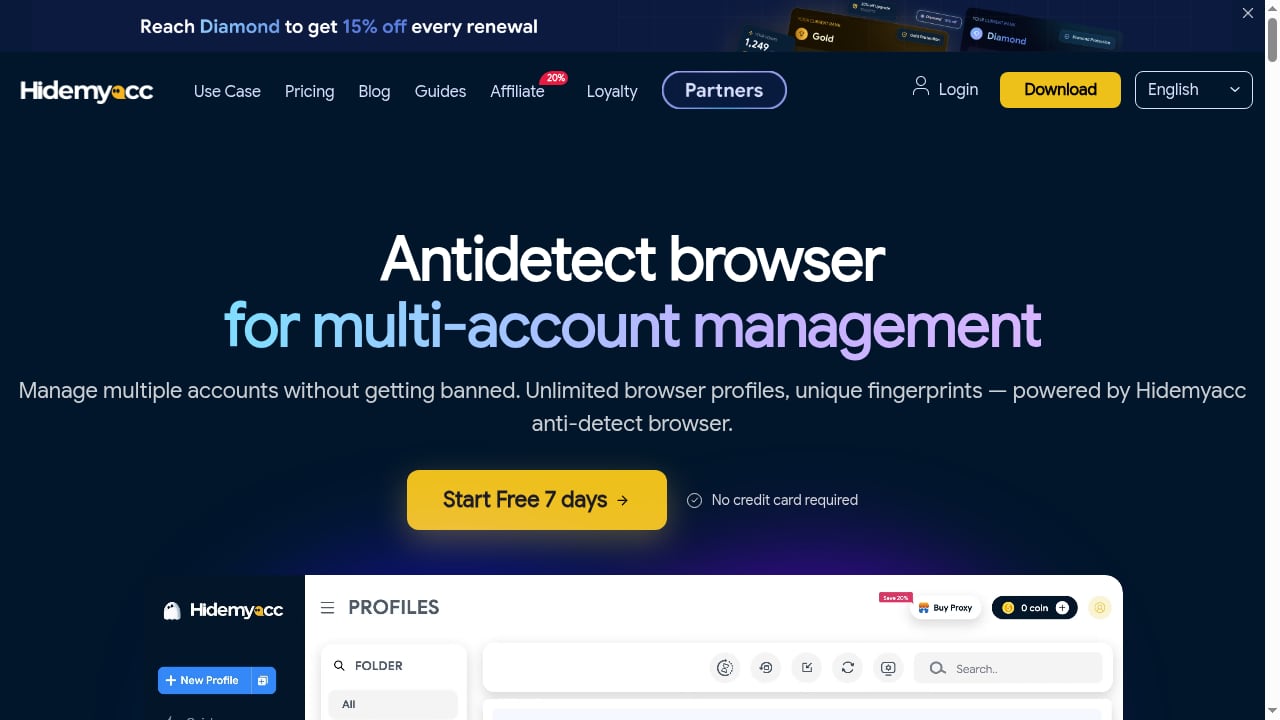
First viewport screenshot of Antidetect Browser to Manage Multiple Accounts | Hidemyacc.
Hidemyacc is an antidetect browser developed in Vietnam. It creates isolated browser profiles, each with its own fingerprint parameters such as Canvas, WebGL, WebRTC, and Audio, so platforms see separate devices instead of one machine running many accounts. It supports Windows and macOS, offers a web app for profile adjustments, and includes a no-code automation builder on paid plans.
The tool fits users who need many low-cost profiles and are comfortable adjusting fingerprint settings manually. It is less suited to teams that need polished collaboration or users who expect safe defaults out of the box.
Ideal users
- Solo e-commerce sellers running multiple Shopee, Lazada, or Amazon stores
- Social media managers handling several Facebook or TikTok accounts
- Affiliate marketers who need regional profiles for Southeast Asian markets
- Budget-conscious operators who want automation included without paying for a separate RPA tool
Poor fits
- Teams that need simple profile sharing across many devices
- Beginners who want auto-configured fingerprints and zero manual tuning
- Operations that depend on mobile apps, since Hidemyacc has no mobile app
Core Features and How They Work

Antidetect Browser to Manage Multiple Accounts | Hidemyacc product interface.
Profile isolation and fingerprint control
Each profile stores its own cookies, cache, and fingerprint. You can set parameters manually, which gives experienced users fine control but leaves newcomers to figure out safe combinations themselves. There are no automatic fingerprint modes, so default profiles are not guaranteed to pass strict checkers.
Automation builder
Paid plans include a no-code automation tool for repetitive tasks like account registration, posting, and data collection. It covers common workflows but is not a replacement for dedicated RPA software.
Proxy management
Hidemyacc supports HTTP and SOCKS5 proxies, with a separate Proxy Manager tab for bulk pasting, automatic checks, and tagging. One documented friction point: assigning a proxy from the manager to a profile requires manual copying between tabs, which is slow and error-prone at scale.
Cloud sync and team features
Profiles sync across devices, and a web app lets you edit profiles or notes remotely, though it cannot launch profiles. Team collaboration is the weakest area. Sharing work requires paid subaccounts, and top plans include only a few team seats, so costs rise quickly for larger teams.
Fingerprint Test Results: What the Evidence Shows
A 2025 review from Gologin documented repeated failures on Iphey and Pixelscan with default settings. After manual tuning to match a real Mac M2 setup, one profile eventually passed Pixelscan but still failed Iphey. Another review from AntiBrowserHub rated fingerprint quality below premium competitors.
The takeaway: Hidemyacc can work, but it demands technical skill. If you cannot interpret fingerprint parameters and test against checkers yourself, results will be inconsistent.
Pricing Signals
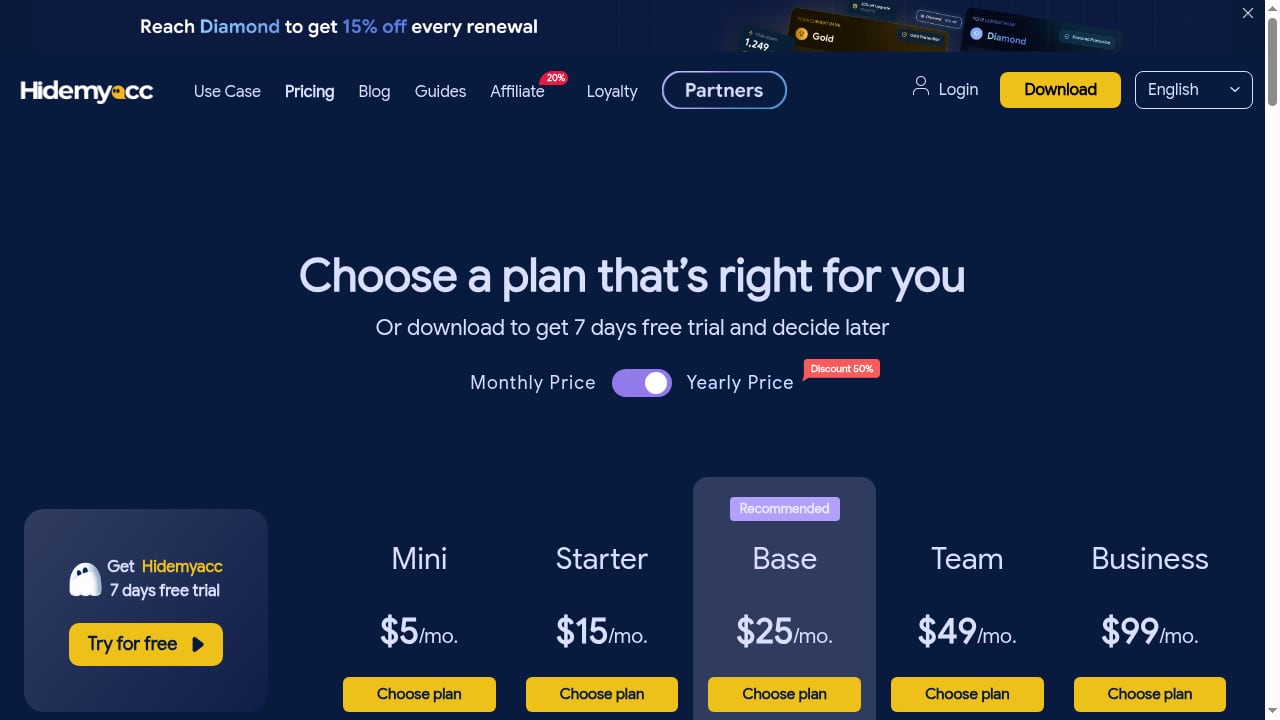
First viewport screenshot of Hidemyacc pricing plans for digital fingerprints of browser profiles.
Pricing varies by source and plan tier, so treat these as signals rather than fixed quotes:
- Free plan: 5 profiles with basic fingerprint and community support, per AntiBrowserHub
- Starter: around $15/month for 30 profiles with automation, cookie import, and cloud sync
- Base: around $30/month for 60 profiles with team features and API access
- Business: around $80/month for 200 profiles with advanced automation and dedicated support
- Higher tiers: a $49+ plan unlocks built-in free proxies, and a top plan around $199/month includes only 5 team seats
One source notes a 7-day free trial of the Starter plan, while another says there is no free plan. Confirm current terms on the vendor site before committing. The pattern is clear: Hidemyacc competes on low entry pricing, but team seats and proxy access push real costs up.
Setup Walkthrough
- Download the app for Windows or macOS. On macOS, expect a terminal command during installation, which is unusual for paid privacy software.
- Register an account. The signup form may ask for a phone number or Telegram nickname, and there is no email verification or 2FA.
- Create a profile manually. Starter plans may lack quick profile creation, so set fingerprint parameters yourself.
- Add proxies in the Proxy Manager, then copy credentials into each profile during editing.
- Test each profile against a fingerprint checker before logging into any real account.
- Launch profiles individually or in bulk, and stop them from the main window rather than closing the browser window, which can break session sync.
If you prefer a different isolation model, our RoxyBrowser review covers another antidetect option with its own trade-offs.
Strengths and Limitations
Strengths
- Very low entry price compared to premium antidetect browsers
- Automation included on paid plans at no extra cost
- Chromium and Firefox kernel support, per AntiBrowserHub, though another source says Firefox was discontinued
- Cloud sync and a web app for remote profile edits
- Strong presence and support in Southeast Asian markets
Limitations
- No automatic fingerprint modes; defaults may fail checkers
- Manual proxy assignment is counterintuitive
- Team collaboration is expensive and limited
- No mobile app
- English documentation could be better
- Smaller development team than major competitors
- Review authenticity has been questioned by at least one competitor review
Hidemyacc vs Cloud Phone and Other Antidetect Options
First viewport screenshot of What’s new in Hidemyacc? - Release and update notes.
Antidetect browsers isolate fingerprints at the browser level. They are lightweight and cheap, but they still run on your real device and cannot install mobile apps natively. Cloud phones take a different approach: real ARM Android devices in the cloud, each with its own identity.
If your work depends on mobile apps like TikTok or mobile-only marketplaces, a cloud phone may fit better. Our DuoPlus Cloud Phone vs Undetectable.io vs MostLogin comparison breaks down device realism, isolation, and pricing. For a broader view of remote device infrastructure, see the top 10 remote iPhone and cloud phone platforms.
Decision criteria:
- Choose Hidemyacc if you need many cheap browser profiles and can tune fingerprints yourself
- Choose a cloud phone if you need mobile app support, real device fingerprints, or group control automation
- Choose a premium antidetect browser if you need safe defaults, better team features, and stronger checker pass rates
Related reading
- How to Use DuoPlus Cloud Phone with PROXIES.SX - Pair DuoPlus Cloud Phone with PROXIES.SX mobile proxies for isolated Android devices on clean 4G/5G IPs. Setup steps, workflows, and use cases.
- DuoPlus Cloud Phone vs iRemotech: Android Cloud vs Real iPhone - DuoPlus Cloud Phone vs iRemotech compared: real ARM Android cloud phones against hosted physical iPhones, covering isolation, iOS, pricing, and fit.
FAQ
Is Hidemyacc free to use?
Sources conflict. One review describes a free plan with 5 profiles, while another says there is no free plan but a 7-day Starter trial. Check the current offer before signing up.
Does Hidemyacc include automation?
Yes. Paid plans include a no-code automation builder for tasks like registration, posting, and data collection.
Can Hidemyacc pass fingerprint checkers?
With default settings, documented tests failed Iphey and Pixelscan. After manual tuning, one profile passed Pixelscan but not Iphey. Results depend heavily on your configuration skill.
Does Hidemyacc have a mobile app?
No. There is a web app for basic profile edits, but it cannot launch profiles.
Is Hidemyacc good for teams?
It is workable for small teams, but subaccounts cost extra and top plans include few seats, making large-scale collaboration expensive.
Conclusion
Hidemyacc is a budget antidetect browser with real strengths: low pricing, included automation, and regional market focus. It is also a tool that punishes careless use. Default fingerprints may fail checkers, proxy assignment is clumsy, and team features are costly.
If you are a solo operator managing Facebook, Amazon, or TikTok accounts on a tight budget, and you are willing to test and tune each profile, Hidemyacc is worth a trial. If you need mobile apps, safe defaults, or smooth team collaboration, look at cloud phone platforms or premium antidetect browsers instead.