
How to Use DuoPlus Cloud Phone with CapCut: Multi-Account Guide
Combine DuoPlus Cloud Phone's anti-detect Android environments with CapCut's AI video editor to safely create and post videos from multiple TikTok, Instagram, and other accounts without bans. Setup, workflow, and best practices.
How to Use DuoPlus Cloud Phone with CapCut: Multi-Account Guide
Running multiple social media accounts for video content often ends in disaster—platforms detect shared device fingerprints, IP overlaps, and inconsistent locations, leading to account bans or shadowbans. DuoPlus Cloud Phone solves the device isolation problem by giving you real Android cloud phones with unique identities. CapCut supercharges your video production with AI editing, templates, and one-click sharing. When you use them together, you unlock a safe, scalable workflow for creating and posting videos across dozens of TikTok, Instagram, YouTube, or Facebook accounts without ever triggering a connection between them.
This guide walks you through the entire process, from setting up your first cloud phone instance to automating video posts with DuoPlus’s RPA tools, plus practical use cases and tips to keep every account clean.
Why Combine DuoPlus Cloud Phone and CapCut?
How to Use DuoPlus Cloud Phone with CapCut: Multi-Account Guide product interface and feature overview.
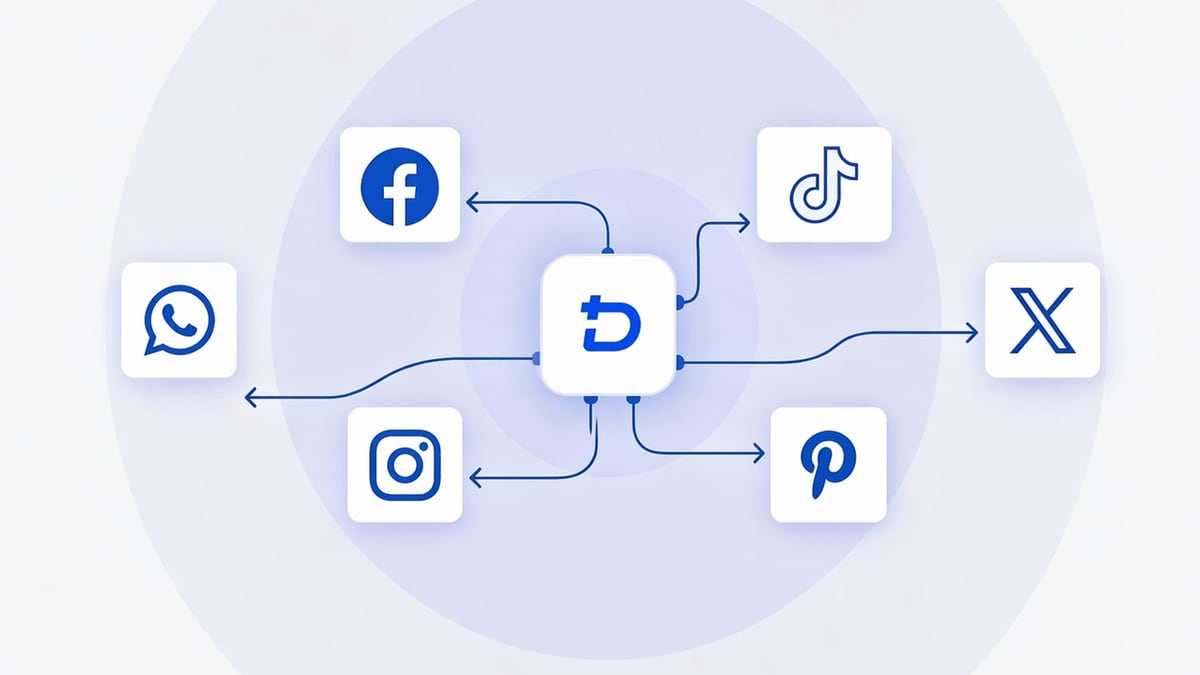
Social media platforms use advanced device fingerprinting to link accounts. A standard phone or emulator shares the same IMEI, Android ID, MAC address, and advertising ID across all accounts logged in on it. Just one slip-up can get your entire portfolio flagged. DuoPlus Cloud Phone breaks that chain by providing isolated, real ARM‑chip Android 15 environments—each with its own simulated GPS, carrier, and phone number. CapCut, on the other hand, is a lightweight yet powerful AI video editor that works natively on Android, giving you access to auto captions, background removal, AI avatars, and batch scene generation without needing a high‑end local device.
Together, they solve three critical problems:
- Device association risk: Every account lives on its own cloud phone, with no shared hardware or software identifiers.
- Content localization: You can edit videos directly on the cloud phone using CapCut’s region‑specific stickers, music, and text templates that match the account’s target audience.
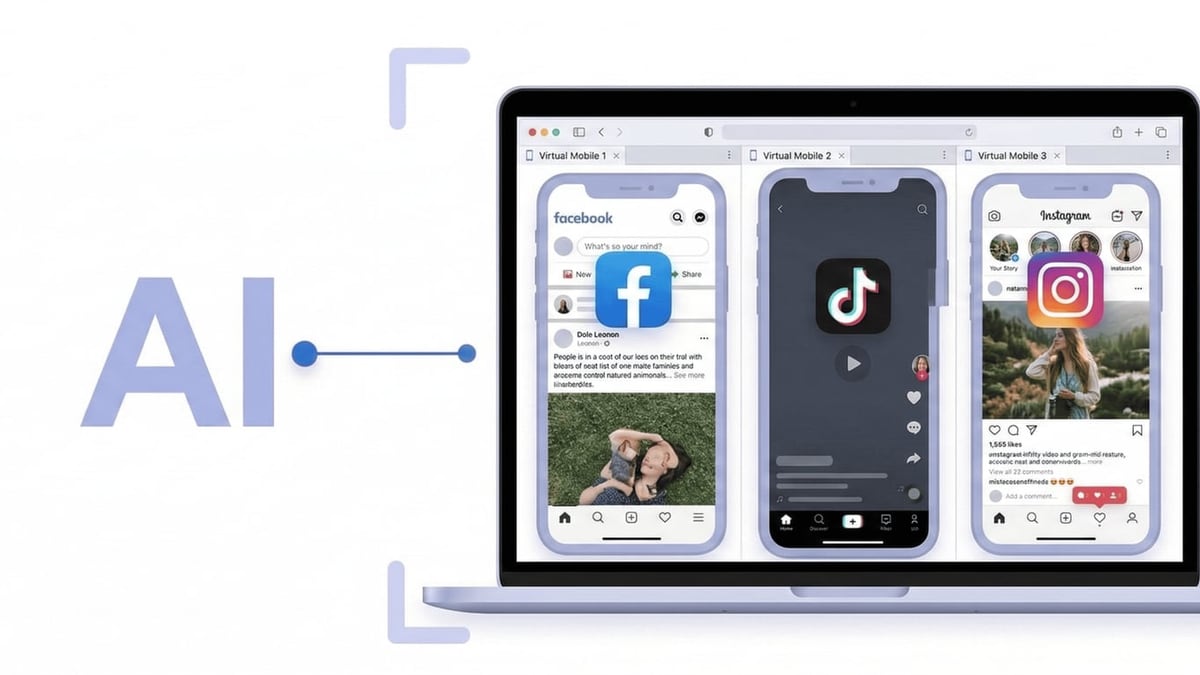
- Posting logistics: Instead of constantly logging in and out on a single device, you simply open the dedicated cloud phone, launch CapCut, edit, and share via the native TikTok or Instagram app—all from your browser.
If you’re still deciding between cloud phones and anti‑detect browsers for app‑heavy work, our DuoPlus Cloud Phone vs AdsPower comparison explains why real Android instances are essential when mobile apps like CapCut are involved.
Setting Up DuoPlus Cloud Phone for CapCut
How to Use DuoPlus Cloud Phone with CapCut: Multi-Account Guide product interface and feature overview.
Before you can use CapCut, you need a properly configured cloud phone. Here’s how to do it step by step.
1. Create a DuoPlus Account and Choose a Plan
Visit the DuoPlus official site and sign up. The platform offers a free trial that includes one device with 30 minutes of runtime—perfect for testing. Once you’re ready to scale, pick a plan based on your volume:
- Temporary startup: Pay as you go ($0.15 per 30 minutes, capped at $0.90/day per device). Ideal if you only need phones running while you edit and post.
- Subscription: Fixed monthly fee for unlimited boot time, starting at $19.90/month for all your devices.
2. Purchase and Configure a Residential Proxy (Recommended)
While DuoPlus provides a default DNS exit, using a dedicated residential proxy with SOCKS5 support gives each cloud phone a clean, consistent IP location. This is crucial for TikTok and Instagram, which heavily weight IP reputation. Choose a proxy provider that offers sticky residential IPs in the target country. During device creation, you’ll paste the proxy credentials into the DuoPlus dashboard.
3. Create Your Cloud Phone Instance
Inside the DuoPlus dashboard:
- Click “Create Cloud Phone” and select a region (e.g., United States, United Kingdom).
- Choose a device model brand (Samsung, Xiaomi, OnePlus, etc.) or let the system randomize it for natural variance.
- Enable GPS emulation and pick a location matching your proxy.
- Set a SIM card carrier (e.g., T‑Mobile, Verizon) and a virtual phone number if you need SMS verification later.
- Click “Start” and wait a few seconds for the Android 15 environment to boot.
You can now open the cloud phone in any browser—no client download required. The interface looks exactly like a physical phone, complete with a Play Store and system settings.
4. Install CapCut on the Cloud Phone
Once the cloud phone is running:
- Open the Google Play Store, sign in with a Google account (create a fresh one for each cloud phone to avoid account linking).
- Search for “CapCut” and install it. Because DuoPlus uses real ARM chips, the app runs with full compatibility, including GPU acceleration for video rendering.
- Optionally, log into a CapCut account or use the app without login. To keep environments fully separated, avoid using the same CapCut account across multiple cloud phones.
Streamlining Video Production Across Accounts
Your most efficient workflow will likely involve preparing a base video on your local machine, then customizing it inside each cloud phone’s CapCut for the target account.
Hybrid Workflow: Edit Locally, Finalize in the Cloud
- Create locally: Use the desktop or mobile version of CapCut to build your main video. Take advantage of AI features like the AI video generator (Seedance 2.5), auto captions, and image upscaling for high‑quality exports.
- Upload to the cloud phone: Transfer the exported MP4 to the cloud phone. The easiest way is to upload the file to Google Drive or Dropbox from your local machine, open the cloud phone’s browser, and download it. Alternatively, you can use DuoPlus’s built‑in file management tool to push files to the instance.
- Finalize for the account: On the cloud phone, open the video in CapCut. Add account‑specific touches—local music, trending stickers, different text overlays, or a unique watermark. This step makes each version look native and organic.
- Export and post: Export the video at 1080p or 4K (CapCut Pro required for 4K) and use CapCut’s one‑click share to TikTok/Instagram button, or manually open the respective app and upload. All activity stays within the isolated cloud phone environment.
For Heavy Automation: Leverage RPA
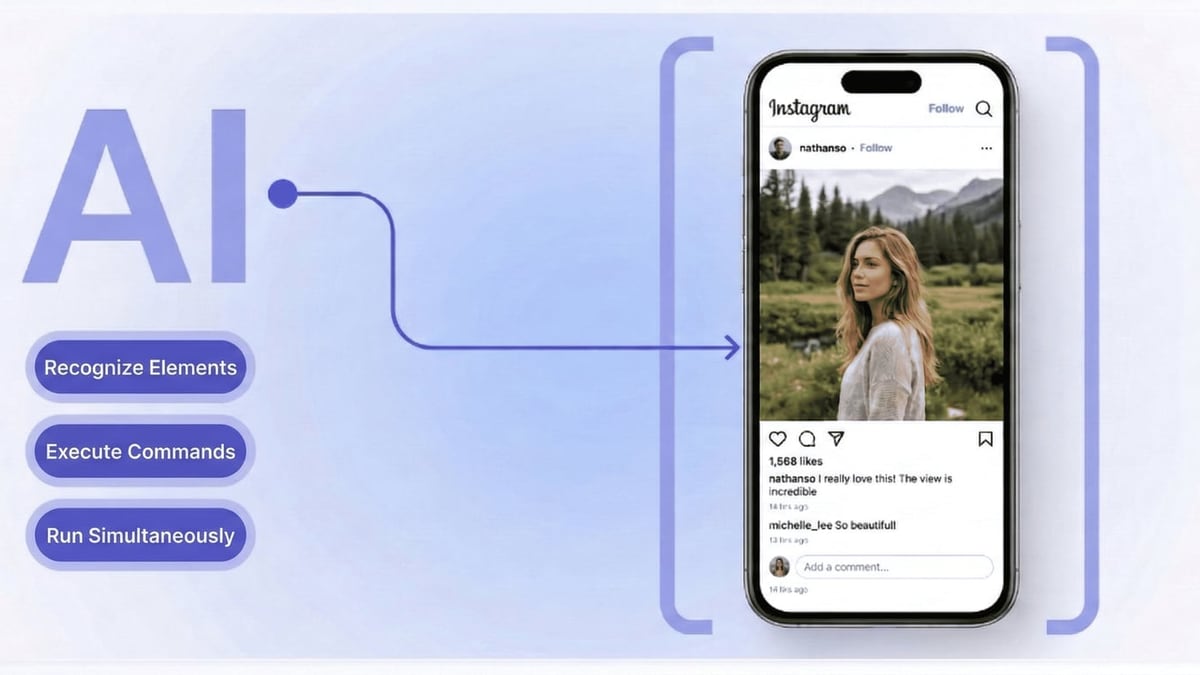
If you need to post the same pre‑rendered video to 50 accounts simultaneously, DuoPlus’s RPA automation can help. You can record a macro that opens the social app, navigates to the upload screen, selects a video from a specific folder, and publishes it. While RPA can’t replace creative editing, it excels at the repetitive posting step after your videos are ready.
For deeper CapCut tips, check our CapCut Review 2025 covering hidden AI features that speed up multi‑account content production.
Use Cases for DuoPlus + CapCut
How to Use DuoPlus Cloud Phone with CapCut: Multi-Account Guide product interface and feature overview.
TikTok Multi‑Niche Account Manager
You run five themed accounts: cooking, travel, tech reviews, pet tricks, and fashion. Each needs to appear as a different person in a different location. With DuoPlus, you create one cloud phone per niche—each with its own IP, GPS, and device fingerprint—then use CapCut to edit and post vertical videos tailored to that niche. No cross‑pollination, no bans.
E‑commerce Sellers with Multiple Storefronts
Dropshippers or marketplace sellers often operate separate TikTok and Instagram pages for each product category or region. You can pre‑produce product demo videos in CapCut, load them onto the appropriate cloud phone, add localized captions (e.g., Spanish, Portuguese, Vietnamese), and publish without risking that a platform links your stores and flags you for spam.
AI Influencer and Faceless Channel Growth
Creators who use AI avatars or text‑to‑speech videos can scale aggressively. Give each AI personality its own DuoPlus cloud phone, install CapCut to quickly generate avatar‑led content, and post consistently. The isolation ensures that if one account gets restricted, the others remain untouched.
Best Practices to Avoid Detection
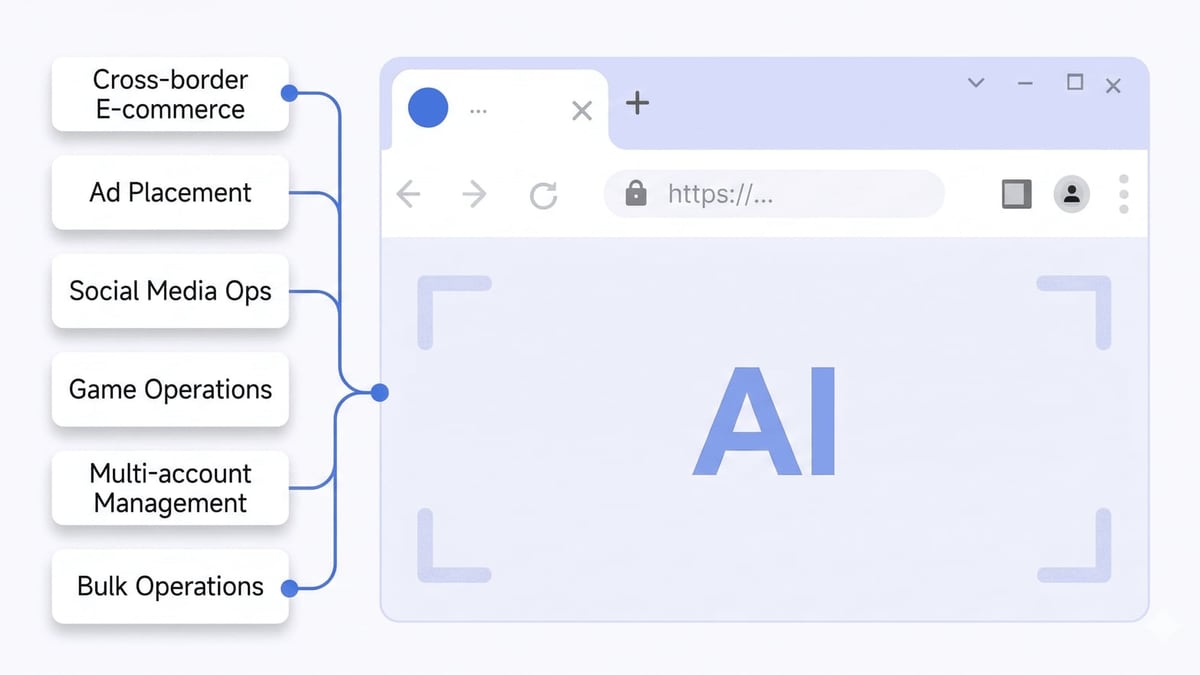
How to Use DuoPlus Cloud Phone with CapCut: Multi-Account Guide product interface and feature overview.
- One account, one cloud phone, one proxy: Never log into two social media accounts from the same DuoPlus instance. The whole point is isolation.
- Match proxy and GPS: If your proxy is in Los Angeles, set the GPS to a plausible LA coordinate. Mismatched geolocation is a common red flag.
- Keep CapCut projects separate: Avoid editing videos for multiple accounts in the same CapCut project or account on a shared device. Either use guest mode or a dedicated CapCut login per cloud phone.
- Vary your content: Even with perfect isolation, identical videos posted across 30 accounts can trigger content duplication filters. Use CapCut’s batch editing features to change intros, add different filters, or slightly trim clips.
- Use the built‑in skin change wisely: If you ever need to repurpose a cloud phone for a different account, use DuoPlus’s one‑click skin change to generate a completely new device fingerprint. This resets identifiers so the old and new accounts can’t be linked.
If you also schedule posts across platforms, combining this setup with a social media scheduler can further streamline your day. See our guide on How to Use DuoPlus Cloud Phone with SocialPilot to safely connect your cloud phone accounts to a scheduling platform.
Related reading
- DuoPlus vs Moimobi vs Antidetect Cloud: Which Is Best? - Compare DuoPlus Cloud Phone, Moimobi, and Antidetect Cloud for multi-account management. See which anti-detect solution suits mobile apps, automation, and browser privacy.
- Top 10 AI Workflow Platforms in 2026 (Ranked & Reviewed) - Compare 2026's top AI workflow automation tools—n8n, Zapier, Make, Relevance AI & more—ranked by real-world testing, pricing, and enterprise readiness.
Sources and further reading
- How to Use DuoPlus Cloud Phone: Best Anti-Detect Solution for Multi-Account Management - Enjoy the videos and music you love, upload original content, and share it all with friends, family, and the world on YouTube.
- DuoPlus Cloud Phone Alternatives - These are the Top 7 Alternatives to DuoPlus Cloud Phone. Find out how DuoPlus Cloud Phone compares to it's competitors and which Social Media Software products are good substitutes.
- DuoPlus cloud phone review 2026: real features, pricing & limits - Honest DuoPlus cloud phone review with real pricing, RPA automation, and limitations. Is DuoPlus the right cloud phone for your accounts?
FAQ
Can I use CapCut Pro on a DuoPlus Cloud Phone?
Absolutely. Since the cloud phone is a real Android 15 device, you can install CapCut Pro and subscribe through Google Play. All premium features—4K export, premium assets, AI video generator—work just as they would on a physical phone.
Do I need to install CapCut on every cloud phone?
Yes, each cloud phone has its own independent storage. Installing apps on one instance does not affect others. Plan for the extra time (a couple of minutes per device) to set up the Play Store and download CapCut.
Will transferring videos via cloud storage link my accounts?
If you use the same Google Drive or Dropbox account across multiple cloud phones, there is a small risk. To be completely safe, either use separate cloud storage accounts per instance or upload files via DuoPlus’s internal transfer tool, which doesn’t leave a cloud footprint on third‑party services.
Is the combination cost‑effective?
For serious multi‑account operators, yes. At $0.15 per 30 minutes or $1.40/month per device, the cost of a dedicated cloud phone is a fraction of what you’d pay for a separate physical phone or a flagged account that needs rebuilding. Add CapCut’s free tier (or Pro at $7.99/month) and you have a full production pipeline for under $10/month per account.
Can I automate the entire editing and posting process?
Fully automated video creation is possible with CapCut’s AI script‑to‑video feature and DuoPlus’s RPA automation, but quality still benefits from human review. Most users find it most effective to manually curate the final export, then rely on RPA to handle the repetitive upload and publish steps across many cloud phones.
Conclusion
DuoPlus Cloud Phone and CapCut are a natural pair for anyone who needs to produce high‑quality video content at scale without putting accounts at risk. The cloud phones give you genuine Android environments that platforms trust, while CapCut provides the creative engine to make videos that stand out. By isolating each account in its own digital “bubble” and editing directly where you post, you eliminate the device‑fingerprint connections that trigger bans.
Start with DuoPlus’s free trial and a single CapCut installation to test the workflow. Once you see how smooth it is, you can spin up more cloud phones and scale your content operation across regions and platforms. For more comparisons and productivity tool guides, DuoPlus Cloud Phone keeps you updated on the best ways to combine anti‑detect infrastructure with the latest AI software.