
How to Use DuoPlus Cloud Phone with ExpressVPN in 2026
Pair DuoPlus Cloud Phone with ExpressVPN in 2026: setup workflow, proxy vs VPN differences, geo-targeting tips, and multi-account privacy best practices.
How to Use DuoPlus Cloud Phone with ExpressVPN in 2026
DuoPlus Cloud Phone gives you a real ARM-based Android device in the cloud, complete with its own device fingerprint, storage, GPS, SIM and base station data. ExpressVPN gives you an encrypted tunnel with servers in 113 countries. Used together, they solve two different problems: DuoPlus keeps your mobile accounts isolated from each other, while ExpressVPN protects the traffic path and gives you fast, stable routes to the regions you operate in.
This guide explains how the two fit together, where a proxy still matters, the step-by-step workflow, and the practical scenarios where the combination pays off.
Why combine a cloud phone with a VPN?
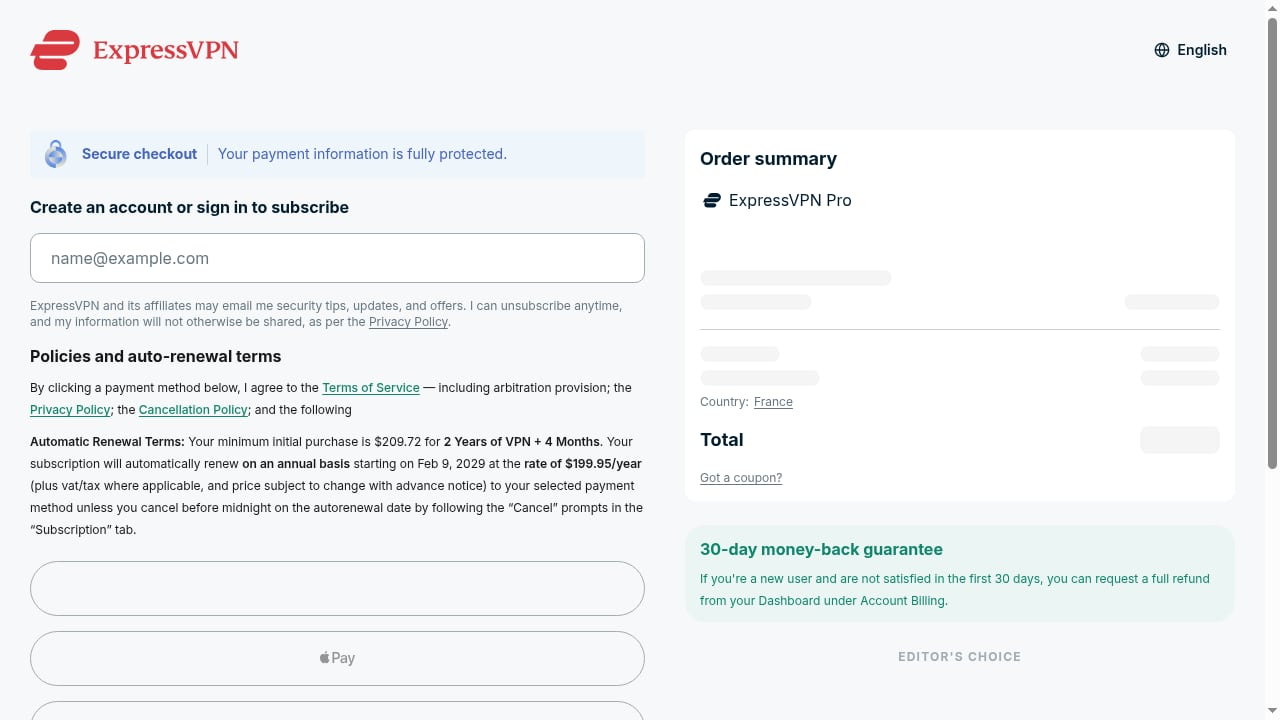
First viewport screenshot of Buy VPN With PayPal, Credit Card | ExpressVPN.
A cloud phone and a VPN are not competitors. They operate at different layers:
- DuoPlus Cloud Phone controls identity: device model, Android version, screen resolution, time zone, language, GPS location, SIM and base station details. Each cloud phone is a separate environment, so accounts never share a fingerprint.
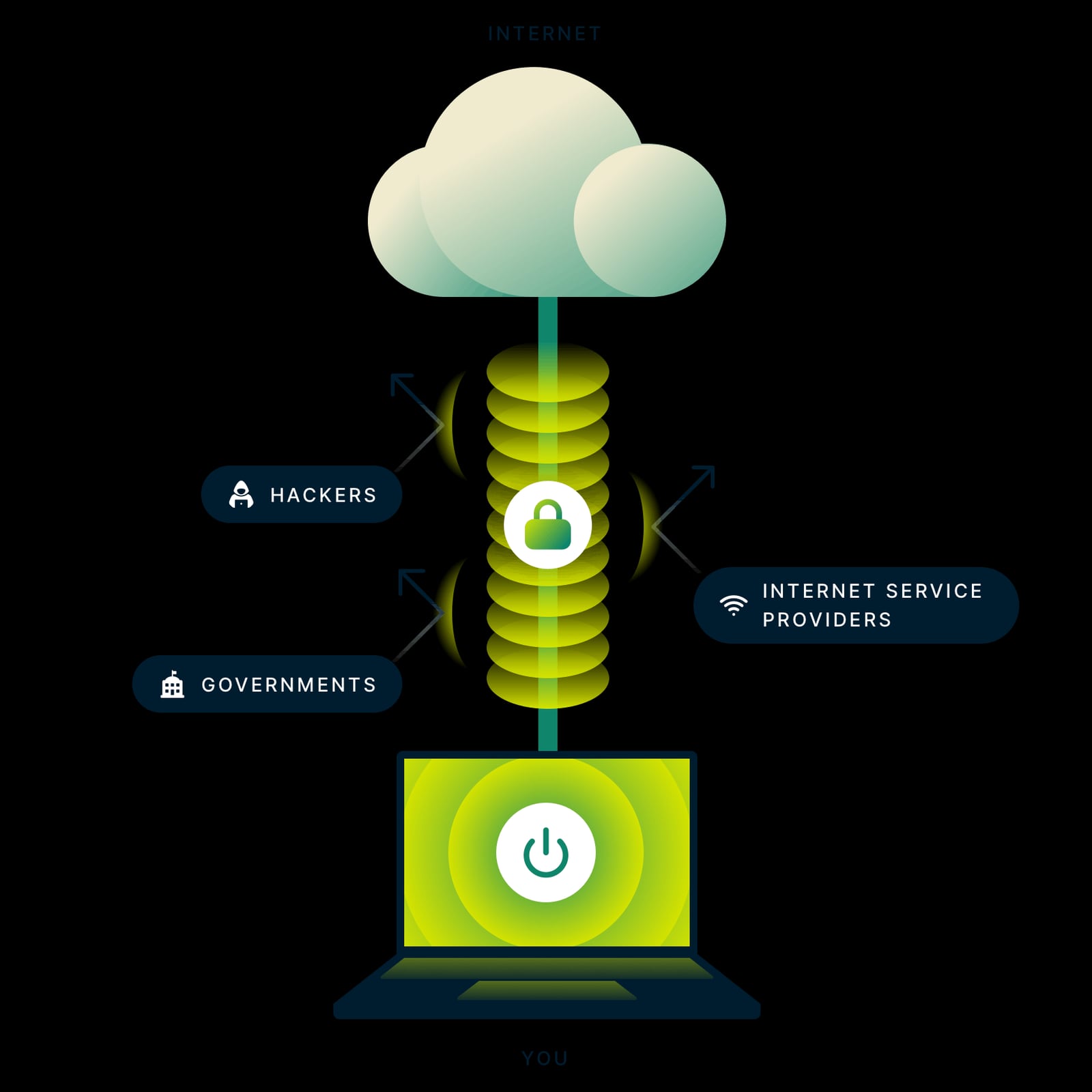
- ExpressVPN controls transport: it encrypts your connection, hides your real IP from your ISP and local network, and lets you choose an exit country with servers in 113 countries.
In practice, the cloud phone is the "device," the VPN is the "road" your traffic travels on. If you only change the device but leave your home IP exposed, some platforms can still link sessions. If you only use a VPN but run several accounts on one device fingerprint, the accounts can still be associated. Together, they close both gaps.
Proxy vs VPN inside DuoPlus: what each one does
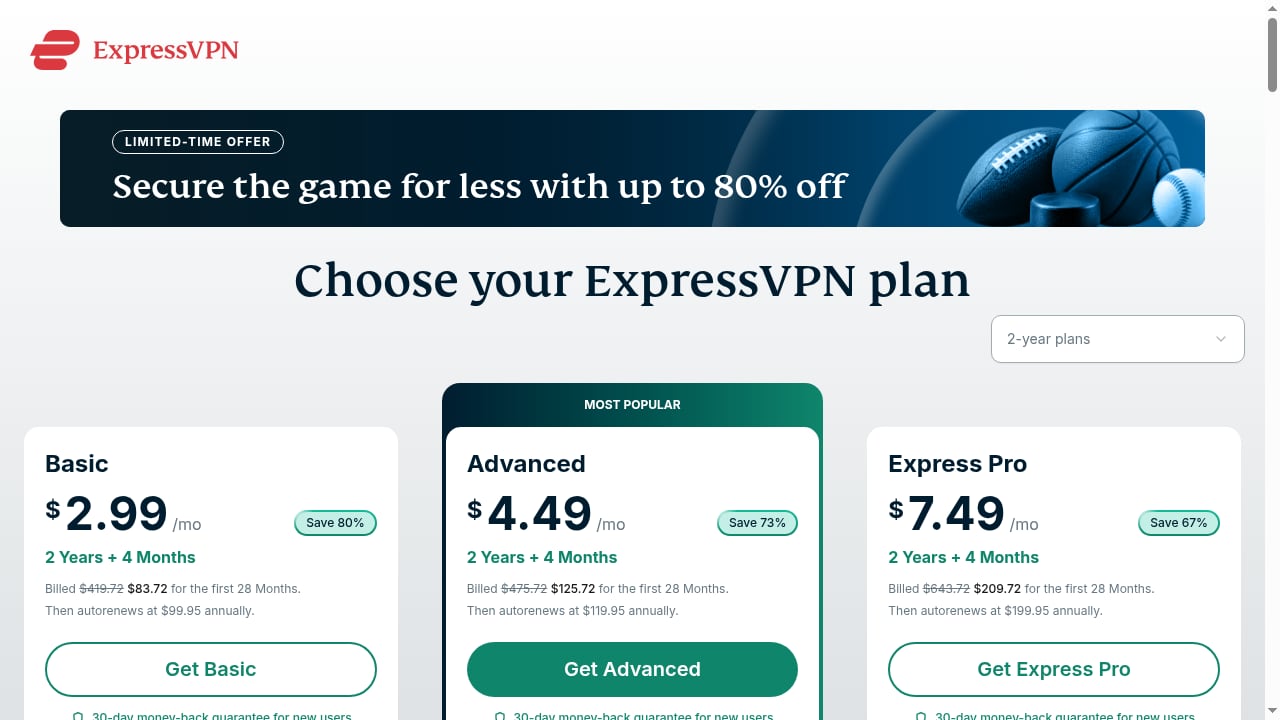
First viewport screenshot of Buy VPN With PayPal, Credit Card | ExpressVPN.
DuoPlus requires a proxy for a cloud phone to reach the network at all — the official help documentation states that before using a cloud phone you need to configure the proxy first. That proxy is assigned per cloud phone, so each device can exit from a different IP.
| Layer | Tool | Scope | Main job |
|---|---|---|---|
| Per-device network | Proxy (SOCKS5/HTTPS) configured in DuoPlus | One proxy per cloud phone | Give each cloud phone a distinct, geo-matched IP |
| Whole-connection tunnel | ExpressVPN | Your local machine or network | Encrypt traffic, hide your real IP, stabilize routing |
A common and effective pattern is: ExpressVPN on your local machine + individual proxies inside each cloud phone. The VPN protects your own connection while you manage devices, and the per-device proxy keeps each cloud phone's exit IP consistent with its simulated GPS and SIM data.
If you want a deeper walkthrough of per-device proxy configuration, see How to Use DuoPlus Cloud Phone with Buy Proxy SOCKS5.
Step-by-step: DuoPlus Cloud Phone + ExpressVPN workflow
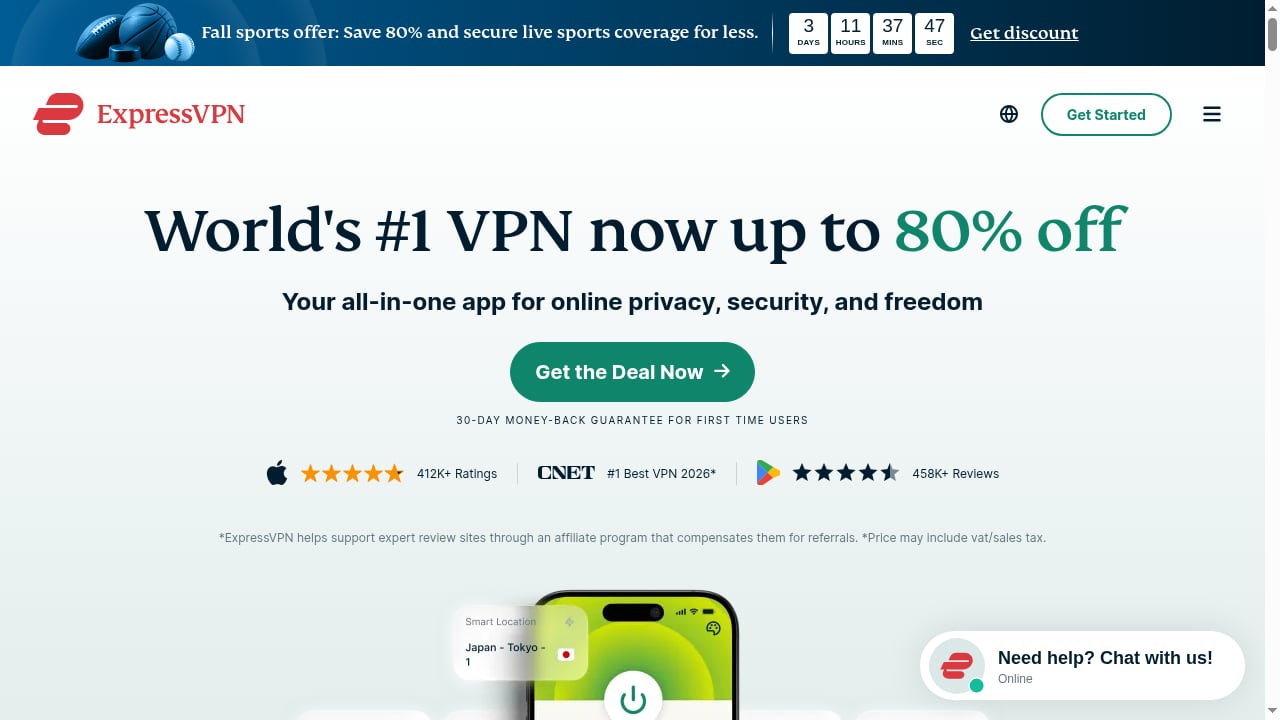
First viewport screenshot of ExpressVPN: Best VPN Service for Speed & Privacy in 2026.
Step 1 — Install and connect ExpressVPN first
Set up ExpressVPN on the computer or phone you use to access the DuoPlus web console. Pick a server location that matches the market you operate in (for example, a US server if you run US-facing TikTok or Shopee accounts). Connect before you log into DuoPlus so your management session is already tunneled.
Step 2 — Prepare your proxies
In DuoPlus, open the Proxies area and add the proxies you plan to use. DuoPlus supports three input methods during configuration:
- Custom Proxy — enter the proxy IP details manually.
- Added Proxy — select from proxies you already saved in DuoPlus.
- Dynamic Proxy — choose a proxy you purchased through the platform.
After filling in the details, use the check function to verify the proxy works before assigning it.
Step 3 — Create or select a cloud phone
Open your cloud phone list and enter the configuration page for the device you want to set up. Give it a clear name and group so teams can tell devices apart later.
Step 4 — Assign the proxy and match the simulation settings
This is the step that matters most for consistency. When you configure the cloud phone:
- Assign the proxy you verified in Step 2.
- Set the network mode, screen resolution, device brand and model.
- Set geographic location, SIM card information, time zone and language — or let DuoPlus simulate them based on the proxy IP directly.
The goal is alignment: if the proxy exits in Singapore, the GPS, time zone and SIM data should also point to Singapore. Mismatched signals are one of the easiest ways for a platform to flag an account.
Step 5 — Complete configuration and launch
Click Complete Configuration, then power on the device. Inside the cloud phone, check the IP to confirm the exit matches what you intended. If the cloud phone shows no network or the proxy detection fails, revisit the proxy credentials and protocol before troubleshooting anything else.
Step 6 — Scale with batch configuration
When you are running more than a handful of devices, configure them in bulk. Select multiple cloud phones, choose Initialize Proxy from the floating toolbar, and either configure each one individually or download the import template, fill it in, and re-import it. DuoPlus validates each row and returns color-coded results:
- Green — configuration will apply successfully.
- Orange — the data does not match reality; the system auto-corrects it.
- Red — the data is incorrect and cannot be configured.
Fix the red rows, confirm the rest, and click Import, then Complete Configuration.
Practical examples
Example 1: TikTok accounts for three markets
You manage TikTok accounts for the US, UK and Singapore. Create three cloud phones, assign a proxy in each target country, and set GPS, SIM and time zone to match. Keep ExpressVPN connected on your management machine with a stable server so your console sessions do not drop mid-task. Each account now sees a consistent local device and a consistent local IP.
Example 2: Shopee and Lazada seller operations
A Southeast Asia seller runs separate storefronts. Each storefront gets its own cloud phone with a matching regional proxy and simulated SIM data, so store sessions never share a device fingerprint. ExpressVPN keeps the operator's own connection private while switching between storefronts.
Example 3: Mobile app QA across regions
A tester needs to verify how an app behaves in different countries. Instead of buying hardware, they spin up cloud phones with different GPS and SIM profiles, and use ExpressVPN to reach region-locked test endpoints from the management side. The result is repeatable regional testing without a device lab.
Example 4: Crypto airdrop and affiliate campaigns
Airdrop farming and affiliate work both depend on many independent accounts. DuoPlus provides unlimited device multiplicity with isolated storage per device; ExpressVPN adds a privacy layer over the operator's own traffic. Pair this with disciplined proxy hygiene and you avoid the classic mistake of ten accounts sharing one IP.
Common problems this combination solves
- Account association — separate fingerprints plus separate exit IPs per device.
- Geo mismatch flags — GPS, SIM, time zone and proxy all point to the same country.
- Unstable management sessions — an encrypted, consistent tunnel while you work across many devices.
- Slow cross-region operations — ExpressVPN's network is built for speed, which matters when you are loading many cloud phone screens.
- Team access chaos — DuoPlus one-click sharing and team management let colleagues work on the same devices without sharing credentials informally.
Choosing the right setup for your case
ExpressVPN: Best VPN Service for Speed & Privacy in 2026 product interface.
- Single account, privacy-focused — ExpressVPN alone on your device may be enough.
- Multiple accounts on mobile platforms — DuoPlus Cloud Phone with per-device proxies is the core requirement; ExpressVPN is the supporting privacy layer.
- Browser-based multi-accounting only — an anti-detect browser may fit better. Compare options in DuoPlus Cloud Phone vs Multilogin vs GoLogin.
- E-commerce and social selling — see DuoPlus Cloud Phone vs BitBrowser for how real ARM Android devices compare with a free anti-detect browser.
Setup checklist
- ExpressVPN installed and connected before opening the DuoPlus console.
- Proxy added and verified in DuoPlus.
- Proxy assigned to the correct cloud phone.
- GPS, SIM, time zone and language aligned with the proxy country.
- IP checked inside the cloud phone after launch.
- Batch import validated (green rows only) before scaling.
Related reading
- DuoPlus Cloud Phone vs Multilogin vs GoLogin (2026) - DuoPlus Cloud Phone vs Multilogin vs GoLogin compared: real ARM Android cloud phones against anti-detect browsers, with pricing, fingerprint and use-case guidance.
- DuoPlus Cloud Phone vs BitBrowser: Best Antidetect for E-Commerce - DuoPlus Cloud Phone vs BitBrowser compared for e-commerce, Facebook, Instagram, and TikTok multi-accounting: real ARM Android devices vs a free antidetect browser.
- Moimobi Review: Cloud Phone & AI Browser Farm for Social Media - Hands-on Moimobi review: cloud phones plus AI browsers for multi-account social media automation. Covers setup, pricing signals, strengths, limits, and fit.
Sources and further reading
- How to Set Up a Proxy in DuoPlus and Launch a Cloud Phone - In this video, we show you how to set up a proxy in DuoPlus and launch a cloud phone. DuoPlus is a cloud Android phone for running multiple accounts, and wit...
FAQ
Does DuoPlus Cloud Phone include a VPN?
No. DuoPlus is an anti-detect cloud phone platform. It requires a proxy per cloud phone for network access, and you can add a VPN such as ExpressVPN on your own management device for an extra privacy layer.
Can I use ExpressVPN instead of a proxy in DuoPlus?
Not as a replacement. The proxy is configured per cloud phone inside DuoPlus, while a VPN typically covers your whole local connection. For per-device IP control, you still need individual proxies.
Will a VPN change my cloud phone's fingerprint?
No. The device fingerprint — model, resolution, Android version, SIM and GPS data — is set in DuoPlus. A VPN changes the network path, not the device identity.
Which ExpressVPN server should I pick?
Match it to the market you operate in and to the proxy country of the cloud phones you are managing. Consistency between the two reduces mismatch signals.
How many cloud phones can I run at once?
DuoPlus supports unlimited device multiplicity, and pricing scales through startup time packages and monthly startup plans with volume discounts. Start with a free trial to validate your workflow before scaling.
What if my cloud phone has no network after setup?
The DuoPlus help center lists "No Network on Your Cloud Phone" and "Proxy Detection Failing" as common issues. Re-verify proxy credentials, protocol and assignment order first.
Conclusion
DuoPlus Cloud Phone and ExpressVPN solve different halves of the same problem. DuoPlus builds believable, isolated mobile identities at scale — real ARM Android devices with unique fingerprints, storage, GPS and SIM data. ExpressVPN secures and stabilizes the connection you use to run them, with servers in 113 countries and a 30-day risk-free trial.
Start with ExpressVPN connected, add a verified proxy to each cloud phone, align the simulation settings with the proxy country, and check the IP before you scale. Do that consistently, and your multi-account operations stay both efficient and defensible in 2026.
For the official configuration walkthrough, see the DuoPlus Initialize Proxy documentation and the broader DuoPlus Help Center.