
How to Use DuoPlus Cloud Phone with PROXIES.SX
Pair DuoPlus Cloud Phone with PROXIES.SX mobile proxies for isolated Android devices on clean 4G/5G IPs. Setup steps, workflows, and use cases.

How to Use DuoPlus Cloud Phone with PROXIES.SX
Running multiple mobile accounts from one computer fails for a predictable reason: every account shares the same device fingerprint and the same IP address. DuoPlus Cloud Phone solves the first half of that problem by giving each account a real, isolated Android device in the cloud. PROXIES.SX solves the second half by routing each device through a clean 4G/5G mobile IP. Together they form a complete anti-association stack for social media, e-commerce, and app testing at scale.
This guide explains how the two platforms fit together, walks through the setup, and covers the workflows where the combination actually matters.
Why DuoPlus Alone Is Not Enough
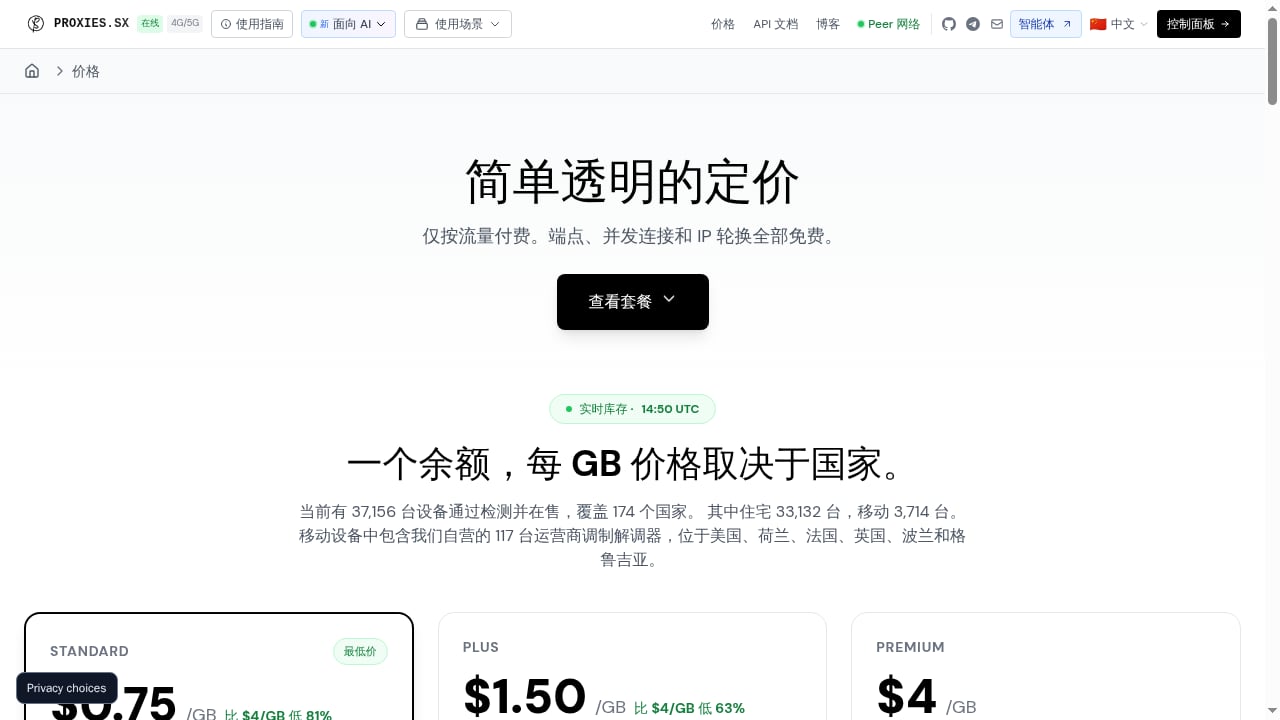
First viewport screenshot of Pricing Plans - Residential and Mobile Proxy Pricing.
DuoPlus Cloud Phone is an anti-detection cloud phone platform built on real ARM-based Android devices, not emulators. Each cloud phone gets its own device fingerprint, independent storage, and simulated GPS, SIM card, and base station data across dozens of countries. On the device side, that is a strong isolation model.
On the network side, it is not. If ten cloud phones all leave through the same data center IP, platforms can still link them by network signature. Mobile apps are especially sensitive to this: TikTok, Shopee, and similar platforms weight IP reputation heavily when deciding whether accounts are related.
That is the gap PROXIES.SX fills. It is an AI-native proxy infrastructure that provides real 4G/5G mobile and residential IPs through a single pool gateway endpoint. Carrier-grade mobile IPs look like ordinary phone traffic, which is exactly what a cloud phone should be emitting.
How the Two Products Complement Each Other
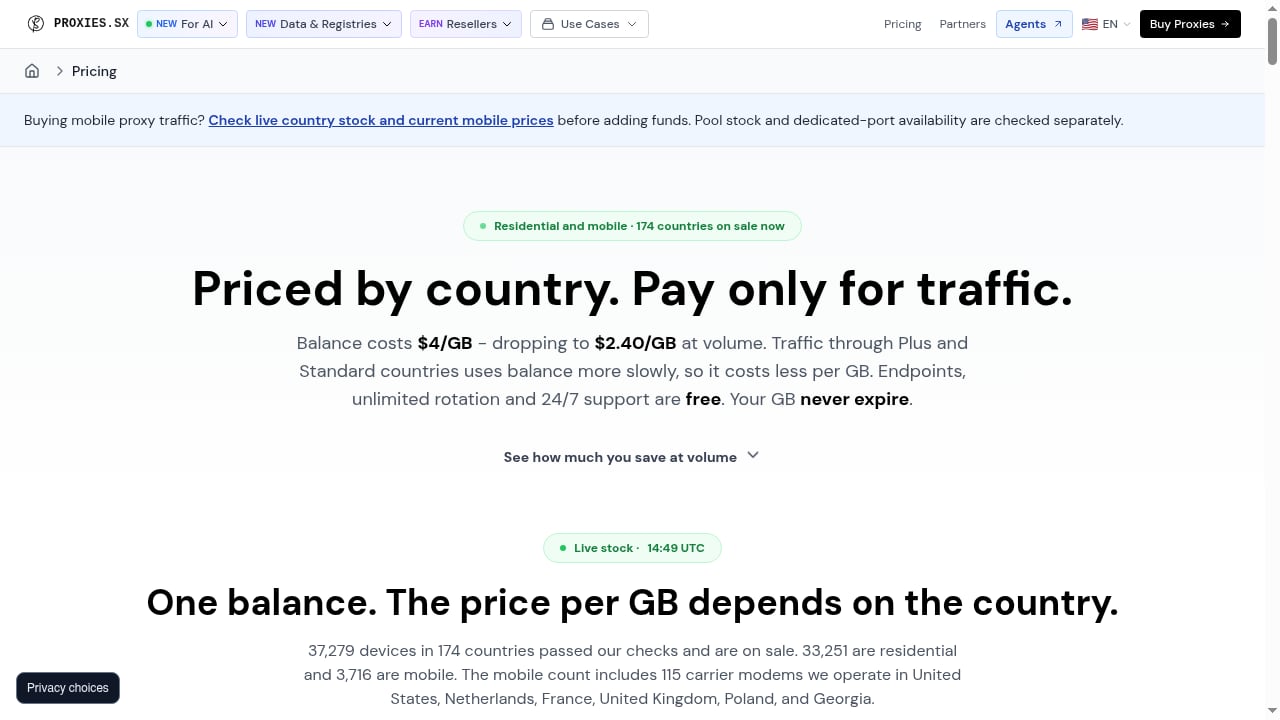
First viewport screenshot of Proxy Pricing by Country: Pay per GB.
| Layer | DuoPlus Cloud Phone | PROXIES.SX |
|---|---|---|
| Device identity | Unique fingerprint, storage, GPS, SIM, base station | — |
| Network identity | — | Real 4G/5G mobile and residential IPs |
| Isolation model | One device per account | One IP per device or session |
| Management | PC and mobile browser control, bulk app install | Single pool gateway endpoint |
| Payment model | Free trial, duration-based startup packages | Pay per GB, no monthly fee, bandwidth never expires |
The design principle is one device, one IP, one account. DuoPlus keeps the device layer clean; PROXIES.SX keeps the network layer clean. Neither half works as well alone.
Prerequisites
First viewport screenshot of Dedicated AI Inference Pricing & Costs | PROXIES.SX.
Before you start, confirm you have:
- An active DuoPlus Cloud Phone account with at least one cloud phone provisioned
- A PROXIES.SX account with available bandwidth (the free trial on the DuoPlus side is enough to test the workflow)
- Your PROXIES.SX gateway host, port, username, and password from the dashboard
- A target country or region in mind for each account you plan to run
One important constraint: DuoPlus supports SOCKS5 proxies. Confirm the endpoint format PROXIES.SX issues for your plan matches that protocol before you begin.
Step-by-Step Setup
Step 1: Get Your PROXIES.SX Endpoint Details
Log in to PROXIES.SX and locate your pool gateway credentials. Because the service routes through a single pool gateway endpoint, you typically receive one host and port pair plus credentials, with geo-targeting handled through the username string or session parameters. Note the exact format — you will paste it into DuoPlus in the next step.
Step 2: Add the Proxy in DuoPlus
In the DuoPlus console, open the Proxies section and choose to add a new proxy. Enter:
- Type: SOCKS5
- Host: your PROXIES.SX gateway host
- Port: your PROXIES.SX gateway port
- Username / Password: your PROXIES.SX credentials
Run the built-in connection test before saving. A failed test here is almost always a protocol mismatch or a typo in the credentials, not a problem with either platform.
Step 3: Add Proxies in Bulk
If you are running more than a handful of accounts, do not add proxies one at a time. DuoPlus supports batch proxy upload, which lets you paste a list of proxy entries at once. This is the point where a pool-based provider like PROXIES.SX pays off: you can generate a batch of session entries from one gateway rather than managing dozens of separate proxy purchases.
Step 4: Assign Proxies to Cloud Phones
When you create or edit a cloud phone, DuoPlus asks you to initialize a proxy for that instance. Select the proxy you just added, then set the device parameters you want — region, language, and the simulated GPS and SIM data that should match the proxy's location.
Keep the geography consistent. A cloud phone simulating a US SIM while exiting through an Asian IP is a mismatch that undermines the whole setup.
Step 5: Power On and Verify
Launch the cloud phone and wait for the Android environment to load. Then verify two things inside the device:
- Open a browser and check the visible IP address matches the region you intended.
- Confirm the device locale, time zone, and GPS position align with that region.
If both check out, install your apps and begin operating. If the IP is wrong, recheck the session parameters on the PROXIES.SX side before touching the device configuration.
Practical Workflows
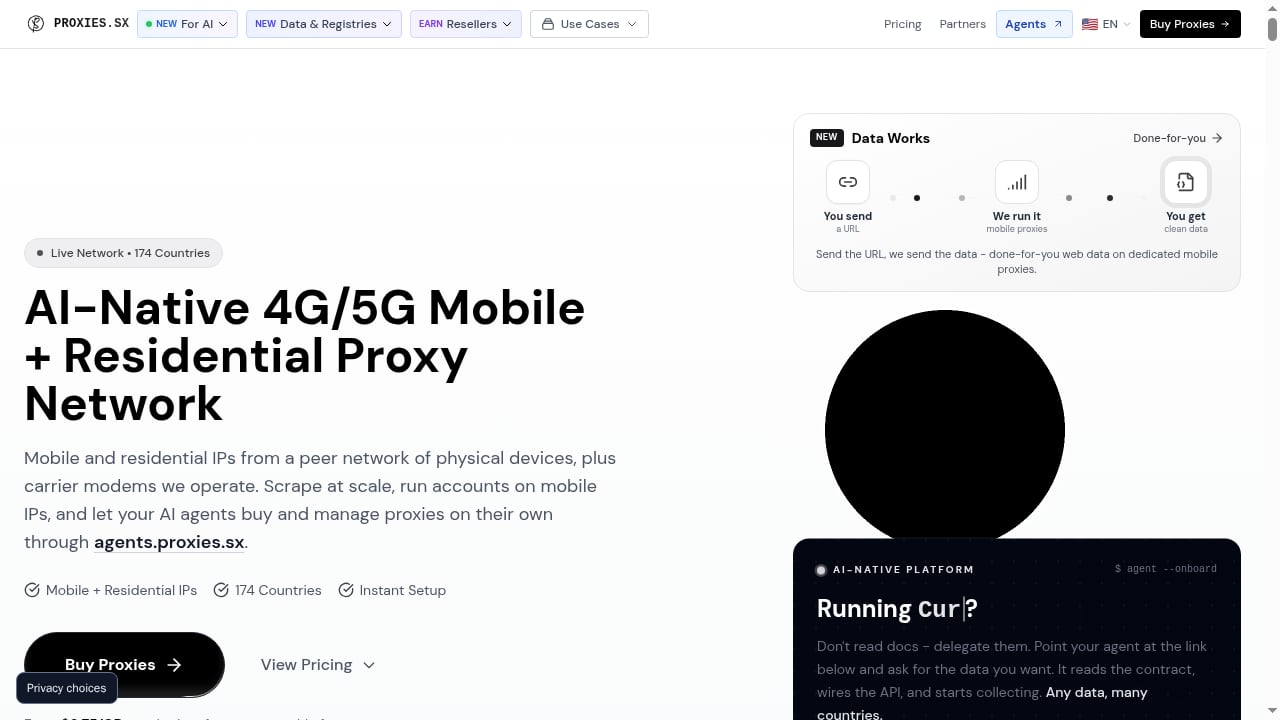
First viewport screenshot of Proxies.sx: AI-Native 4G/5G Mobile + Residential Proxy Network.
Social Media Account Management
For TikTok, Facebook, or WhatsApp operations, assign one mobile IP per account and keep it sticky for the life of that account. Mobile IPs from PROXIES.SX are far less likely to trigger CAPTCHAs than data center ranges, and DuoPlus's per-device fingerprints prevent the accounts from being linked by hardware signals. This is the core use case both platforms are built for.
E-commerce Store Operations
Shopee and Lazada sellers running multiple storefronts can pair each store with a cloud phone localized to the store's market. The proxy supplies the local mobile IP; DuoPlus supplies the matching GPS, SIM, and base station data. Buyers and platform risk systems see a consistent local mobile user.
Crypto Airdrop Farming
Airdrop campaigns frequently filter participants by device and network uniqueness. DuoPlus provides unlimited device multiplicity with one-click reskin to generate fresh device environments; PROXIES.SX provides a fresh mobile IP for each. The combination directly targets the two signals most commonly used to disqualify duplicate participants.
Mobile App Testing and Ad Verification
Testers can spin up cloud phones in multiple regions and route each through a real mobile IP to see how an app behaves on genuine carrier networks rather than a VPN. This is also useful for verifying that geo-targeted ads render correctly in each market.
AI Agent and Automation Pipelines
PROXIES.SX is designed for AI agents, with autonomous USDC payments via the x402 protocol and an MCP server with 88 tools for Claude Desktop integration. Teams automating account operations can drive DuoPlus cloud phones programmatically while the proxy layer handles IP rotation and geo-targeting without API key management.
Choosing the Right Proxy Type
Not every task needs the same IP behavior:
- Sticky mobile sessions — best for account login, posting, and any long-lived identity. Use one sticky IP per account.
- Rotating residential IPs — best for scraping, price monitoring, and ad verification where you need breadth rather than a persistent identity.
- Country-targeted mobile IPs — required whenever the account's market matters, such as localized e-commerce or regional social media growth.
A practical rule: if the account has a login and a history, give it a sticky mobile IP. If the task is read-only data collection, rotation is fine.
Common Problems This Combination Solves
- Account association bans: separate device fingerprints plus separate mobile IPs remove the two strongest linking signals.
- CAPTCHA walls: carrier-grade mobile IPs pass challenges that data center ranges fail.
- Geo-inconsistency: matching proxy location to simulated GPS, SIM, and base station data keeps the device story coherent.
- Scaling cost: DuoPlus bills by device duration while PROXIES.SX bills per GB with no monthly fee and non-expiring bandwidth, so you only pay for the capacity you actually use.
- Team access: DuoPlus one-click sharing lets team members operate assigned cloud phones without sharing credentials, while the proxy layer stays centralized.
Related reading
- DuoPlus Cloud Phone vs Undetectable.io vs MostLogin - Compare DuoPlus Cloud Phone with Undetectable.io and MostLogin on device realism, mobile app support, isolation, automation, and pricing for multi-accounting.
- DuoPlus Cloud Phone vs iRemotech: Android Cloud vs Real iPhone - DuoPlus Cloud Phone vs iRemotech compared: real ARM Android cloud phones against hosted physical iPhones, covering isolation, iOS, pricing, and fit.
- RoxyBrowser Review 2026: Antidetect Browser for Multi-Accounting - Evidence-based RoxyBrowser review: fingerprint isolation, free trial limits, proxy setup, pricing signals, and who should use it for multi-accounting in 2026.
Sources and further reading
- How to configure proxy in DuoPlus - In this video, we show how to set up proxies in DuoPlus step by step and how to run multiple cloud phones with different proxies and locations. DuoPlus — htt...
- How to Set up Proxies on DuoPlus Cloud Phone?| IPFoxy Proxy Tutorial - Enjoy the videos and music you love, upload original content, and share it all with friends, family, and the world on YouTube.
- How to Set Up Proxies With DuoPlus - Step-by-step guide to configuring Oxylabs proxies with DuoPlus cloud phone service for managing multiple social media and e-commerce accounts across different geo-locations.
FAQ
Does DuoPlus support SOCKS5 proxies?
Yes. DuoPlus supports SOCKS5 proxies, which is the protocol you will configure when connecting a PROXIES.SX endpoint.
Can I use one PROXIES.SX endpoint for many cloud phones?
Yes, but assign distinct sessions or IPs per cloud phone. Sharing a single IP across multiple accounts recreates the exact association risk you are trying to eliminate.
Do I need a separate proxy for every DuoPlus cloud phone?
For account-based work, yes — one device, one IP. For read-only testing where accounts are not being logged into, you have more flexibility.
What happens if my proxy location does not match the cloud phone's GPS?
Platforms can flag the mismatch. Always align the proxy's country with the cloud phone's simulated GPS, SIM, and base station settings.
Is there a free way to test this setup?
DuoPlus offers a free trial, and PROXIES.SX uses pay-per-GB pricing with no monthly commitment, so you can validate the workflow on a small budget before scaling.
Can I automate the whole stack?
Yes. PROXIES.SX exposes an MCP server and autonomous payment flow for agent-driven use, and DuoPlus supports bulk management and team sharing, so the combined stack can be operated programmatically.
Conclusion
DuoPlus Cloud Phone and PROXIES.SX solve two halves of the same problem. DuoPlus makes every account look like a different real Android device; PROXIES.SX makes every device look like a different real mobile user. Configure the proxy once, assign it per cloud phone, keep geography consistent, and the setup scales from a handful of accounts to hundreds without the association bans that plague shared-IP operations.
If you are still deciding on the device layer, compare options in our cloud phone platform review or see how DuoPlus stacks up against browser-based alternatives in DuoPlus Cloud Phone vs Indigo. For a different proxy pairing, our DuoPlus and Bright Data walkthrough covers the same workflow with a residential proxy provider.