
MoreLogin Review 2026: Cloud Phone & Antidetect Browser
Evidence-based MoreLogin review: cloud Android phones, antidetect browser, team permissions, automation, pricing signals, setup steps, and who should use it.
MoreLogin Review: Cloud Phone & Antidetect Browser for Account Management
MoreLogin bundles two tools that multi-account operators usually buy separately: an antidetect browser for web profiles and cloud Android phones for mobile apps. The pitch is a single workspace where a team can launch isolated browser sessions, run virtual phones, assign proxies, and automate repetitive actions. This review examines how that combination holds up in practice, based on published user feedback, hands-on testing from a competitor, and the platform's documented capabilities. It is written for people deciding whether MoreLogin fits their account-management workflow, not for readers looking for a feature list.
What MoreLogin actually is
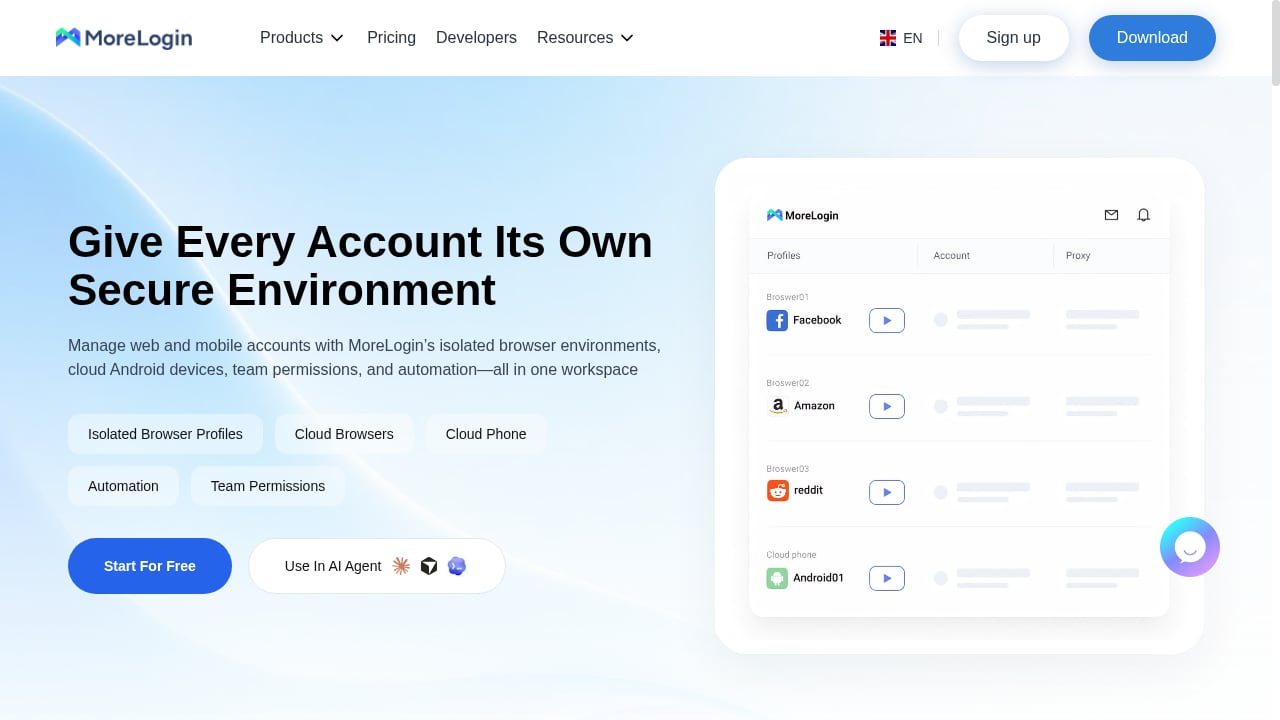
First viewport screenshot of morelogin.com.
MoreLogin is a digital identity platform with two product surfaces:
- Antidetect browser: Creates separate browser profiles, each with its own fingerprint (user agent, canvas, WebGL, timezone, language, and related signals) so that multiple web accounts do not appear to share a device.
- Cloud phones: Virtualized Android devices hosted on remote ARM-based servers. Each phone profile has its own device identifiers such as IMEI and model, and you can choose the Android version when creating it.
Both surfaces are managed from one dashboard, with shared proxy management and team features. The cloud phone component is sold on a usage basis, while browser profiles are tied to subscription plans.
Who should consider MoreLogin
First viewport screenshot of morelogin.com.
The platform makes the most sense for teams that need both web and mobile isolation under one roof:
- Social media managers running multiple brand accounts across web dashboards and mobile-only apps.
- E-commerce operators managing several storefront or marketplace accounts that require separate identities.
- Affiliate and growth teams that need to test campaigns across regions without buying physical phones.
- Agencies that want to give clients or junior staff scoped access to specific profiles rather than sharing credentials.
If your work is browser-only, a dedicated antidetect browser is usually simpler and cheaper. If your work is mobile-only, a pure cloud phone provider may be a better fit. MoreLogin's value comes from consolidation.
Core features and how they perform
First viewport screenshot of morelogin.com.
Browser profiles and fingerprint isolation
The antidetect browser is the more mature half of the product. Profile creation is straightforward, and the dashboard supports bulk creation. Fingerprint consistency is the metric that matters: a profile should present the same device and network signals across sessions. Reviews on G2 highlight the interface and speed as strengths, while noting that the mobile side is a newer addition. For a broader comparison of fingerprint engines, see our top 10 anti-detect browser software for 2026.
Cloud phones: boot time and app preloading
Cloud phone profiles can be created individually or in bulk via an Excel template. You select a device model and Android version, optionally preinstall apps such as Instagram, TikTok, or Reddit, and assign a proxy. In a hands-on test published by GoLogin, the first boot of a cloud phone took roughly one minute and fifty seconds, while subsequent boots dropped to five to ten seconds unless the profile had been idle for a long period. Heavy apps like TikTok scrolled smoothly in that test.
Synchronizer
The Synchronizer lets one phone control several others, mirroring taps and keystrokes across devices. It only works between phones of the same brand and model, which means you need to plan your fleet configuration in advance. The same hands-on test reported occasional desync when tapping near button edges, and recommended tapping the center of controls. This is a useful automation aid, not a replacement for scripted automation.
Proxy management
MoreLogin sells its own proxies and also accepts third-party proxies, which it calls self-owned proxies. A proxy must be configured before a cloud phone can run. In the GoLogin test, a fingerprint check showed the expected proxy IP in the browser but a different WebRTC IP, which is a signal worth verifying on your own setup. Treat proxy and WebRTC alignment as a pre-launch checklist item, not an assumption.
Team permissions
Team features let you share profiles and cloud phones with other users and assign access levels. This is important for agencies and distributed teams, but the granularity of permissions is something to confirm during a trial, since it determines whether you can safely hand a client a single profile without exposing the rest of the workspace.
Setup: what to expect
First viewport screenshot of morelogin.com.
A realistic setup sequence looks like this:
- Create an account and install the desktop app. The browser and cloud phone dashboard are accessed through the MoreLogin client.
- Add proxies first. Save your proxies in the proxy management center so they can be attached to profiles during creation. Decide whether to use MoreLogin's proxies or bring your own.
- Create a browser profile. Choose fingerprint parameters, set timezone and language to match the proxy location, and launch a fingerprint test before adding any account.
- Create a cloud phone profile. Select device model and Android version, preinstall the apps you need, and attach a proxy. Expect a longer first boot.
- Run a leak check. Verify that the IP, WebRTC, timezone, and language all align. Fix mismatches before logging into any account.
- Configure team access. Invite team members and scope their permissions to the profiles they need.
The most common setup mistake is treating profile creation as the finish line. The real work is the verification step, and skipping it undermines the isolation the platform is supposed to provide.
Pricing signals
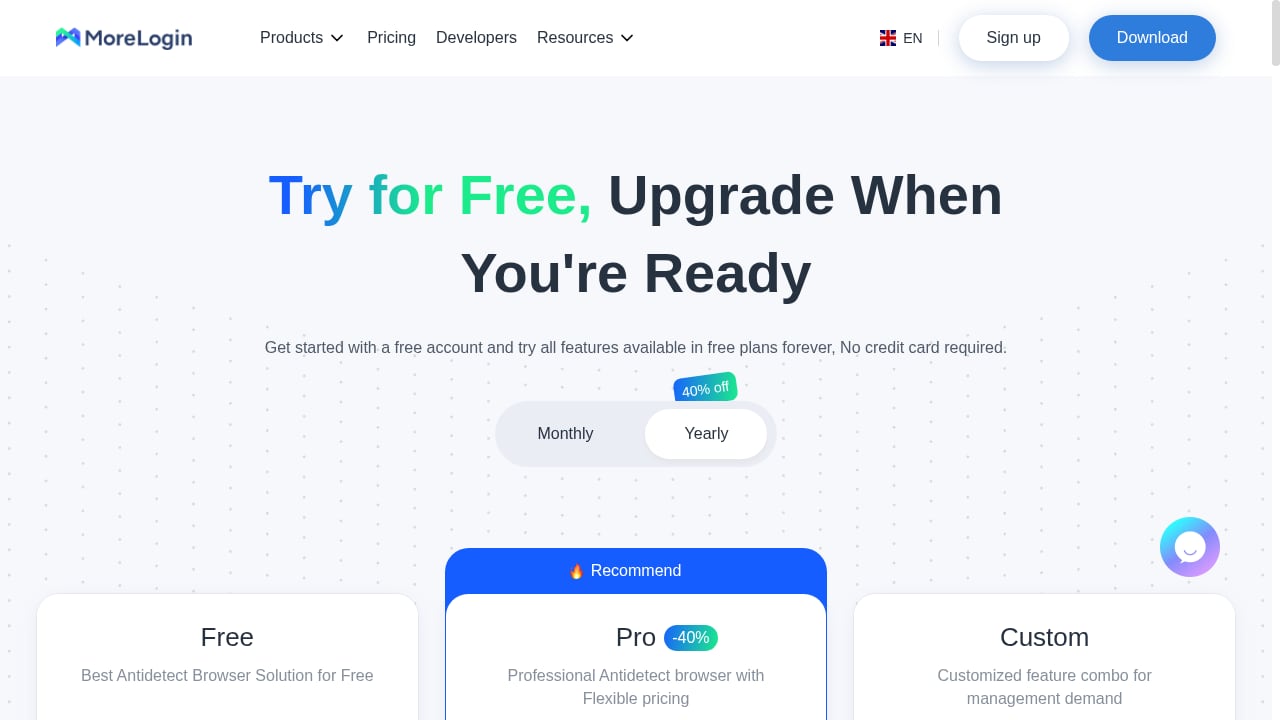
MoreLogin uses a mixed model:
- Browser profiles are sold through subscription plans that typically scale by number of profiles and team seats.
- Cloud phones are billed by usage, either per minute or through duration packs. In the GoLogin test, cloud phone profiles would not launch without a minimum wallet balance, and the advertised free minutes were not received.
- Proxies are sold separately, whether from MoreLogin or a third party.
Because cloud phone costs are usage-based, your effective monthly spend depends on how many phones run simultaneously and for how long. A team running ten phones for a few hours a day will have a very different bill from one running two phones all day. Budget for proxies and cloud phone minutes as separate line items, and confirm current rates on the vendor's pricing page before committing.
Strengths
- Consolidation: Browser profiles and cloud phones share one dashboard, one proxy library, and one team structure.
- Bulk operations: Profile creation and synchronization are designed for fleets, not single accounts.
- Mobile realism: Cloud phones are virtualized Android devices with individual device identifiers, which is more realistic than a spoofed mobile browser fingerprint.
- Team access: Shared workspaces with permissions suit agencies and distributed teams.
Limitations
- Cloud phone cost model: Usage-based billing is harder to forecast than a flat subscription, and minimum wallet balances add friction.
- Synchronizer constraints: Cross-model synchronization is not supported, and occasional desync has been reported.
- Proxy dependency: Cloud phones require a proxy, and WebRTC alignment needs independent verification.
- Newer mobile stack: The cloud phone product is less established than the browser, so feature maturity varies.
- Boot latency: First launches and cold starts are noticeably slower than warm starts.
MoreLogin vs alternatives
| Tool | Best for | Watch out for |
|---|---|---|
| MoreLogin | Teams needing browser + cloud phone in one workspace | Usage-based phone costs; verify proxy leaks |
| DuoPlus Cloud Phone | Mobile-first multi-accounting with real ARM devices | Separate browser tooling may be needed |
| Multilogin | Browser-only antidetect work at scale | No native cloud phone fleet |
| GoLogin | Browser profiles with its own cloud Android option | Compare phone pricing and device models |
For a deeper mobile comparison, see DuoPlus Cloud Phone vs Multilogin vs ShadowPhone. If your work is primarily mobile apps rather than web dashboards, our top 10 cloud phone and Android emulator software covers the wider market.
Decision criteria: is MoreLogin right for you?
Use these questions to decide:
- Do you need both web and mobile isolation? If yes, MoreLogin's consolidation is a real advantage. If no, a specialist tool is likely better.
- Can you tolerate usage-based billing? If your finance team needs predictable monthly costs, model your cloud phone minutes carefully.
- How many phones will run at once? Synchronizer requires identical models, so plan your fleet before you buy.
- Do you have a proxy strategy? Bring-your-own proxies give more control, but you must verify WebRTC and DNS alignment.
- How granular are your team permissions? Confirm that you can scope access per client or per profile.
- What is your automation plan? MoreLogin supports automation, but complex workflows may need scripting rather than the Synchronizer alone.
Related reading
- How to Use DuoPlus Cloud Phone with IPRoyal Proxies - Learn how to pair DuoPlus Cloud Phone with IPRoyal proxies to isolate mobile accounts, reduce bans, and scale multi-account operations safely.
- DuoPlus Cloud Phone vs VMOS: Real ARM vs Virtualized Android - Compare DuoPlus Cloud Phone and VMOS for global multi-account operations: real ARM devices vs virtualized Android, anti-detect depth, pricing, and use cases.
Sources and further reading
- Read Customer Service Reviews of www.morelogin.com - Trustpilot - MoreLogin: The All-in-One Digital Identity & Cloud Phone Platform. ... Anti-detect Browsing with Integrated Android Cloud Phones. Our platform ...
FAQ
Is MoreLogin a cloud phone or an antidetect browser?
It is both. MoreLogin offers antidetect browser profiles and cloud Android phones in one platform, with shared proxy and team management.
Does MoreLogin offer free cloud phone minutes?
MoreLogin has advertised free minutes, but a hands-on review reported not receiving them and needing to top up a wallet before launching a phone. Confirm current trial terms before relying on free usage.
Can I use my own proxies with MoreLogin?
Yes. MoreLogin accepts third-party proxies, which it calls self-owned proxies, in addition to selling its own.
Why do my cloud phones fail to synchronize?
The Synchronizer only works between phones of the same brand and model. If your fleet mixes models, synchronization will not start.
Is MoreLogin suitable for teams?
Yes, it includes team permissions for sharing profiles and cloud phones. The exact permission granularity should be tested against your workflow.
Conclusion
MoreLogin is a credible option for teams that want browser and mobile account isolation in one workspace. Its antidetect browser is the more proven component, while the cloud phone product adds genuine mobile realism at the cost of usage-based billing and some operational friction. The deciding factors are whether you need both surfaces, whether you can forecast cloud phone spend, and whether you are willing to run proper leak checks before trusting any profile with an account. If those conditions fit, MoreLogin deserves a trial; if not, a specialist browser or cloud phone provider will likely serve you better.