
Multilogin Homepage Review: Anti-Detect Browser & Cloud Phone
Evidence-based Multilogin Homepage review: anti-detect browser plus Android cloud phones, ideal users, setup, pricing signals, limits, and decision criteria.

Multilogin Homepage Review: Anti-Detect Browser and Cloud Phone Platform
Multilogin has repositioned itself from a browser-profile tool into a platform that pairs isolated browser profiles with cloud Android phones. That shift matters if your work spans websites and mobile apps. This review examines what the Multilogin homepage actually promises, where it fits, what it costs, and how to decide whether it belongs in your stack.
What Multilogin is today
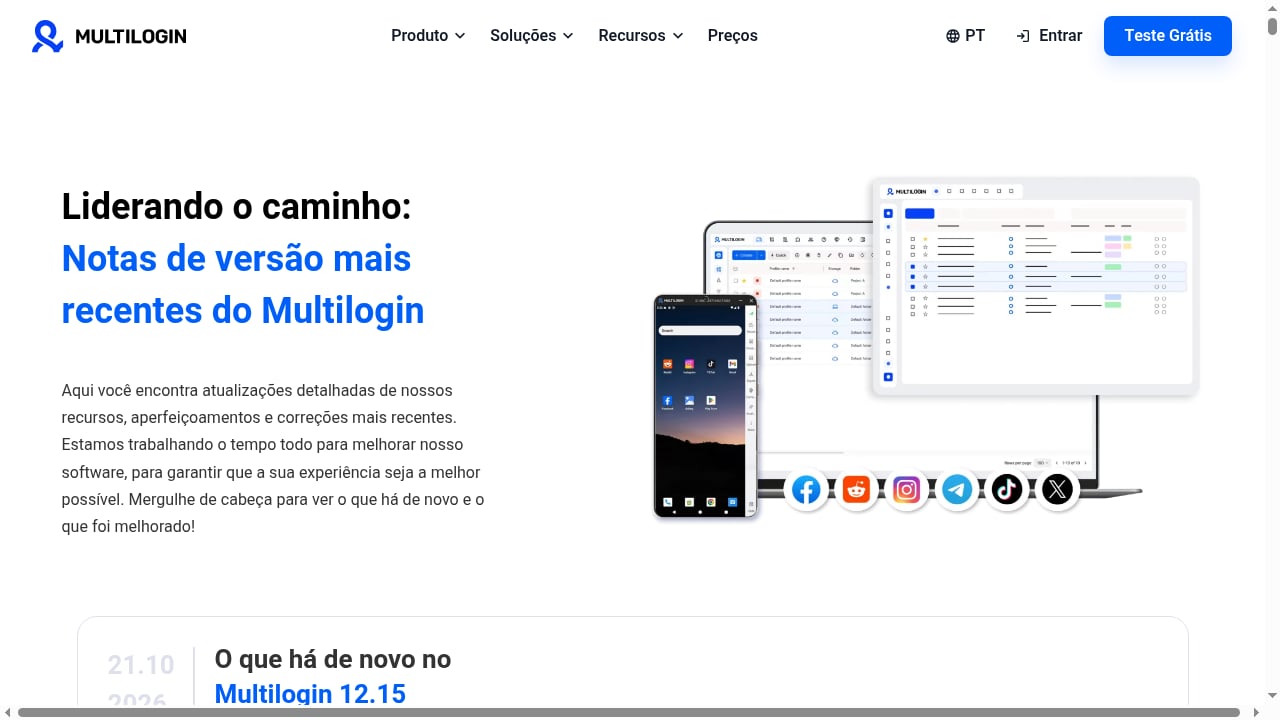
First viewport screenshot of multilogin.com.
Multilogin is a multi-account management platform. Its homepage presents two core capabilities:
- Isolated browser profiles for web-based accounts, each with separate cookies, storage, and fingerprint settings.
- Cloud Android phones for mobile-first accounts, running on real ARM devices in the cloud rather than emulated environments.
Both are managed from one dashboard. The homepage also highlights built-in residential proxies, mobile minutes, automation support, and a free starting tier. The headline message is simple: run and manage multiple accounts, with Android cloud phones included, and start for free.
That combination is the main differentiator. Many competitors stop at browser profiles. Multilogin now covers the mobile layer too, which is where a lot of modern account work actually happens.
Who Multilogin is ideal for
First viewport screenshot of multilogin.com.
The homepage is not aimed at casual users. It is built for people who operate accounts at scale and need each one to look like a separate, ordinary device.
Strong fits:
- Cross-border e-commerce sellers running multiple storefronts or marketplace accounts that each need a stable, separate environment.
- Affiliate and ad teams managing several advertising or social accounts without cross-contamination.
- Mobile-first operators working with apps like TikTok, Instagram, WhatsApp, or marketplace apps where a browser profile is not enough.
- Agencies and teams that need shared profiles, role permissions, and automation access.
- Automation-heavy workflows that rely on APIs, Selenium, Puppeteer, Playwright, or ADB.
Weaker fits:
- Single-account users who just want a private browser.
- Teams with no mobile app requirements and a very tight budget.
- Anyone expecting a tool to guarantee that a third-party platform will never flag an account. No anti-detect product can promise that.
Core strengths
First viewport screenshot of multilogin.com.
Browser and mobile in one place
The biggest practical advantage is consolidation. Instead of buying a browser-profile tool and a separate cloud-phone service, you manage both from one dashboard. For teams juggling web dashboards and mobile apps, that reduces tool sprawl and account-mapping errors.
Real ARM Android environments
Cloud phones running on ARM architecture behave more like physical devices than emulated Android instances. For mobile-first platforms that inspect device signals, that realism is the point. It is also why mobile app work often cannot be replaced by a browser profile alone.
Built-in residential proxies and mobile minutes
The homepage signals that paid plans include residential proxy traffic and mobile minutes. That simplifies procurement, though heavy users should still model their real bandwidth and usage needs before choosing a tier.
Automation coverage
Support for APIs, Selenium, Puppeteer, Playwright, Postman, ADB, and AI-agent workflows is a meaningful strength for teams that script repetitive tasks. Automation access is typically tied to paid plans, so check the tier details.
A free entry point
A free plan with no time limit and no credit card lowers the risk of testing. It is a sensible way to validate whether the platform fits your workflow before committing budget.
Limitations and things to verify
No review is useful without caveats. These are the areas to scrutinize before you buy.
- Independent evidence is thin. Public review samples for anti-detect tools are often small and not representative. Treat star ratings as one weak signal among many, not proof of reliability.
- Pricing scales with usage. Entry prices look low, but profile counts, proxy traffic, mobile minutes, and team seats all affect the real monthly cost. Model your actual usage.
- Mobile minutes are a metered resource. If your workflow keeps cloud phones running for long sessions, minute consumption can become the dominant cost.
- Platform rules still apply. Isolation reduces cross-account linkage, but account behavior, content, and platform policies still determine outcomes.
- Learning curve. Teams new to fingerprint management and cloud phones should budget time for onboarding and testing.
Pricing signals
Based on the product information available, Multilogin offers:
- A free plan with no time limit and no credit card, including a small number of profiles across cloud phones and browser profiles, plus one-time proxy traffic and mobile minutes.
- Paid plans starting from roughly $7.08 per month, with higher tiers adding profile capacity, monthly residential proxy traffic, mobile minutes, automation access, and team features.
Treat these as signals, not a quote. Pricing pages change, and the tier that fits you depends on how many profiles you run, how much proxy traffic you consume, and how long your cloud phones stay active. The cheapest plan is rarely the right one for a working team.
Setup: what to expect
Setup is straightforward in outline but requires planning:
- Create an account and start on the free tier to test the dashboard.
- Choose your environment type for each account: a browser profile for web work, or a cloud Android phone for mobile apps.
- Configure proxies. Decide whether to use built-in residential proxies or bring your own, and keep proxy geography consistent with each account's expected location.
- Set fingerprint parameters for browser profiles, or select device settings for cloud phones.
- Connect automation if needed, using the API, Selenium, Puppeteer, Playwright, or ADB.
- Add team members and assign permissions once the workflow is proven.
The main setup risk is inconsistency. Mixing proxy locations, device settings, or login patterns across accounts undermines the isolation the platform is designed to provide. Document a standard operating procedure for each account type.
How Multilogin compares
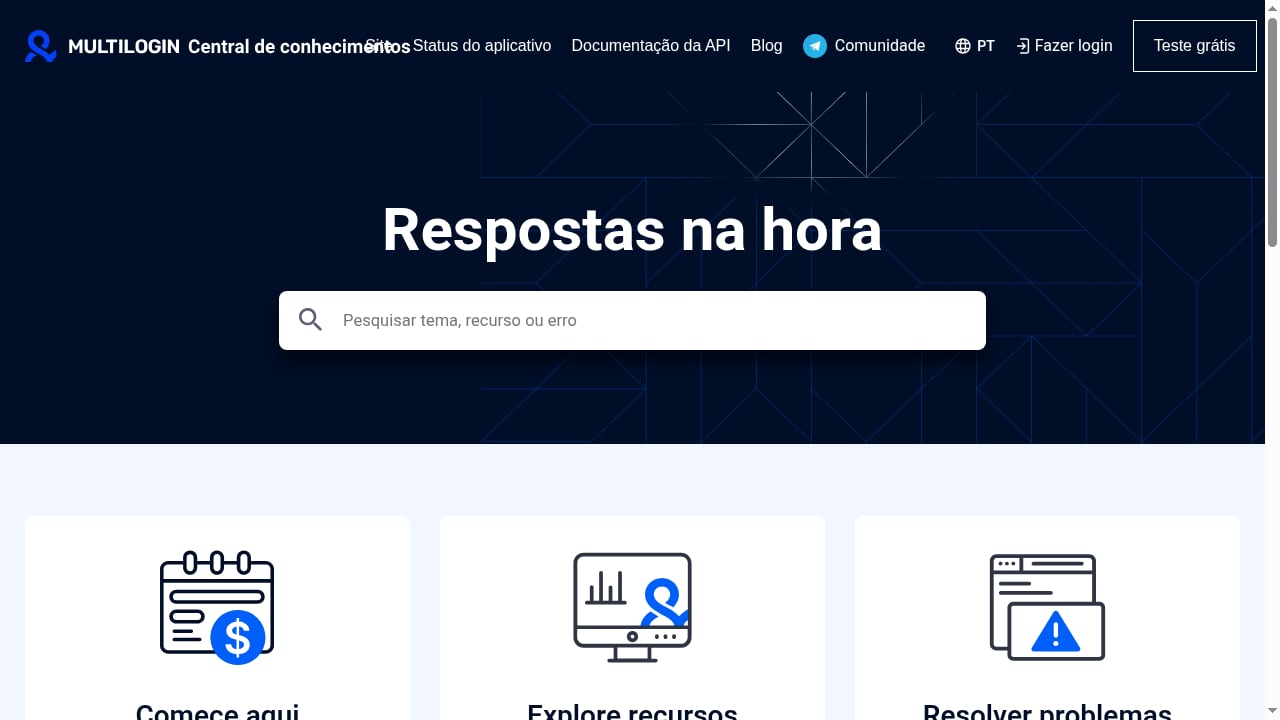
First viewport screenshot of Multilogin knowledge base.
The comparison depends on whether you need mobile environments.
| Need | Multilogin | Browser-only tools |
|---|---|---|
| Isolated web profiles | Yes | Yes |
| Cloud Android phones | Yes | Usually no |
| Built-in residential proxies | Yes | Varies |
| Automation and ADB | Yes | Often browser-only |
| Free tier | Yes | Varies |
If your work is entirely web-based and you need a large number of cheap profiles, a browser-focused tool may be sufficient. If mobile apps are part of the workflow, the cloud-phone layer is the deciding factor. For a broader market view, see our ranking of anti-detect browsers and multi-account tools and the top proxy and VPN browser software.
If you are weighing cloud-phone options specifically, our DuoPlus Cloud Phone vs ChangChang comparison covers ARM realism, anti-detect features, and pricing in more depth.
Decision criteria
Use these questions to decide whether Multilogin is right for you:
- Do you need mobile apps? If yes, a platform with cloud phones is the stronger choice.
- How many profiles will you run? Match the tier to real capacity, not the headline price.
- How much proxy traffic and mobile time will you consume? These metered resources drive the true cost.
- Do you need automation? Confirm API and scripting access on your chosen plan.
- How large is your team? Check seat limits and permission features.
- What is your risk tolerance? Test on the free tier before migrating critical accounts.
- What does independent evidence say? Read public reviews critically and verify claims yourself.
Related reading
- How to Use DuoPlus Cloud Phone with Textverified (2026 Guide) - Combine DuoPlus Cloud Phone and Textverified to verify accounts on isolated Android devices. Step-by-step setup, practical examples, and troubleshooting.
- DuoPlus Cloud Phone vs Hidemyacc & ixBrowser: Multi-Account Guide - Compare DuoPlus Cloud Phone with Hidemyacc and ixBrowser for multi-account management. See where real ARM mobile devices beat browser fingerprints.
Sources and further reading
- Read Customer Service Reviews of multilogin.com - Trustpilot - Multilogin · We use technology to protect platform integrity, but we don't fact-check reviews · See what reviewers are saying · Company details · Contact info.
- Honest Test After Years of Use (Watch Before You Buy) - YouTube - ⚡ MULTILOGIN REVIEW (2026) — the honest version, after years of real use.If you manage more than a handful of accounts, you know the pattern: everything runs...
- MuLogin Review: Is This Budget Antidetect Browser Safe to Use? - Read our honest MuLogin review and see how it compares to the industry leader. Discover the best MuLogin alternative.
FAQ
Is Multilogin only a browser tool?
No. The homepage positions it as an anti-detect browser plus a cloud Android phone platform, so it covers both web and mobile accounts.
Does Multilogin have a free plan?
Yes. The homepage advertises a free starting tier with no time limit and no credit card, including a small number of profiles and one-time proxy traffic and mobile minutes.
How much does Multilogin cost?
Paid plans start from roughly $7.08 per month, with costs rising based on profile capacity, proxy traffic, mobile minutes, and team features. Check the current pricing page for exact figures.
Can Multilogin run Android apps?
Yes. Cloud Android phones run on real ARM devices in the cloud, which is the main reason to choose it over a browser-only tool for mobile-first workflows.
Is Multilogin safe to use?
It publishes documentation, pricing, and terms, and offers a free tier for testing. Independent review samples are small, so verify reliability through your own trial and by checking support responsiveness.
Does Multilogin guarantee accounts won't be banned?
No anti-detect tool can guarantee that. Isolation reduces linkage risk, but platform rules and account behavior still apply.
Conclusion
Multilogin's homepage makes a clear case: one platform for isolated browser profiles and real ARM cloud phones, with built-in proxies, automation, and a free entry point. That combination is genuinely useful for teams whose work spans websites and mobile apps.
The caveats are equally clear. Pricing scales with usage, metered resources can surprise heavy users, and independent evidence is limited. Start on the free tier, model your real profile and traffic needs, and test the workflows you depend on before committing. If mobile apps are central to your operation, Multilogin deserves a serious look. If your work is browser-only, compare it against focused browser-profile tools before deciding.