
SessionBox One Review: Multi-Account Security Tested
Hands-on SessionBox One review: profile isolation, proxy setup, fingerprint test results, pricing tiers, and who should choose a different multi-account tool.
SessionBox One Review: Manage Multiple Accounts Securely on All Platforms
SessionBox One promises to let you run several accounts on the same site at once without logging out or getting flagged. That is a big claim, especially for strict platforms like Facebook. This review pulls together hands-on test data from independent reviewers, the official product positioning, and user reports to show where SessionBox One actually works, where it falls short, and who should consider it in 2026.
What SessionBox One Is (and What It Is Not)
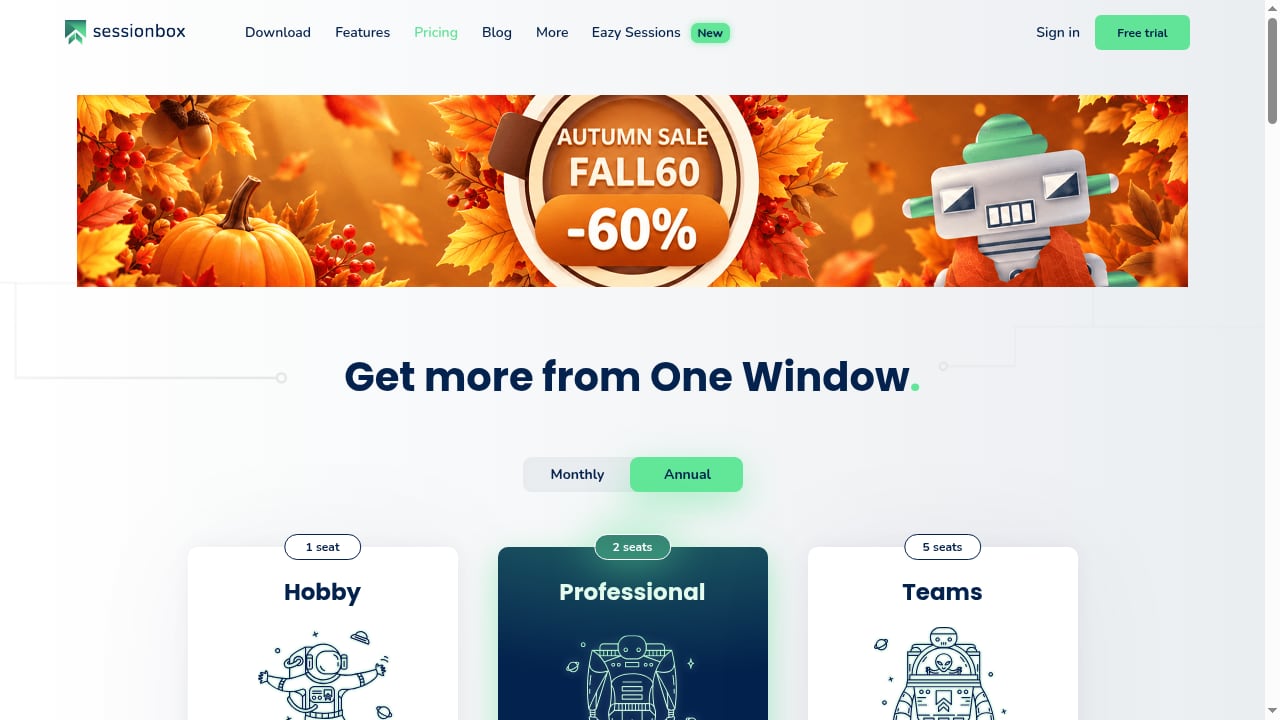
First viewport screenshot of Pricing | SessionBox.
SessionBox started as a Chrome extension that turned ordinary browser tabs into isolated sessions. The current product, SessionBox One, is a two-part system:
- A Chrome extension that creates color-coded tabs, each acting as a separate login session.
- Workstation, a desktop Chromium-based browser that runs profiles in their own windows.
The vendor markets SessionBox One as an antidetect browser with profile isolation, per-profile proxy settings, and fingerprint protection. In practice, it sits between a session manager and a full antidetect browser. It isolates cookies and login data well, but independent fingerprint tests show it does not fully mask hardware and browser fingerprints the way dedicated antidetect tools do.
If you are comparing this category more broadly, our top 10 antidetect browser ranking for 2026 breaks down fingerprint quality, stability, and pricing across the leading tools.
Who SessionBox One Is Built For
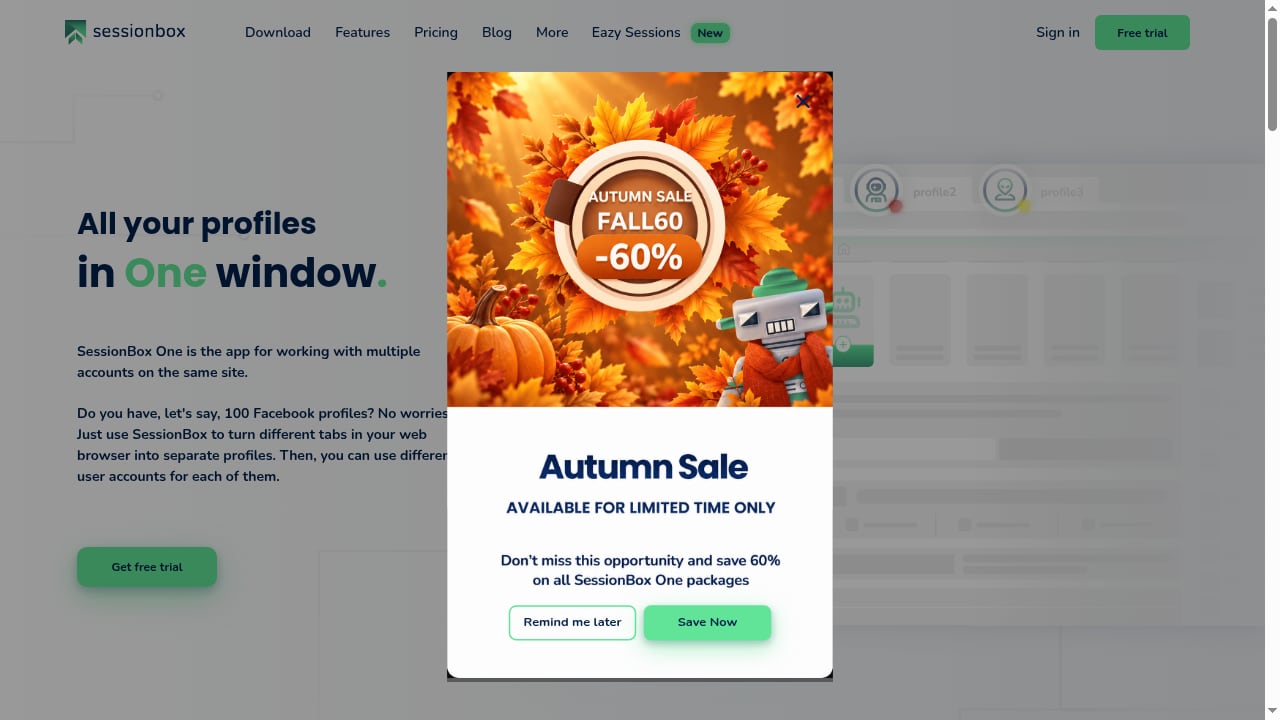
First viewport screenshot of SessionBox One: Manage multiple accounts securely on all platforms.
SessionBox One fits users who need a handful of separate logins without a steep learning curve:
- Small-scale social media managers handling fewer than 20 accounts on low-risk platforms.
- Individuals who want personal, work, and side-project accounts open in one window.
- E-commerce sellers running a few storefronts on marketplaces that are not aggressively fingerprinting.
- Teams of two to five people that need basic profile sharing and cloud sync.
It is a poor fit if you manage dozens of high-value accounts, run paid ad accounts, or need mobile fingerprints. Those scenarios demand real device-level isolation, which is why many teams move to cloud phone platforms. Our comparison of DuoPlus Cloud Phone, Nstbrowser, and Hippo Cloud Phone explains when a real Android environment beats a browser extension.
How Setup Works
Getting started is straightforward:
- Create a SessionBox account and start the free trial.
- Install the SessionBox One Chrome extension.
- Install the Workstation desktop app if you want profile windows instead of tabs.
- Create a profile, assign a color, and optionally attach a proxy.
- Log in to the target site inside that profile.
The friction starts after setup. Reviewers report that profiles and tabs are easy to confuse, that sessions sometimes restart on a blank page instead of resuming, and that the color-dot system becomes unreadable past roughly 20 profiles. The Workstation browser also feels unfinished compared with mature antidetect browsers.
Fingerprint and Detection Test Results
First viewport screenshot of About us | SessionBox.
This is the most important section for anyone handling accounts that can be banned.
Independent testers ran SessionBox One and Workstation through Pixelscan and Iphey checks with proxies enabled and default settings. Both tools failed key parameters:
- User-agent strings were outdated or inconsistent between the extension and the underlying browser.
- WebGL, canvas, and audio fingerprints were not spoofed.
- The extension did not present a coherent, believable device identity.
One test noted that SessionBox One failed all four Pixelscan parameters, which is rare even among budget tools. SessionBox does isolate cookies and local storage, so sites see separate sessions. But isolation is not the same as anonymity. If a platform correlates fingerprints across sessions, it can still link your accounts.
For a deeper look at how fingerprint spoofing is scored across vendors, see the top 10 anti-detect browsers and cloud phones for multi-account management.
Pricing Signals
SessionBox One uses three paid tiers with no permanent free plan. A seven-day trial is available but restricts features, so it is hard to fully evaluate real workloads before paying.
| Plan | Approx. monthly price | What you get |
|---|---|---|
| Hobby | $9–$13 | Up to 10 cloud profiles, per-profile proxies, no fingerprint protection |
| Professional | $59.99 | Fingerprint protection, unlimited cloud profiles, automatic proxy assignment, automation and API access, 2 team seats |
| Teams | $99.99 | Professional features plus 5 team seats |
The critical detail: fingerprint protection is locked behind the Professional plan. The Hobby tier is essentially a session manager, not an antidetect tool. At $59.99 per month, SessionBox One competes directly with established antidetect browsers that pass fingerprint checks more reliably. Annual discounts have been aggressive in past promotions, so check the official pricing page before committing.
Strengths
- Simple concept. Color-coded tabs make multi-login easy to understand for beginners.
- Dual form factor. Extension for quick work, Workstation for separated profiles.
- Proxy support per profile. You can route each session through a different IP.
- Cloud sync on paid plans. Sessions can be accessed across devices.
- Active development. The team ships updates and responds in community channels.
Limitations
- Fingerprint protection is unreliable. Independent tests fail core detection checks.
- Session continuity issues. Profiles may not resume where you left off.
- Scaling breaks down. Color coding becomes unusable past about 20 profiles.
- Profile vs. tab confusion. The mental model is unclear, which causes mistakes.
- No mobile or web version. Remote and mobile-platform work is not supported.
- Team features are basic. Groups and sharing exist, but agencies with 5+ members will likely outgrow them.
- Privacy concerns. Some user reviews claim data collection, and cloud sync adds exposure.
SessionBox One vs. Alternatives
First viewport screenshot of Privacy Policy | SessionBox.
| Need | SessionBox One | Dedicated antidetect browser | Cloud phone platform |
|---|---|---|---|
| Few accounts, low risk | Good fit | Overkill | Overkill |
| Fingerprint-sensitive platforms | Weak | Strong | Strong |
| Mobile app accounts | Not supported | Limited | Strong |
| Team collaboration at scale | Basic | Moderate | Strong |
| Budget under $15/month | Hobby tier only | Rare | Rare |
If your accounts are low-value or on lenient platforms, SessionBox One's simplicity can be enough. If a ban would cost you revenue, the fingerprint failures are a dealbreaker. For a scenario-based breakdown of browser versus cloud phone approaches, see our DuoPlus Cloud Phone vs Kameleo vs BlueGenie Cloud Phone comparison.
Decision Criteria
Choose SessionBox One if:
- You manage fewer than 20 accounts.
- The platforms you use do not aggressively fingerprint devices.
- You value a simple interface over advanced spoofing.
- You are willing to pay $59.99/month for the fingerprint-protection tier.
Avoid SessionBox One if:
- You run ad accounts, crypto accounts, or high-value e-commerce stores.
- You need mobile fingerprints or remote team access.
- You manage more than 20 profiles regularly.
- You need proven fingerprint spoofing at the same price point.
Related reading
- Top 10 Android Virtualization & Cloud Device Platforms 2026 - Ranked 2026 guide to the top 10 Android virtualization and cloud device management platforms, scored on isolation, automation, scale, and value.
- Top 10 Cloud Phone & AI Browser Automation Platforms 2026 - A 2026 ranking of the top 10 cloud phone and AI browser automation platforms, scored on isolation, automation, scale, and team controls.
FAQ
Does SessionBox One really prevent account bans?
No tool can guarantee that. SessionBox One isolates sessions, but independent tests show it fails fingerprint checks, so platforms can still link accounts. It reduces risk on lenient sites, not on strict ones.
Is there a free plan?
No. There is a seven-day trial with feature restrictions. Full fingerprint protection requires the Professional plan at $59.99/month.
Can I use SessionBox One on mobile?
No. There is no mobile app or mobile fingerprint support. For mobile-platform accounts, a cloud phone platform is the practical route.
How many profiles can I manage?
The Professional plan advertises unlimited cloud profiles, but the color-coded interface becomes hard to use past roughly 20 profiles.
Is SessionBox One safe for team use?
It supports basic profile sharing and up to five seats on the Teams plan. Larger agencies usually need stronger collaboration and audit features.
Conclusion
SessionBox One is a well-intentioned evolution of a popular session manager. It handles cookie isolation and simple multi-login well, and the Workstation browser adds a cleaner profile workflow. But the evidence is clear: fingerprint protection fails independent tests, sessions do not always resume, and the interface does not scale. For casual users with a few low-risk accounts, it can work. For anyone whose income depends on keeping accounts separate and undetected, SessionBox One is not yet the secure multi-account platform its marketing promises.