
Top 10 Anti-Detect Browser & Cloud Phone Products 2026
Independent 2026 ranking of the top 10 anti-detect browser and cloud phone platforms, scored on isolation, mobile realism, automation, and cost.
Top 10 Anti-Detect Browser & Cloud Phone Products 2026
Multi-account work in 2026 is split across two very different kinds of tools. Anti-detect browsers isolate desktop web sessions through fingerprint control, while cloud phone platforms host real or virtualized Android devices for app-level work. Most "best of" lists cover only one half of that market, so teams end up comparing a browser profile against a rented phone and guessing which one fits.
This ranking covers both categories in one list. Each entry is scored on the same criteria, and every claim below is tied to published pricing, platform support, or documented features. The goal is a shortlist you can act on, not a feature dump.
How We Ranked These Products
We scored each product on six weighted criteria:
- Isolation depth — how thoroughly cookies, storage, fingerprints, and network identity are separated between profiles or devices.
- Mobile realism — whether the product offers genuine Android environments (ARM hardware, sensors, telephony data) or only a desktop browser pretending to be a phone.
- Automation and API access — local APIs, Selenium/Puppeteer/Playwright support, RPA builders, and MCP or agent integrations.
- Team and scaling features — seats, permissions, profile sharing, and how pricing behaves as profile counts grow.
- Proxy integration — how easily residential, mobile, or ISP proxies can be assigned and matched to each identity.
- Transparency of pricing — whether published tiers exist and what the free plan actually includes.
A note on category fit: this list is limited to products that genuinely sell anti-detect browser profiles, cloud phone environments, or both. Tools that only offer remote device access without fingerprint isolation were excluded, and so were general-purpose VPNs or proxy resellers.
The Top 10 in 2026
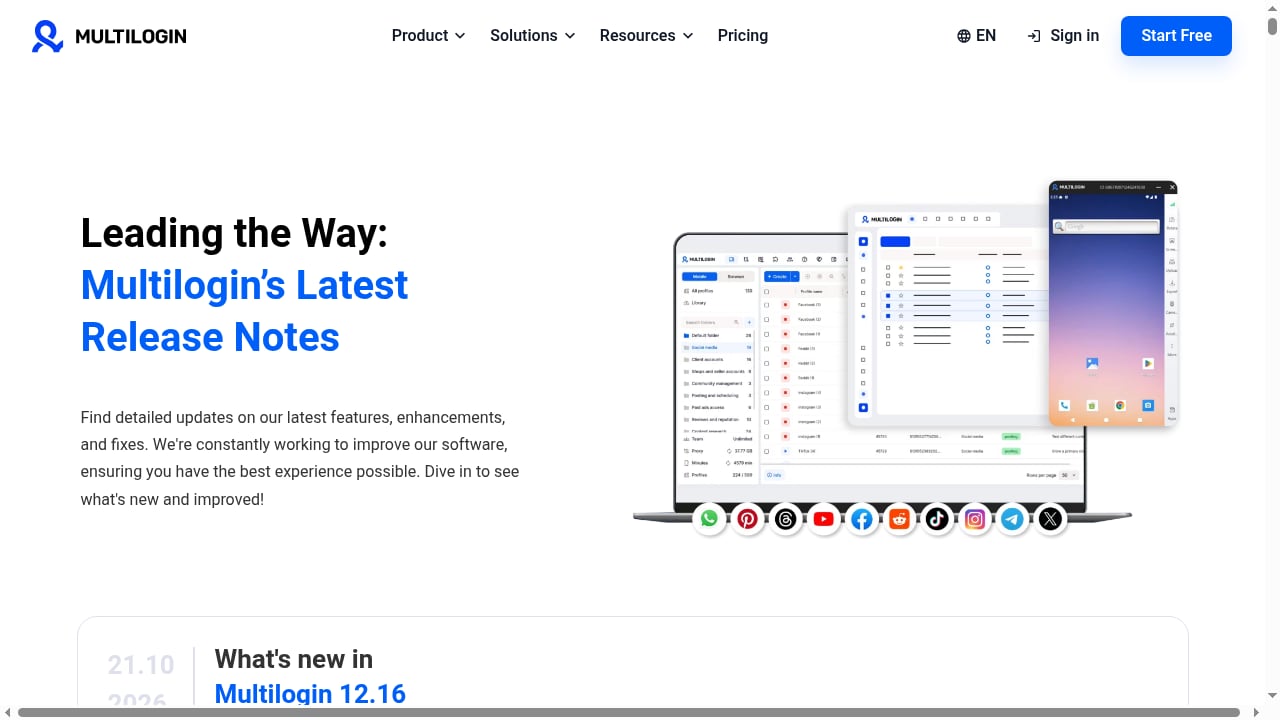
First viewport screenshot of multilogin.com.
1. Multilogin — Best Combined Browser + Cloud Phone Platform
Multilogin has the longest commercial track record in this category, and it is one of the few products that sells browser profiles and Android cloud phones under one contract. It ships two browser engines — Mimic (Chromium) and Stealthfox (Firefox) — which matters for teams that need a Firefox-based fingerprint for certain targets.
Evidence: The free plan includes 5 cloud profiles and one seat but no API. Paid tiers start around $11/month for 10 profiles, with a Business tier around $40/month for 100 profiles on monthly billing. API access begins at the Pro 10 tier, with Selenium, Puppeteer, and Playwright support.
Best for: Agencies that want browser isolation and mobile environments from a single vendor, and buyers who need a Firefox engine option.
Watch out for: The free plan is a trial, not a working setup — no API and only five profiles.
2. GoLogin — Best Cross-Platform Coverage
GoLogin runs on Windows, macOS, Linux, and Android, and also offers a cloud browser you can open from any device. Its Orbita engine is a Chromium fork, and the product is positioned around simplicity for smaller teams.
Evidence: The free plan includes 3 profiles with no API. Professional starts around $9/month for 10 profiles, and the Enterprise tier is listed around $179/month for 1,000 profiles on monthly billing. A REST API is available on paid plans, alongside Selenium, Puppeteer, and MCP support.
Best for: Users who switch between desktop systems and Android, and teams that want a browser they can open from anywhere.
Watch out for: The free tier is very small, and there is no Firefox-based engine.
3. AdsPower — Best No-Code Automation
AdsPower is widely used by affiliate and e-commerce teams because of its no-code RPA builder and a Local API that has become something of a de facto standard — other tools now ship AdsPower-compatible APIs.
Evidence: It offers both Chromium and Firefox engines. The free plan has 2 profiles, the smallest in this list. Paid bundles start around $9/month for 10 profiles and roughly $36/month for 100 profiles, based on third-party estimates because the official calculator does not expose prices publicly.
Best for: Teams that build RPA flows inside the browser manager and workflows that depend on the AdsPower API ecosystem.
Watch out for: Two free profiles is barely enough to test, and the client source is not inspectable.
4. Dolphin Anty — Best for Media Buyers
Dolphin Anty targets ad arbitrage and media buying teams, with a scenario builder for automation and a workflow built around ad platform operations.
Evidence: The free plan includes 5 profiles for one user with no API. The Starter tier is around $10/month for up to 60 profiles. Base is around $89/month for 100 profiles, and extra seats cost roughly $10–$25/month each.
Best for: Media buying teams already inside the Dolphin ad tool ecosystem, and small setups that fit within 60 profiles.
Watch out for: Per-seat billing gets expensive as teams grow, and API access requires a paid plan.
5. Octo Browser — Best for Very Large Fleets
Octo Browser uses its own Chromium fork, Octium, and prices for volume rather than per-seat growth. It is aimed at operations running hundreds or thousands of profiles.
Evidence: There is no free plan. Lite is around €10/month for 3 profiles, Base around €79/month for 200 profiles, and Advanced around €329/month with a very high profile limit. API access starts at the Base tier.
Best for: Operations that run thousands of profiles on a single subscription and want seats included in the tier price.
Watch out for: No free trial means you cannot test before paying, and €10 for 3 profiles is poor value at small scale.
6. Kameleo — Best for Scraping Engineers
Kameleo prices by concurrent running browsers rather than stored profiles, which suits workloads with many saved profiles but few open at once. It offers two engines, Chroma and Junglefox.
Evidence: The Local API is available on every plan, including the free one. The free plan allows 2 running browsers with a 300-minute allowance. The Startup tier is around €59/month for 10 running browsers.
Best for: Developers automating with Selenium, Puppeteer, or Playwright who need API access without a sales call.
Watch out for: The first paid tier is expensive for non-technical teams that open many profiles by hand.
7. Undetectable.io — Best for Local Profile Storage
Undetectable.io separates cloud profiles from local profiles, and unlimited local storage is a paid feature. That makes it a reasonable fit for solo operators who prefer profiles stored on one machine.
Evidence: The free plan includes 5 cloud profiles for one user with no API. Annual plans advertise monthly equivalents of around $34 for Base with 50 cloud profiles and around $69 for Professional with 100 cloud profiles. Extra seats cost roughly $15–$20/month each.
Best for: Solo users comfortable with profiles stored on a single computer, and buyers who want a large cloud profile pool on a custom plan.
Watch out for: Team costs add up quickly, and there is no Linux desktop client.
8. MoreLogin — Best API Access on a Free Plan
MoreLogin includes its Local API even on the free tier, which is unusual in this market. It also sells a separate cloud phone product for mobile workflows.
Evidence: The free plan has 2 profiles and 2 users with Local API access. Pro is listed around $9/month for 10 profiles with unlimited team members. Large profile counts require a custom quote. Automation support includes RPA, Selenium, Puppeteer, and Playwright.
Best for: Developers who want to test an API before paying, and small teams on the Pro tier.
Watch out for: There is no public price for 100 or 1,000 profiles, which makes budgeting hard.
9. MostLogin — Best Budget Entry with Cloud Phone Support
MostLogin combines anti-detect browser profiles with cloud phone environments and is priced aggressively for small teams.
Evidence: A free plan is available, and the team plan starts around $2.70/month. It supports Windows and macOS with cloud phone support for cross-platform workflows. Third-party review scores sit around 4.4/5 on Trustpilot.
Best for: Cross-platform multi-account teams that want browser profiles and mobile environments on a tight budget.
Watch out for: A low entry price usually means smaller included limits, so check profile caps before committing.
10. Hidemyacc — Best Lightweight Fingerprint Control
Hidemyacc is a lighter-weight anti-detect browser focused on fingerprint and proxy profile control without the enterprise overhead of larger platforms.
Evidence: It appears in multiple 2026 roundups as a lightweight option for fingerprint and proxy profile management, positioned for users who need straightforward profile isolation rather than deep automation.
Best for: Individuals and small teams that want fingerprint and proxy control without a complex setup.
Watch out for: Fewer documented automation and team features than the top five entries. For a deeper look, see our Hidemyacc review.
Anti-Detect Browser vs Cloud Phone: Which Do You Need?
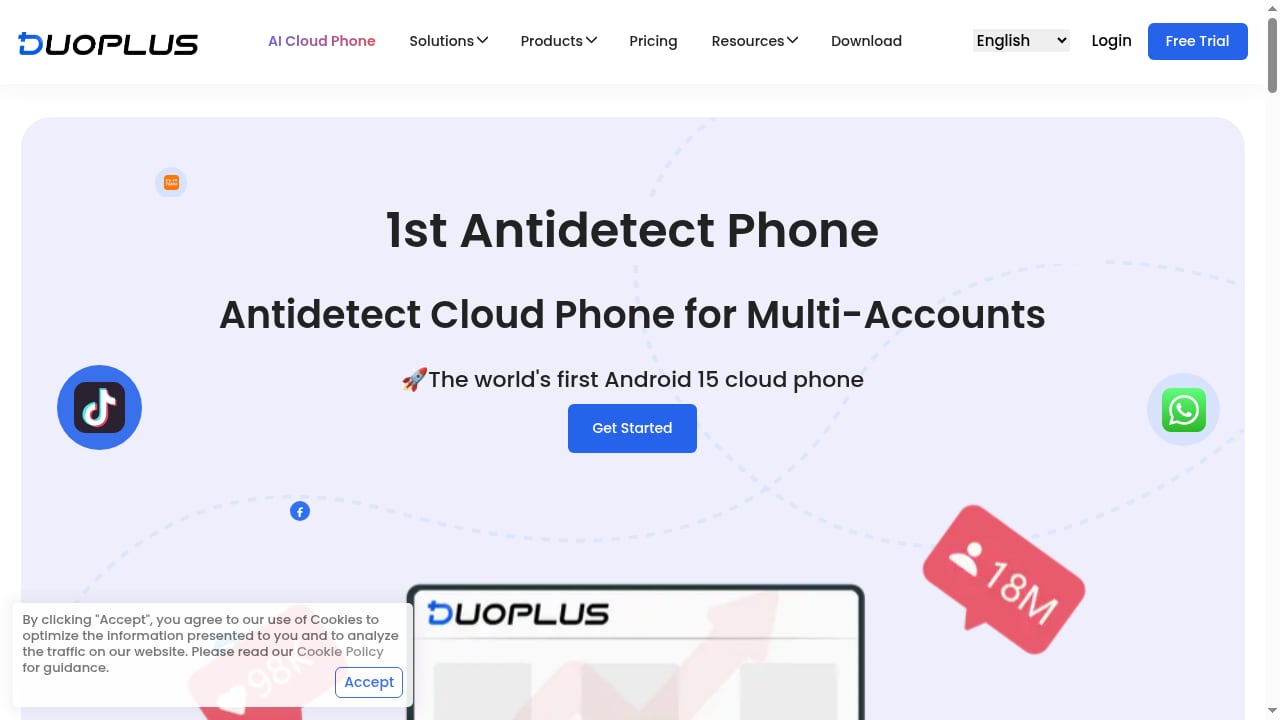
First viewport screenshot of www.duoplus.net.
The biggest mistake buyers make in 2026 is treating these as interchangeable. They solve different problems.
| Need | Anti-detect browser | Cloud phone |
|---|---|---|
| Desktop web accounts (marketplaces, ad dashboards, Web3) | Strong fit | Limited |
| Mobile app accounts (TikTok, Instagram, Shopee apps) | Weak — desktop spoofing is detectable | Strong fit |
| ARM hardware and sensor realism | No | Yes, if the platform uses real devices |
| Automation via Selenium/Puppeteer | Strong | Varies by vendor |
| Cost at 10 profiles/devices | Low | Higher |
| Cost at 1,000 profiles/devices | Varies widely | Usually higher |
A useful rule of thumb: if the account lives primarily in a mobile app, a desktop browser with a mobile user-agent is not enough. Modern fraud systems benchmark CPU performance and check sensor streams, and an Intel or AMD chip claiming to be a Pixel device produces measurable mismatches. If the account lives on the web, a browser profile is cheaper and easier to automate.
Many teams end up running both. A browser handles the desktop dashboards and back-office work, while a cloud phone handles app-only platforms. If that is your setup, our guide to pairing DuoPlus Cloud Phone with proxies covers the network side of the mobile half of the workflow.
How to Choose in 2026
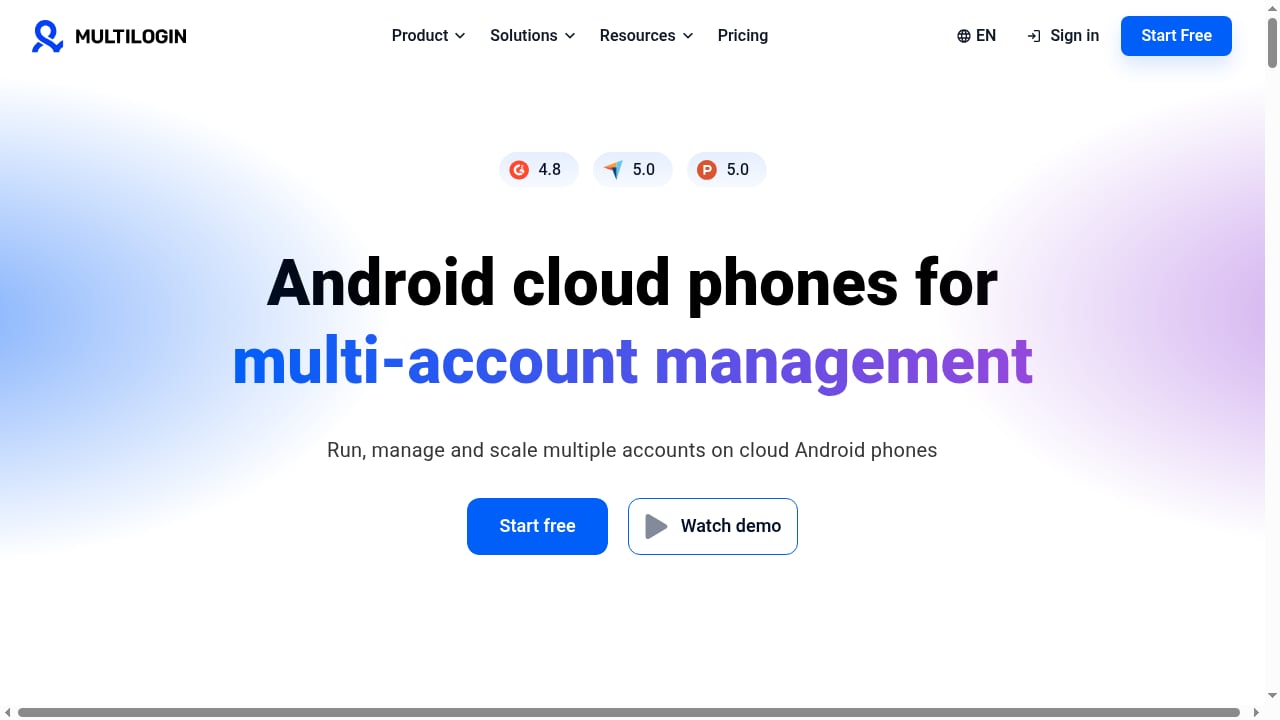
First viewport screenshot of Multilogin Homepage.
Work through these questions in order:
- Where do your accounts actually live? Count how many require a mobile app versus a web login. That ratio decides your budget split.
- How many profiles run at once? Kameleo prices by concurrent browsers; Octo and GoLogin price by stored profiles. Pick the model that matches your usage pattern.
- Do you need an API on day one? If yes, MoreLogin and Kameleo include API access on free tiers. Multilogin and Dolphin do not.
- How many people touch the accounts? Per-seat billing (Dolphin, Undetectable.io) punishes growing teams. Included seats (Octo, MoreLogin Pro) reward them.
- What is your proxy plan? Fingerprint and IP must match. A US-timezone profile connecting through an unrelated IP is a red flag regardless of how good the browser is.
- Can you test before paying? Octo has no free plan, so budget a paid trial. Everyone else offers at least a small free tier.
For a side-by-side of specific products, our Multilogin vs Indigo vs DuoPlus comparison walks through device realism, isolation, and pricing in more detail.
Where Cloud Phones Fit Alongside These Tools
First viewport screenshot of www.duoplus.net.
Cloud phone platforms are a separate category from anti-detect browsers, but they frequently appear in the same workflow. One example is DuoPlus Cloud Phone, a cloud-based Android service that deploys real ARM devices with unique fingerprints, GPS, SIM, and base station data. It is not part of the browser ranking above, and it should not be evaluated as a browser replacement — it is the mobile half of a stack that a browser alone cannot cover.
Teams that run TikTok Shop, Shopee, or Lazada app accounts often pair a browser for desktop admin work with a cloud phone for in-app operations. If you are comparing mobile options specifically, our remote iPhone and cloud phone platform ranking covers that category on its own terms.
Related reading
- DuoPlus Cloud Phone vs AI Cloud Phone (VMOSCloud) - DuoPlus Cloud Phone vs VMOSCloud AI Cloud Phone for social media multi-account automation: compare device realism, isolation, automation, SMS, proxies, and pricing.
FAQ
What is the difference between an anti-detect browser and a cloud phone?
An anti-detect browser creates isolated desktop browser profiles with unique fingerprints, cookies, and proxy settings. A cloud phone provides an Android device environment — ideally on real ARM hardware — for app-level work. Browsers are cheaper and easier to automate; cloud phones are more realistic for mobile-only platforms.
Is a desktop browser with a mobile user-agent enough for TikTok or Instagram?
Usually not. Fraud systems in 2026 run performance benchmarks and check sensor and telephony data. A desktop CPU reporting as a phone produces measurable inconsistencies. For app-only accounts, a real Android environment is the safer choice.
Which anti-detect browser has the best free plan?
By profile count, AliasMode offers no cap, but it is a desktop-only open-source tool and not a cloud phone platform. Among the commercial products ranked here, Multilogin and Dolphin Anty offer 5 profiles, GoLogin offers 3, and MoreLogin offers 2 profiles plus Local API access.
How much should I budget for 100 profiles?
Published monthly pricing at 100 profiles ranges from roughly $36 (AdsPower, third-party estimate) to around $89 (Dolphin Anty) and €79 (Octo Browser). Annual billing typically cuts 20–50% off those figures.
Can I use one vendor for both browser profiles and cloud phones?
Yes. Multilogin and MoreLogin both sell browser profiles and cloud phone products, which simplifies billing and support. Other teams mix vendors to get the best browser and the best mobile environment separately.
Do I still need proxies if I use an anti-detect browser?
The browser controls the fingerprint; the proxy controls the IP and network identity. You need both, and they must be consistent — matching timezone, language, and location between the profile and the IP.
Conclusion
Multilogin takes the top spot in 2026 because it is the only product in this list that credibly covers both halves of the category — mature browser engines plus Android cloud phones — under one contract. GoLogin and AdsPower follow closely for cross-platform coverage and no-code automation respectively, while Octo Browser and Kameleo serve very specific scaling and developer use cases better than any generalist.
The practical takeaway: decide first whether your accounts live on the web or in mobile apps, then choose the pricing model that matches how many profiles you run at once. Teams that need both should expect to run two tools, and should plan their proxy strategy before signing up for either.
Sources
- 10 Best Antidetect Browsers in 2026 — pricing, free-plan limits, and engine details used throughout this ranking.
- 10 Best Anti-Detect Browsers for Multi-Account Management in 2026 — evaluation criteria and mobile support notes.
- 10 Best Antidetect Browsers for Android in 2026 — background on native Android versus desktop fingerprint imitation.