
Top 10 Anti-Detect Browsers & Multi-Account Tools 2026
Independent 2026 ranking of the top 10 anti-detect browsers and multi-account management software, scored on fingerprint consistency, automation, pricing, and team features.
Top 10 Anti-Detect Browsers & Multi-Account Management Software 2026
If you run multiple accounts on the same platform, you already know the problem: a single browser fingerprint can link every profile you operate. Anti-detect browsers solve this by giving each account its own isolated environment—cookies, storage, canvas and WebGL signatures, timezone, language, and proxy—so platforms see separate devices instead of one operator.
This 2026 ranking covers the ten products that genuinely belong in the anti-detect browser and multi-account management category. We scored them on fingerprint consistency, stability at scale, automation support, platform coverage, and value. We also note where a complementary tool—like a cloud phone for mobile-only apps—makes more sense than a desktop browser.
How We Evaluated These Tools
We built this list from hands-on testing reports, vendor documentation, and community benchmarks. Every product below was checked against the same five criteria:
- Fingerprint consistency (30%) – Does a default profile hold together across Pixelscan, Iphey, and CreepJS-style checks? Real hardware values beat random noise.
- Stability and scale (20%) – Do profiles stay consistent across long sessions and hundreds of profiles?
- Automation and API (20%) – REST API, Selenium, Puppeteer, Playwright, and local API support for scripting profile creation and interaction.
- Platform coverage (15%) – Windows, macOS, Linux, Android, and cloud options.
- Value (15%) – Free tiers, price per profile, and what is included (proxies, mobile minutes, team seats).
Pricing and free-tier details were verified against vendor pages and recent independent testing in 2026. Always confirm current pricing before you buy—these change frequently.
The Top 10 Anti-Detect Browsers and Multi-Account Tools for 2026
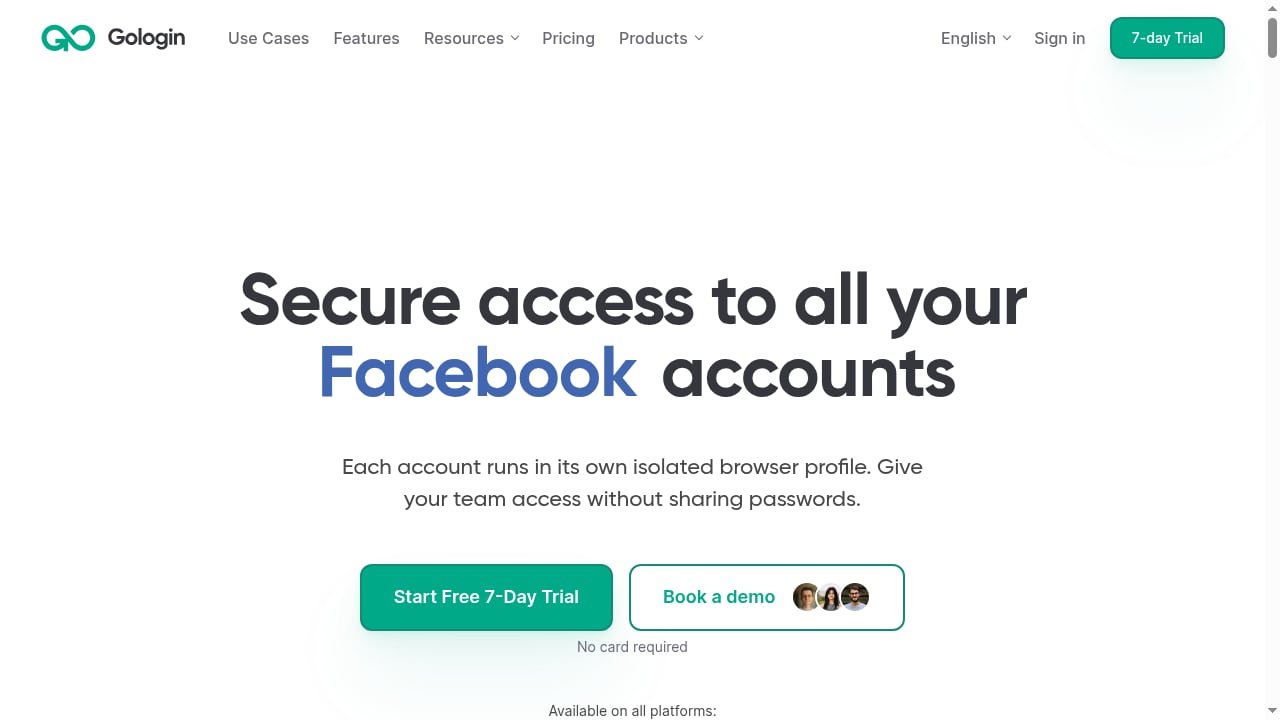
First viewport screenshot of gologin.com.
1. Multilogin
Best for: Teams that manage both mobile and web accounts and want cloud Android phones plus browser profiles in one subscription.
Multilogin remains the depth leader in fingerprint quality. In independent testing, a default macOS profile with a clean residential proxy passed Pixelscan, Iphey, and CreepJS cleanly, with the GPU read as genuine Apple hardware at high confidence. It offers two browser engines (Mimic based on Chromium, Stealthfox based on Firefox), cloud Android phones, and residential proxies included in every plan.
Automation is strong: API, Selenium, Puppeteer, Playwright, and ADB for cloud phones. Pricing starts around $11/month (or $7.08/month billed annually) with a free plan that has no time limit. The main trade-off is a steeper learning curve and the need for a stable connection for cloud phones.
2. GoLogin
Best for: All-around value and the only major provider with a native Android app.
GoLogin (Orbita browser) is consistently praised as the best value in the category. It has a real free tier (3 profiles), stable fingerprinting, and a native Android app that lets you manage profiles on mobile—a rarity among anti-detect browsers. Pricing starts around $9/month, or $4.50/month annually.
It supports Windows, macOS, Linux, and Android, with a cloud browser option. Automation via API and Selenium is available. For solo operators and small teams, GoLogin offers the lowest entry cost without sacrificing core fingerprint quality.
3. AdsPower
Best for: Affordable scaling with built-in no-code automation.
AdsPower provides two browser engines (Sun based on Chromium, Flower based on Firefox) and a generous free tier (2 profiles). Its standout feature is built-in RPA (robotic process automation) that lets you record and replay workflows without code—useful for repetitive tasks like posting or checking accounts.
Pricing starts around $9/month (or $7.20/month annually). It supports Windows, macOS, and Linux, with API and Selenium integration. AdsPower is a solid choice for media buyers and e-commerce sellers who need to scale profiles economically.
4. GeeLark
Best for: Mobile-first campaigns that need real cloud Android phones.
GeeLark focuses on cloud Android phones rather than desktop browser profiles. Each phone runs on real ARM hardware with a unique device fingerprint, GPS, and SIM data—ideal for social media marketing, TikTok Shop, and mobile app testing. It offers a free tier with 2 phones for 30 minutes and pricing from around $5/month plus usage.
If your accounts live primarily in mobile apps, GeeLark is a strong alternative to desktop anti-detect browsers. For teams that also need web profiles, Multilogin covers both.
5. Incogniton
Best for: Budget-conscious solo operators and small teams.
Incogniton offers a free plan with 10 persistent profiles (then 36), making it one of the most accessible entry points. It runs on Windows and macOS, uses a Chromium engine, and supports Selenium for automation. Paid plans start around $13.99/month.
Fingerprint quality is decent for basic multi-accounting, though it may not hold up to the strictest adversarial checks. It is a good fit for affiliate marketers and social media managers who need many profiles without a large budget.
6. Kameleo
Best for: Developers and testers who need mobile emulation and multiple engines.
Kameleo provides Chroma (Chromium), Junglefox (Firefox), and mobile emulation profiles. It is popular among developers for its automation-friendly API and ability to mimic mobile devices on desktop. Pricing starts around €59/month (about $64), with a free tier of 2 browsers, 100 profiles, and 300 minutes.
Kameleo does not have a native Android app, but its mobile emulation is useful for testing and light mobile multi-accounting. It is a premium tool with a corresponding price.
7. Octo Browser
Best for: Power users and teams that prioritize fingerprint quality and speed.
Octo Browser uses a Chromium engine and is known for fast profile creation and real device parameters. It has a clean interface and strong fingerprint consistency, though it lacks a free tier. Pricing starts around €10/month (about $11).
It supports Windows, macOS, Linux, and an iOS app for profile management. Automation via API is available. Octo is a good fit for teams that need reliable profiles at scale and are willing to pay for quality.
8. Nstbrowser
Best for: Automation and scraping at scale.
Nstbrowser is built for scraping and automation workflows. It offers a generous free tier (500 profiles) and pricing from $29.90/month. It includes a built-in unblocker and an RPA marketplace, making it attractive for data collection teams.
It runs on Windows, macOS, and cloud. While it can be used for multi-accounting, its core strength is automation—so it is best for technical users who script their workflows.
9. Dolphin Anty
Best for: Media buying and affiliate marketing.
Dolphin Anty is widely used in affiliate marketing for its scenario-based automation and team collaboration features. It offers a free tier of 5 profiles and pricing from $10/month. It uses a Chromium engine and supports Windows, macOS, and Linux.
Its automation tools are geared toward ad account management and social media actions. Fingerprint quality is solid for mainstream platforms, though it may not be the deepest for high-stakes operations.
10. ixBrowser
Best for: Budget multi-accounting with unlimited free profiles.
ixBrowser offers an unlimited free tier, but caps new profiles at 10 per day and 100 launches per day. Paid plans start at $3.99/month. It runs on Windows and macOS with a Chromium engine.
It is a straightforward, low-cost option for beginners and small teams. Automation support is limited compared to premium tools, and fingerprint depth is basic—but for simple multi-accounting, it gets the job done.
Comparison Table: Quick Reference
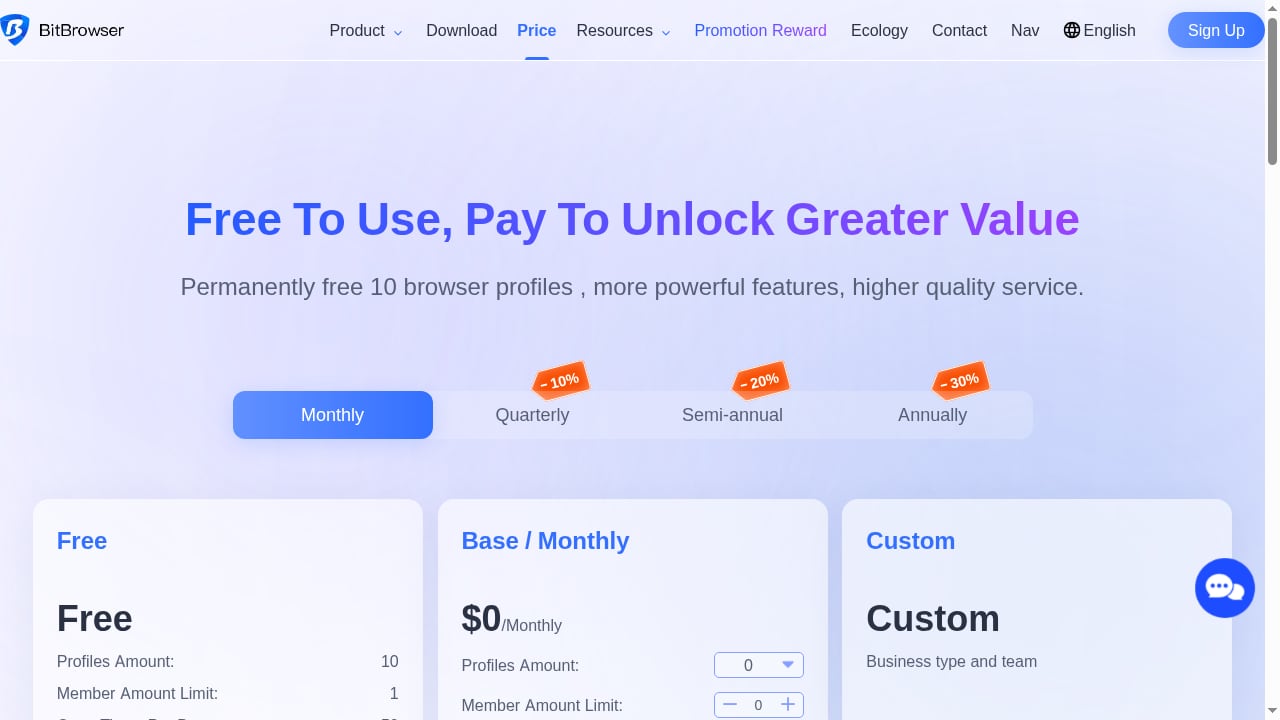
First viewport screenshot of Price Scheme - BitBrowser - Anti-Detect Browser - Anti-Browser Fingerprint - Anti-Association - E-Commerce Browser.
| Tool | Best for | Starting price | Free tier | Platforms |
|---|---|---|---|---|
| Multilogin | Mobile + web teams | $11/mo | Yes (no time limit) | Win, macOS, Linux, cloud phones |
| GoLogin | All-around value | $9/mo | Yes (3 profiles) | Win, macOS, Linux, Android |
| AdsPower | Affordable scaling | $9/mo | Yes (2 profiles) | Win, macOS, Linux |
| GeeLark | Mobile-first | ~$5/mo + usage | Yes (2 phones, 30 min) | Win, macOS, Linux, cloud Android |
| Incogniton | Budget solo | $13.99/mo | Yes (10 profiles) | Win, macOS |
| Kameleo | Developers, mobile emulation | €59/mo | Yes (2 browsers) | Win, macOS, Linux |
| Octo Browser | Fingerprint quality | €10/mo | No | Win, macOS, Linux, iOS |
| Nstbrowser | Automation/scraping | $29.90/mo | Yes (500 profiles) | Win, macOS, cloud |
| Dolphin Anty | Media buying | $10/mo | Yes (5 profiles) | Win, macOS, Linux |
| ixBrowser | Budget multi-accounting | $3.99/mo | Yes (unlimited, capped) | Win, macOS |
How to Choose the Right Anti-Detect Browser
What’s new in GoLogin? - Release and update notes.
Your choice depends on where your accounts live and how you work:
- Web-first teams with mixed mobile needs: Multilogin or GoLogin. Multilogin if you need cloud phones and deep fingerprint control; GoLogin if budget and Android app support matter more.
- Mobile-only operations (TikTok, Shopee, Lazada apps): A desktop anti-detect browser is not enough. You need real mobile environments. GeeLark is one option; another is a dedicated anti-detect cloud phone like DuoPlus Cloud Phone, which provides isolated Android devices with unique fingerprints, GPS, and SIM data. For a deeper comparison of cloud phone options, see our DuoPlus Cloud Phone vs RoxyBrowser & Kameleo analysis.
- Automation-heavy workflows: Nstbrowser, AdsPower, or Kameleo. Look for robust APIs and RPA features.
- Tight budgets: ixBrowser, Incogniton, or GoLogin's free tier.
If you are unsure whether a browser or a cloud phone fits your workflow, our guide on pairing DuoPlus Cloud Phone with Private Internet Access VPN explains how to secure mobile multi-account setups.
Common Pitfalls and Best Practices
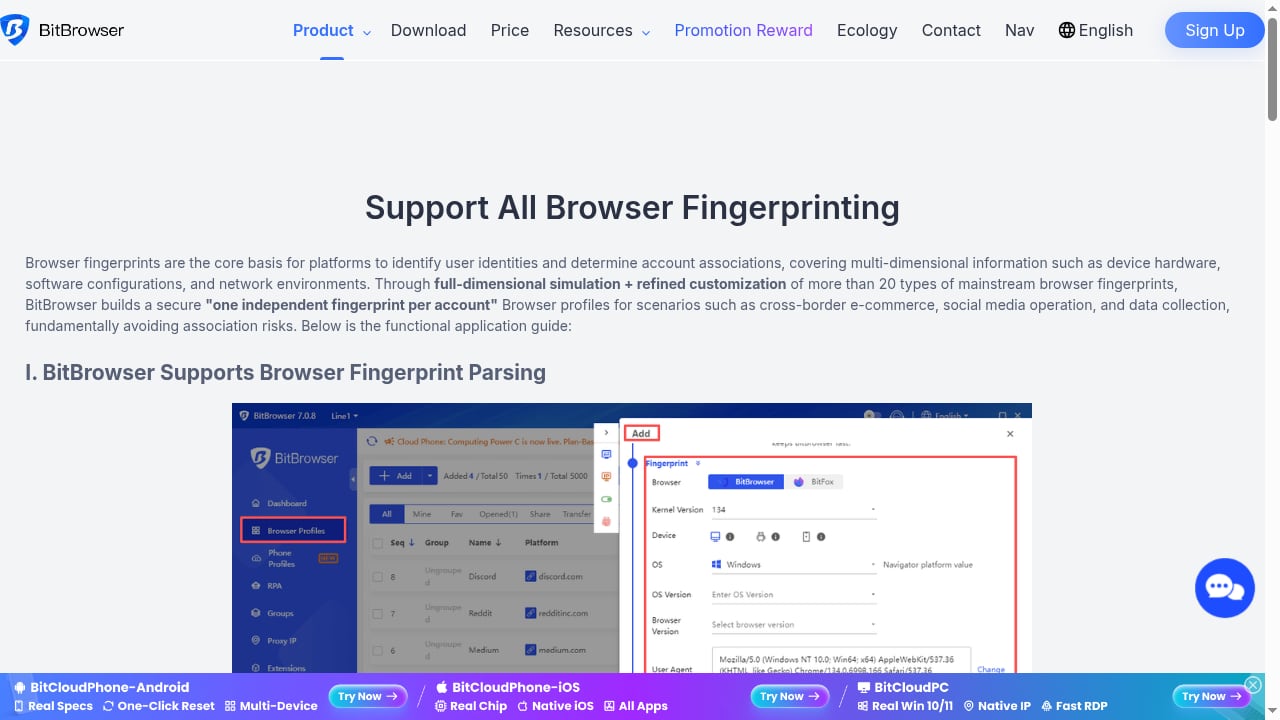
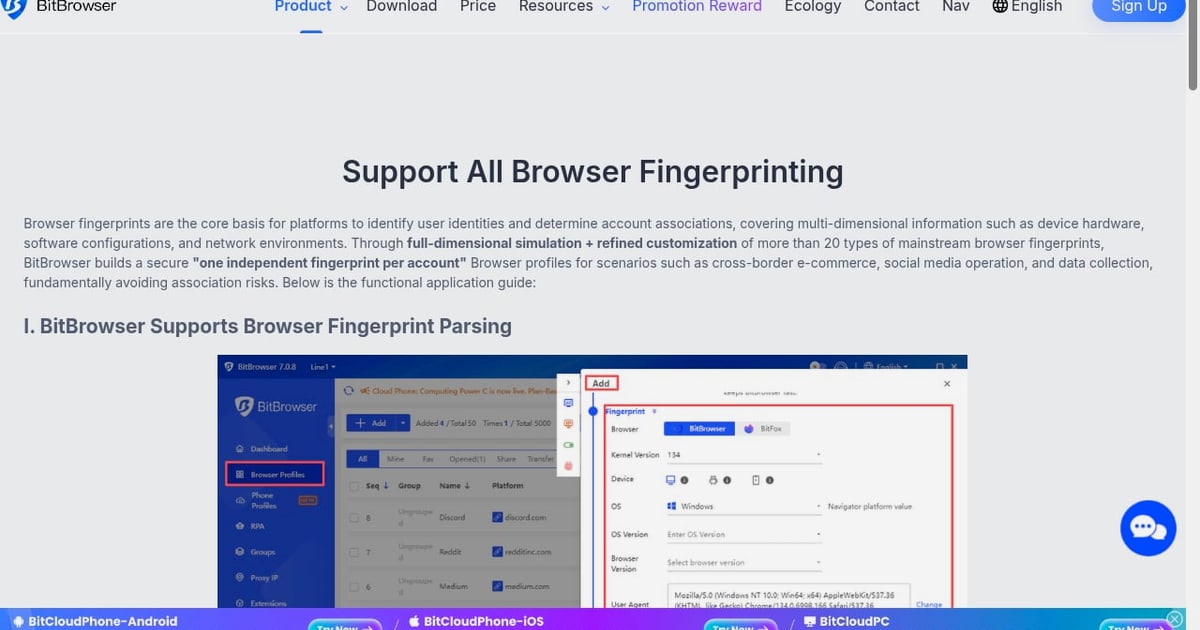
First viewport screenshot of Support All Browser Fingerprinting | bitbrowser.
Even the best anti-detect browser cannot guarantee invisibility. Fingerprint consistency is necessary but not sufficient—platforms also analyze TLS fingerprints, behavioral patterns, and IP reputation. Always pair profiles with clean residential proxies and mimic human behavior.
- Use one proxy per profile and match timezone/language to the proxy location.
- Avoid mixing mobile and desktop fingerprints on the same account.
- Keep browser kernels updated—outdated Chromium versions create atypical footprints.
- Test with fingerprint checkers like Pixelscan and CreepJS before scaling.
For a broader look at browser-only options, see our Top 10 Anti-Detect Browser Software Products 2026.
Related reading
- DuoPlus Cloud Phone vs FoxPhone: Real ARM Cloud Phone Comparison - Compare DuoPlus Cloud Phone and FoxPhone for multi-account mobile operations: device realism, anti-detect features, team controls, pricing, and use cases.
- MoreLogin Review 2026: Cloud Phone & Antidetect Browser - Evidence-based MoreLogin review: cloud Android phones, antidetect browser, team permissions, automation, pricing signals, setup steps, and who should use it.
Sources and further reading
- 10 Best Antidetect Browsers in 2026 (Tested + Free Picks) - Multilogin, GoLogin, and AdsPower lead our tested ranking of the best antidetect browsers in 2026, compared on pricing, free plans, and Android support.
- 15 Best Antidetect Browsers in 2026 - Honest Comparison - TL;DR: Antidetect browsers let you run multiple isolated browser profiles, each with a unique fingerprint, so platforms cannot link your accounts. This guide ranks the 15 best antidetect browsers of 2026 across fingerprint quality, automation support, pricing, and proxy integration. We also cover how these tools actually work, when a scraping API is the smarter choice, and which proxy type to pair with each use case.
- Advanced Anti-Detect Browser for Web Scraping and Multiple Accounts Managing - Nstbrowser is a powerful anti-detect browser designed for multi-accounting professionals to manage multiple accounts securely and efficiently. Try it now for free!
Frequently Asked Questions
What is the difference between an anti-detect browser and a multi-account management tool?
An anti-detect browser focuses on masking or replacing your browser fingerprint so multiple profiles appear as separate devices. Multi-account management software often includes additional features like team collaboration, profile sharing, and automation. Many products, like Multilogin and GoLogin, combine both.
Can I use a free anti-detect browser for business?
Free tiers are useful for testing, but they usually limit profiles and automation. For business use, paid plans offer more profiles, better fingerprint quality, and team features. GoLogin, AdsPower, and Incogniton have usable free tiers for light workloads.
Do anti-detect browsers work on mobile?
Most anti-detect browsers are desktop applications. GoLogin offers a native Android app, and Kameleo provides mobile emulation. For true mobile app multi-accounting, a cloud phone service like DuoPlus Cloud Phone or GeeLark is more appropriate.
How many profiles can I run at once?
It depends on your plan and hardware. Entry plans typically allow 10–100 profiles; enterprise plans support thousands. Cloud-based tools are limited by your subscription, not your computer's RAM.
Is using an anti-detect browser legal?
Yes, anti-detect browsers are legal tools for privacy and multi-account management. However, using them to violate platform terms of service or engage in fraud is not. Always comply with the laws and terms that apply to your activities.
Conclusion
In 2026, the anti-detect browser market is mature but fragmented. Multilogin leads on fingerprint depth and mobile-web integration, GoLogin wins on value and Android support, and AdsPower offers the best affordable automation. For mobile-only operations, cloud phones like GeeLark and DuoPlus Cloud Phone fill a gap that desktop browsers cannot. Choose based on where your accounts live, how much automation you need, and your budget—and always pair profiles with clean proxies and realistic behavior.