
Top 10 Anti-Detect Browser Products 2026: Tested Picks
We ranked the top 10 anti-detect browsers of 2026 on fingerprint consistency, automation, pricing, and free plans, with honest notes on where each one fits.
Top 10 Anti-Detect Browser Products 2026: Tested Picks
Anti-detect browsers are no longer a niche tool for a handful of affiliate teams. In 2026 they are standard infrastructure for e-commerce sellers running dozens of storefronts, media buyers juggling ad accounts, scraping teams that need logged-in sessions, and agencies managing client social profiles. The promise is simple: each profile looks like a separate real device, so accounts that share one computer do not get linked.
The reality is messier. Every vendor claims to be undetectable, and most landing pages look identical. That is why this ranking leans on published third-party fingerprint testing rather than spec sheets, and why each entry below notes the trade-offs as well as the strengths.
How we ranked these anti-detect browsers
First viewport screenshot of BitBrowser - Best Free Antidetect Browser for E-Commerce/FB/Ins/Tiktok.
We did not run our own lab this time. Instead, we consolidated the results of independent 2026 test rounds that ran the same browsers through Pixelscan, Iphey, and CreepJS on clean residential proxies, and we cross-checked pricing and free-tier limits against vendor pages. Where testers disagreed, we said so.
The weighting we used:
- Fingerprint consistency (30%) — whether canvas, WebGL, audio, fonts, timezone, and hardware values agree with each other and read as one believable device.
- Automation and API support (25%) — Selenium, Puppeteer, Playwright, local or remote APIs, and how cleanly the browser slots into an existing stack.
- Profile management at scale (15%) — bulk creation, cloning, tagging, isolation, and real profile limits per plan.
- Proxy handling (15%) — per-profile assignment, protocol support, and whether timezone and language follow the proxy automatically.
- Stability and value (15%) — crash behaviour over long sessions, RAM cost, and what the free tier actually includes.
One caveat that applies to every product below: passing a fingerprint checker means the profile holds together. It does not mean a site will let you through. Modern anti-bot systems also inspect the TLS handshake, how the browser is being driven, and how the session behaves over time. A clean check is a starting point, not a guarantee.
The top 10 anti-detect browsers of 2026
First viewport screenshot of Antidetect Browser for Managing Multiple Accounts Safely | Gologin.
1. Multilogin — deepest fingerprint control for high-stakes accounts
Multilogin remains the benchmark for teams where a single linked account would be expensive. It runs two engines, Mimic on Chromium and Stealthfox on Firefox, and builds profiles from real device parameters rather than random noise, which is why identities stay consistent across restarts.
In the 2026 test rounds, a default Multilogin profile on a clean residential proxy passed Pixelscan, Iphey, and CreepJS cleanly, with CreepJS reading the genuine GPU at high confidence. Automation coverage is the broadest here: local and remote API, documented Selenium, Puppeteer, and Playwright paths, plus CLI and Python access.
The catch is price. There is no free plan, only a short low-cost trial, and paid tiers start around $11/month. Team seats only appear on higher plans. If your accounts are high-value, that is a reasonable trade. If you are testing an idea, it is not.
2. GoLogin — best all-rounder with a real free tier
GoLogin is the most common recommendation for a reason: it is cheaper than the premium tier, it has a genuine free plan with a few persistent profiles, and it is the only major provider in this group with a native Android app that syncs with desktop profiles.
It runs on Orbita, its own Chromium fork, and supports a REST API, Selenium, Puppeteer, and an MCP server for driving profiles from AI agents. Playwright is CDP-compatible but not officially advertised, so treat that as unverified. Independent testers report clean Pixelscan and Iphey results and stable behaviour for beginners.
GoLogin is also the product most often compared directly against cloud-phone platforms, since both solve multi-account isolation from different angles. If you are weighing browser profiles against real Android devices, our DuoPlus Cloud Phone vs GoLogin vs Hidemium comparison walks through where each approach breaks down.
3. Octo Browser — newest engine, built for scaled operations
Octo Browser manages fingerprints at the browser-code level rather than patching them at runtime, which is why it held up in the strictest 2026 checks. It was one of the few reviewed browsers already running a current Chrome engine, and it passed Pixelscan, Iphey, and CreepJS in the same round.
It has iOS and Android apps, CDP support, and API access from its base plan. The trade-offs are real: no free tier, only a short trial, pricing in euros, and noticeably high RAM usage when many profiles run at once. For teams running high-protection targets where engine freshness matters, that is usually acceptable.
4. Hidemium — the biggest turnaround of the year
Hidemium is the most improved product in this ranking. In earlier rounds it failed every checker; in the 2026 retest it passed Pixelscan, Iphey, and CreepJS cleanly, which is a rare jump for a mid-market tool.
It offers a free plan with a handful of profiles, an Android profile type, and automation scripts with an AI assistant. The main limitation is that its paid entry point is billed annually rather than monthly, which makes it harder to trial casually. For sellers who want a clean-passing browser without premium pricing, it is now a legitimate first choice rather than a fallback.
5. AdsPower — best no-code automation for large profile fleets
AdsPower is the tool to pick when you want repeatable flows without writing code. Its RPA builder and Synchronizer let teams run the same actions across many profiles at once, and it supports 10,000+ profiles on higher tiers with a dual Chromium and Firefox engine.
Fingerprint depth is slightly weaker than the top three, and in the 2026 tests it was flagged by Pixelscan and Iphey. That does not make it unusable — it makes it a poor fit for the most aggressive anti-bot targets and a strong fit for mid-level platforms where volume and workflow speed matter more than perfect stealth.
6. GeeLark — real cloud Android phones, not emulation
GeeLark is the clearest example of the boundary between anti-detect browsers and cloud phones. Instead of faking a mobile user agent on a desktop, it runs real cloud Android devices, which is genuinely better for mobile-first targets like TikTok or app-level data collection.
The trade-off is that its desktop engine is the oldest in the 2026 test group, and Iphey rated its profiles unreliable. If your work is mobile-native, that may not matter. If you need a desktop browser that looks like current Chrome, it does. Teams that need mobile isolation without desktop compromise often pair a browser with a dedicated device platform — our guide to using DuoPlus Cloud Phone with Webshare proxies covers the proxy side of that setup.
7. Dolphin Anty — built for media buying and affiliate teams
Dolphin Anty has become the default in affiliate and media buying circles, and the reason is workflow rather than raw stealth. It ships a scenario builder, local and remote APIs, and strong proxy integration, with a free tier of a few profiles and paid plans starting around $10/month.
In testing, Pixelscan passed it but Iphey flagged its fingerprint, and some users report occasional sync issues. It is a good fit for social and affiliate workflows where you need many profiles and fast iteration, and a weaker fit for the hardest anti-bot environments.
8. Nstbrowser — automation and scraping at scale
Nstbrowser is aimed squarely at scraping and multi-account management, with RPA, API, Puppeteer, and Playwright support, and a cloud option for teams that do not want to run everything locally. It has a limited free tier and paid plans starting near $29.90/month.
Its fingerprint results in the 2026 round were mixed: Pixelscan passed, Iphey rated it unreliable. For data collection behind logins where you control the target and can rotate, that is often workable. For platforms with serious bot management, it is not the safest pick.
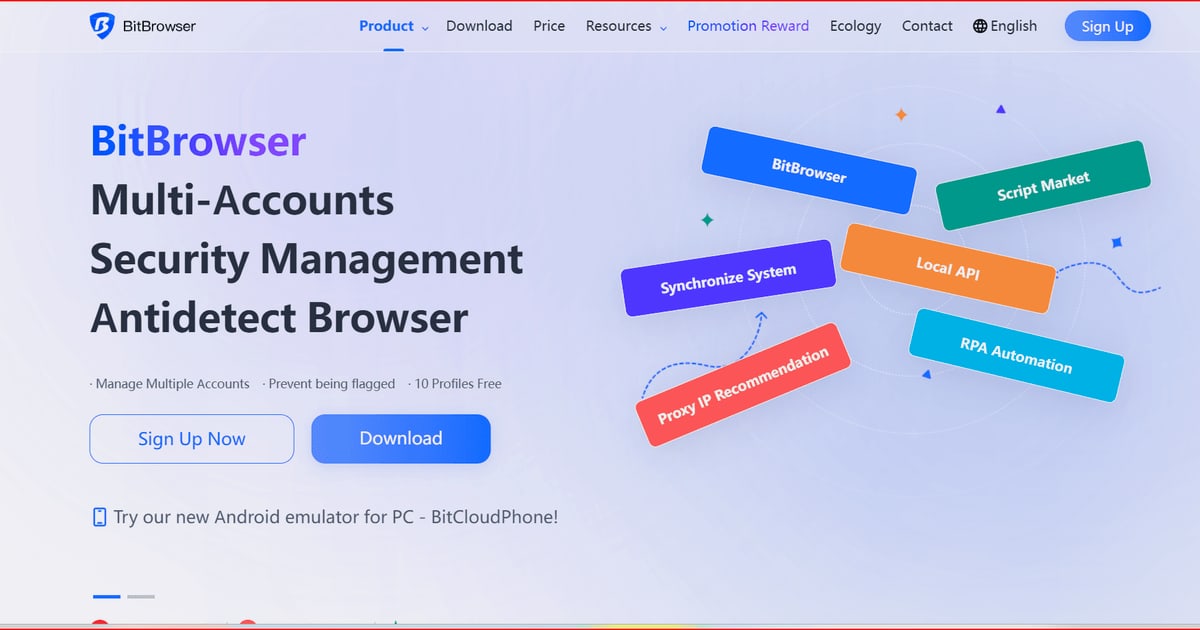
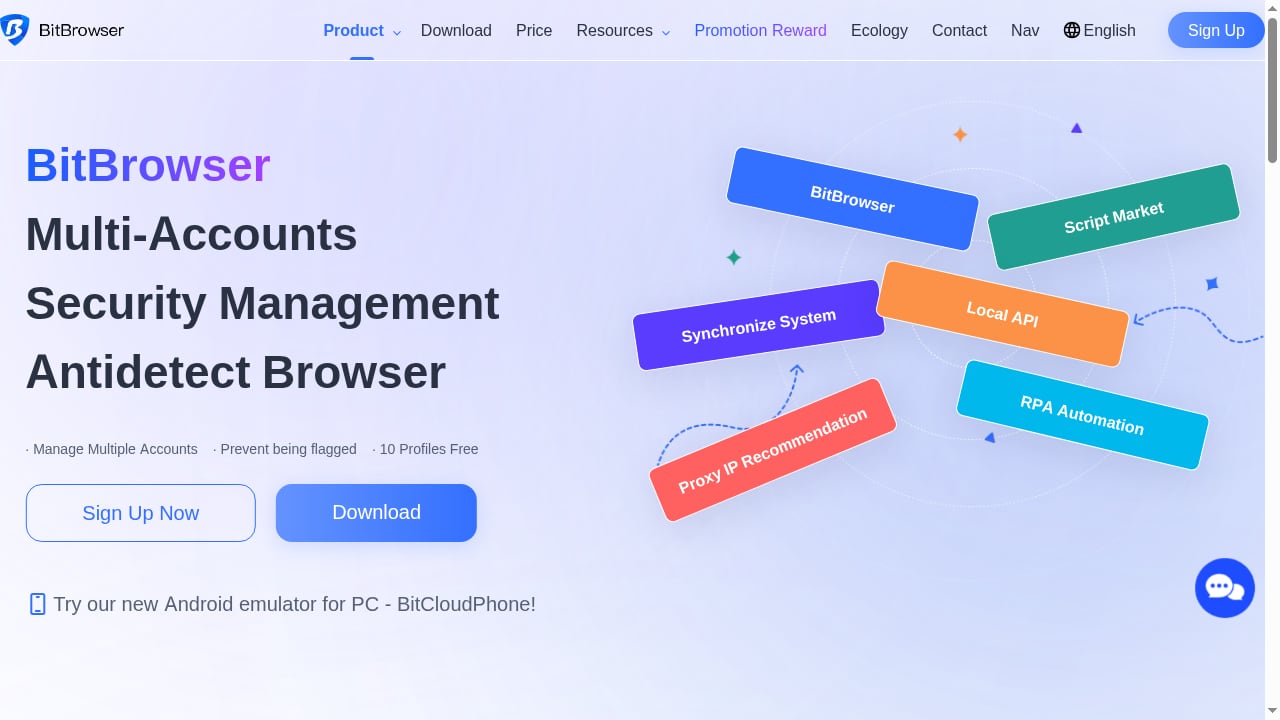
9. BitBrowser — beginner-friendly and budget-conscious
BitBrowser positions itself as a free anti-detect browser for e-commerce and social platforms, with simple fingerprint controls, a Chromium base, and a marketplace of RPA scripts. It is easy to start with, and the low barrier is its main selling point.
Independent scraping roundups consistently note the same limitation: it is fine for small projects and lightly protected sites, but it is not built for advanced or heavily defended targets. If you are running a handful of storefronts or social accounts and want to learn the workflow before spending, it is a reasonable entry point.
10. SessionBox One — profile isolation for everyday multi-login work
SessionBox One occupies a slightly different slot. It lets you use multiple accounts on the same site simultaneously with profile isolation, proxy settings, and fingerprint protection, and it offers a free trial.
It is less of a heavy-duty anti-detect engine and more of a session manager with fingerprint features, which makes it a good fit for people who mainly need to stay logged into several accounts at once without them bleeding into each other. For teams that need deep spoofing and automation at scale, the tools above it in this list are the better match. If you are comparing it against mobile-first alternatives, our DuoPlus vs ChangChang vs SessionBox One breakdown covers the differences directly.
Anti-detect browser vs cloud phone: which do you actually need?
First viewport screenshot of Antidetect Cloud — Antidetect Browser for Professionals.
This is the decision most teams get wrong, and it costs them either money or accounts.
An anti-detect browser gives you many isolated browser profiles on one machine. It is the right tool when your work happens in a web interface: marketplace dashboards, ad managers, web apps, scraping behind logins.
A cloud phone gives you real or virtual Android devices in the cloud. It is the right tool when your work happens inside mobile apps: TikTok, Instagram, Shopee, Lazada, mobile games, or app testing. A browser spoofing a mobile user agent is not the same thing as a real ARM device with its own GPS, SIM, and base station data.
Many teams end up using both. A common pattern is browsers for desktop dashboards and cloud phones for mobile app accounts, with a shared proxy strategy across both. DuoPlus Cloud Phone fits that second half of the workflow — it is not an anti-detect browser and does not belong in this ranking, but it is a natural complement when your accounts live in mobile apps. Our DuoPlus Cloud Phone vs Hidemium comparison explains the split in detail.
Pricing and free plans at a glance
First viewport screenshot of Best Multiaccount Browser. Secure and Fast..
| Browser | Free plan | Paid entry | Best for |
|---|---|---|---|
| Multilogin | No, short trial | ~$11/mo | High-value accounts |
| GoLogin | Yes, a few profiles | ~$9/mo, cheaper yearly | All-round value |
| Octo Browser | No, short trial | ~€10/mo | Scaled, high-protection work |
| Hidemium | Yes, a few profiles | Annual billing | Budget clean-pass |
| AdsPower | Yes, a couple of profiles | ~$9/mo | No-code automation |
| GeeLark | Yes, limited minutes | ~$9.75/mo yearly | Mobile-native targets |
| Dolphin Anty | Yes, a few profiles | ~$10/mo | Media buying |
| Nstbrowser | Limited | ~$29.90/mo | Scraping at scale |
| BitBrowser | Yes | Low monthly | Beginners |
| SessionBox One | Trial | Varies | Everyday multi-login |
Prices shift often. Verify on the vendor's pricing page before you commit, and check whether the plan bills monthly or annually — several tools look cheap until you notice the annual lock-in.
What actually decides pass or fail
First viewport screenshot of VPN Browser For Secure and Fast Access | Private Proxy Browser.
After reading enough 2026 test rounds, a pattern emerges that vendors do not advertise: the gap between two clean-passing browsers is usually smaller than the gap between a clean proxy and a dirty one.
A residential proxy matched to the profile's timezone and language does more for your survival rate than switching from the fourth-best browser to the second-best. Beyond that, the layers that fingerprint checkers cannot see matter most: the TLS and JA3 handshake, HTTP/2 frame ordering, mouse and typing behaviour, and whether the automation framework announces itself through navigator.webdriver or CDP traces.
That is why the honest answer to "which browser is undetectable?" is none of them. The right question is which browser keeps its identities consistent, fits your automation stack, and costs what your risk level justifies.
Related reading
- Lanjingling Cloud Phone Review: Real-Device Chips, Mass Control, Price Signals, and Who It's For - Based on product materials and comparisons with similar solutions, we review Lanjingling Cloud Phone's mass control efficiency, real-device chips, overseas data centers, pricing signals, and limitations to help you decide if it's worth buying.
Sources and further reading
- Best Anti-Fingerprinting Browsers in 2026: Tested & Compared - Discover how anti-fingerprinting browsers work. Compare Brave, Tor, and GoLogin's profile isolation against advanced browser fingerprinting and tracking.
- 10 Best Antidetect Browsers in 2026 (Tested + Free Picks) - Multilogin, GoLogin, and AdsPower lead our tested ranking of the best antidetect browsers in 2026, compared on pricing, free plans, and Android support.
- 10 Best Antidetect Browsers for Web Scraping in 2026 - We compared 10 antidetect browsers for scraping in 2026: fingerprint quality, Selenium and Playwright support, proxy setup, pricing and free plans.
FAQ
What is the best anti-detect browser in 2026?
For high-value accounts, Multilogin has the deepest fingerprint control and the broadest automation support. For most teams, GoLogin offers the best balance of price, a real free tier, and stable profiles. Octo Browser is the strongest pick when you need the newest engine and are willing to pay for it.
Are anti-detect browsers legal?
Yes, the software itself is legal in most jurisdictions. Legality depends on what you do with it. Managing multiple legitimate business accounts, testing your own apps, and scraping public data are common lawful uses. Fraud, ban evasion, and platform terms violations are separate issues that no browser can shield you from.
Do anti-detect browsers really prevent bans?
They reduce one specific risk: account linking through shared fingerprints and cookies. They do not prevent bans caused by bad proxies, suspicious behaviour, payment mismatches, or platform policy violations. Treat fingerprint isolation as one layer, not a complete solution.
What is the difference between an anti-detect browser and a cloud phone?
An anti-detect browser creates isolated browser profiles on your computer. A cloud phone gives you real Android devices running in the cloud. Browsers suit web dashboards and desktop workflows; cloud phones suit mobile app accounts on TikTok, Shopee, or Instagram. Many teams use both.
Which anti-detect browser has the best free plan?
GoLogin and Incogniton are the most frequently cited for usable free tiers, with a few persistent profiles and no hard time limit. Hidemium and AdsPower also offer free plans, though with tighter profile limits.
Can I use an anti-detect browser for web scraping?
Yes, and several tools are built for it. Multilogin, GoLogin, AdsPower, and Nstbrowser all support Selenium, Puppeteer, or Playwright, and Nstbrowser targets scraping specifically. Remember that fingerprint consistency is only one part of getting through anti-bot systems.
Conclusion
The anti-detect browser market in 2026 has consolidated around a clear top tier. Multilogin, GoLogin, and Octo Browser passed the strictest independent checks and each justifies its price for a different buyer. Hidemium closed the gap dramatically, and AdsPower, Dolphin Anty, and Nstbrowser remain strong picks when your priority is automation or volume rather than maximum stealth.
Pick based on your actual risk level and workflow, not on which vendor shouts loudest. If your accounts live in web dashboards, start with a browser from this list and invest in clean residential proxies. If they live in mobile apps, a browser alone will not solve it — that is where a cloud phone platform belongs in your stack, alongside the browser rather than instead of it.