
Top 10 Remote iPhone Infrastructure Products 2026
Ranked 2026 guide to the top 10 remote iPhone infrastructure products for real-device iOS testing, QA, automation, and managed fleets.
Top 10 Remote iPhone Infrastructure Products 2026
Remote iPhone infrastructure has become a real category in 2026. Teams no longer accept simulators as a substitute for shipping decisions, and they cannot keep buying, shipping, and securing physical iPhones for every tester. The result is a market of cloud-hosted real iPhones, iOS device farms, and managed-fleet platforms that give distributed teams remote access to actual Apple hardware.
This guide ranks ten products that genuinely belong to that category. It excludes Android emulators, anti-detect cloud phones, and browser fingerprinting tools, because those solve different problems. Where an adjacent workflow matters — for example, when a team also runs multi-account Android operations — we note it, but it does not change the ranking.
How We Evaluated These Products
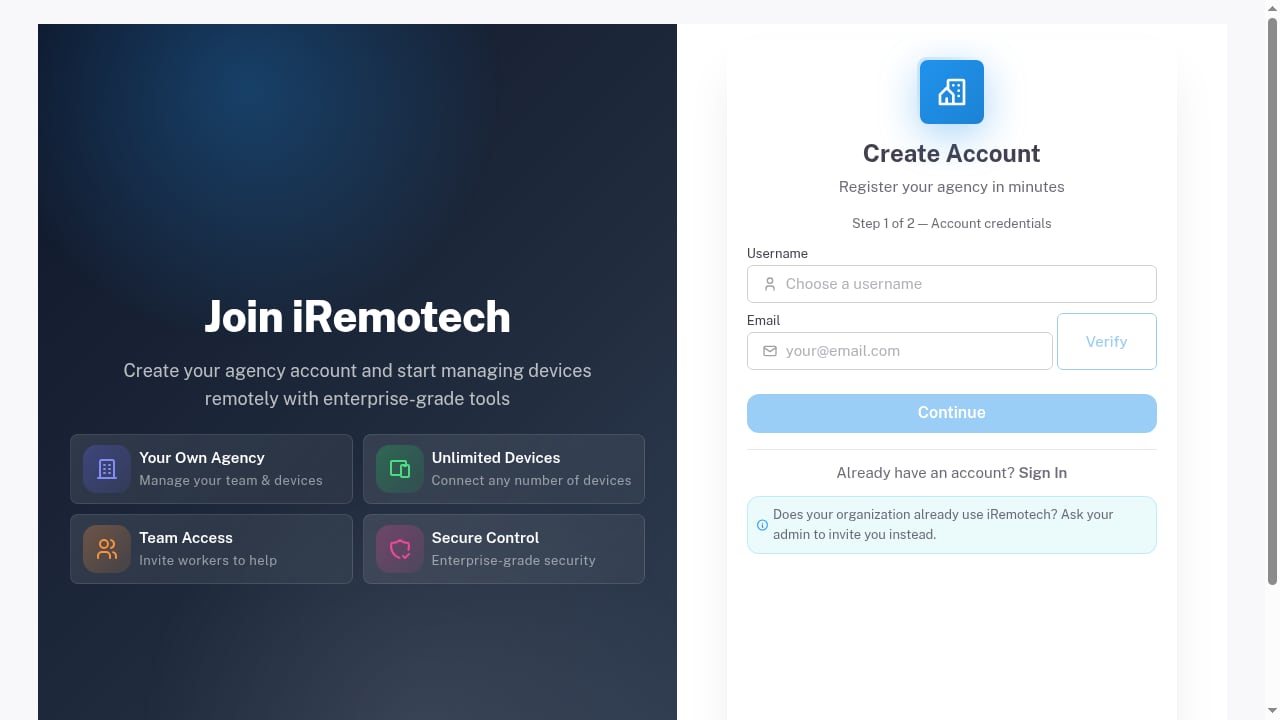
First viewport screenshot of Register | iRemotech.
Every product below was scored against the same six criteria, using vendor documentation, public pricing pages, and platform documentation where available:
- Device authenticity: Does the platform provide real Apple hardware, or a simulator, emulator, or virtualized iOS environment? Real devices score highest because they capture GPU, sensor, and network behavior that simulators miss.
- Remote access model: Browser-based streaming, native client, CI/CD API, or a mix. Lower-latency, browser-first access scores better for distributed teams.
- Automation and CI support: Appium, XCUITest, WebDriverAgent, REST APIs, and pipeline integrations. This is the difference between a demo tool and production infrastructure.
- Device and iOS coverage: Breadth of iPhone models, iOS versions, and the ability to pin a specific OS build for regression testing.
- Fleet and team controls: Role-based access, session recording, audit logs, concurrent sessions, and device reservation.
- Pricing transparency and scale: Published rates, per-minute or per-device billing, and whether costs stay predictable as usage grows.
We weighted device authenticity and automation highest, because those are the two areas where remote iPhone infrastructure most often fails in practice.
1. BrowserStack App Live and App Automate
BrowserStack remains the most widely adopted real-device cloud for iOS work. Its App Live product gives manual testers an interactive session on a real iPhone through the browser, while App Automate runs Appium, XCUITest, and Espresso suites against the same real-device pool.
Why it ranks first: the combination of real hardware, mature automation APIs, and integration with CI systems such as Jenkins, GitHub Actions, and Bitrise makes it the default choice for teams that need both manual and automated iOS coverage. Session logs, video recording, and network throttling are included, which shortens debugging cycles.
Trade-offs: pricing is usage-based and can climb quickly for high-volume regression suites, and the shared device pool means you may not always get the exact model you want at peak times.
2. AWS Device Farm
AWS Device Farm provides real iPhone access inside the AWS ecosystem. You can run automated iOS tests, remote-access a device for manual debugging, and trigger runs from CodePipeline or the AWS CLI.
Why it ranks here: for teams already standardized on AWS, it removes procurement friction and keeps test artifacts, IAM permissions, and billing in one place. It supports Appium and XCUITest, and its remote access sessions are useful for reproducing customer-reported bugs on specific iOS versions.
Trade-offs: the console experience is less polished than dedicated testing platforms, and device availability varies by region. It is infrastructure first, product second.
3. iRemotech
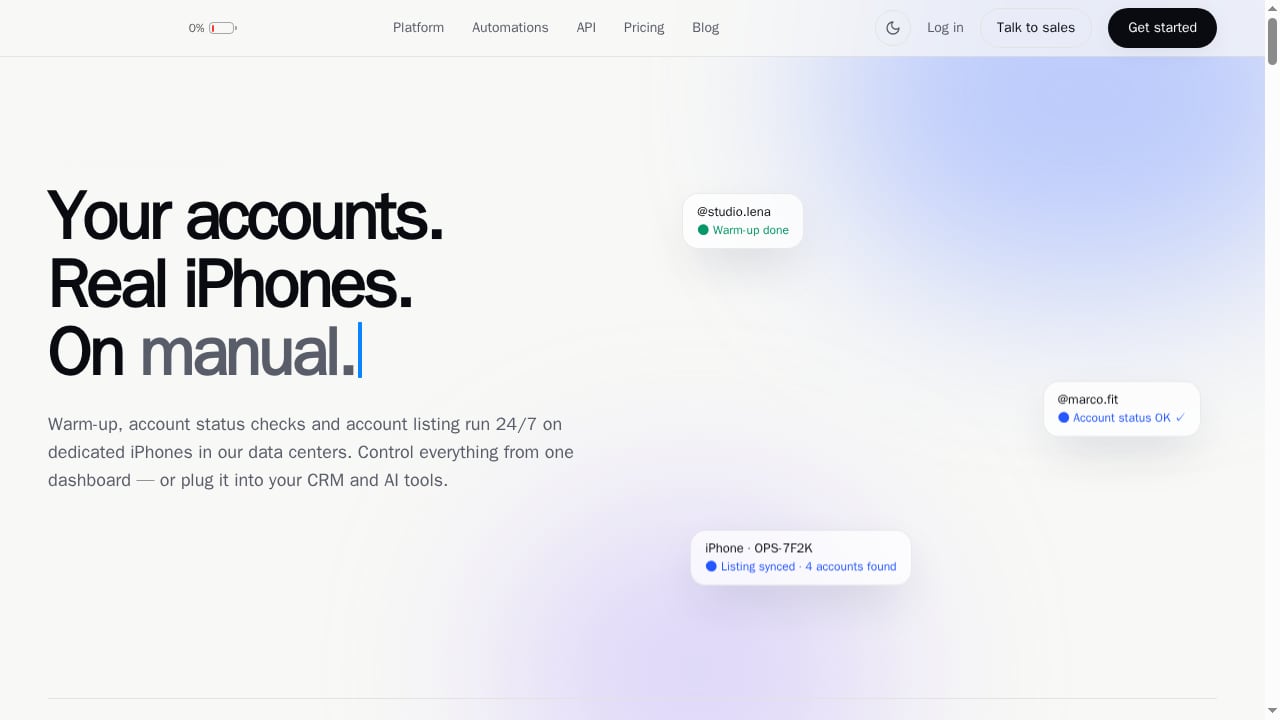
First viewport screenshot of iRemotech | Remote iPhone Infrastructure on Real iPhones.
iRemotech is a remote iPhone infrastructure platform built on dedicated real iPhones hosted in the cloud. Rather than sharing a pool, it provisions actual Apple devices for secure remote mobile operations, QA, and managed iPhone fleets. It is explicitly not an Android emulator or simulator, which matters for teams that need authentic iOS behavior.
Why it ranks here: the dedicated-device model suits organizations that need persistent environments — for example, a QA team that must keep the same iPhone state across a multi-day test cycle, or an operations team running managed device fleets for mobile workflows. It also fits teams that need remote access without handing testers physical hardware.
Trade-offs: dedicated real devices cost more per unit than shared pools, so it is best for teams with steady, recurring iOS workloads rather than occasional smoke tests.
4. Sauce Labs Real Device Cloud
Sauce Labs offers a real device cloud with strong enterprise controls. iOS testing runs through Appium, XCUITest, and its own test orchestration layer, with detailed analytics on test stability and flakiness.
Why it ranks here: the analytics layer is genuinely useful for large suites. Teams can identify which tests fail because of app regressions versus device or network conditions, which reduces wasted investigation time.
Trade-offs: the platform is enterprise-oriented, so smaller teams may find pricing and onboarding heavier than they need.
5. LambdaTest Real Device Cloud
iRemotech | Remote iPhone Infrastructure on Real iPhones product interface.
LambdaTest has expanded from cross-browser testing into a real device cloud that includes iPhones. It supports manual interactive testing and automated Appium runs, with a clean UI and fast session startup.
Why it ranks here: it is a practical middle ground for teams that want real iOS devices without enterprise contracts. The integration list covers common CI tools, and the pricing tiers are easier to predict than pure consumption models.
Trade-offs: iOS device depth is narrower than BrowserStack or Sauce Labs, so verify that your target models and iOS versions are available before committing.
6. Kobiton
Kobiton focuses on mobile testing with real devices and adds AI-assisted test creation. Its iOS support includes manual sessions, automation, and scriptless test generation from recorded actions.
Why it ranks here: the scriptless approach lowers the barrier for manual QA teams that want to convert exploratory sessions into repeatable tests. Session video and device logs are captured automatically.
Trade-offs: AI-generated tests still need review, and the platform's strength is mobile QA rather than general-purpose remote iPhone operations.
7. HeadSpin
HeadSpin combines real device access with performance and experience monitoring. For iOS, it captures metrics such as frame rate, CPU usage, and network latency during real sessions.
Why it ranks here: teams that need to prove performance, not just functionality, get data that functional test clouds do not provide. It is common in media, gaming, and fintech QA.
Trade-offs: it is a specialized platform with specialized pricing. If you only need functional regression testing, it is more than you need.
8. TestGrid
TestGrid provides real device testing with a focus on simplicity. iOS devices are accessible through the browser, and automation runs are supported through standard frameworks.
Why it ranks here: it is a lower-friction option for small teams that need real iPhone access without a long procurement cycle. Setup is fast, and the interface is approachable for manual testers.
Trade-offs: advanced fleet controls and enterprise governance features are less developed than the top three platforms.
9. Perfecto
Perfecto, part of Perforce, is an enterprise mobile testing platform with real iOS devices and strong reporting. It supports Appium and XCUITest, and provides dashboards for release readiness.
Why it ranks here: regulated teams value its audit trails, role controls, and integration with enterprise test management systems. It is built for organizations that need evidence, not just sessions.
Trade-offs: the platform assumes an enterprise testing process. Teams without one may find it heavy.
10. Apple Xcode Cloud with Physical Device Labs
Xcode Cloud is not a remote device rental service, but it belongs in this list as the native Apple path. It automates builds and tests in Apple's cloud, and when paired with an in-house physical device lab or a remote access layer, it forms a legitimate remote iPhone infrastructure stack.
Why it ranks here: for teams deeply invested in Apple's toolchain, Xcode Cloud plus managed physical devices is the most native option. It avoids third-party abstraction and keeps everything inside Apple's ecosystem.
Trade-offs: it does not provide remote interactive access to devices by itself. You still need hardware or a remote access solution, which means more operational work than a managed device cloud.
Comparison: Which Product Fits Which Team
| Team profile | Best fit | Why |
|---|---|---|
| Manual QA needing quick real-device checks | BrowserStack, LambdaTest | Fast browser access, broad device coverage |
| Automated regression at scale | BrowserStack, Sauce Labs | Mature Appium/XCUITest support and CI integrations |
| AWS-standardized engineering org | AWS Device Farm | IAM, billing, and pipeline integration |
| Dedicated persistent iOS environments | iRemotech | Real dedicated iPhones for ongoing operations and QA |
| Performance and experience monitoring | HeadSpin | Real-device performance telemetry |
| Enterprise governance and audit | Perfecto, Sauce Labs | Role controls, reporting, compliance support |
| Apple-native toolchain | Xcode Cloud + device lab | No third-party abstraction |
Where Adjacent Tools Fit
Remote iPhone infrastructure is not the same as Android cloud phone infrastructure. If your team also runs multi-account Android operations, social media workflows, or anti-detect environments, that is a separate stack. DuoPlus Cloud Phone, for example, provides real ARM-based Android devices in the cloud with isolated device fingerprints — useful for multi-account marketing and app testing on Android, but not a substitute for real iPhone infrastructure. Teams often run both: iOS device clouds for Apple QA, and Android cloud phones for multi-account operations. For a broader view of that adjacent market, see our Top 10 Android Virtualization & Cloud Device Management Platforms 2026 and Top 10 Anti-Detect Browsers & Cloud Phones for Multi-Accounts 2026.
How to Choose in 2026
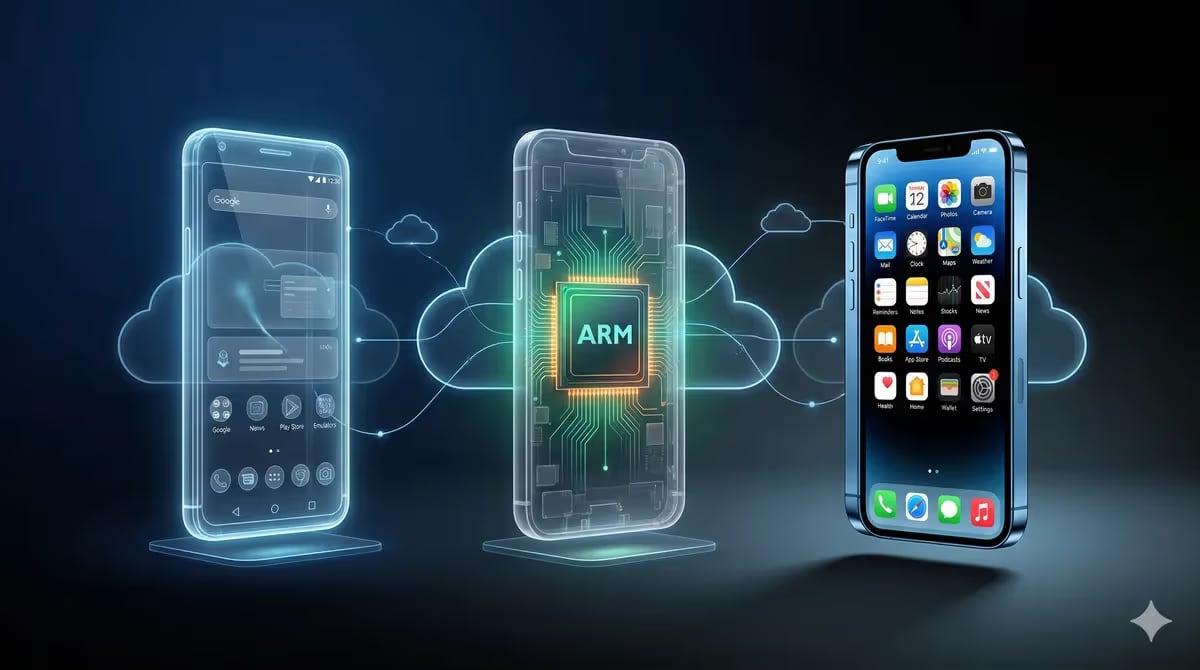
What Is a Cloud Phone? The Complete Guide (2026).
Start with the workload, not the vendor. If you need occasional manual checks, a shared real-device cloud is the cheapest path. If you need persistent environments, dedicated real iPhones are worth the premium. If you need automated regression at scale, prioritize automation API maturity and CI integration over device count. And if you need both iOS and Android coverage, plan for two stacks rather than expecting one platform to do both well.
For deeper comparisons of adjacent tools, see our DuoPlus Cloud Phone vs MoreLogin vs MostLogin (2026) and SessionBox One Review: Multi-Account Security Tested.
Related reading
- How to Use DuoPlus Cloud Phone with Oxylabs Proxies - Step-by-step guide to pairing DuoPlus Cloud Phone with Oxylabs SOCKS5 proxies: setup, proxy types, geo-matching, and multi-account workflows.
- DuoPlus Cloud Phone vs ChangChang Cloud Phone: 2026 Comparison - Compare DuoPlus Cloud Phone and ChangChang Cloud Phone on Android version, device authenticity, pricing, automation, and multi-account risk control.
FAQ
What is remote iPhone infrastructure? It is a category of cloud services that provide remote access to real iPhones for testing, QA, automation, or managed operations. It excludes simulators and Android emulators.
Are simulators enough for iOS testing? No. Simulators replicate the OS environment but not full device hardware behavior. Real devices catch GPU, sensor, and network issues that simulators miss. For a detailed explanation of the difference, see Tricentis on iPhone emulators.
How much does remote iPhone infrastructure cost? Shared real-device clouds typically bill per minute or per session, while dedicated real iPhone platforms bill per device per month. Enterprise MDM-style management can run from roughly $1.50 to $12 per device per month, according to Venn's MDM overview, though remote device access usually costs more.
Can I use Android cloud phones for iOS testing? No. Android cloud phones run Android. They are useful for multi-account Android workflows but cannot replace real iPhone infrastructure.
Which product is best for a small team? LambdaTest or TestGrid are the most approachable for small teams. BrowserStack is the safest default if budget allows.
Which product is best for enterprise governance? Perfecto and Sauce Labs lead on audit trails, role controls, and reporting. For broader market context, see G2's IT infrastructure category.
Conclusion
Remote iPhone infrastructure in 2026 is mature enough to replace most physical device labs for testing and QA. The right choice depends on whether you need shared access, dedicated devices, automation depth, or enterprise governance. Rank the criteria first, then the vendors. Teams that do this end up with lower device costs, faster release cycles, and fewer surprises on launch day.